
14AC500ST Reset & Teardown (FCC ID 2AB2Q14AC500ST)
Factory reset and internal photos for Broadlink 14AC500ST. Broadlink smart plug.
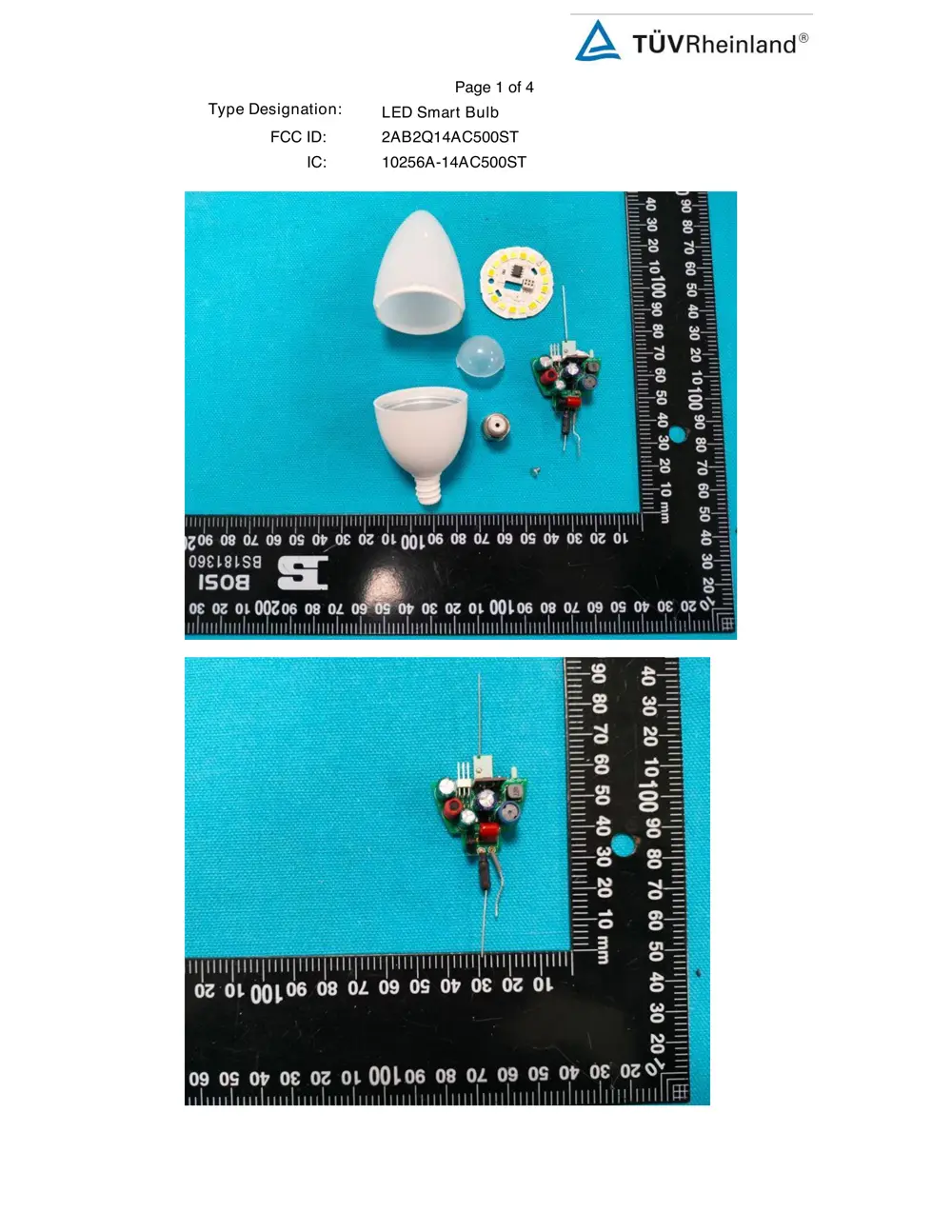
Before you buy the Broadlink 14AC500ST, check what's inside.
This device is a Broadlink Smart E12 Bulb, a Wi-Fi enabled LED light bulb that offers color-changing capabilities and integrates with Amazon Alexa. It is designed to be screwed into a standard E12 socket and powered directly from mains voltage.
⚠️ NOTE: Ensure the light bulb is properly screwed into the E12 socket and disconnected from mains power before installation or removal.
Quick Specs
- Manufacturer: Broadlink
- Model: 14AC500ST
- Protocol: WiFi
- Chipset: Broadlink WiFi
- Ecosystem: Broadlink
- App: Broadlink App
🔧 Geek Corner (Flashing Info)
- Chipset: ESP8266
- Flashable: ✅ Yes
- Info: Commonly uses ESP8266 chipset which is flashable with custom firmware like Tasmota or ESPHome.
Reset Guide
Factory reset, and it is ready for setup again.
User Manual
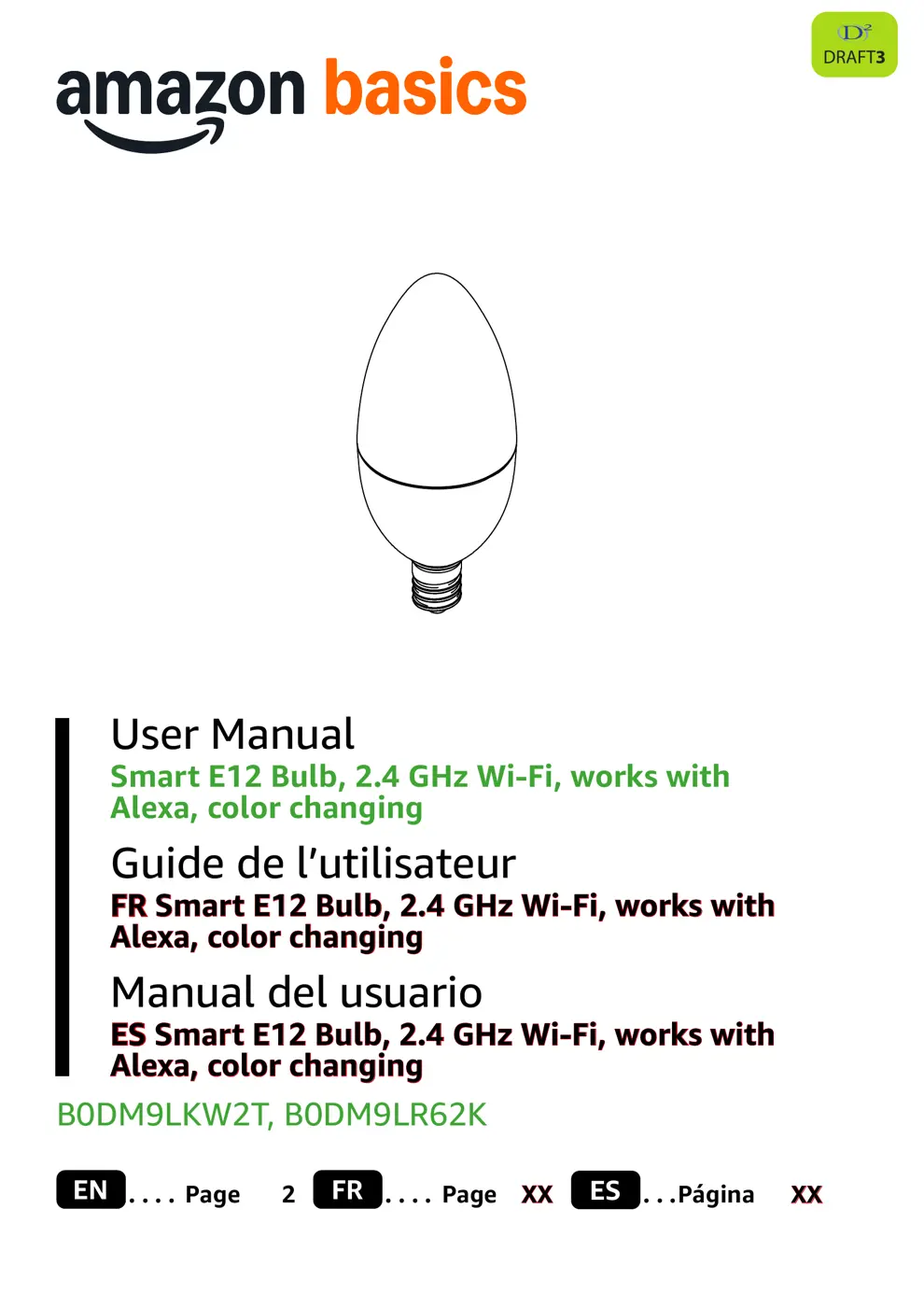
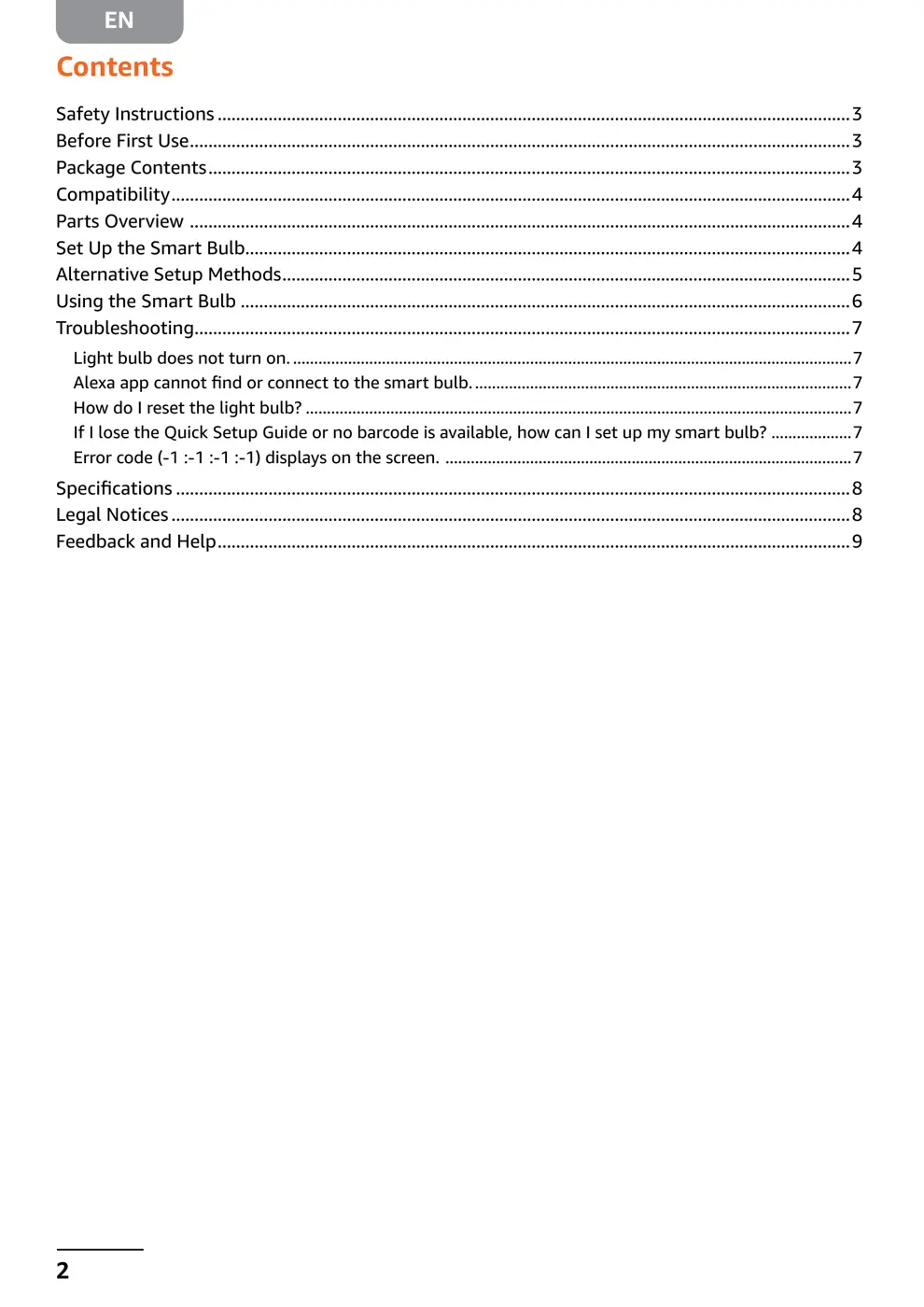
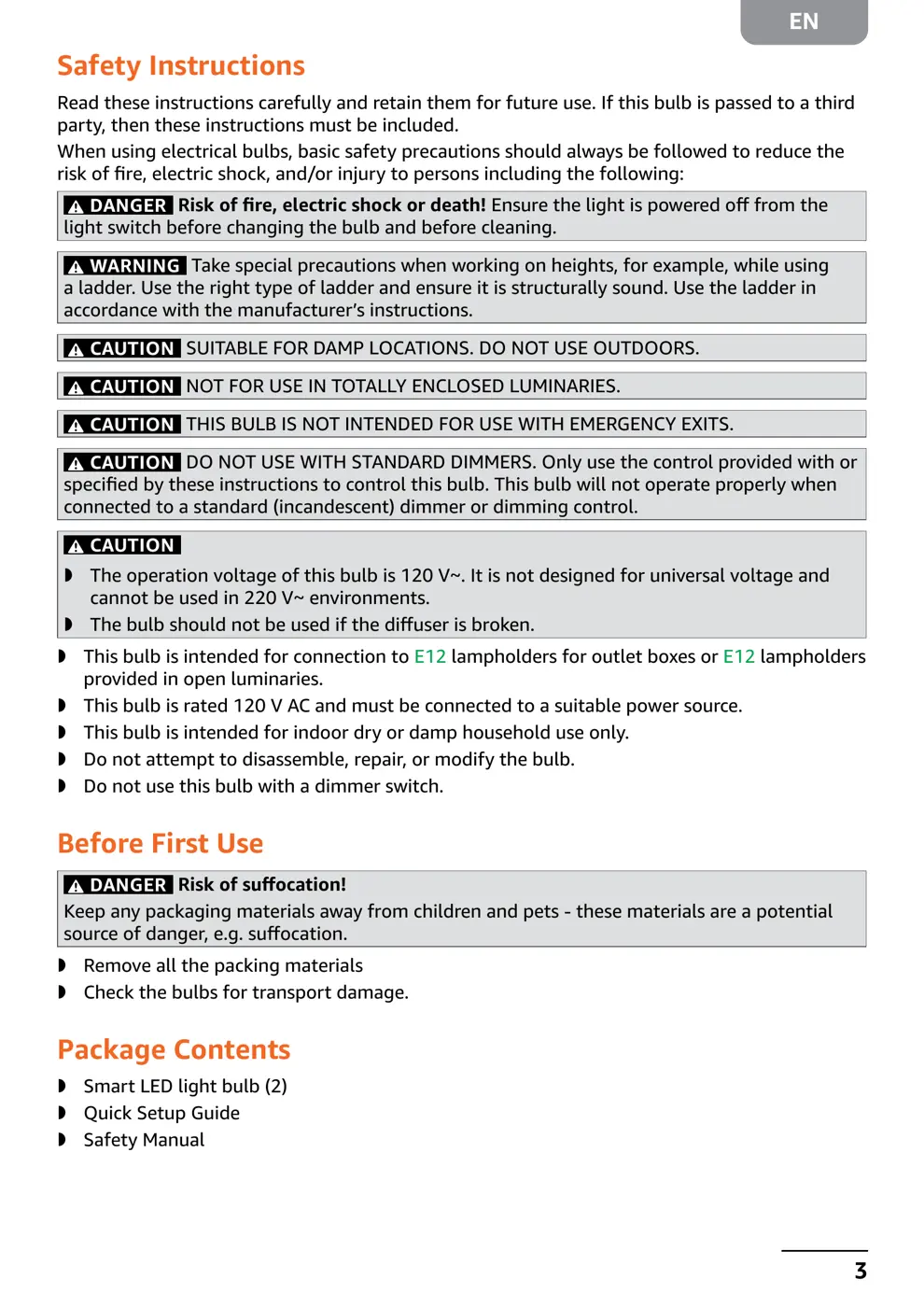
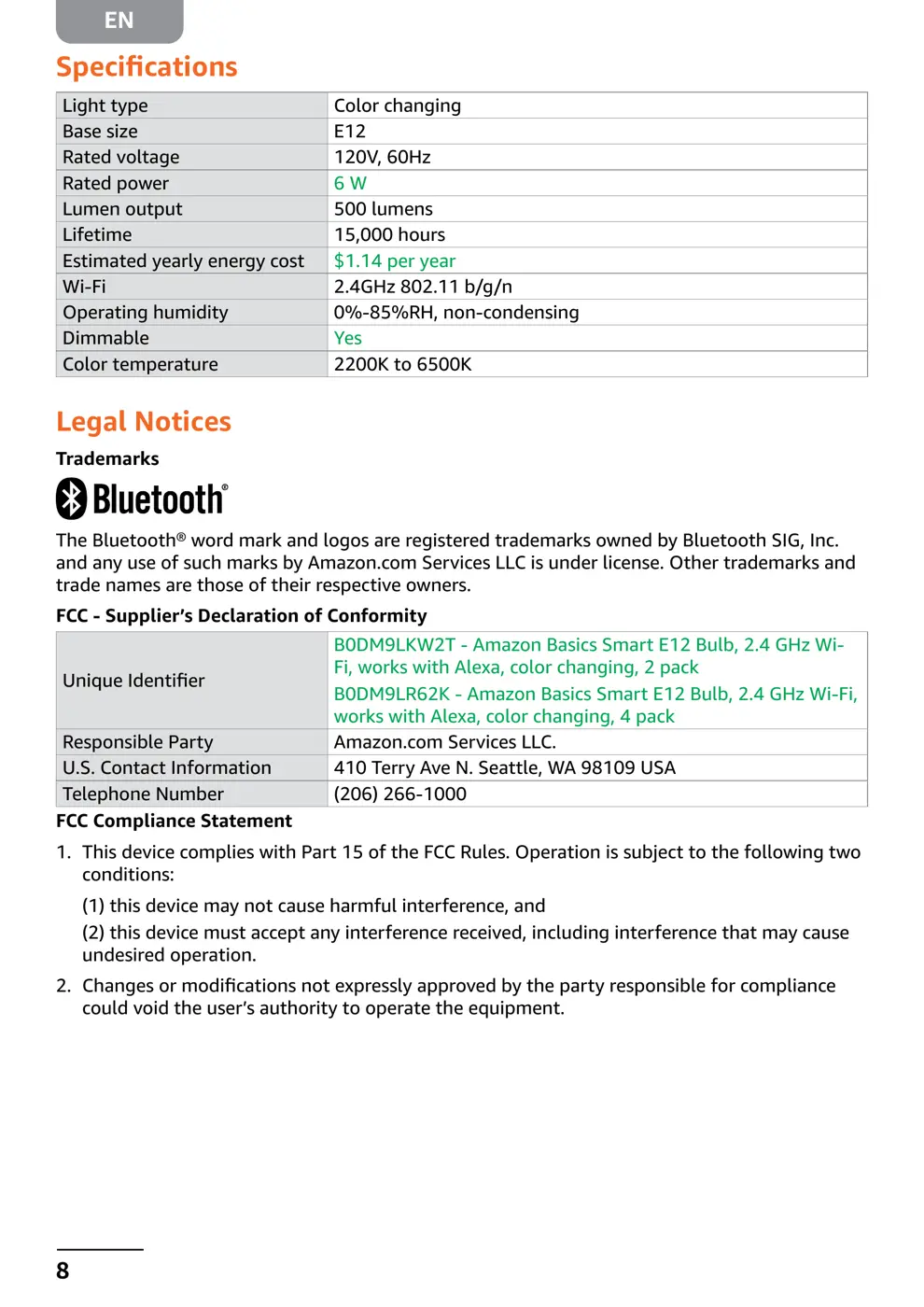
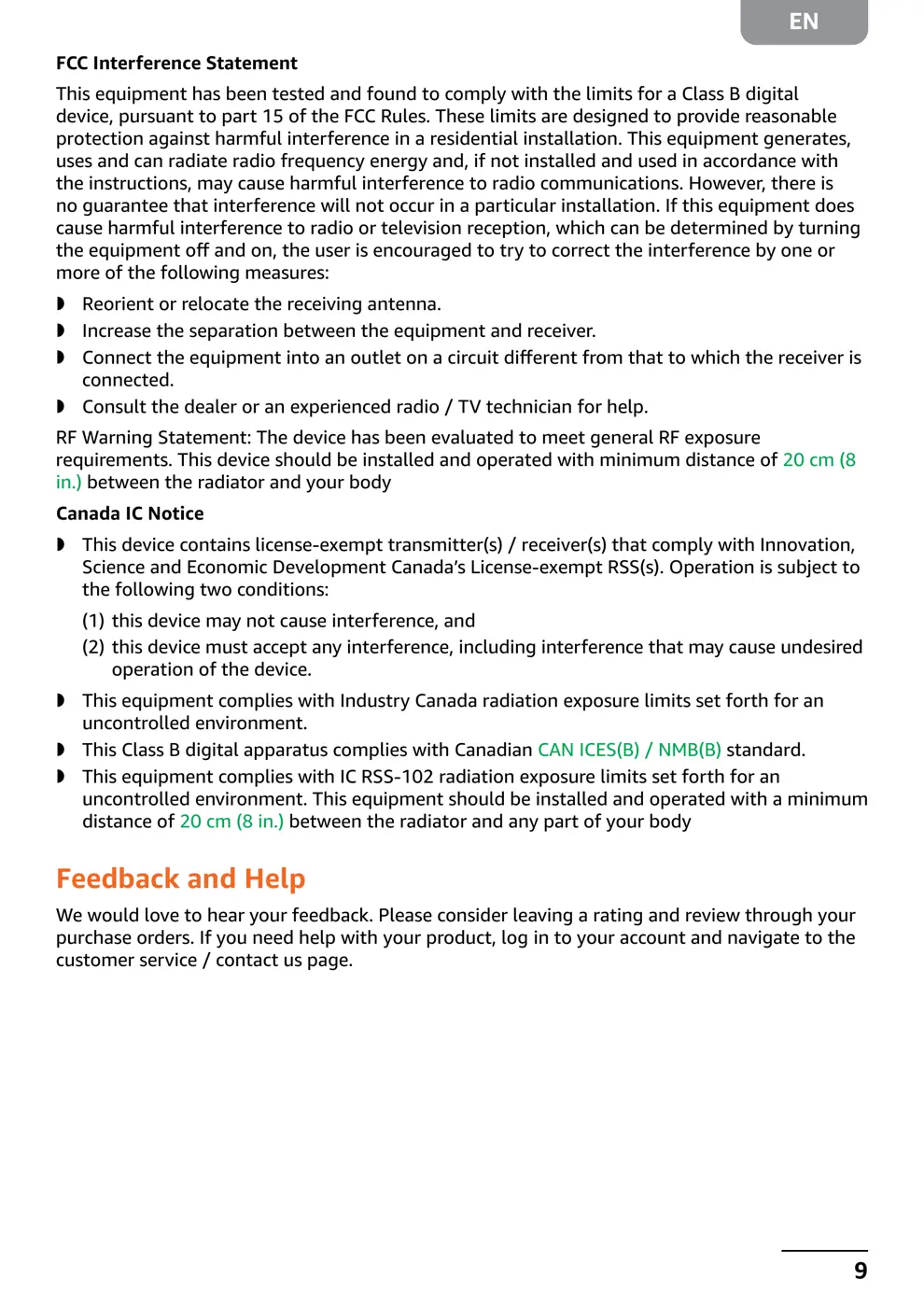
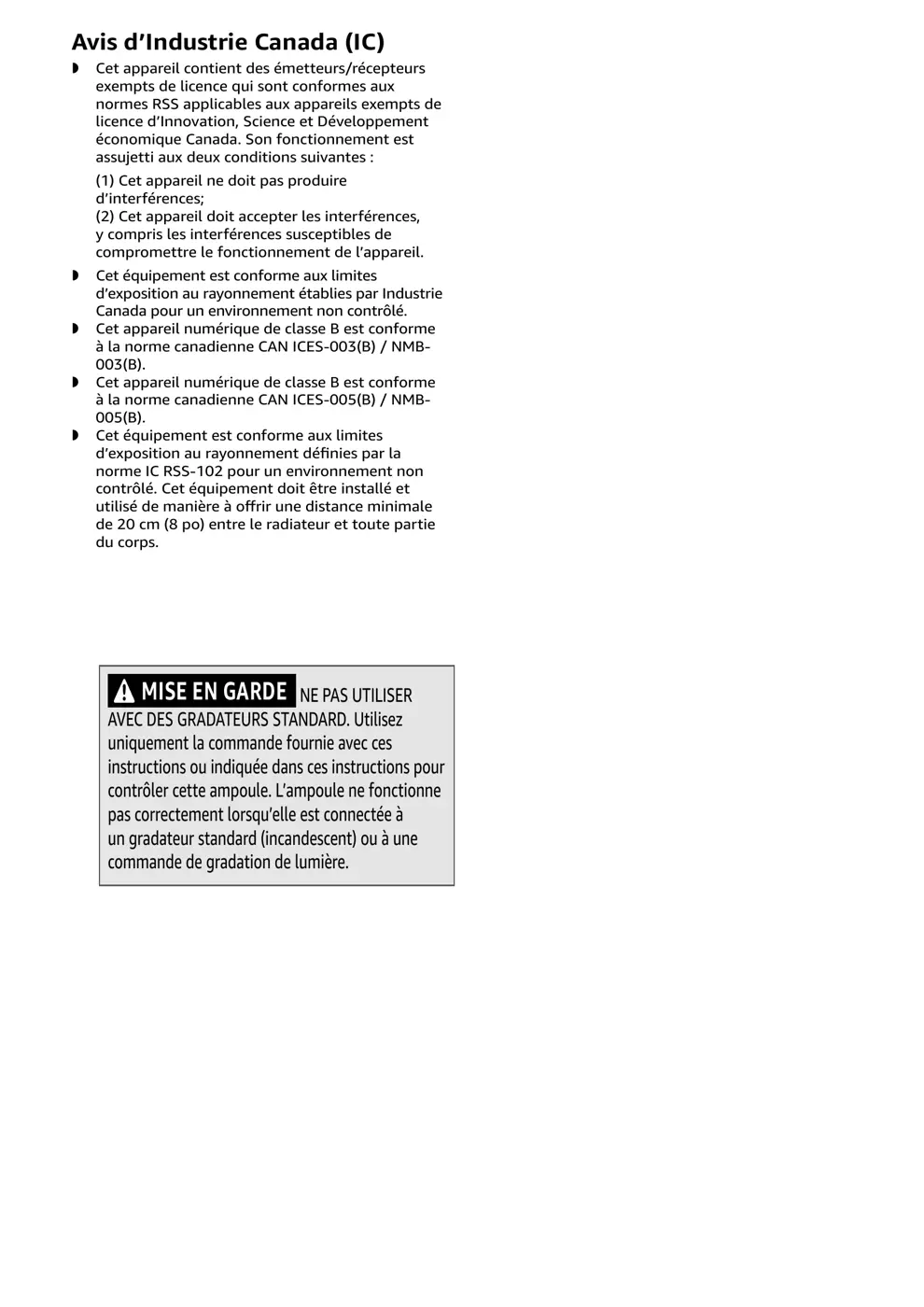
Scanned pages from the official user manual:
Internal Photos
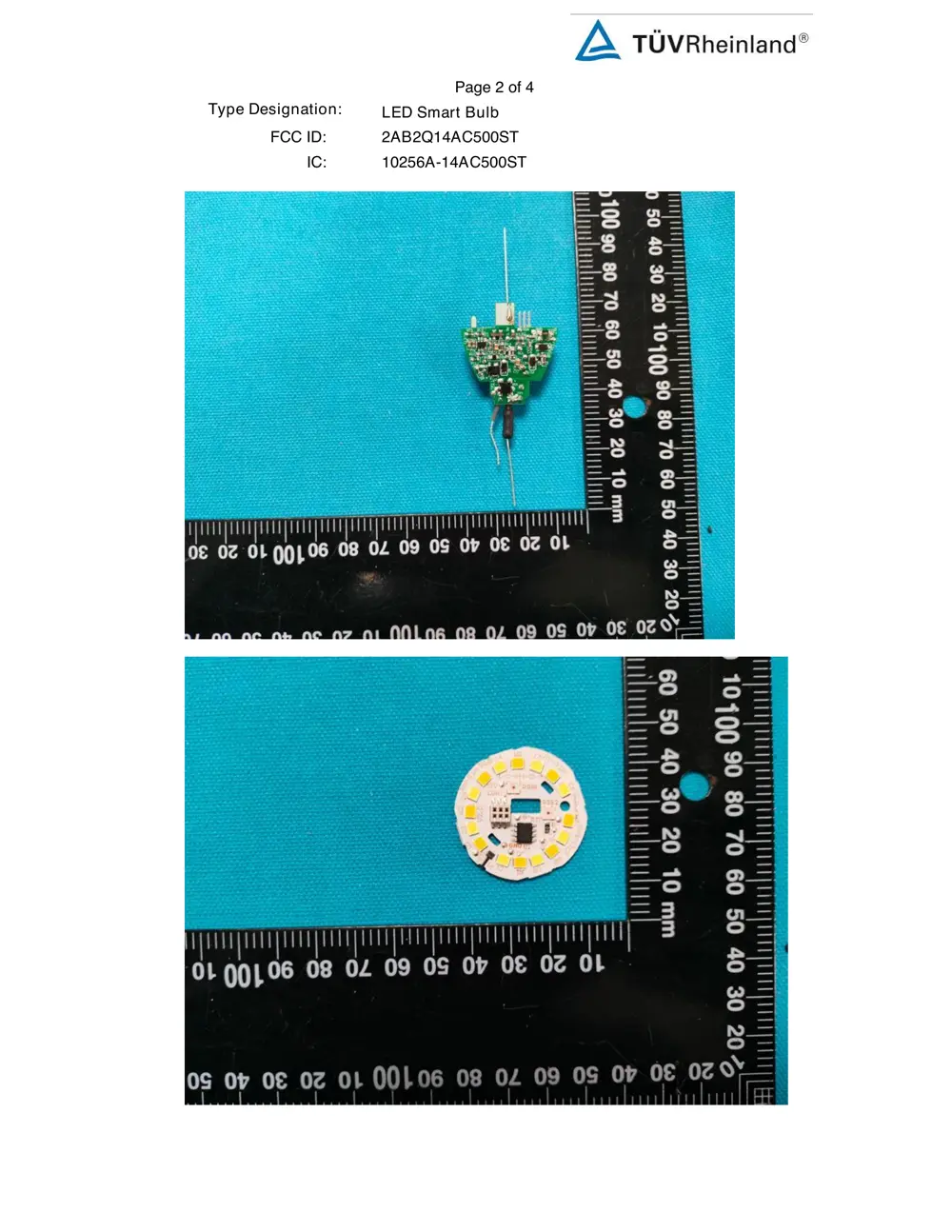
Teardown photos showing the PCB and components:
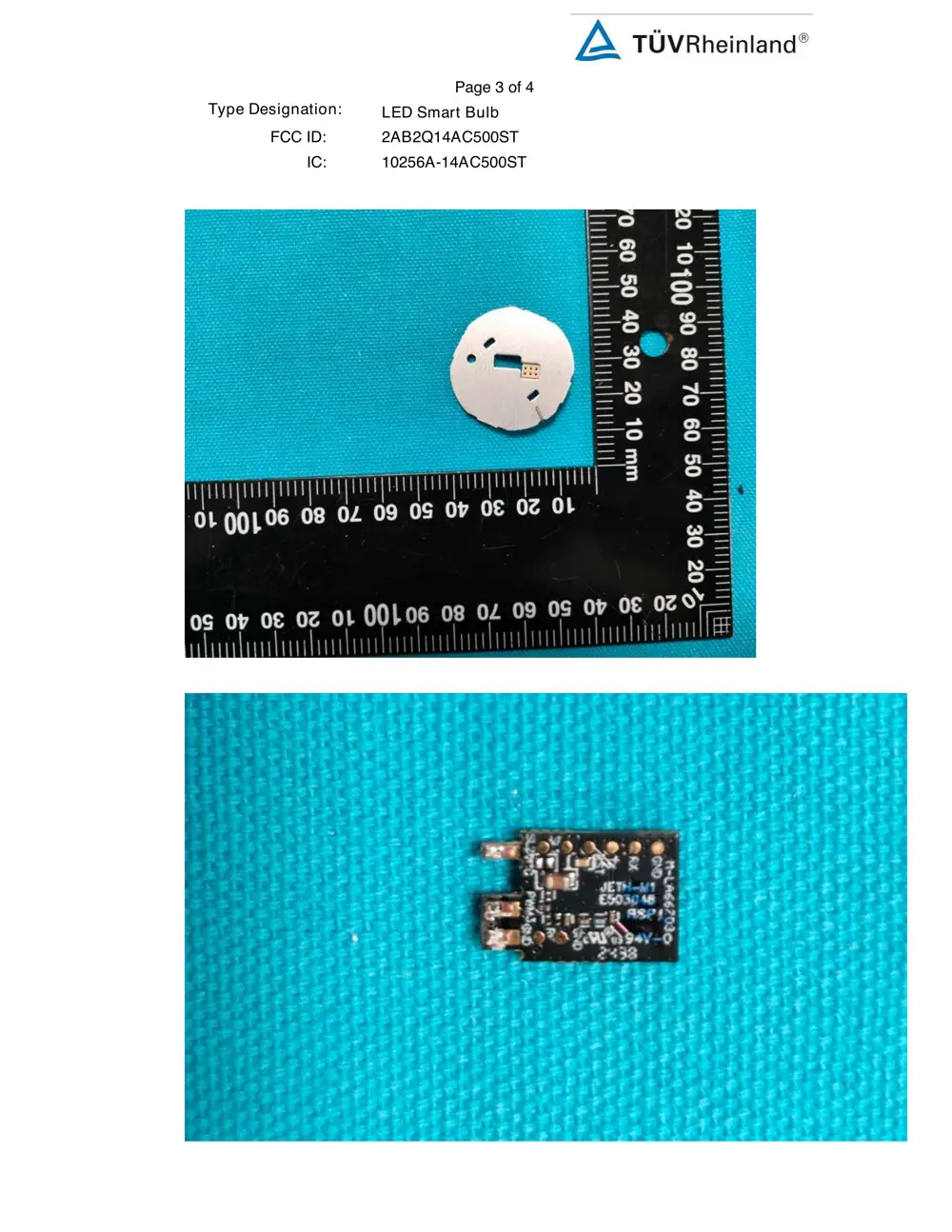
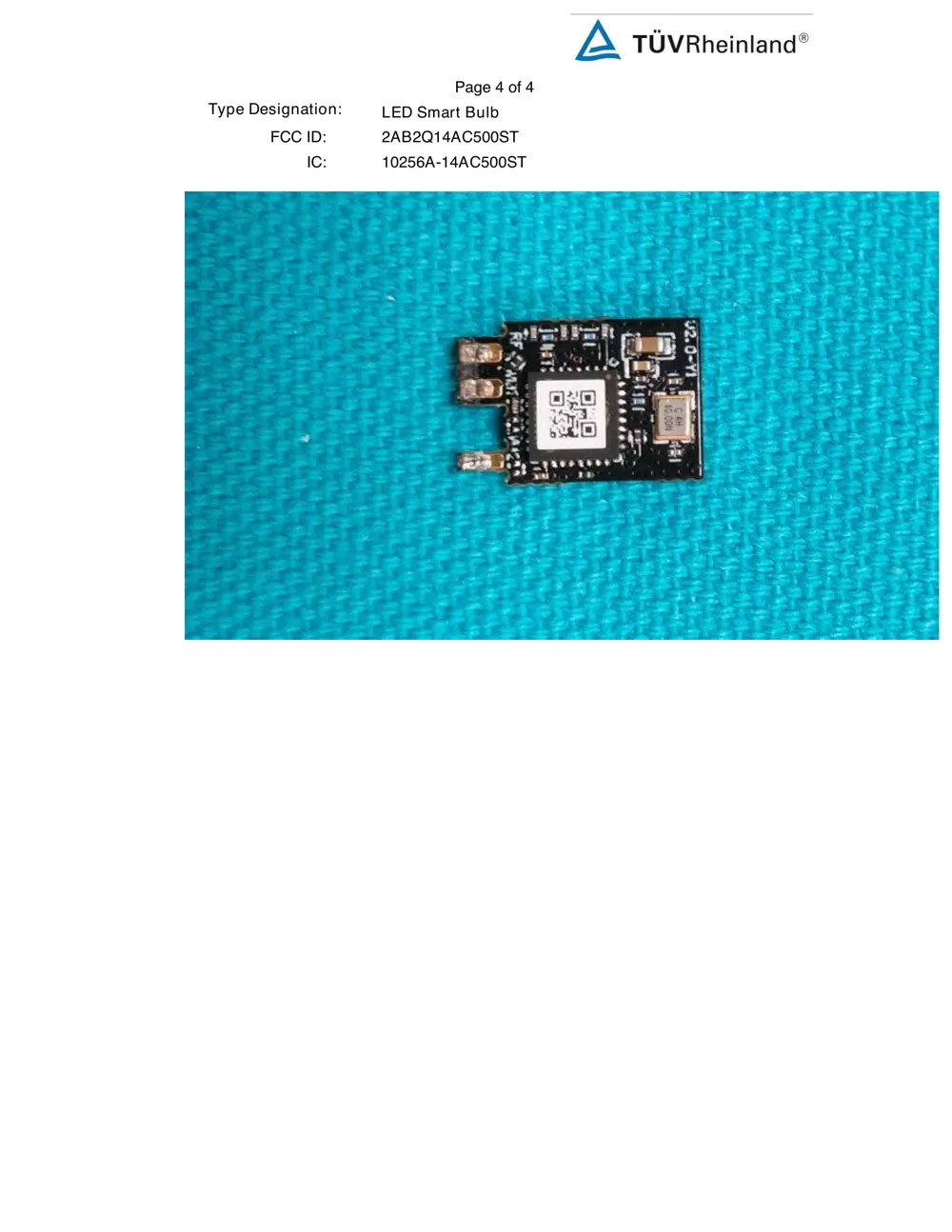
Verdict
The 14AC500ST is a WiFi device from the Broadlink ecosystem.
📄 Click to view full text manual (SEO)
User Manual
Smart E12 Bulb, 2.4 GHz Wi-Fi, works with
Alexa, color changing
Guide de l’utilisateur
FRFR Smart E12 Bulb, 2.4 GHz Wi-Fi, works with Smart E12 Bulb, 2.4 GHz Wi-Fi, works with
Alexa, color changingAlexa, color changing
Manual del usuario
ESES Smart E12 Bulb, 2.4 GHz Wi-Fi, works with Smart E12 Bulb, 2.4 GHz Wi-Fi, works with
Alexa, color changingAlexa, color changing
EN .... Page 2 FR .... Page XXXX ES ... Página XXXX
B0DM9LKW2T, B0DM9LR62K
EN
2
Safety Instructions .........................................................................................................................................3
Before First Use ...............................................................................................................................................3
Package Contents ...........................................................................................................................................3
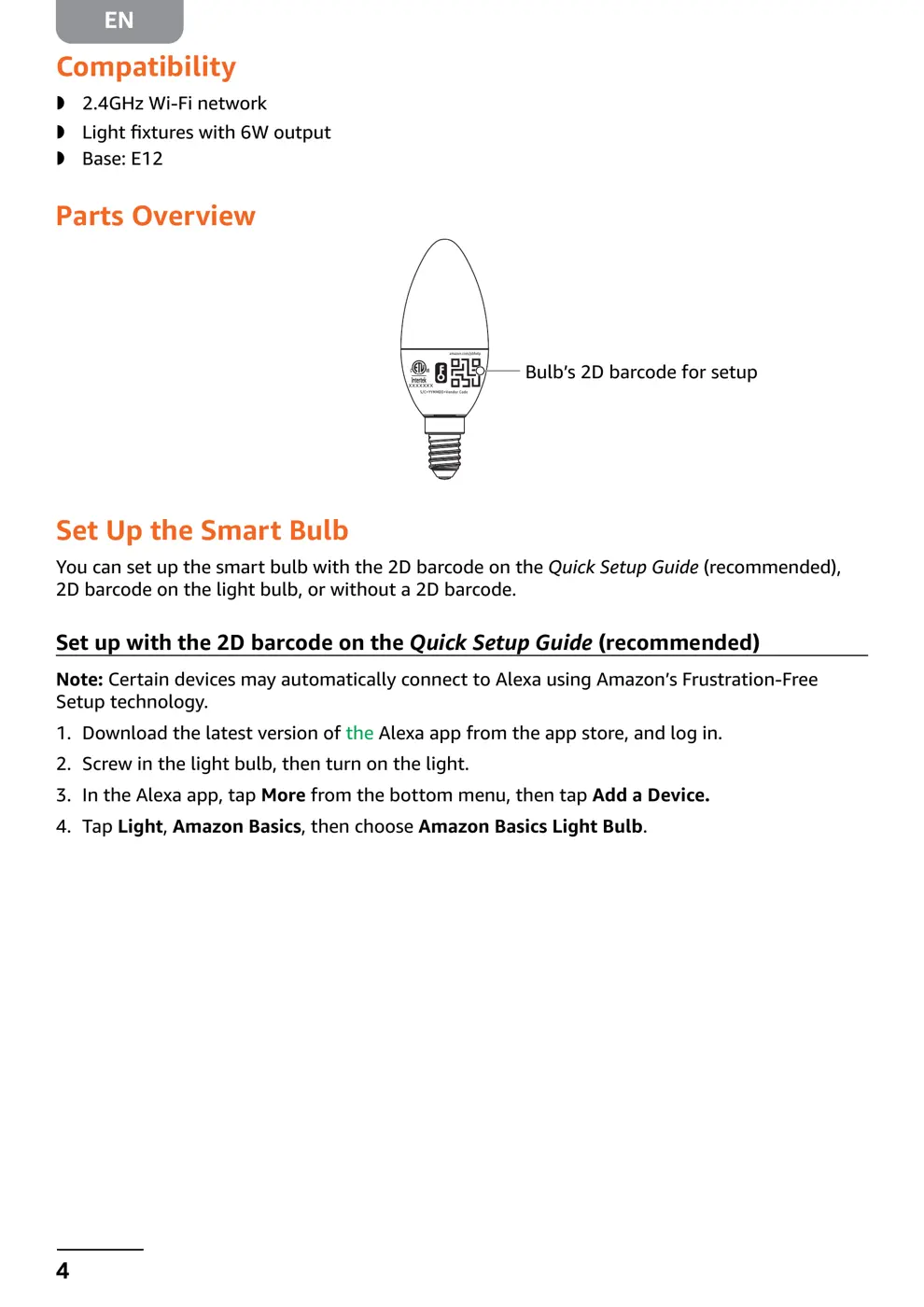
Compatibility ...................................................................................................................................................4
Parts Overview ...............................................................................................................................................4
Set Up the Smart Bulb...................................................................................................................................4
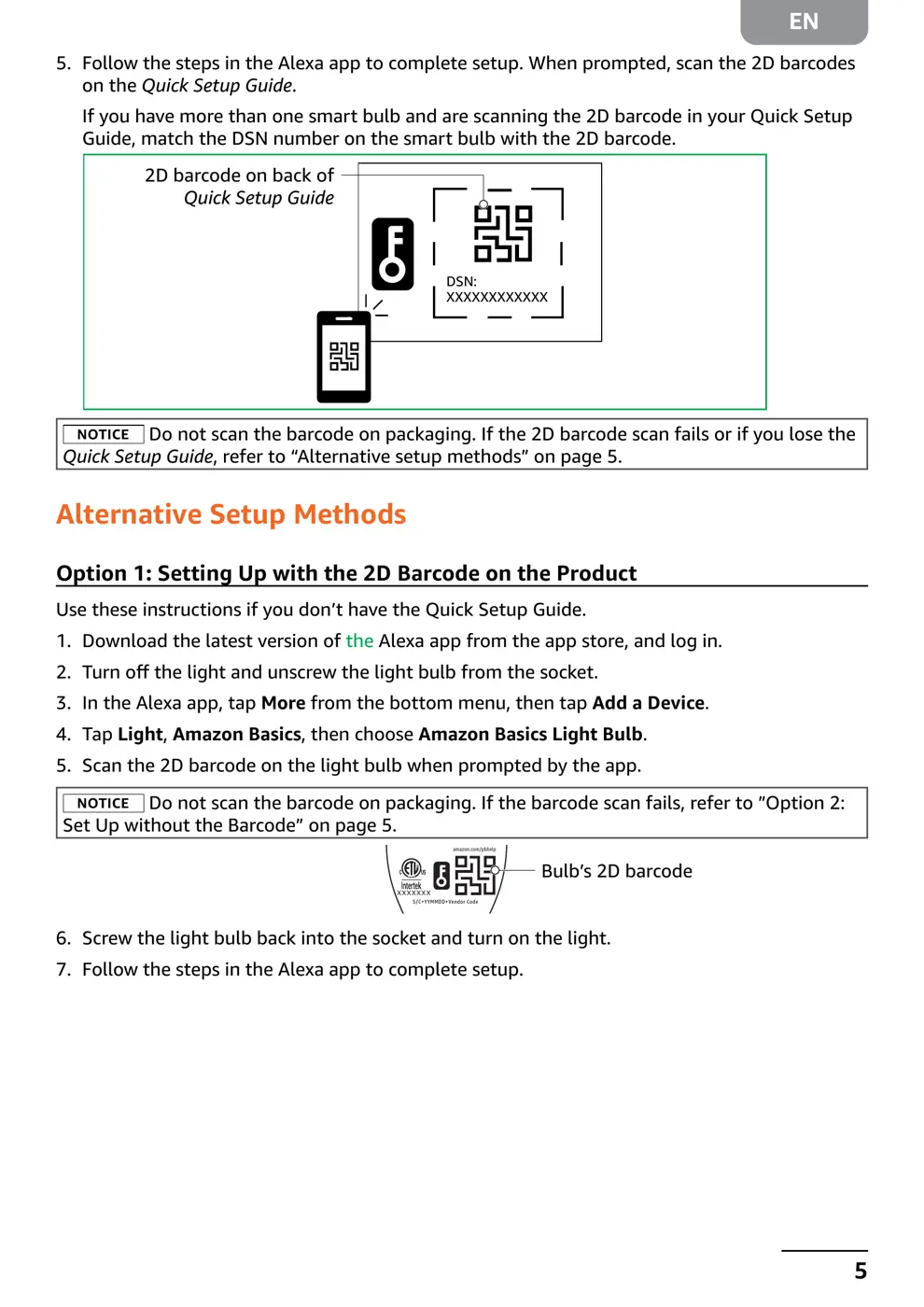
Alternative Setup Methods ...........................................................................................................................5
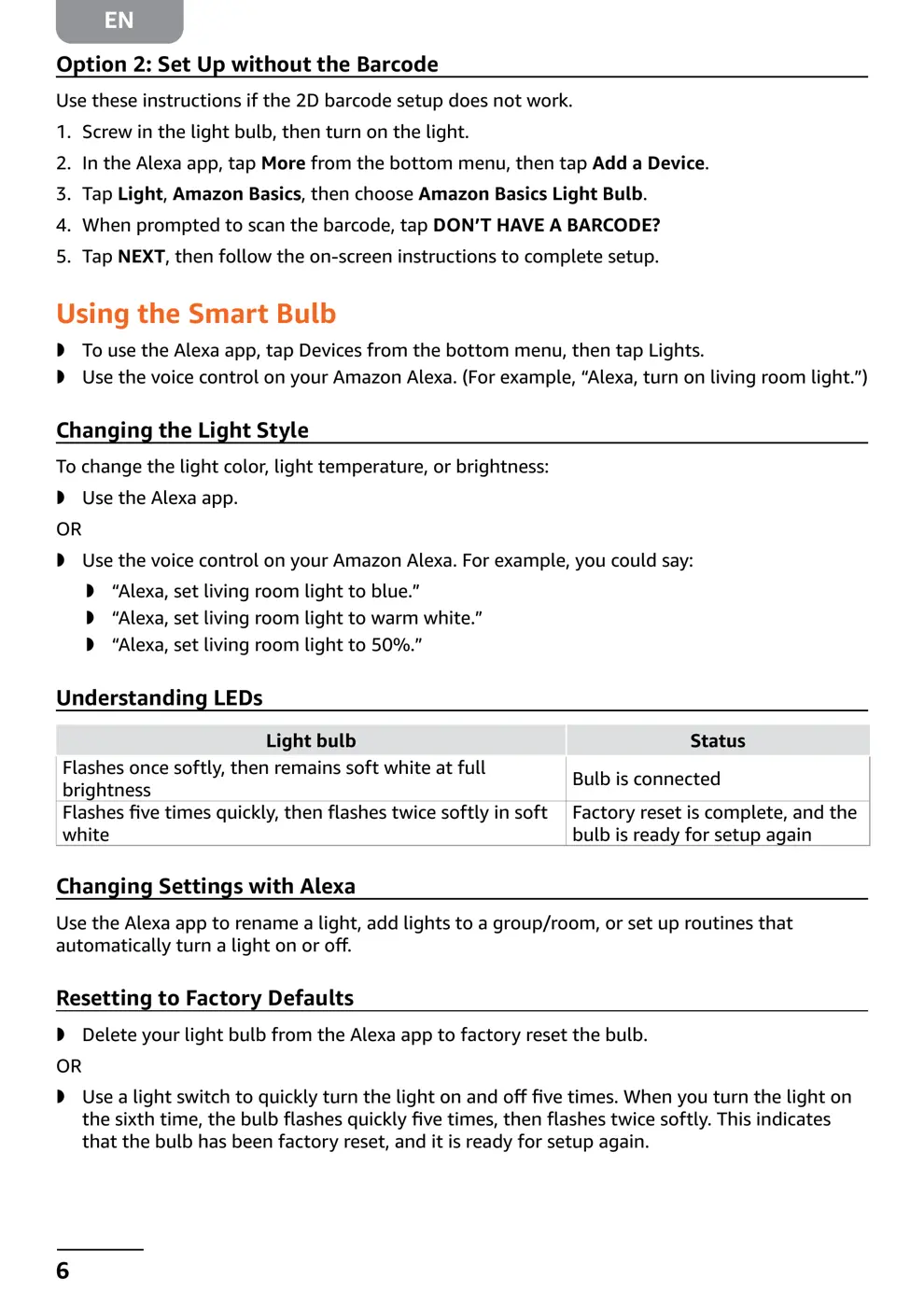
Using the Smart Bulb ....................................................................................................................................6
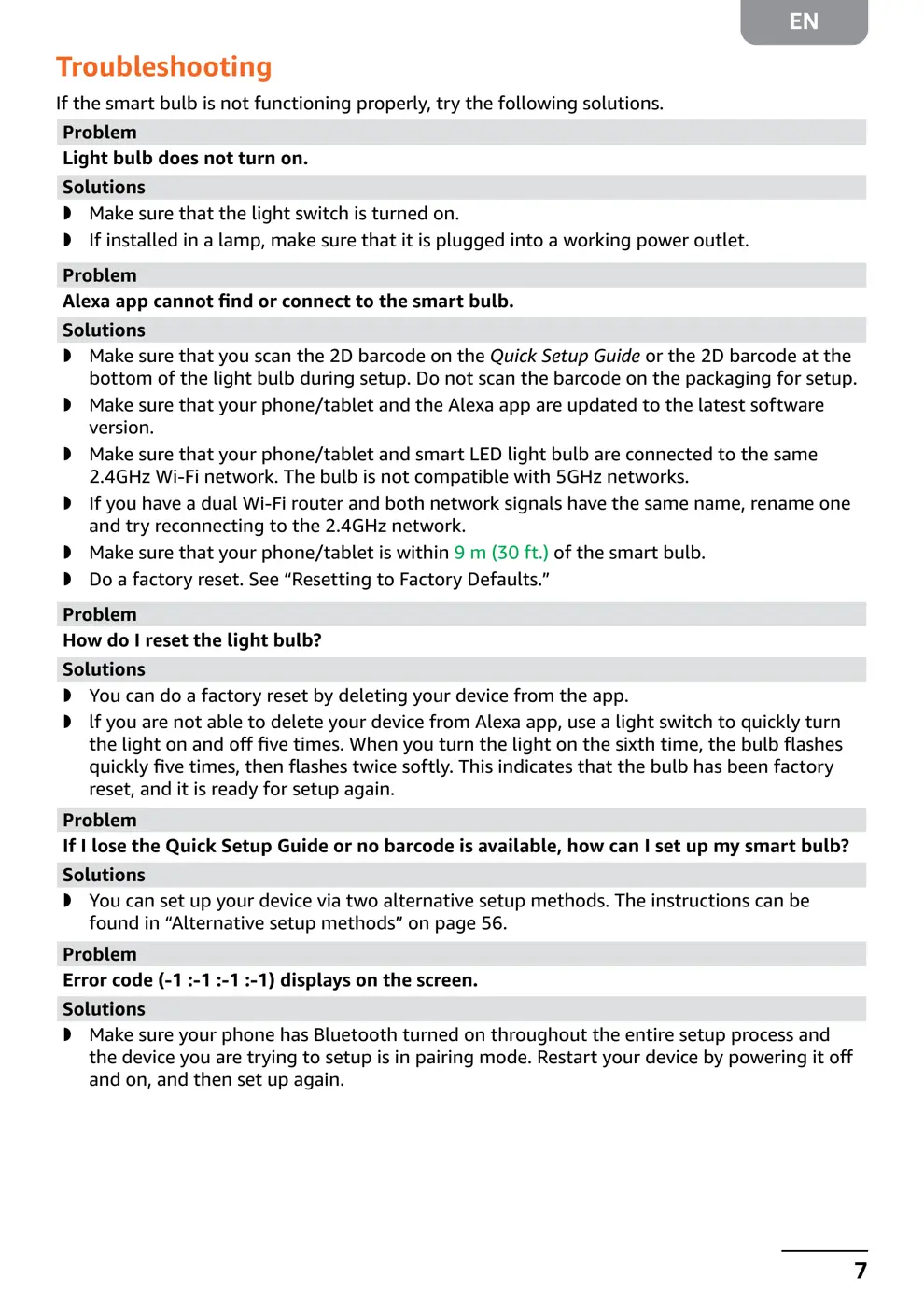
Troubleshooting ..............................................................................................................................................7
Light bulb does not turn on. ....................................................................................................................................7
Alexa app cannot find or connect to the smart bulb. .........................................................................................7
How do I reset the light bulb? .................................................................................................................................7
If I lose the Quick Setup Guide or no barcode is available, how can I set up my smart bulb? ...................7
Error code (-1 :-1 :-1 :-1) displays on the screen. ................................................................................................7
Specifications ..................................................................................................................................................8
Legal Notices ...................................................................................................................................................8
Feedback and Help ........................................