
AK022 Reset & Teardown (FCC ID 2AKIT-AK022)
Factory reset and internal photos for Aqara (Lumi United) AK022. Aqara Zigbee smart plug.
January 16, 2026
•
8 read
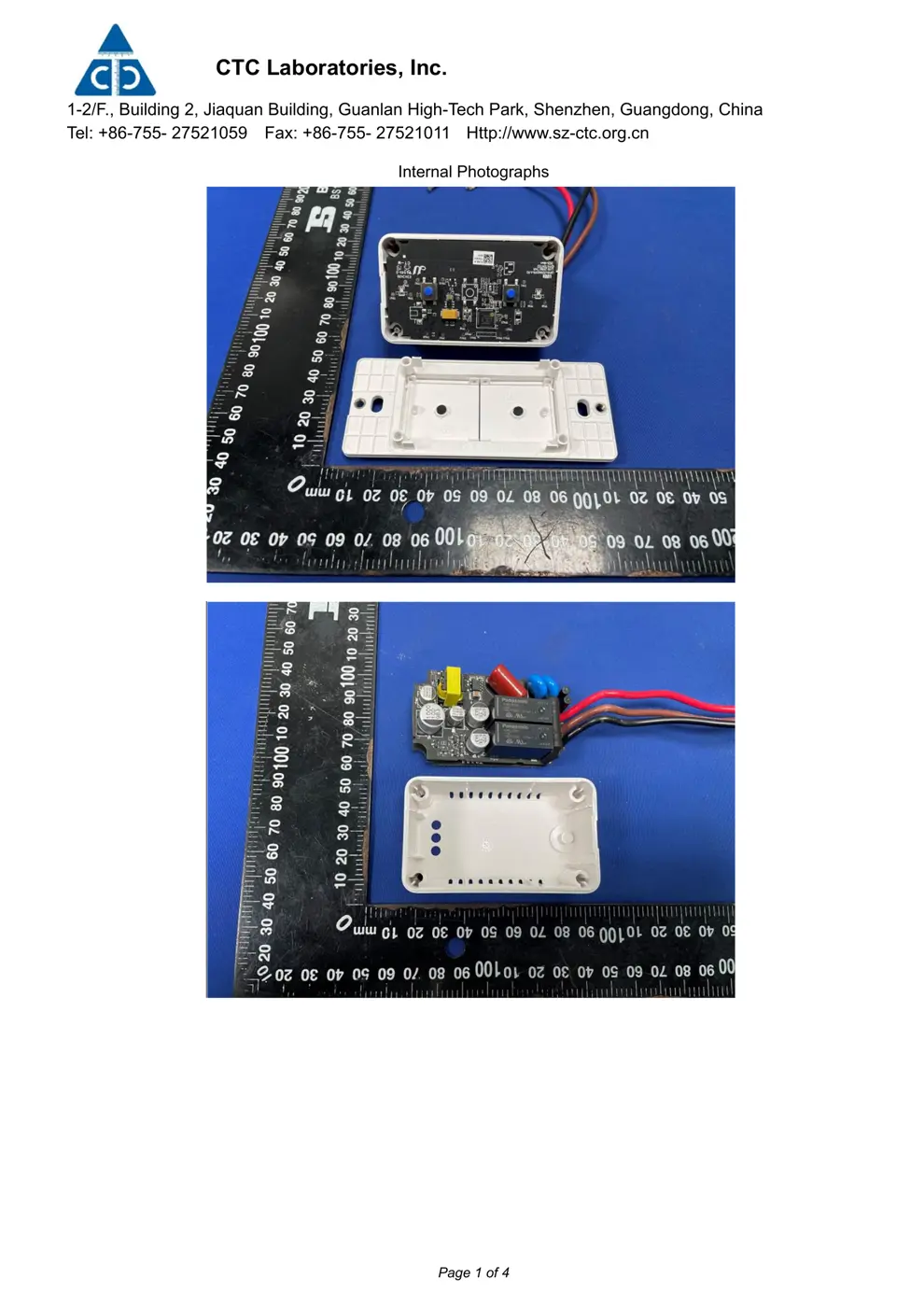
Before you buy the Aqara (Lumi United) AK022, check what's inside.
This is an Aqara Smart Wall Switch (No Neutral, Double Rocker) designed for indoor use. It operates on Zigbee 3.0 and requires a compatible Aqara hub for functionality.
⚠️ NOTE: Disconnect mains power at the circuit breaker before installation. Professional installation is recommended due to electrical knowledge requirements.
Quick Specs
- Manufacturer: Aqara (Lumi United)
- Model: AK022
- Protocol: Zigbee
- Chipset: Zigbee SoC
- Ecosystem: Aqara Zigbee
- App: Aqara Home
🔧 Geek Corner (Flashing Info)
- Chipset: Unknown
- Flashable: ❌ No
- Info: Aqara devices typically use proprietary firmware and are not designed to be flashed with custom firmware like Tasmota or ESPHome.
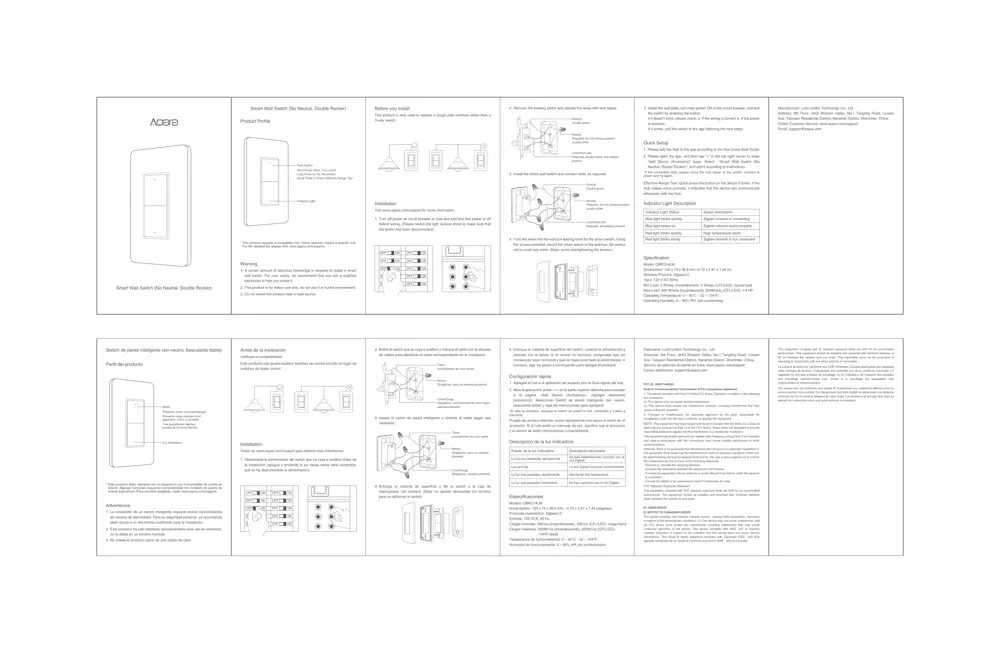
User Manual
Scanned pages from the official user manual:
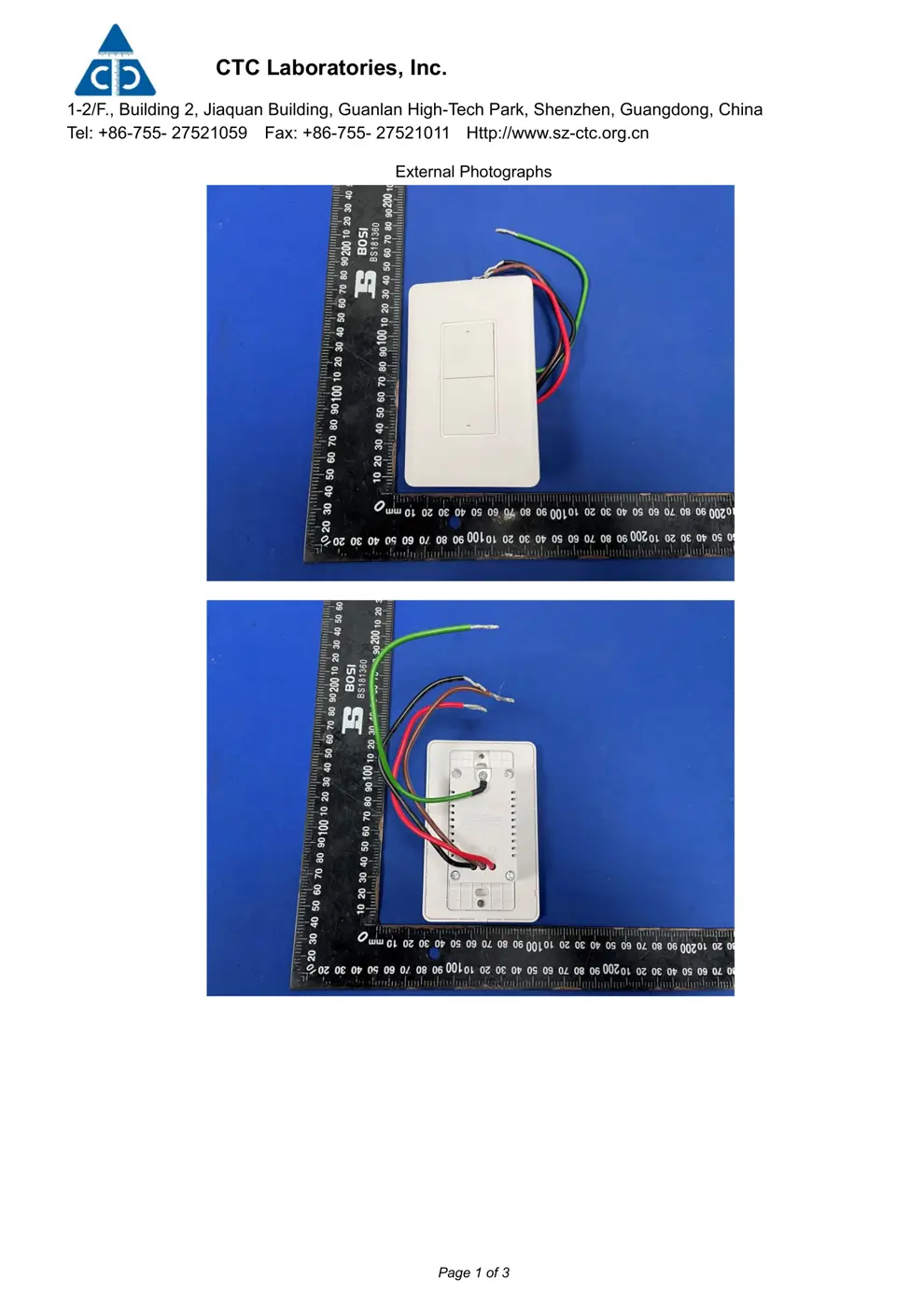
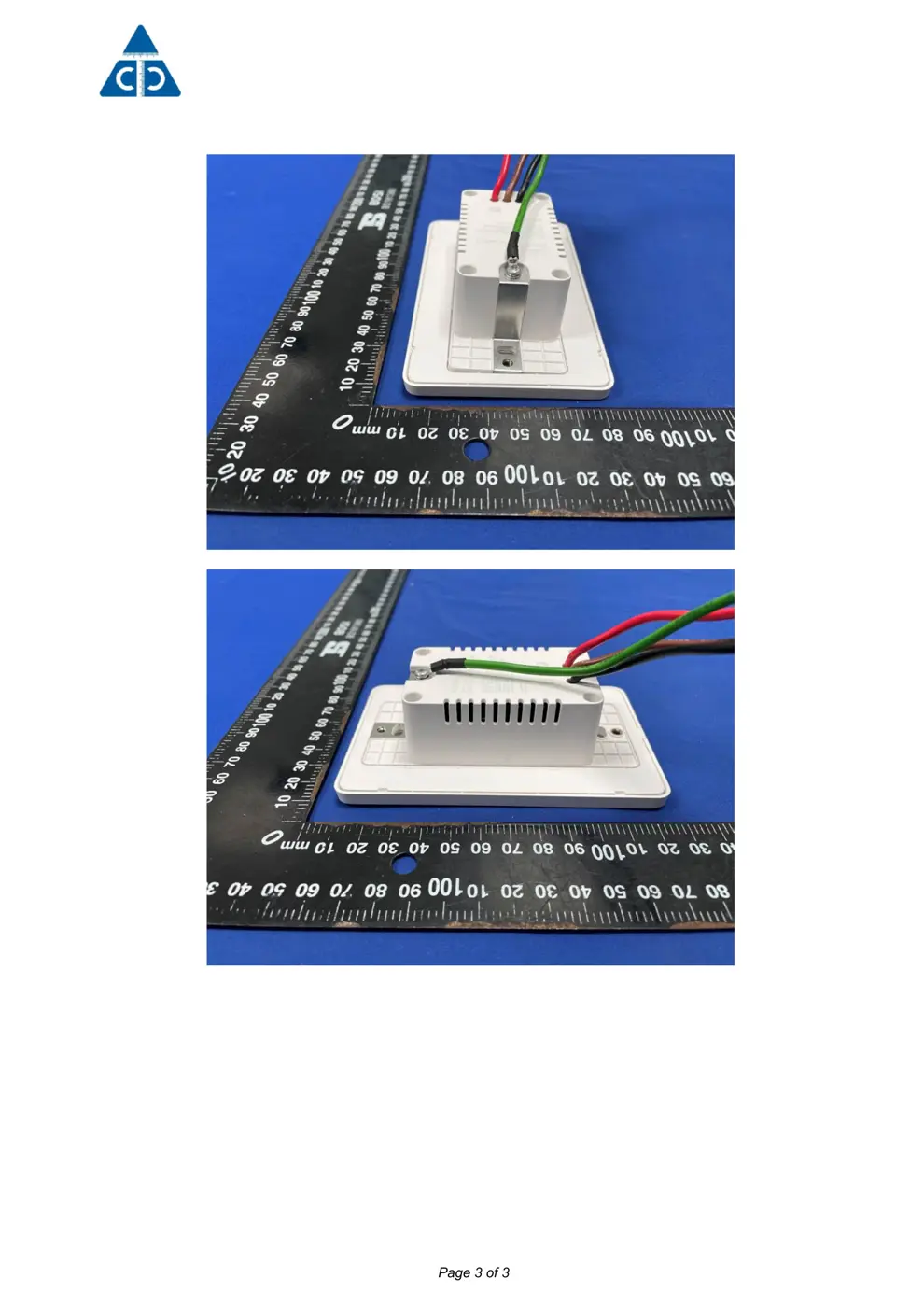
External Photos
Photos of the device exterior:
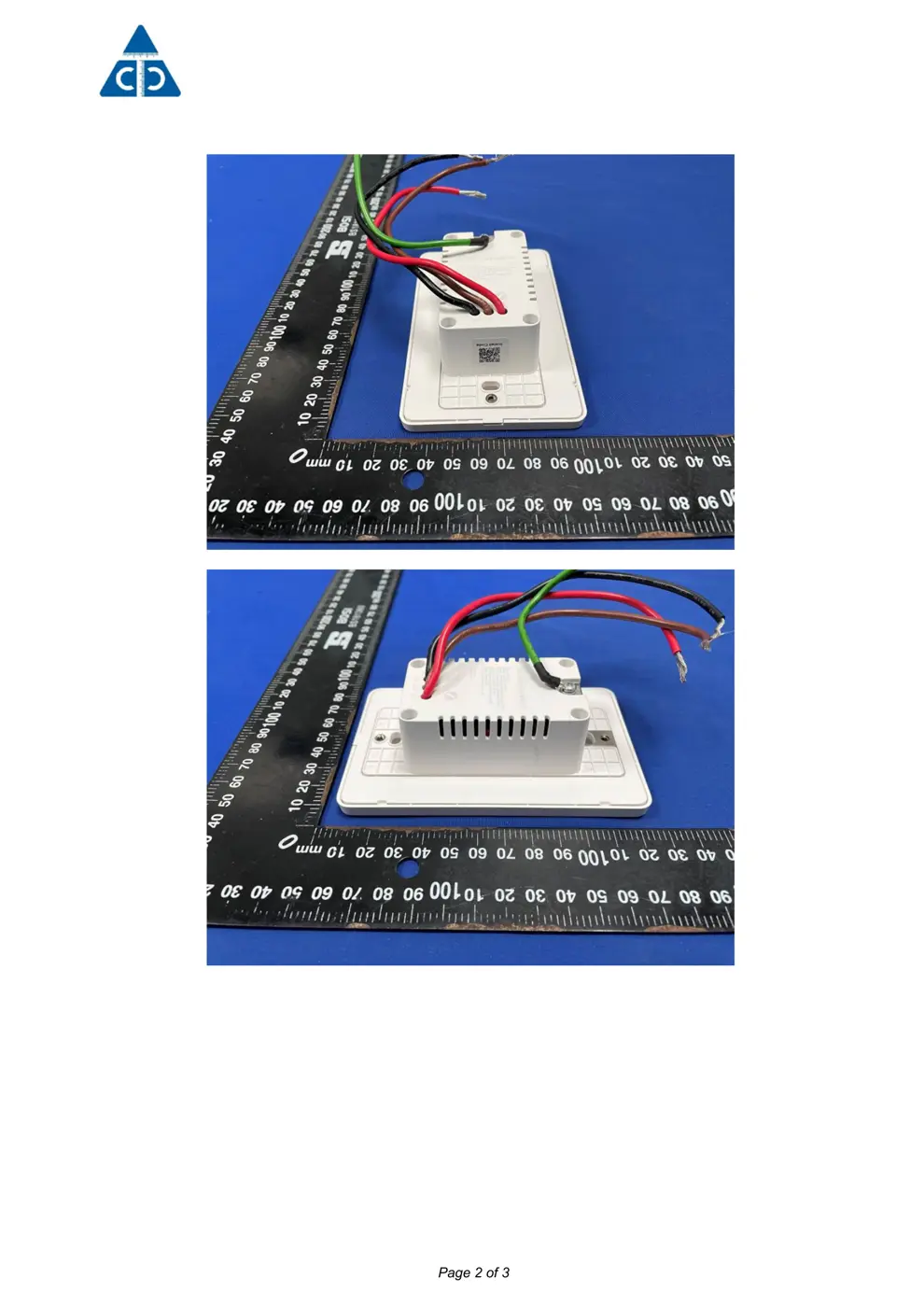
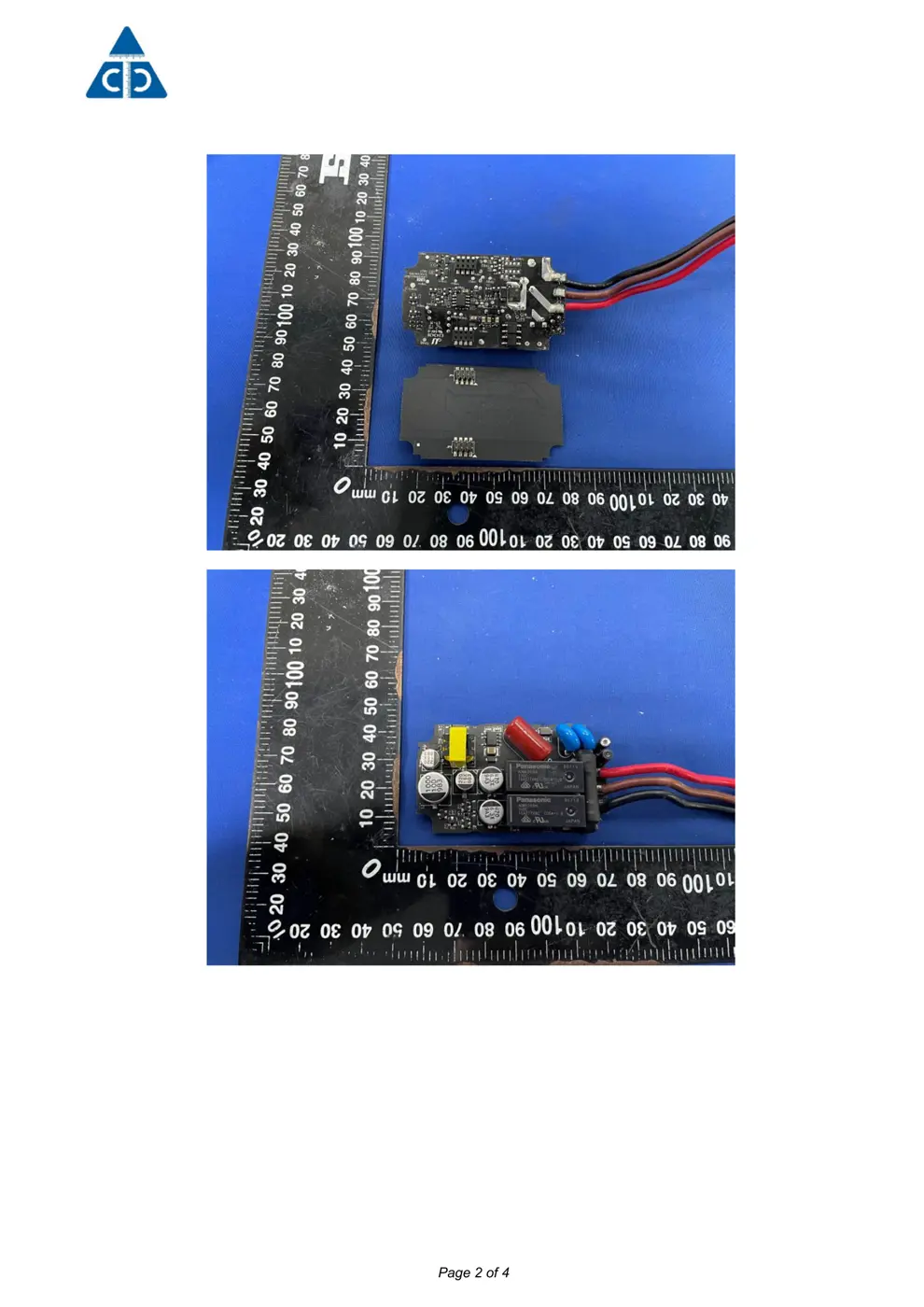
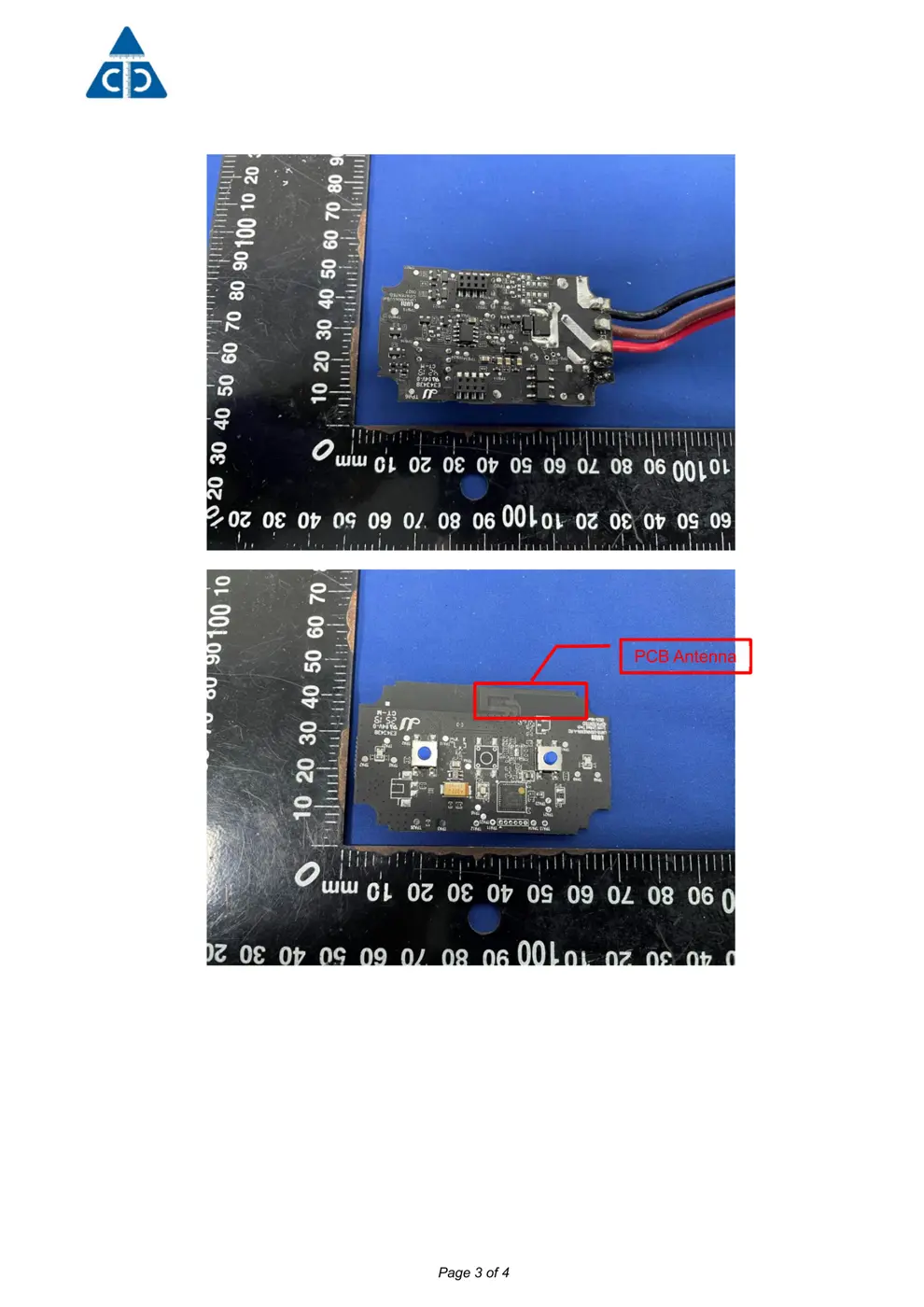
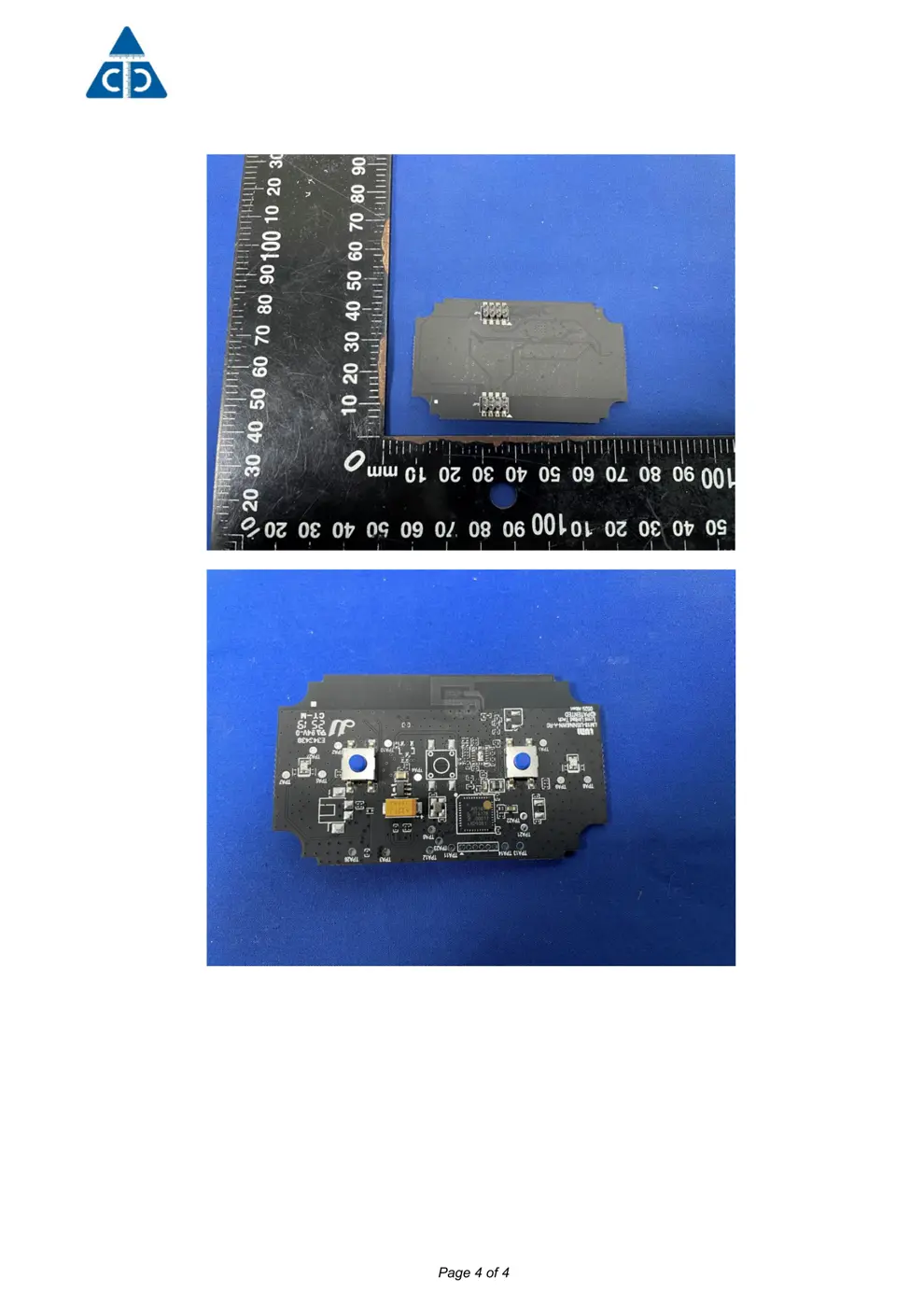
Internal Photos
Teardown photos showing the PCB and components:
Verdict
The AK022 is a Zigbee device from the Aqara Zigbee ecosystem.
📄 Click to view full text manual (SEO)
Smart Wall Switch (No Neutral, Double Rocker)
Smart Wall Switch (No Neutral, Double Rocker)
Product Profile
Indicator Light
Push Button
Short Press Once: Turn on/off
Long Press for 5s: Reconnect
Quick Press 3 Times: Effective Range Test
This product requires a compatible hub. Some features require a specific hub.
For the detailed list, please visit: www.aqara.com/support
*
Turn off power at circuit breaker or fuse box and test that power is off
before wiring. (Please switch the light several times to make sure that
the power has been disconnected)
1.
Remove the existing switch and identify the wires with wire labels.2.
Install the smart wall switch and connect wires as required.3.
Tuck the wires into the wall box leaving room for the smart switch. Using
the screws provided, mount the smart switch to the wall box. Be careful
not to crush any wires. (Note: avoid overtightening the screws.)
4.
Install the wall plate, turn main power ON at the circuit breaker, and test
the switch by pressing the button;
If it doesn’t work, please check: a. If the wiring is correct; b. If the power
is restored.
If it works, add the switch to the app following the next steps;
5.
Warning
A certain amount of electrical knowledge is required to install a smart
wall switch. For your safety, we recommend that you ask a qualified
electrician to help you install it;
1.
This product is for indoor use only; do not use it in humid environment;2.
Do not install this product near a heat source.3.
Before you install
This product is only used to replace a single pole switches rather than a
3-way switch.
Installation
Visit www.aqara.com/support for more information.
Neutral
Required, but not always present,
usually white.
Ground
Usually green.
Neutral
Required, but not always present,
usually white.
Line(Hot)/Load
Required, usually black, and always
present.
Ground
Usually green.
Line(Hot)/Load
Required, and always present.
Please add the Hub to the app according to the Hub Quick Start Guide.
Please open the app, and then tap “+” in the top right corner to enter
“Add Device (Accessory)” page. Select “Smart Wall Switch (No
Neutral, Double Rocker)”, and add it according to instructions.
1.
2.
Effective Range Test: Quick press the button on the device 3 times. If the
Hub makes voice prompts, it indicates that the device can communicate
effectively with the Hub.
*If the connection fails, please move the hub closer to the switch, connect to
power and try again.
Quick Setup
Model: QBKG14LM
Dimensions: 120 x 74 x 36.5 mm (4.72 x 2.91 x 1.44 in)
Wireless Protocol: Zigbee3.0
Input: 120 V AC 60Hz
Min Load: 3 W/way (Incandescent), 5 W/way (CFL/LED), typical load
Max Load: 600 W/way (Incandescent), 200W/way (CFL/LED), 1/4 HP
Operating Temperature: 0 – 40°Cč32 – 104°FĎ
Operating Humidity: 0 – 95% RH, non-condensing
Specification
Indicator Light Status Status Description
Blue light blinks quickly Zigbee network is connecting
Blue light keeps on Zigbee network works properly
Re...