
AR001 Reset & Teardown (FCC ID 2AKIT-AR001)
Factory reset and internal photos for Aqara (Lumi United) AR001. Aqara Zigbee smart plug.
January 15, 2026
•
9 read
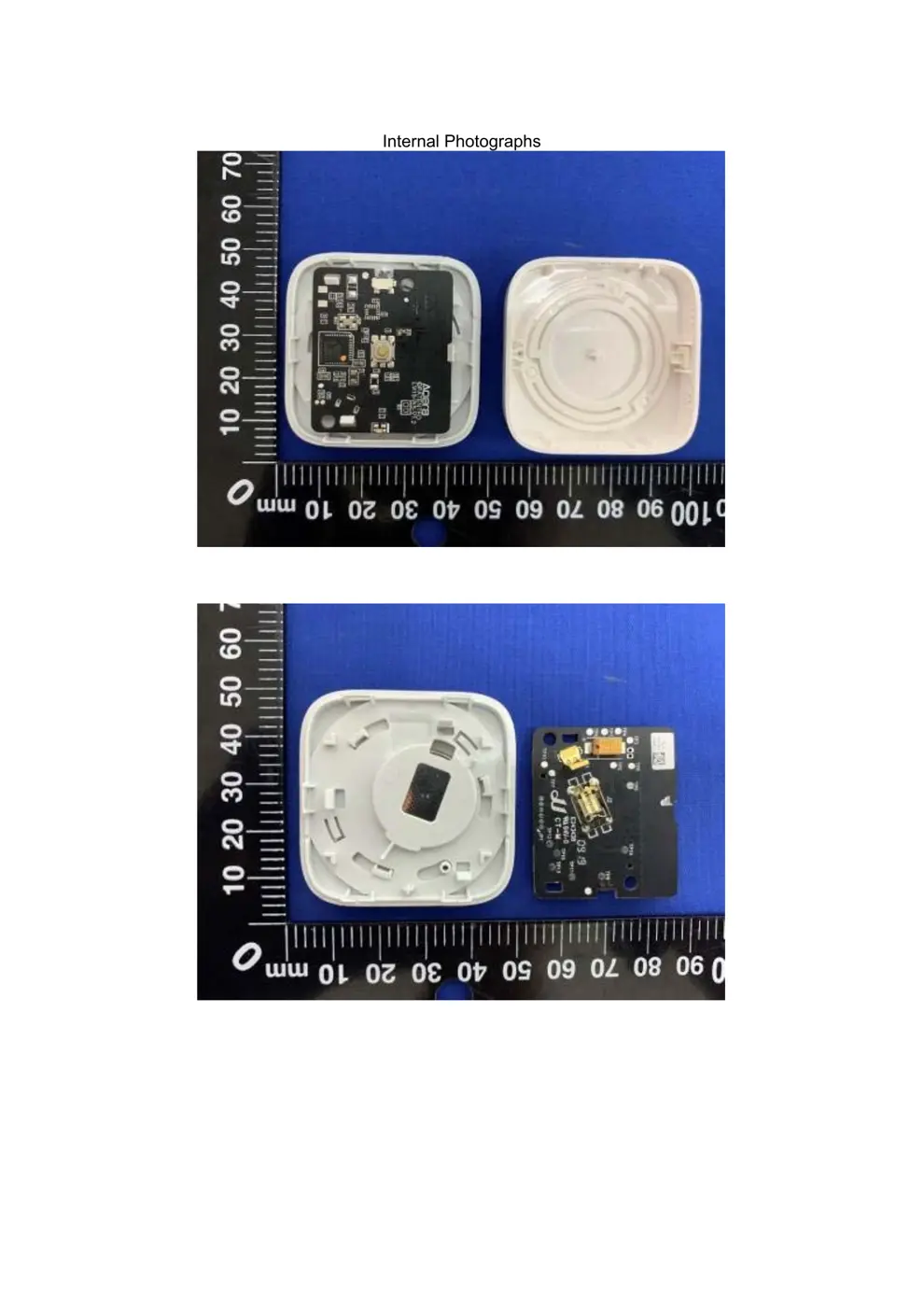
Before you buy the Aqara (Lumi United) AR001, check what's inside.
The Aqara Wireless Mini Switch T1 is a compact Zigbee 3.0 button designed for smart home automation. It requires a compatible Zigbee hub and is powered by a standard CR2032 coin cell battery.
⚠️ NOTE: Ensure correct battery polarity when replacing the CR2032 battery.
Quick Specs
- Manufacturer: Aqara (Lumi United)
- Model: AR001
- Protocol: Zigbee
- Chipset: Zigbee SoC
- Ecosystem: Aqara Zigbee
- App: Aqara Home
🔧 Geek Corner (Flashing Info)
- Chipset: Unknown
- Flashable: ❌ No
- Info: Zigbee devices with proprietary firmware are generally not flashable with custom firmware like Tasmota or ESPHome.
User Manual
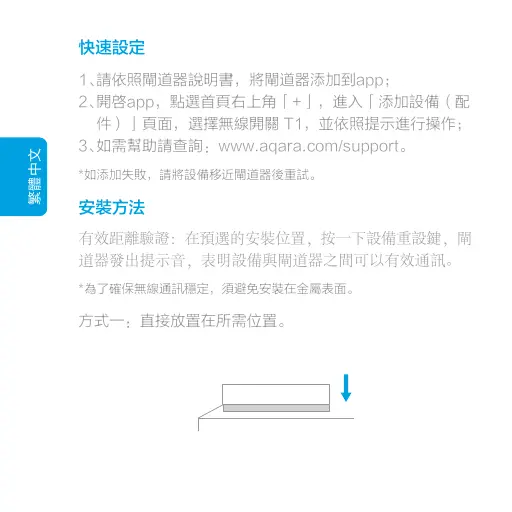
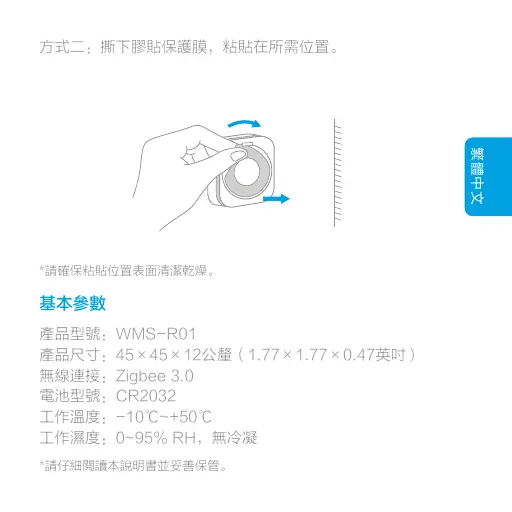
Scanned pages from the official user manual:

External Photos
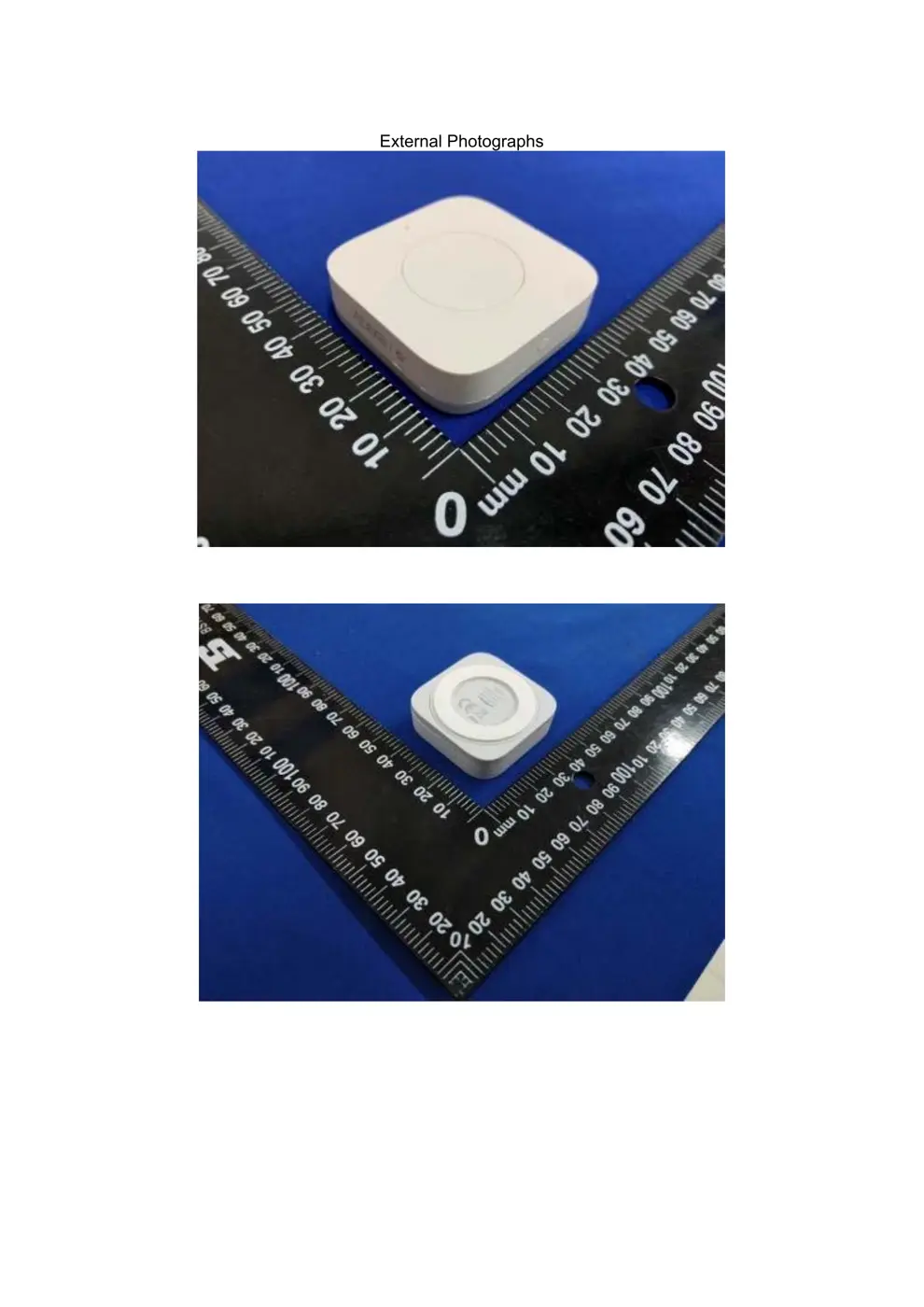
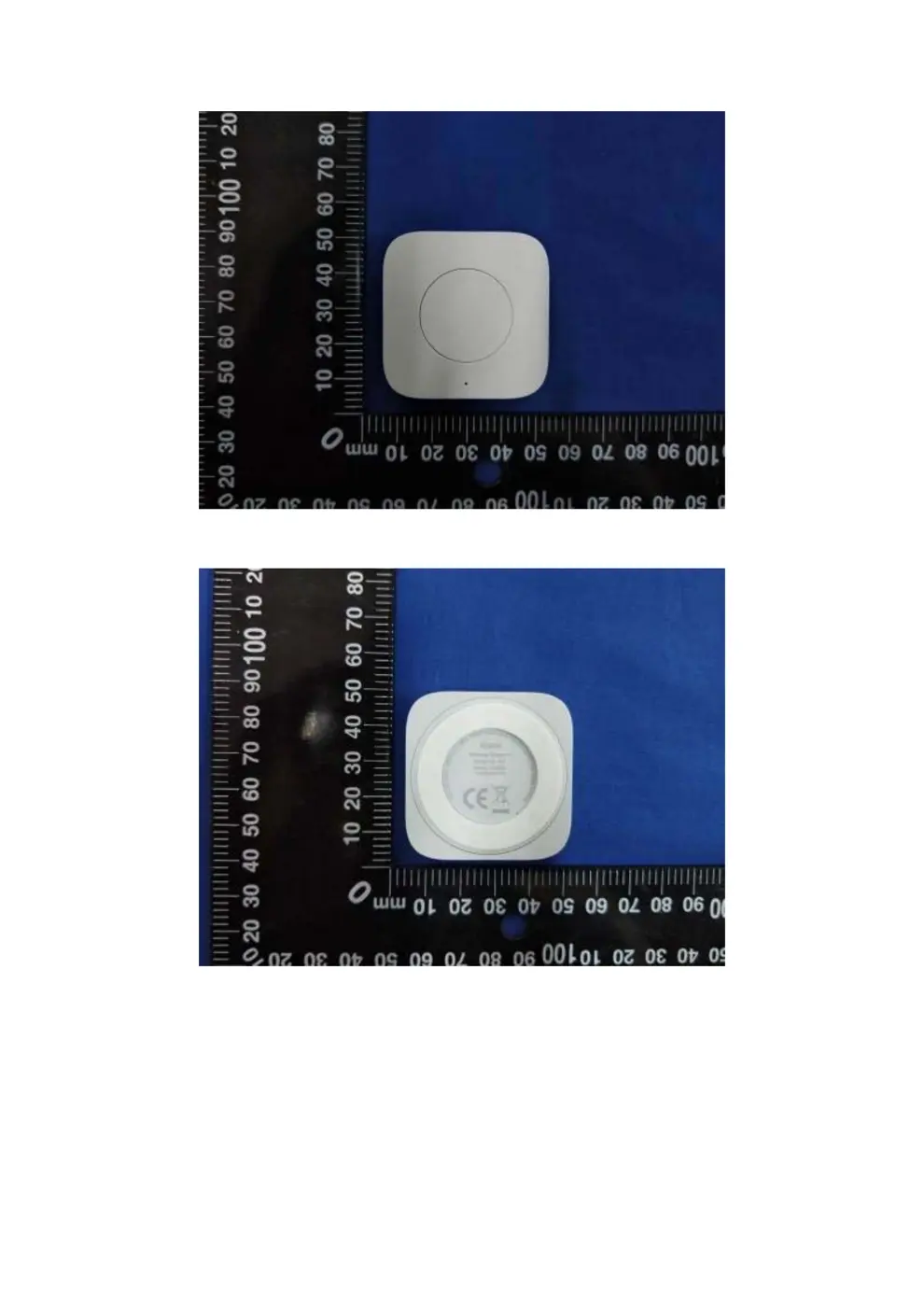
Photos of the device exterior:
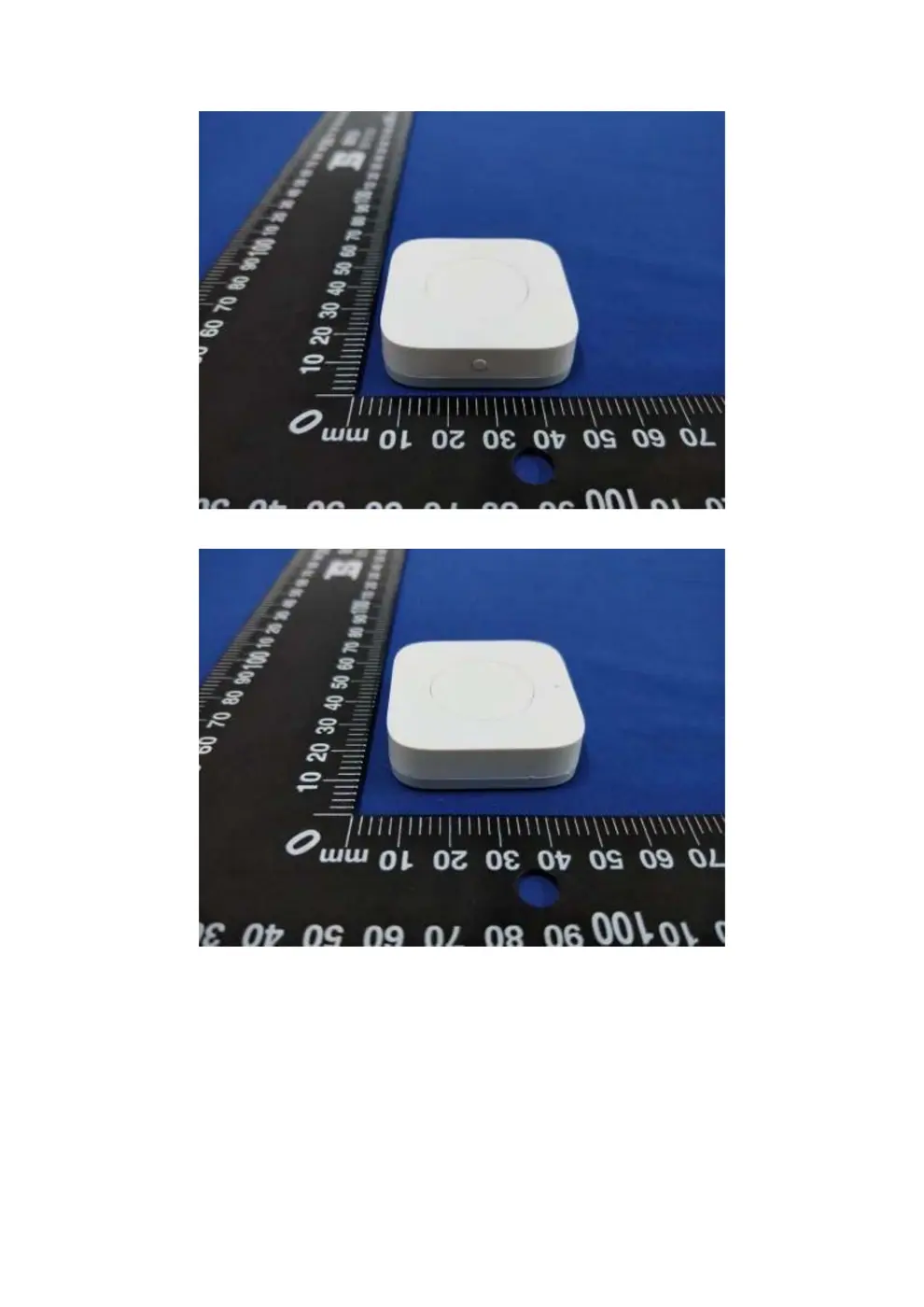
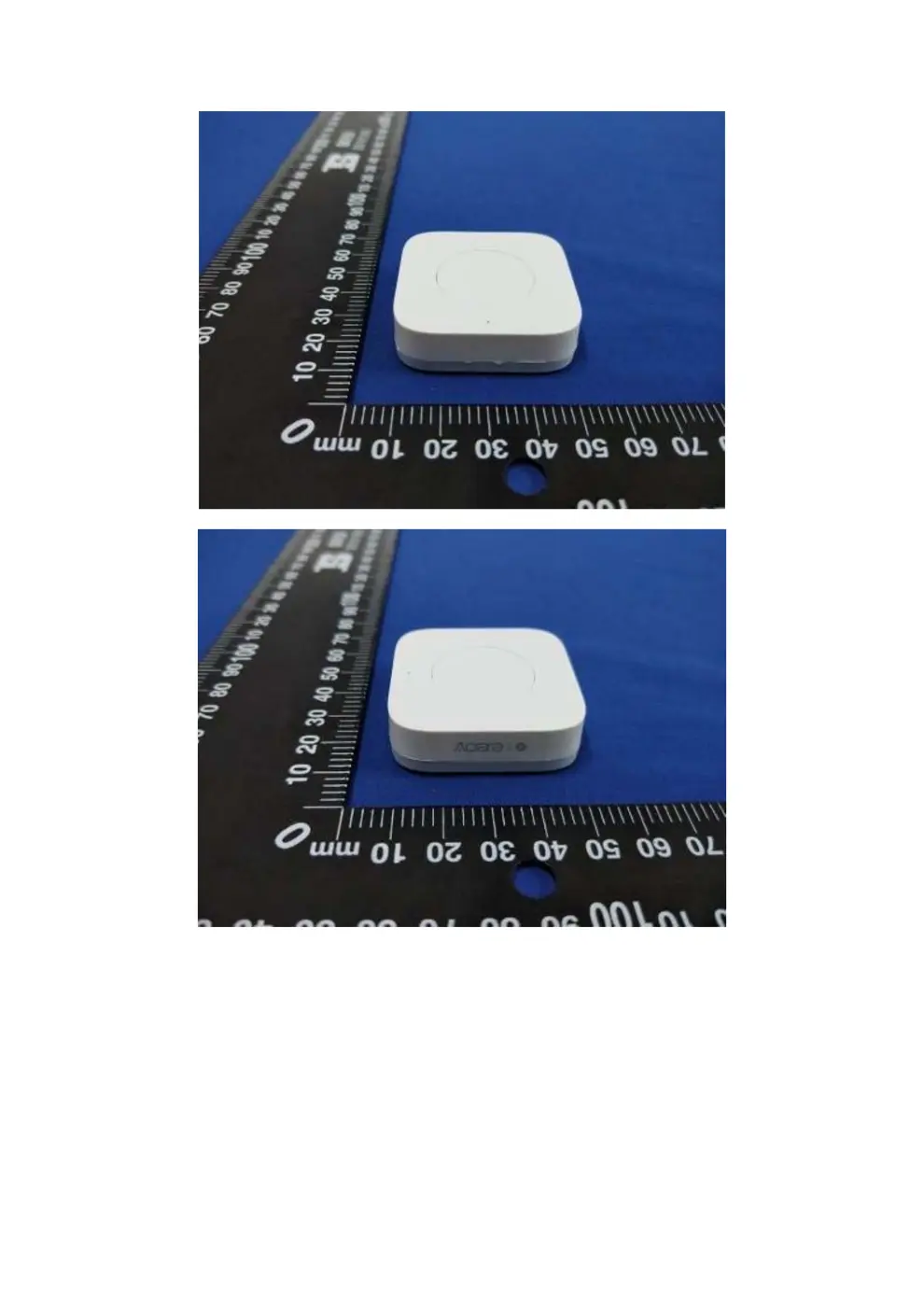
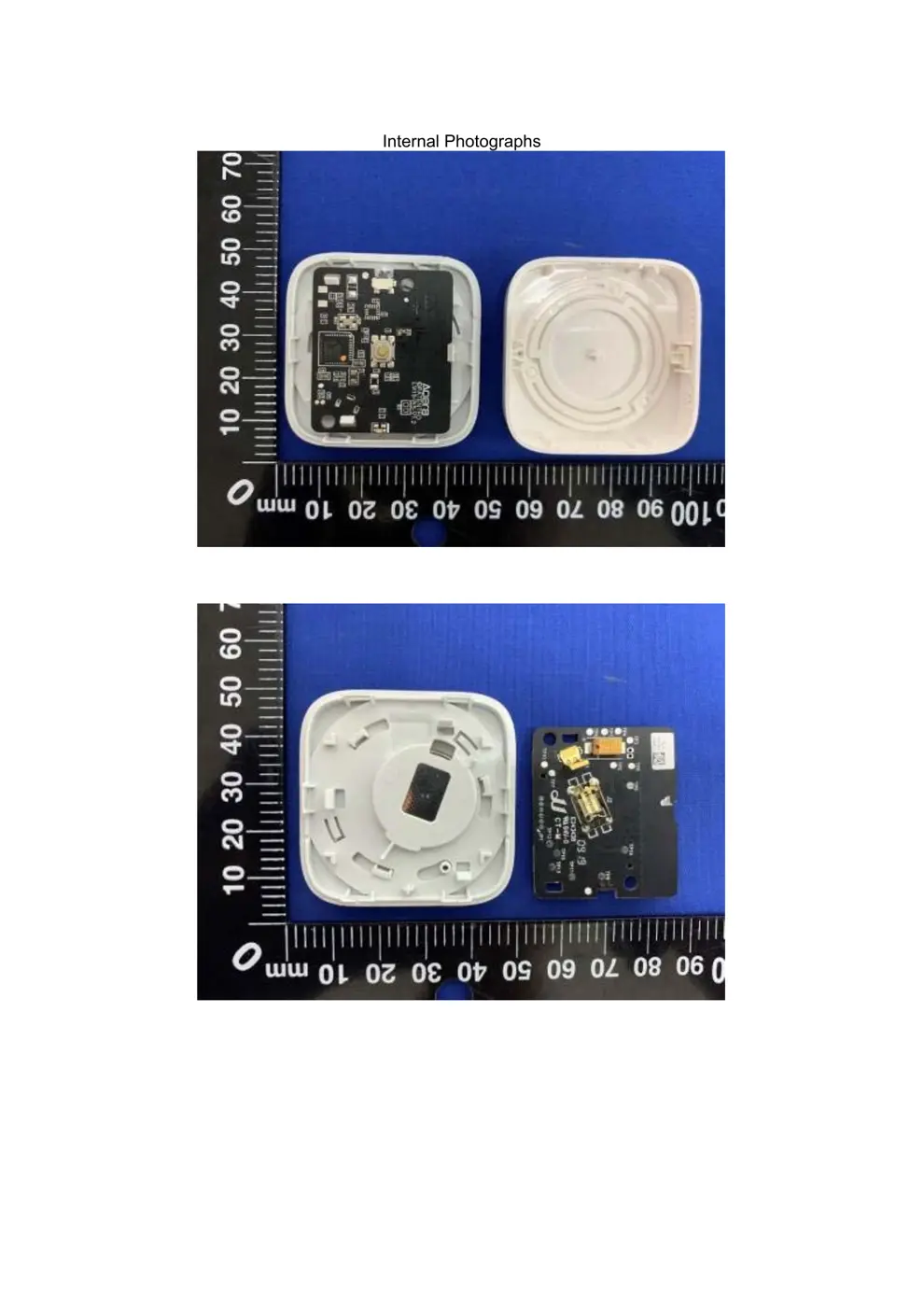
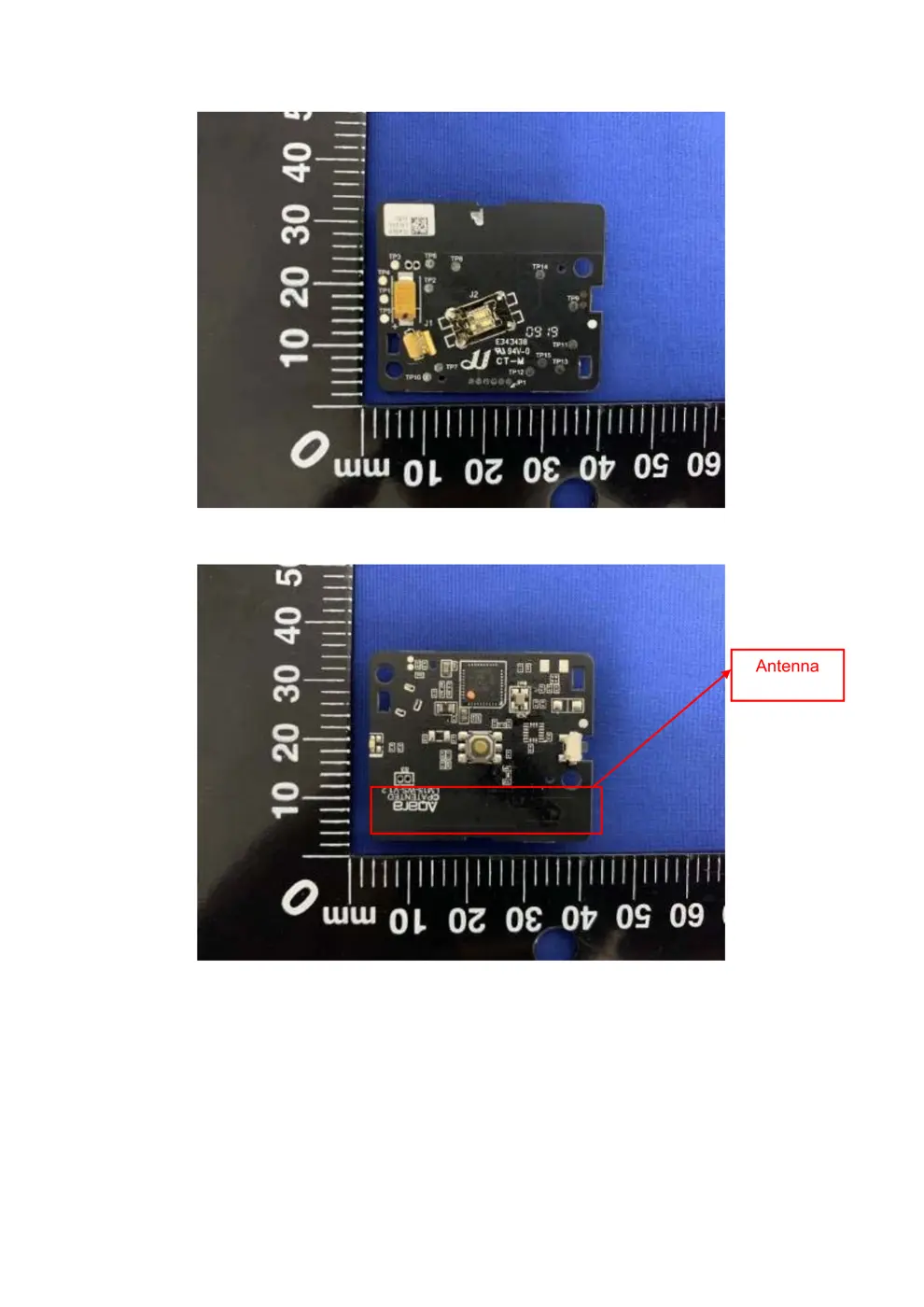
Internal Photos
Teardown photos showing the PCB and components:
Verdict
The AR001 is a Zigbee device from the Aqara Zigbee ecosystem.
📄 Click to view full text manual (SEO)
ඪૼ7
ԄժğNN
ٸ
ል
ğ
PANTONE COOL GRAY 7C
PANTONE COOL GRAY 2C
PANTONE 299C
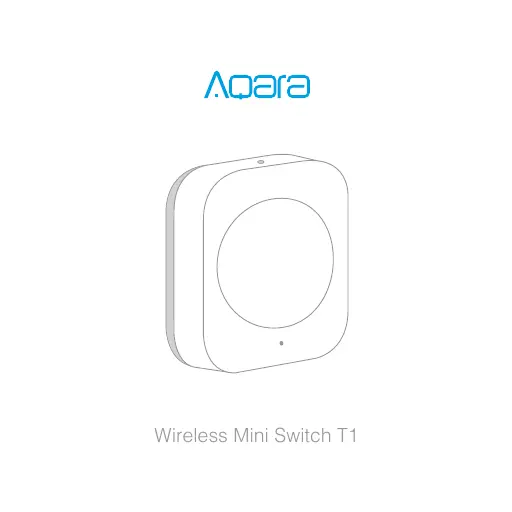
Wireless Mini Switch T1
English
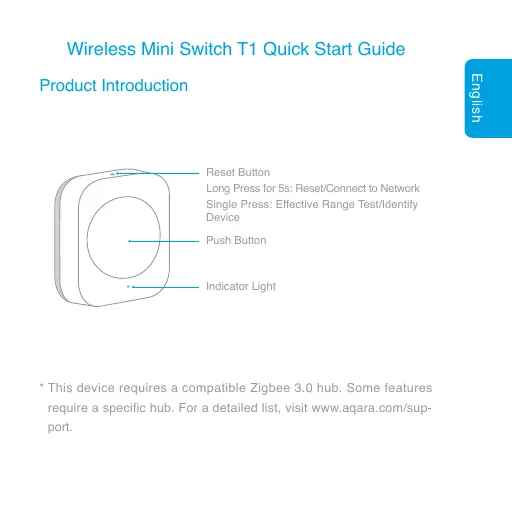
Wireless Mini Switch T1 Quick Start Guide
Product Introduction
Indicator Light
Push Button
Reset Button
Long Press for 5s: Reset/Connect to Network
Single Press: Effective Range Test/Identify
Device
* This device requires a compatible Zigbee 3.0 hub. Some features
require a specific hub. For a detailed list, visit www.aqara.com/sup-
port.
English
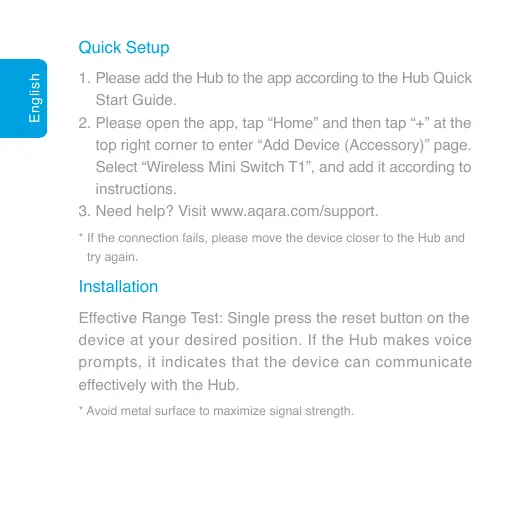
Quick Setup
Installation
1.
2.
3.
Please add the Hub to the app according to the Hub Quick
Start Guide.
Please open the app, tap “Home” and then tap “+” at the
top right corner to enter “Add Device (Accessory)” page.
Select “Wireless Mini Switch T1”, and add it according to
instructions.
Need help? Visit www.aqara.com/support.
* If the connection fails, please move the device closer to the Hub and
try again.
Effective Range Test: Single press the reset button on the
device at your desired position. If the Hub makes voice
prompts, it indicates that the device can communicate
effectively with the Hub.
* Avoid metal surface to maximize signal strength.
English
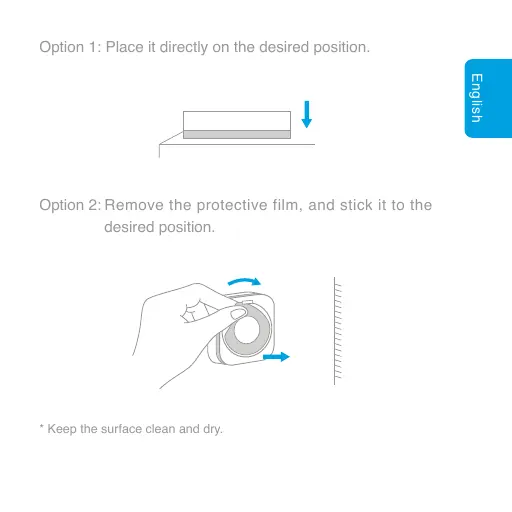
Option 1: Place it directly on the desired position.
Option 2: Remove the protective film, and stick it to the
desired position.
* Keep the surface clean and dry.
English
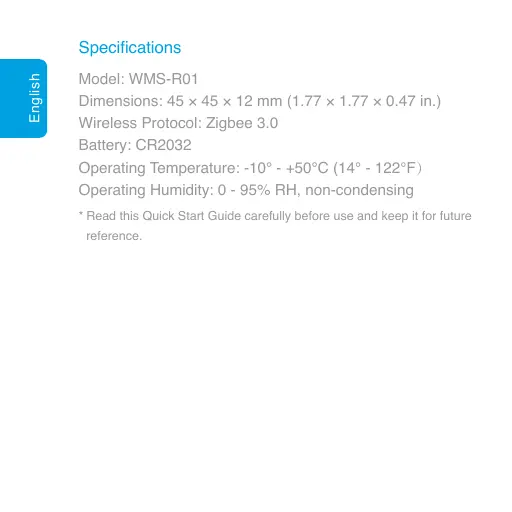
Specifications
Model: WMS-R01
Dimensions: 45 × 45 × 12 mm (1.77 × 1.77 × 0.47 in.)
Wireless Protocol: Zigbee 3.0
Battery: CR2032
Operating Temperature: -10° - +50℃ (14° - 122℉Ď
Operating Humidity: 0 - 95% RH, non-condensing
* Read this Quick Start Guide carefully before use and keep it for future
reference.
繁體中文
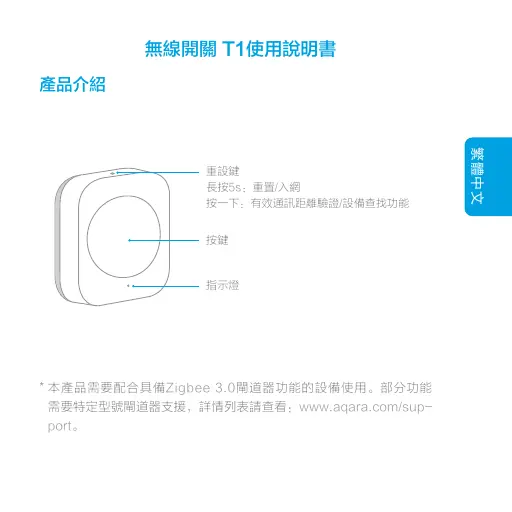
無線開關 T1使用說明書
產品介紹
指示燈
按鍵
重設鍵
長按5s:重置/入網
按一下:有效通訊距離驗證/設備查找功能
* 本產品需要配合具備Zigbee 3.0閘道器功能的設備使用。部分功能
需要特定型號閘道器支援,詳情列表請查看:www.aqara.com/sup-
port。
繁體中文
快速設定
安裝方法
ν⊬໊ᇂđο၂༯℟Ḿᇗ℟ᾗđ≩
ఖᆭᾇॖၛႵི๙⇫b
方式一:直接放置在所需位置。
1、
2、
3、
請依照閘道器說明書,將閘道器添加到app;
開啓app,點選首頁右上角「+」,進入「添加設備(配
件)」頁面,選擇無線開關 T1,並依照提示進行操作;
如需幫助請查詢:www.aqara.com/support。
*如添加失敗,請將設備移近閘道器後重試。
*為了確保無線通訊穩定,須避免安裝在金屬表面。
繁體中文
方式二:撕下膠貼保護膜,粘貼在所需位置。
*請確保粘貼位置表面清潔乾燥。
*請仔細閱讀本說明書並妥善保管。
基本參數
產品型號:WMS-R01
產品尺寸:45×45×12公釐(1.77×1.77×0.47英吋)
無線連接:Zigbee 3.0
電池型號:CR2032
工作溫度:-10℃~+50℃
工作濕度:0~95% RH,無冷凝
Deutsch
Kabelloser Minischalter T1 Schnellstartanleitung
Produktübersicht
Anzeigelampe
Taste
Rücksetztaste
Langer Tastendruck 5 Sek: Netzwerk
zurücksetzen/verbinden
Einmal drücken: Test Empfangsbereich/Gerät
identifizieren
* Für dieses Zubehör wird ein kompatibler Zigbee 3.0-hub benötigt.
Für einige Funktionen wird ein spezifischer hub benötigt. Die detaillierte
Liste dazu finden Sie hier: www.aqara.com/support.
Deutsch
Schnelleinrichtung
Montage
1.
2.
3.
Bitte fügen Sie den Hub entsprechend der Hub-Schnell-
startanleitung zur App hinzu.
Bitte öffnen Sie die App, tippen Sie auf „Home“ (Haus) und
dann auf „+“ in der oberen rechten Ecke, um die Seite „Add
Device (Accessory)“ (Gerät hinzufügen (Zubehör))
aufzurufen. Tippen Sie auf „Wireless Mini Switch T1“
(Kabelloser Minischalter T1) und fügen Sie ihn gemäß
der Anleitung hinzu.
Sie b...