
AS012 Reset & Teardown (FCC ID 2AKIT-AS012)
Factory reset and internal photos for Aqara (Lumi United) AS012. Aqara Zigbee smart plug.
January 15, 2026
•
9 read
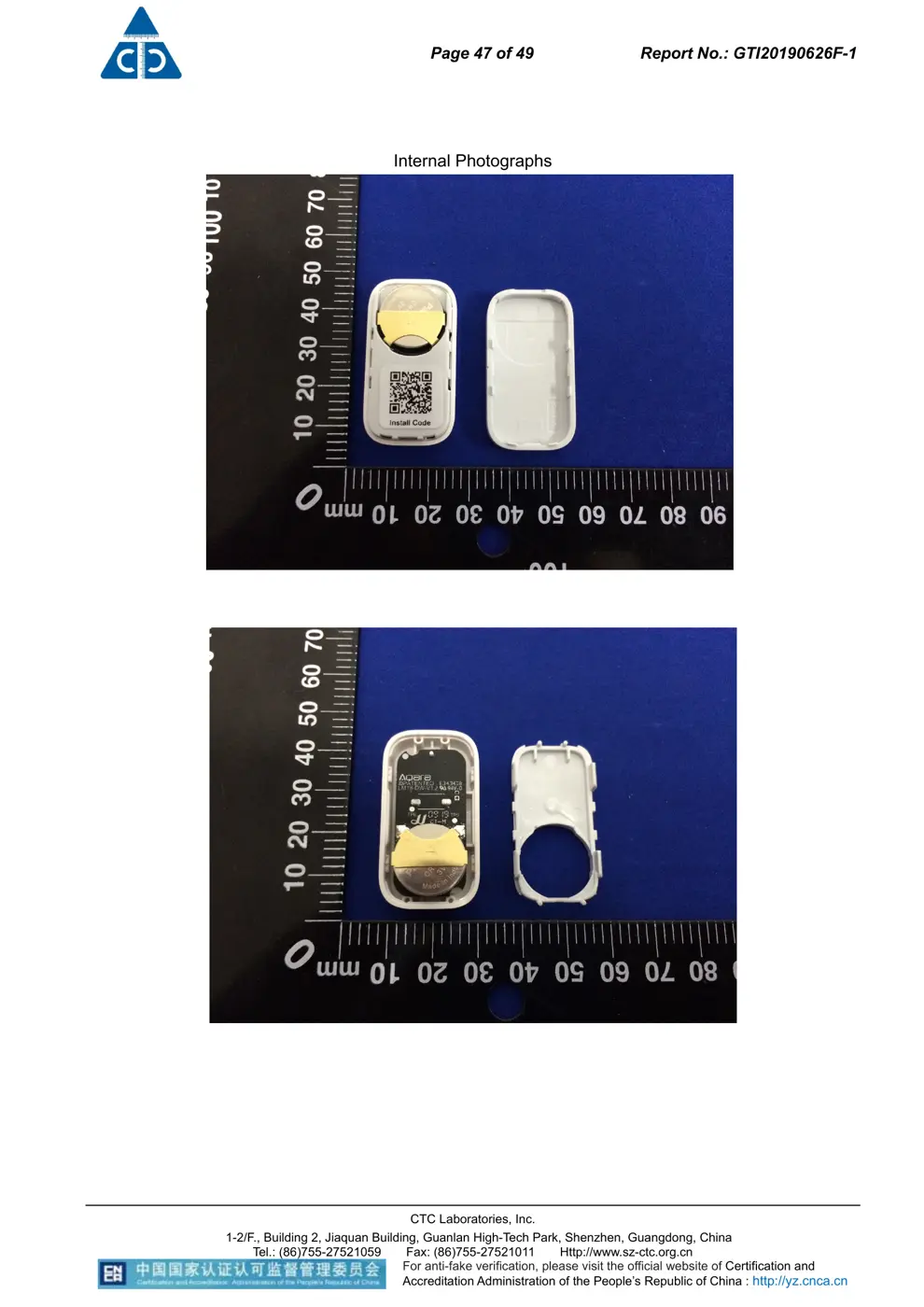
Before you buy the Aqara (Lumi United) AS012, check what's inside.
The Aqara AS012 is a Zigbee 3.0 door and window sensor designed to monitor open/closed states. It is battery-powered and requires a compatible Zigbee hub for operation.
⚠️ NOTE: Ensure correct battery polarity when replacing the CR1632 battery.
Quick Specs
- Manufacturer: Aqara (Lumi United)
- Model: AS012
- Protocol: Zigbee
- Chipset: Zigbee SoC
- Ecosystem: Aqara Zigbee
- App: Aqara Home
🔧 Geek Corner (Flashing Info)
- Chipset: Unknown
- Flashable: ❌ No
- Info: Zigbee devices typically use proprietary chipsets and firmware that are not designed for user flashing with custom firmware like Tasmota.
User Manual
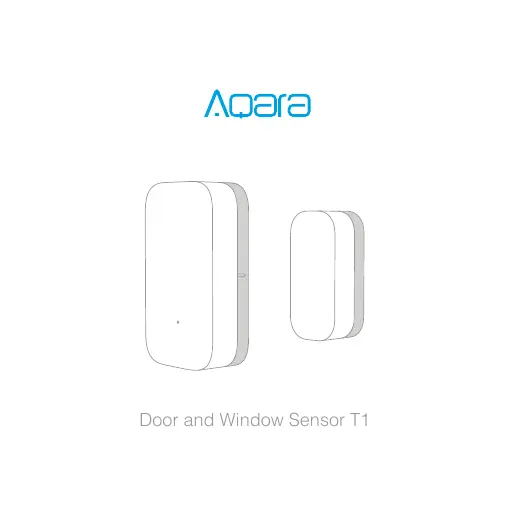
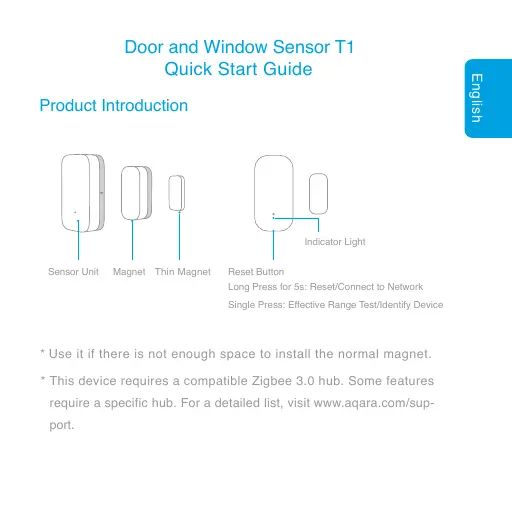
Scanned pages from the official user manual:

External Photos
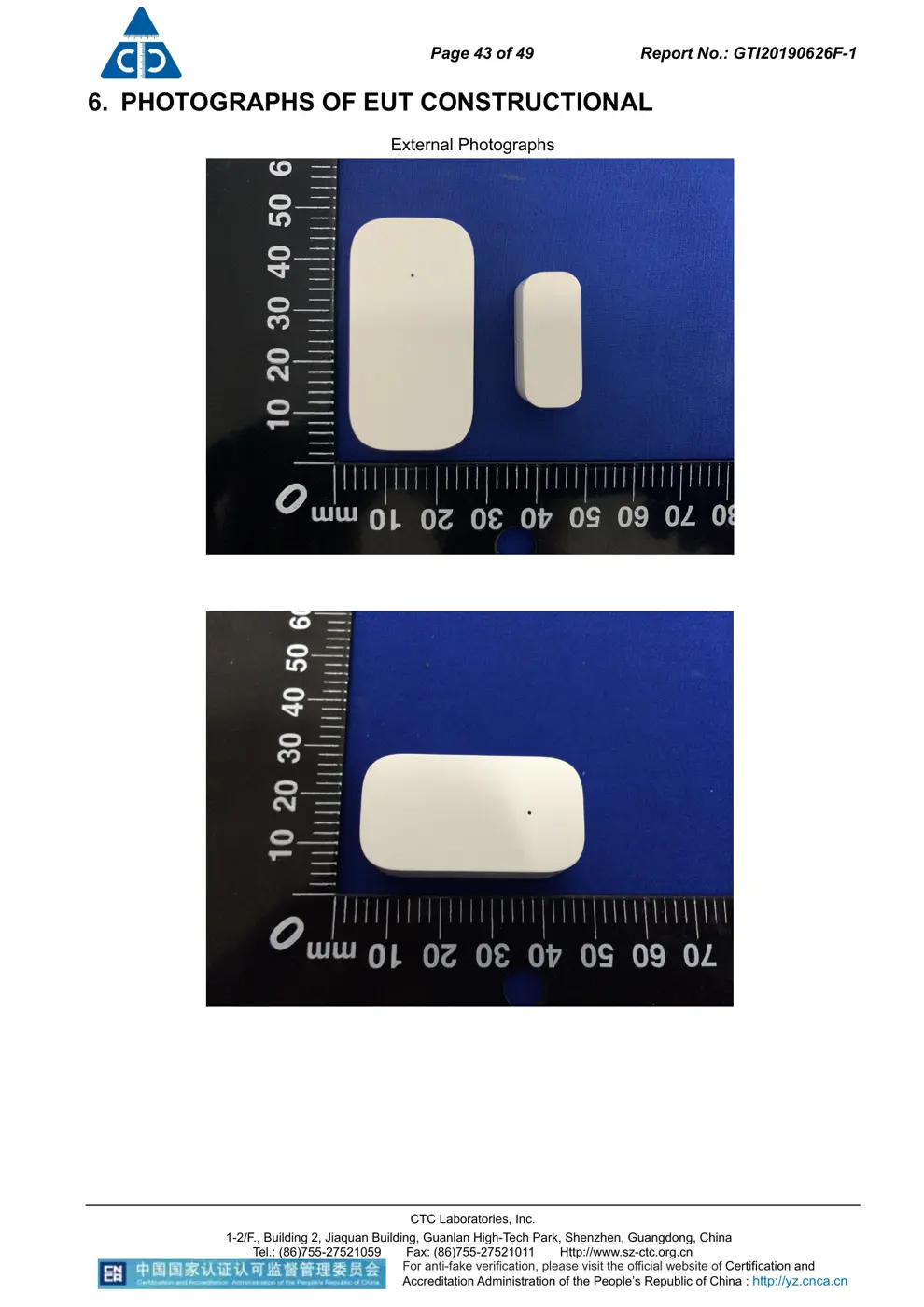
Photos of the device exterior:
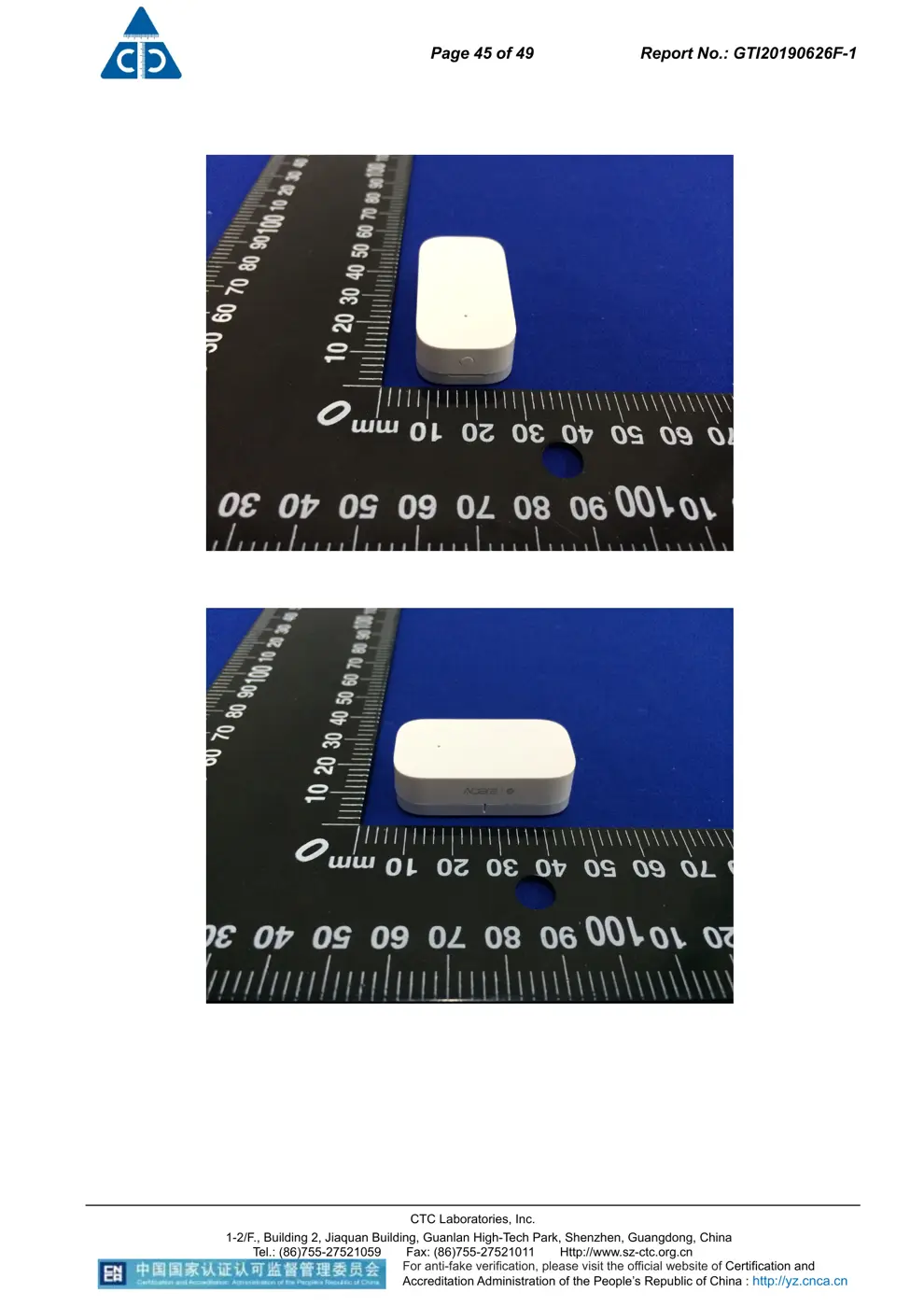
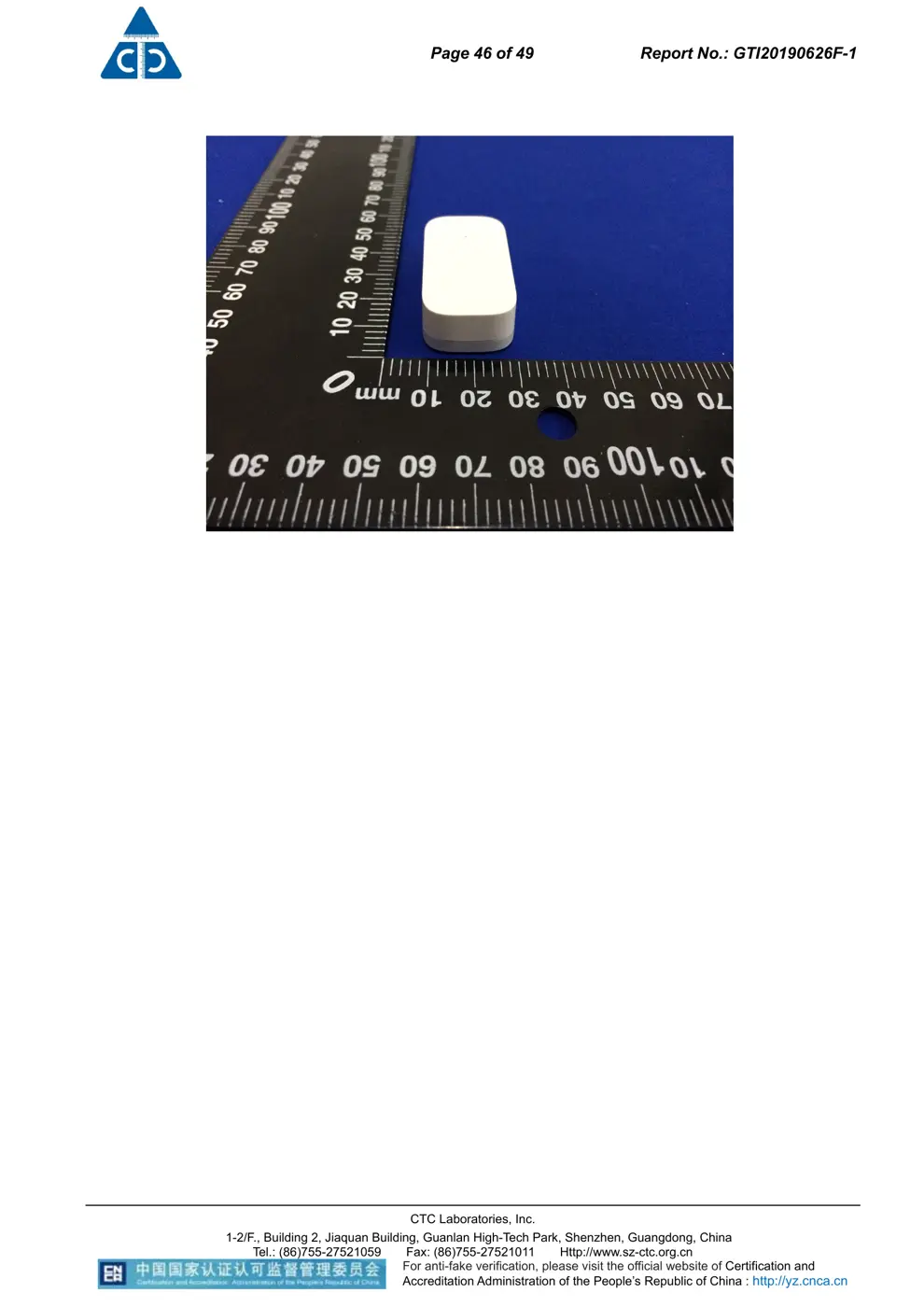
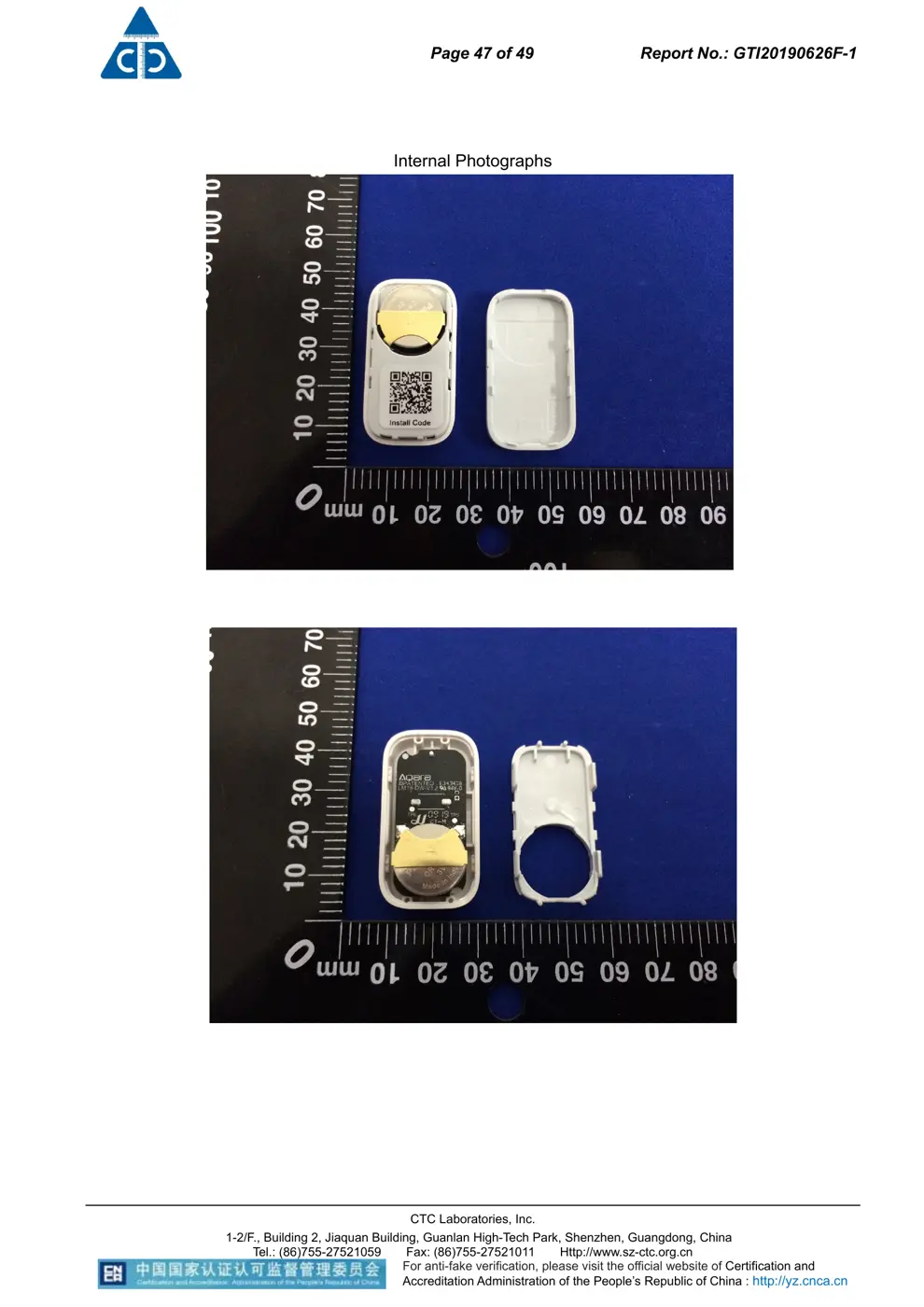
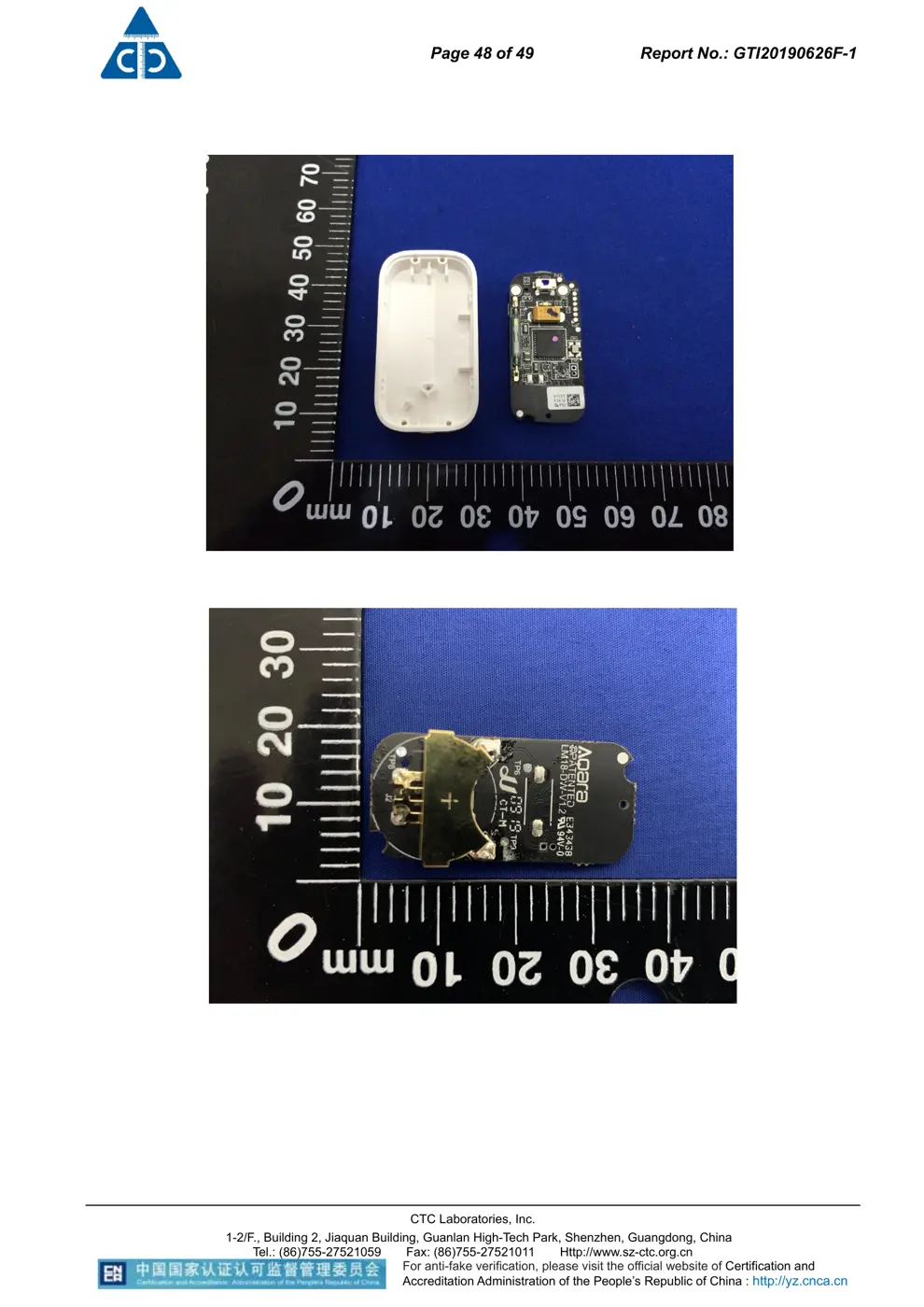
Internal Photos
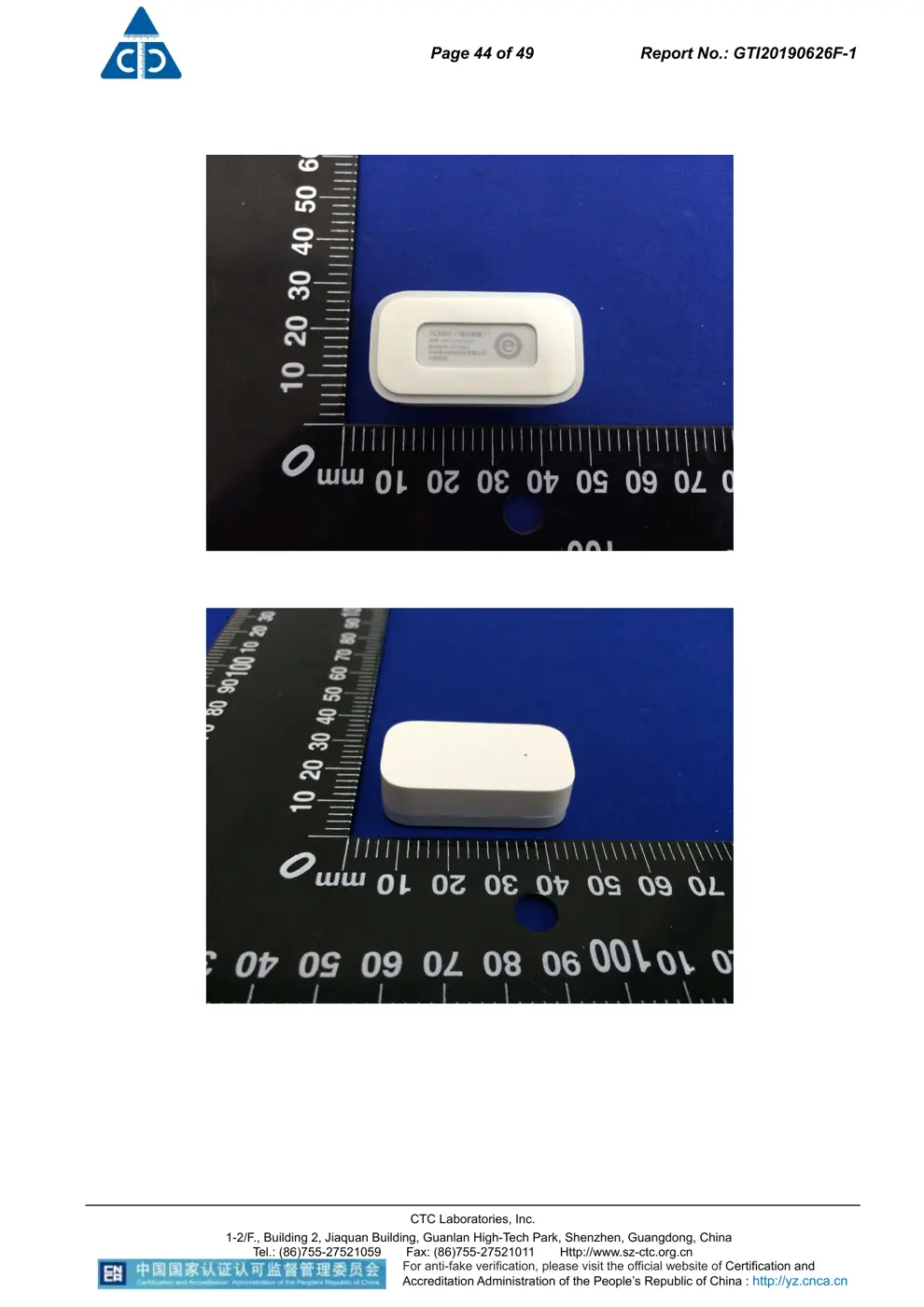
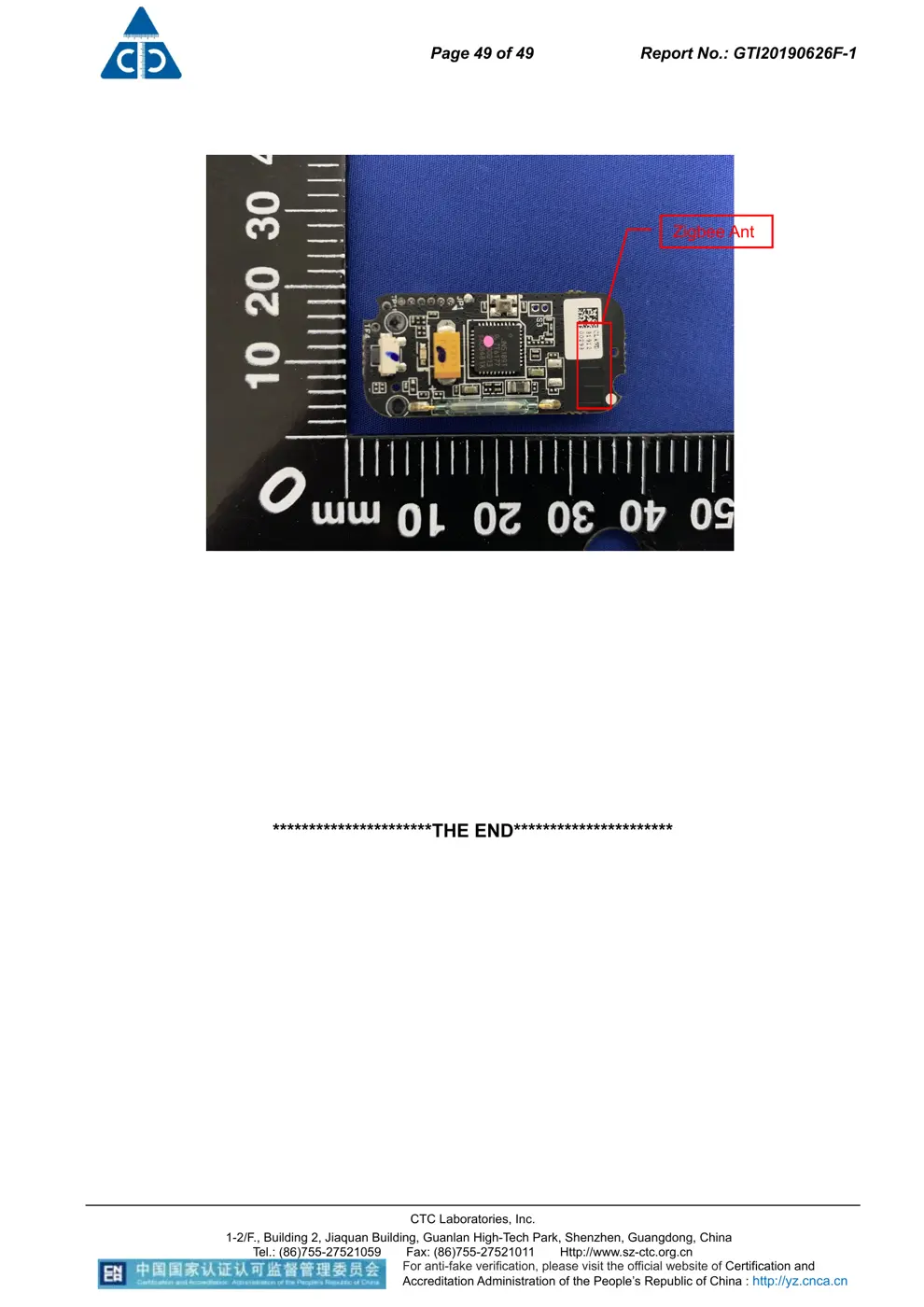
Teardown photos showing the PCB and components:
Verdict
The AS012 is a Zigbee device from the Aqara Zigbee ecosystem.
📄 Click to view full text manual (SEO)
ఖ5ඪૼ7
ԄժğNN
ٸ
ል
ğ
PANTONE COOL GRAY 7C
PANTONE COOL GRAY 2C
PANTONE 299C
Door and Window Sensor T1
English
Indicator Light
Sensor Unit Magnet Reset Button
Long Press for 5s: Reset/Connect to Network
Single Press: Effective Range Test/Identify Device
Product Introduction
Door and Window Sensor T1
 Quick Start Guide
Thin Magnet
* Use it if there is not enough space to install the normal magnet.
* This device requires a compatible Zigbee 3.0 hub. Some features
require a specific hub. For a detailed list, visit www.aqara.com/sup-
port.
English
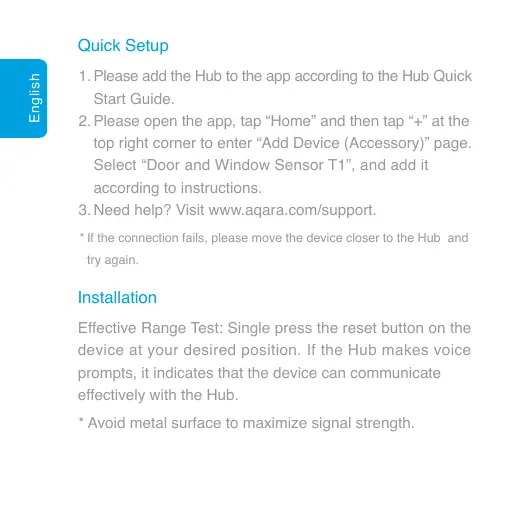
Quick Setup
Installation
1.
2.
3.
Please add the Hub to the app according to the Hub Quick
Start Guide.
Please open the app, tap “Home” and then tap “+” at the
top right corner to enter “Add Device (Accessory)” page.
Select “Door and Window Sensor T1”, and add it
according to instructions.
Need help? Visit www.aqara.com/support.
* If the connection fails, please move the device closer to the Hub and
try again.
Effective Range Test: Single press the reset button on the
device at your desired position. If the Hub makes voice
prompts, it indicates that the device can communicate
effectively with the Hub.
* Avoid metal surface to maximize signal strength.
English
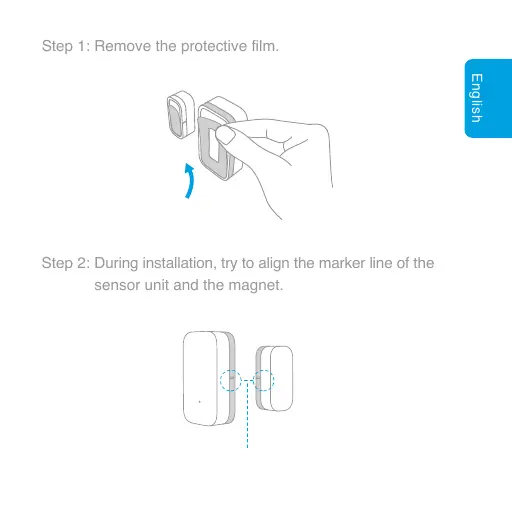
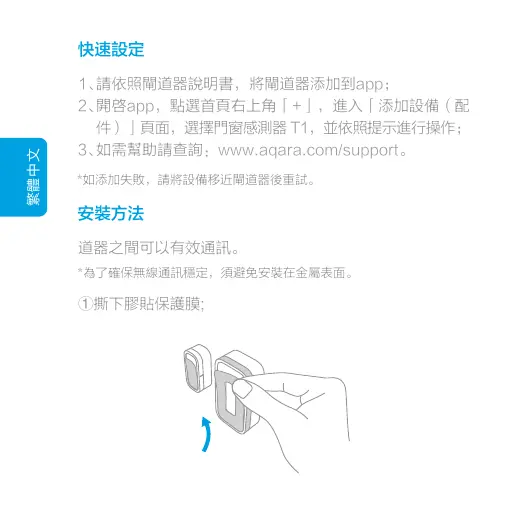
Step 1: Remove the protective film.
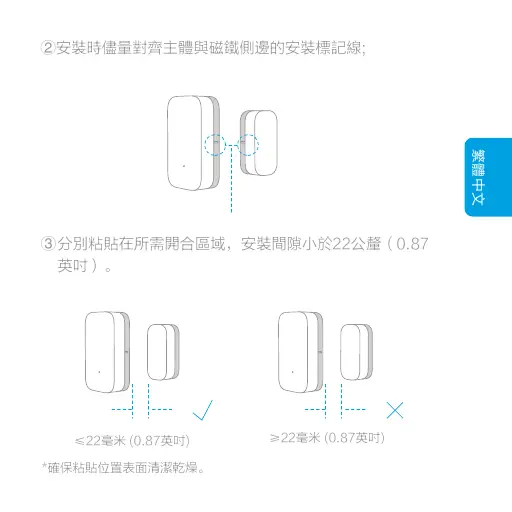
Step 2: During installation, try to align the marker line of the
sensor unit and the magnet.
English
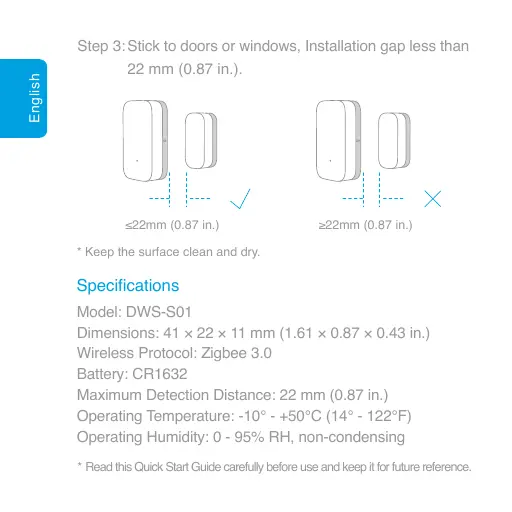
* Keep the surface clean and dry.
Specifications
Step 3: Stick to doors or windows, Installation gap less than
22 mm (0.87 in.).
≤22mm (0.87 in.) ≥22mm (0.87 in.)
Model: DWS-S01
Dimensions: 41 × 22 × 11 mm (1.61 × 0.87 × 0.43 in.)
Wireless Protocol: Zigbee 3.0
Battery: CR1632
Maximum Detection Distance: 22 mm (0.87 in.)
Operating Temperature: -10° - +50℃ (14° - 122℉)
Operating Humidity: 0 - 95% RH, non-condensing
* Read this Quick Start Guide carefully before use and keep it for future reference.
繁體中文
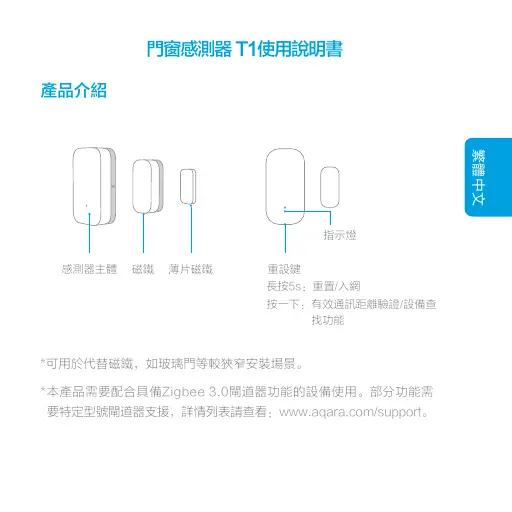
產品介紹
門窗感測器 T1使用說明書
*可用於代替磁鐵,如玻璃門等較狹窄安裝場景。
感測器主體 磁鐵 薄片磁鐵 重設鍵
指示燈
長按5s:重置/入網
按一下:有效通訊距離驗證/設備查
 找功能
*本產品需要配合具備Zigbee 3.0閘道器功能的設備使用。部分功能需
要特定型號閘道器支援,詳情列表請查看:www.aqara.com/support。
繁體中文
①撕下膠貼保護膜;
快速設定
1、
2、
3、
請依照閘道器說明書,將閘道器添加到app;
開啓app,點選首頁右上角「+」,進入「添加設備(配
件)」頁面,選擇門窗感測器 T1,並依照提示進行操作;
如需幫助請查詢:www.aqara.com/support。
*如添加失敗,請將設備移近閘道器後重試。
安裝方法
道器之間可以有效通訊。
*為了確保無線通訊穩定,須避免安裝在金屬表面。
繁體中文
繁體中文
②安裝時儘量對齊主體與磁鐵側邊的安裝標記線;
③分別粘貼在所需開合區域,安裝間隙小於22公釐(0.87
英吋)。
≤22毫米 (0.87英吋) ≥22毫米 (0.87英吋)
*確保粘貼位置表面清潔乾燥。
繁體中文
基本參數
產品型號:DWS-S01
產品尺寸:41×22×11公釐(1.61×0.87×0.43英吋)
無線連接:Zigbee 3.0
電池型號:CR1632
感測距離:最大22公釐(0.87英吋)
工作溫度:-10℃~+50℃(14°~122℉)
工作濕度:0~95% RH,無冷凝
*請仔細閱讀本說明書並妥善保管。
Deutsch
Tür- und Fenstersensor T1 Schnellstar
 tanleitung
Produktübersicht
Sensoreinheit Magnet Dünner Magnet Rücksetztaste
Einmal drücken: Test Empfangsbereich/Gerät
Langer Tastendruck 5 Sek: Netzwerk
zurücksetzen/verbinden
Anzeigelampe
* Verwenden Sie diesen Magnet, wenn der Platz für die Montage des
normalen Magnet nicht ausreichend sein sollte.
* Für dieses Zubehör wird ein kompatibler Zigbee 3.0-hub benötigt. Für
einige Funktionen wird ein spezifischer hub benö...