
CMM01 Reset & Teardown (FCC ID 2AKIT-CMM01)
Factory reset and internal photos for Aqara (Lumi United) CMM01. Aqara Zigbee smart plug.
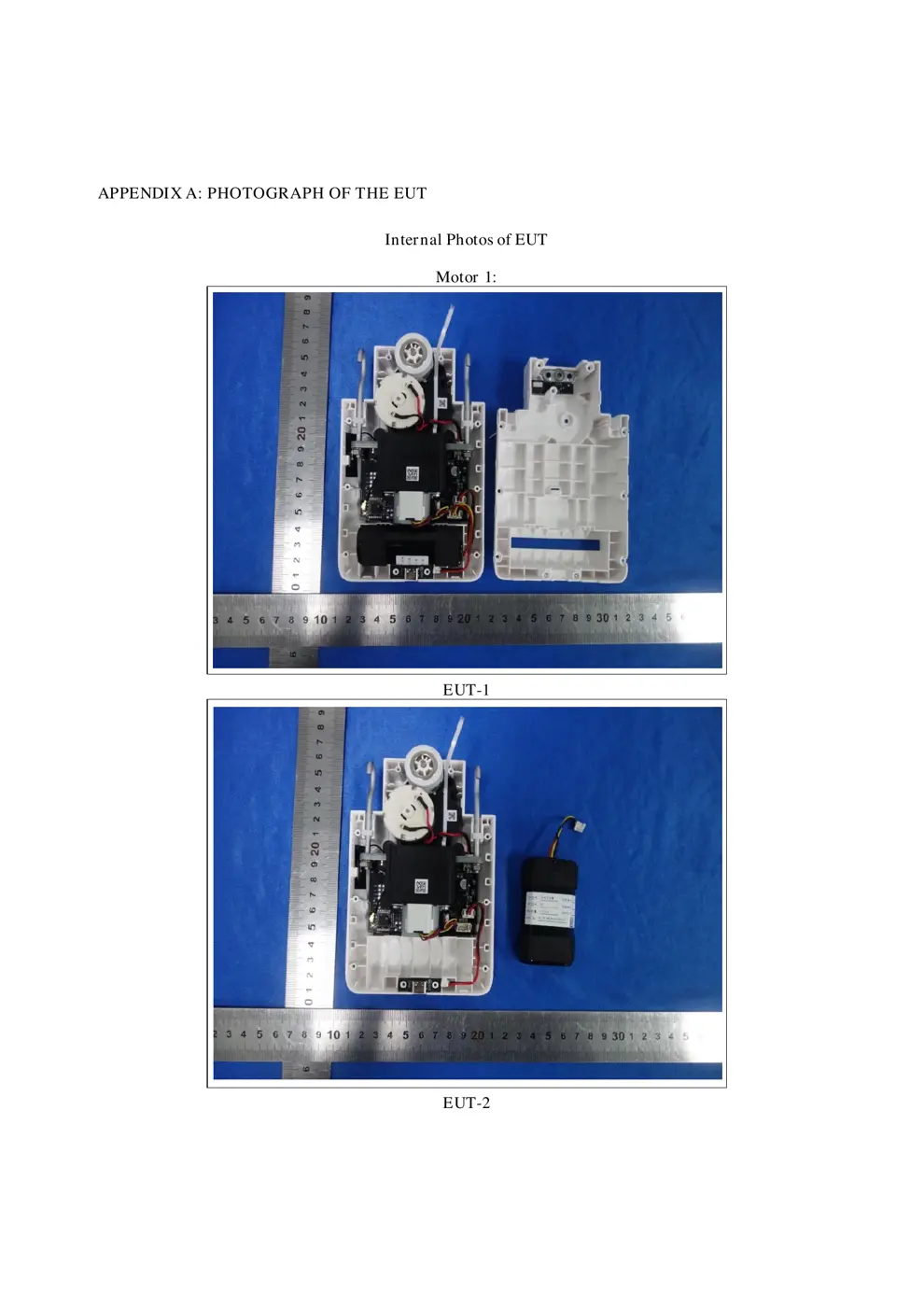
Before you buy the Aqara (Lumi United) CMM01, check what's inside.
The Aqara CMM01 is a smart curtain driver that automates existing curtains using the Zigbee 3.0 protocol. It requires an Aqara Zigbee hub and is powered via a USB Type-C port.
⚠️ NOTE: Ensure the device is disconnected from its power source before cleaning, maintenance, or replacing parts. Only supply power via the specified USB voltage.
Quick Specs
- Manufacturer: Aqara (Lumi United)
- Model: CMM01
- Protocol: Zigbee
- Chipset: Zigbee SoC
- Ecosystem: Aqara Zigbee
- App: Aqara Home
🔧 Geek Corner (Flashing Info)
- Chipset: Unknown (Likely a Ti CC2xxx or Silicon Labs EFR32 series)
- Flashable: ❌ No
- Info: Proprietary Aqara Zigbee device, not designed for flashing custom firmware.
Reset Guide
Press and hold the setting button for 5 seconds, and wait for the voice prompt from the hub.
User Manual
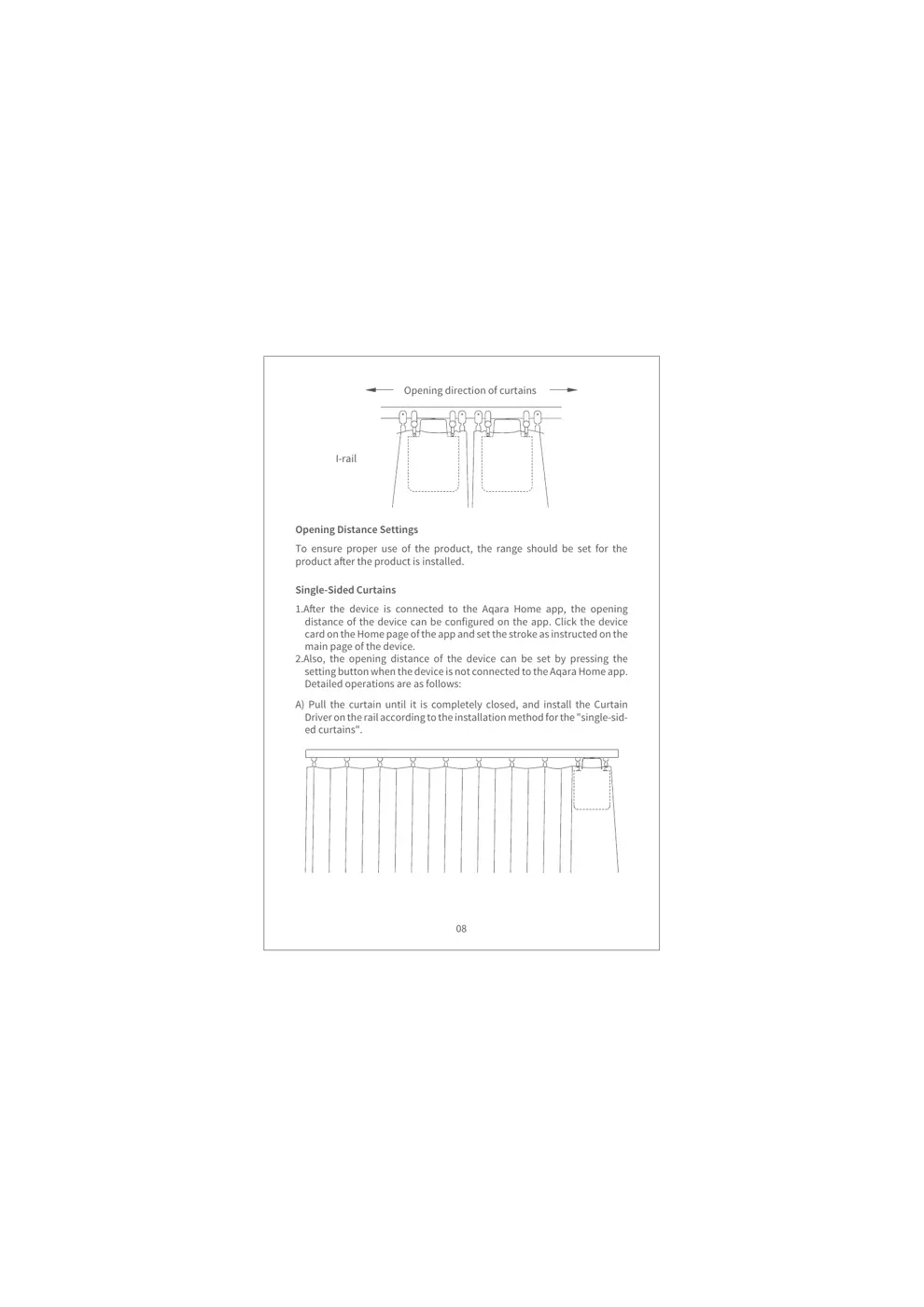
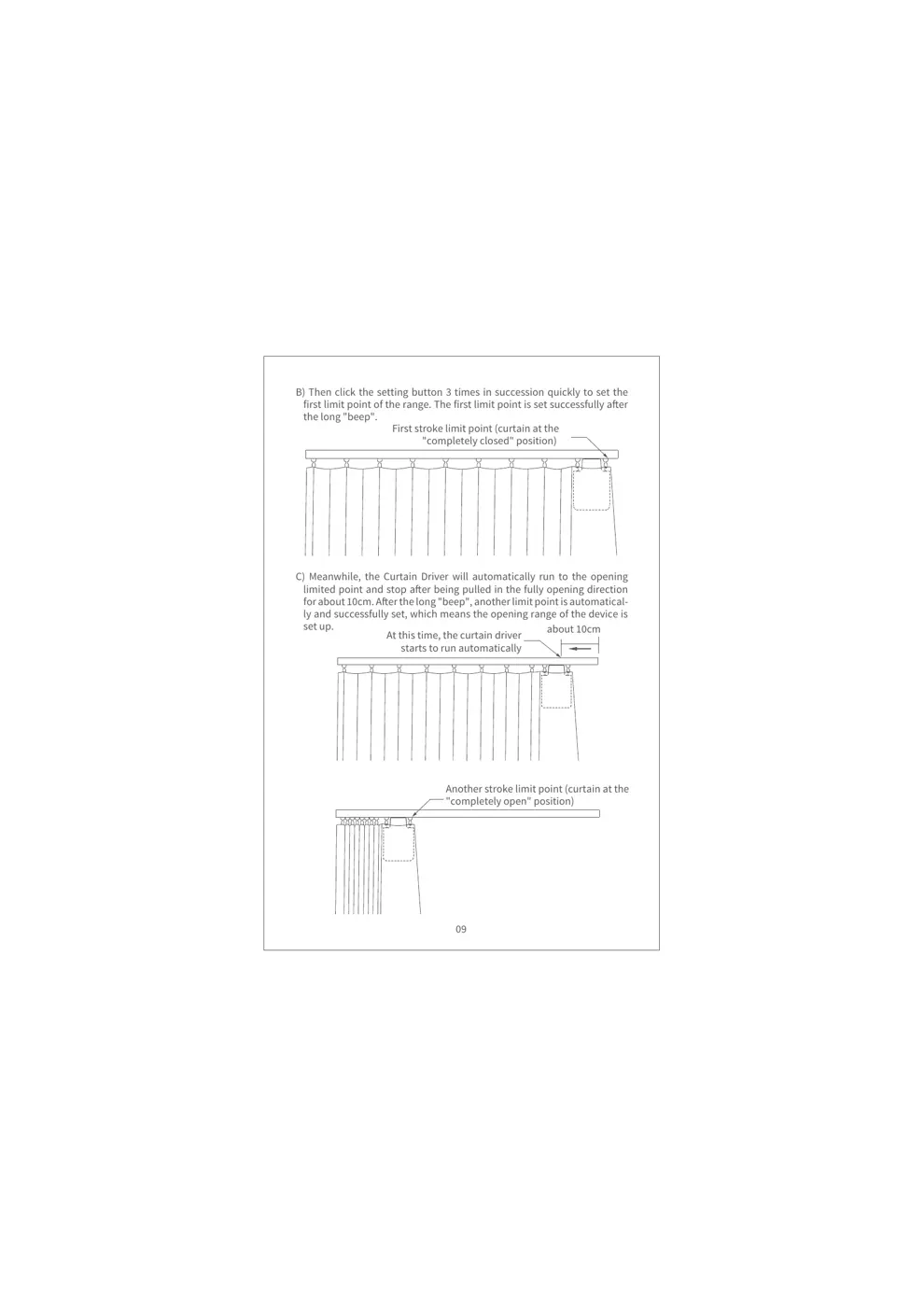
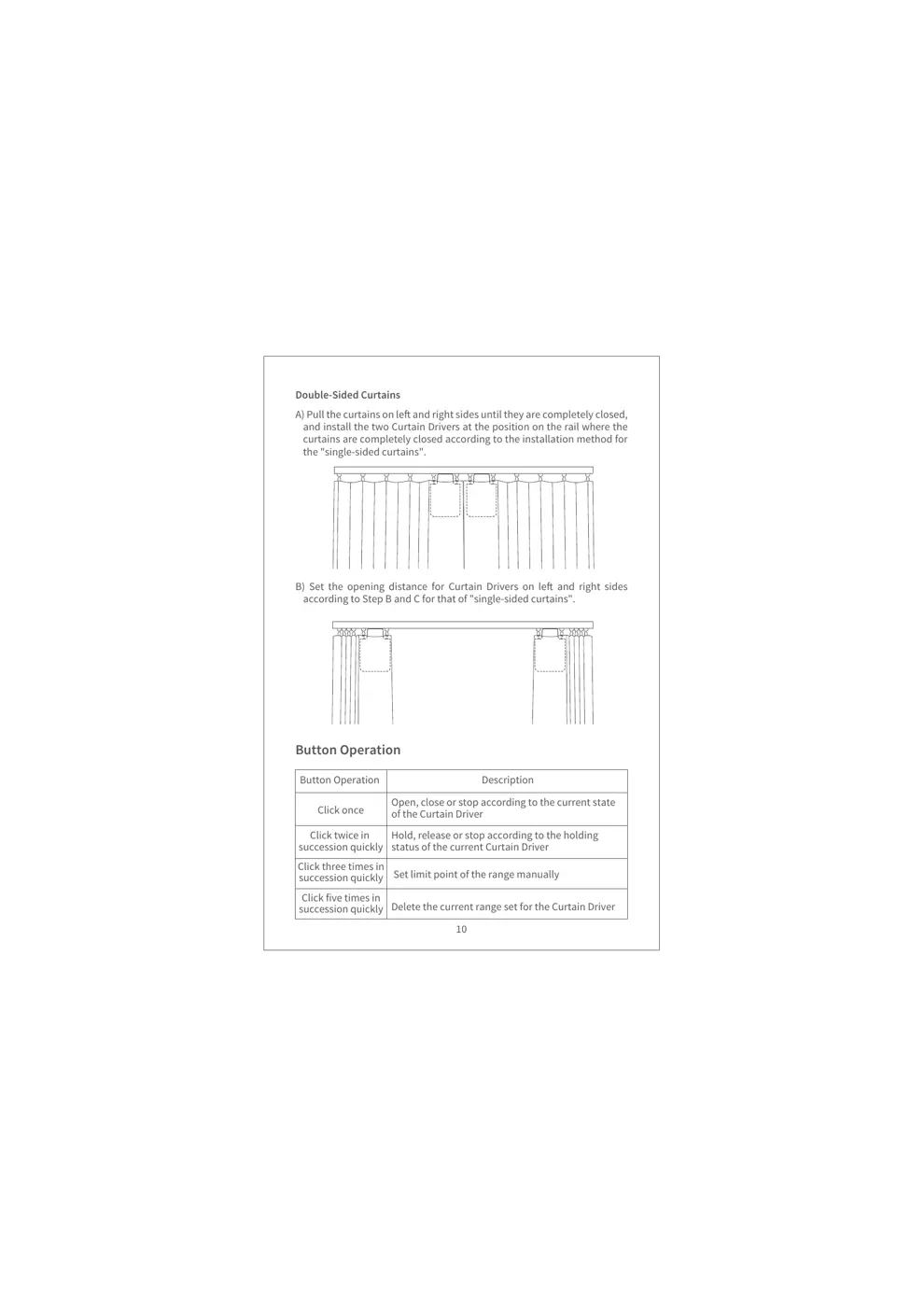
Scanned pages from the official user manual:
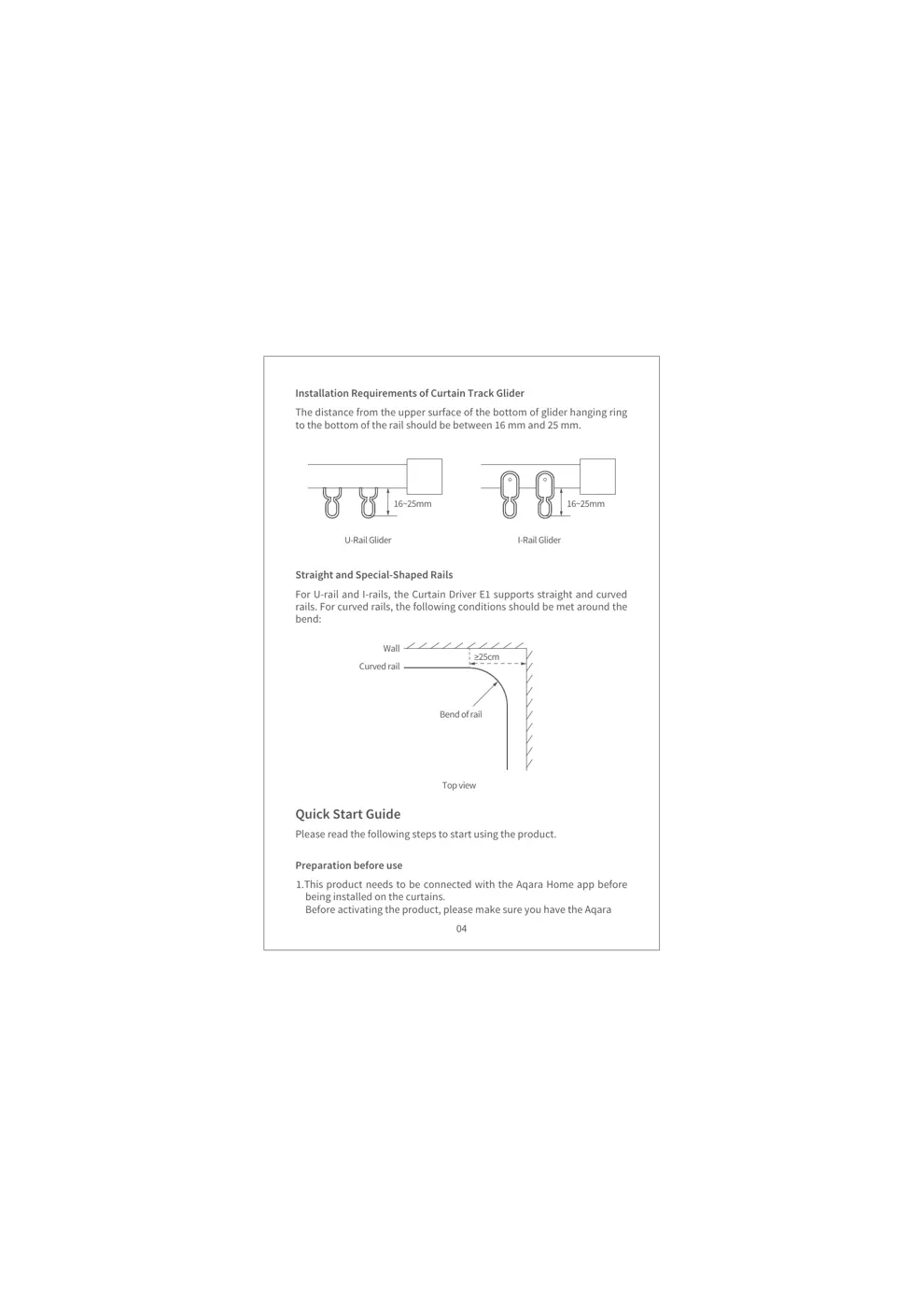
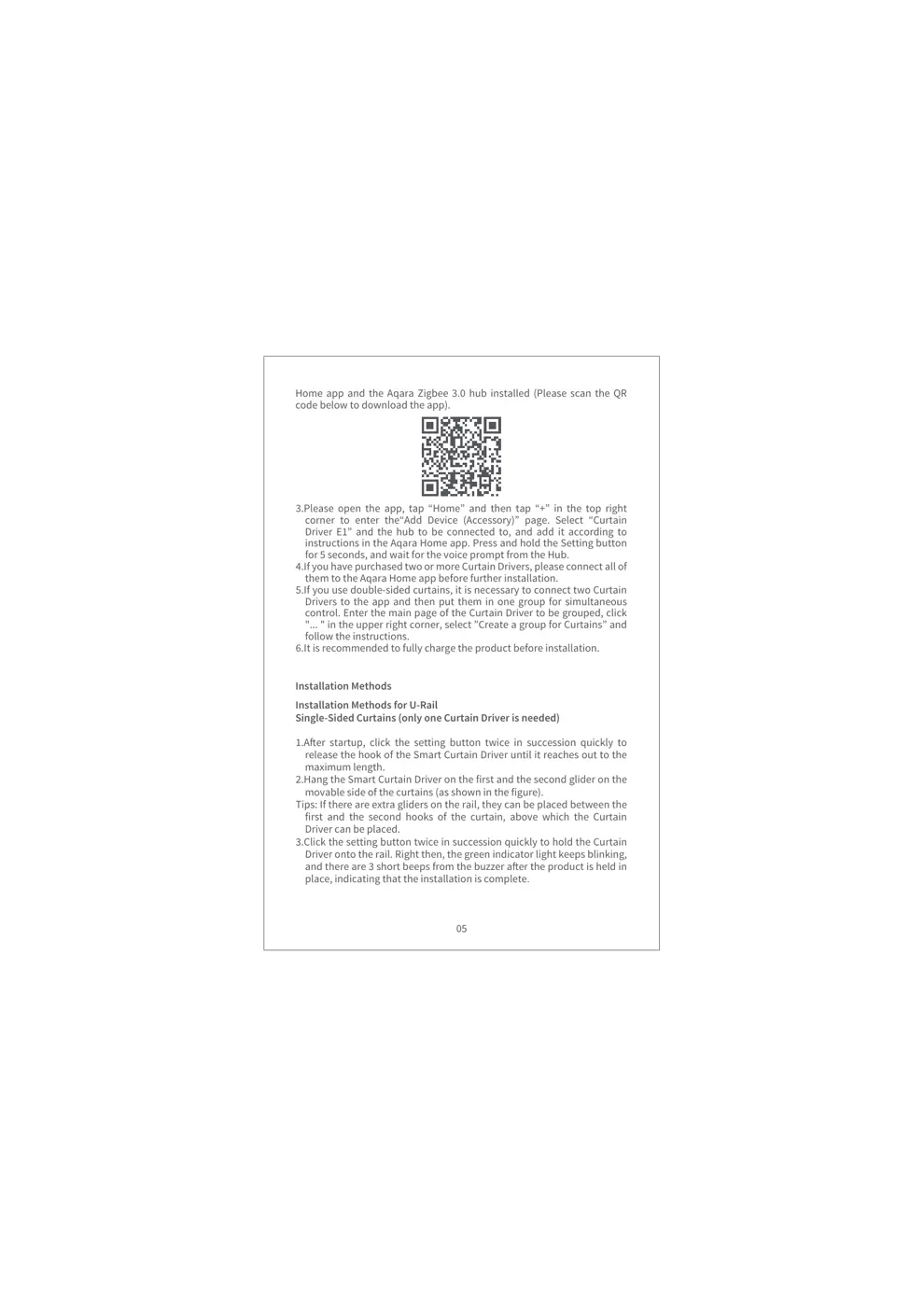
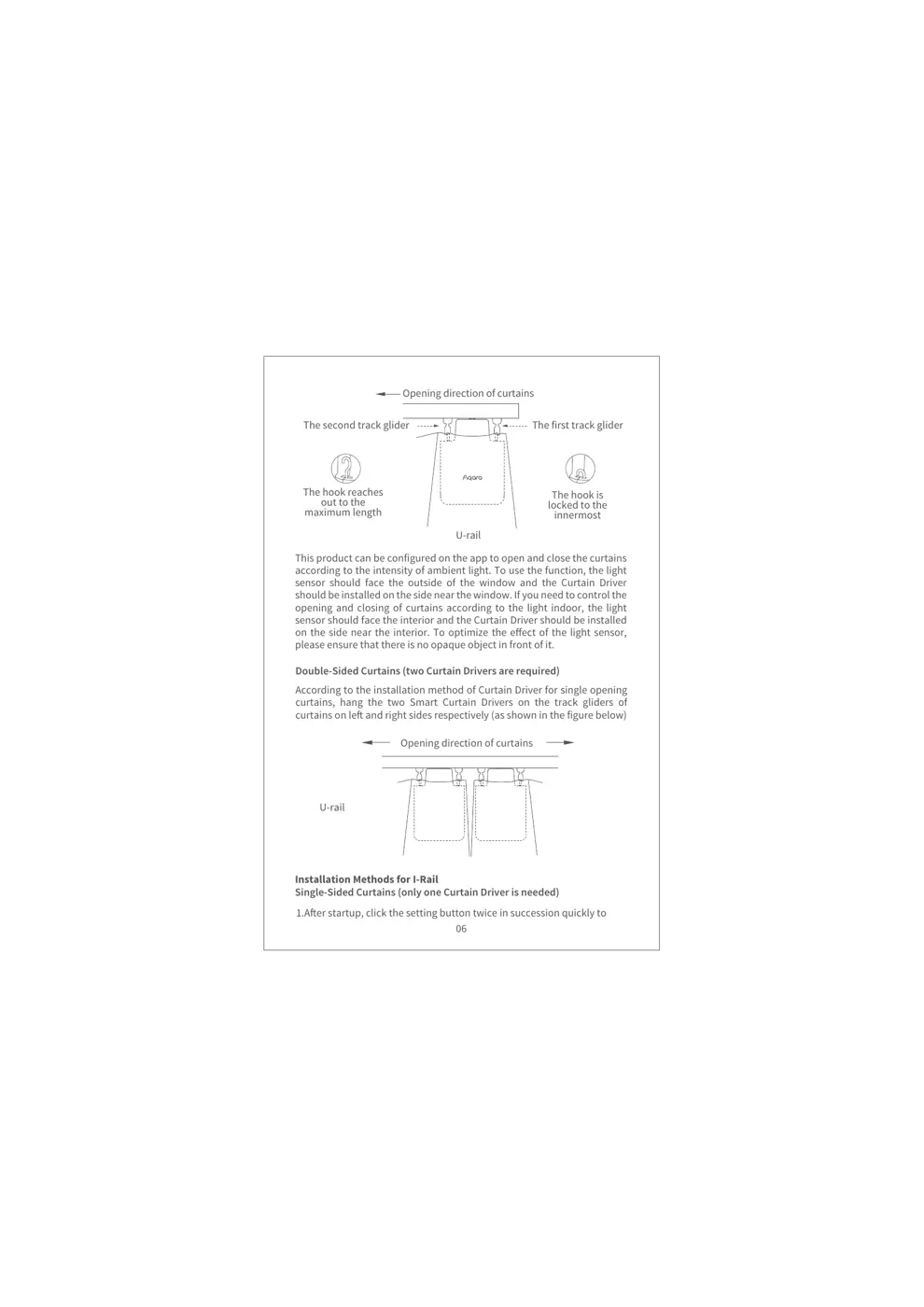
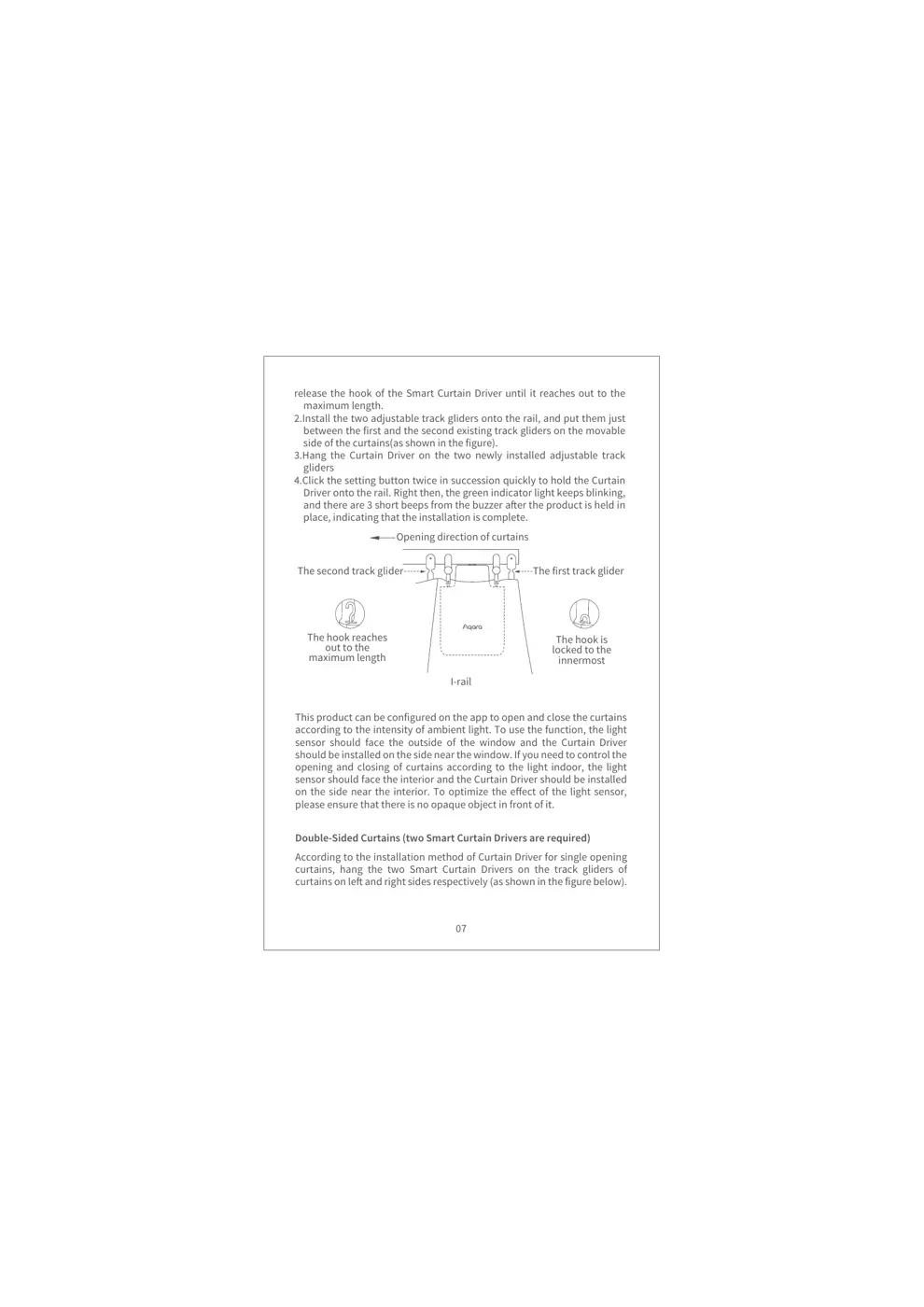
External Photos
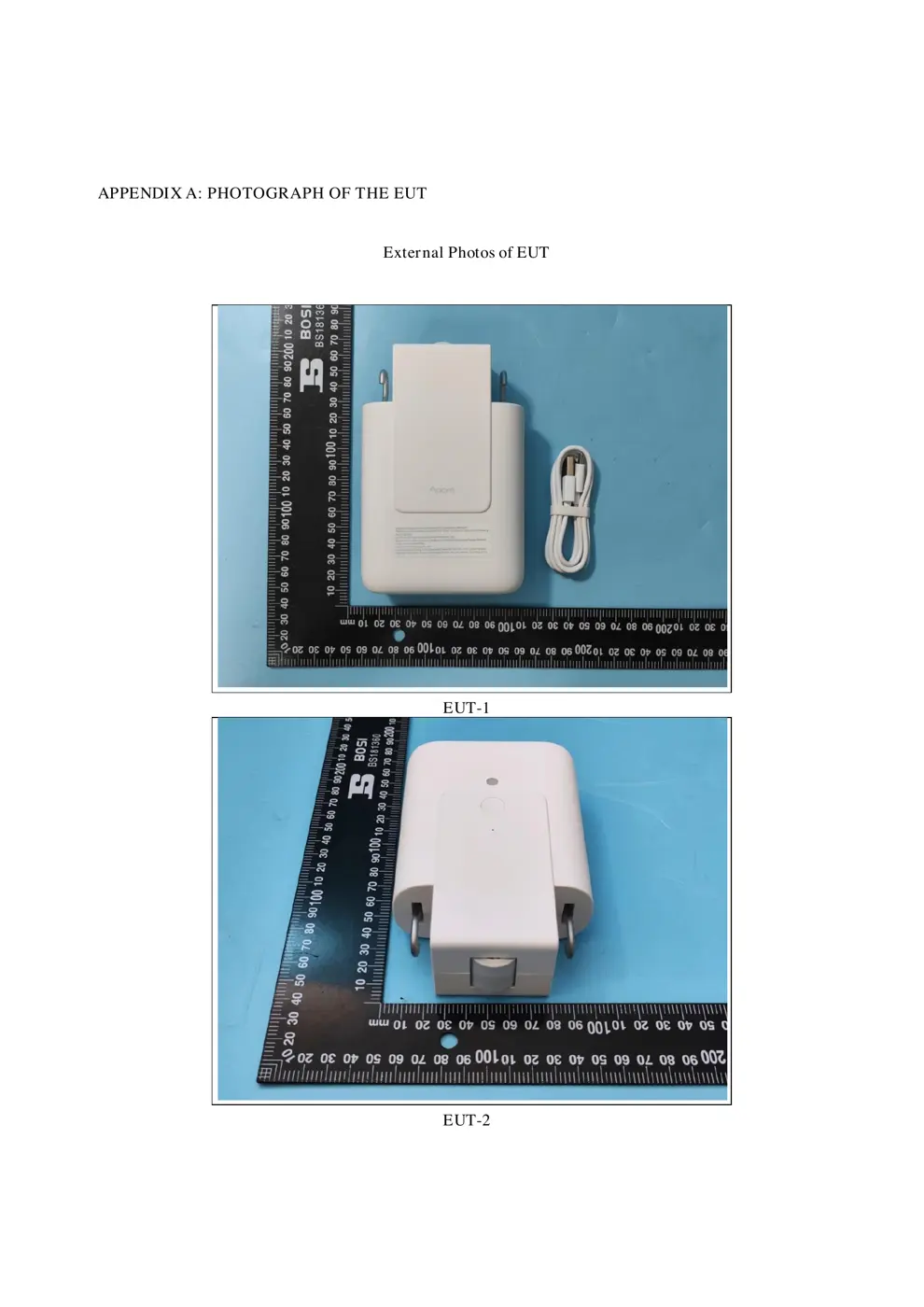
Photos of the device exterior:
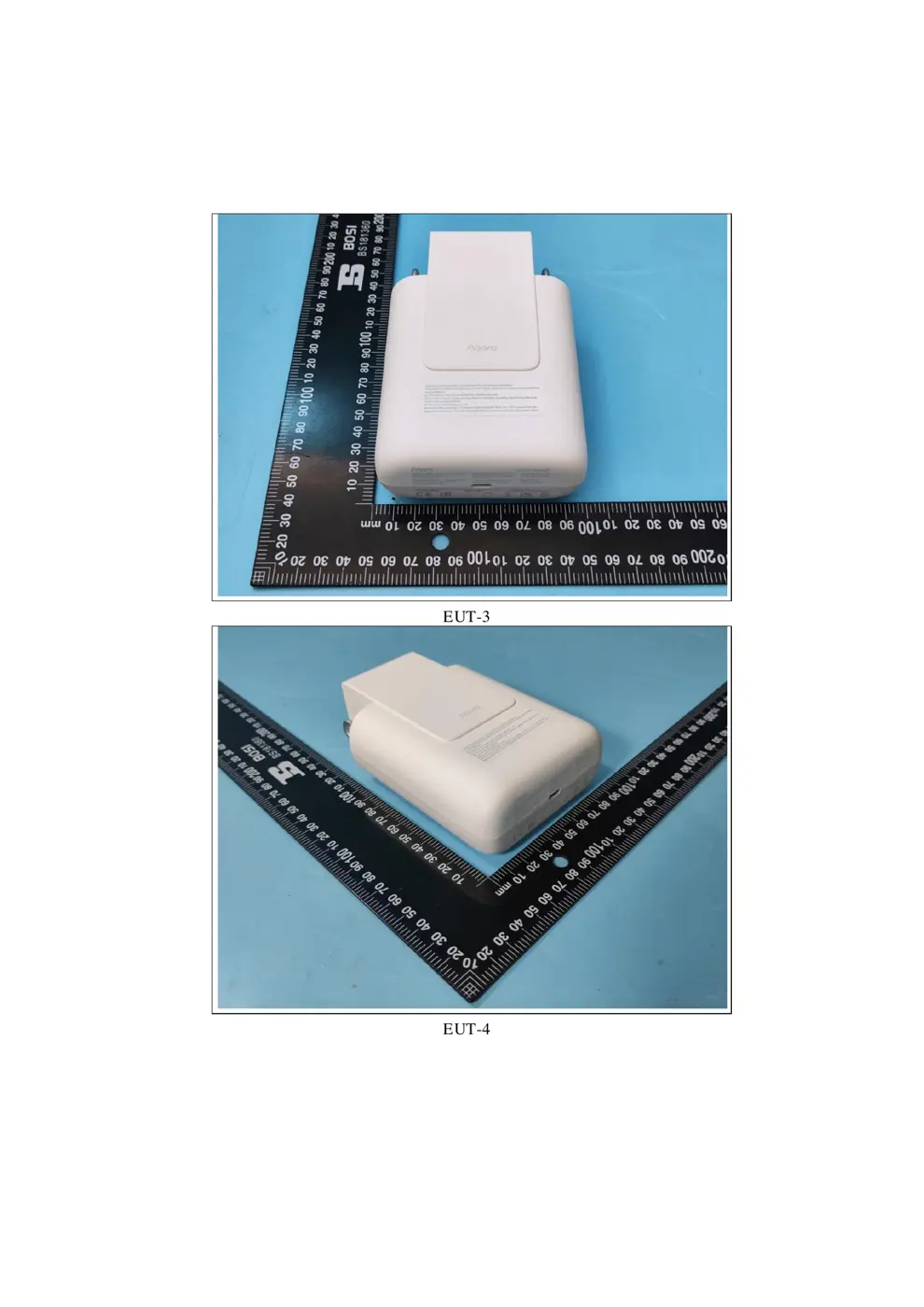
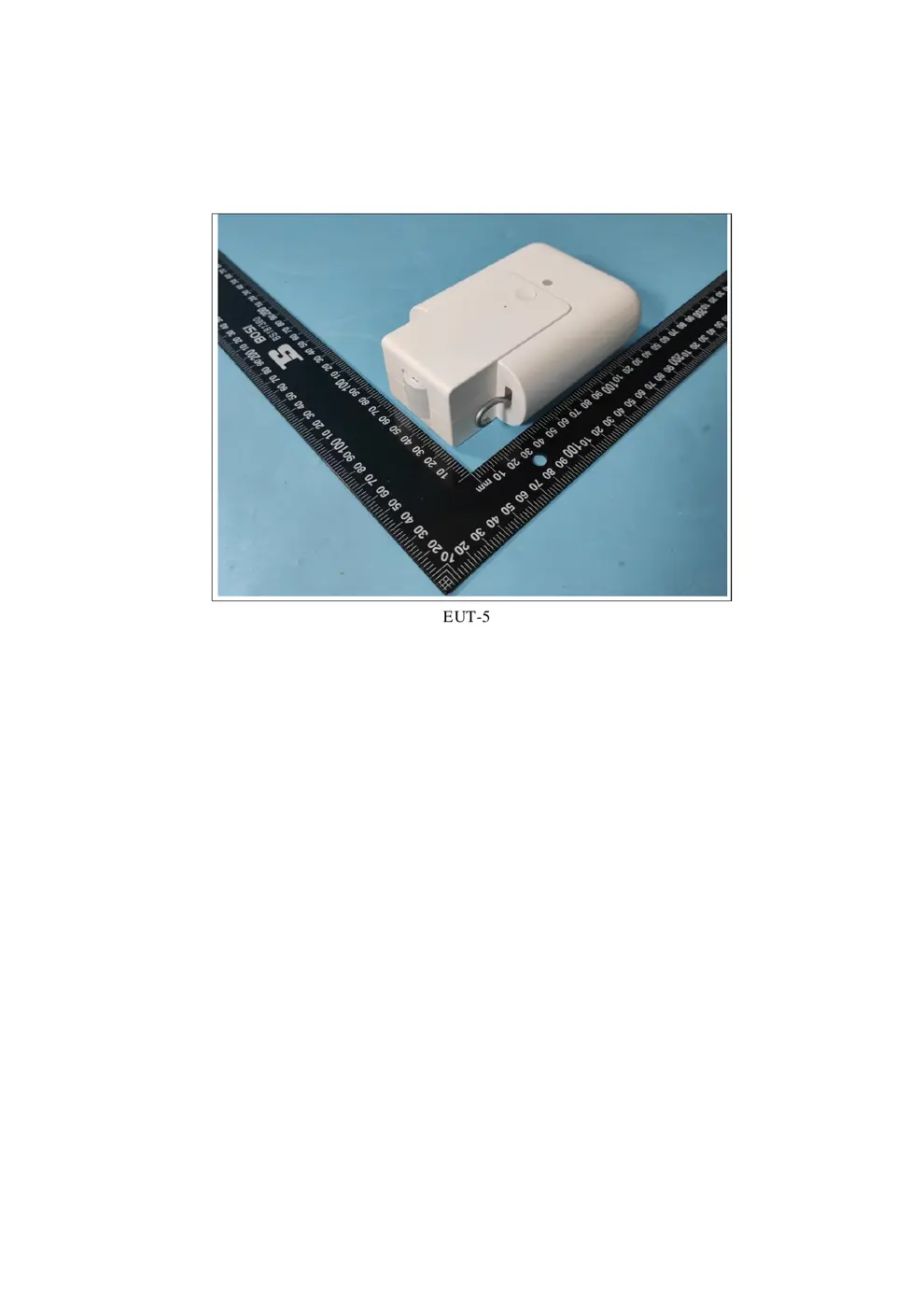
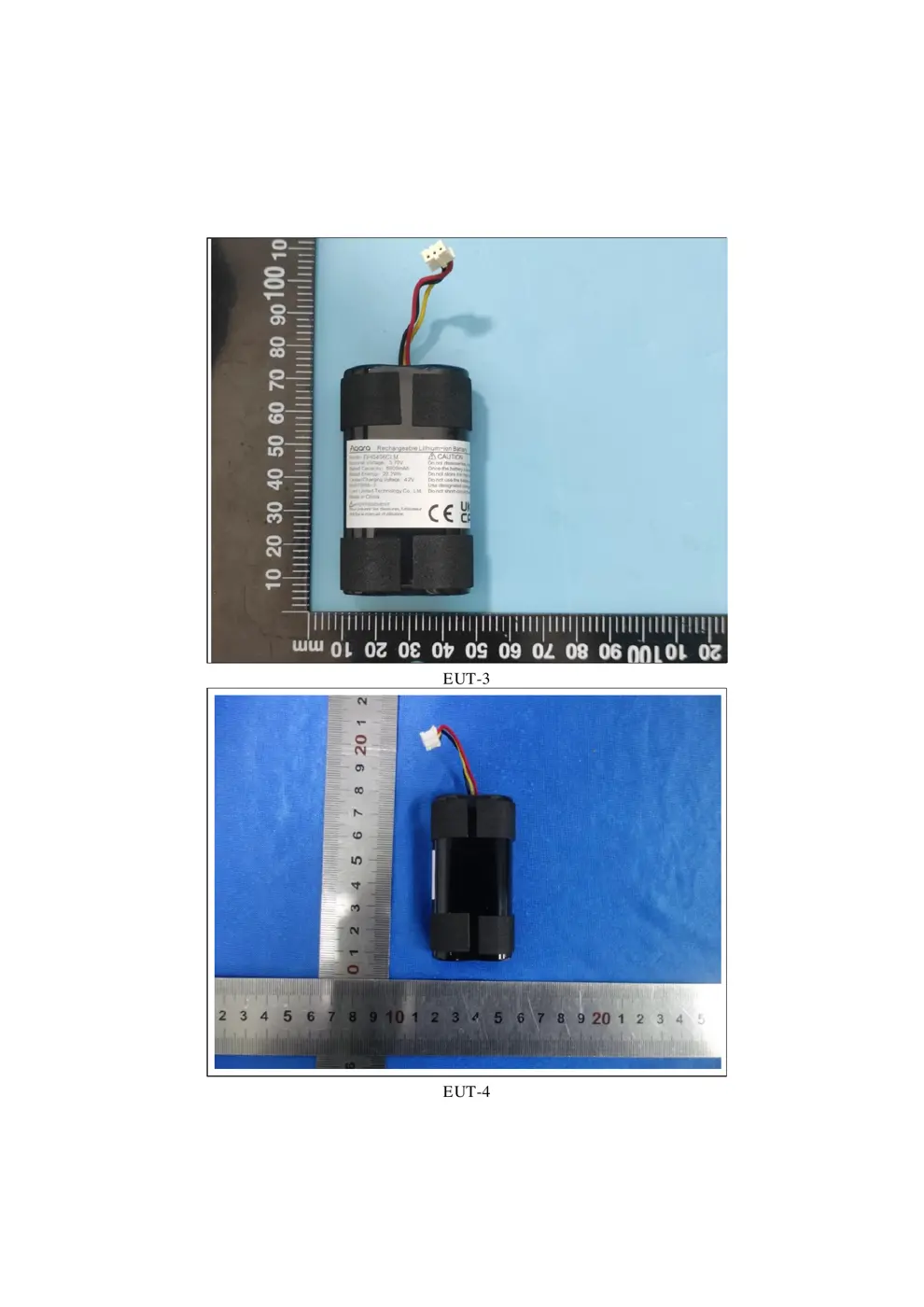
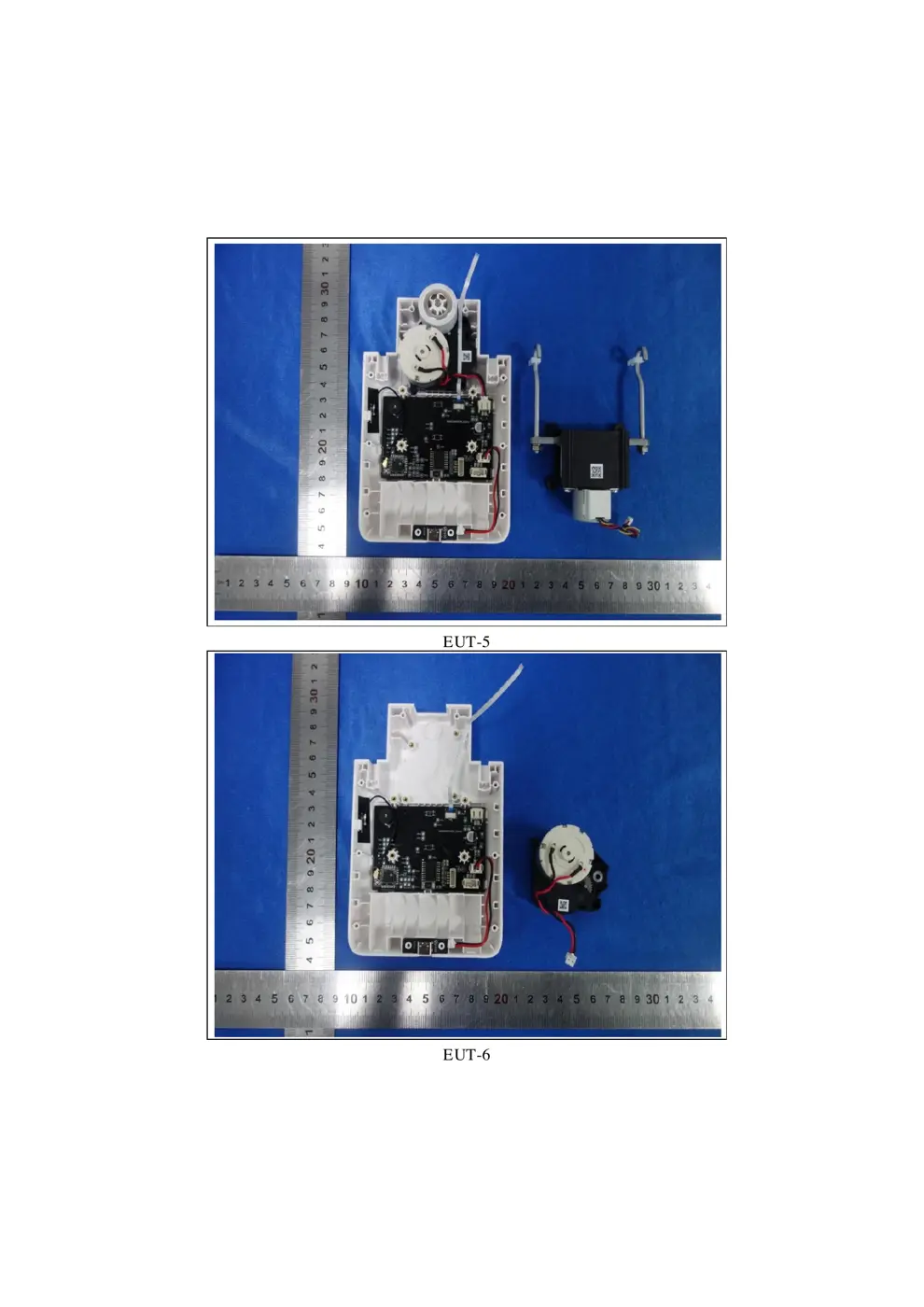
Internal Photos
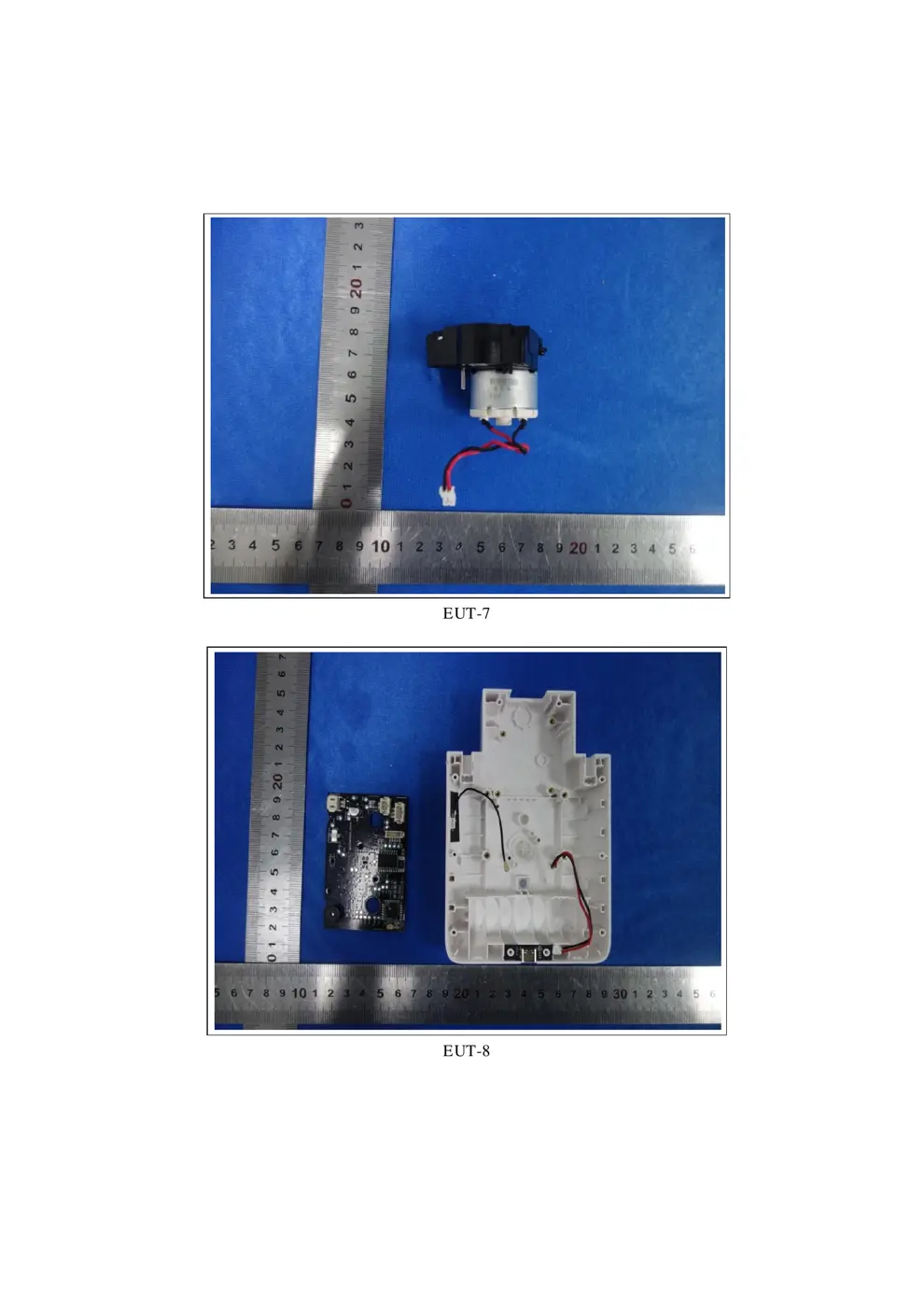
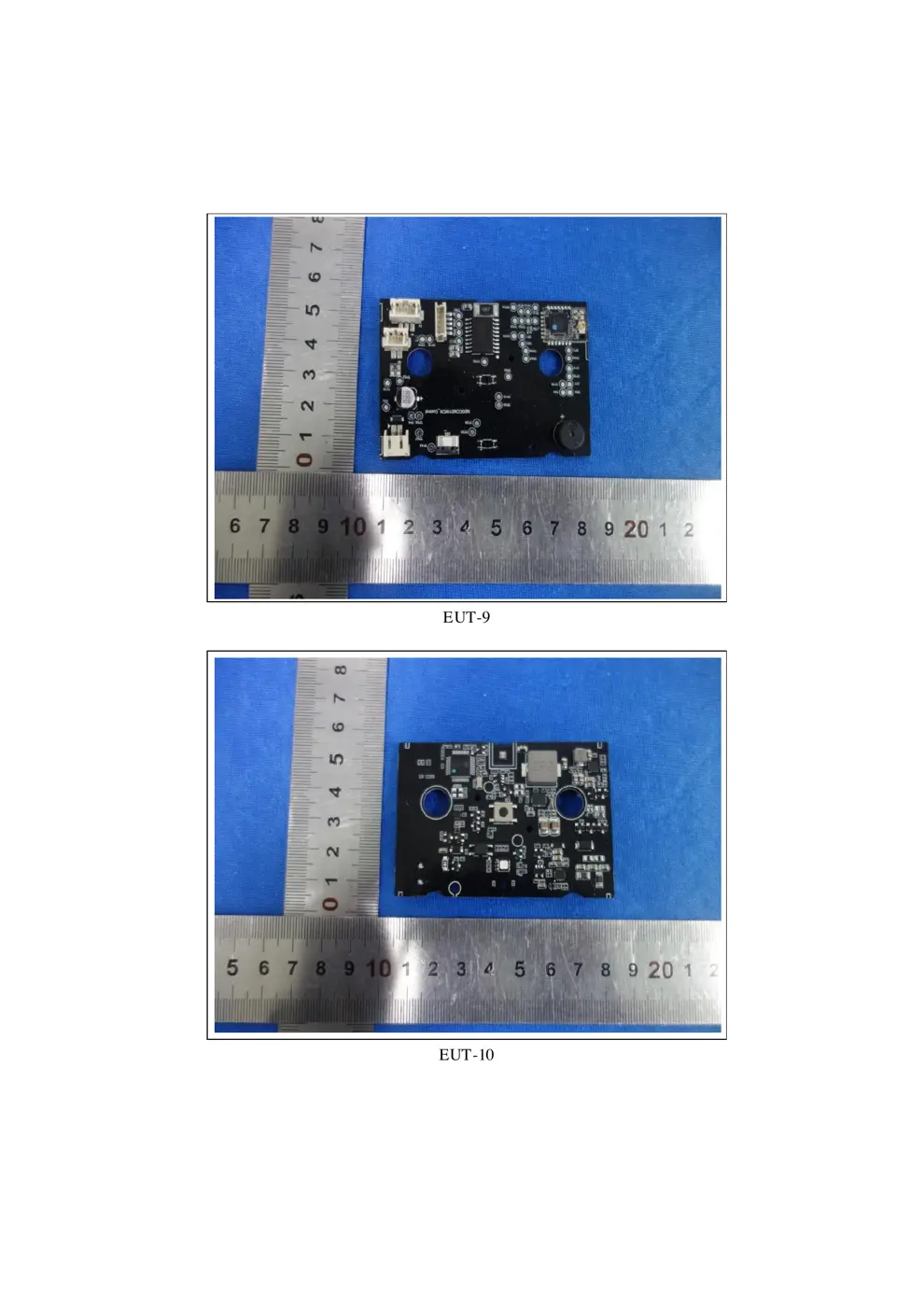
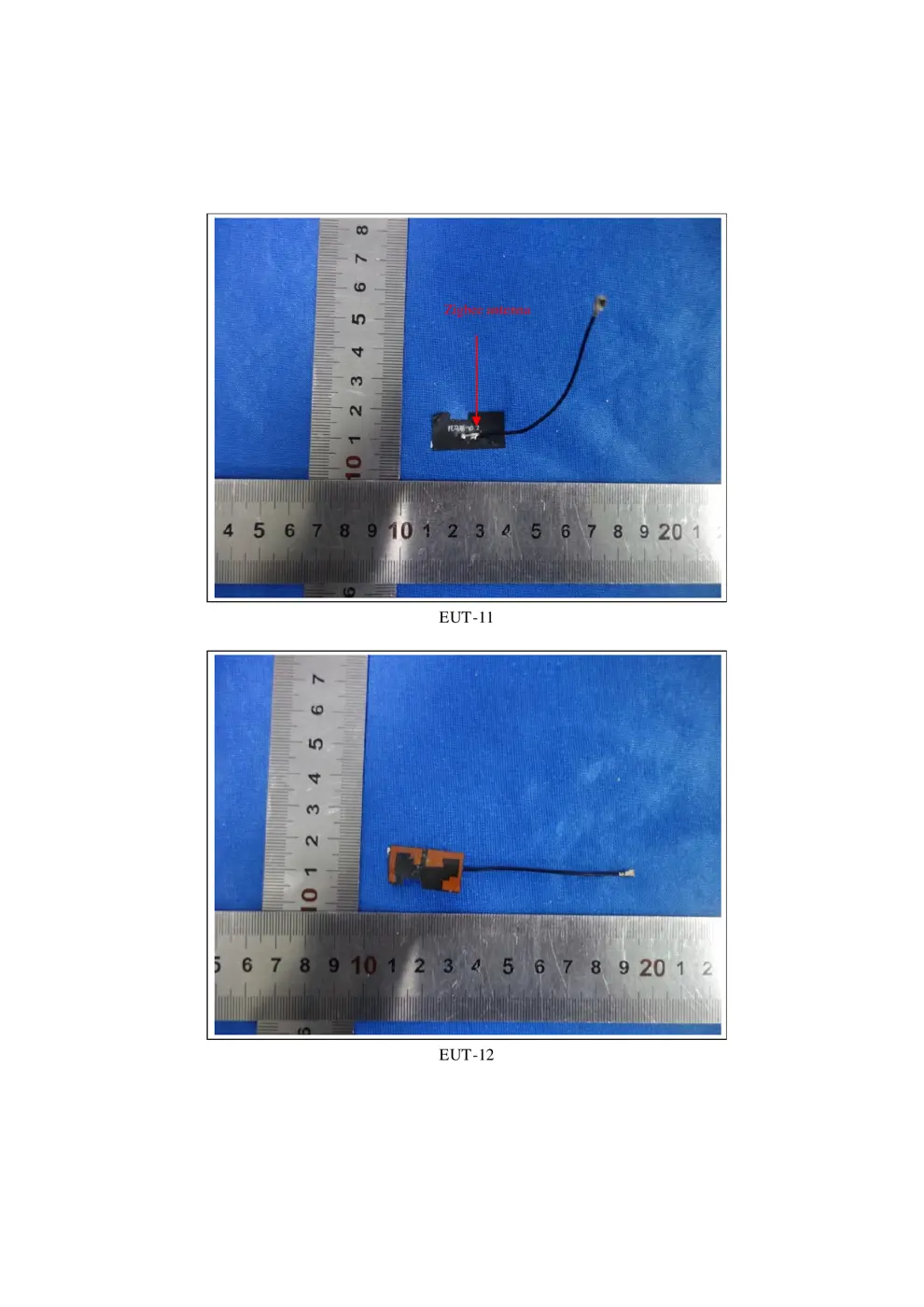
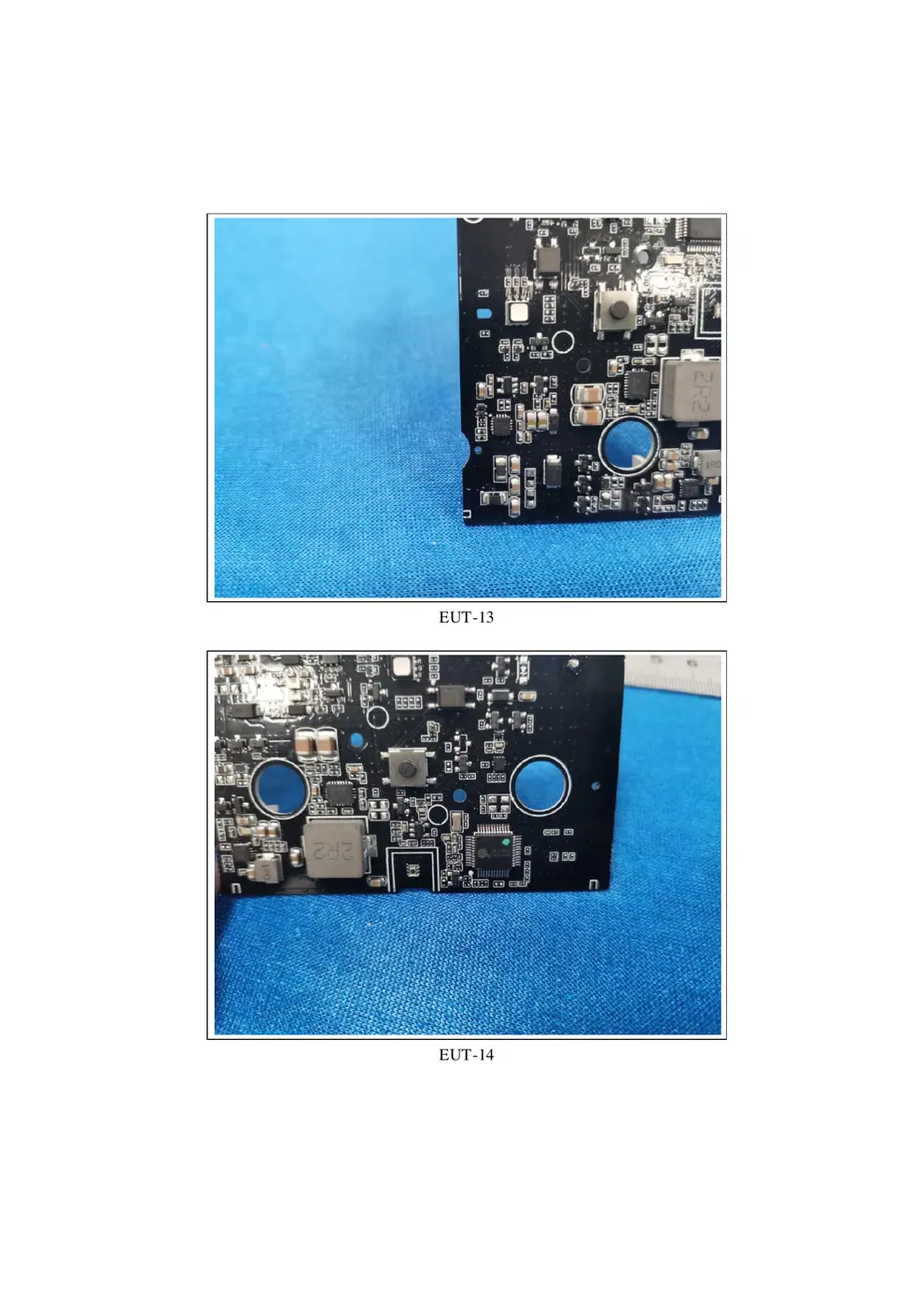
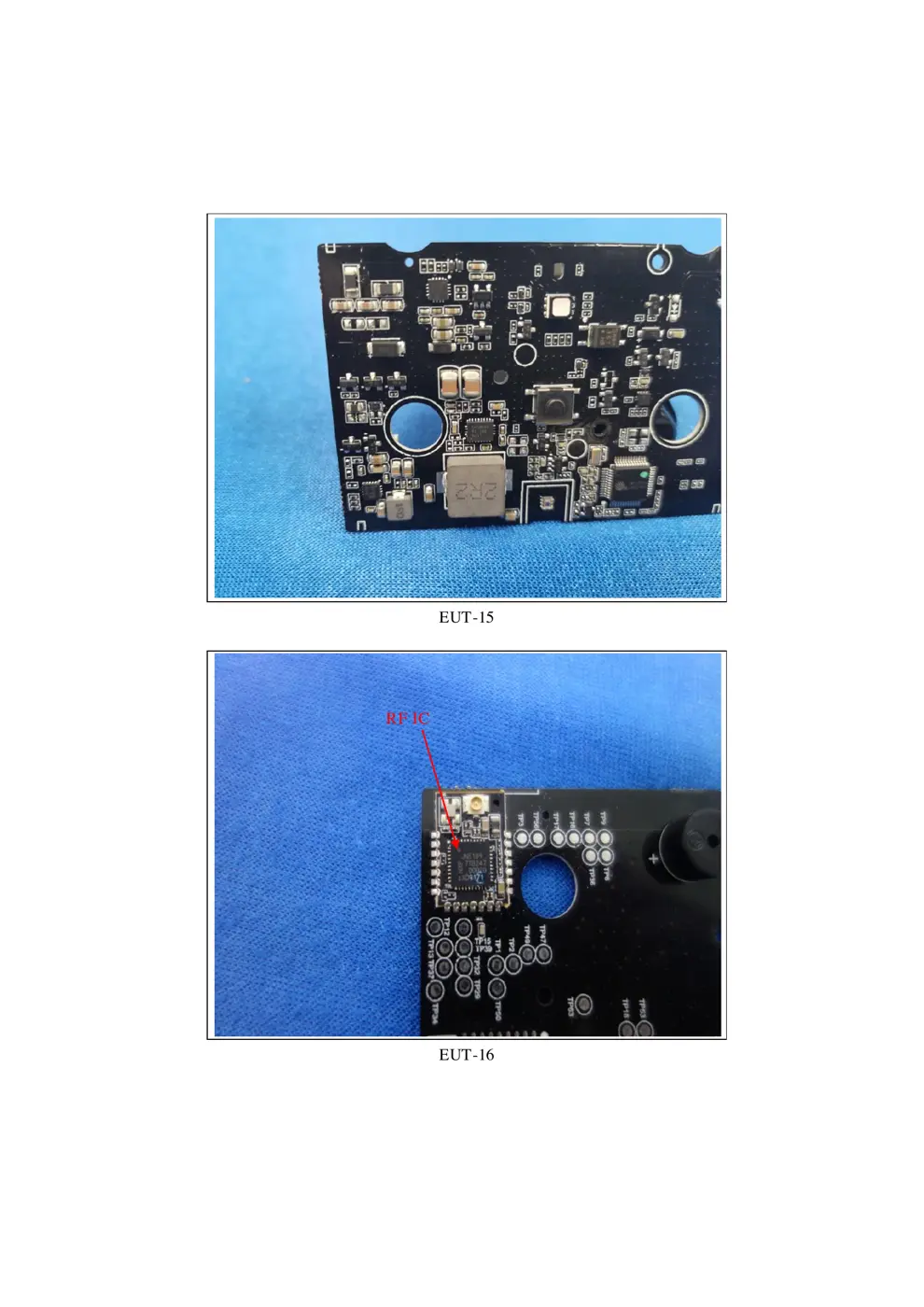
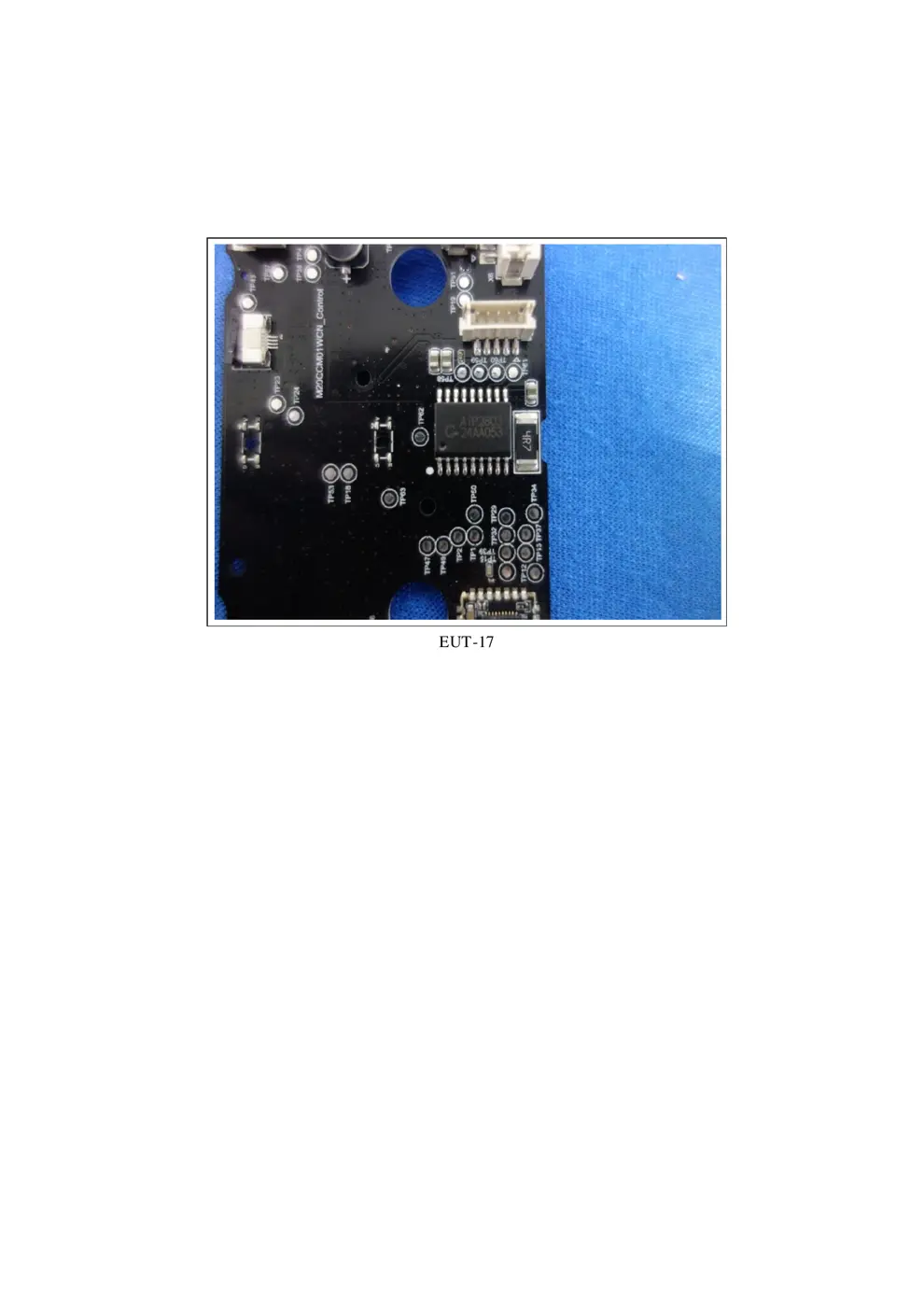
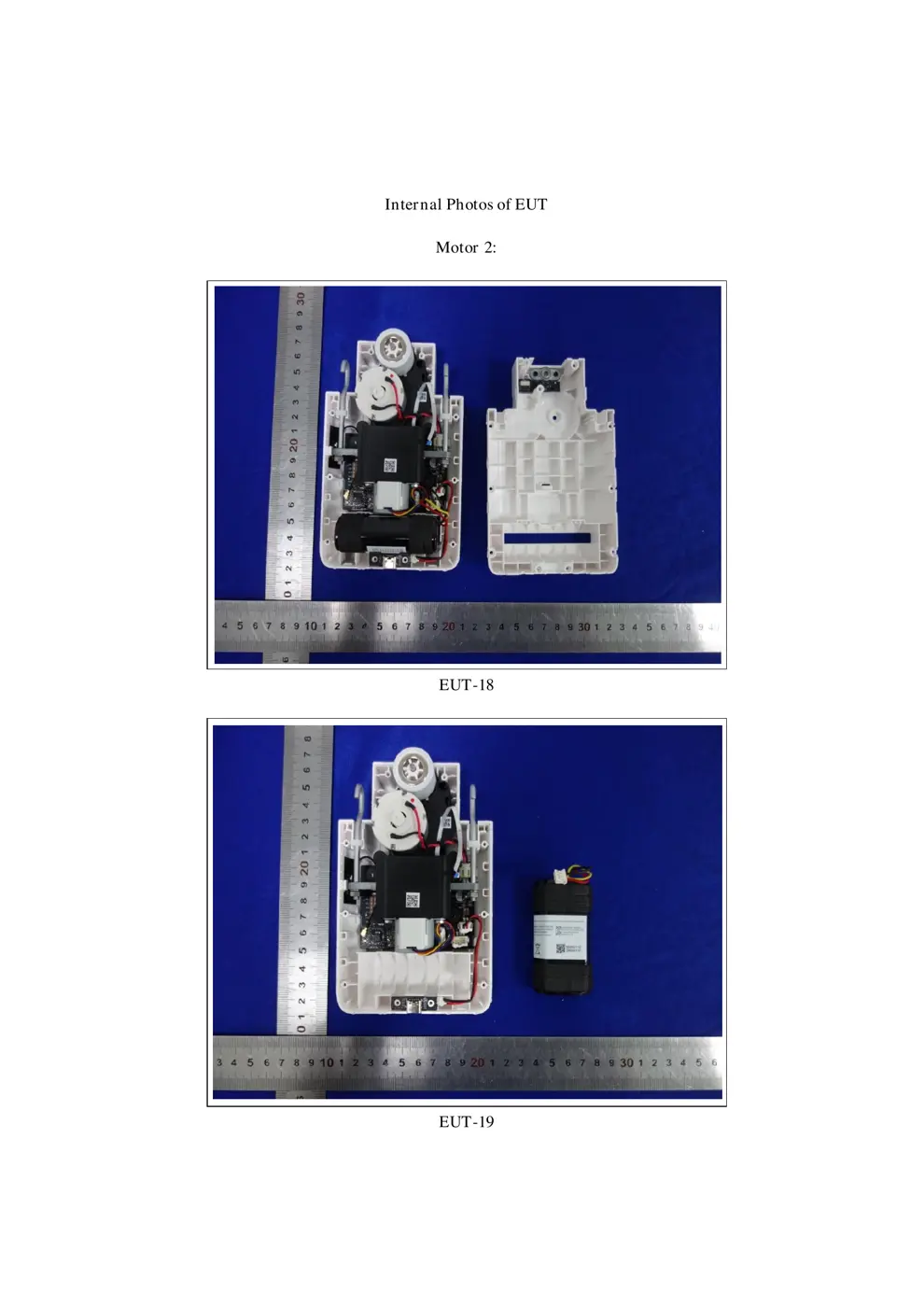
Teardown photos showing the PCB and components:
Verdict
The CMM01 is a Zigbee device from the Aqara Zigbee ecosystem.
📄 Click to view full text manual (SEO)
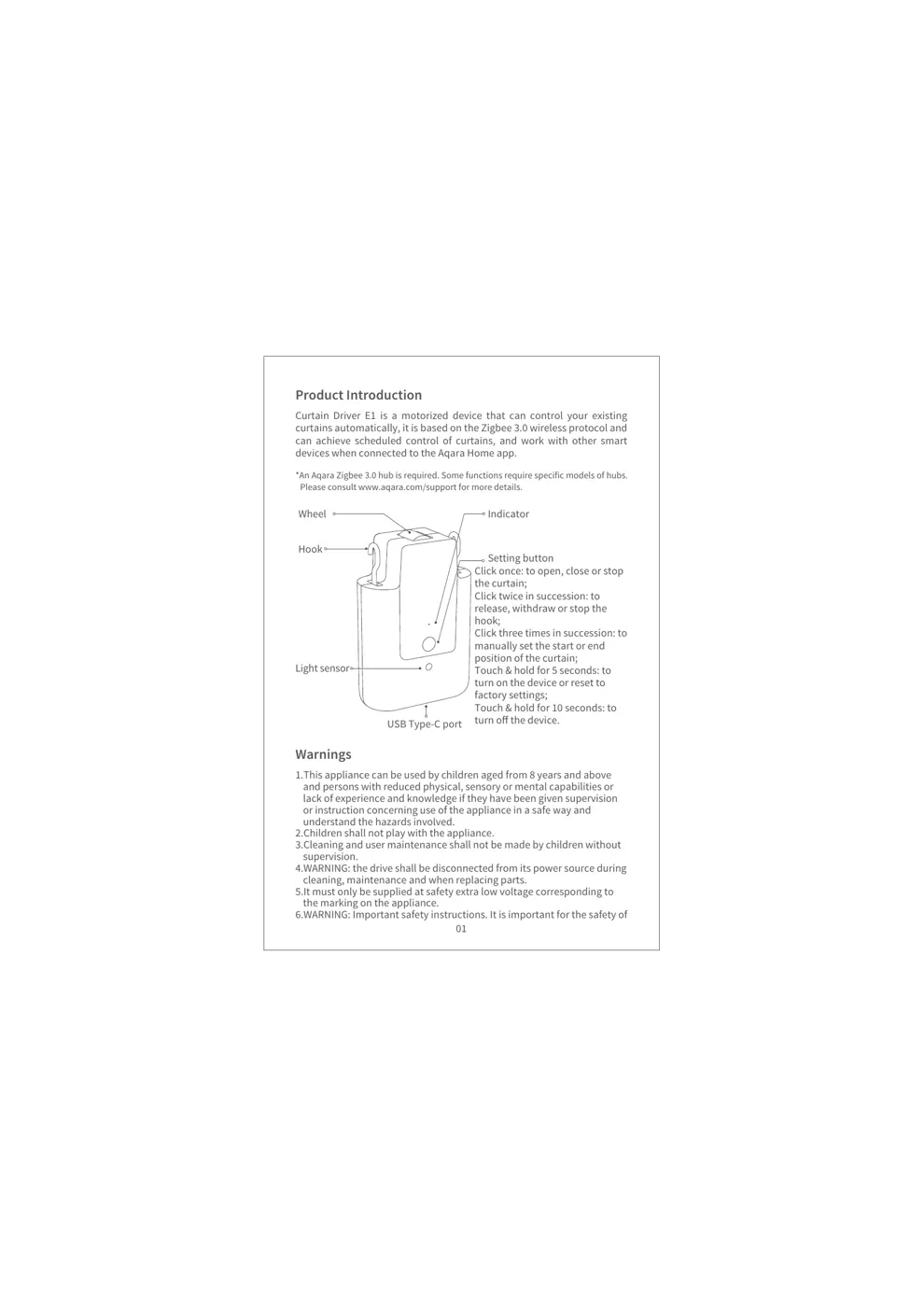
Product Introduction
Curtain Driver E1 is a motorized device that can control your existing
curtains automatically, it is based on the Zigbee 3.0 wireless protocol and
can achieve scheduled control of curtains, and work with other smart
devices when connected to the Aqara Home app.
01
Warnings
1.This appliance can be used by children aged from 8 years and above
and persons with reduced physical, sensory or mental capabilities or
lack of experience and knowledge if they have been given supervision
or instruction concerning use of the appliance in a safe way and
understand the hazards involved.
2.Children shall not play with the appliance.
3.Cleaning and user maintenance shall not be made by children without
supervision.
4.WARNING: the drive shall be disconnected from its power source during
cleaning, maintenance and when replacing parts.
5.It must only be supplied at safety extra low voltage corresponding to
the marking on the appliance.
6.WARNING: Important safety instructions. It is important for the safety of
*An Aqara Zigbee 3.0 hub is required. Some functions require specific models of hubs.
Please consult www.aqara.com/support for more details.
Indicator
Setting button
USB Type-C port
Hook
Wheel
Light sensor
Click once: to open, close or stop
the curtain;
Click twice in succession: to
release, withdraw or stop the
hook;
Click three times in succession: to
manually set the start or end
position of the curtain;
Touch & hold for 5 seconds: to
turn on the device or reset to
factory settings;
Touch & hold for 10 seconds: to
turn off the device.
02
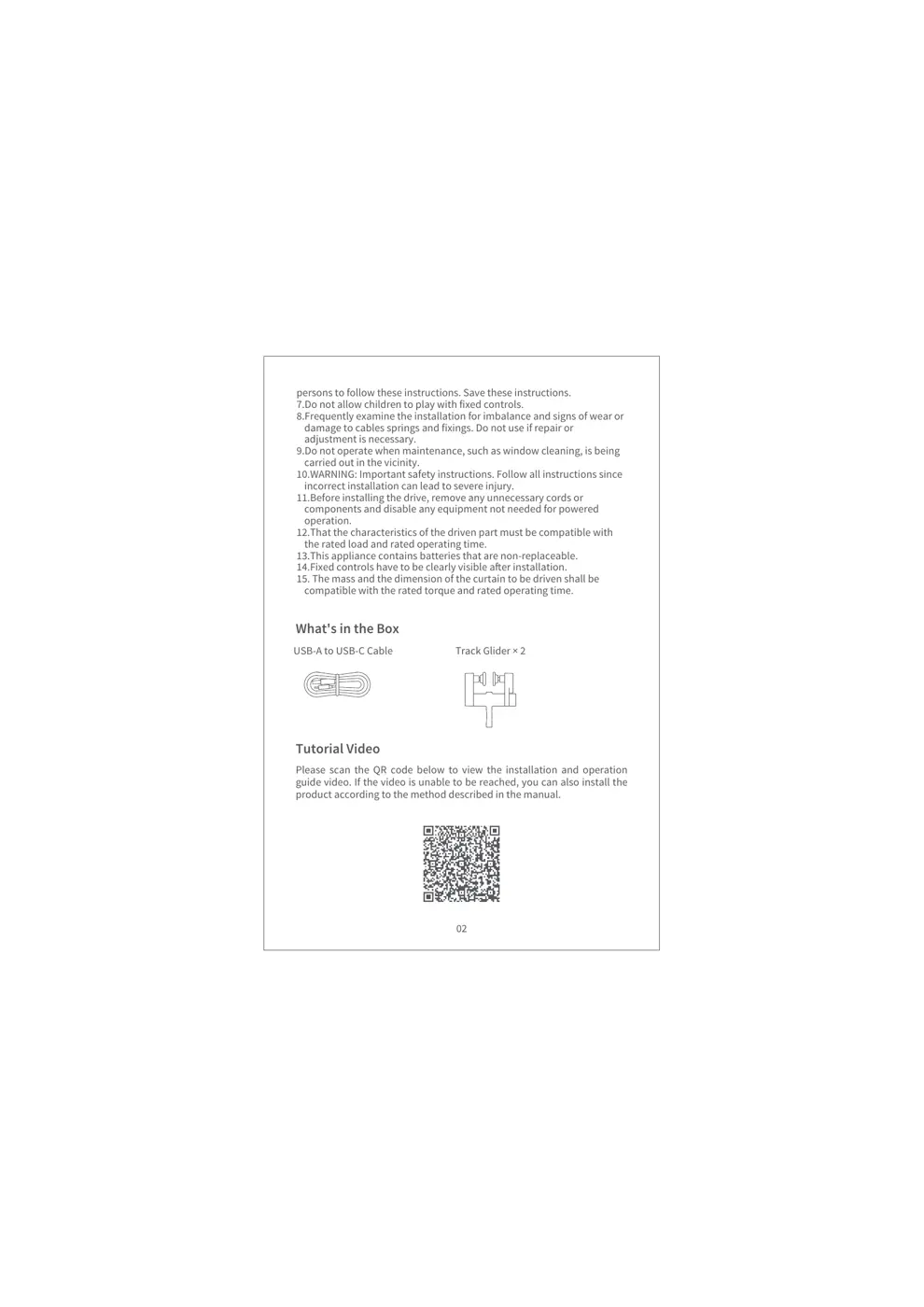
What's in the Box
USB-A to USB-C Cable Track Glider × 2
Tutorial Video
Please scan the QR code below to view the installation and operation
guide video. If the video is unable to be reached, you can also install the
product according to the method described in the manual.
persons to follow these instructions. Save these instructions.
7.Do not allow children to play with fixed controls.
8.Frequently examine the installation for imbalance and signs of wear or
damage to cables springs and fixings. Do not use if repair or
adjustment is necessary.
9.Do not operate when maintenance, such as window cleaning, is being
carried out in the vicinity.
10.WARNING: Important safety instructions. Follow all instructions since
incorrect installation can lead to severe injury.
11.Before installing the drive, remove any unnecessary cords or
components and disable any equipment not needed for powered
operation.
12.That the characteristics of the driven part must be compatible with
the rated load and rated operating time.
13.This appliance contains batteries that are non-replaceable.
14.Fixed controls have to be clearly visible after installation.
15. The mass and the dimension of the curtain to be driven shall be
compatible with the rated torque and rated operating time.
03
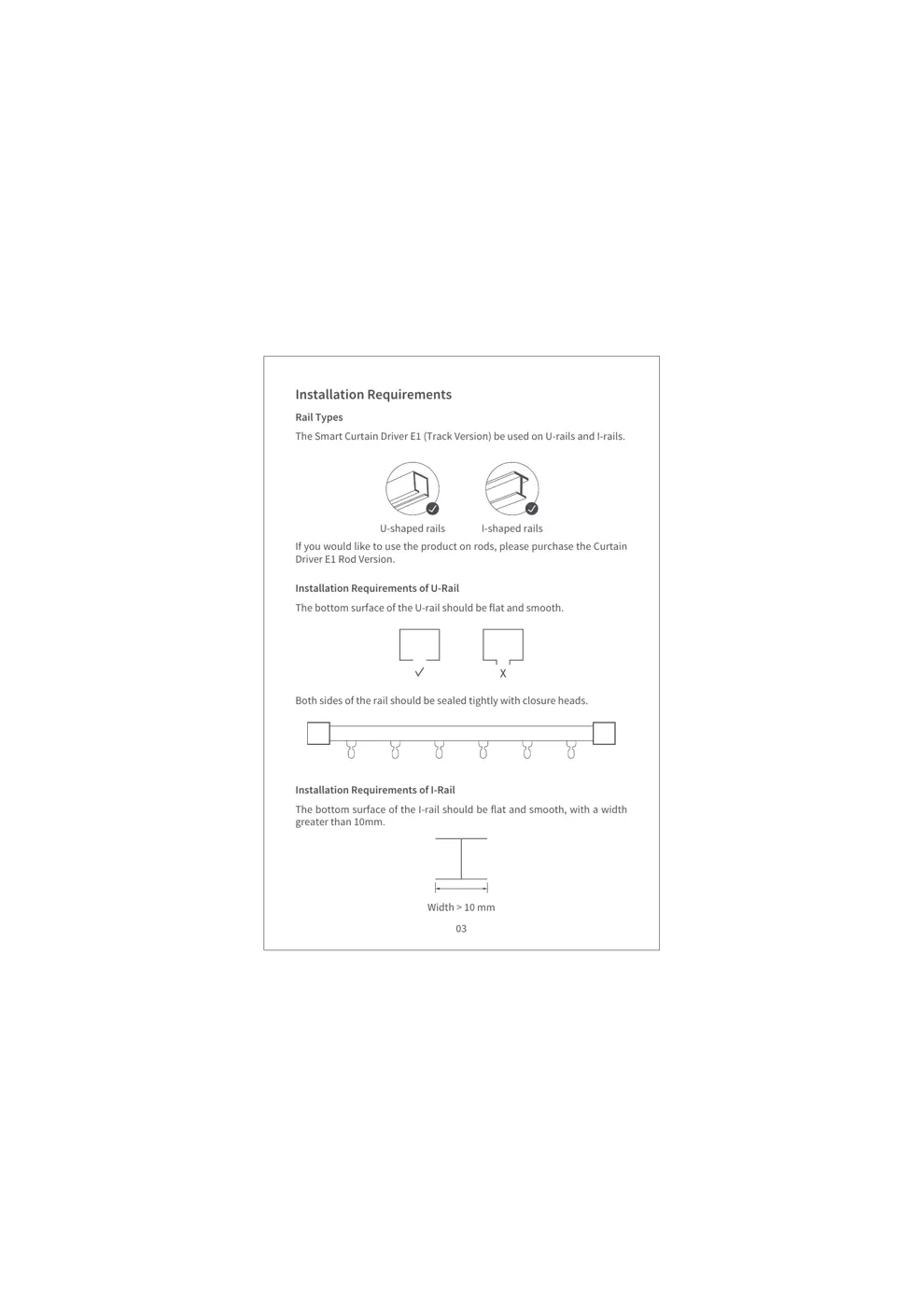
Installation Requirements
Rail Types
The Smart Curtain Driver E1 (Track Version) be used on U-rails and I-rails.
Insta...