
HE1G01 Reset & Teardown (FCC ID 2AKIT-HE1G01)
Factory reset and internal photos for Aqara (Lumi United) HE1G01. Aqara Zigbee smart plug.
January 16, 2026
•
9 read
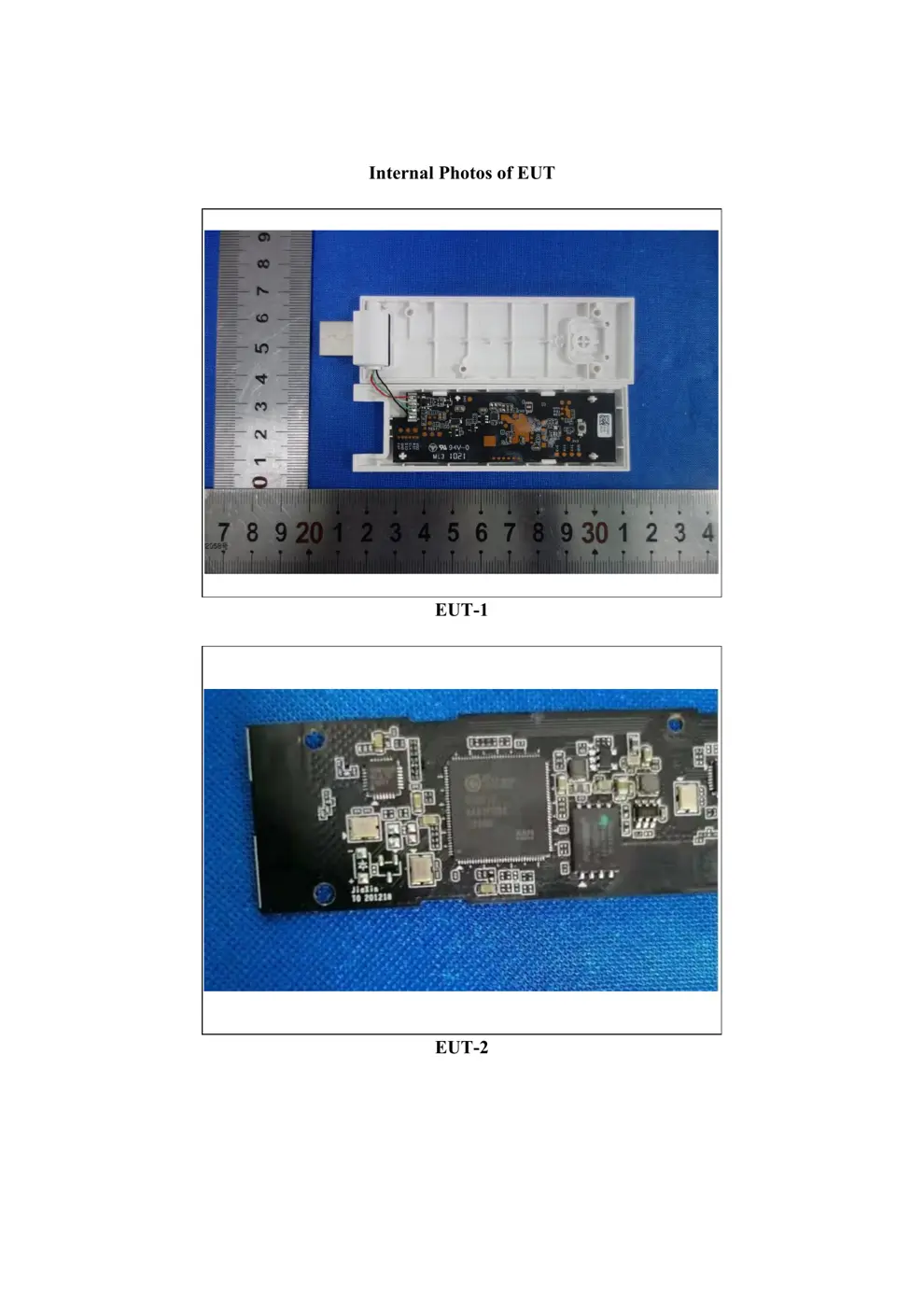
Before you buy the Aqara (Lumi United) HE1G01, check what's inside.
The Aqara Hub E1 is a compact Zigbee 3.0 hub designed for seamless integration with Aqara accessories. It offers flexible installation via its USB connector and can also function as a Wi-Fi repeater.
⚠️ NOTE: Ensure the USB port provides stable 5V DC power and do not overload the power source.
Quick Specs
- Manufacturer: Aqara (Lumi United)
- Model: HE1G01
- Protocol: Zigbee
- Chipset: Zigbee SoC
- Ecosystem: Aqara Zigbee
- App: Aqara Home
🔧 Geek Corner (Flashing Info)
- Chipset: Unknown
- Flashable: ❌ No
- Info: Proprietary Aqara hardware and firmware, not designed for flashing custom firmware like Tasmota or ESPHome.
User Manual
Scanned pages from the official user manual:


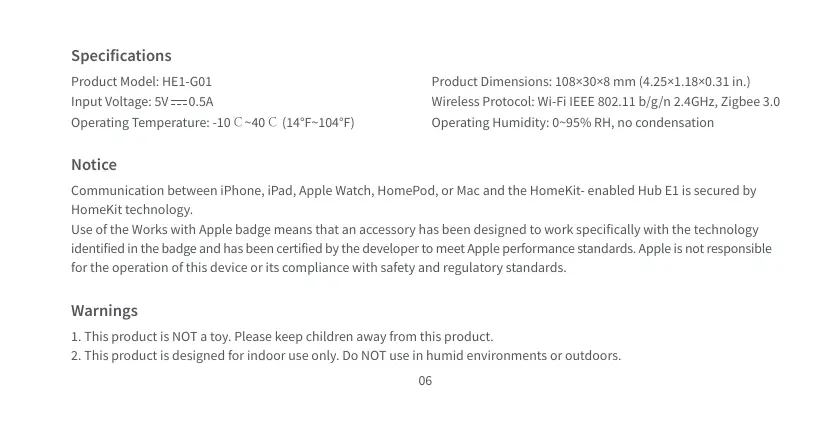
External Photos
Photos of the device exterior:
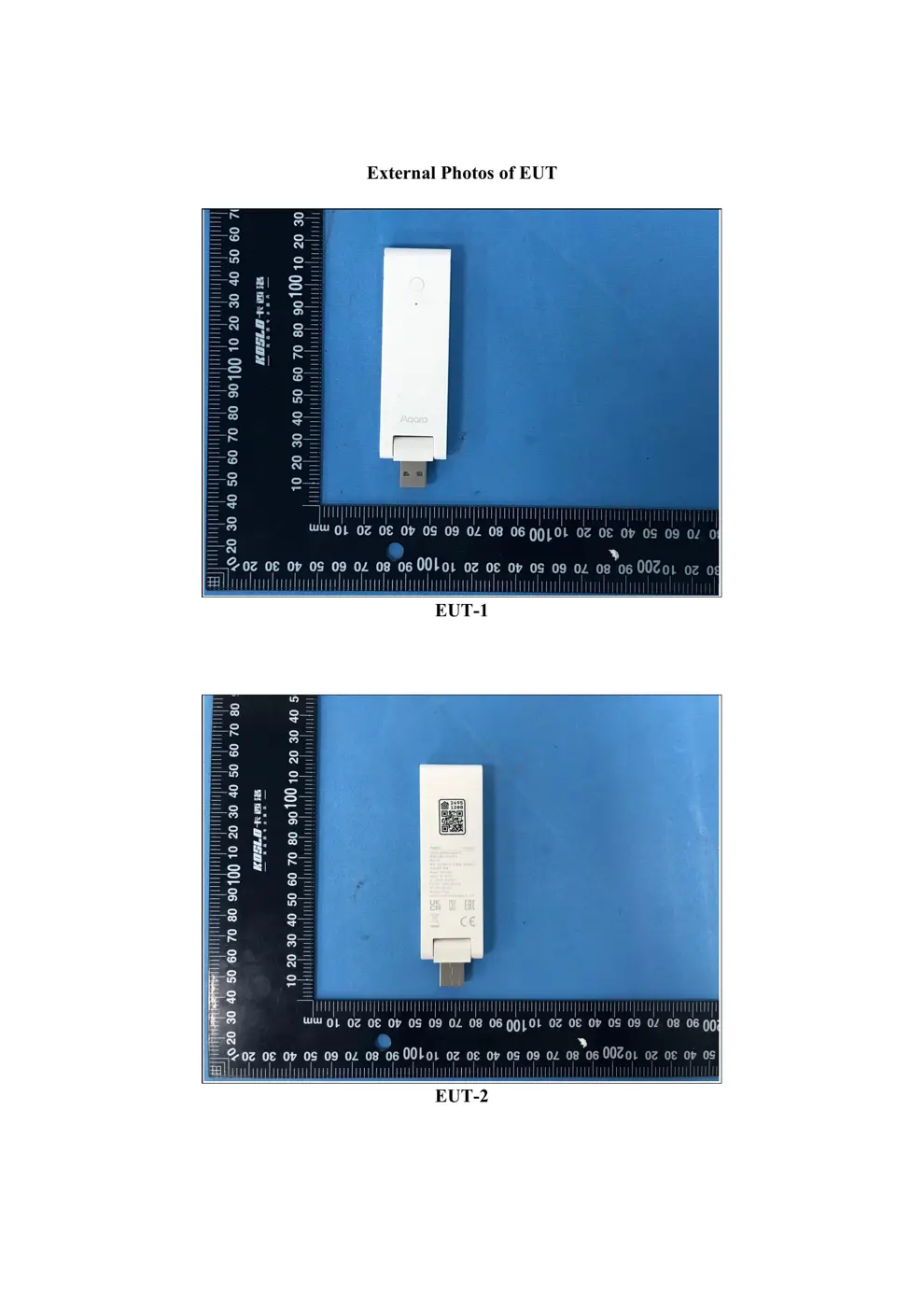
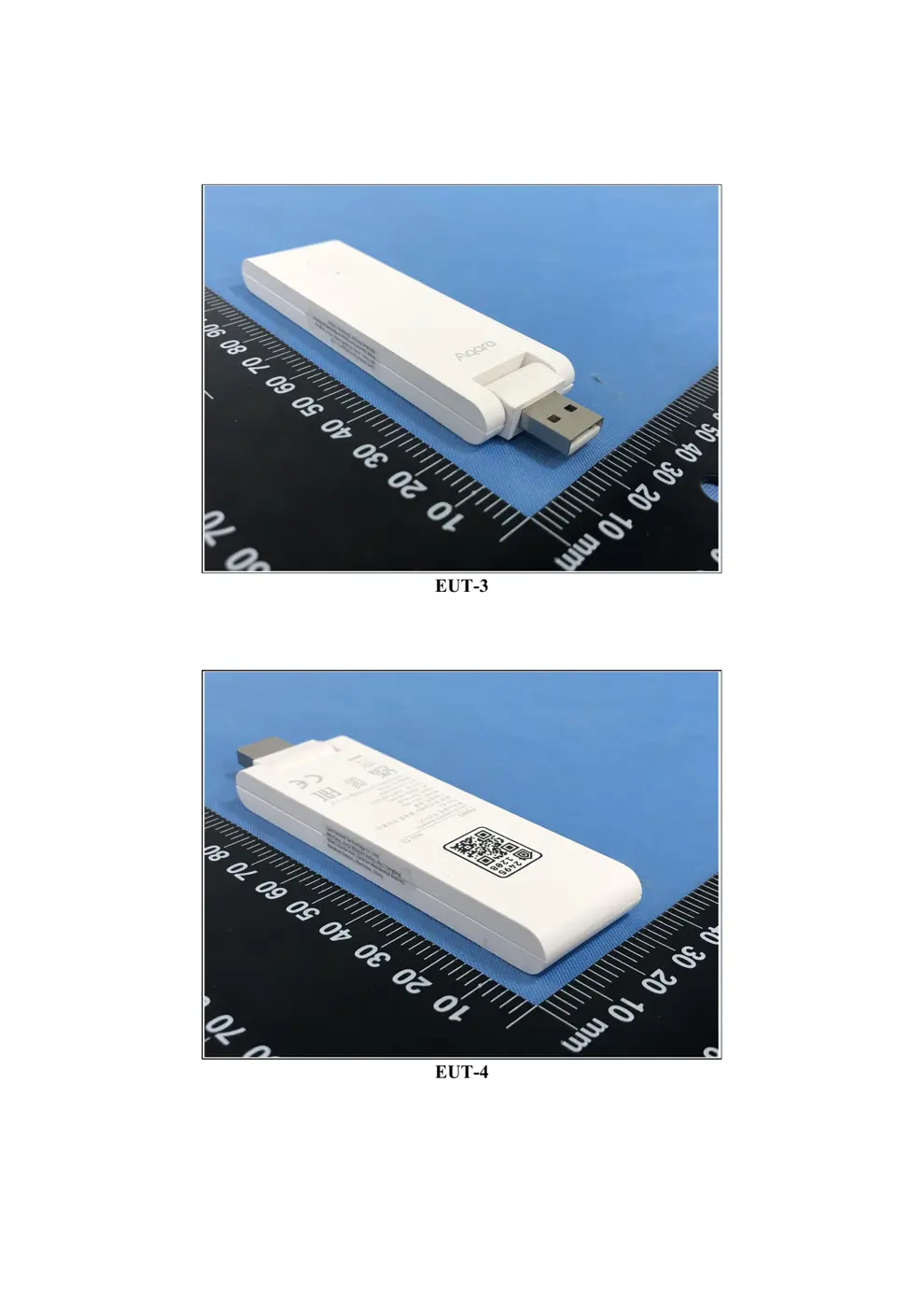
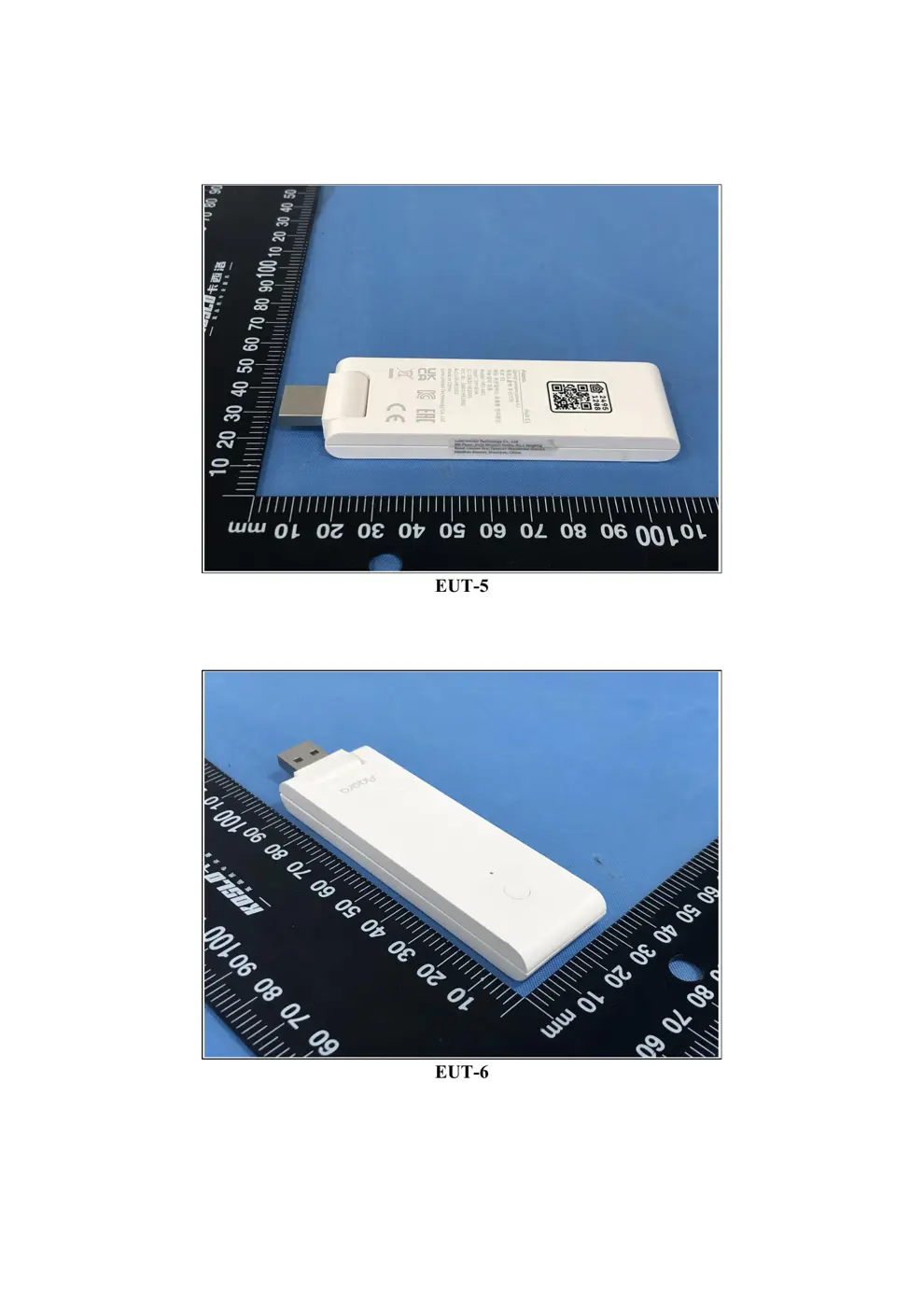
Internal Photos
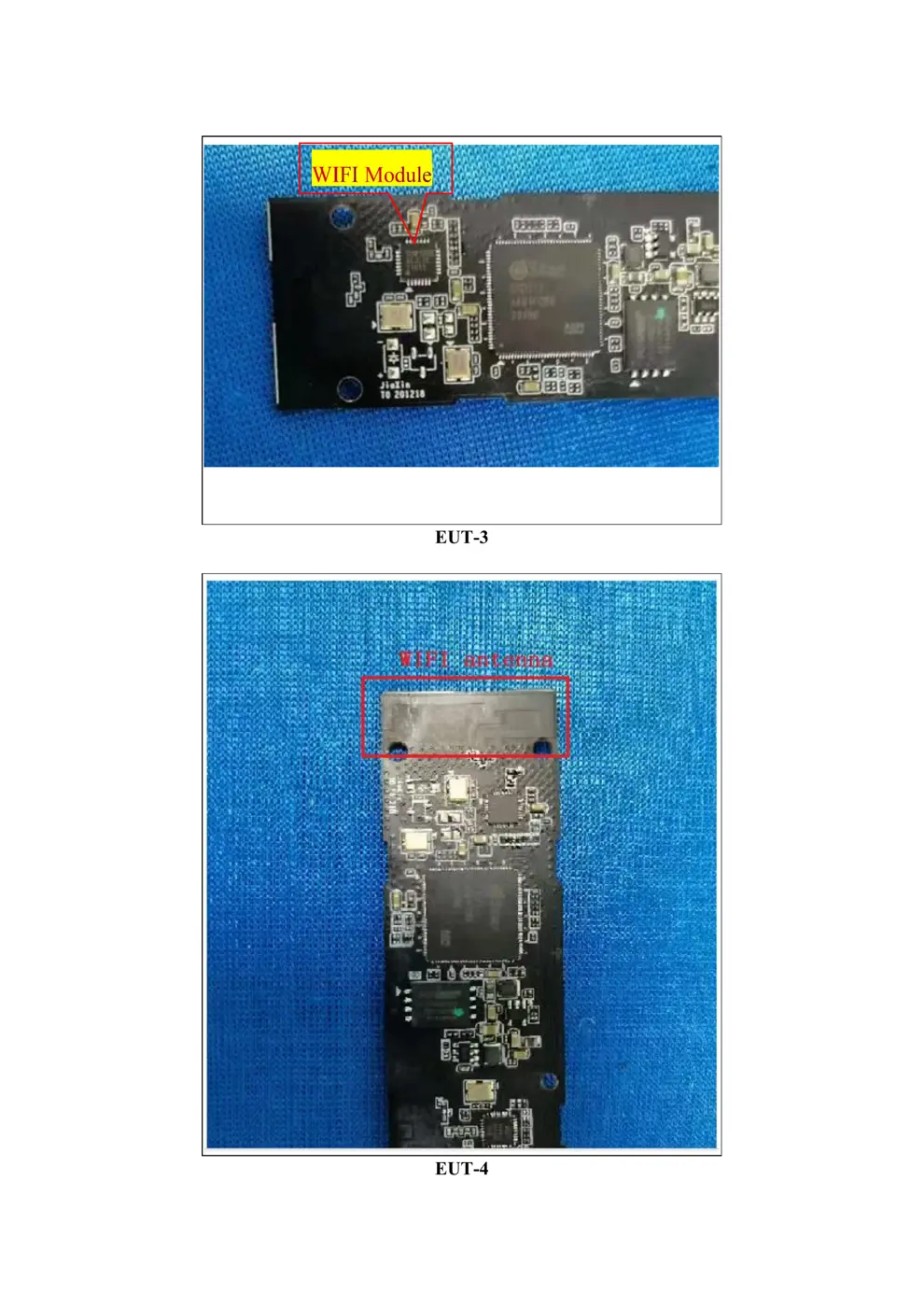
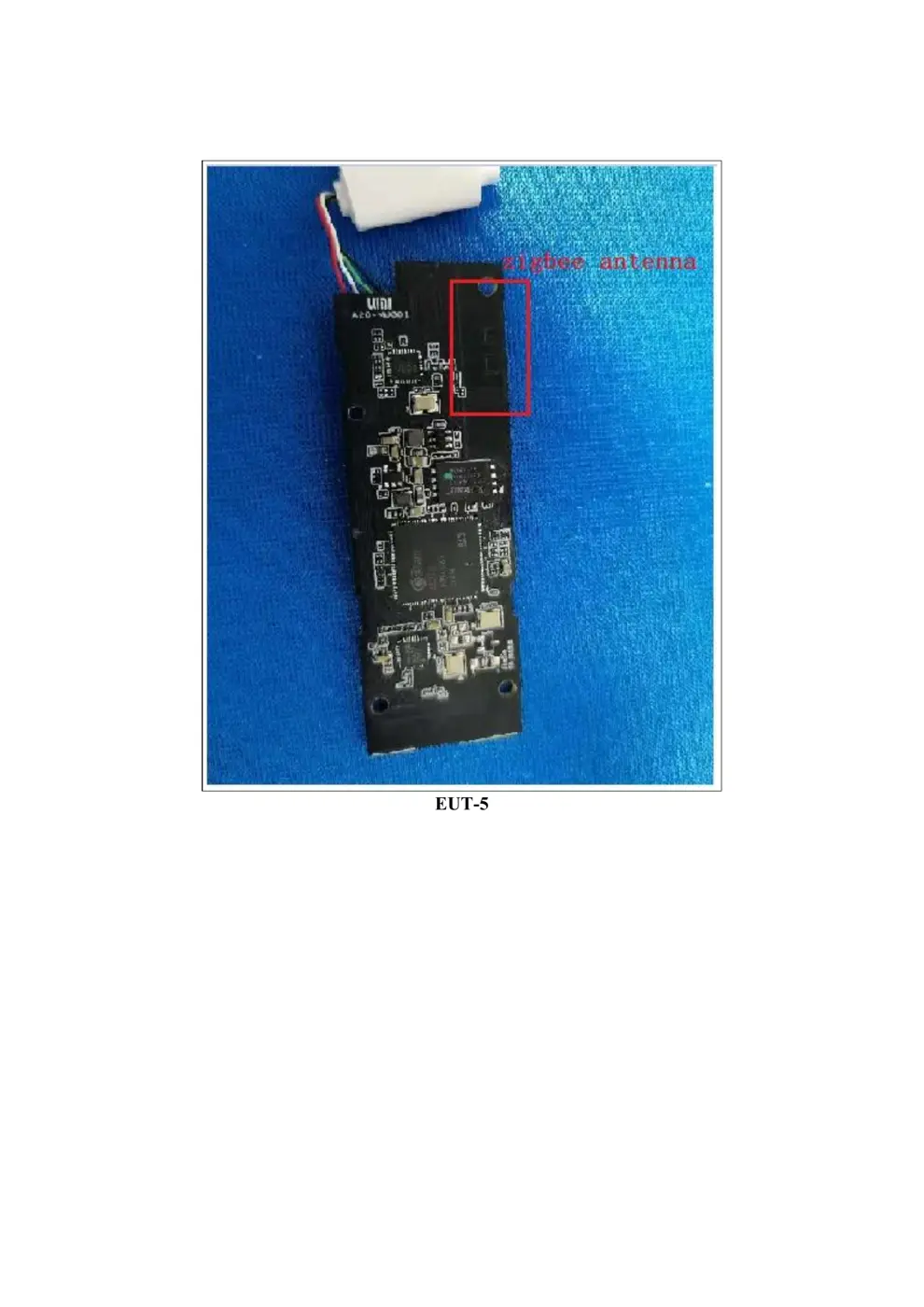
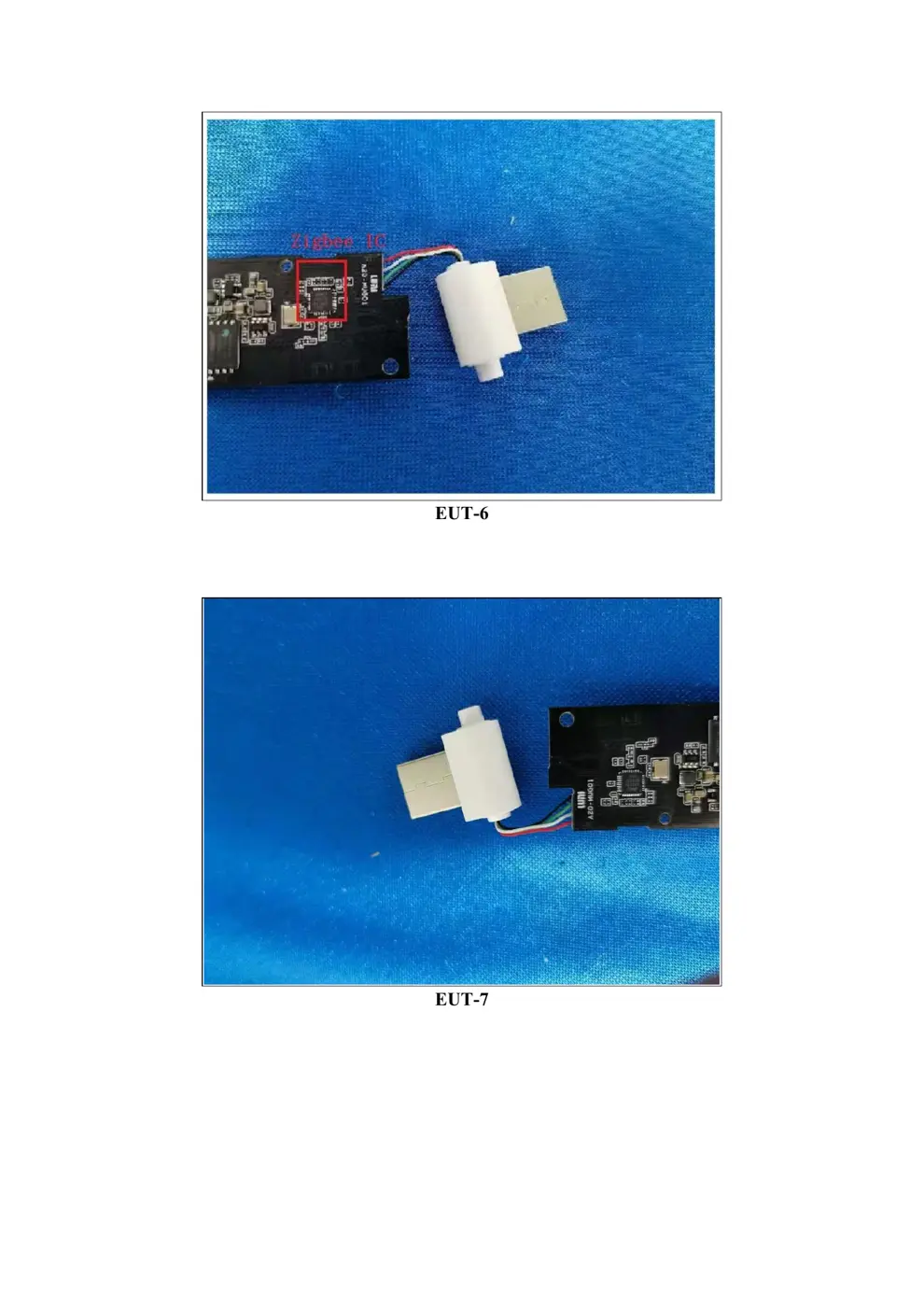
Teardown photos showing the PCB and components:
Verdict
The HE1G01 is a Zigbee device from the Aqara Zigbee ecosystem.
📄 Click to view full text manual (SEO)
料号: 3020819
印刷: pantone cool gray 11C
成品尺寸: 105*55mm
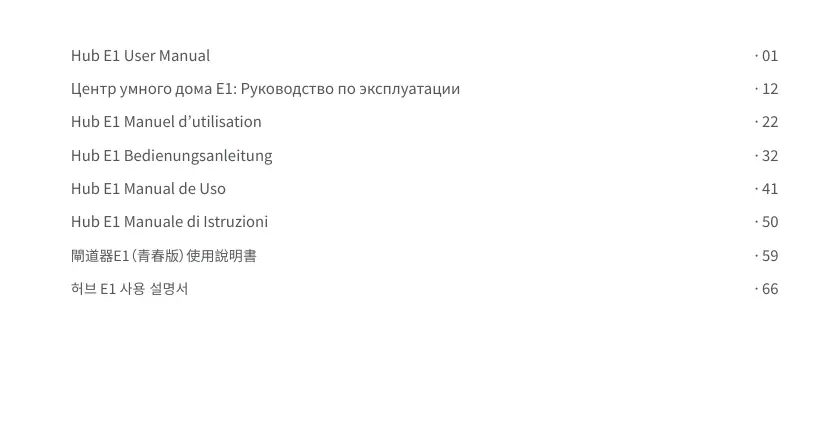
Hub E1 User Manual
Hub E1 Manuel d’utilisation
Hub E1 Bedienungsanleitung
Hub E1 Manual de Uso
Hub E1 Manuale di Istruzioni
· 01
· 12
· 22
· 32
· 41
· 50
· 59
· 66
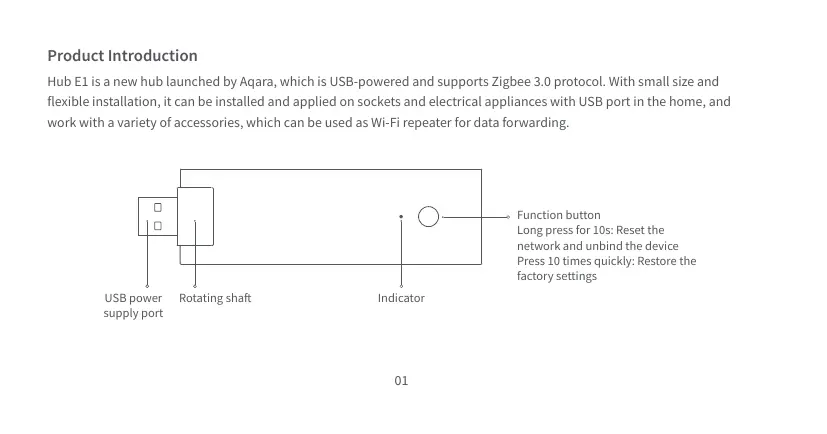
Product Introduction
Hub E1 is a new hub launched by Aqara, which is USB-powered and supports Zigbee 3.0 protocol. With small size and
flexible installation, it can be installed and applied on sockets and electrical appliances with USB port in the home, and
work with a variety of accessories, which can be used as Wi-Fi repeater for data forwarding.
USB power
supply port
Function button
Long press for 10s: Reset the
network and unbind the device
Press 10 times quickly: Restore the
factory settings
Rotating shaft Indicator
01
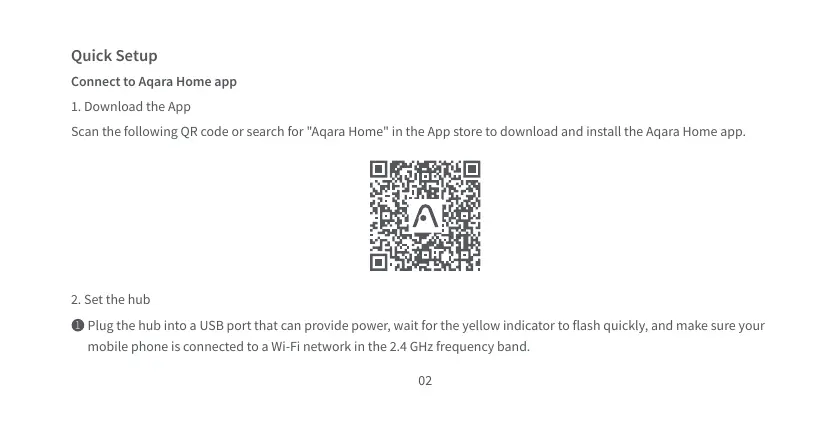
Scan the following QR code or search for "Aqara Home" in the App store to download and install the Aqara Home app.
Quick Setup
Connect to Aqara Home app
1. Download the App
2. Set the hub
Plug the hub into a USB port that can provide power, wait for the yellow indicator to flash quickly, and make sure your
mobile phone is connected to a Wi-Fi network in the 2.4 GHz frequency band.
1
02
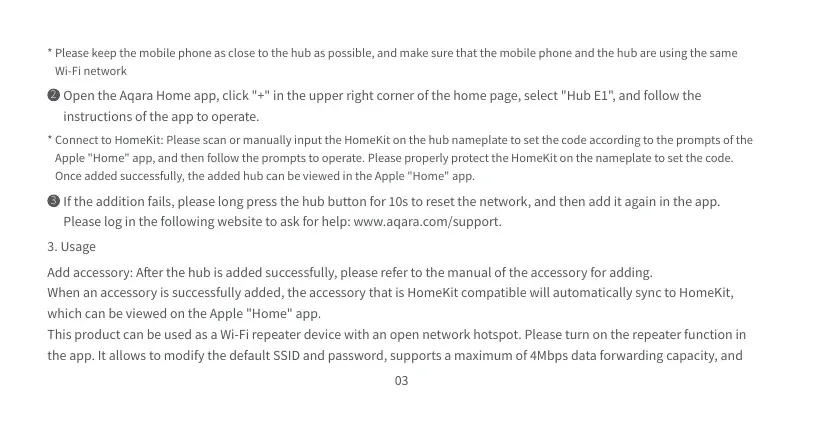
Add accessory: After the hub is added successfully, please refer to the manual of the accessory for adding.
When an accessory is successfully added, the accessory that is HomeKit compatible will automatically sync to HomeKit,
which can be viewed on the Apple "Home" app.
This product can be used as a Wi-Fi repeater device with an open network hotspot. Please turn on the repeater function in
the app. It allows to modify the default SSID and password, supports a maximum of 4Mbps data forwarding capacity, and
* Please keep the mobile phone as close to the hub as possible, and make sure that the mobile phone and the hub are using the same
Wi-Fi network
* Connect to HomeKit: Please scan or manually input the HomeKit on the hub nameplate to set the code according to the prompts of the
Apple "Home" app, and then follow the prompts to operate. Please properly protect the HomeKit on the nameplate to set the code.
Once added successfully, the added hub can be viewed in the Apple "Home" app.
Open the Aqara Home app, click "+" in the upper right corner of the home page, select "Hub E1" , and follow the
instructions of the app to operate.
2
If the addition fails, please long press the hub button for 10s to reset the network, and then add it again in the app.
Please log in the following website to ask for help: www.aqara.com/support.
3
3. Usage
03
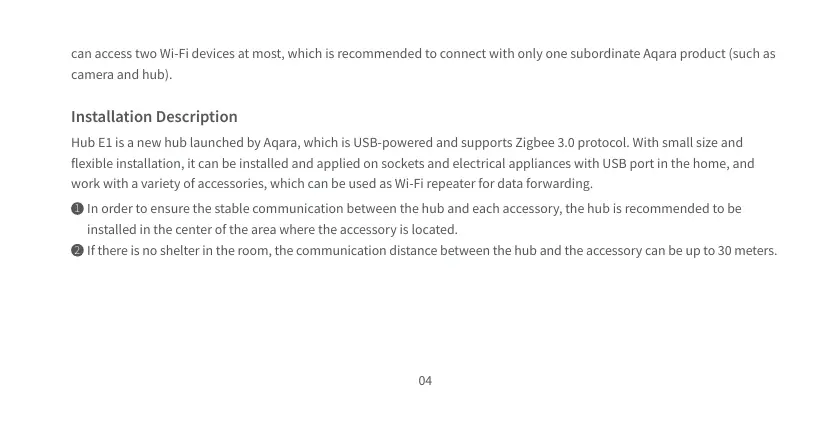
can access two Wi-Fi devices at most, which is recommended to connect with only one subordinate Aqara product (such as
camera and hub).
Installation Description
Hub E1 is a new hub launched by Aqara, which is USB-powered and supports Zigbee 3.0 protocol. With small size and
flexible installation, it can be installed and applied on sockets and electrical appliances with USB port in the home, and
work with a variety of accessories, which can be used as Wi-Fi repeater for data...