
MINI Reset & Teardown (FCC ID 2APN5-MINI)
Factory reset and internal photos for Sonoff (Itead) MINI. Sonoff smart plug.
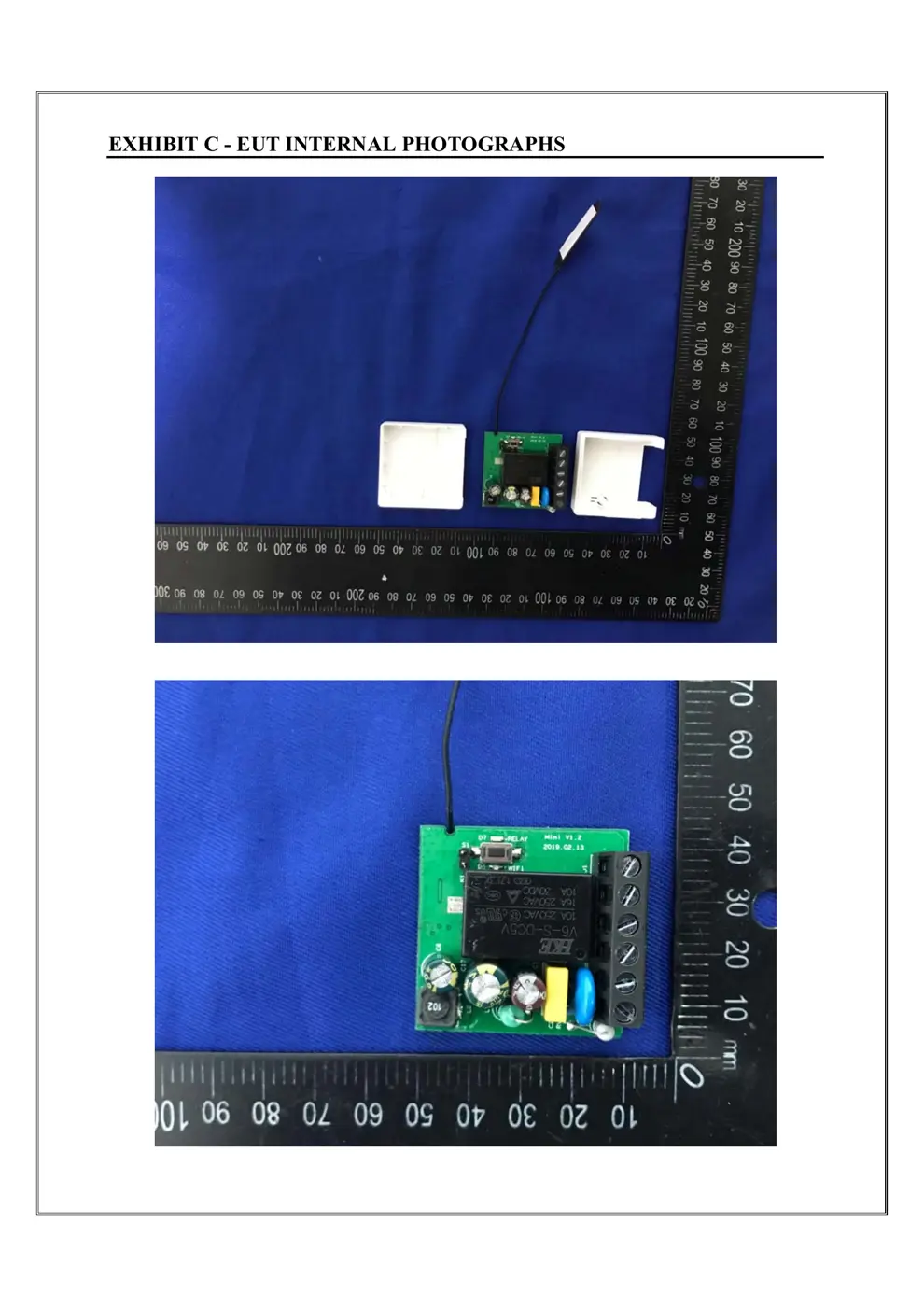
Before you buy the Sonoff (Itead) MINI, check what's inside.
The Sonoff MINI is a compact Wi-Fi smart switch designed to convert traditional electrical devices into smart ones. It allows for remote control and automation via the eWeLink app and supports popular voice assistants.
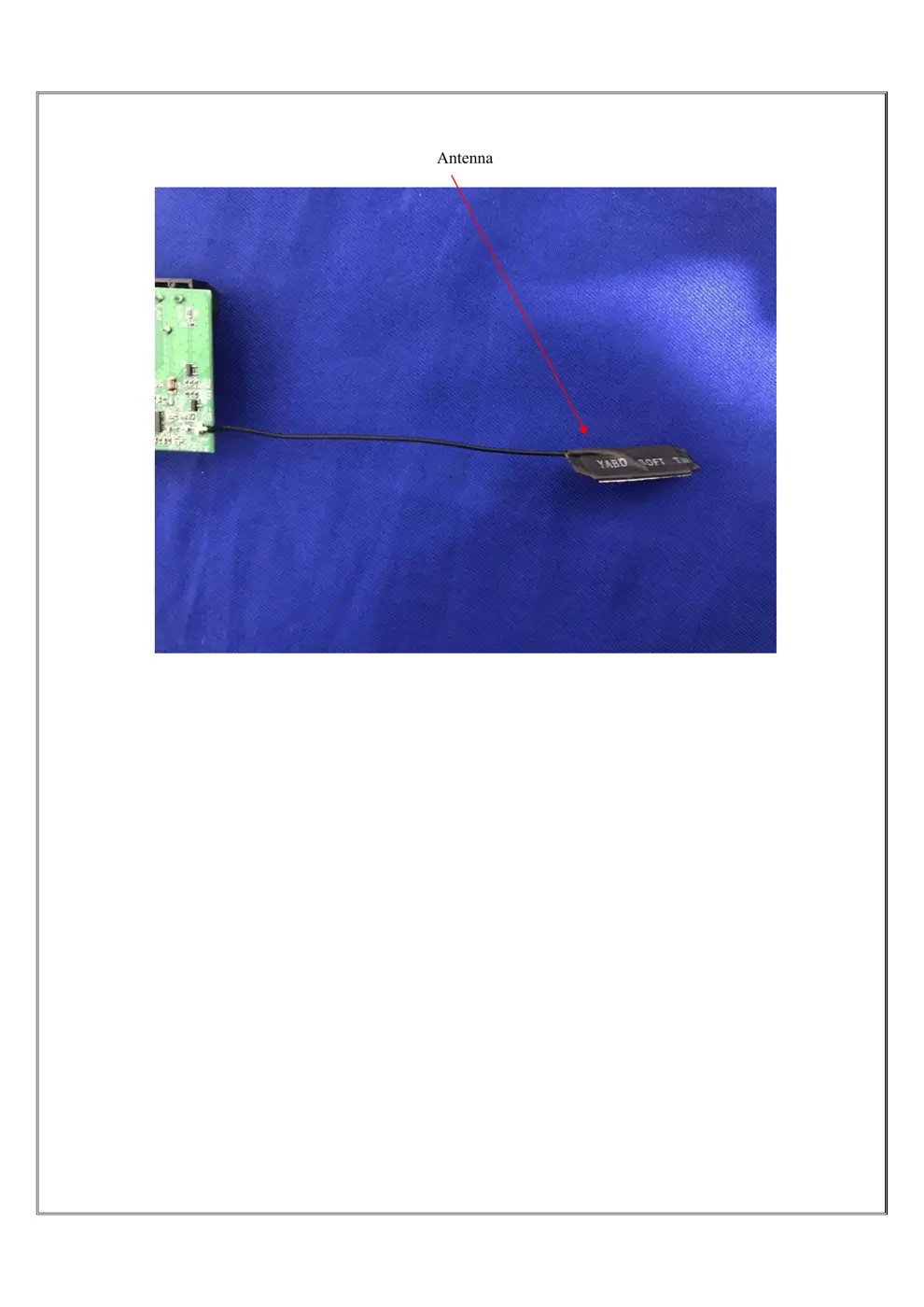
⚠️ NOTE: Disconnect Mains before installation. Ensure wiring is correct and consult a professional if unsure. Do not touch the device when in use. Handle the internal antenna with care.
Quick Specs
- Manufacturer: Sonoff (Itead)
- Model: MINI
- Protocol: WiFi
- Chipset: ESP/CK Chip
- Ecosystem: Sonoff
- App: eWeLink
🔧 Geek Corner (Flashing Info)
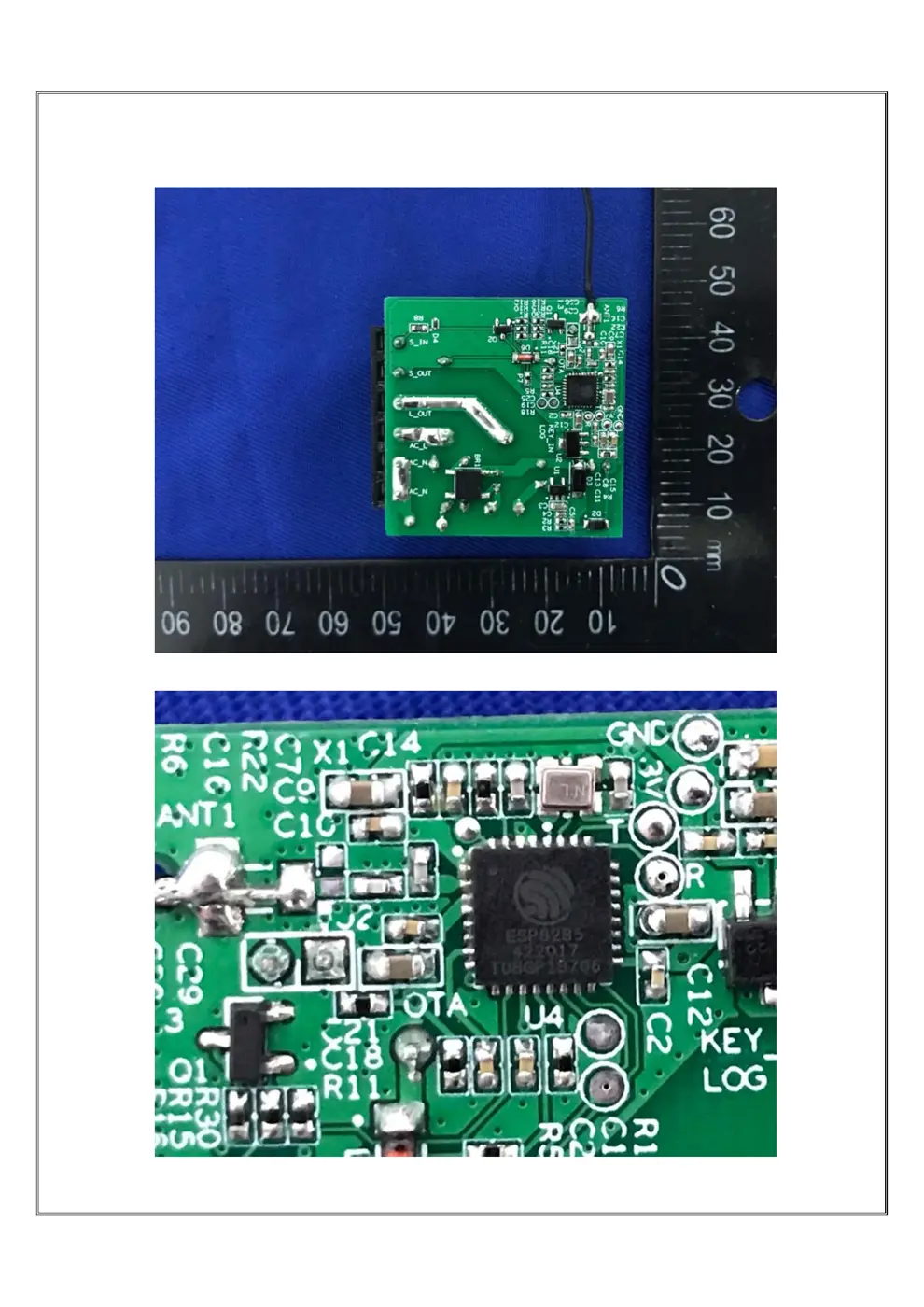
- Chipset: ESP8266
- Flashable: ✅ Yes
- Info: Uses ESP8266, known to be flashable with Tasmota or ESPHome.
Reset Guide
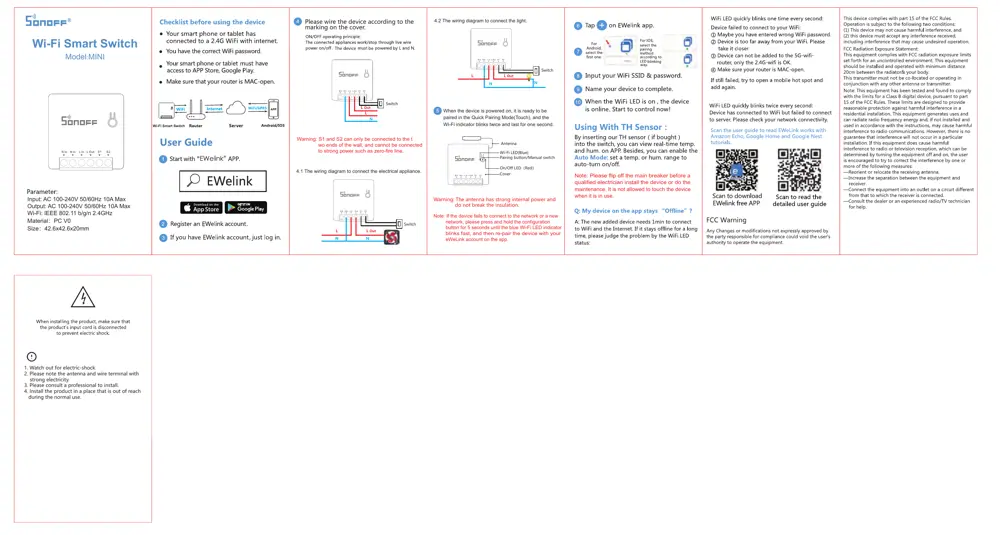
Pairing mode(touch), and the wi-fi indicator blinks twice and last for one second.
User Manual
Scanned pages from the official user manual:
External Photos
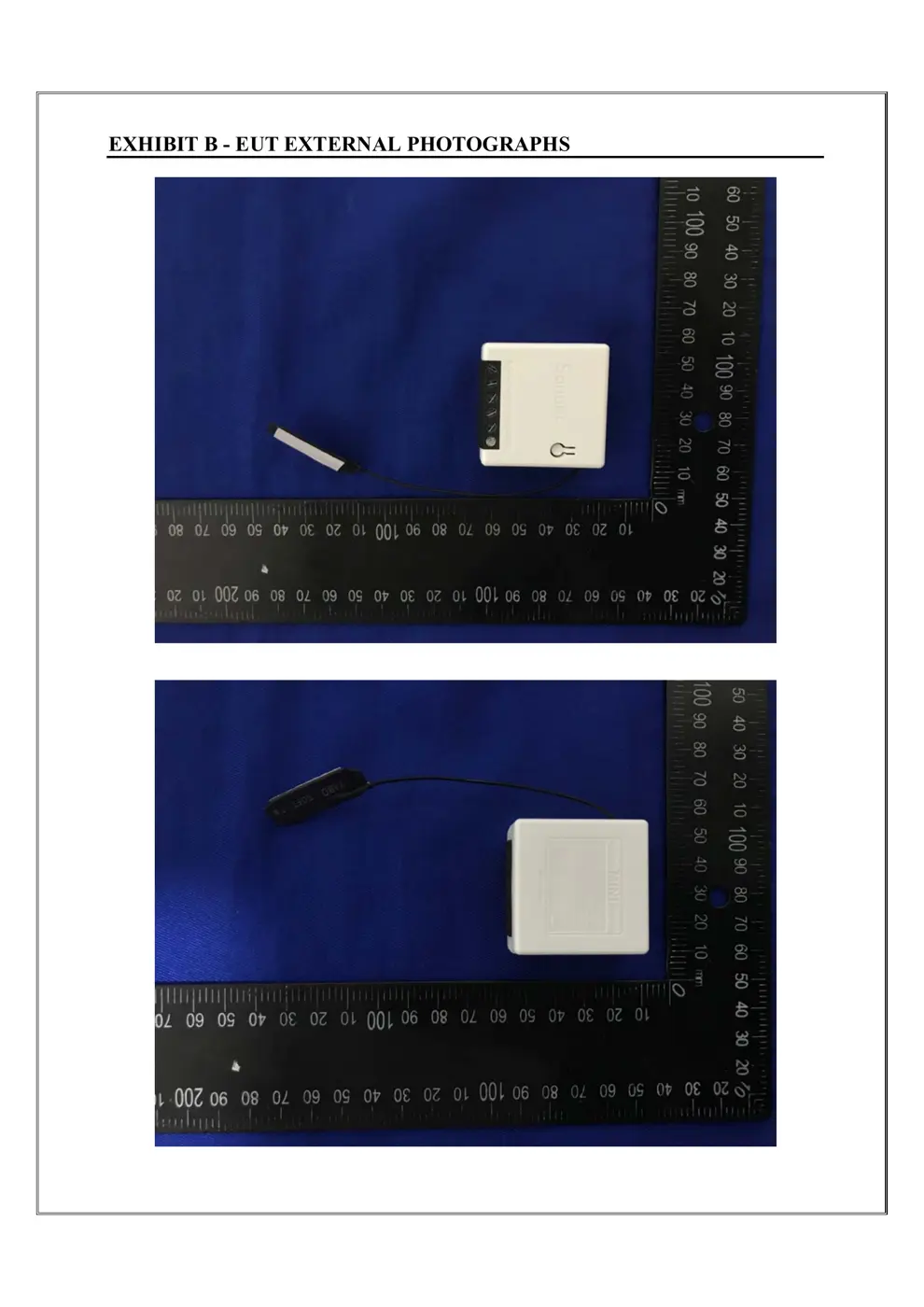
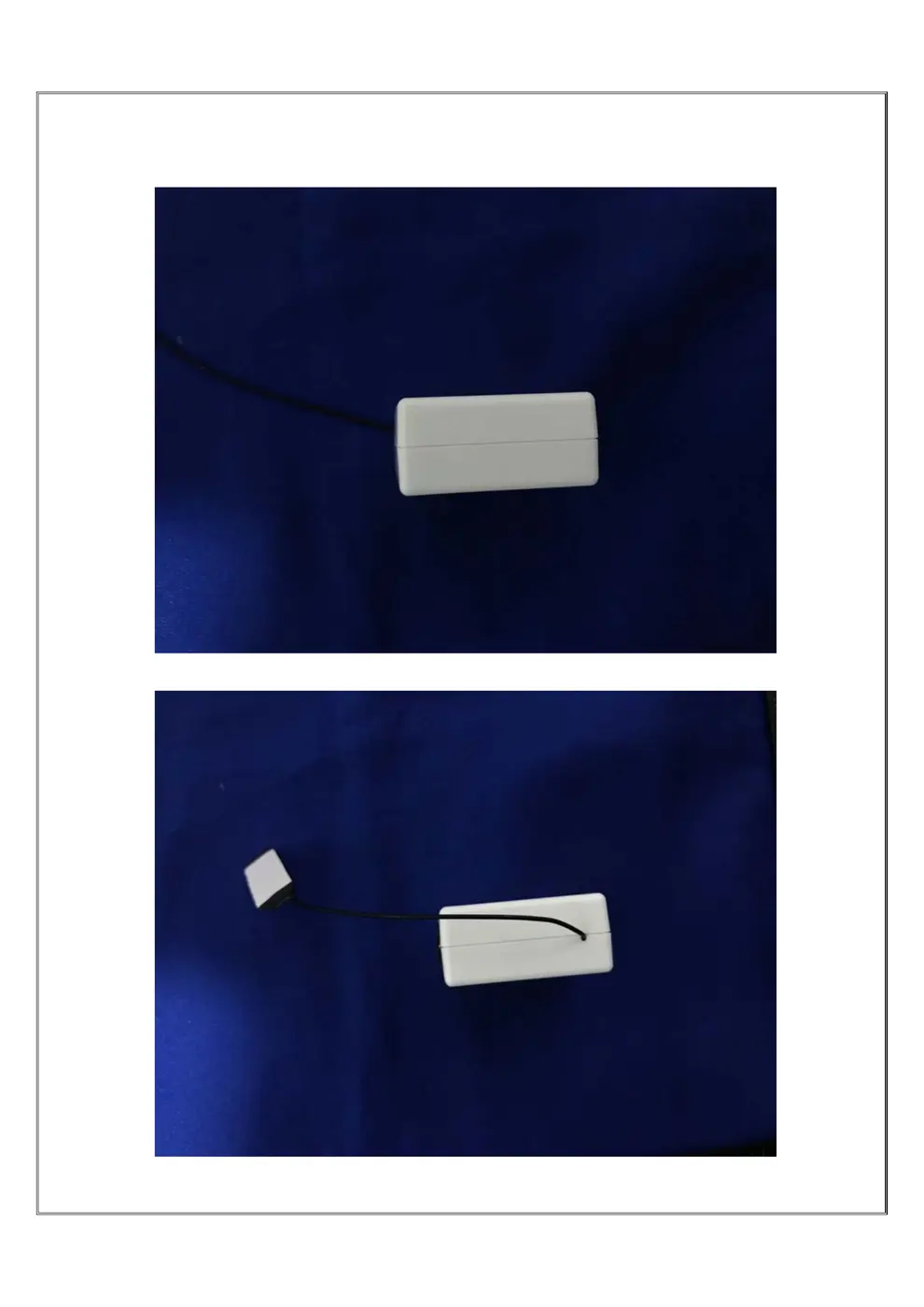
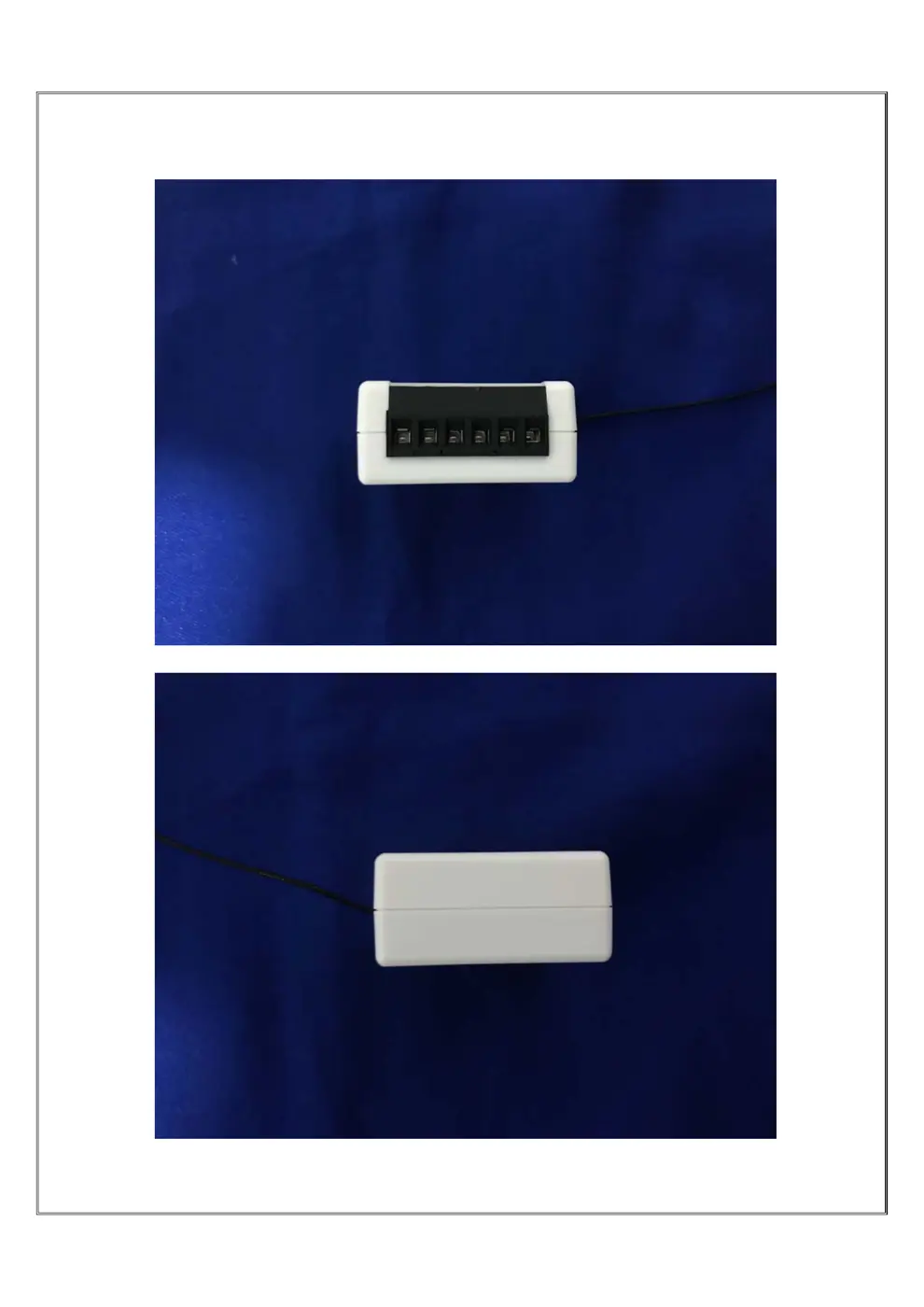
Photos of the device exterior:
Internal Photos
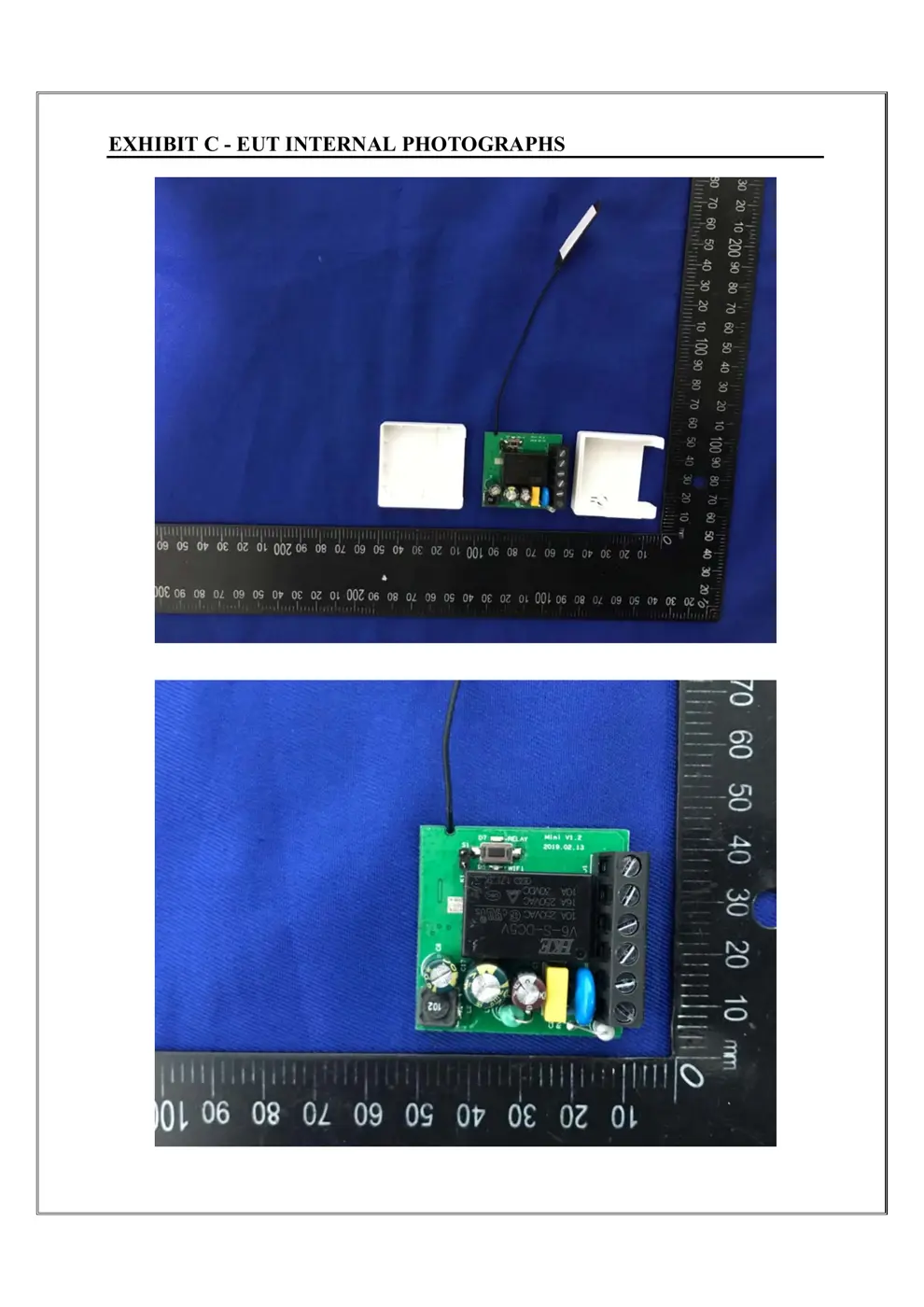
Teardown photos showing the PCB and components:
Verdict
The MINI is a WiFi device from the Sonoff ecosystem.
📄 Click to view full text manual (SEO)
Wi-Fi Smart Switch
Wi-Fi Smart Switch
ModelMINI
Input: AC 100-240V 50/60Hz 10A
 Max
Output: AC 100-240V 50/60Hz 10A Max
Wi-Fi: IEEE 802.11 b/g/n 2.4GHz
Material:PC V0
Size:42.6x42.6x20mm
Note: Please flip off the main breaker before a
qualified electrician install the device or do the
maintenance. It is not allowed to touch the device
when it is in use.
4.2 The wiring diagram to connect the light.
Warning: S1 and S2 can only be connected to the t
 wo ends of the wall, and cannot be connected
 to strong power such as zero-fire line.
War
ning: The antenna has strong internal power and
 do not break the insulation.
When the device is powered on, it is ready to be
paired in the Quick Pairing Mode(Touch), and the
Wi-Fi indicator blinks twice and last for one second.
Pairing butt
on/Manual switch
Wi-Fi LED(Blue)
 Antenna
On/Off LED(Red)
Cover
Note: If the device fails to connect to the network or a new
 network, please press and hold the configuration
 button for 5 seconds until the blue Wi-Fi LED indicator
 blinks fast, and then re-pair the device with your
 eWeLink account on the app.
Please wire the device accor
ding to the
marking on the cover.
4.1 The wiring diagram to connect the electrical appliance.
N
L Out
L
N N
L L Out
N N
L OutL
Swit
ch
Switch
Switch
1. Wat
ch out for electric-shock.
2. Please note the antenna and wire terminal with
 strong electricity.
3. Please consult a professional to install.
4. Install the product in a place that is out of reach
 during the normal use....