
R01 Reset & Teardown (FCC ID 2AKIT-CTP-R01)
Factory reset and internal photos for Aqara (Lumi United) R01. Aqara Zigbee smart plug.
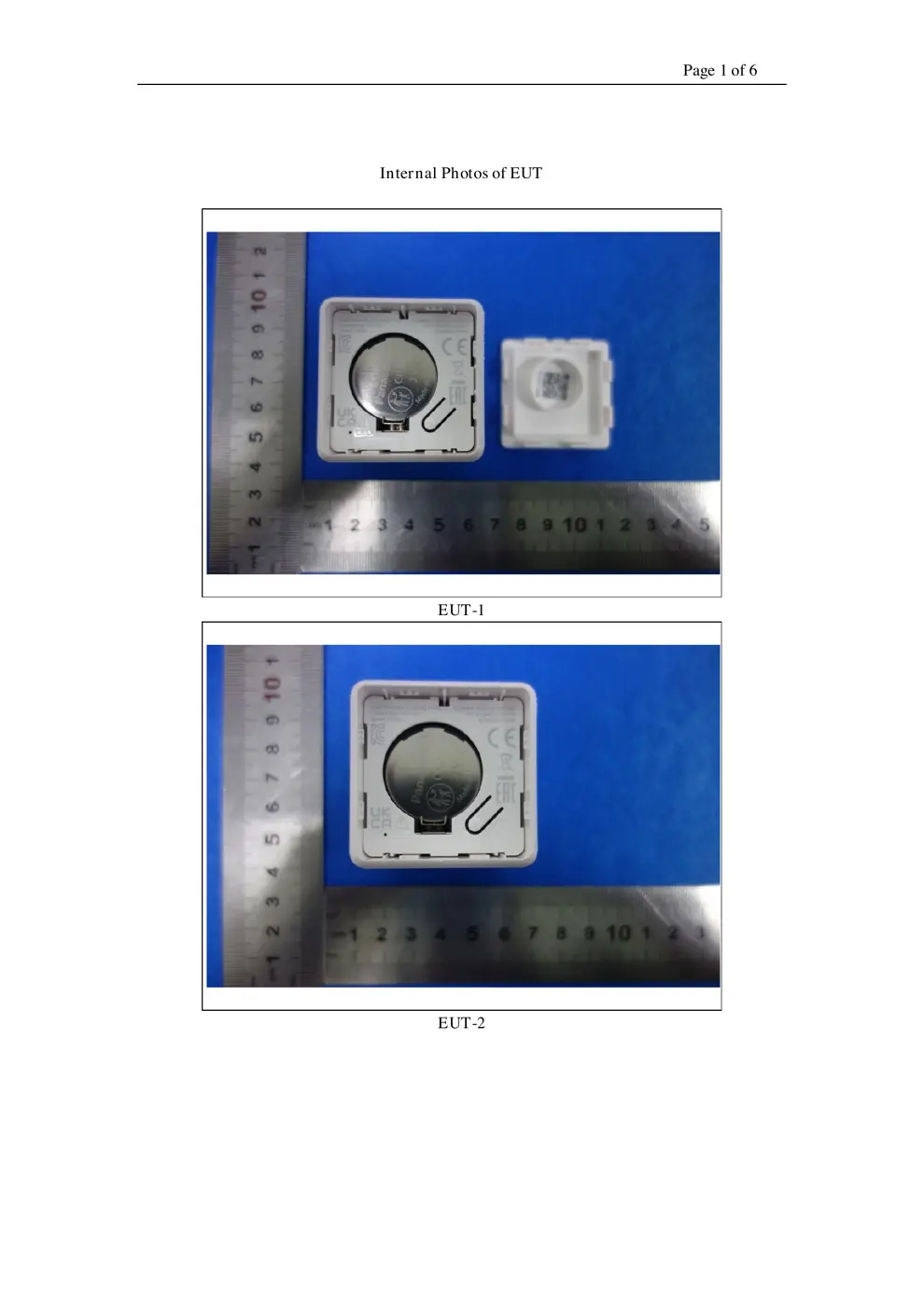
Before you buy the Aqara (Lumi United) R01, check what's inside.
The Aqara Cube T1 Pro is a versatile Zigbee controller that enables smart home automation through various physical interactions like shaking, tapping, and rotating. It requires an Aqara Zigbee hub to function and can be programmed to trigger different scenes and actions within the Aqara ecosystem.
⚠️ NOTE: Ensure correct battery polarity when replacing the CR2450 battery.
Quick Specs
- Manufacturer: Aqara (Lumi United)
- Model: R01
- Protocol: Zigbee
- Chipset: Zigbee SoC
- Ecosystem: Aqara Zigbee
- App: Aqara Home
🔧 Geek Corner (Flashing Info)
- Chipset: Unknown
- Flashable: ❌ No
- Info: Proprietary Zigbee SoC, not designed for custom firmware flashing.
User Manual
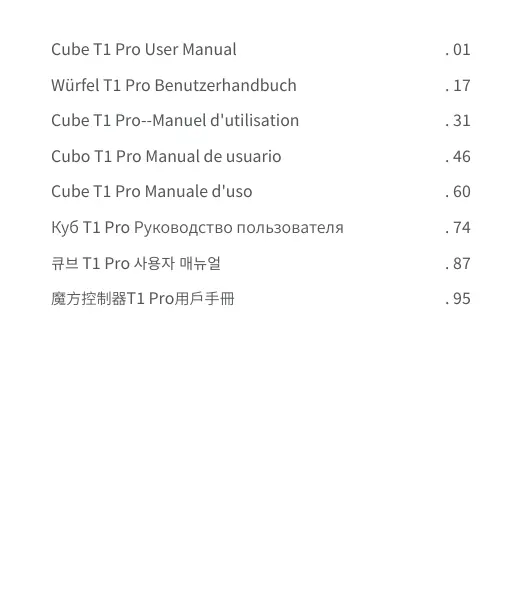
Scanned pages from the official user manual:


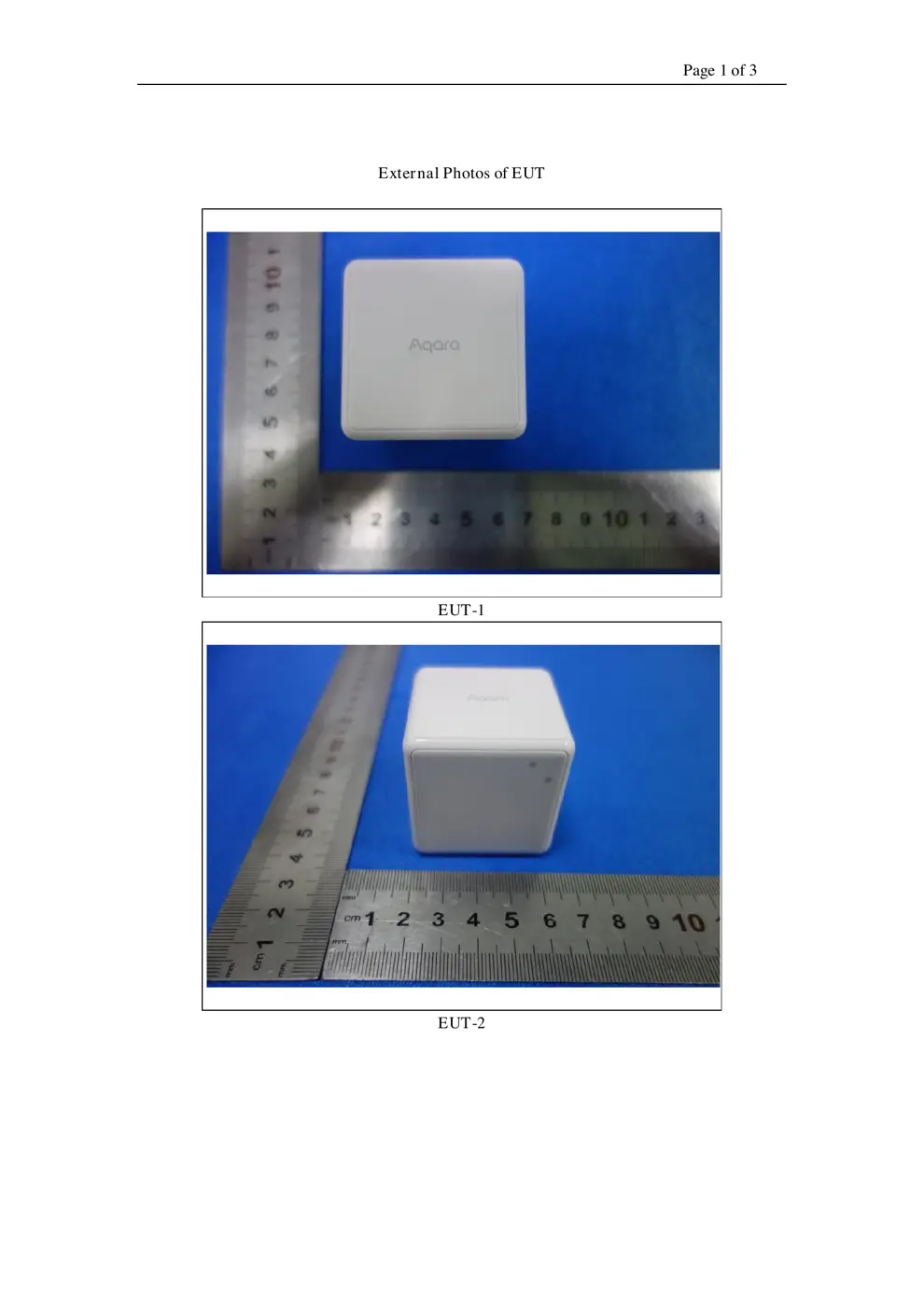
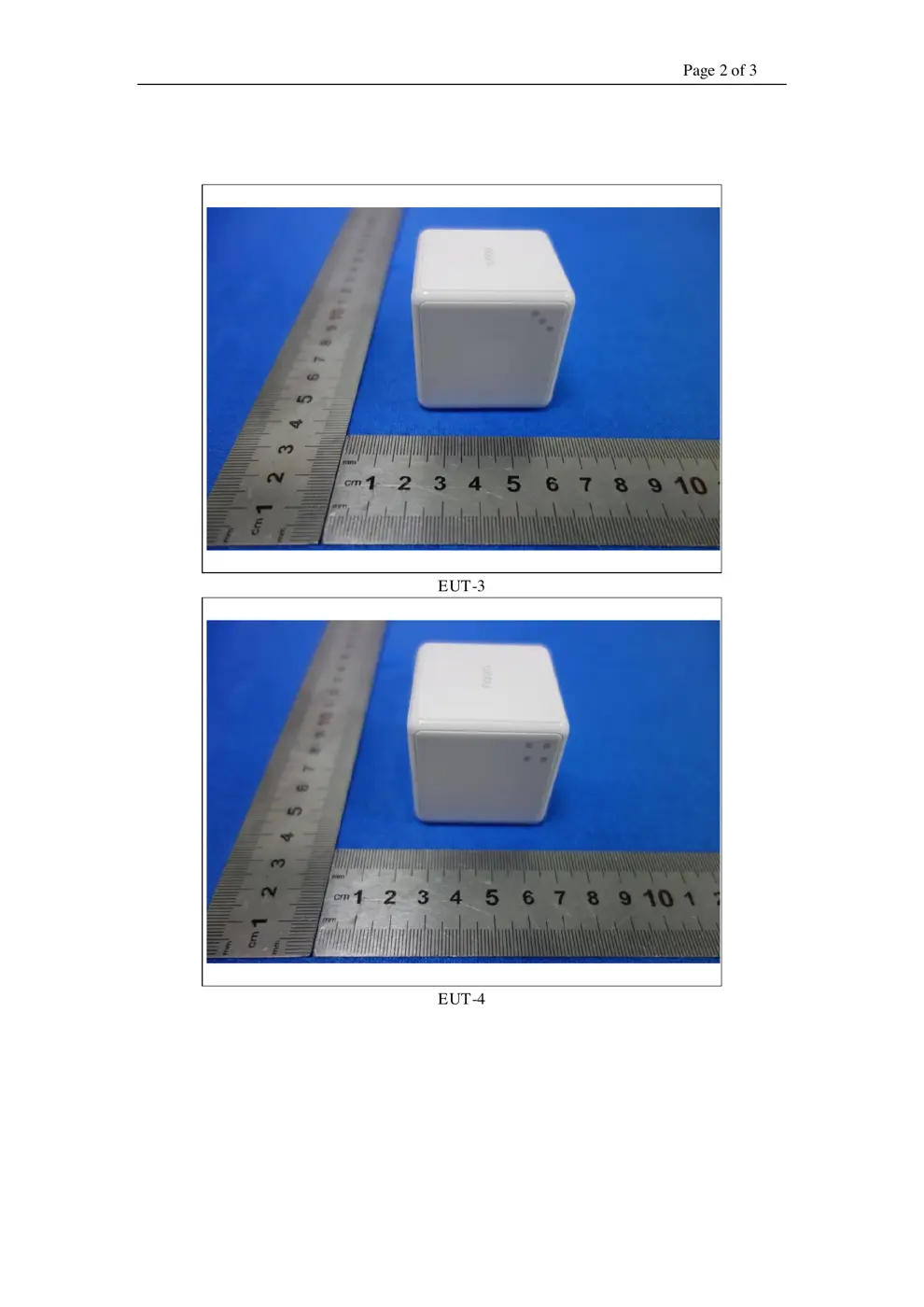
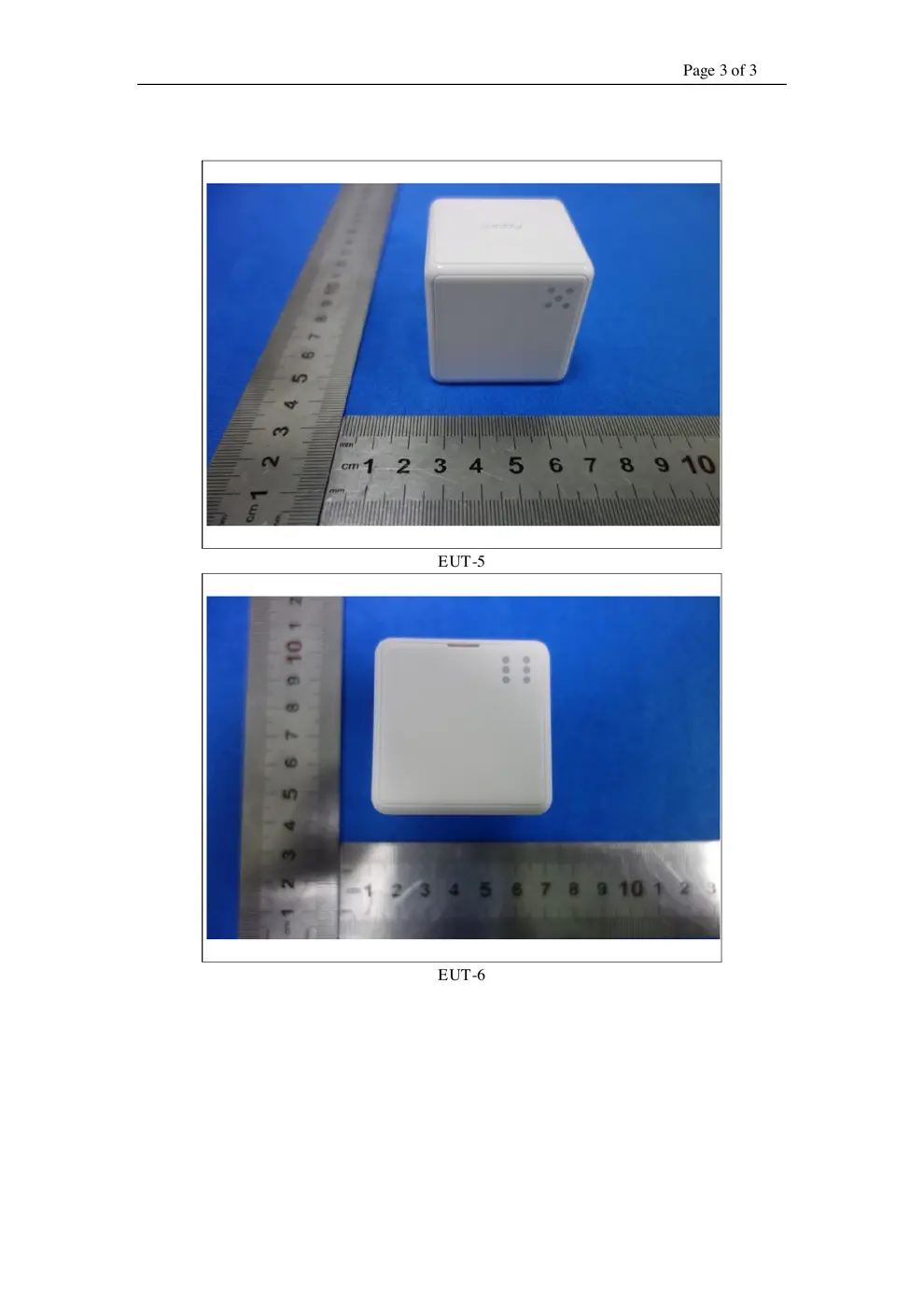
External Photos
Photos of the device exterior:
Internal Photos
Teardown photos showing the PCB and components:
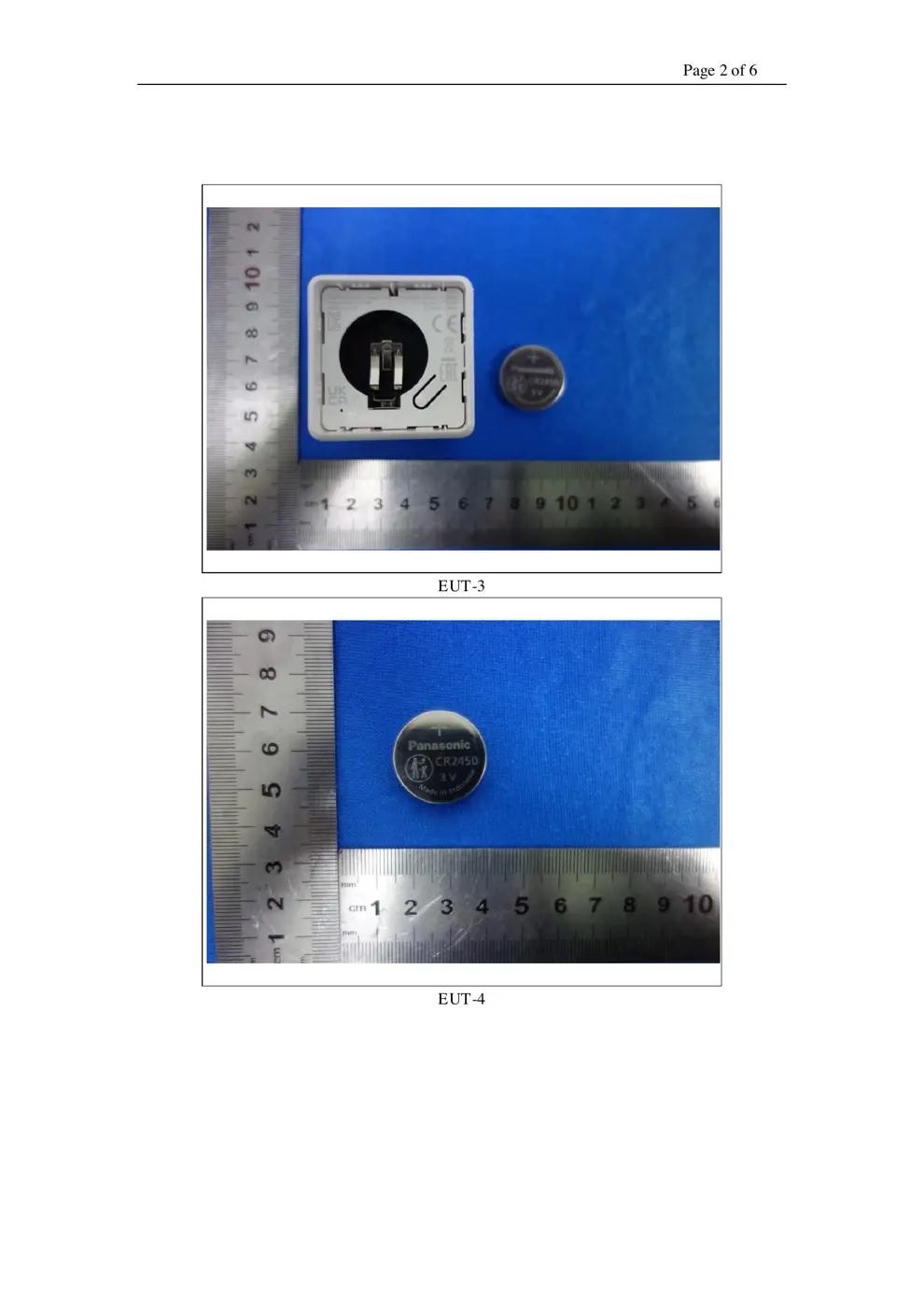
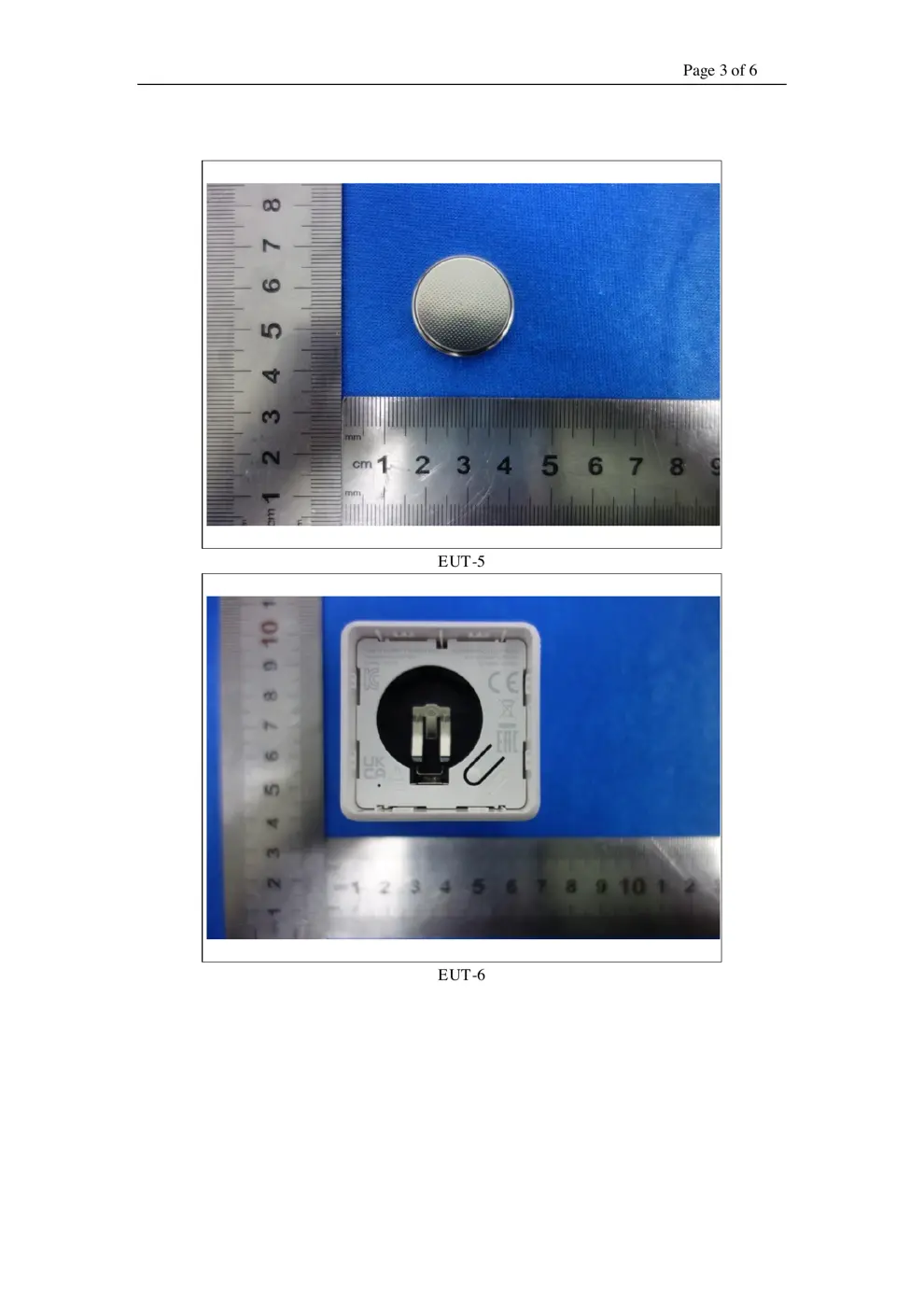
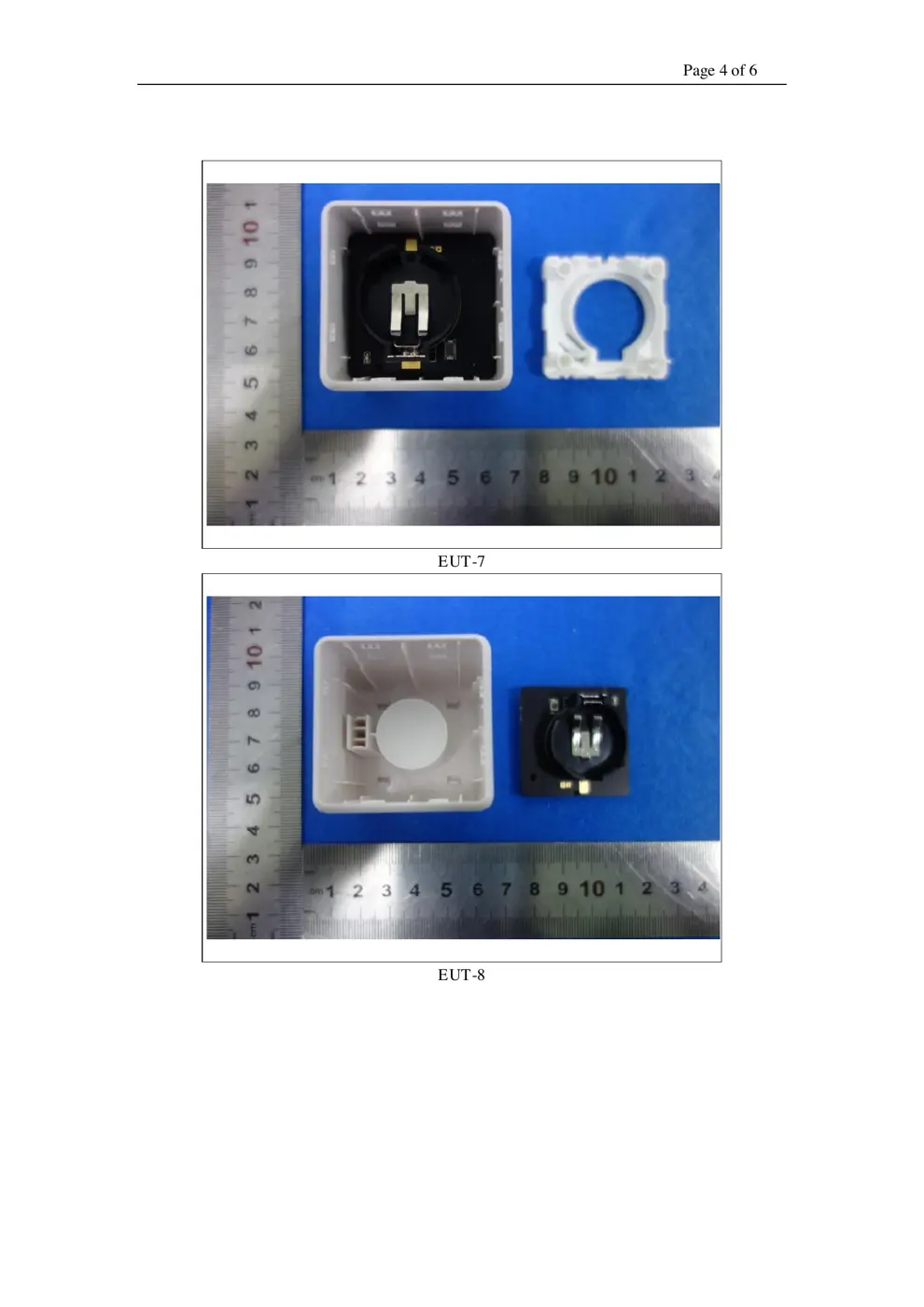
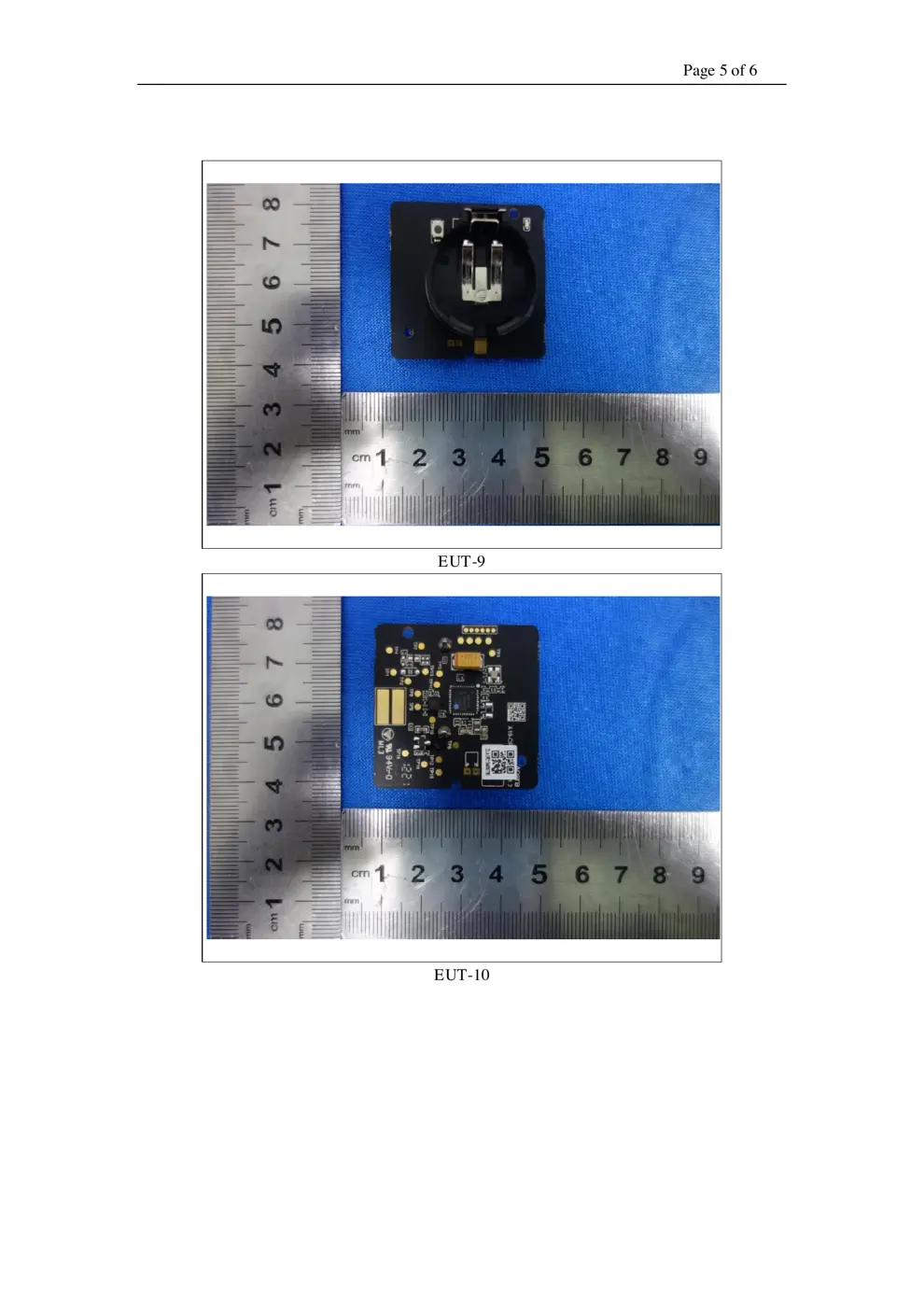
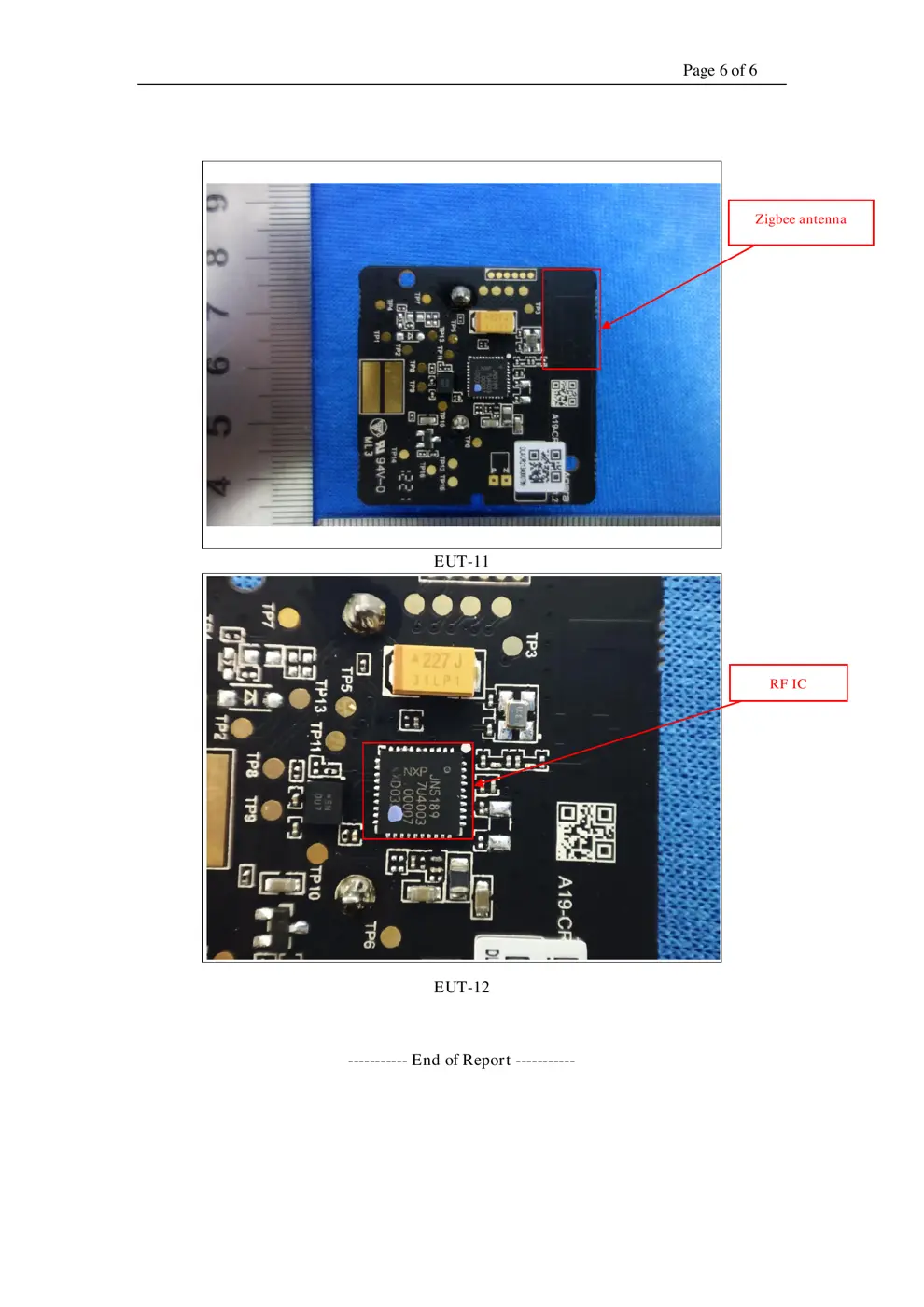
Verdict
The R01 is a Zigbee device from the Aqara Zigbee ecosystem.
📄 Click to view full text manual (SEO)
ԄժğNN
ଽ်80gᆼ
ğ%
ğ7
ğQBOUPOFDPPMHSBZD

Cube T1 Pro User Manual
Würfel T1 Pro Benutzerhandbuch
Cube T1 Pro--Manuel d'utilisation
Cubo T1 Pro Manual de usuario
Cube T1 Pro Manuale d'uso
. 01
. 17
. 31
. 46
. 60
. 74
. 87
. 95
*This product requires an Aqara Zigbee hub. Some functions require
specific hubs. For details, please see: www.aqara.com/support.
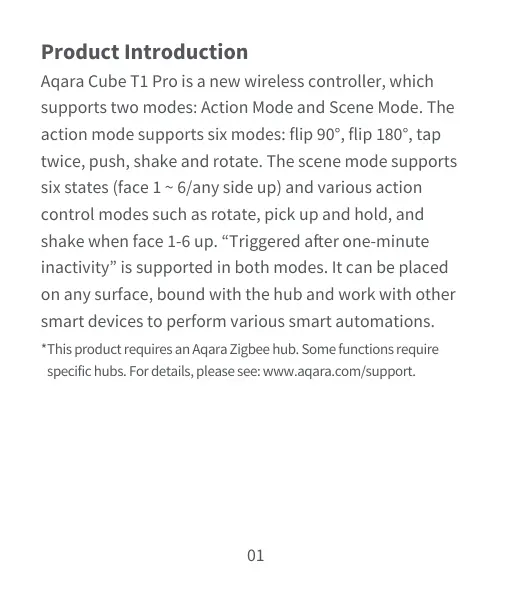
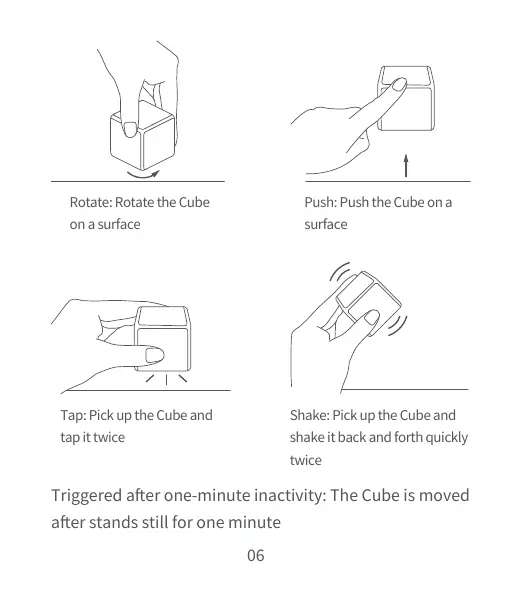
Aqara Cube T1 Pro is a new wireless controller, which
supports two modes: Action Mode and Scene Mode. The
action mode supports six modes: flip90°, flip 180°, tap
twice, push, shake and rotate. The scene mode supports
six states (face 1 ~ 6/any side up) and various action
control modes such as rotate, pick up and hold, and
shake when face 1-6 up. “Triggered after one-minute
inactivity”is supported in both modes. It can be placed
on any surface, bound with the hub and work with other
smart devices to perform various smart automations.
Product Introduction
01
Quick Setup
Add Device
1. Download the Aqara Home app.
Search for "Aqara Home" in the Apple App Store, Google
Play,Xiaomi GetApps, Huawei App Gallery,or scan the
following QR code to download the Aqara Homeapp:
02
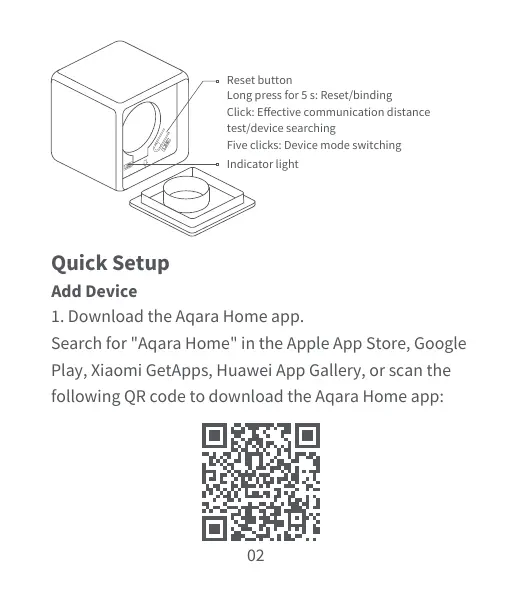
Reset button
Indicator light
Long press for 5 s: Reset/binding
Click: Effective communication distance
test/device searching
Five clicks: Device mode switching
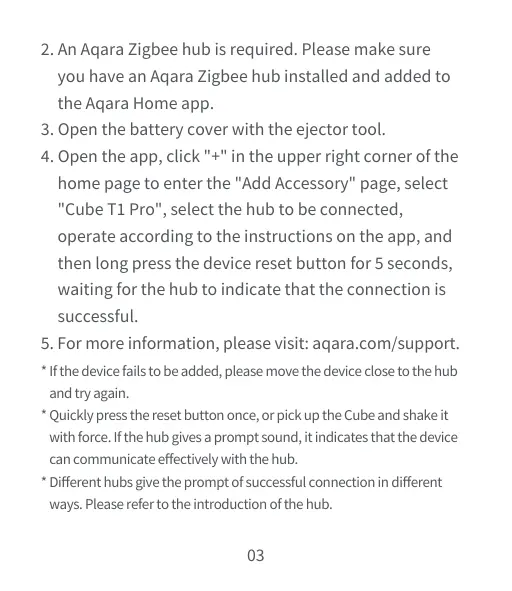
* If the device fails to be added, please move the device close to the hub
and try again.
* Quickly press the reset button once, or pick up the Cube and shake it
with force. If the hub gives a prompt sound, it indicates that the device
can communicate effectively with the hub.
* Different hubs give the prompt of successful connection in different
ways. Please refer to the introduction of the hub.
2. An Aqara Zigbee hub is required. Please make sure
you have an Aqara Zigbee hub installed and added to
the Aqara Home app.
3. Open the battery cover with the ejector tool.
4. Open the app, click "+" in the upper right corner of the
home page to enter the "Add Accessory" page, select
"Cube T1 Pro", select the hub to be connected,
operate according to the instructions on the app, and
then long press the device reset buttonfor 5 seconds,
waiting for the hub to indicate that the connection is
successful.
5. For moreinformation, please visit: aqara.com/support.
03
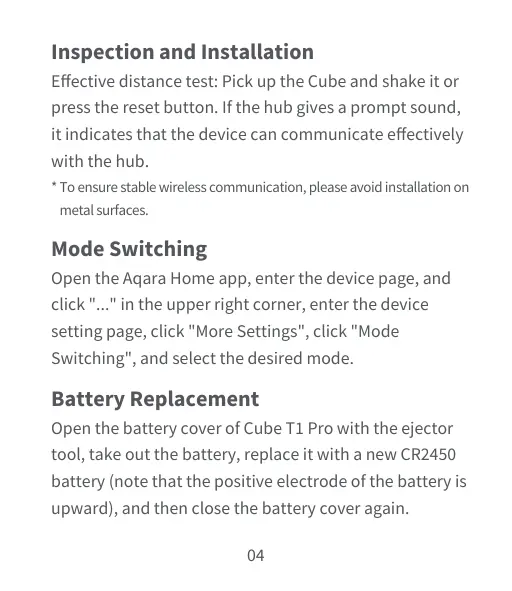
* To ensure stable wireless communication, please avoid installation on
metal surfaces.
Inspection and Installation
Effective distance test: Pick up the Cube and shake it or
press the reset button. If the hub gives a prompt sound,
it indicates that the device can communicate effectively
with the hub.
Mode Switching
Open the Aqara Home app, enter the device page, and
click "..." in the upper right corner, enter the device
setting page, click "More Settings", click "Mode
Switching", and select the desired mode.
Battery Replacement
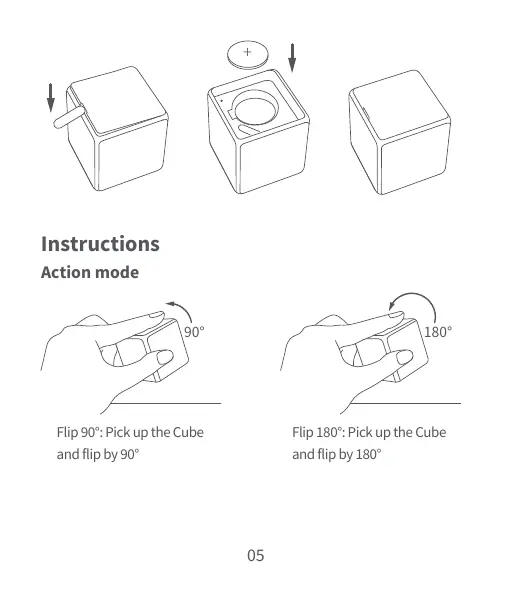
Open the battery cover of Cube T1 Pro with the ejector
tool, take out the battery, replace it with a new CR2450
battery (note that the positive electrode of the battery is
upw...