
RFR2 Reset & Teardown (FCC ID 2APN5RFR2)
Factory reset and internal photos for Sonoff (Itead) RFR2. Sonoff smart plug.
January 15, 2026
•
9 read
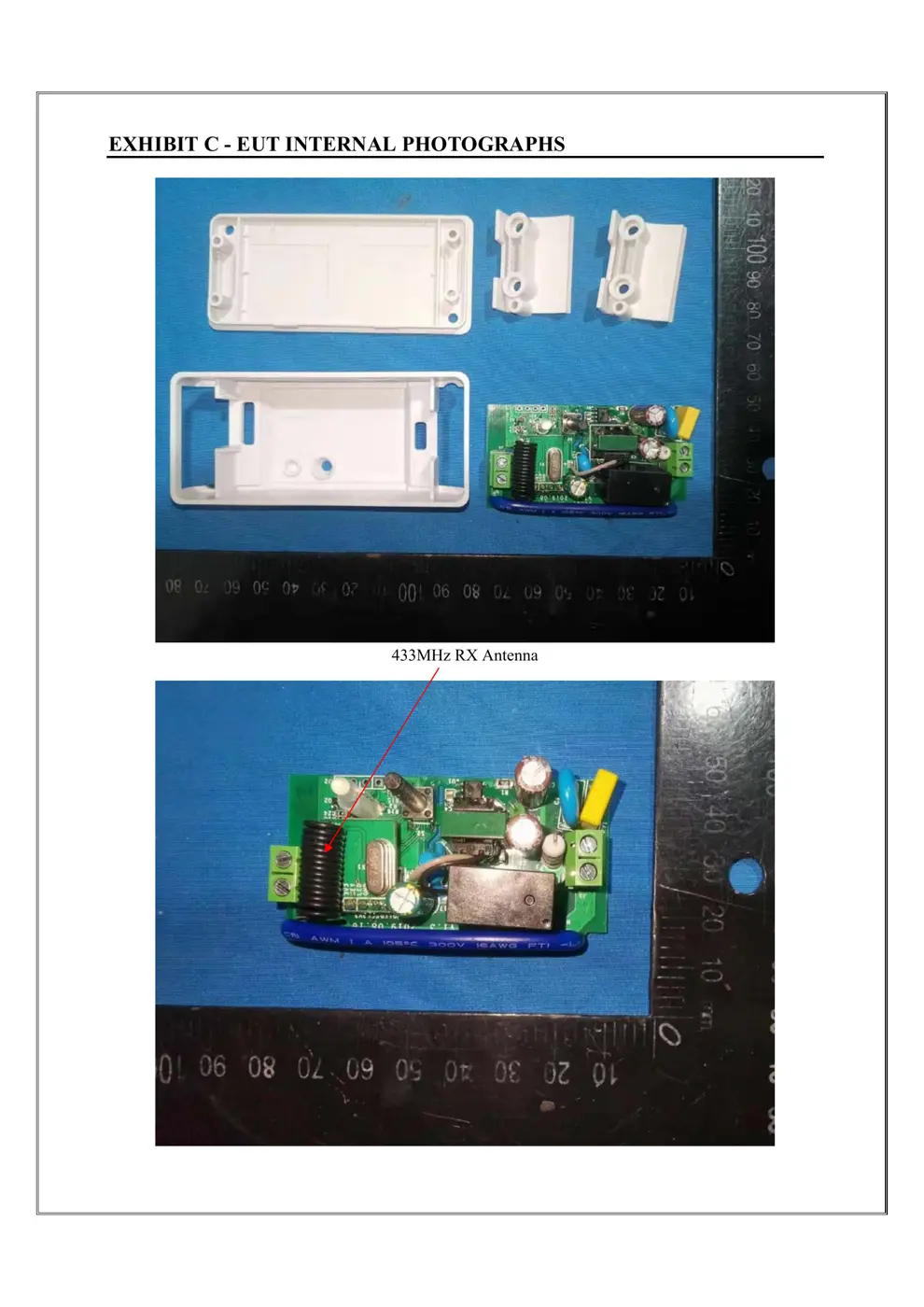
Before you buy the Sonoff (Itead) RFR2, check what's inside.
This is a dual-mode Sonoff smart switch that can be controlled via WiFi (2.4GHz) using the eWeLink app or via local RF 433MHz signals. It is designed for direct mains power connection and supports a maximum load of 10A.
⚠️ NOTE: Ensure mains power is disconnected before installation and wiring. Verify correct polarity for all connections.
Quick Specs
- Manufacturer: Sonoff (Itead)
- Model: RFR2
- Protocol: WiFi
- Chipset: ESP/CK Chip
- Ecosystem: Sonoff
- App: eWeLink
🔧 Geek Corner (Flashing Info)
- Chipset: ESP8266
- Flashable: ✅ Yes
- Info: Sonoff devices with ESP8266 chips are generally flashable with custom firmware like Tasmota or ESPHome.
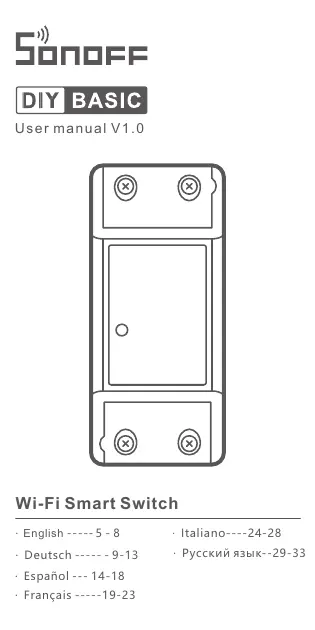
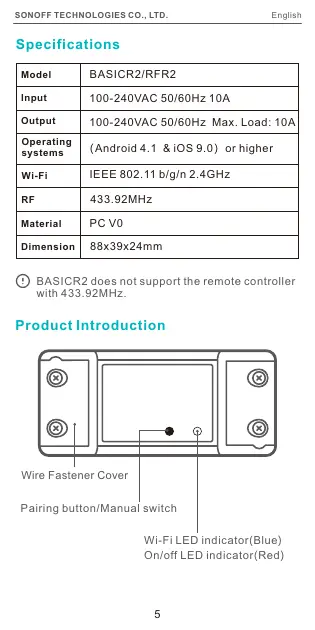
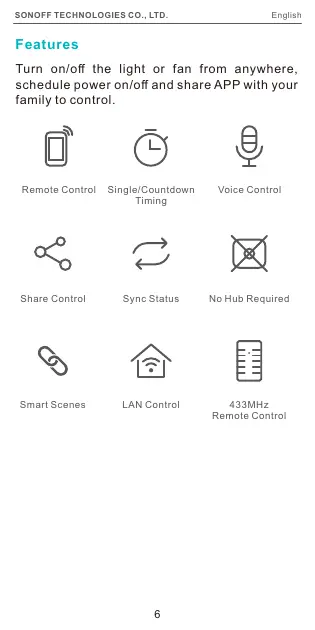
User Manual
Scanned pages from the official user manual:
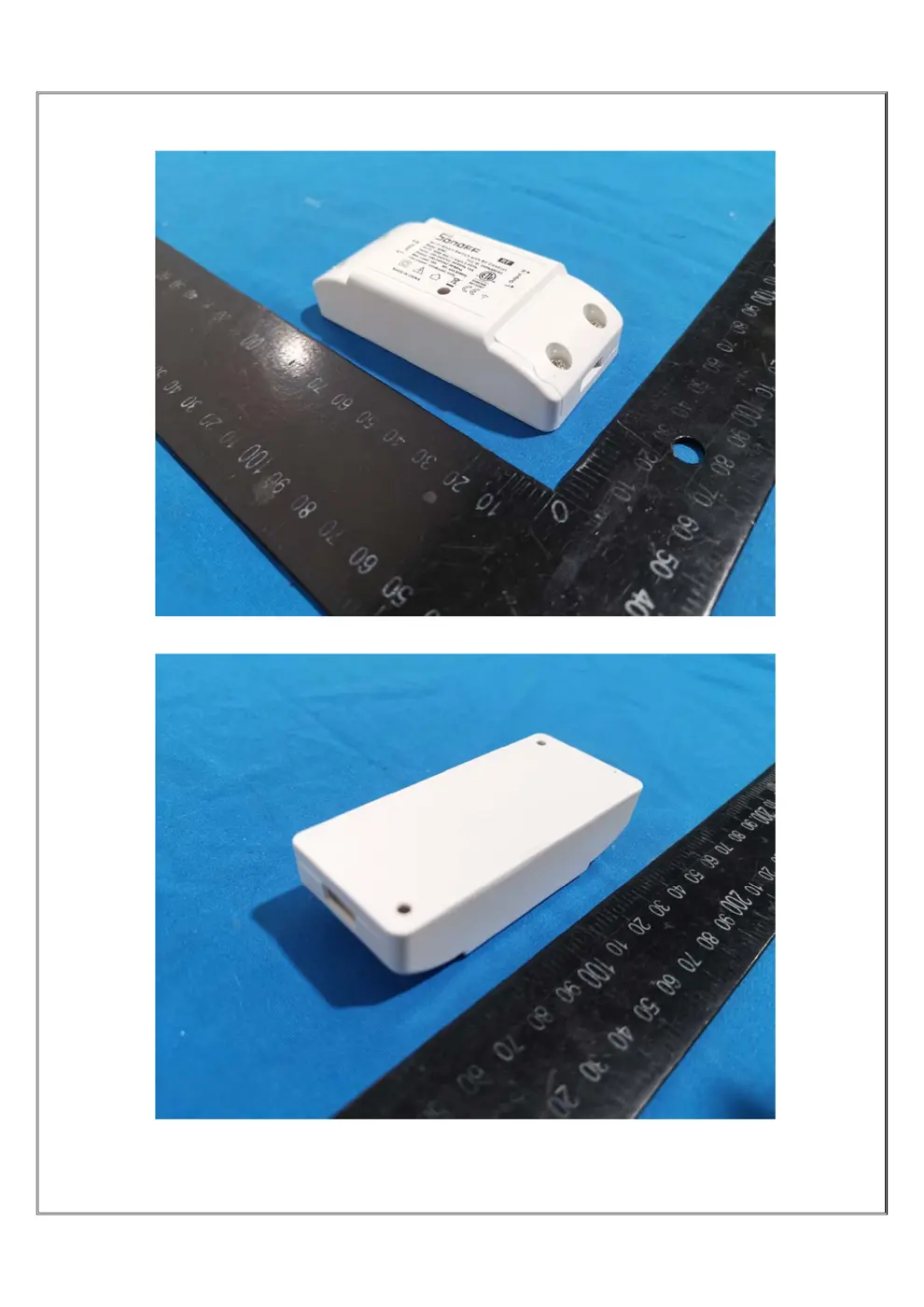
External Photos
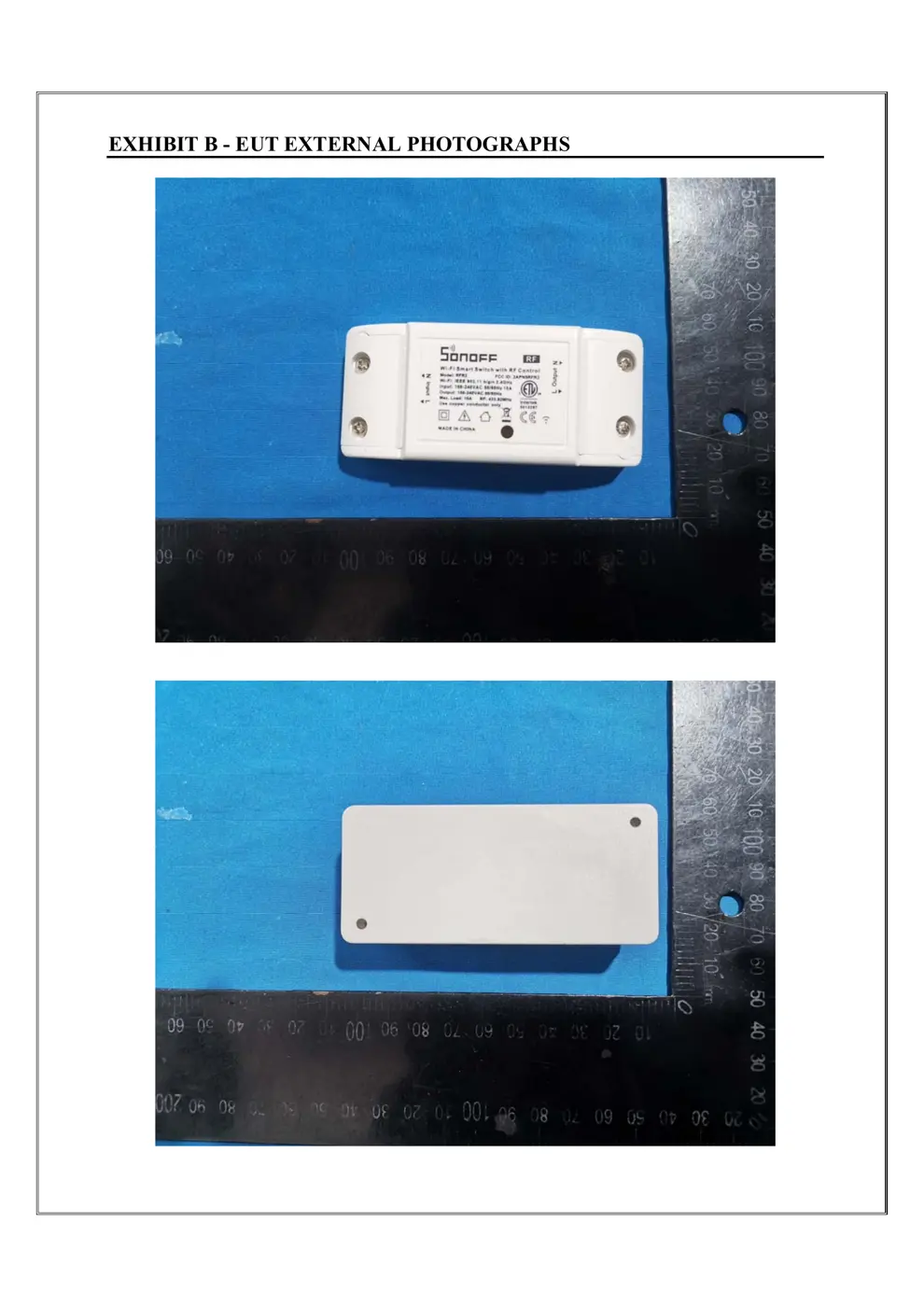
Photos of the device exterior:
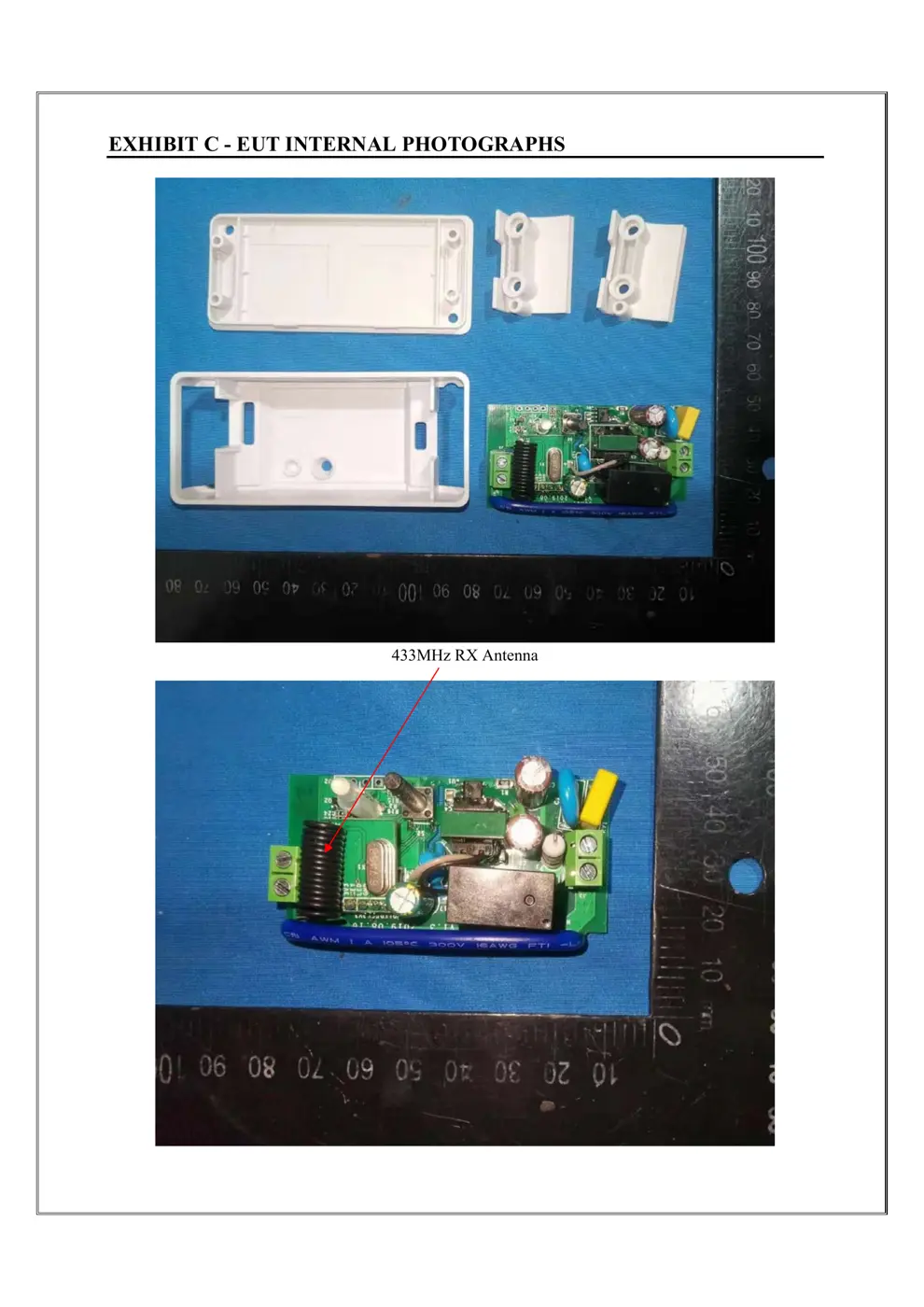
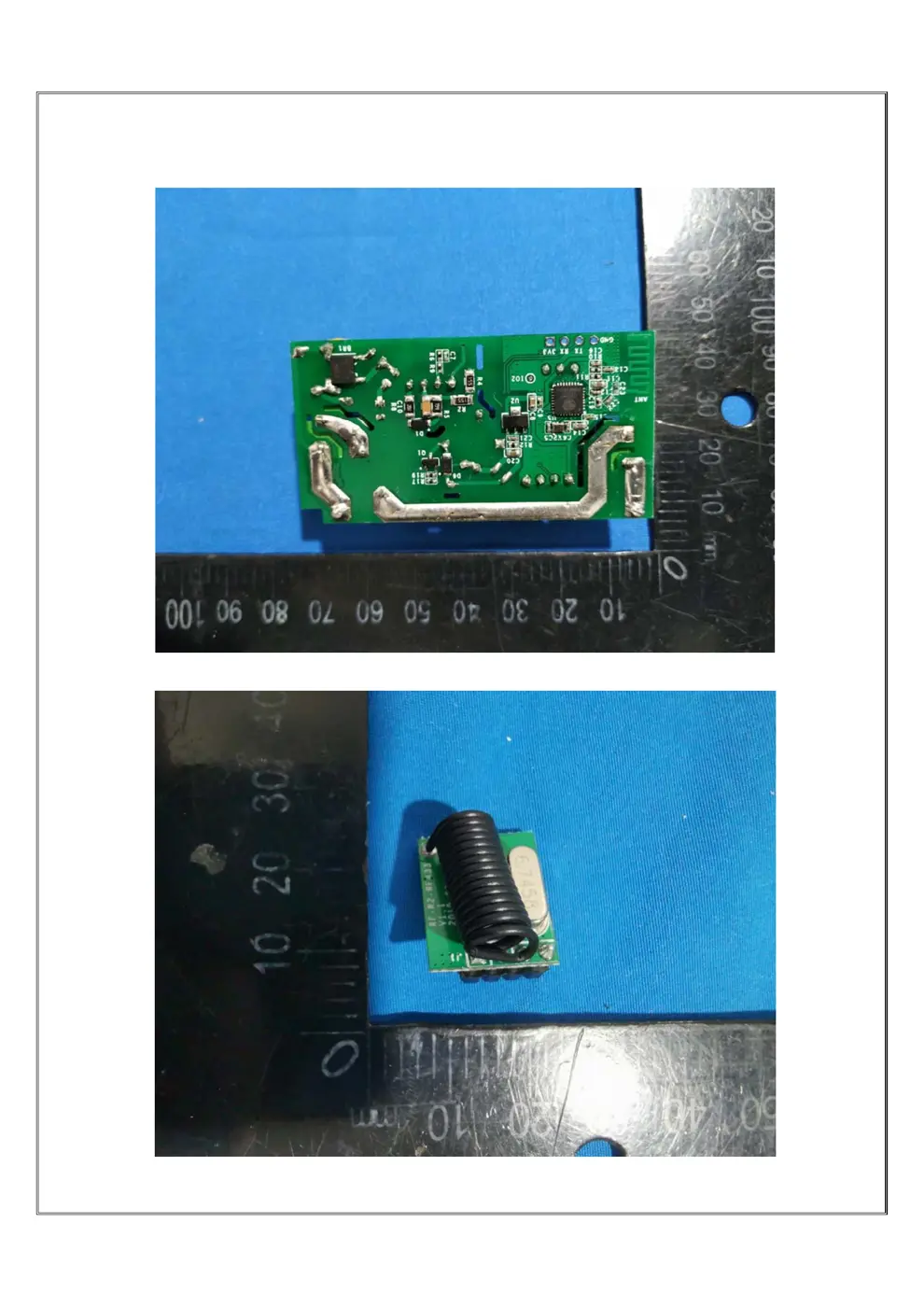
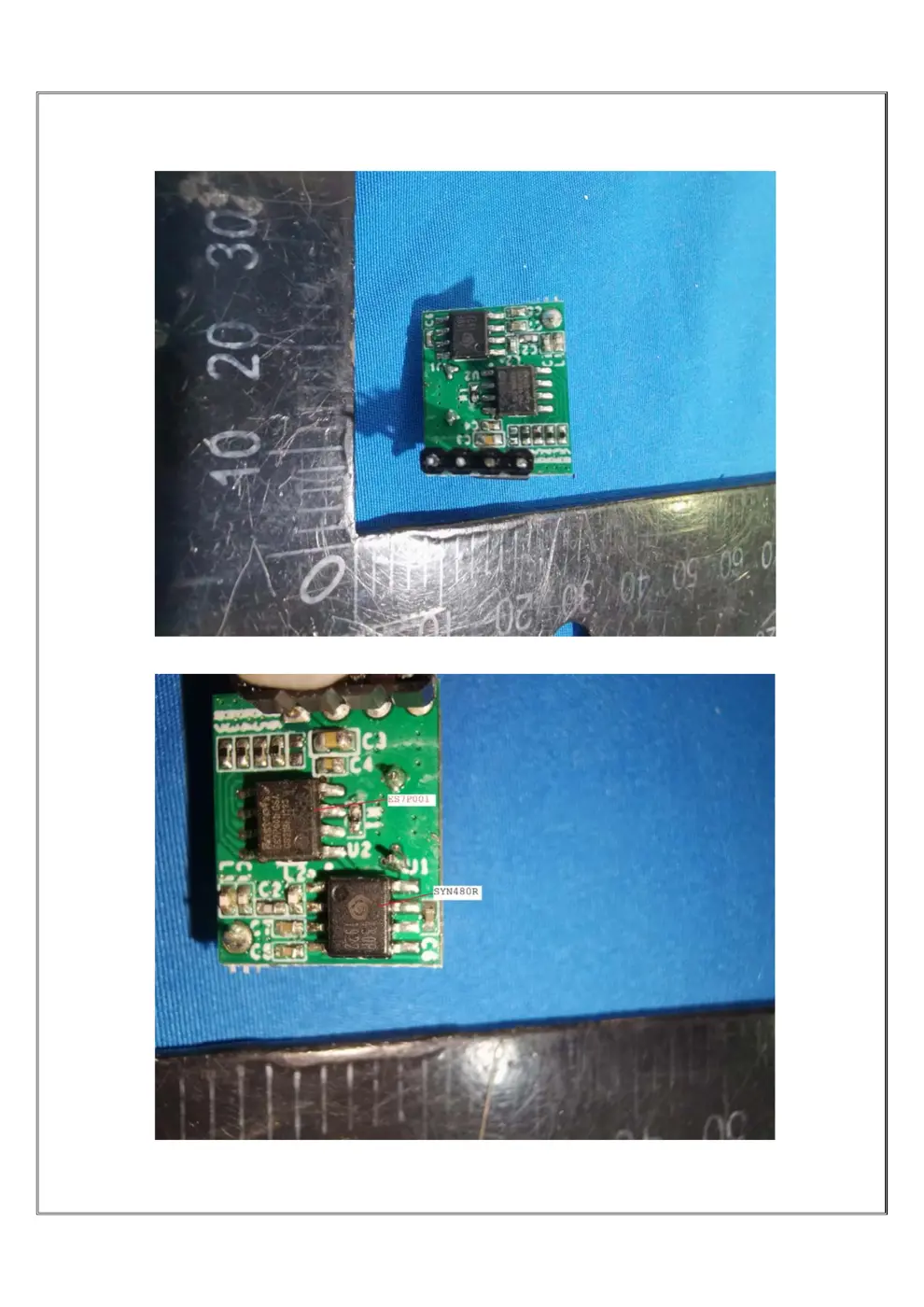
Internal Photos
Teardown photos showing the PCB and components:
Verdict
The RFR2 is a WiFi device from the Sonoff ecosystem.
📄 Click to view full text manual (SEO)
Wi-Fi Smart Switch
User manual V1.0
· English ----- 5 - 8
· Español --- 14-18
· Français -----19-23
· Deutsch ---- - - 9-13
· Italiano----24-28
· Русский язык-- 29-33
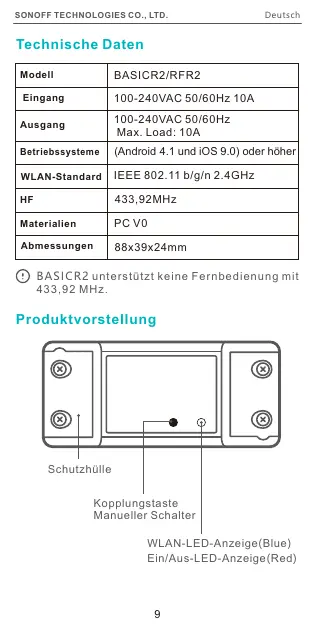
BASICR2 does not support the remote controller
with 433.92MHz.
100-240VAC 50/60Hz 10A
100-240VAC 50/60Hz Max. Load: 10A
IEEE 802.11 b/g/n 2.4GHz
433.92MHz
PC V0
88x39x24mm
5
Model
Input
Output
Operating
systems
Wi-Fi
RF
Material
Dimension
(Android 4.1 & iOS 9.0)or higher
Specifications
Product Introduction
Wi-Fi LED indicator(Blue)
On/off LED indicator(Red)
Pairing button/Manual switch
EnglishSONOFF TECHNOLOGIES CO., LTD.
BASICR2/RFR2
Wire Fastener Cover
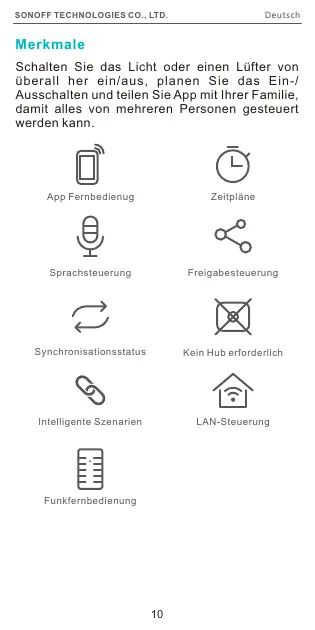
Features
Turn on/off the light or fan from anywhere,
schedule power on/off and share APP with your
family to control.
Remote Control Single/Countdown
Timing
Voice Control
Share Control Sync Status No Hub Required
Smart Scenes LAN Control 433MHz
Remote Control
6
EnglishSONOFF TECHNOLOGIES CO., LTD.
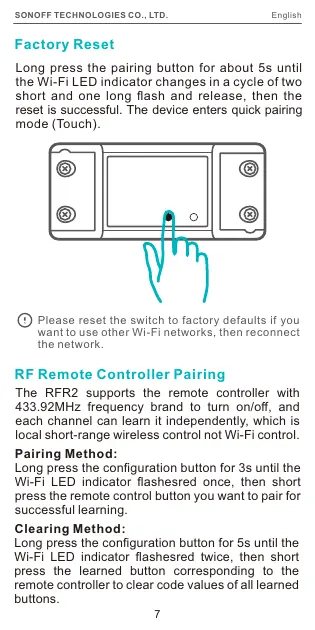
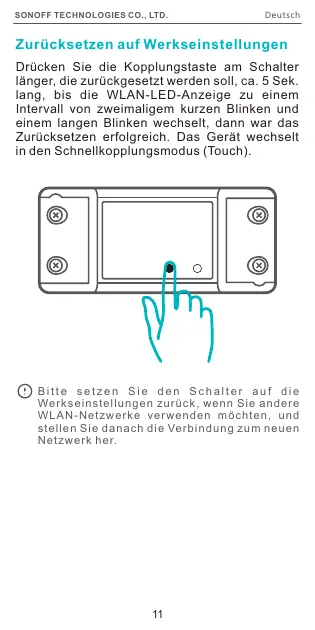
Please reset the switch to factory defaults if you
want to use other Wi-Fi networks, then reconnect
the network.
7
Factory Reset
Long press the pairing button for about 5s until
the Wi-Fi LED indicator changes in a cycle of two
short and one long flash and release, then the
reset is successful. The device enters quick pairing
mode (Touch).
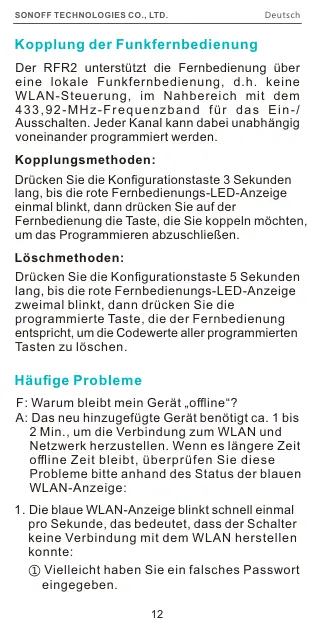
RF Remote Controller Pairing
The RFR2 supports the remote controller with
433.92MHz frequency brand to turn on/off, and
each channel can learn it independently, which is
local short-range wireless control not Wi-Fi control.
Pairing Method:
Long press the configuration button for 3s until the
Wi-Fi LED indicator flashesred once, then short
press the remote control button you want to pair for
successful learning.
Clearing Method:
Long press the configuration button for 5s until the
Wi-Fi LED indicator flashesred twice, then short
press the learned button corresponding to the
remote controller to clear code values of all learned
buttons.
EnglishSONOFF TECHNOLOGIES CO., LTD.
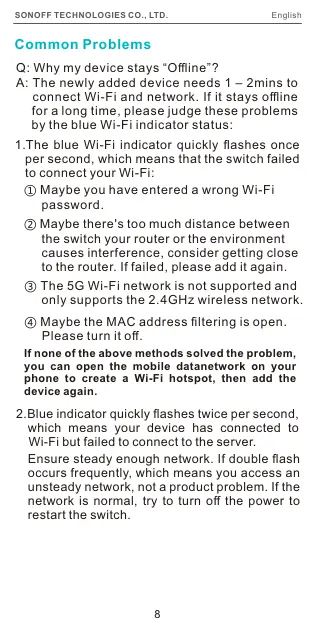
Common Problems
Q: Why my device stays “Offline”?
A: The newly added device needs 1 – 2mins to
 connect Wi-Fi and network. If it stays offline
 for a long time, please judge these problems
 by the blue Wi-Fi indicator status:
1. The blue Wi-Fi indicator quickly flashes once
 per second, which means that the switch failed
 to connect your Wi-Fi:
① Maybe you have entered a wrong Wi-Fi
 password.
② Maybe there's too much distance between
 the switch your router or the environment
 causes interference, consider getting close
 to the router. If failed, please add it again.
 ③ The 5G Wi-Fi network is not supported and
 only supports the 2.4GHz wireless network.
④ Maybe the MAC address filtering is open.
 Please turn it off.
2.Blue indicator quickly flashes twice per second,
 which means your device has connected to
 Wi-Fi but failed to connect to the server.
8
EnglishSONOFF TECHNOLOGIES CO., LTD.
If none of the above methods solved the problem,
you can open the mobile datanetwork on your
phone to create a Wi-Fi hotspot,...