
SHELLYBUT1 Reset & Teardown (FCC ID 2BDC6-SHELLYBUT1)
Factory reset and internal photos for Shelly Group SHELLYBUT1. Shelly smart plug.
Before you buy the Shelly Group SHELLYBUT1, check what's inside.
The Shelly Button1 is a versatile, battery-powered WiFi-enabled smart button that can trigger actions in other smart home devices or act as a standalone controller via the Shelly app and cloud services. It offers flexible placement and connectivity options for various home automation scenarios.
ℹ️ Note: This is a battery-powered device. Remove batteries before opening.
⚠️ NOTE: Ensure the USB port is not exposed to moisture or liquids. Keep the device away from children.
Quick Specs
- Manufacturer: Shelly Group
- Model: SHELLYBUT1
- Protocol: WiFi
- Chipset: ESP32
- Ecosystem: Shelly
- App: Shelly App
🔧 Geek Corner (Flashing Info)
- Chipset: ESP32
- Flashable: ✅ Yes
- Info: Uses ESP32 chipset, known to be flashable with custom firmware.
Reset Guide
Press and hold the reset button, for 10 seconds.
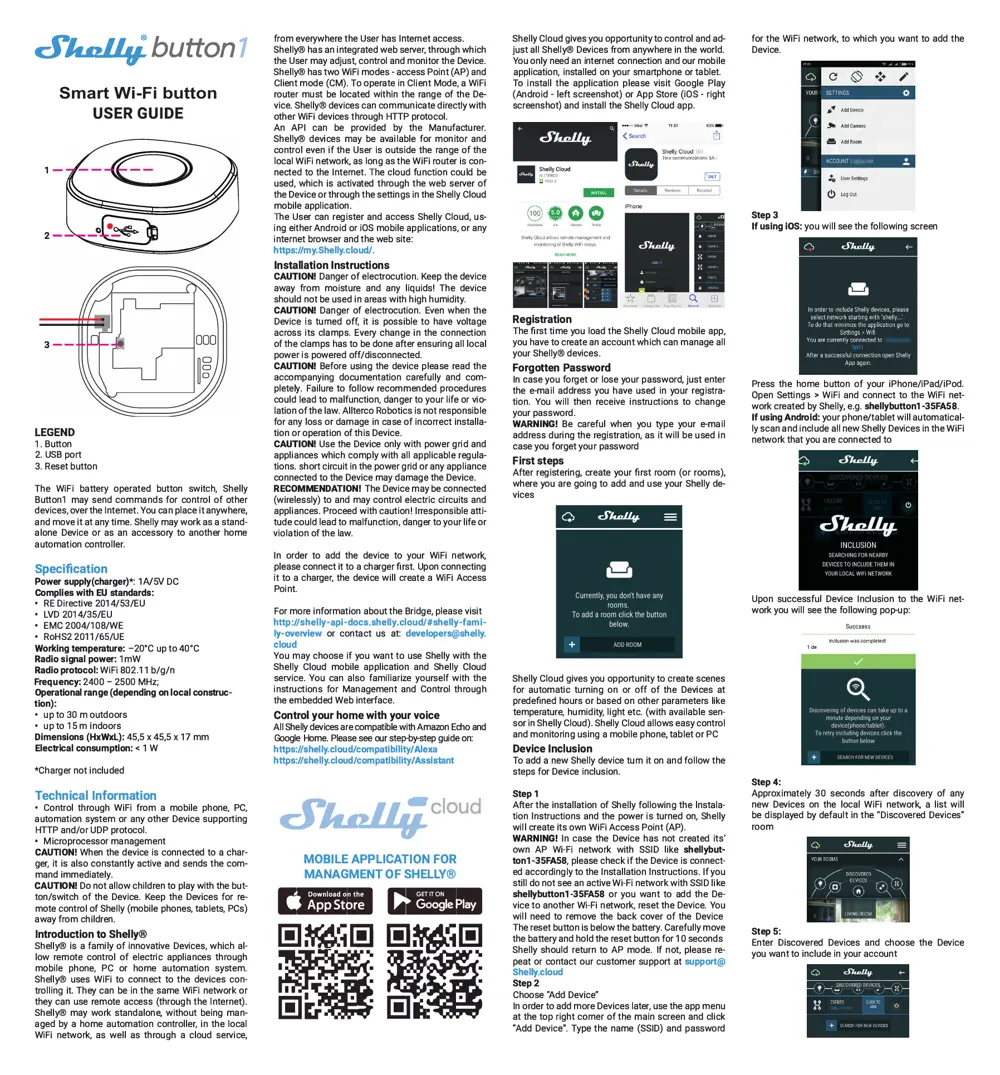
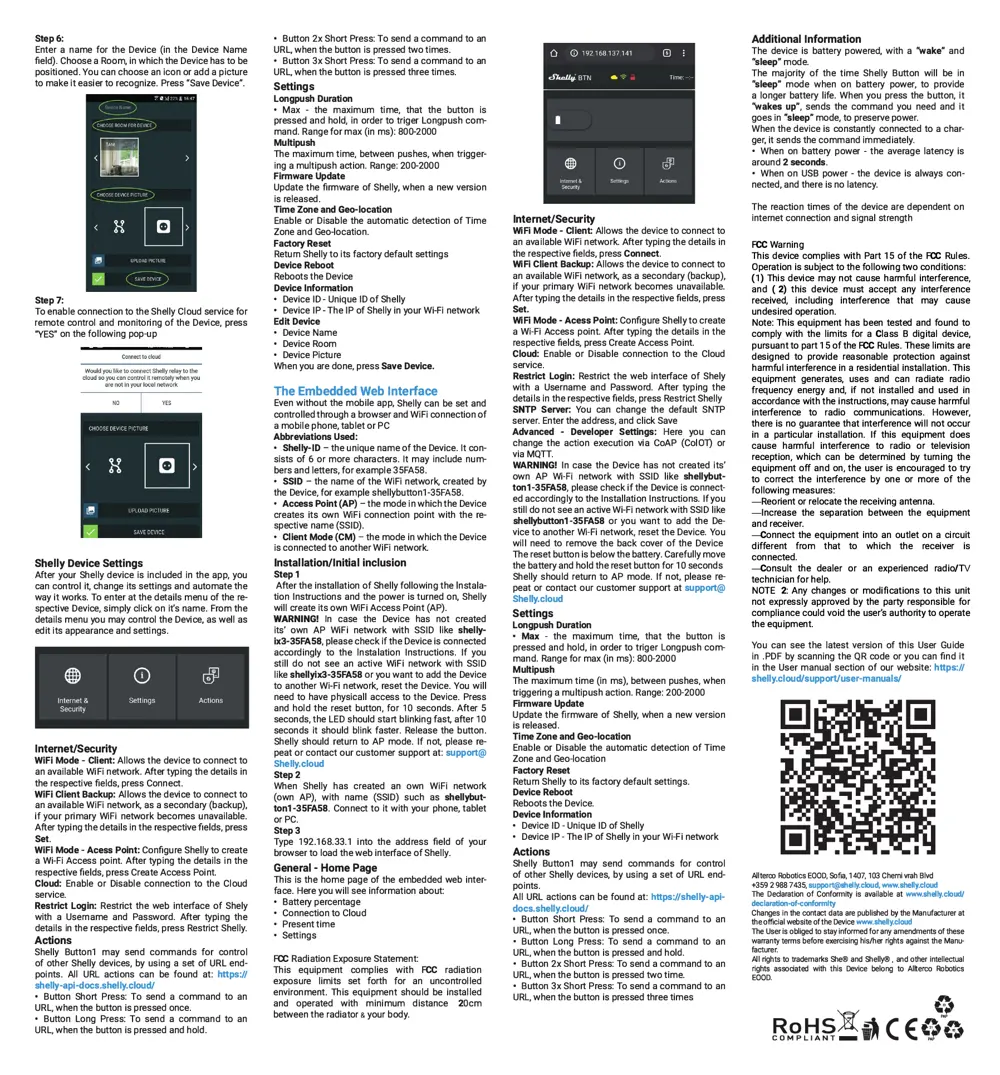
User Manual
Scanned pages from the official user manual:
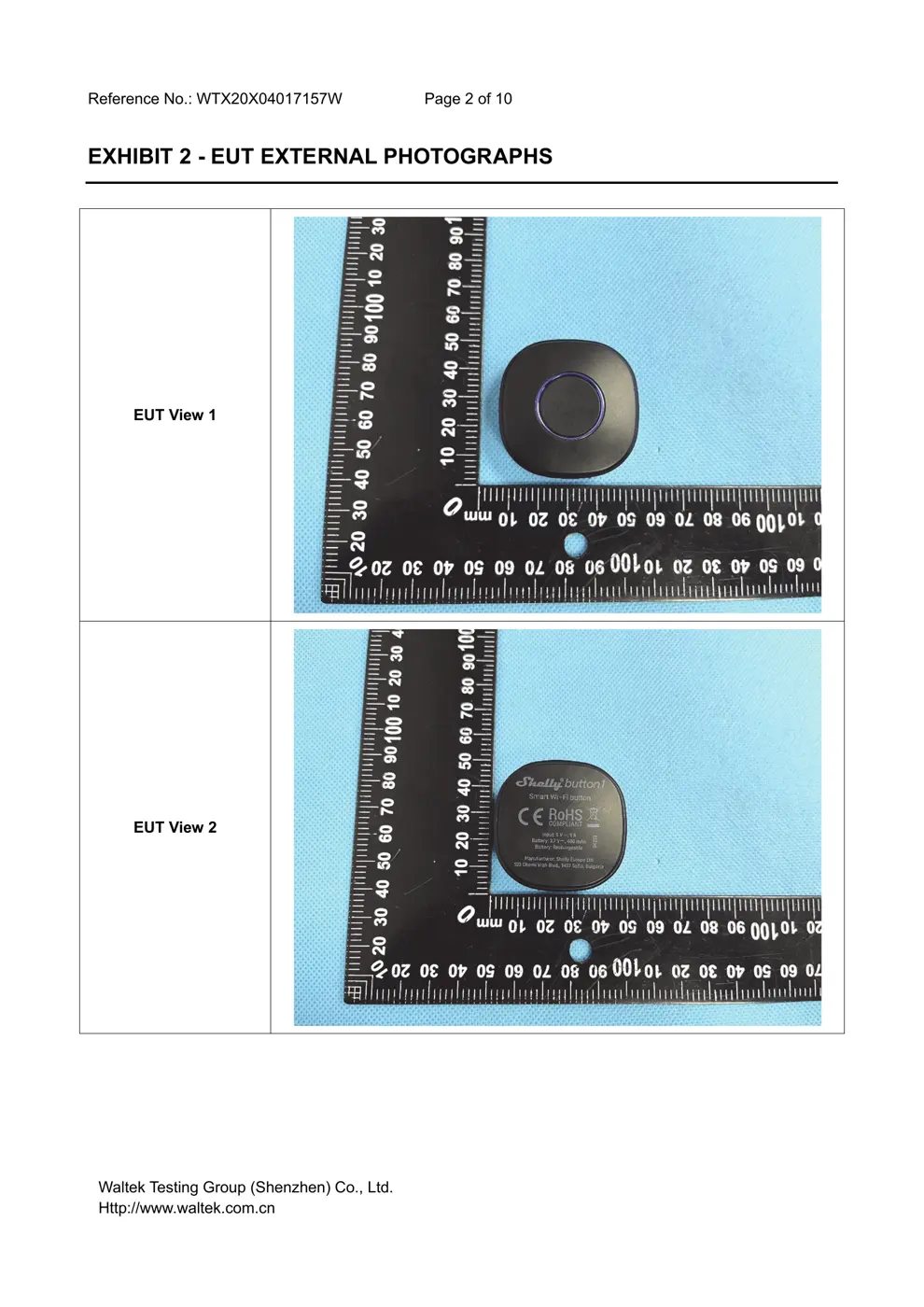
External Photos
Photos of the device exterior:
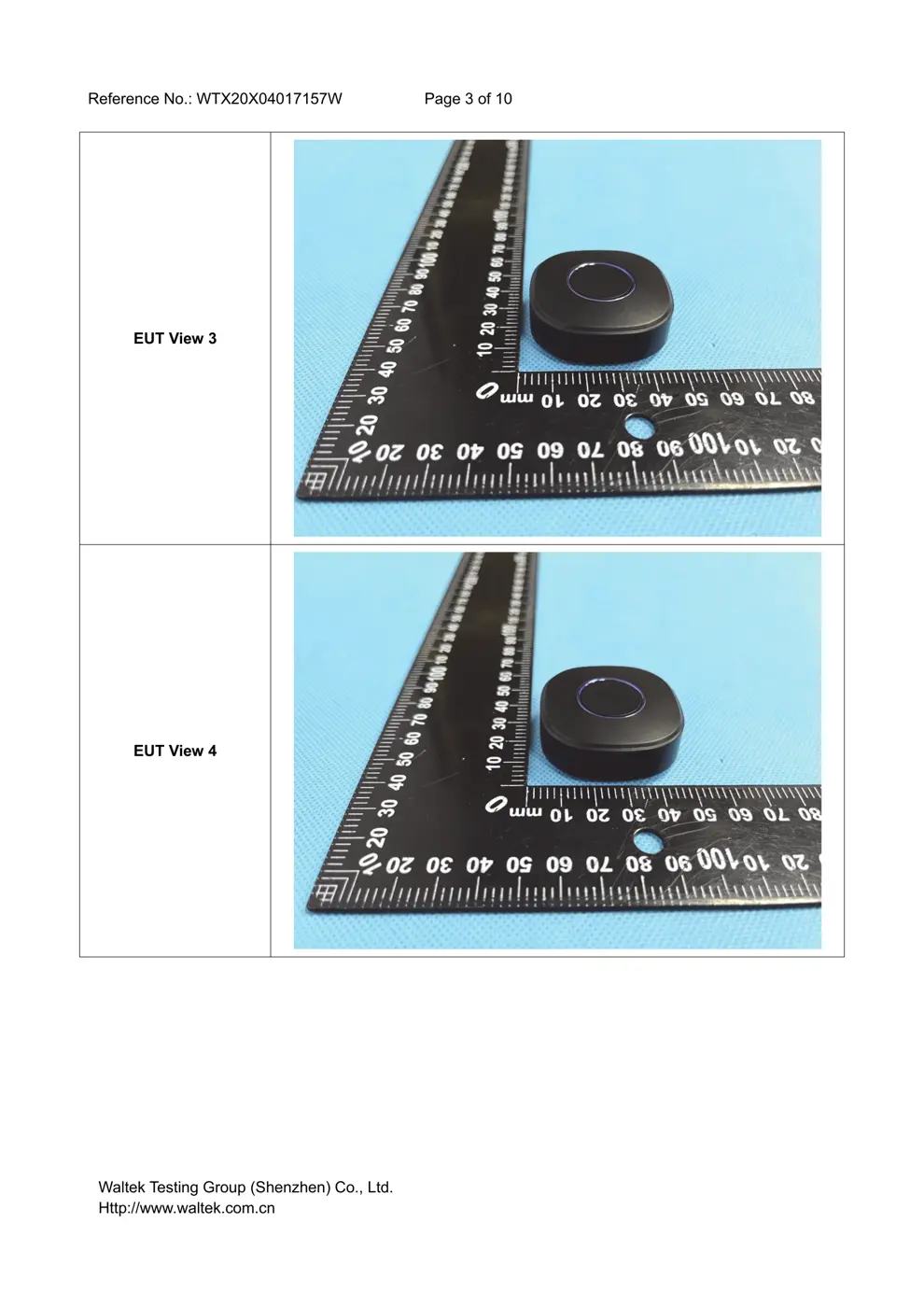
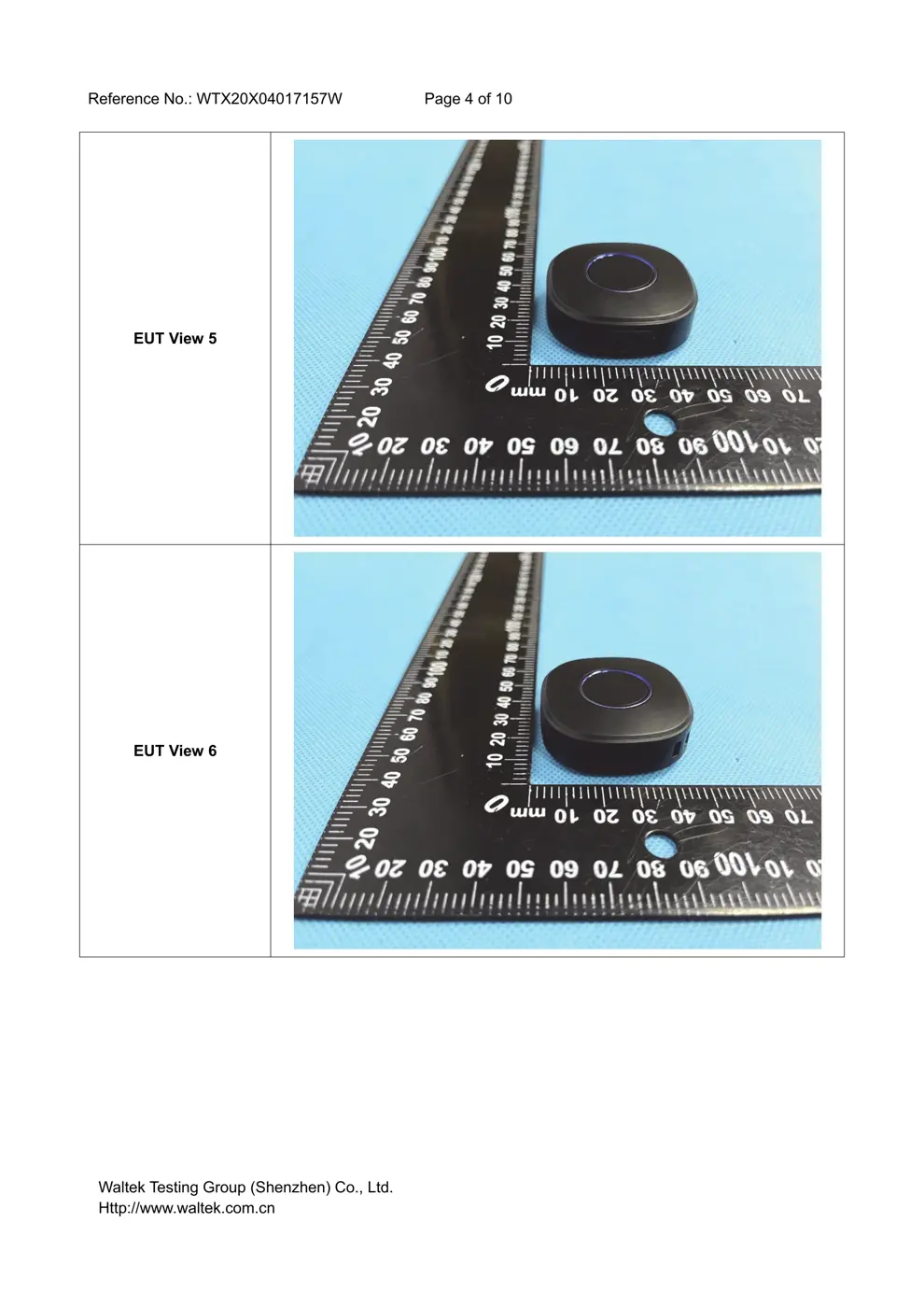
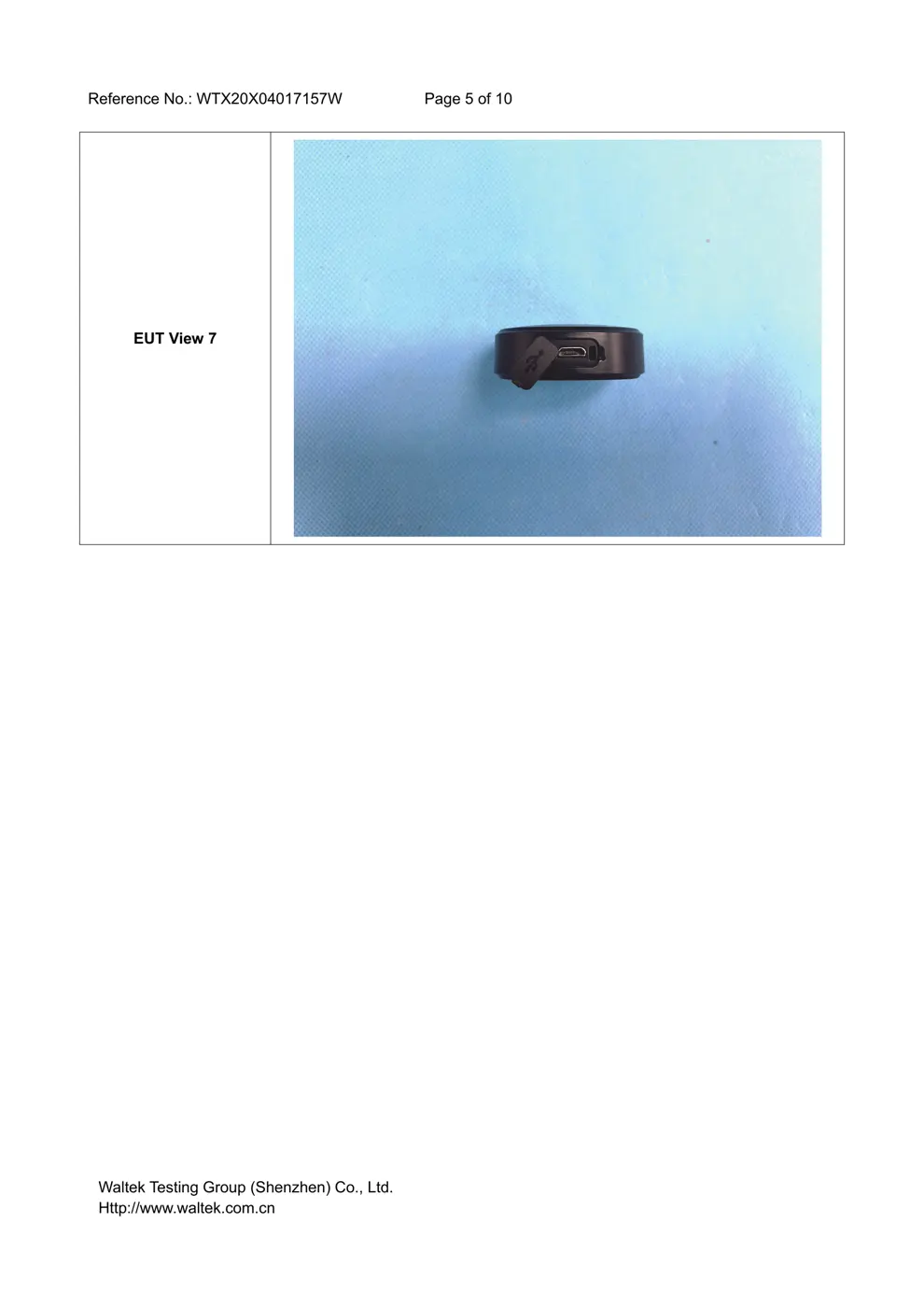
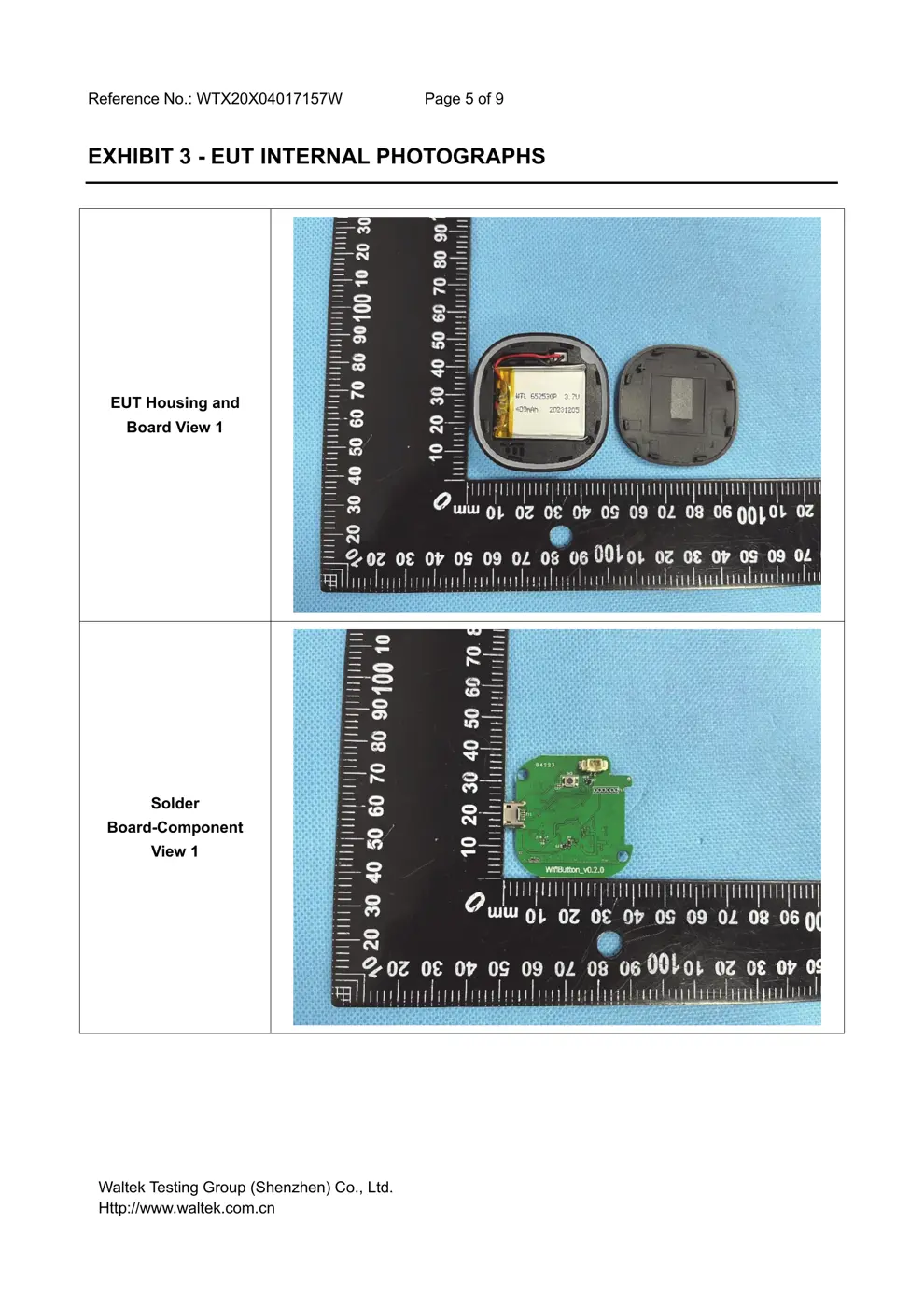
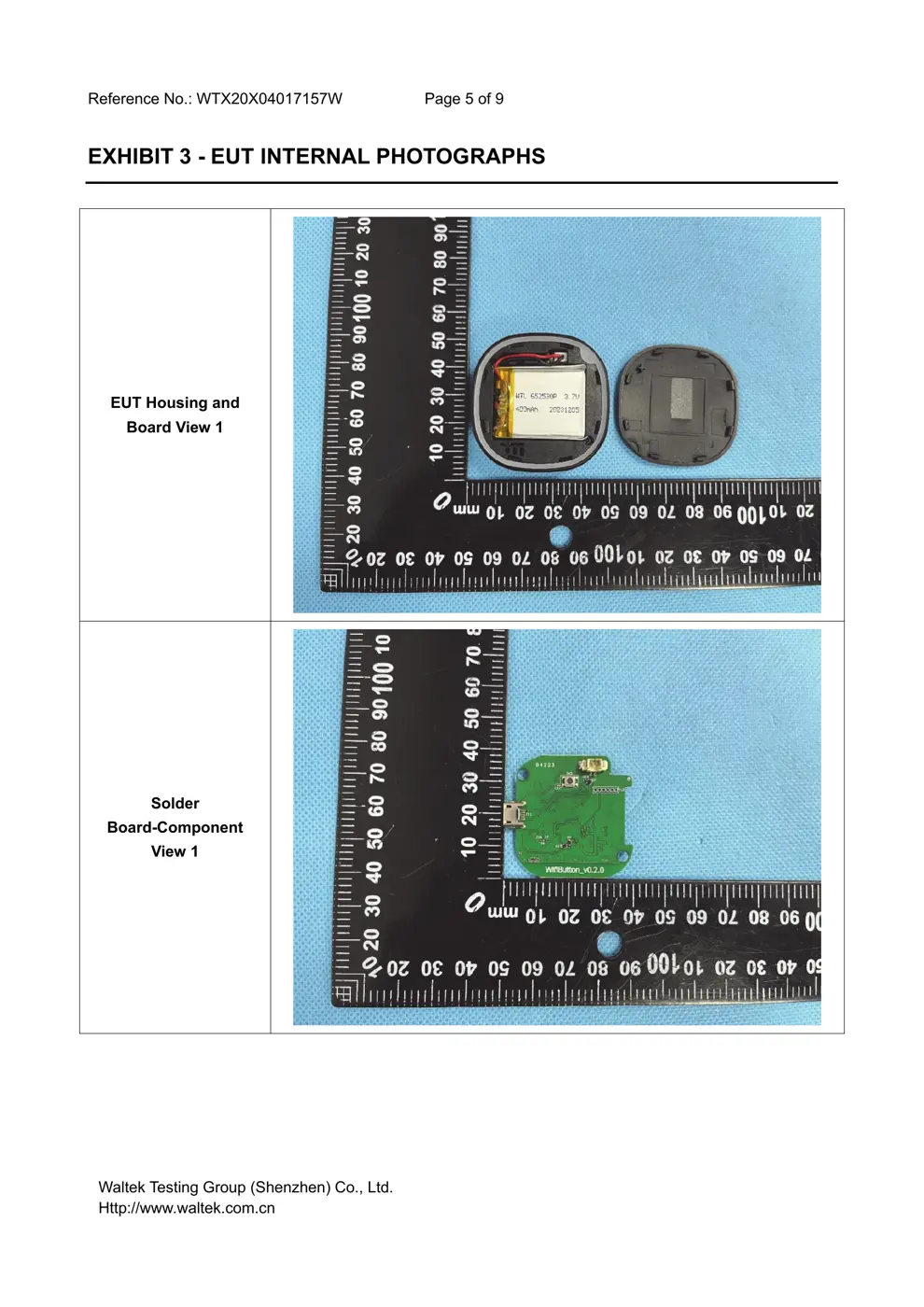
Internal Photos
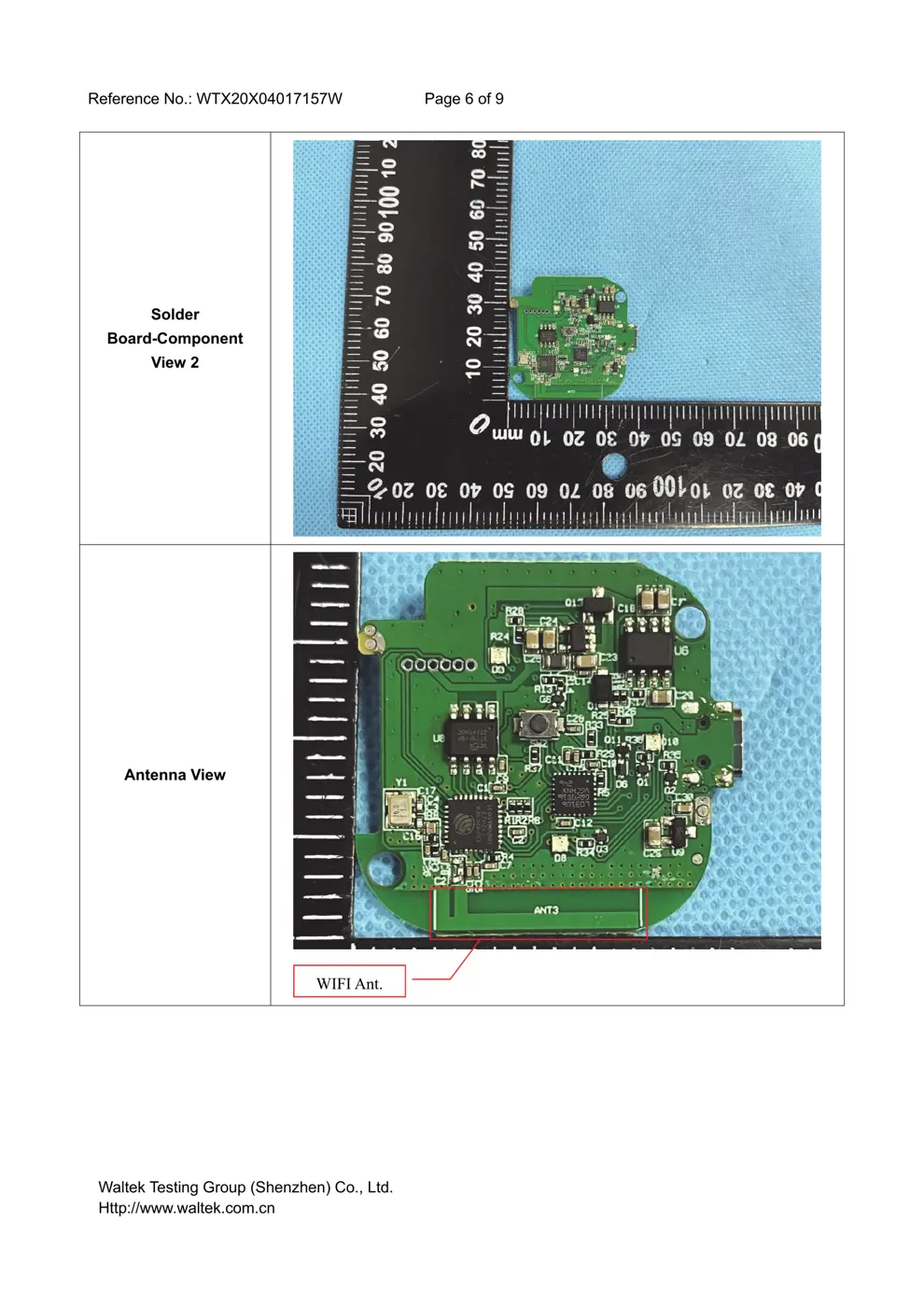
Teardown photos showing the PCB and components:
Verdict
The SHELLYBUT1 is a WiFi device from the Shelly ecosystem.
📄 Click to view full text manual (SEO)
J雪压叫 button7
USER GUIDE
1 一
LEGEND
1. Button
2. USB port
3. Reset button
The WiFi battery operated button switch, Shelly
Button1 may send commands for control of other
devices, over the Internet. You can place it anywhere,
and move it at any time. Shelly may work as a stand
alone Device or as an accessory to another home
automation controller.
Specification
Power supply(charger)*: 1 NSV DC
Complies with EU standards:
• REDi『ective 2014/53/EU
• LVD 2014/35/EU
• EMC 2004/108/WE
• RoHS2 2011 /65/UE
Working temperature: -20'C up to 40'C
Radio signal power: 1 mW
Radio protocol: WiFi 802.11 b/g/n
Frequency: 2400 - 2500 MHz;
Operational range (depending on local construe
tion):
• up to 30 m outdoors
• up tolSm indoo『S
Dimensions (HxWxL): 45,5 x 45,5 x 17 mm
Electrical consumption: < 1 W
*Charge「 not included
Technical Information
• Control through WiFi from a mobile phone, PC,
automation system or any other Device supporting
HTTP and/or UDP protocol.
• Microprocessor management
CAUTION! When the device is connected to a char
ger, it is also constantly active and sends the com
mand immediately.
CAUTION! Do not allow children to play with the but
ton/switch of the Device. Keep the Devices for re
mote control of Shelly (mobile phones, tablets, PCs)
away from children.
Introduction to Shelly®
Shelly® is a family of innovative Devices, which al
low remote control of elect『ic appliances through
mobile phone, PC or home automation system.
Shelly® uses W们to connect to the devices con
trolling it. They can be in the same WiFi network or
they can use remote access (through the lnte「net).
Shelly® may work standalone, without being man
aged by a home automation controller, in the local
WiFi network, as well as through a cloud service,
from everywhere the User has Internet access.
Shelly® has an integrated web server, through which
the User may adjust, control and monitor the Device.
Shelly® has two WiFi modes -access Point (AP) and
Client mode (CM). To operate in Client Mode, a W旧
router must be located within the range of the De
vice. Shelly® devices can communicate directly with
other WiFi devices through HTTP protocol
An API can be provided by the Manufacturer.
Shelly® devices may be available for monitor and
control even if the User is outside the range of the
local WiFi network, as long as the WiFi router is con
nected to the Internet. The cloud function could be
used, which is activated through the web server of
the Device or through the settings in the Shelly Cloud
mobile application.
The User can register and access Shelly Cloud, us
ing either Android or iOS mobile applications, or any
internet browser and the web site:
https://my.Shelly.cloud/.
Installation Instructions
CAUTION! Danger of electrocution. Keep the device
away from moisture and any liquids! The device
should not be used in areas with high hum心ty.
CAUTION! Danger of electrocution. Even when the
Device is turned off, it is possible to ...