
SONOFFT1US Reset & Teardown (FCC ID 2APN5SONOFFT1US)
Factory reset and internal photos for Sonoff (Itead) SONOFFT1US. Sonoff smart plug.
January 15, 2026
•
8 read
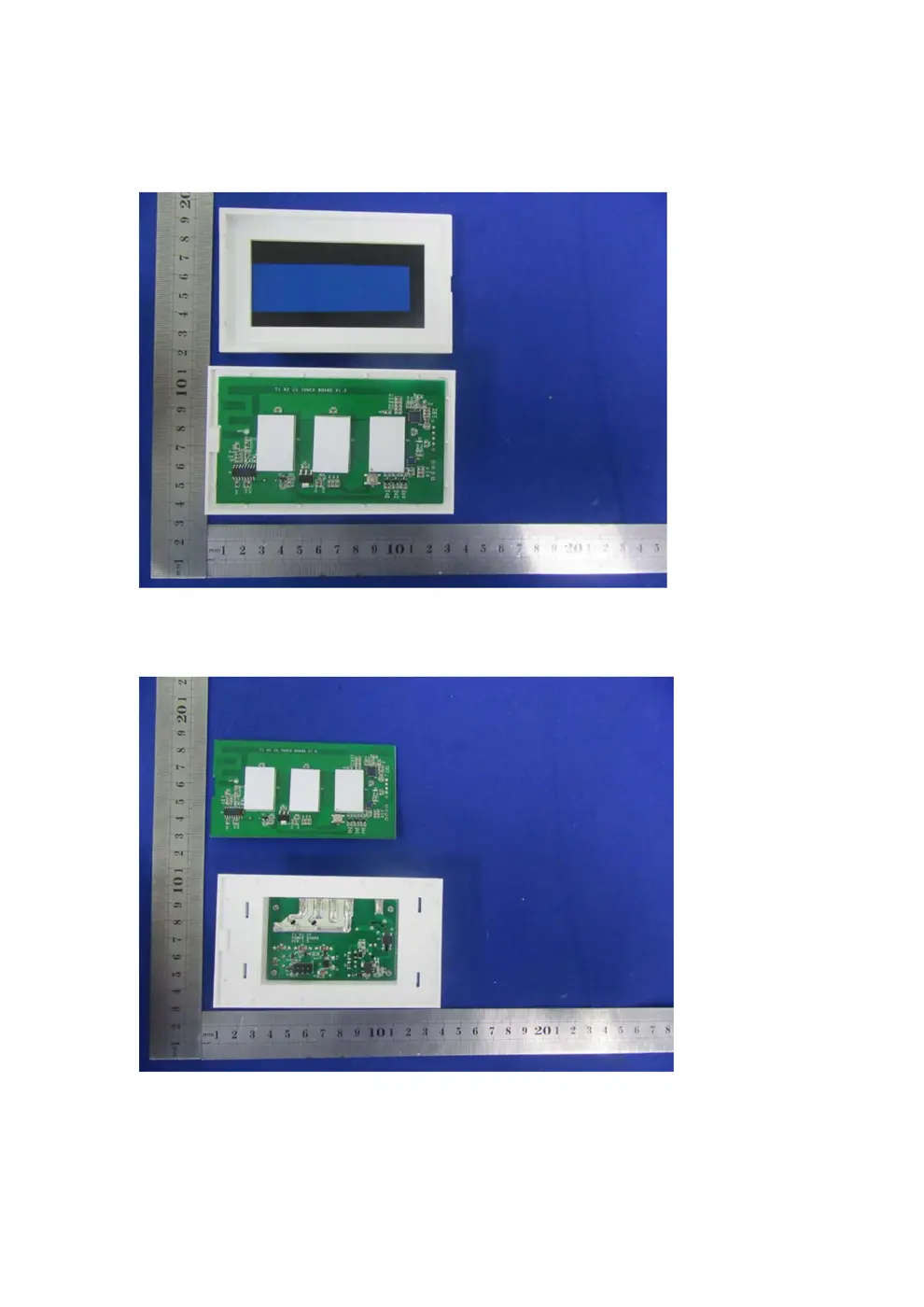
Before you buy the Sonoff (Itead) SONOFFT1US, check what's inside.
This is a Sonoff T1 US smart wall switch, designed to replace a standard light switch. It offers WiFi connectivity for app control and integration with smart home ecosystems, as well as 315MHz RF for remote control.
⚠️ NOTE: Ensure mains power is disconnected before installation or wiring. This device requires both a live and neutral wire.
Quick Specs
- Manufacturer: Sonoff (Itead)
- Model: SONOFFT1US
- Protocol: WiFi
- Chipset: ESP/CK Chip
- Ecosystem: Sonoff
- App: eWeLink
🔧 Geek Corner (Flashing Info)
- Chipset: ESP8266 (Likely)
- Flashable: ✅ Yes
- Info: Sonoff devices with ESP8266 are generally flashable, although specific models and firmware versions can vary. This model likely uses an ESP8266.
User Manual
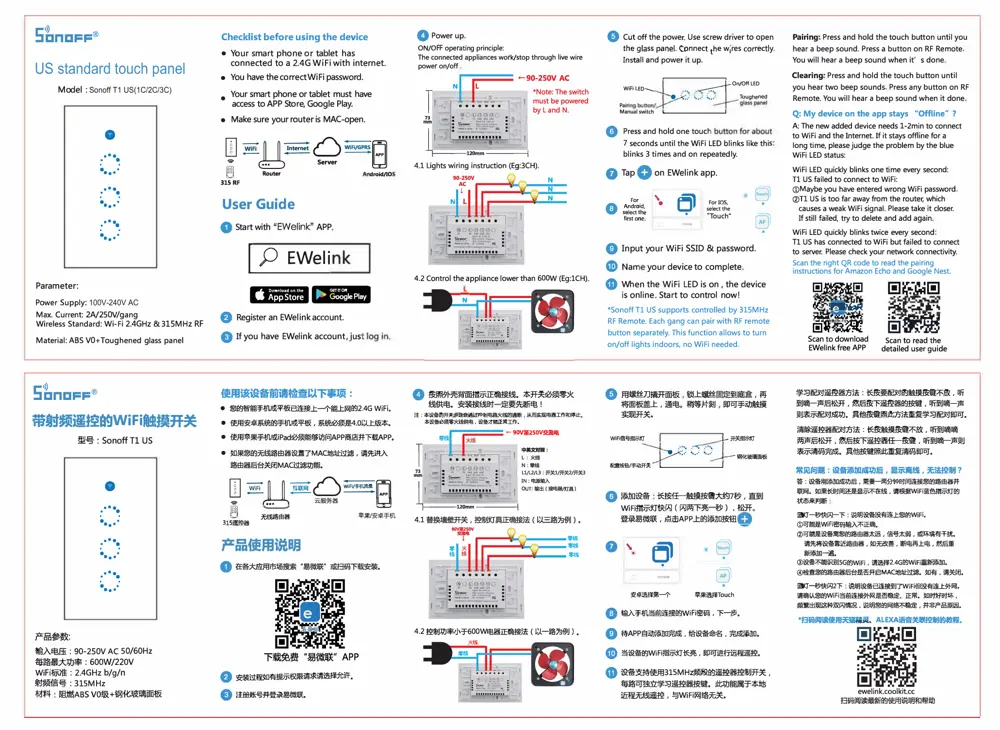
Scanned pages from the official user manual:
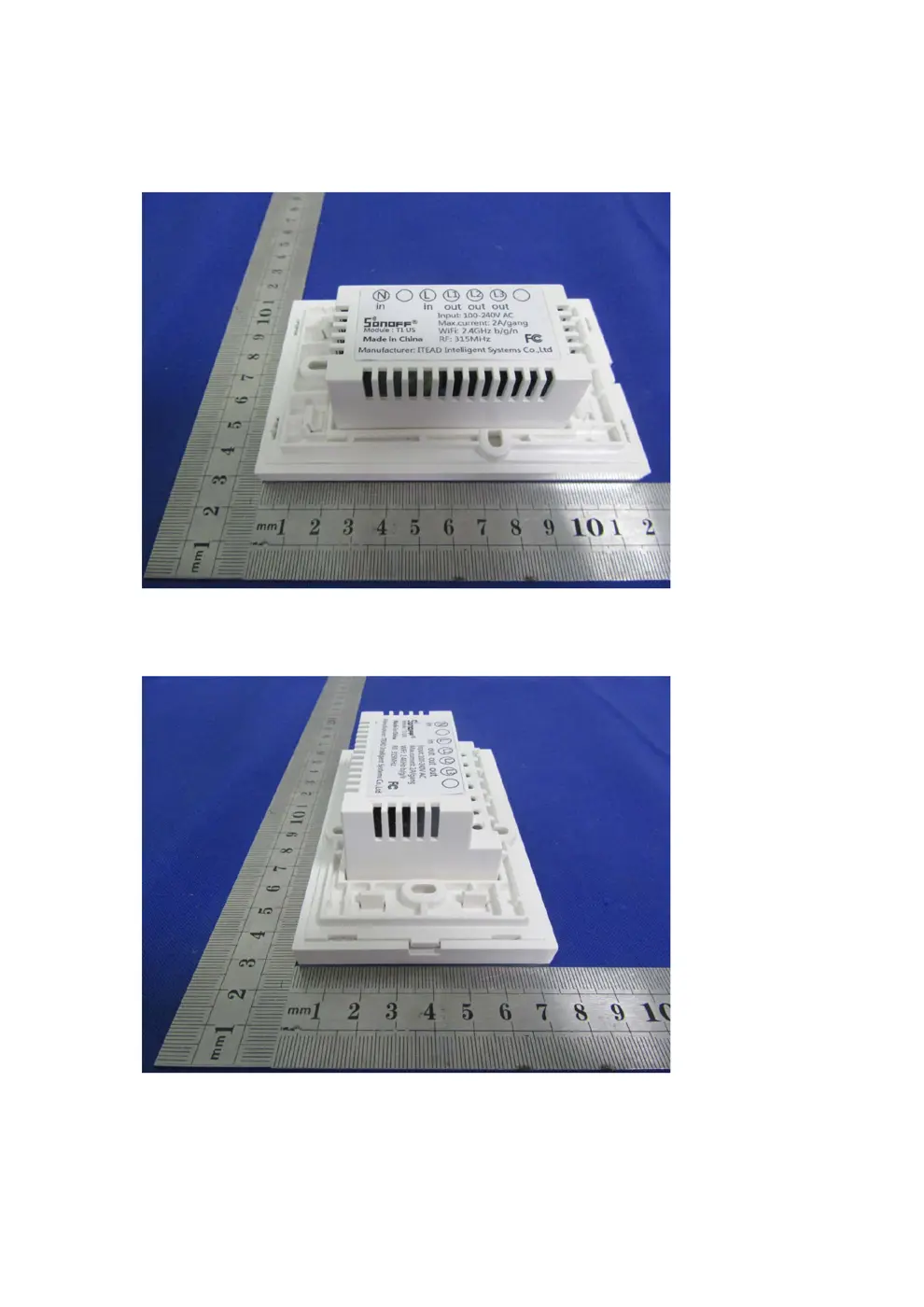
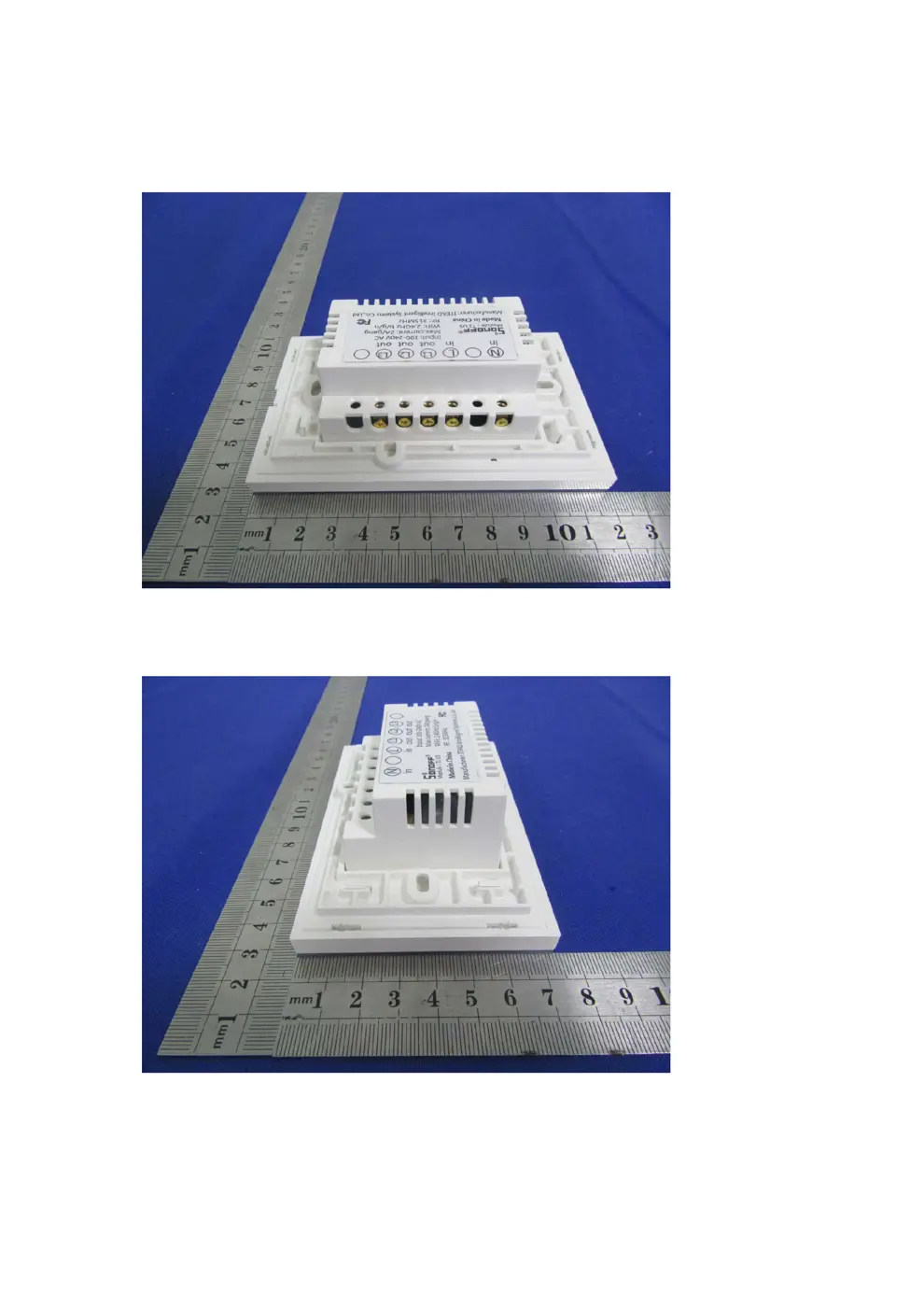
External Photos
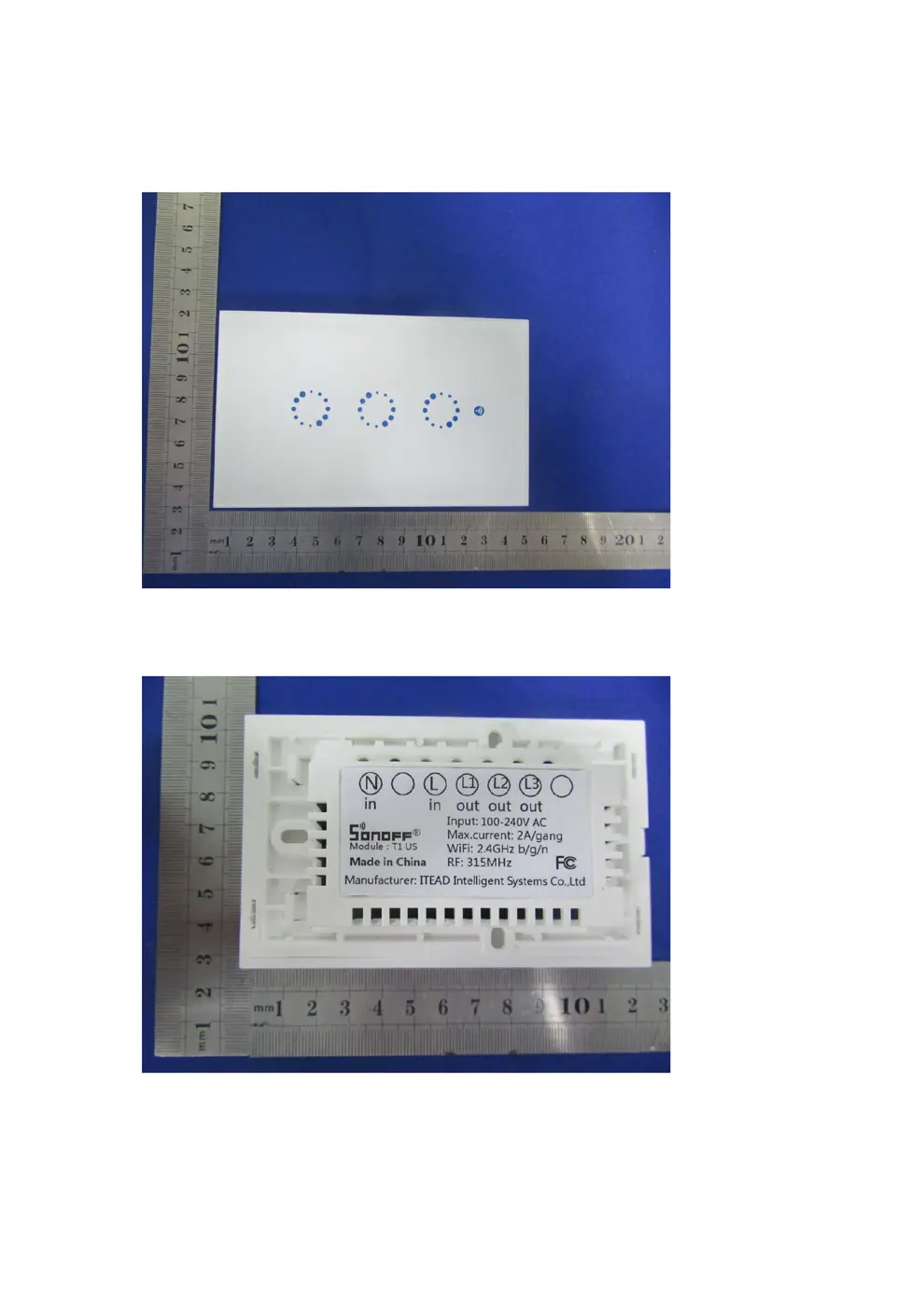
Photos of the device exterior:
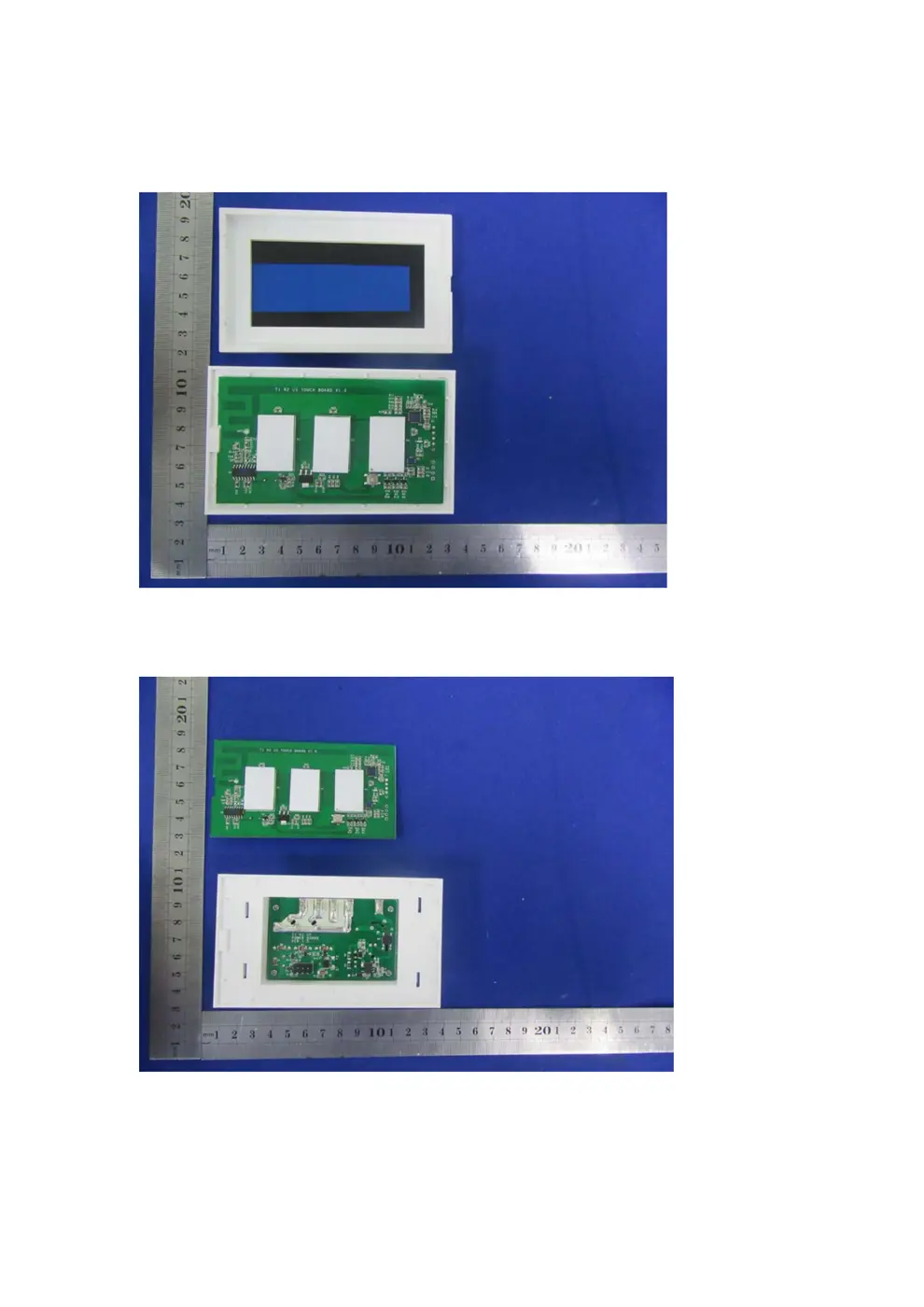
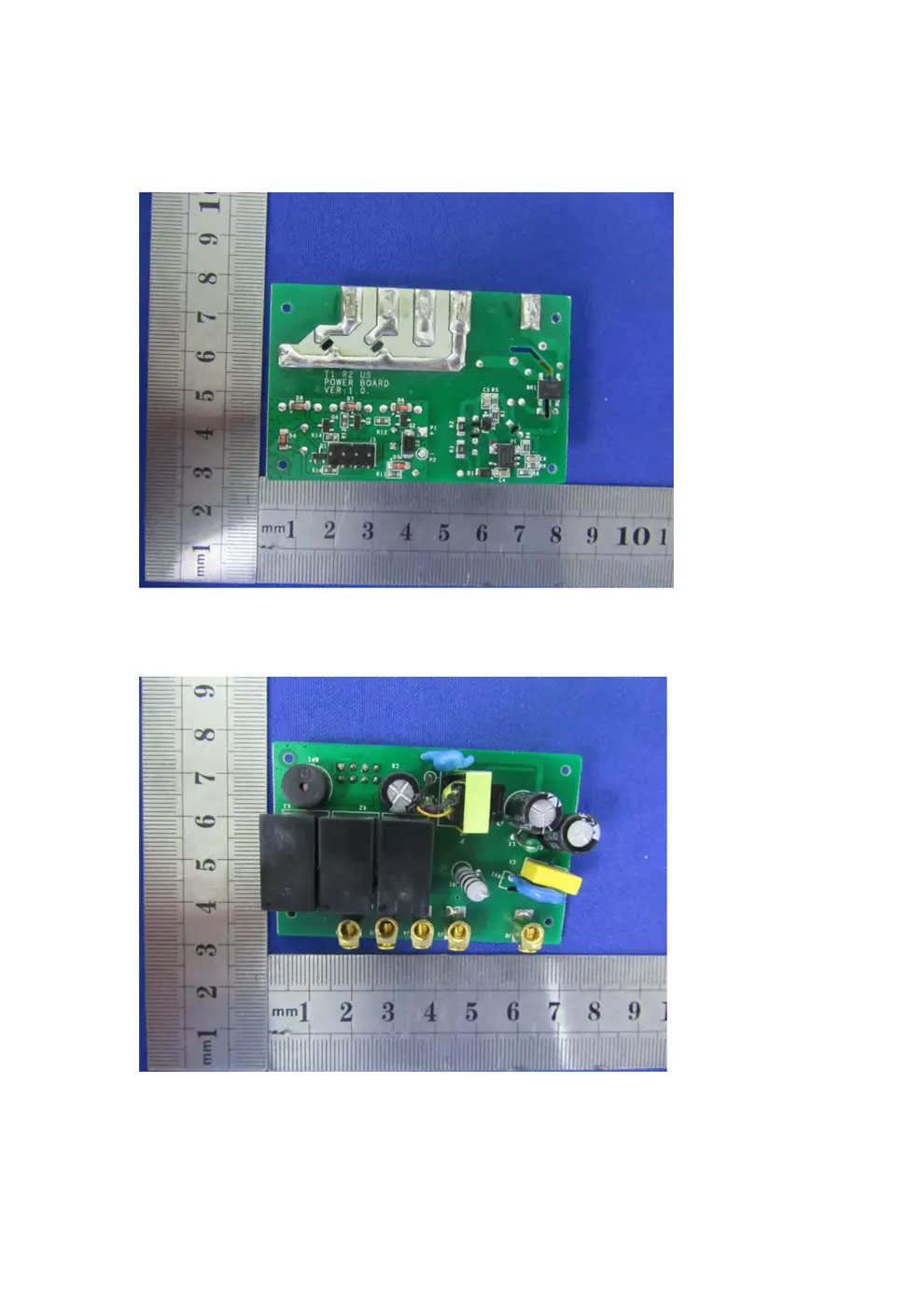
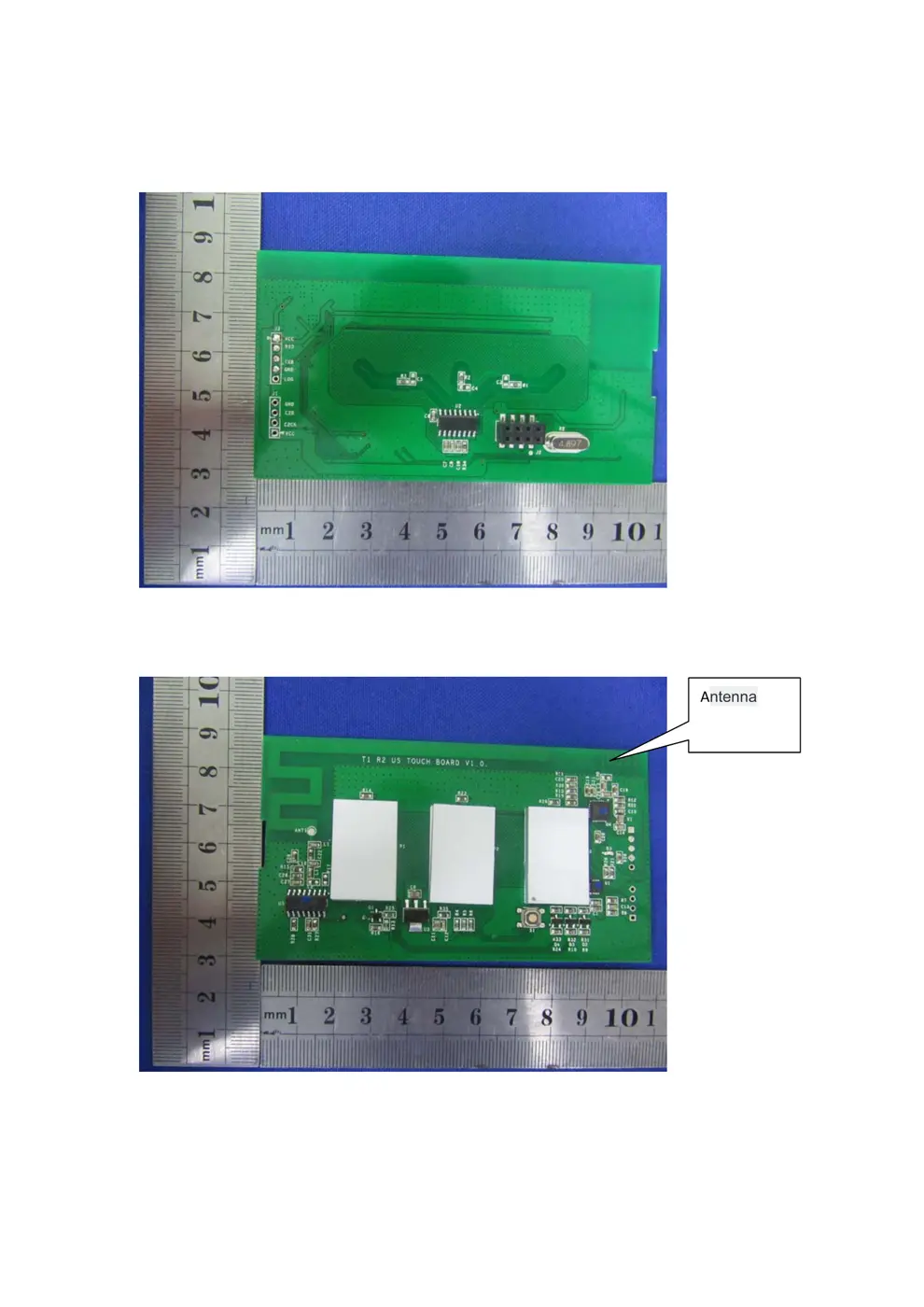
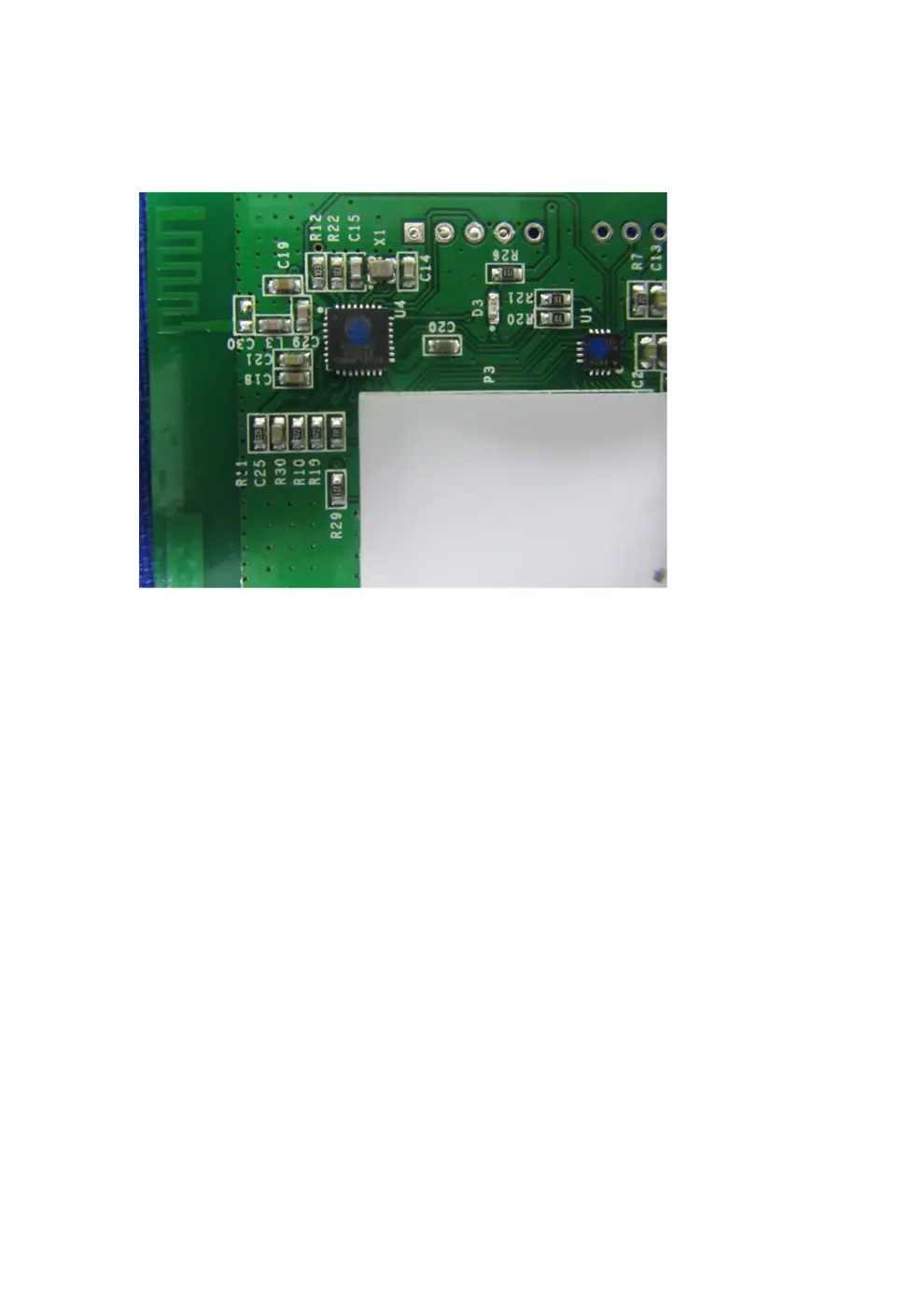
Internal Photos
Teardown photos showing the PCB and components:
Verdict
The SONOFFT1US is a WiFi device from the Sonoff ecosystem.
📄 Click to view full text manual (SEO)
s·�n 口pp®
US standard touch panel
M。 del: Sonoff T1 US(1C/2C/3C)
@
.·.一..·.· .·.·.·. . .· .. . ·.·.·.一· .· .. .·.·
P a ram eter:
p 。wer Supp ly: 100V-240V AC
Max. C ur rent: 2N2 50V/gang
Wireless Standard: Wi- Fi 2.4GHz &31 5MHz RF
Material: ABS VO+ T。ug hened gla ss p a nel
Checklist bef,。re using the device
• y.。 ur smart ph 。ne。r tablet has
connected to a 2.4G WiFi with internet.
• You have the correct WiFi passw ord.
• Your smart phone or tablet must have
access to APP Store, G 。。gle Play.
• Make sure your router is MAC-。pen.
1�丛巫G 巫日
Use『 Guide
O Start with吧Welink” APP
| ρEWeli
m圃 囚翠圃
e Regi血ran EWelink account.
Q If you have EWelink account , ius
O Power up
ON/O FF 。peratingprinciple:
The c。nnectedapp liances w。rk/stop throu gh live wire
power 。n/off
4.2 Control the appliance I。wer than 600 W (Eg:lCH)
-
N
n
uy
e“u nvp
』
OM咀MH r
l
es ve lrr
l
d
w
“
e
eh r
t
c
t
s
c
e
e
e
nv
s
n
u
u
m
t
:
I
VL
〉-
尼
i
剧
由叫mmp
a
p
但p
d
甘
白
如
“HHM卜Ho
g
d
此eAUGhh e
I _.1..-0o/OfflED WiFi t四、、 ----- I
「电,< .· •. :,. 一To"ghe陌d
阳"'Manual sν刷,,由 l_」
Q Pre盯ndhold。『、etoud
7 sec 。ndsuntil the WiFi LE口 blinkslike thi s
blinks 3 times and 。n repeated I y.
O Tap O on EWelink app.
·� 苦��;
飞
01
θ·⑩
Pairing· Press and hold the t。uch bu忱。nuntil you
hear a beep s。und.Press a button 。nRF Remote
You will hear a beep sound when it' s done
Clearing· Press and hold the touch button until
you hear two beep s。unds Press any button on RF
Remote. You will hear a beep sound when it done
Q: My device。nthe app stays "Offline” ?
A: The new added device needs 1-2min to connect
to WiFi and the Internet. If it stays 。忏linefor a
l。ngtime, please judge the problem by the blue
WiFi LED status:
WiFi LED quickly blinks one time every second:
Tl US failed to conn配ttoWiFi:
①M aybe you have entered wrong WiFi password
②Tl US is too far away from the router, which
causes a weak WiFi signal Pl田se take it closer.
If still failed, try to delete and add again
WiFi LED quickly blinks twice every second
Tl US has connected to WiFi but failed to connect
to server. Please ch旺k y。ur netw。rk connectivity.
Scan the right QR c 。de to read the pairing
instructions for Amaz 。nEcho and G 。ogleNest.
国监础� 田阳回
哇!畏’踵而司 向且-:...:咀L " 『
E也面盟国,..ι‘"唱喳叮毛 -』,�... 圃’咂......画
面哥摇摆 回鹏出
Scan to d。wnl国d Scan to read the
EWel,nk free APP detailed user guide
5
'
�nEJPP
®
带射频道控的WiFi触摸开关
型号’ s。noffTl US
@
.·. . .· .. . ·.·
.·. . . · .. . ·.·
.·. . .· ...’··
产局参数.
输入电压 :90-250V AC 50 /60Hz
每路最大功率:600W/220V
WiF1标准: 2.4GHzb/g/n
射湖言号: 315MHz
材料 阻燃ABSVO级+钢化玻璃面板
使用该设备前请检查以下事顶:
· 您的智能手布磁平板巳连接上一个能上同的 2.4G WiFi.
·使用安卓系统的手机或平板,系统必须是4 .0以上版本.
·使用苹果手机感iP ad 必须能够访问APP商店并下载APP.
·如果您的无线路由器设置了MAc±刨出庭 ,请先进入
路自器后台关闭MAC过滤功能.
日 ECJj 亘U�口
骨 c-" 、 王服务器 L」|
国 珊囱揭 喃自机
315量监榻
@蜡酣睡讯服请求础允许 .
@注册帽并由易做联.
@按照精背面指示E确接线.本开地须零火
线供电.安装接线时定要先断电 l
注事设备的齐美原理是通过控制电路火线的通断从而-跑揭工作和停丘
本设备必须零火线候息!设备拍旺销工作.
←90V.量2SOV套理电
4.2控 审j功率小于600 W 电器正确接法{以一路为例).
火线
零钱
F。rIDS. sePctthe ”Tou ch ”
O Inputy 。ur WiFi SSID & p...