
USH01 Reset & Teardown (FCC ID 2AKIT-BR-USH01)
Factory reset and internal photos for Aqara (Lumi United) USH01. Aqara Zigbee smart plug.
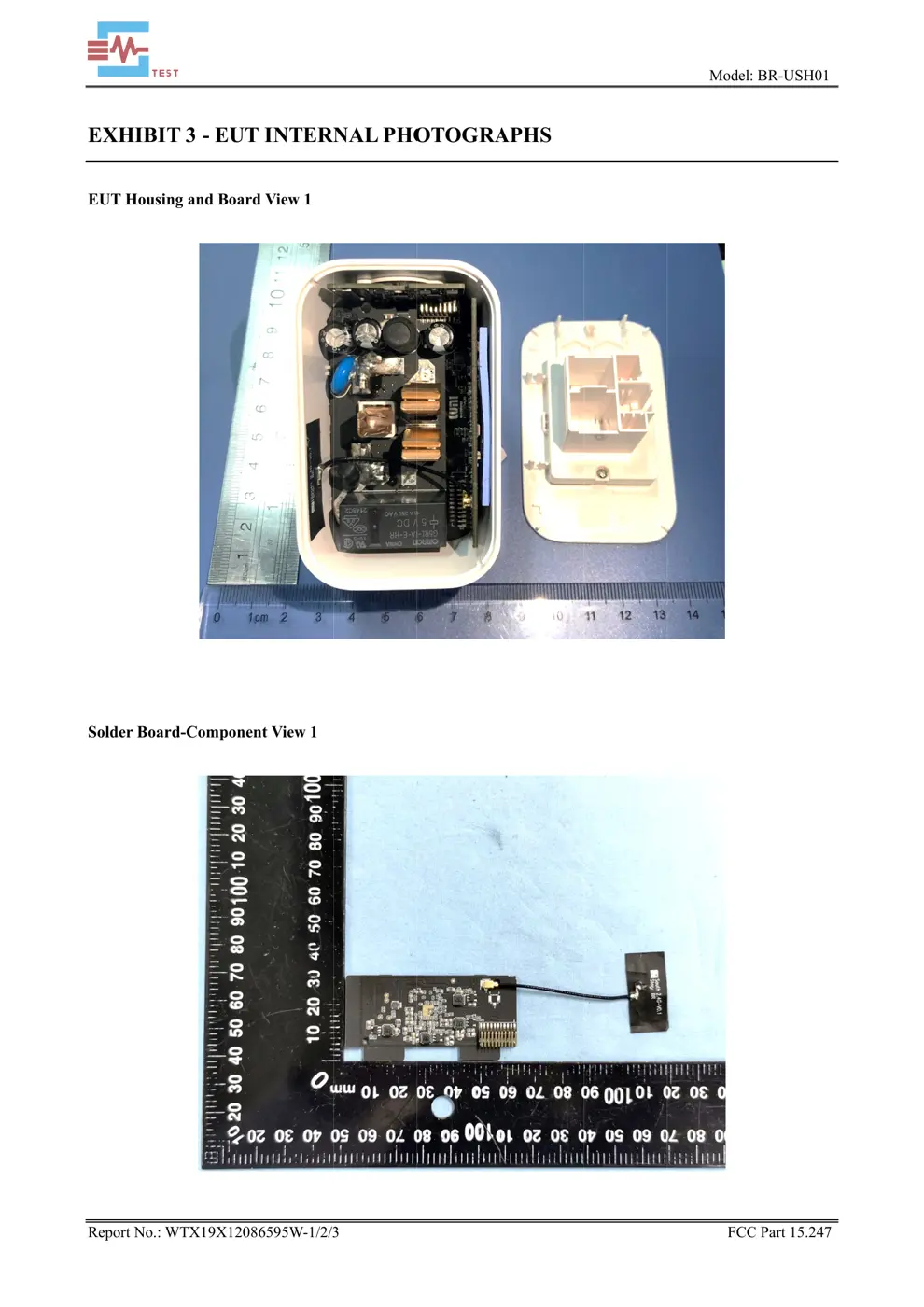
Before you buy the Aqara (Lumi United) USH01, check what's inside.
This is a smart plug with built-in Nest Connect functionality, designed to act as a data center for Thread devices. It allows for remote control via the Google Home app, voice commands, and integration with other smart devices, while also monitoring appliance power consumption.
⚠️ NOTE: This product is for indoor use only. Do not use in humid environments or outdoors. Do not spill water or other liquids onto the product. Do not place near heat sources.
Quick Specs
- Manufacturer: Aqara (Lumi United)
- Model: USH01
- Protocol: Zigbee
- Chipset: Zigbee SoC
- Ecosystem: Aqara Zigbee
- App: Aqara Home
🔧 Geek Corner (Flashing Info)
- Chipset: Unknown
- Flashable: ❌ No
- Info: Likely uses a proprietary chipset integrated with Google's ecosystem, not typically designed for custom firmware flashing.
Reset Guide
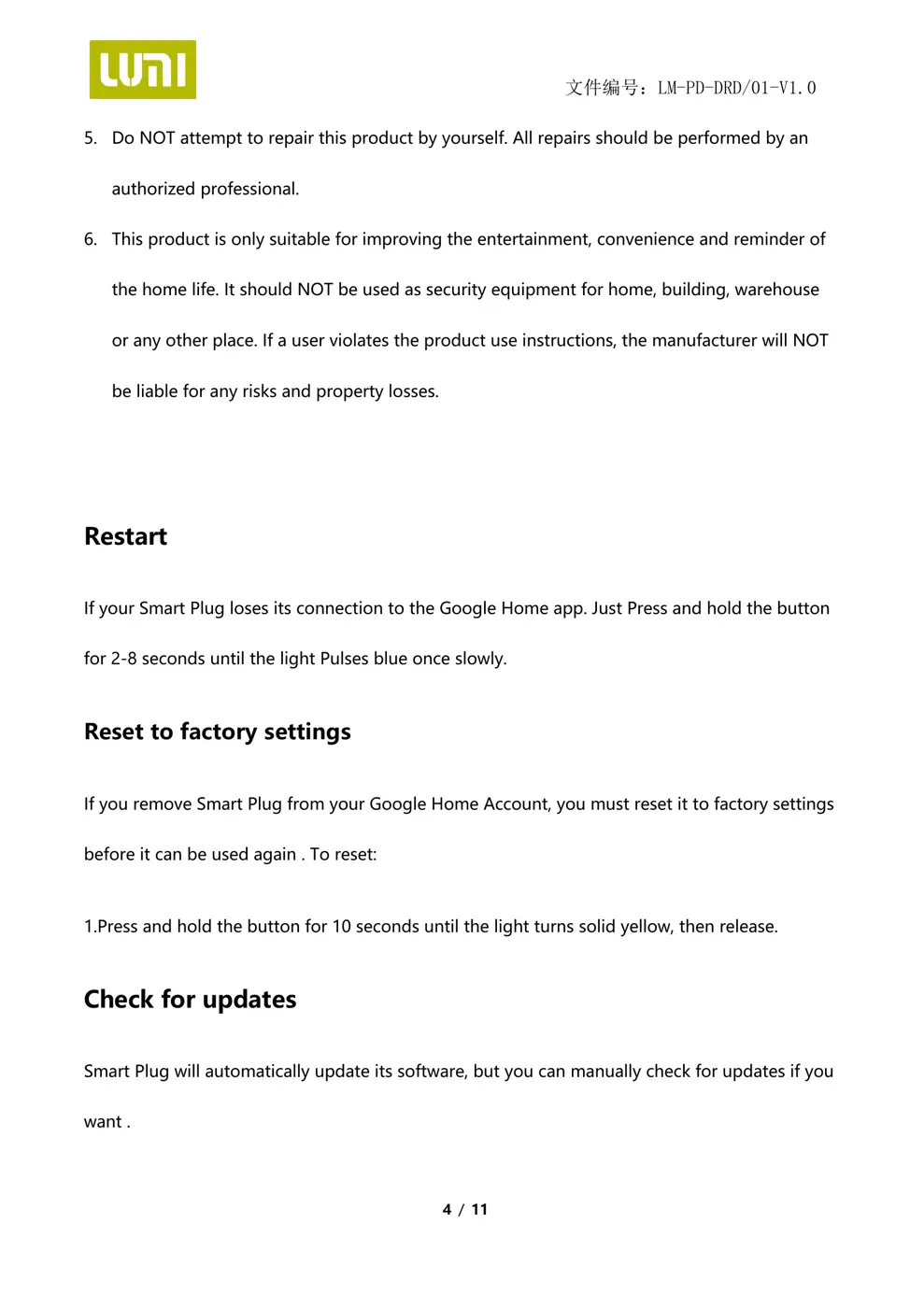
Press and hold the button for 2-8 seconds until the light pulses blue once slowly.
User Manual
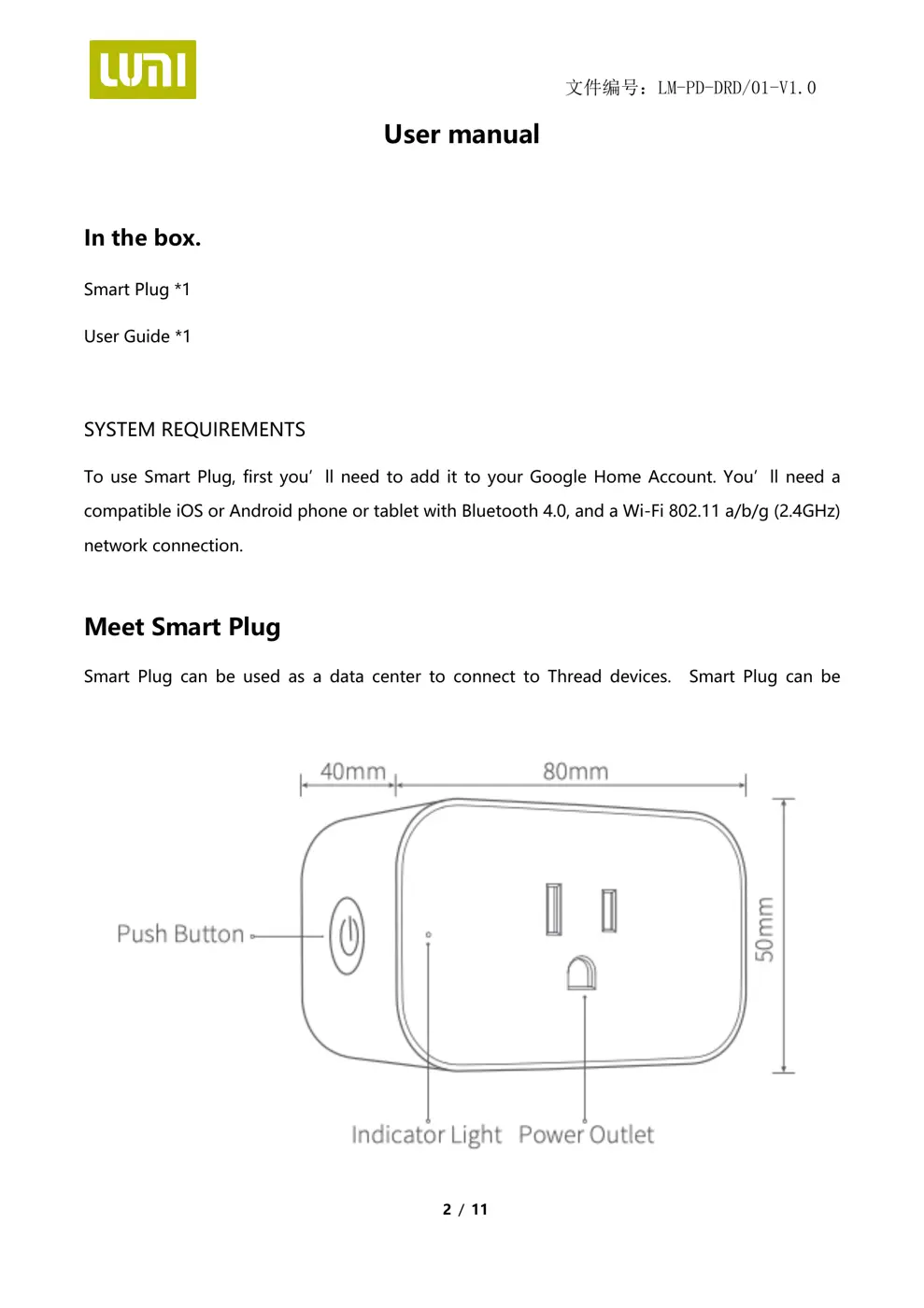
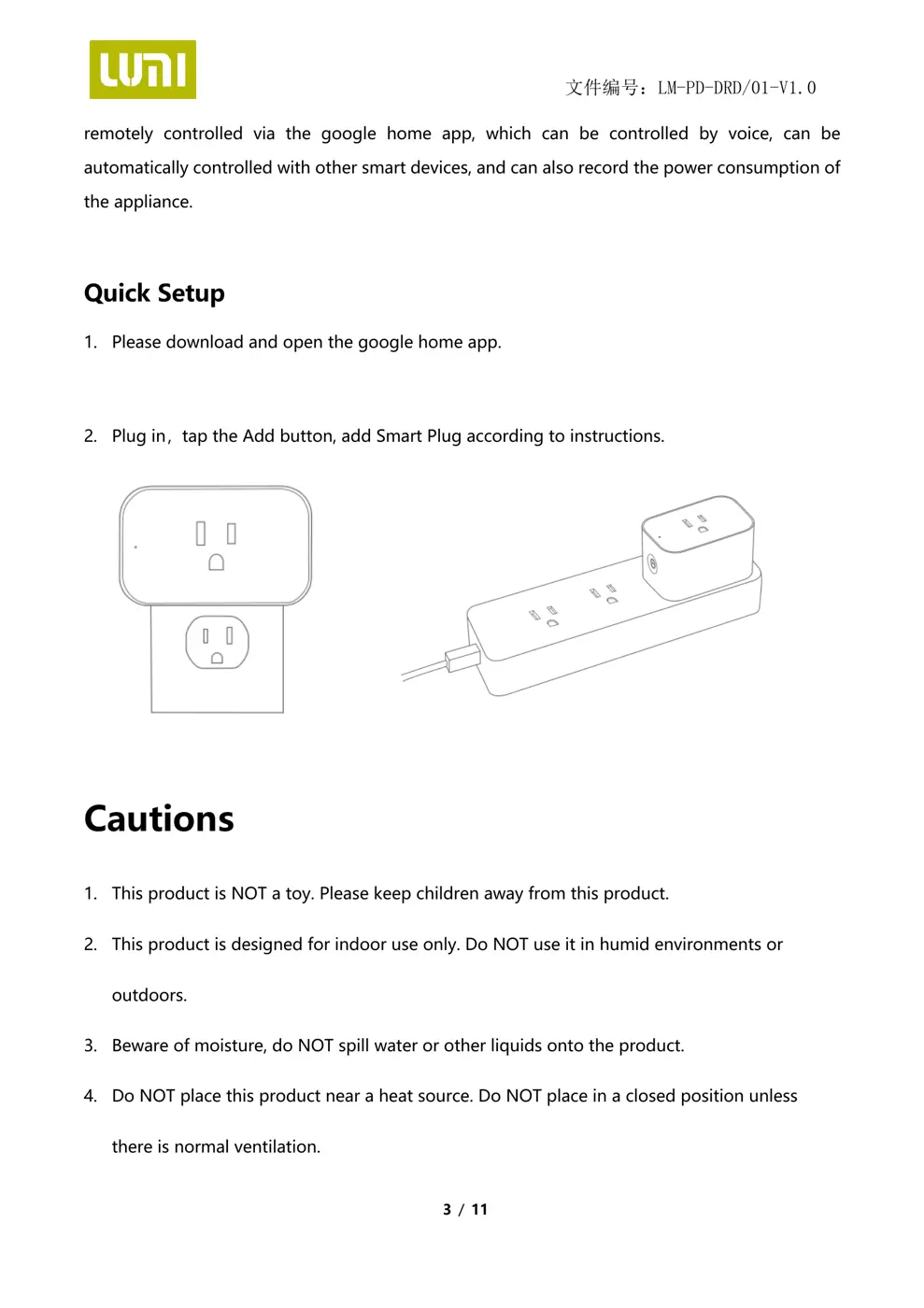
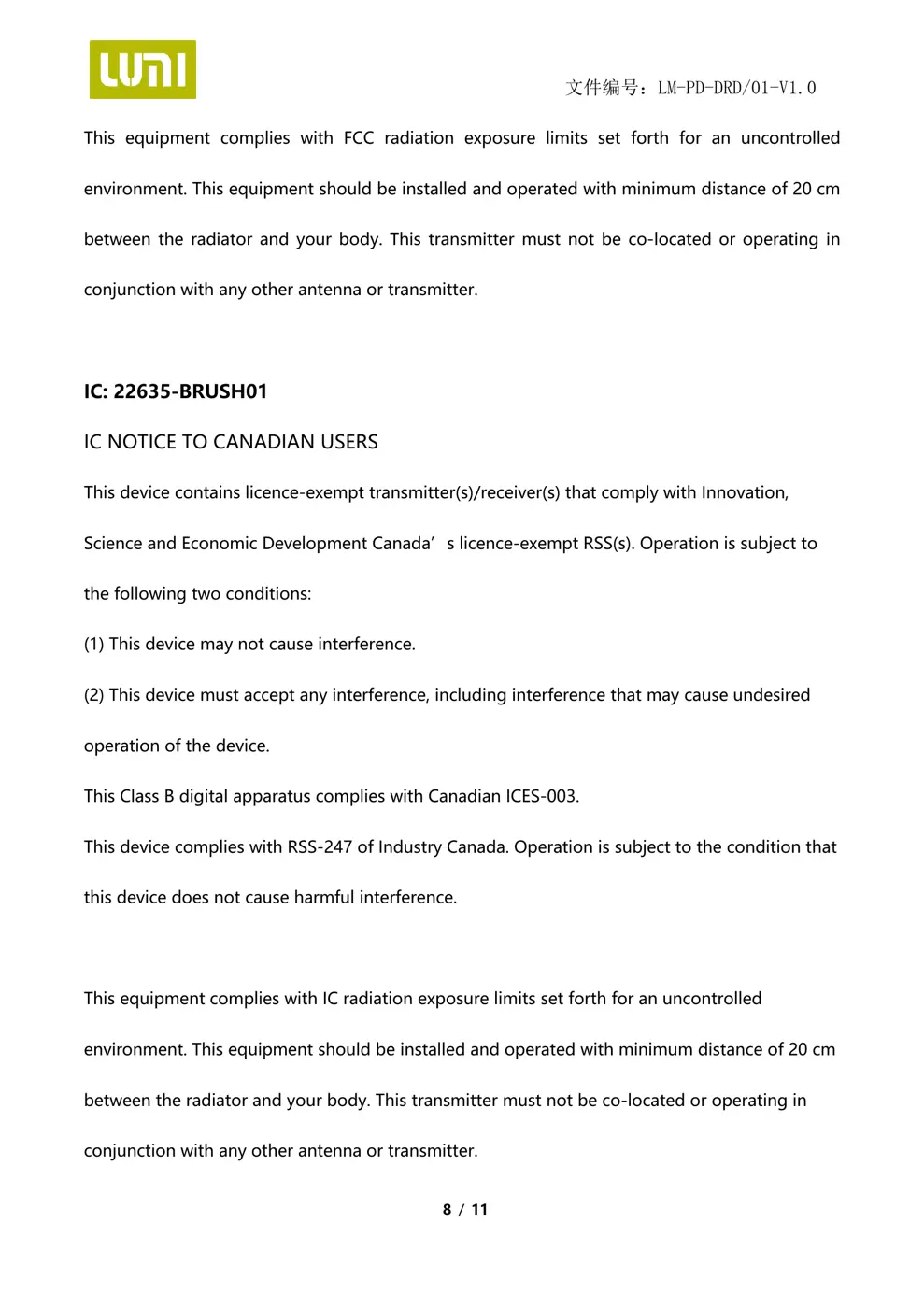
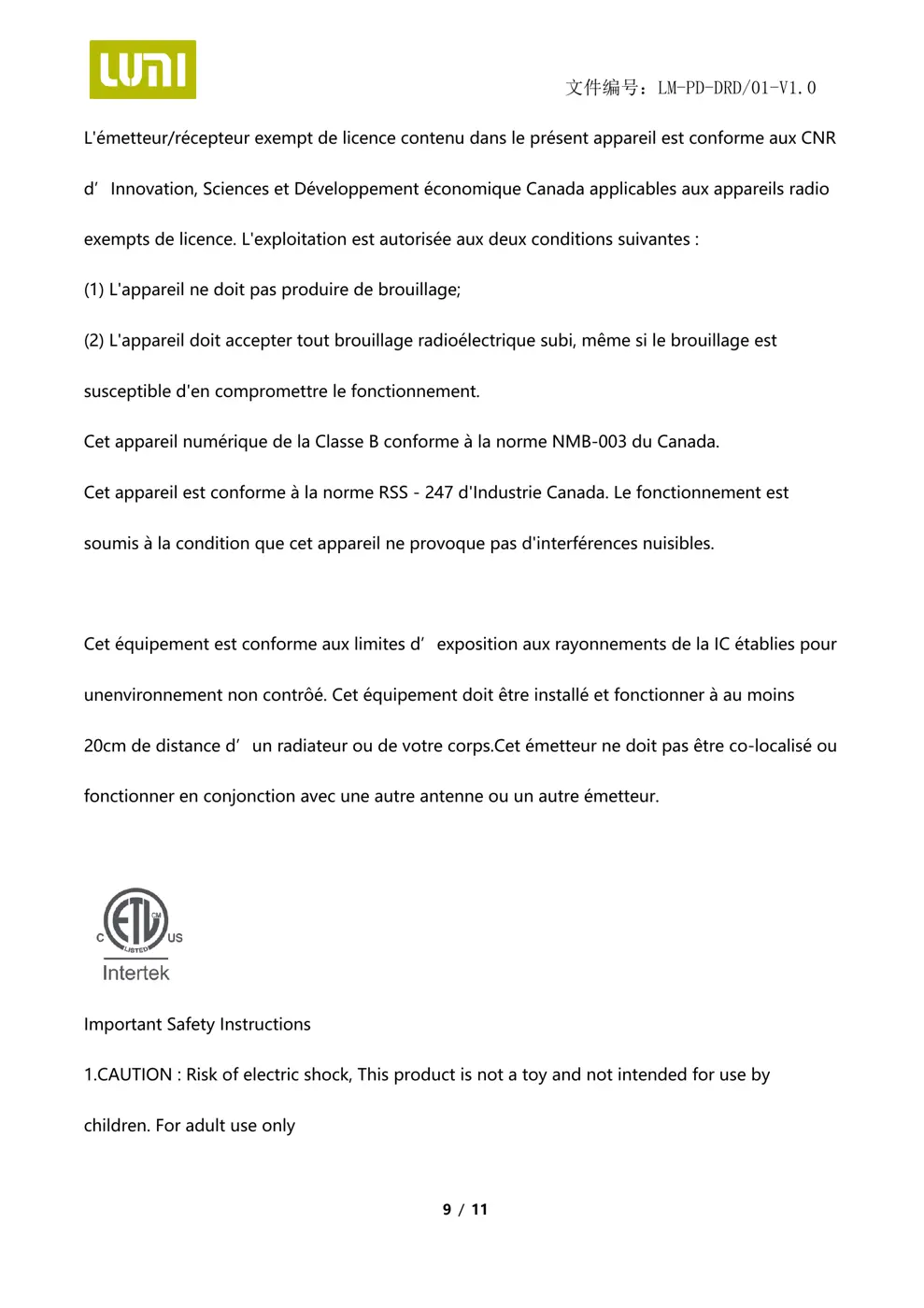
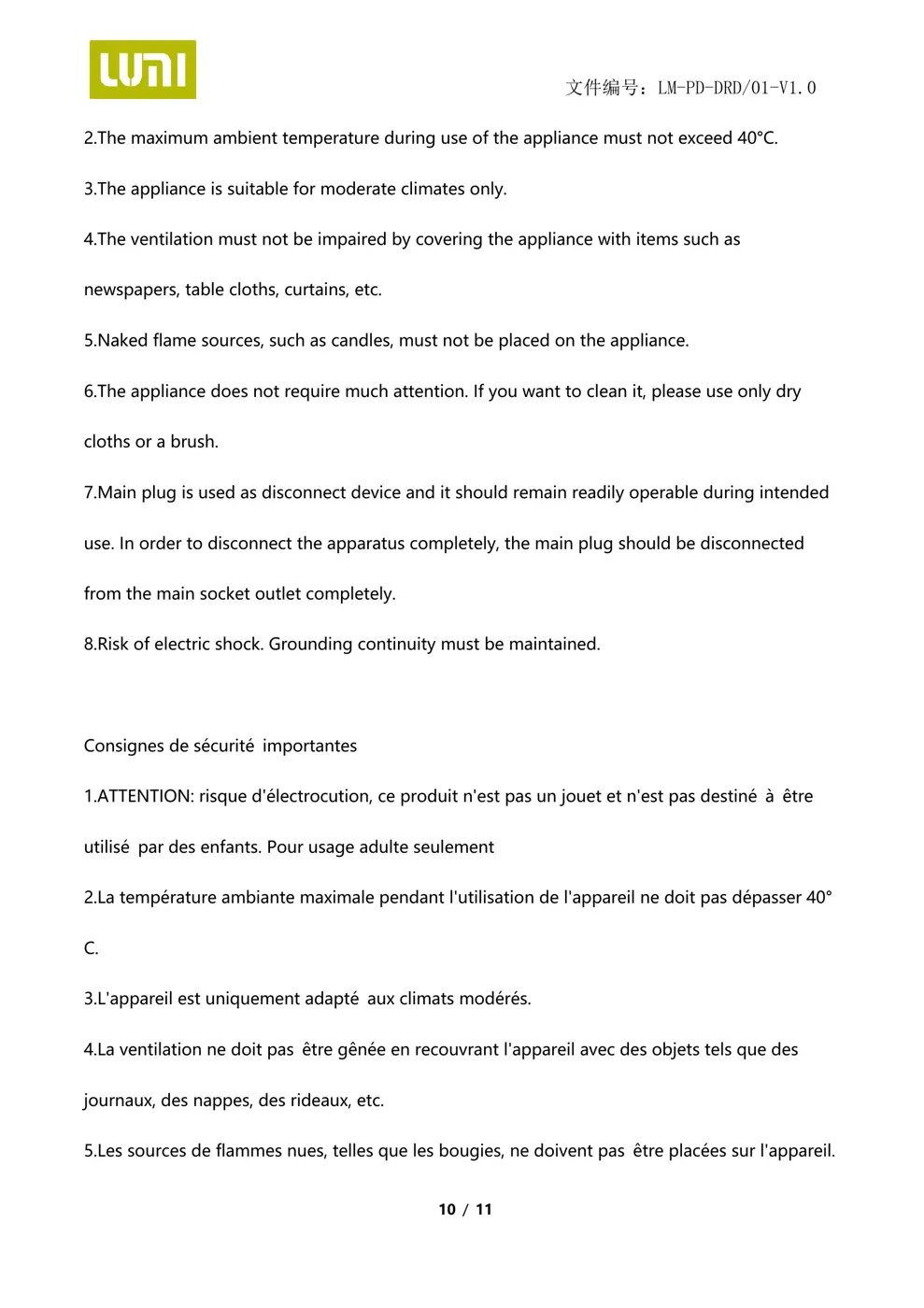
Scanned pages from the official user manual:
External Photos
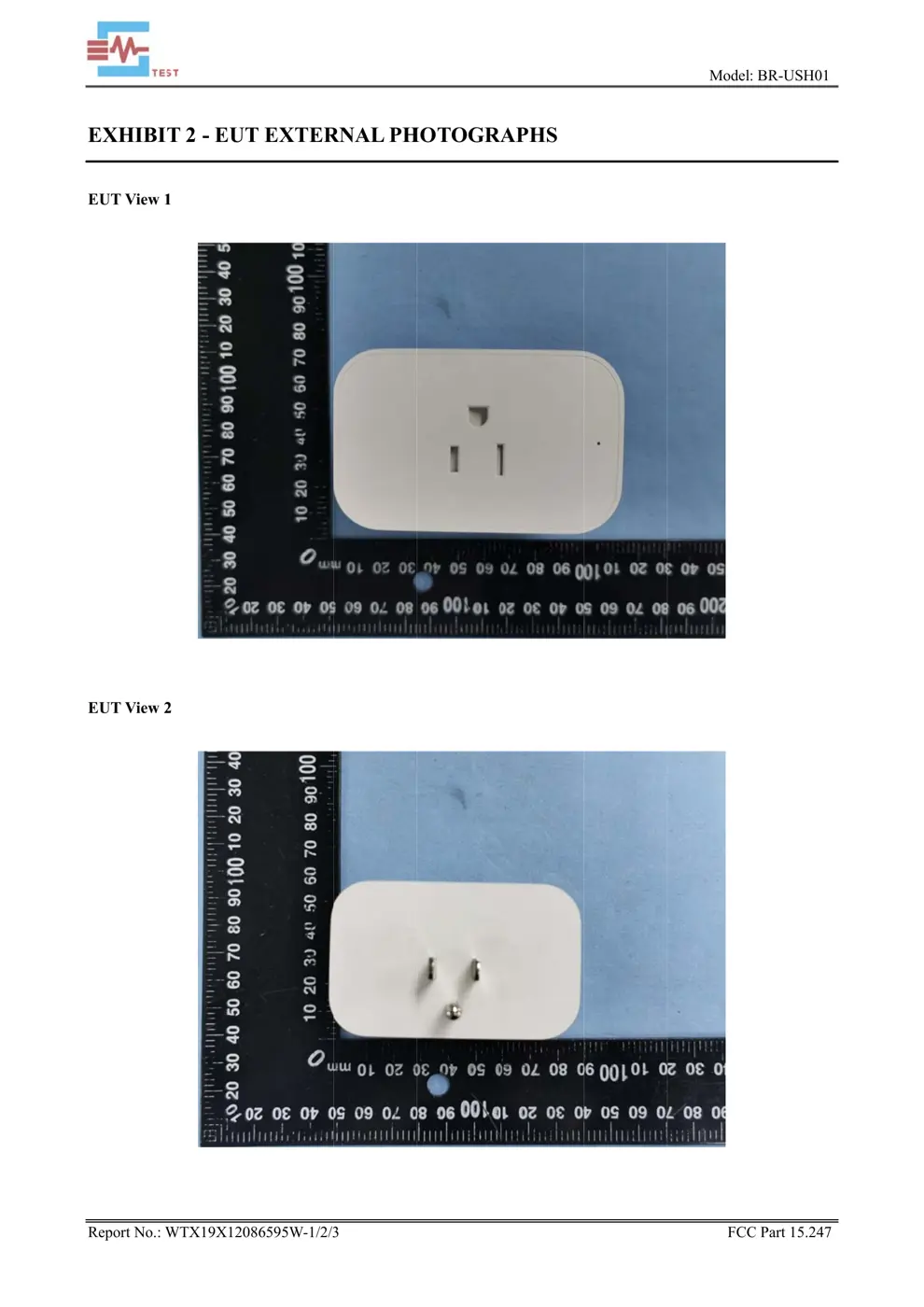
Photos of the device exterior:
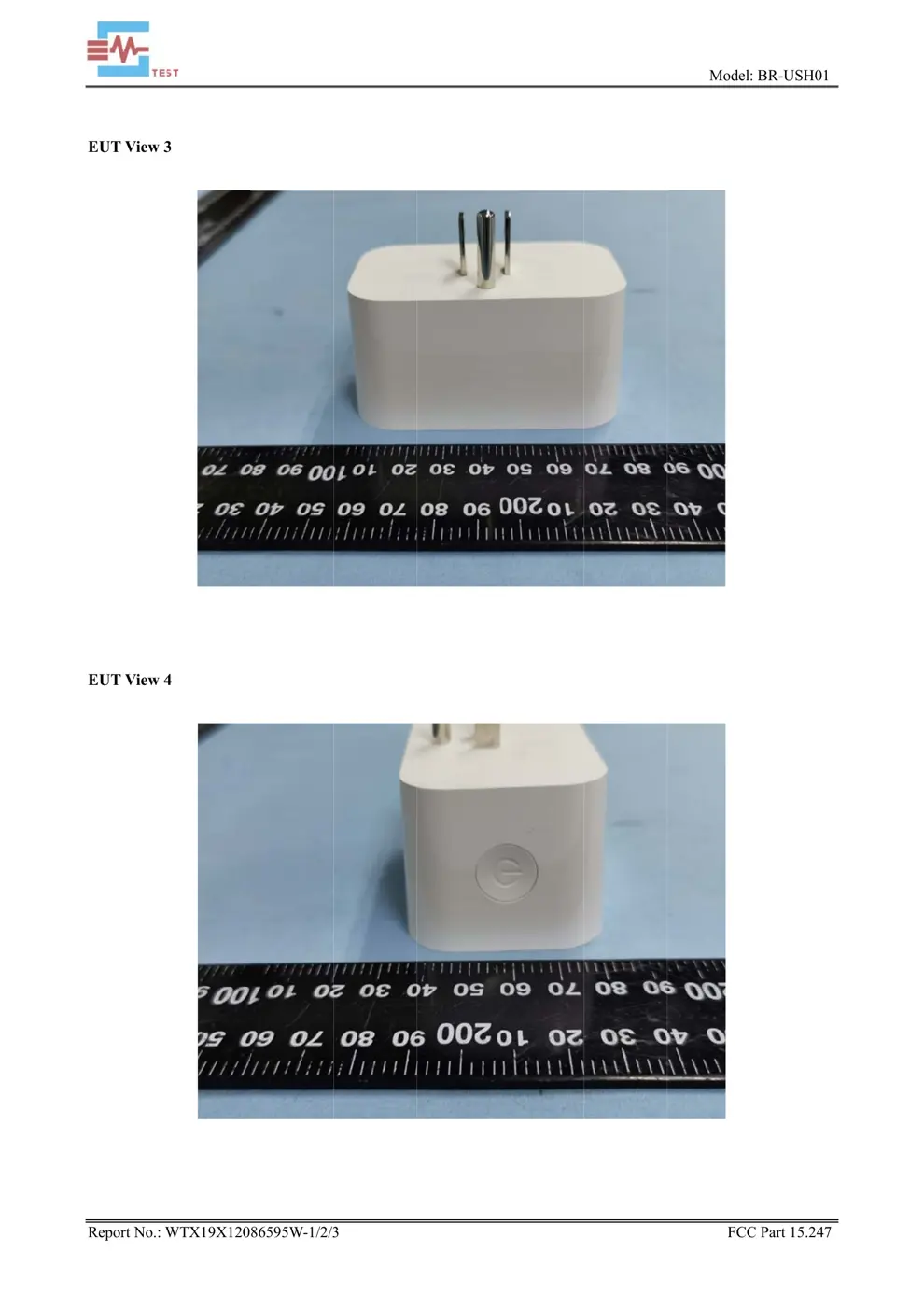
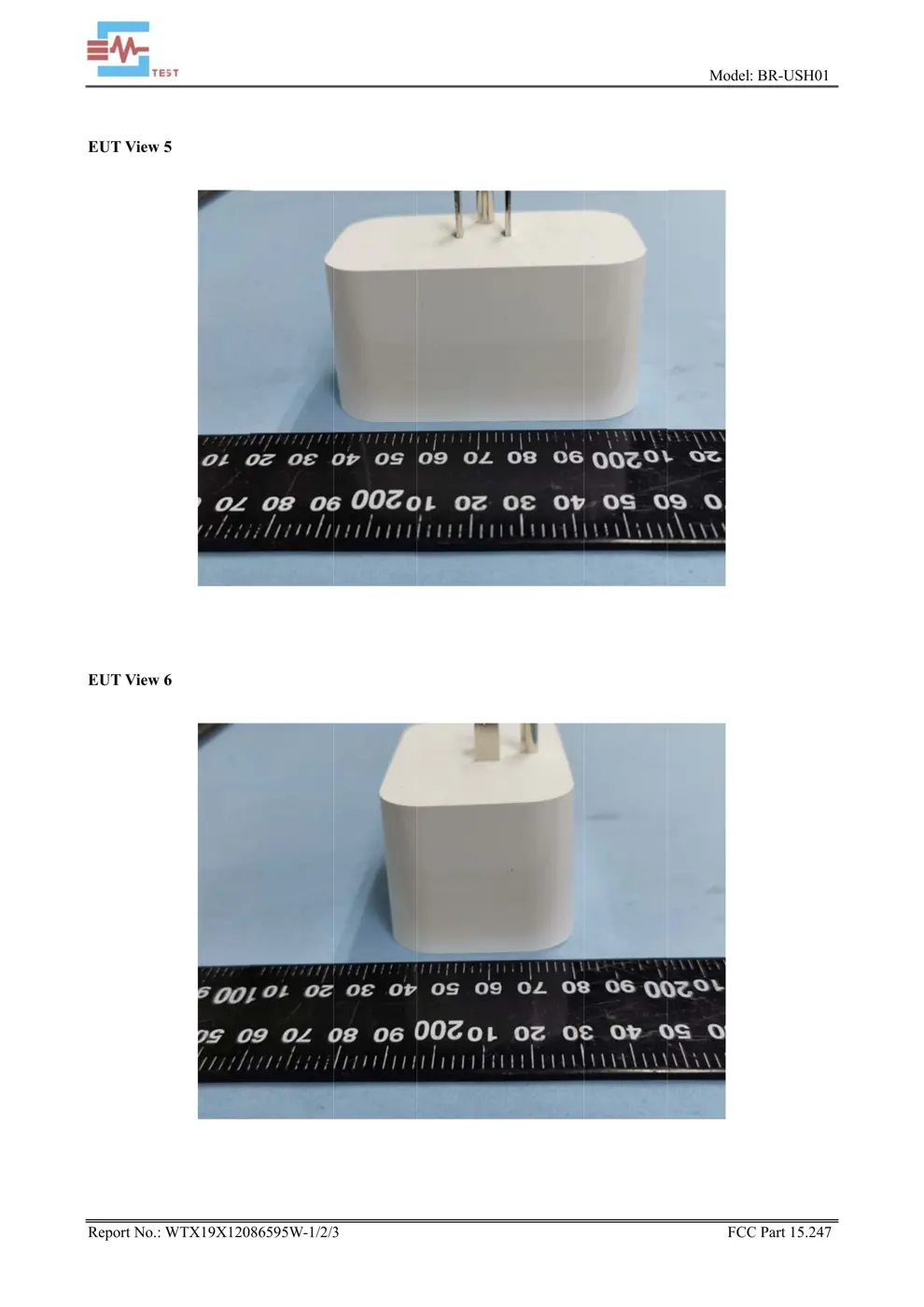
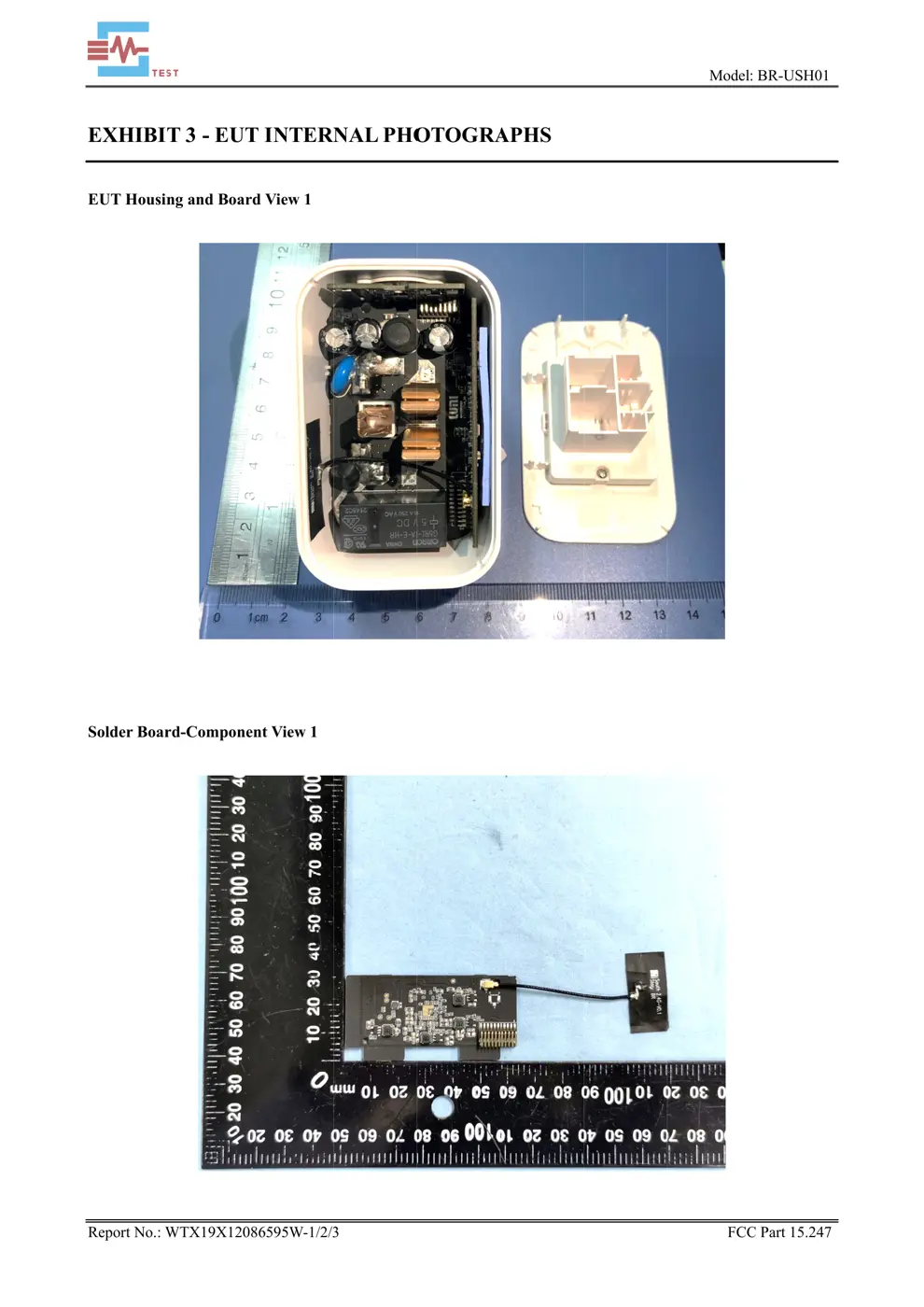
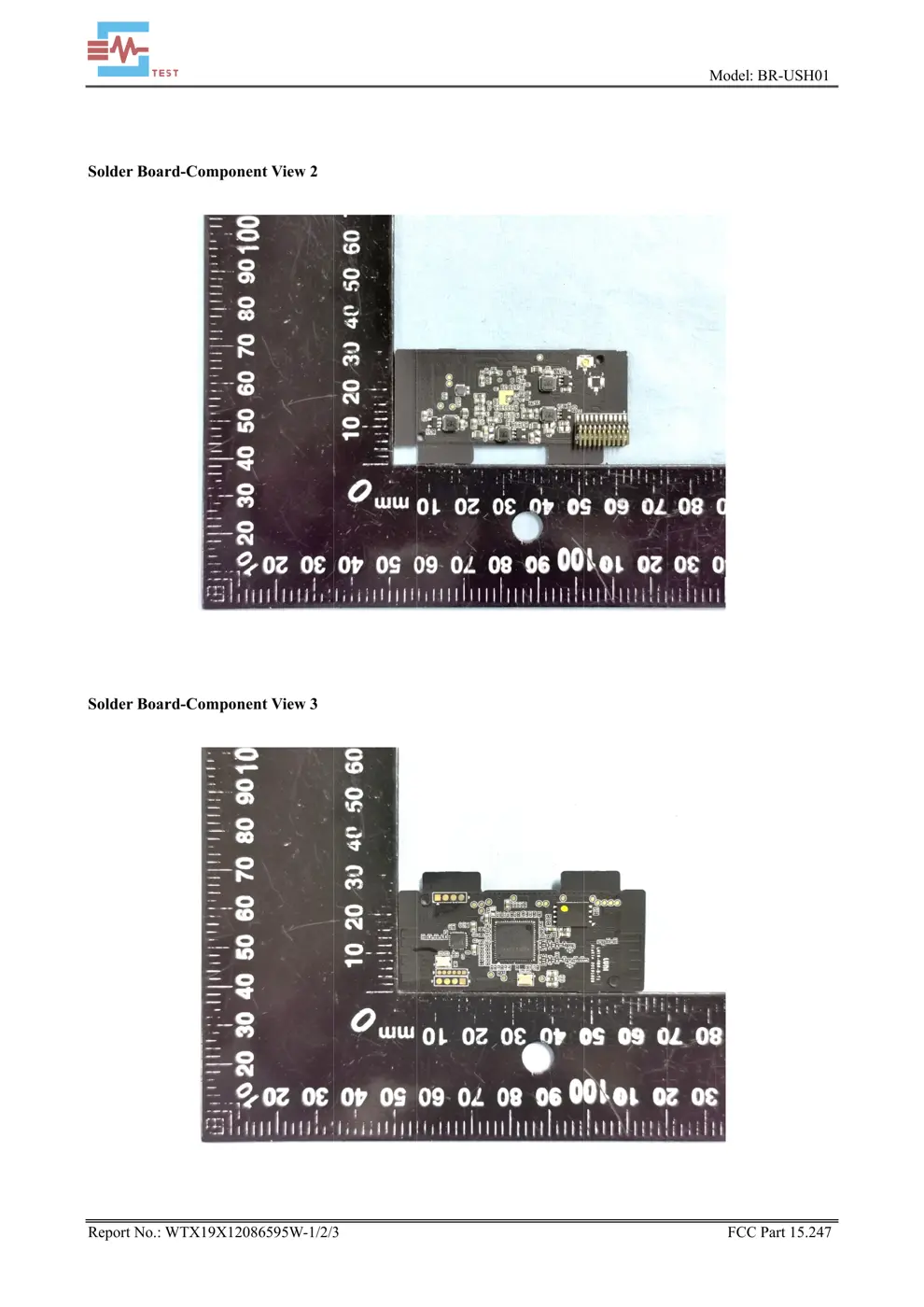
Internal Photos
Teardown photos showing the PCB and components:
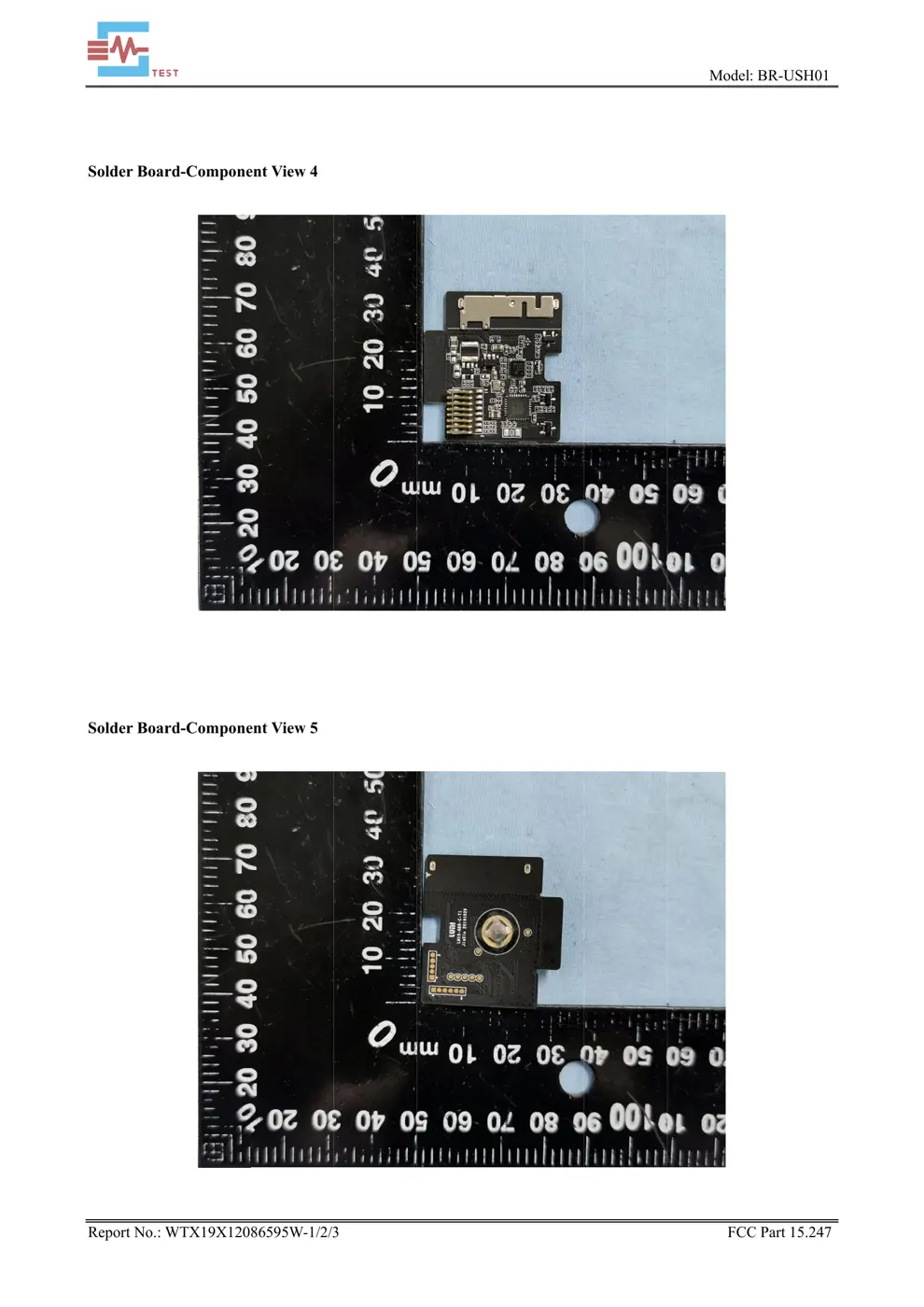
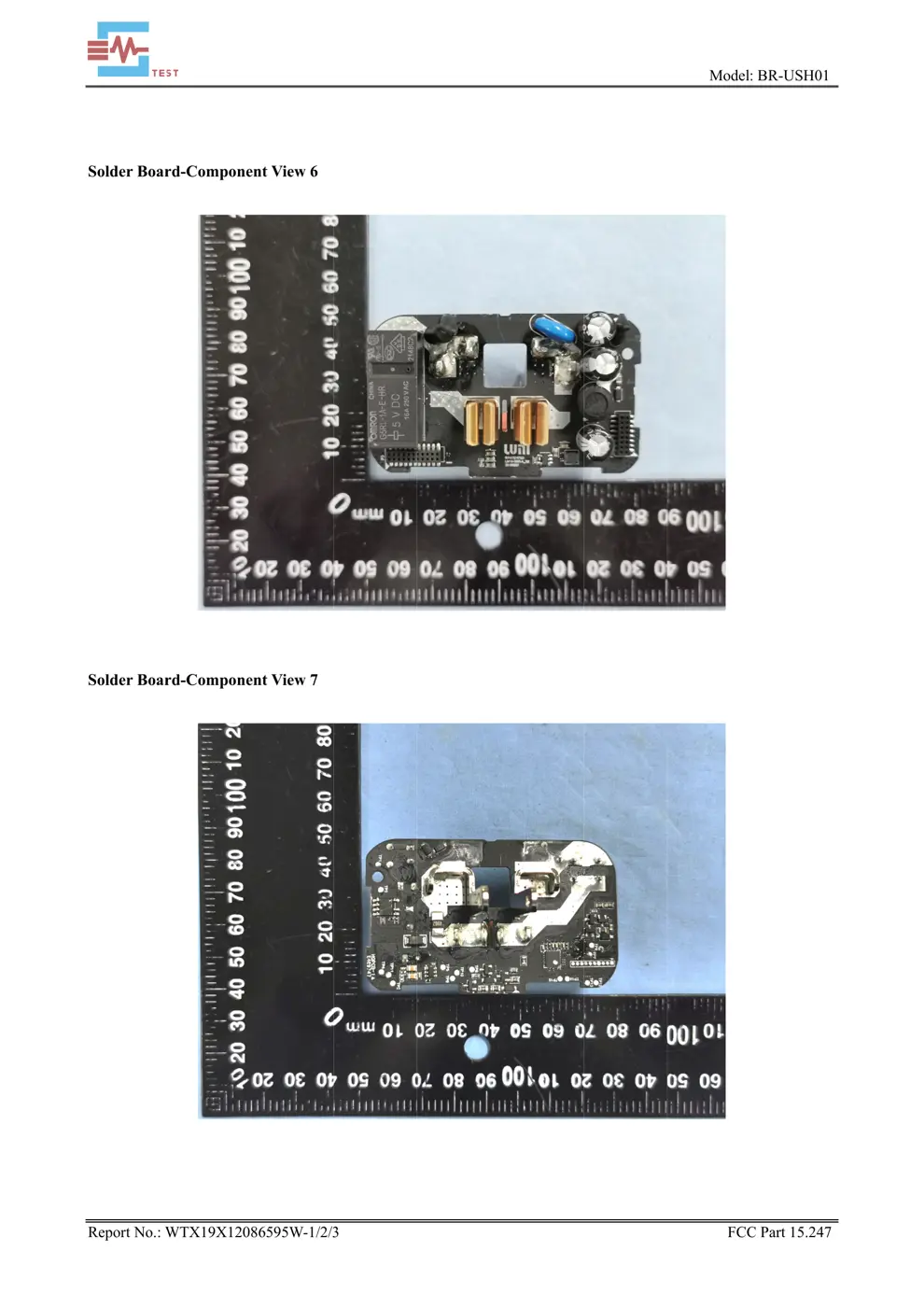
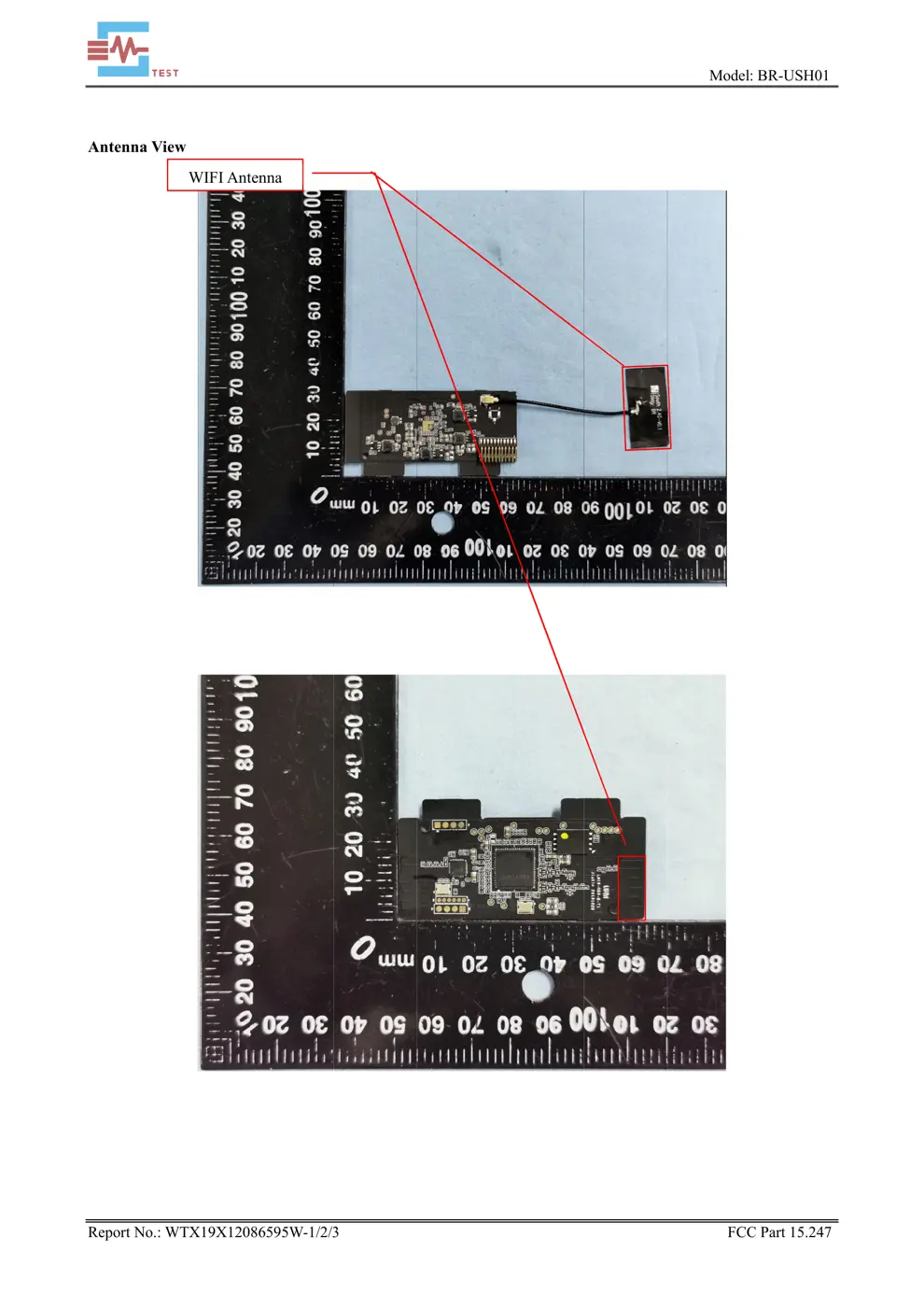
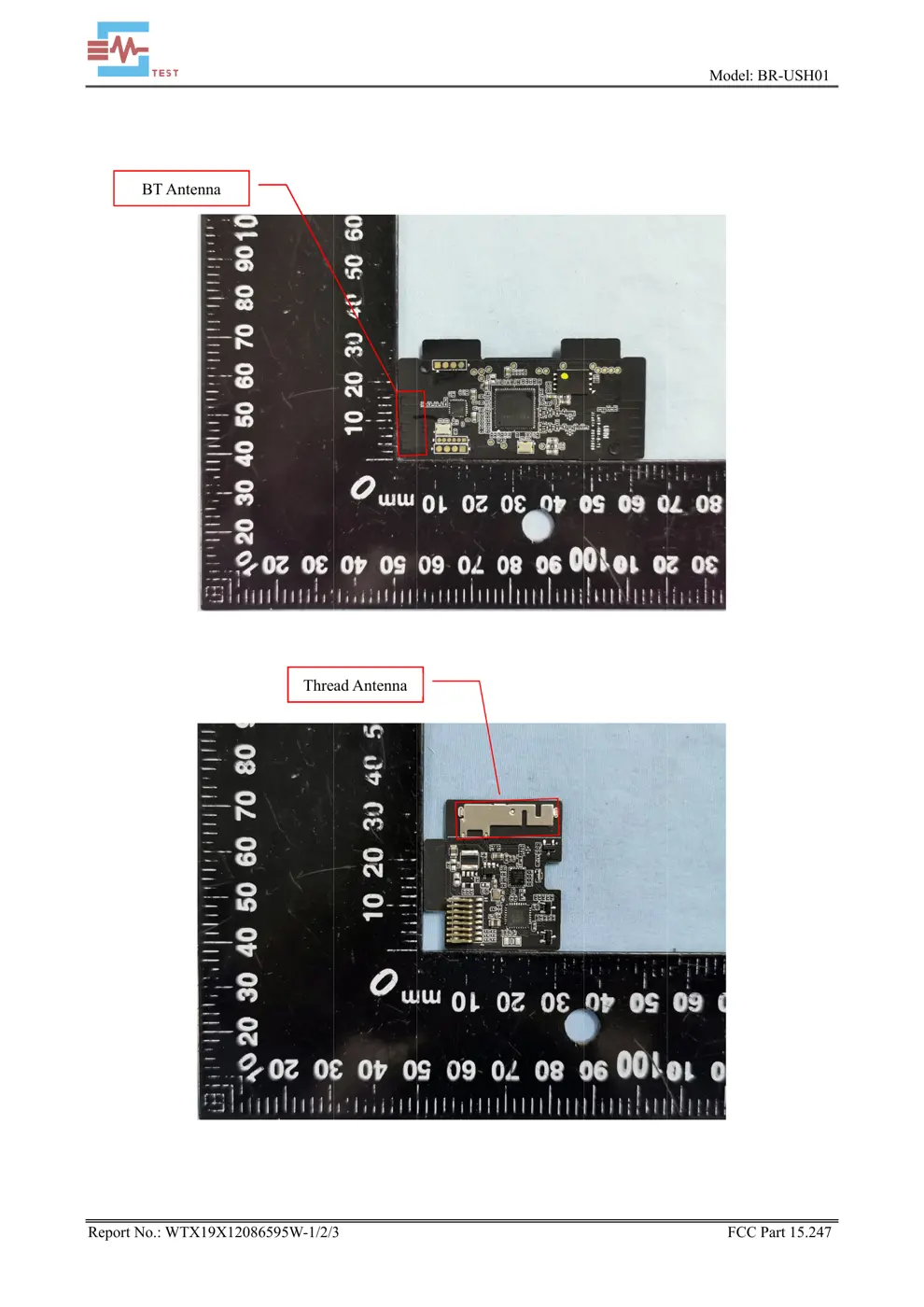
Verdict
The USH01 is a Zigbee device from the Aqara Zigbee ecosystem.
📄 Click to view full text manual (SEO)
文件编号:LM-PD-DRD/01-V1.0

 Smart Plug with Nest Connect built in

 文件编号:LM-PD-DRD/01-V1.0
 2 / 11
User manual In the box. Smart Plug *1 User Guide *1 SYSTEM REQUIREMENTS To use Smart Plug, first you’ll need to add it to your Google Home Account. You’ll need a compatible iOS or Android phone or tablet with Bluetooth 4.0, and a Wi-Fi 802.11 a/b/g (2.4GHz) network connection. Meet Smart Plug Smart Plug can be used as a data center to connect to Thread devices. Smart Plug can be

 文件编号:LM-PD-DRD/01-V1.0
 3 / 11
remotely controlled via the google home app, which can be controlled by voice, can be automatically controlled with other smart devices, and can also record the power consumption of the appliance. Quick Setup 1. Please download and open the google home app. 2. Plug in,tap the Add button, add Smart Plug according to instructions. Cautions 1. This product is NOT a toy. Please keep children away from this product. 2. This product is designed for indoor use only. Do NOT use it in humid environments or outdoors. 3. Beware of moisture, do NOT spill water or other liquids onto the product. 4. Do NOT place this product near a heat source. Do NOT place in a closed position unless there is normal ventilation.

 文件编号:LM-PD-DRD/01-V1.0
 4 / 11
5. Do NOT attempt to repair this product by yourself. All repairs should be performed by an authorized professional. 6. This product is only suitable for improving the entertainment, convenience and reminder of the home life. It should NOT be used as security equipment for home, building, warehouse or any other place. If a user violates the product use instructions, the manufacturer will NOT be liable for any risks and property losses.

Restart If your Smart Plug loses its connection to the Google Home app. Just Press and hold the button for 2-8 seconds until the light Pulses blue once slowly.
Reset to factory settings If you remove Smart Plug from your Google Home Account, you must reset it to factory settings before it can be used again . To reset:
1.Press and hold the button for 10 seconds until the light turns solid yellow, then release.
Check for updates Smart Plug will automatically update its software, but you can manually check for updates if you want .
 文件编号:LM-PD-DRD/01-V1.0
 5 / 11
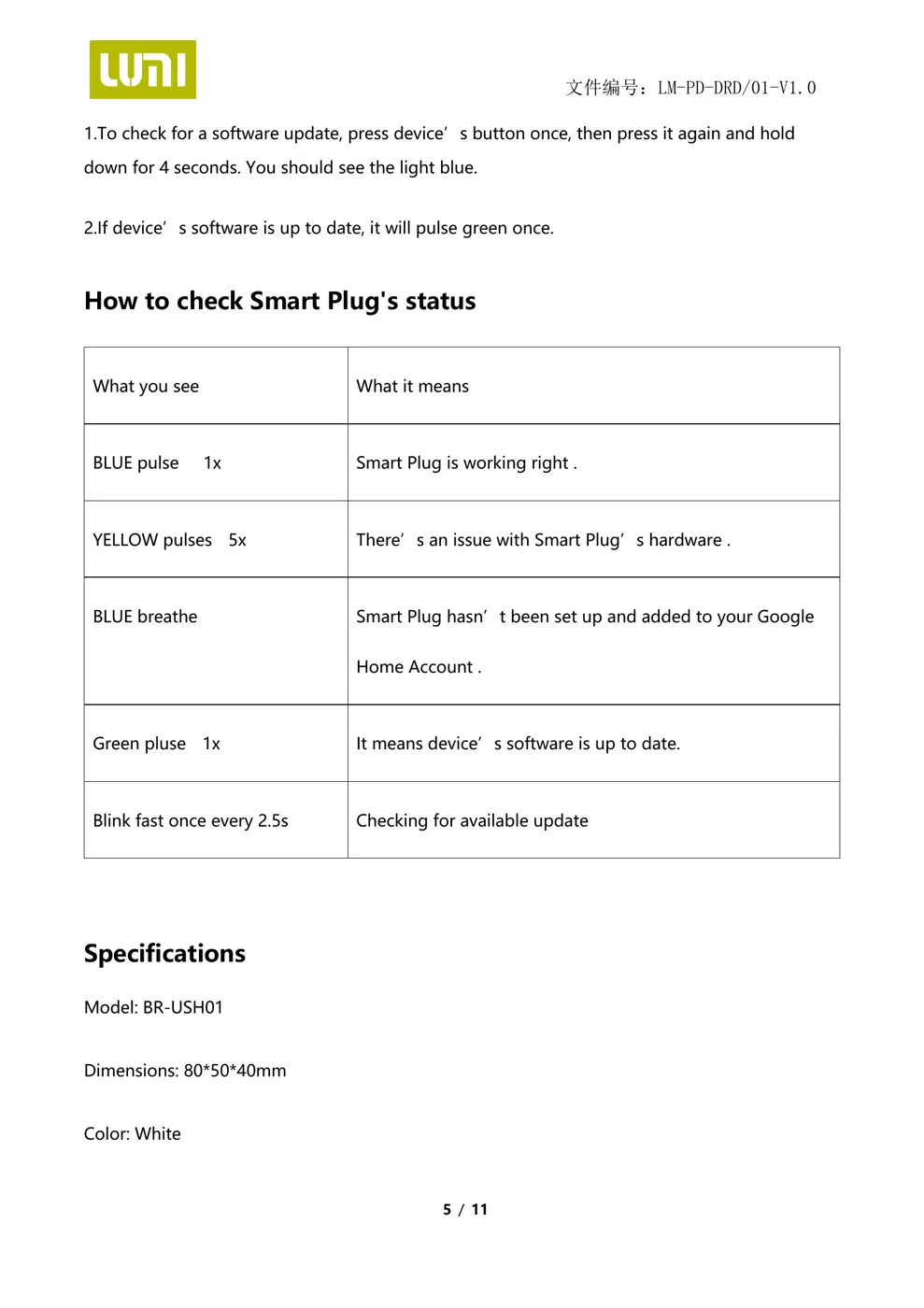
1.To check for a software update, press device’s button once, then press it again and hold down for 4 seconds. You should see the light blue.
2.If device’s software is up to date, it will pulse green once.
How to check Smart Plug's status
What you see What it means
BLUE pulse 1x Smart Plug is working right .
YELLOW pulses 5x There’s an issue with Smart Plug’s hardware .
BLUE breathe Smart Plug hasn’t been set up and added to your Google Home Account .
Green pluse 1x It means device’s software is up to date.
Blink fast once every 2.5s Checking for available update
 Specifications Model: BR-USH01
Dimensions: 80*50*40mm
Color: White
 文件编号:LM-PD-DRD/01-V1.0
 6 / 11
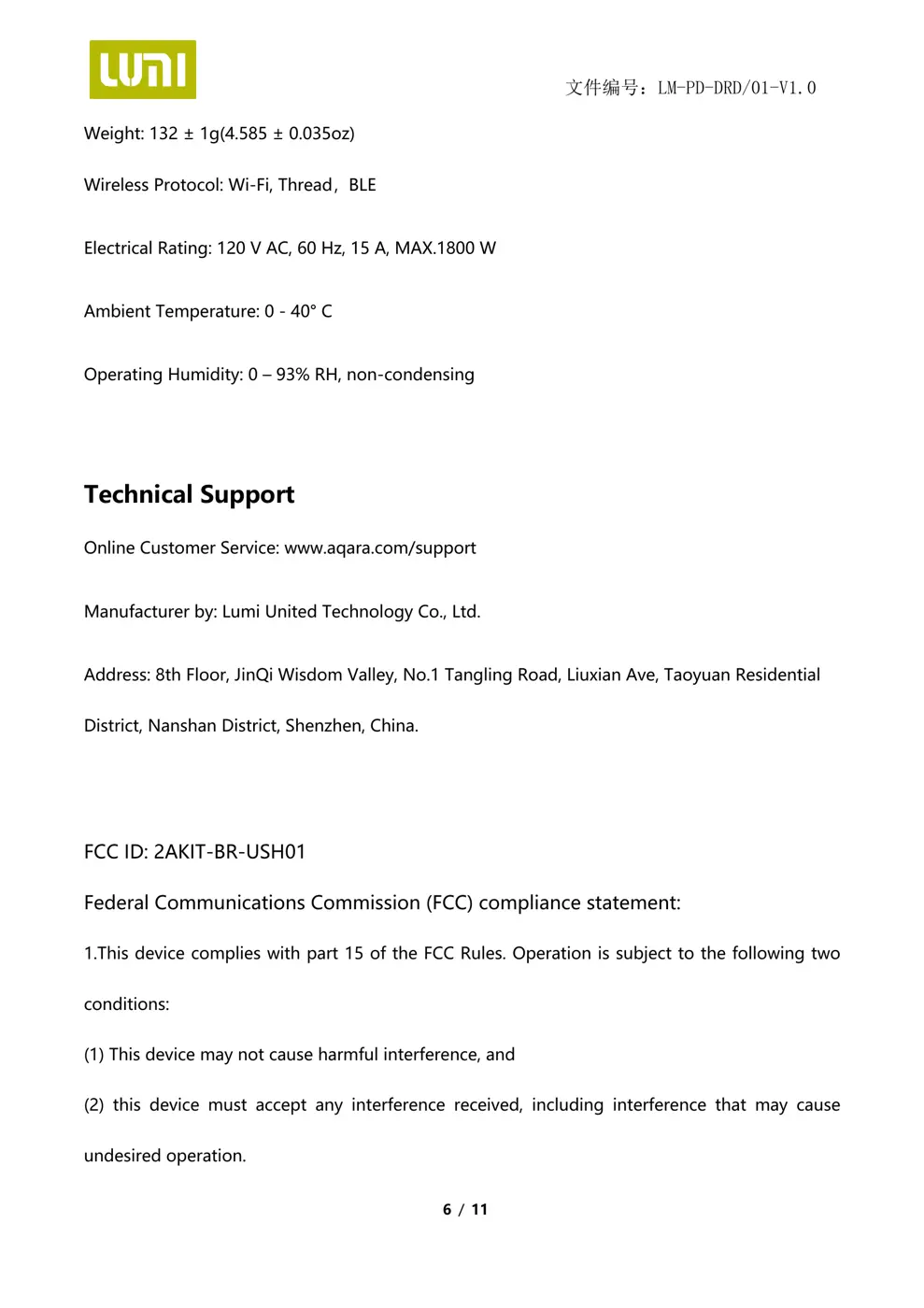
Weight: 132 ± 1g(4.585 ± 0.035oz) Wire...