
03 Reset & Teardown (FCC ID 2APN5SNZB-03)
Factory reset and internal photos for Generic IoT 03. Unknown smart plug.
January 16, 2026
•
9 read
Before you buy the Generic IoT 03, check what's inside.
The SNZB-03 is a low-energy Zigbee motion sensor designed for real-time movement detection. It is intended to be used with a Zigbee bridge like the SONOFF Zigbee Bridge or any other Zigbee 3.0 compatible gateway to trigger smart scenes and other connected devices.
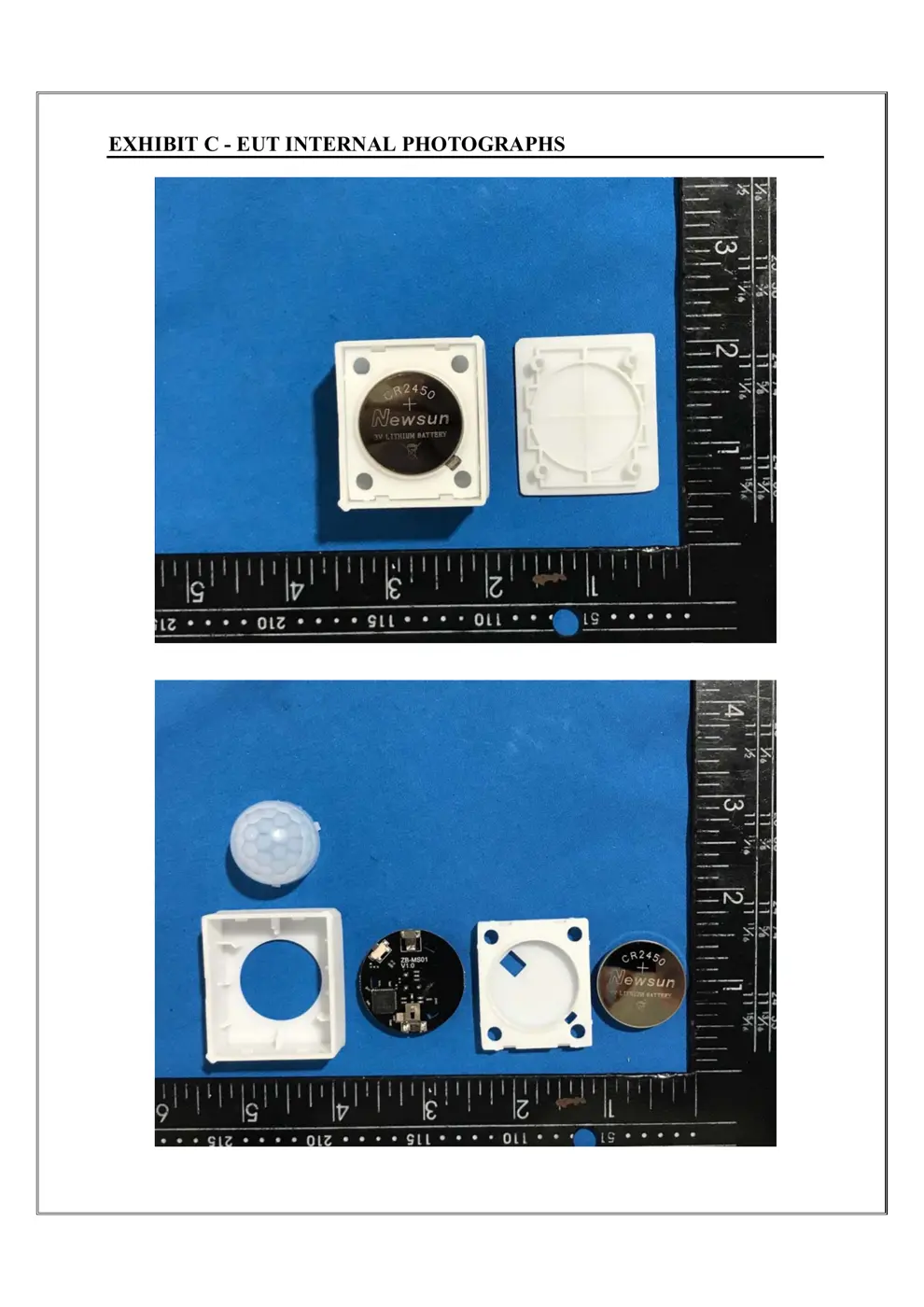
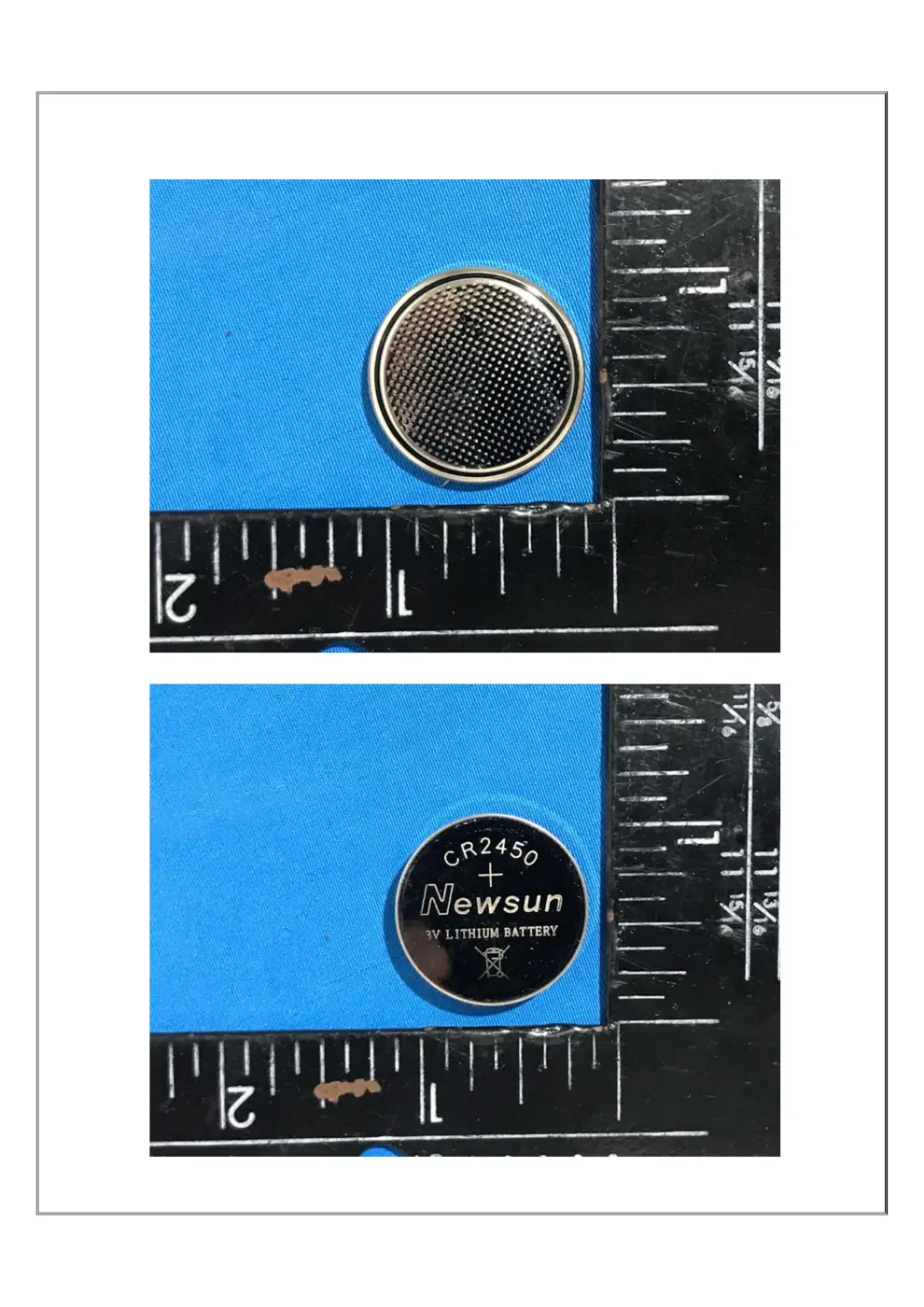
⚠️ NOTE: Ensure correct battery polarity when replacing the CR2450 battery.
Quick Specs
- Manufacturer: Generic IoT
- Model: 03
- Protocol: WiFi
- Chipset: Unknown
- Ecosystem: Unknown
- App: Unknown
🔧 Geek Corner (Flashing Info)
- Chipset: Unknown
- Flashable: ❌ No
- Info: This is a proprietary Zigbee device and is not designed to be user-flashable with custom firmware like Tasmota or ESPHome.
User Manual
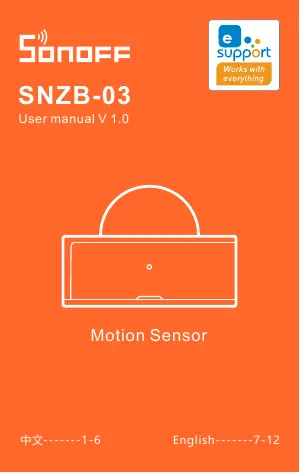
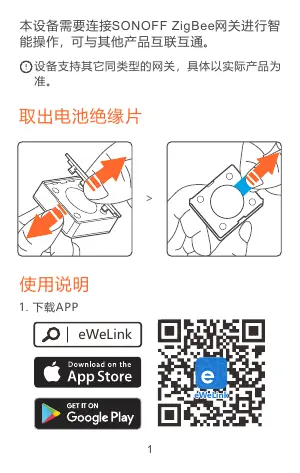
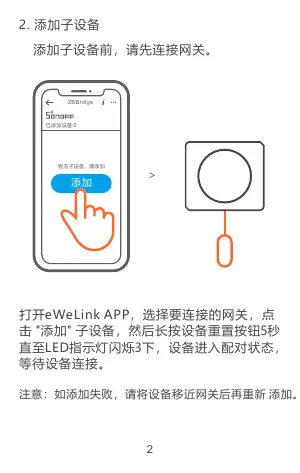
Scanned pages from the official user manual:
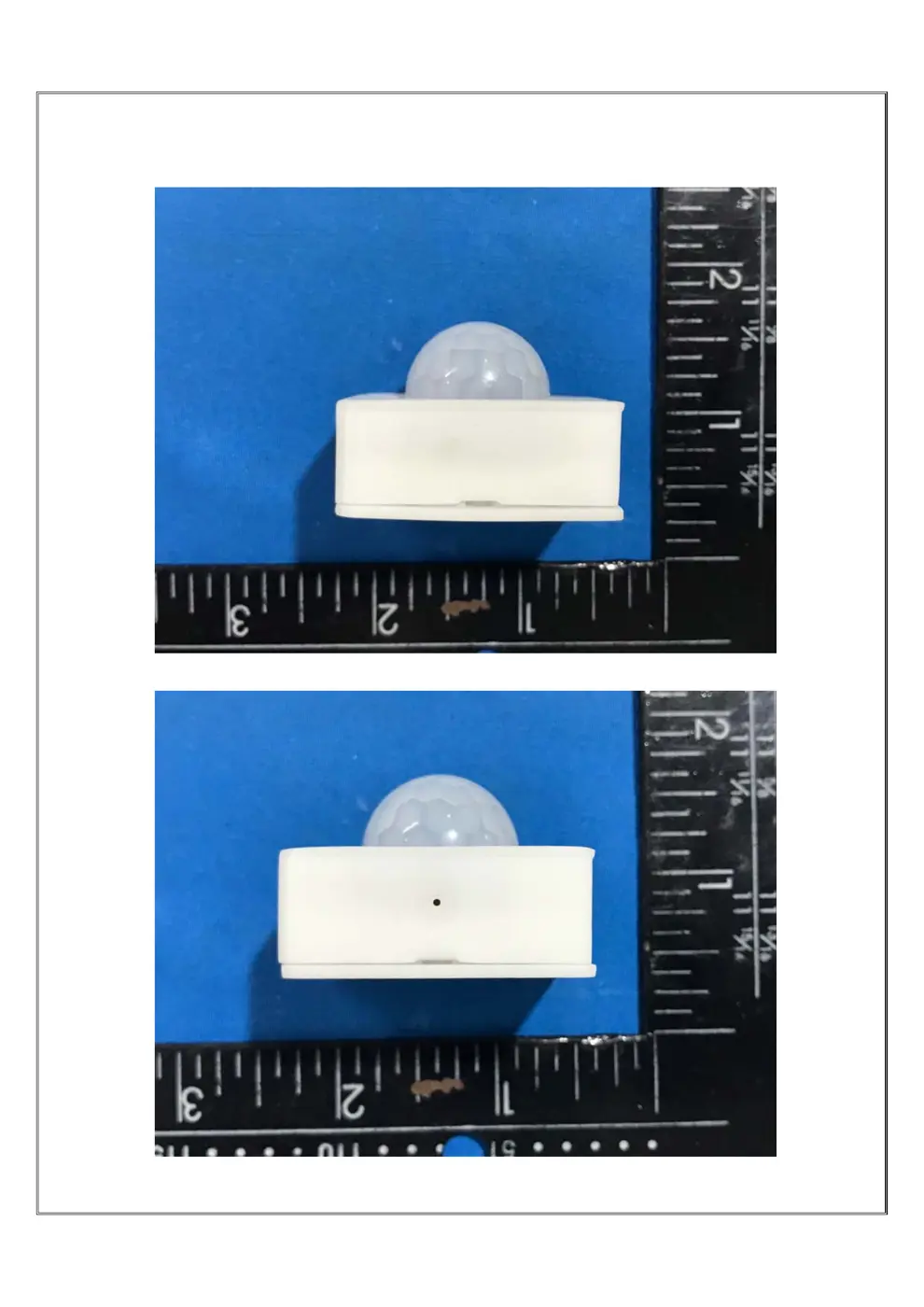
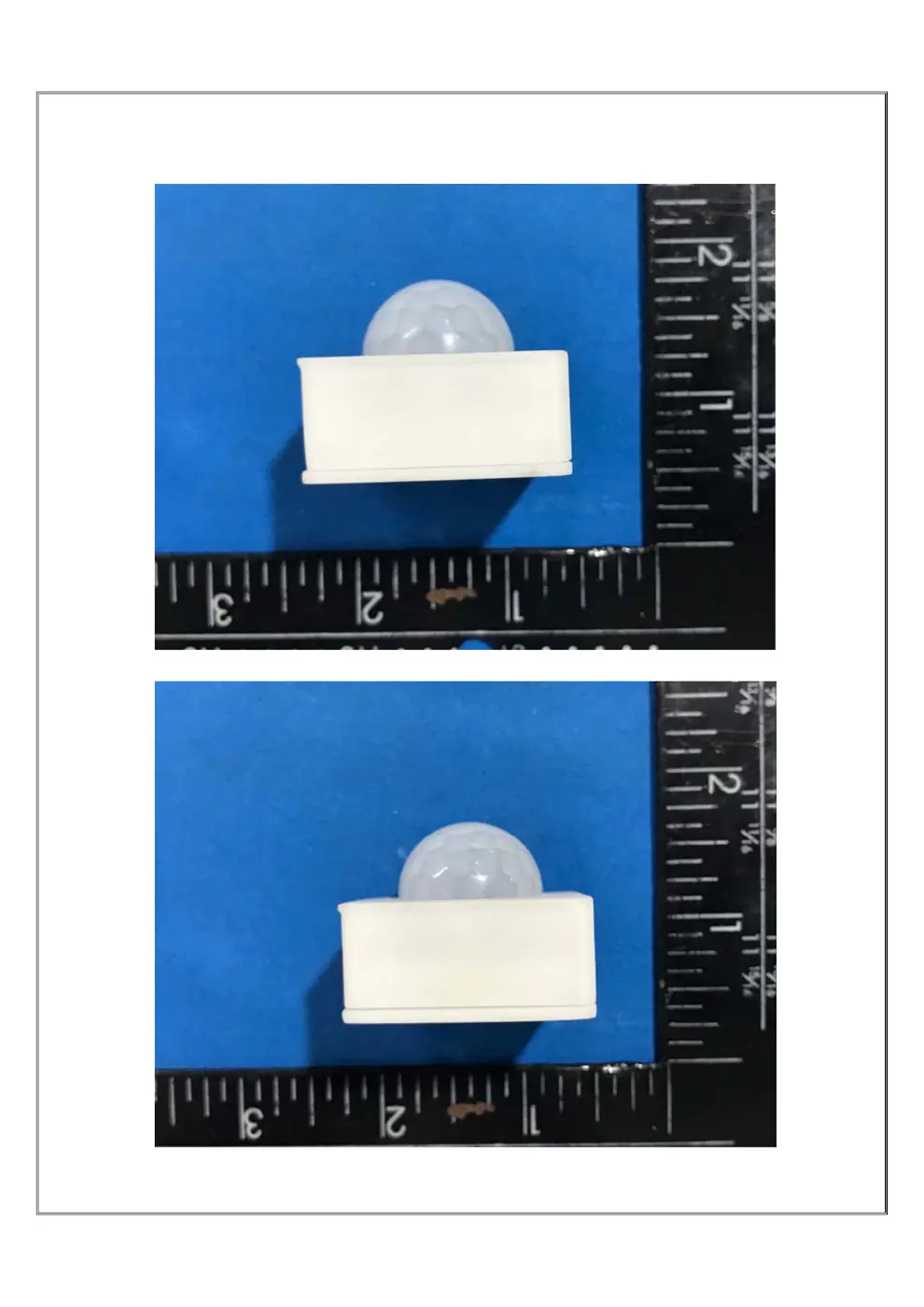
External Photos
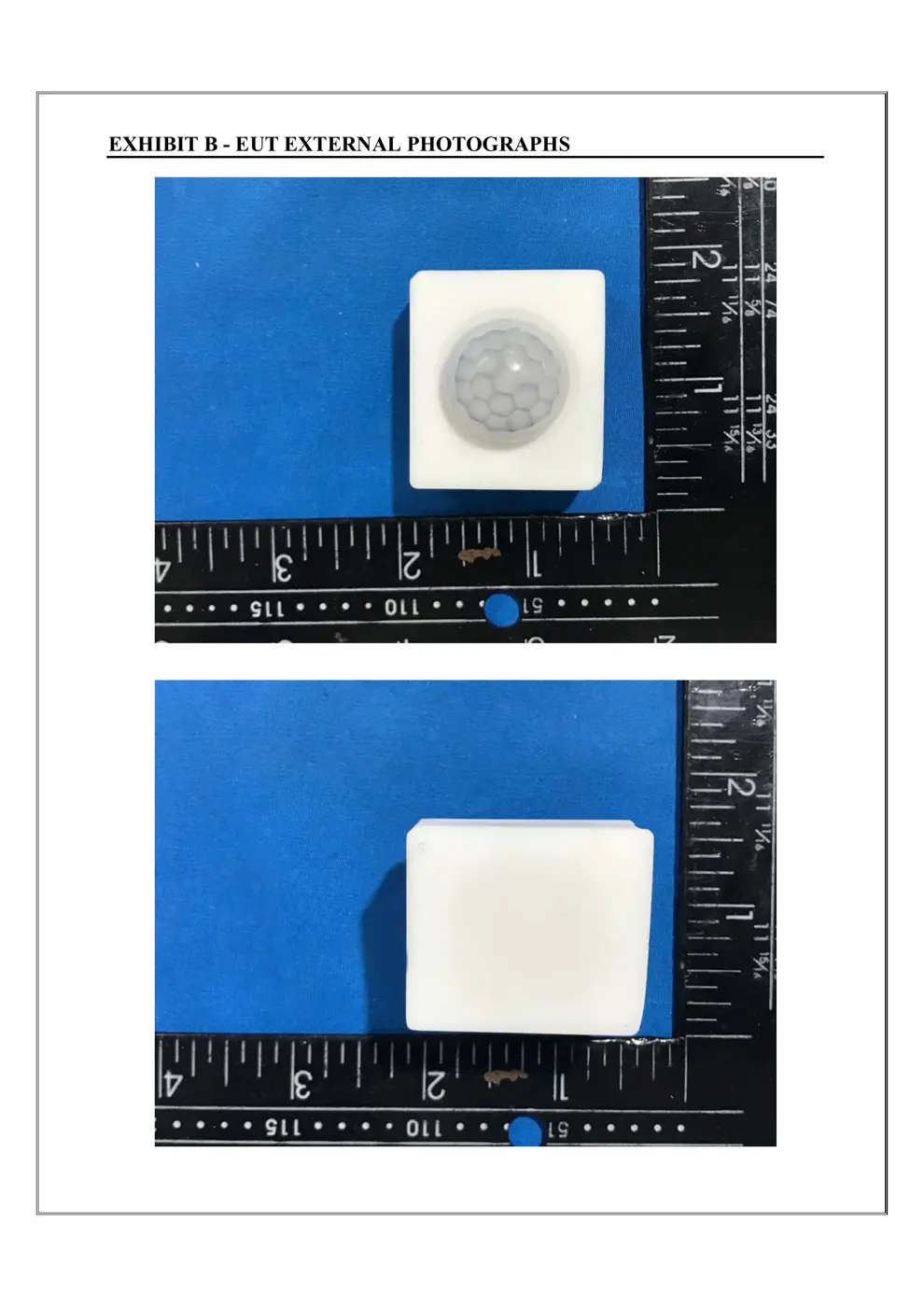
Photos of the device exterior:
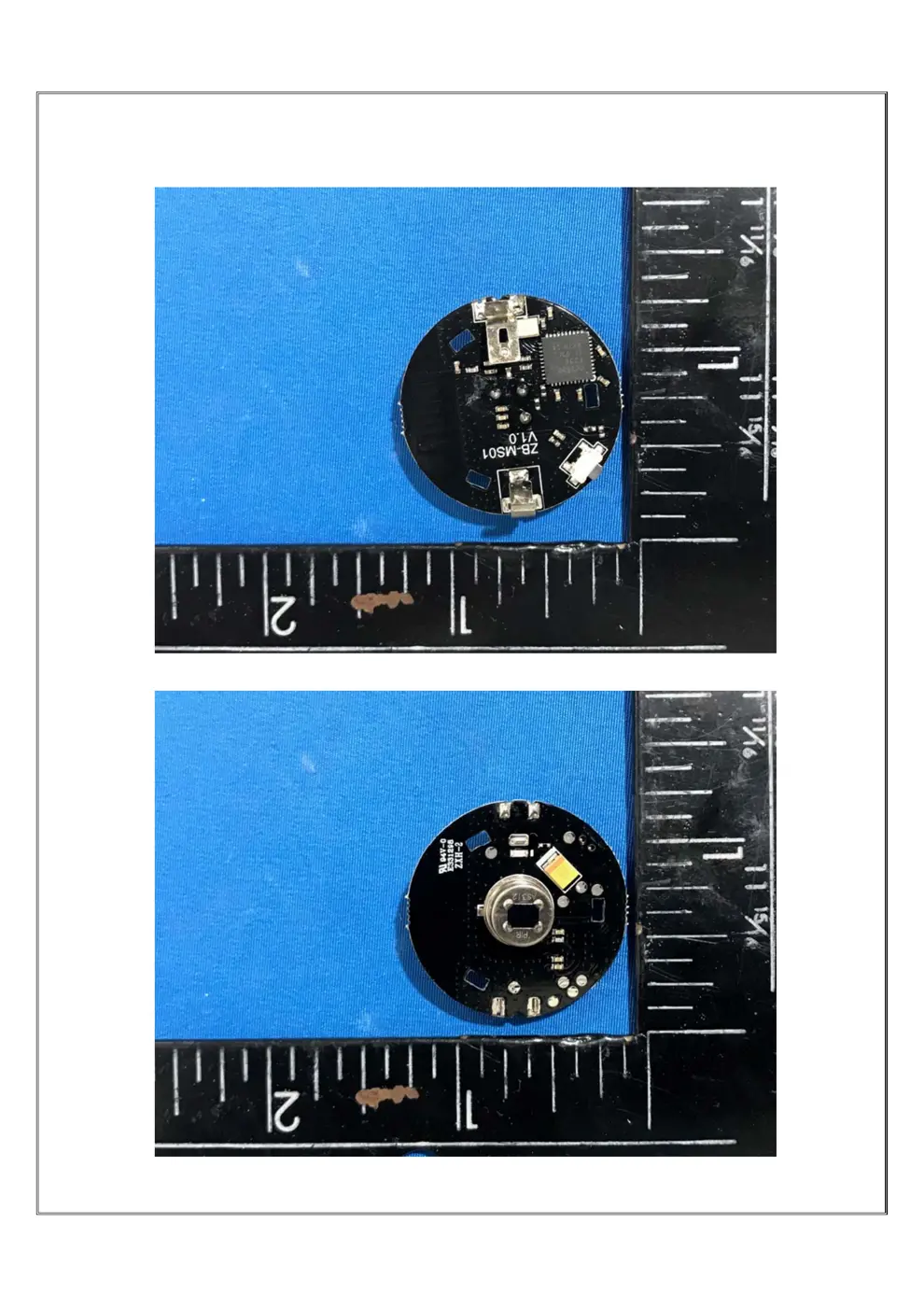
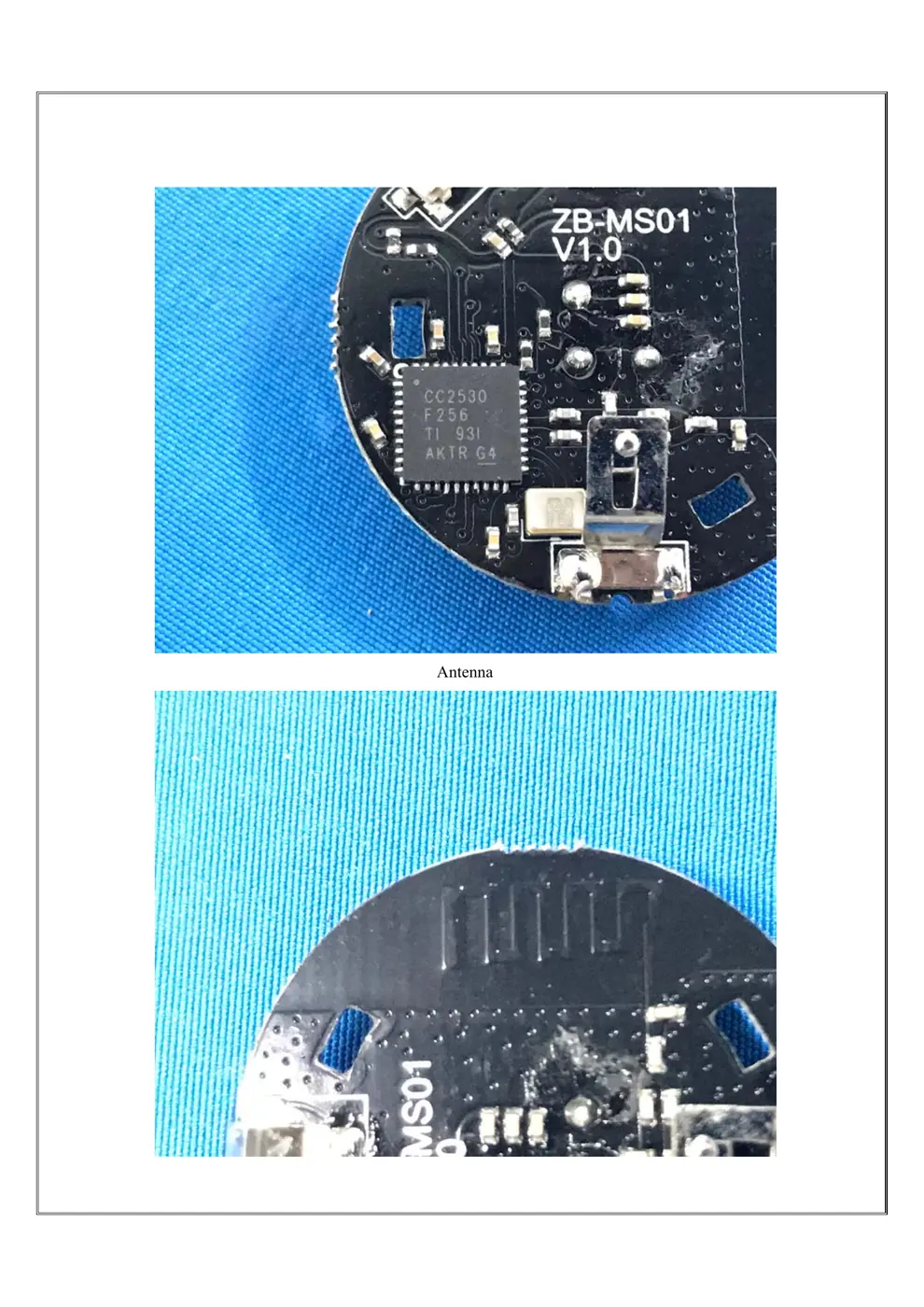
Internal Photos
Teardown photos showing the PCB and components:
Verdict
The 03 is a WiFi device from the Unknown ecosystem.
📄 Click to view full text manual (SEO)
SNZB-03
User manual V 1.0
Motion Sensor
中文-------1-6 English-------7-12
eWeLink
eWeLink
1. 下载APP
>
1
>
ZBBridge
2
ZBBridge
25s
>
3
4
产品型号: SNZB-03
电池型号: CR2450
无线协议: ZigBee (IEEE 802.15.4)
工作温度: -10-40℃
工作湿度:10-90%RH(无冷凝)
产品规格: 40x35x28mm
5
6
Operation instruction
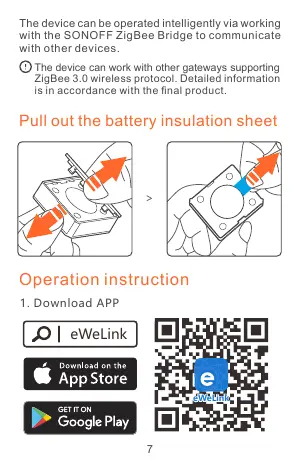
Pull out the battery insulation sheet
eWeLink
eWeLink
1. Download APP
The device can be operated intelligently via working
with the SONOFF ZigBee Bridge to communicate
with other devices.
The device can work with other gateways supporting
ZigBee 3.0 wireless protocol. Detailed information
is in accordance with the final product.
>
7
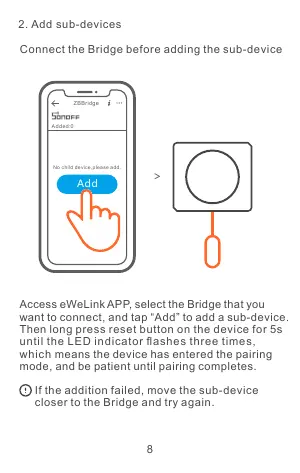
2. Add sub-devices
>
ZBBridge
Added:0
No child device,please add.
Add
Connect the Bridge before adding the sub-device
Access eWeLink APP, select the Bridge that you
want to connect, and tap “Add” to add a sub-device.
Then long press reset button on the device for 5s
until the LED indicator flashes three times,
which means the device has entered the pairing
mode, and be patient until pairing completes.
If the addition failed, move the sub-device
closer to the Bridge and try again.
8
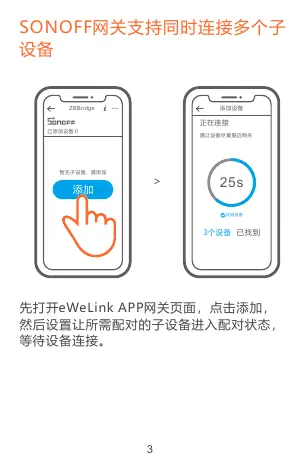
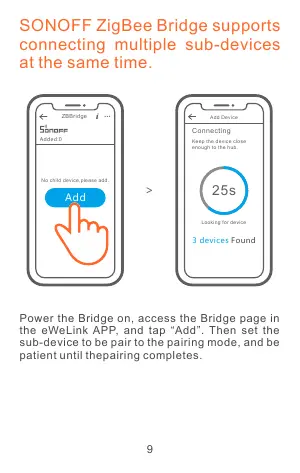
SONOFF ZigBee Bridge supports
connecting multiple sub-devices
at the same time.
Power the Bridge on, access the Bridge page in
the eWeLink APP, and tap “Add”. Then set the
sub-device to be pair to the pairing mode, and be
patient until thepairing completes.
Connecting
Keep the device close
enough to the hub.
25s>
ZBBridge
Added:0
No child device,please add.
Add
Add Device
Looking for device
3 devices Found
9
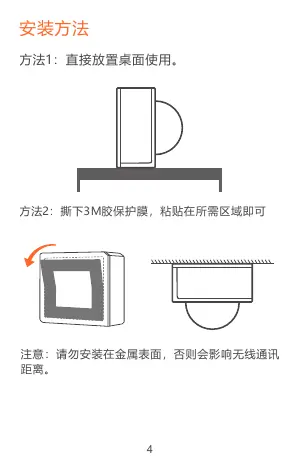
Installation methods
1. Placed on the desktop for use.
2. Tear off the protective film of the 3M adhesive
 and stick the device on the desired area.
Do not install on the metal surface, otherwise it
will affect the wireless communication distance.
10
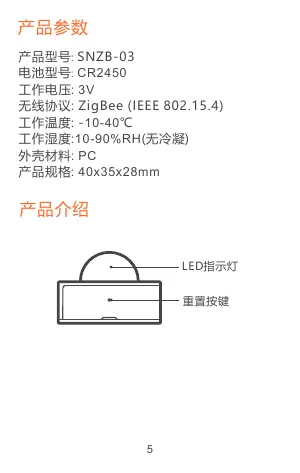
Product Introduction
Reset button
LED indicator
Specifications
Model: SNZB-03
Battery model: CR2450
Working voltage: 3V
Wireless connection: ZigBee (IEEE 802.15.4)
Working temperature : -10-40℃
Working humidity: 10-90%RH (non-condensing)
Material: PC
Dimension: 40x35x28mm
11
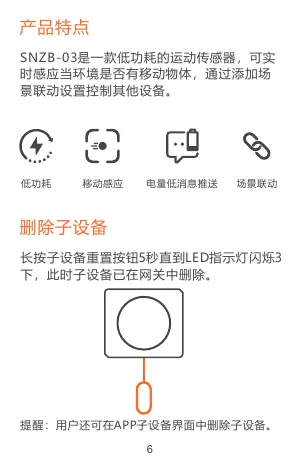
Delete sub-devices
Long press the reset button on the sub-device for
5s until the LED indicator flashes three times. In
this case, the sub-device is deleted from the
Bridge successfully.
Features
Low-energy Low battery
notification
Smart scenes
Users can delete sub-devices directly from the
sub-device page on APP.
Movement
detection
SNZB-03 is a ZigBee low-energy motion sensor
that can detect the movement of objects in real
time. Connect it with the Bridge and you can create
a smart scene to trigger other devices.
12
MADE IN CHINA
Shenzhen Sonoff Technologies Co., Ltd.
1001, BLDG8, Lianhua Industrial Park, shenzhen, GD,
China
ZIP code: 518000 Website: sonoff.tech
FCC Statement
This equipment has been tested and found to comply with the limits for a Class B digital device,
 pursuant to part 15 of the FCC Rules. These limits are designed to provide reasonable protection
 against harmful interference in a residential installation. This eq...