
D1 Reset & Teardown (FCC ID 2APN5D1)
Factory reset and internal photos for Sonoff (Itead) D1. Sonoff smart plug.
January 16, 2026
•
8 read
Before you buy the Sonoff (Itead) D1, check what's inside.
The Sonoff D1 is a Wi-Fi enabled smart dimmer switch designed to control light brightness remotely. It allows for scheduling, scene control, and voice commands via the eWeLink app and is compatible with Android and iOS devices.
⚠️ NOTE: Disconnect Mains power before installation or maintenance.
Quick Specs
- Manufacturer: Sonoff (Itead)
- Model: D1
- Protocol: WiFi
- Chipset: ESP/CK Chip
- Ecosystem: Sonoff
- App: eWeLink
🔧 Geek Corner (Flashing Info)
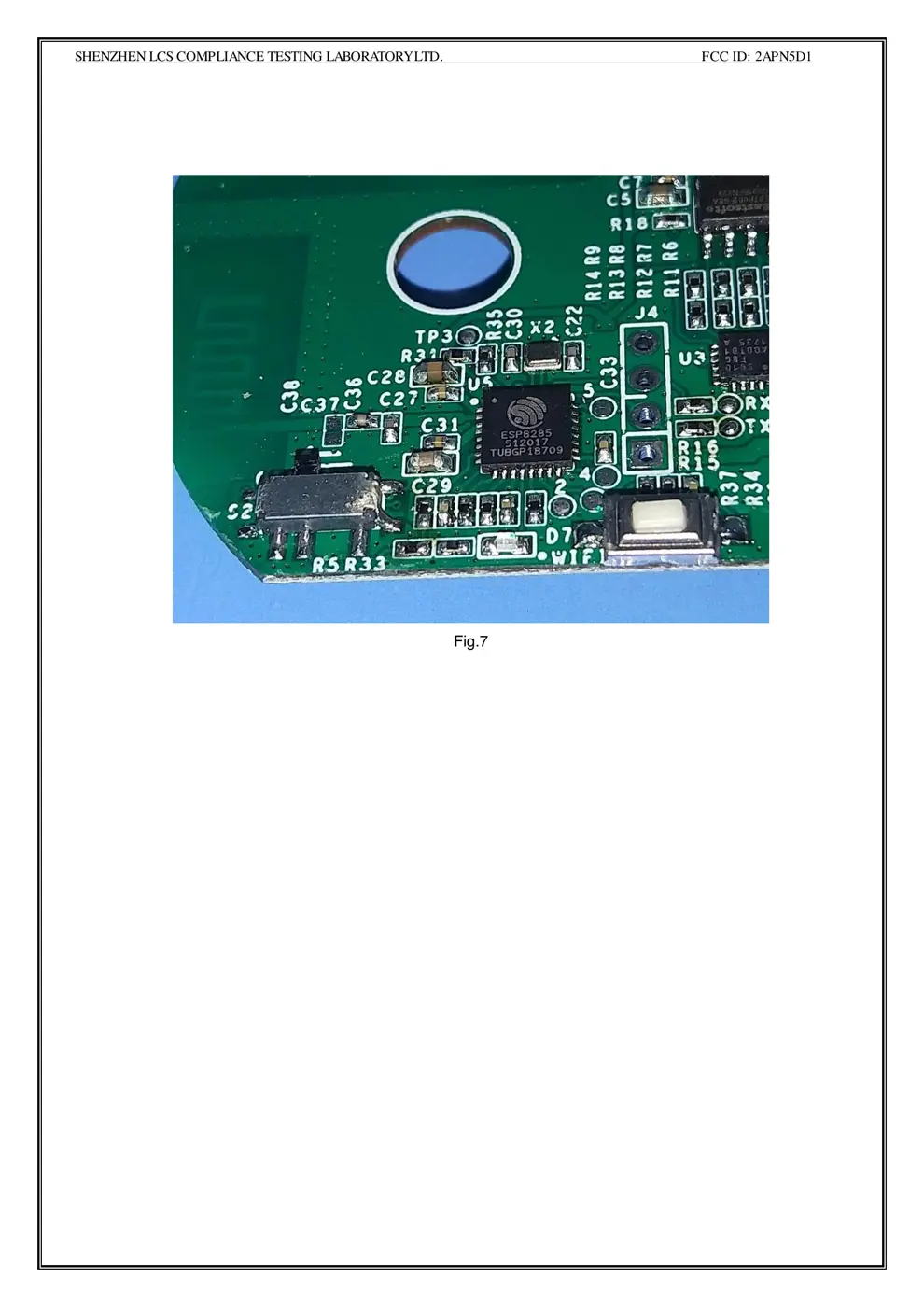
- Chipset: ESP8285
- Flashable: ❌ No
- Info: Sonoff devices often have locked bootloaders or proprietary chipsets that prevent easy flashing with custom firmware like Tasmota.
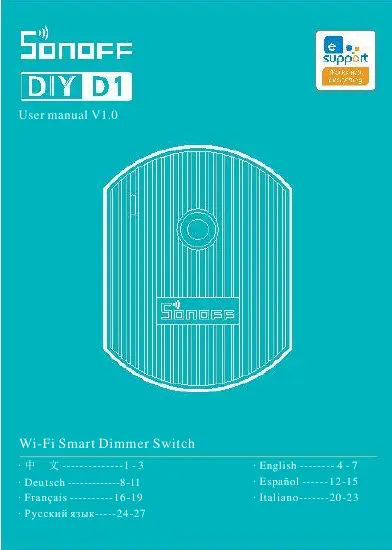
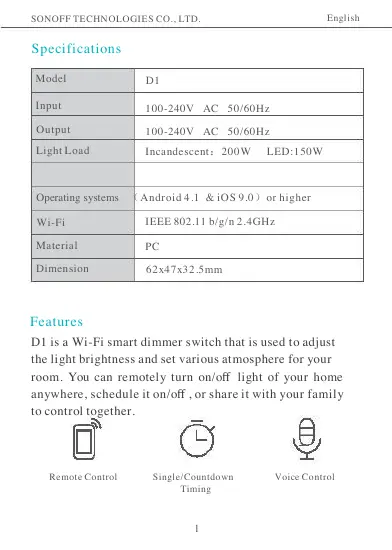
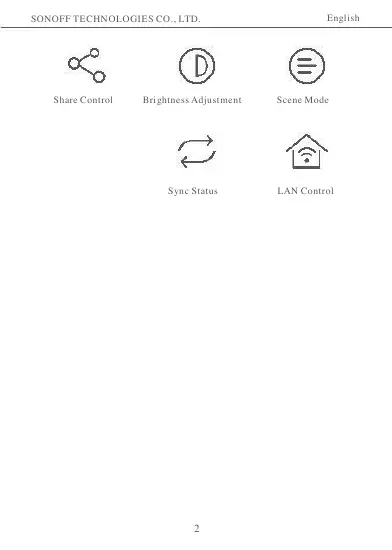
User Manual
Scanned pages from the official user manual:
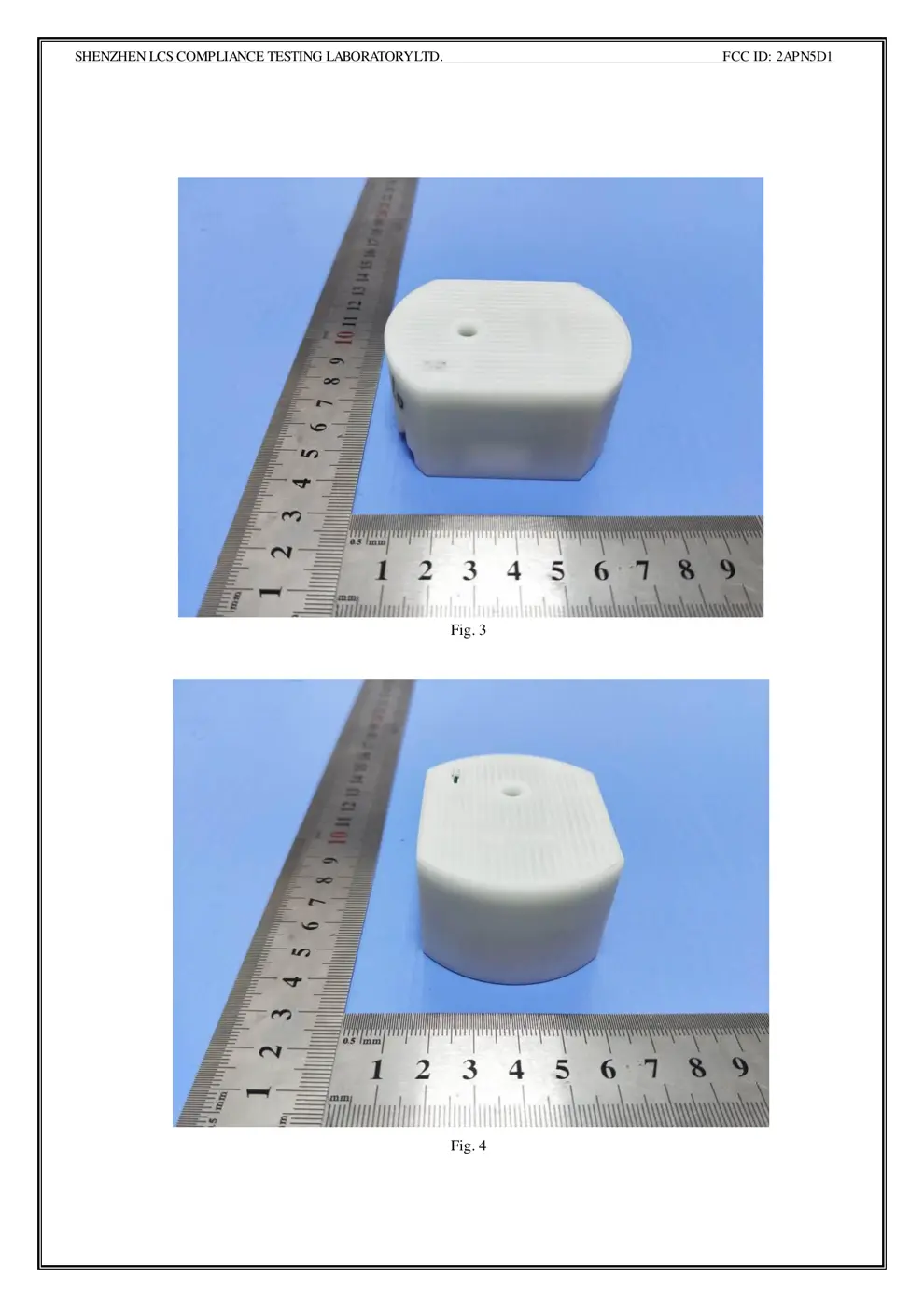
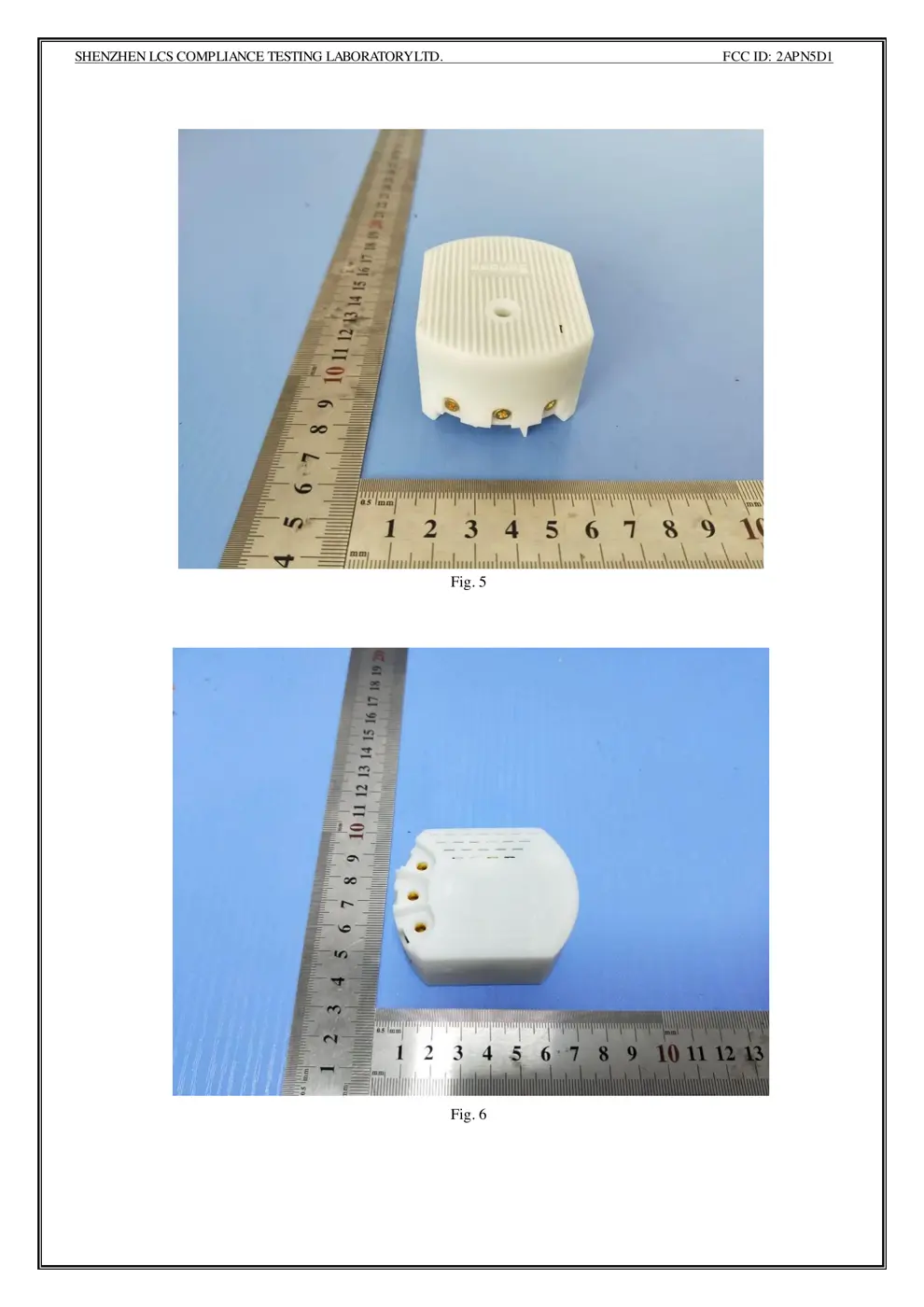
External Photos
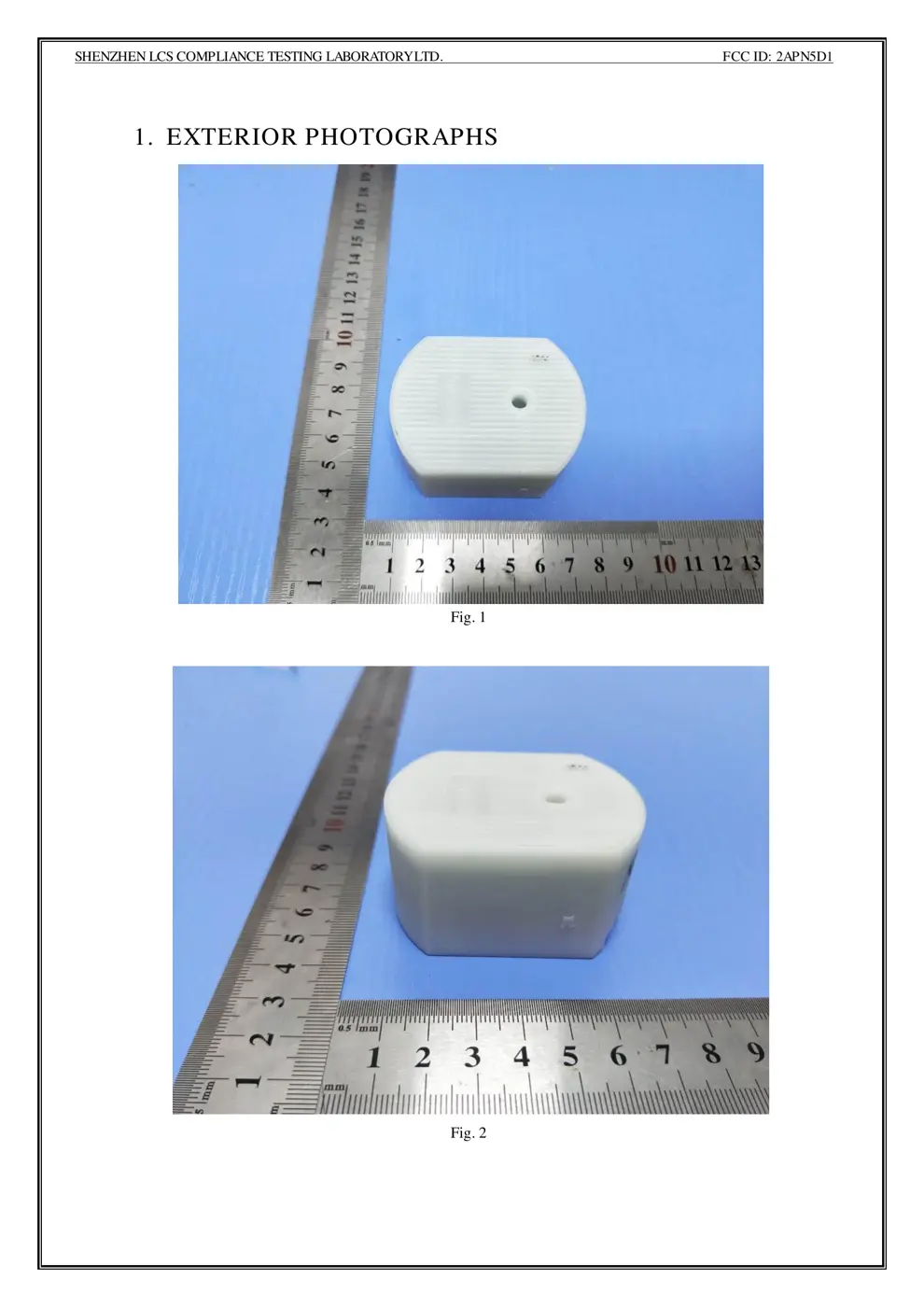
Photos of the device exterior:
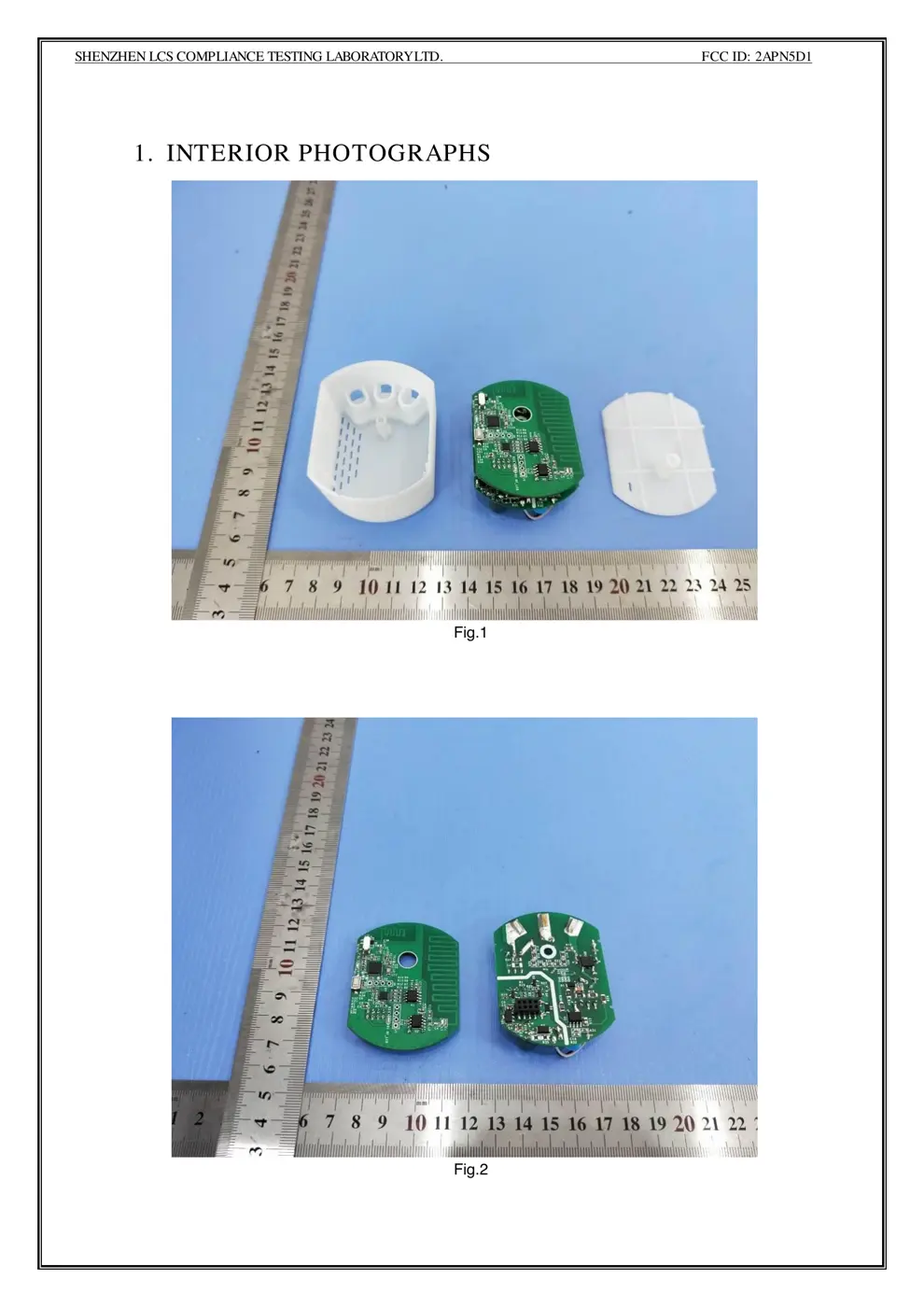
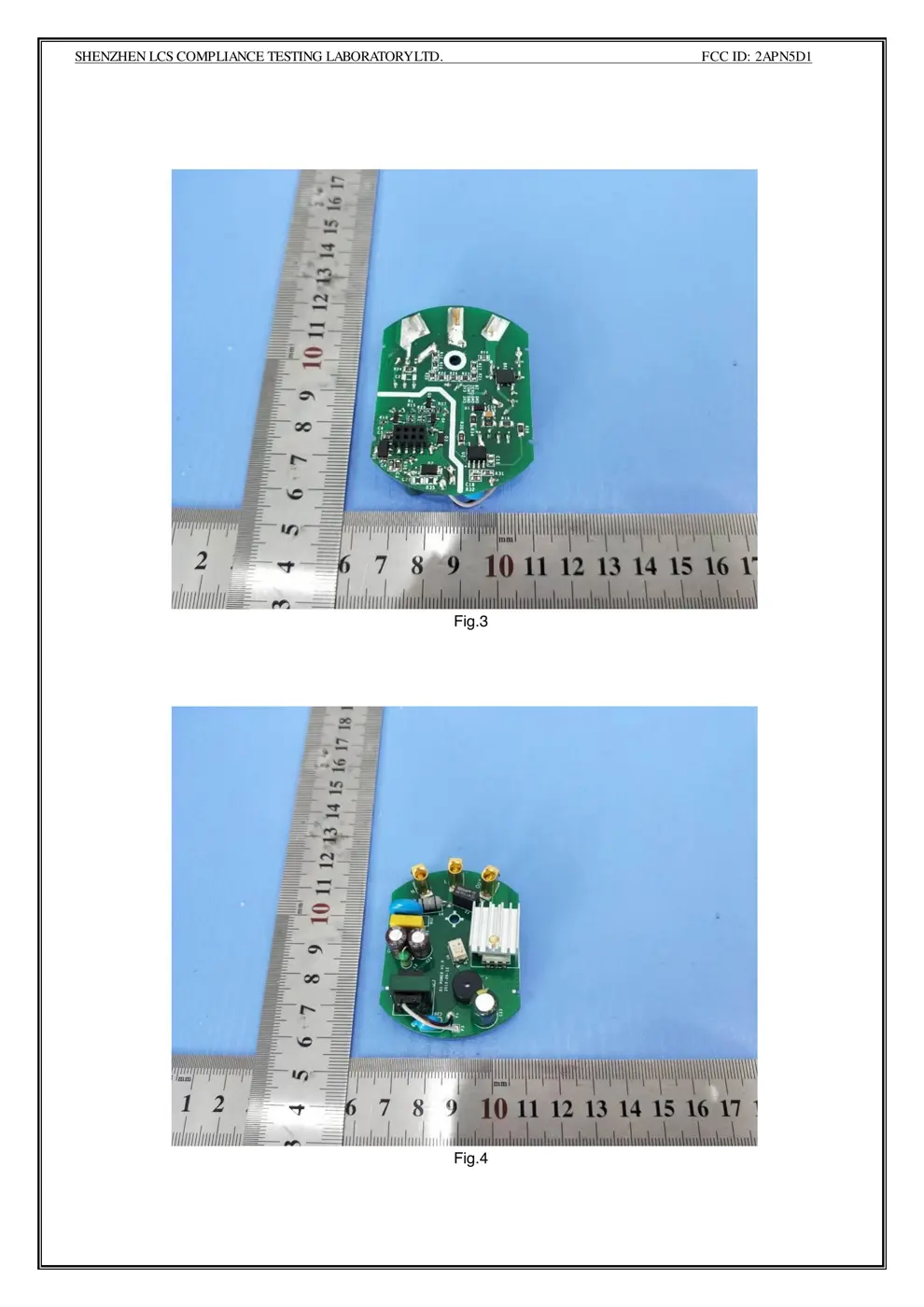
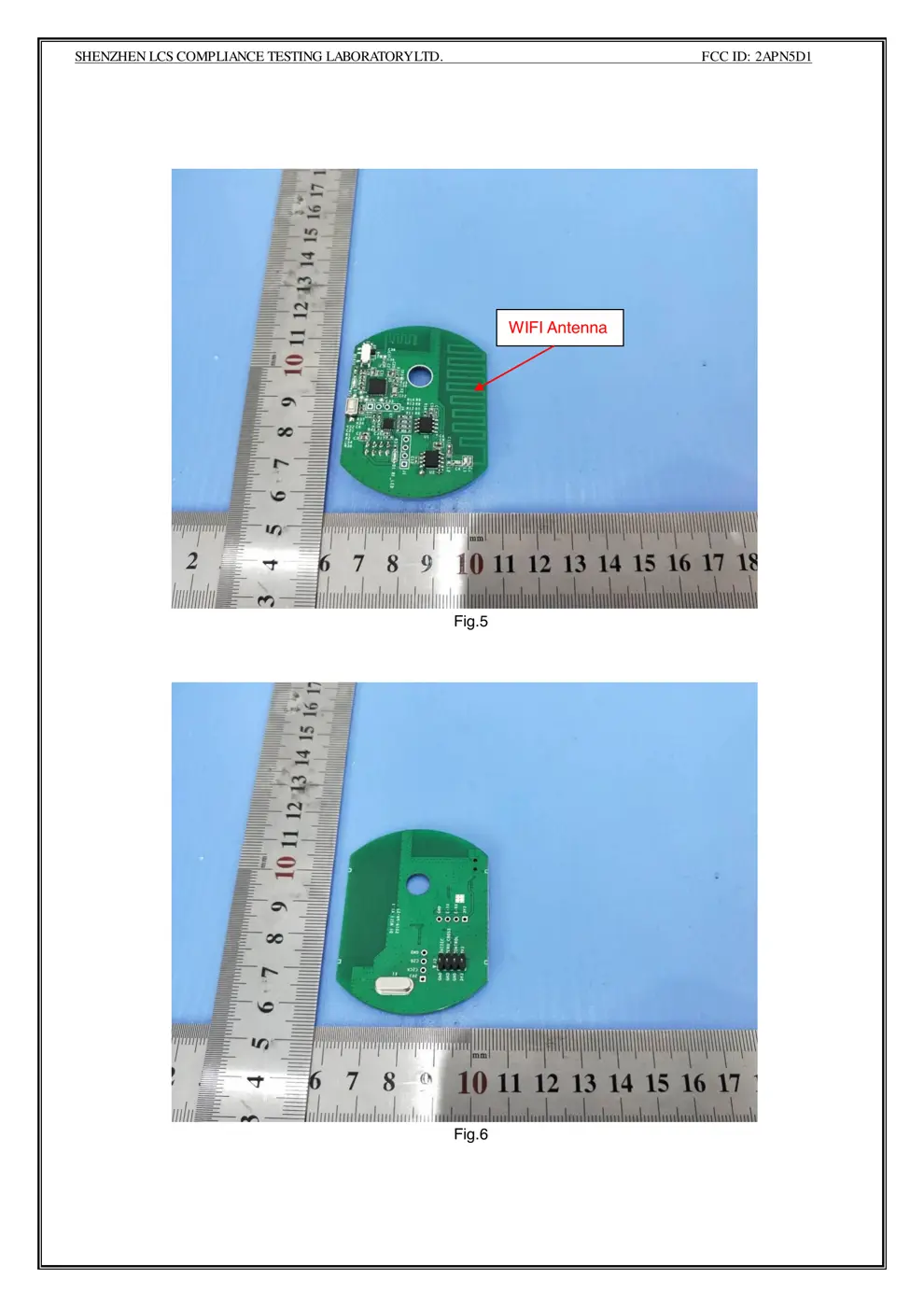
Internal Photos
Teardown photos showing the PCB and components:
Verdict
The D1 is a WiFi device from the Sonoff ecosystem.
📄 Click to view full text manual (SEO)
User manual V1.0
Wi-Fi Smart Dimmer Switch
· 中 文 ------- ------- 1 - 3
· Deutsch ----- -------- 8-11
· Franç ais ---------- 16 -19
· Русский язык ---- -24 -27
· English ----- --- 4 - 7
· Españ ol --- --- 12 -15
· Italiano ------- 20 -23

SONOFF TECHNOLOGIES CO., LTD. English
Specifications
Model
Input
D1
100 -240V AC50 /60Hz
100 -240V AC50 /60Hz Output
Light Load Incandescent :200W LED :150W

Operating systems (Android 4.1 & iOS 9.0 )or higher
Wi-Fi IEEE 802.11 b/g/n 2.4GHz
PC Material
Dimension 62x47x3 2.5mm
Features
D1 is a Wi-Fi smart dimmer switch that is used to adjust
the light brightness and set various atmosphere for your
room. You can remotely turn on/o ff light of your home
anywhere, schedule it on/o ff , or share it with your family
to control toget her.
Remote Control Single/Countdown
Timing
Voice Control
1

SONOFF TECHNOLOGIES CO., LTD. English
Share Control Brightness Adjustment Scene Mode
 Sync Status LAN Control
2

SONOFF TECHNOLOGIES CO., LTD. English
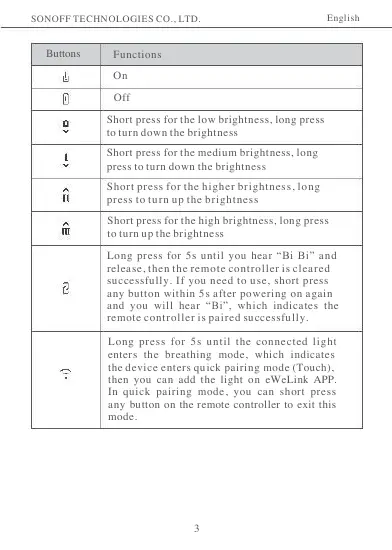
Buttons Functions
On
Off
Short press for the low brightness, long press
to turn down the brightness
Short press for the medium brightness, long
press to turn down the brightness
Short press for the higher brightness, long
press to turn up the brightness
Short press for the high brightness, long press
to turn up the brightness
Long press for 5s until you hear “Bi Bi” and
release, then the remote controller is cleared
successfully. If you need to use, short press
any button within 5s after pow ering on again
and you will hear “Bi”, which indicates the
remote controller is paired successfully.
Long press for 5s until the connected light
enters the breathing mode, which indicates
the device enters quick pairing mode (Touch),
then you can add the light on eWeLink APP.
In quick pairing mode, you can short press
any button on the remote controller to exit this
mode.
3

SONOFF TECHNOLOGIES CO., LTD. English
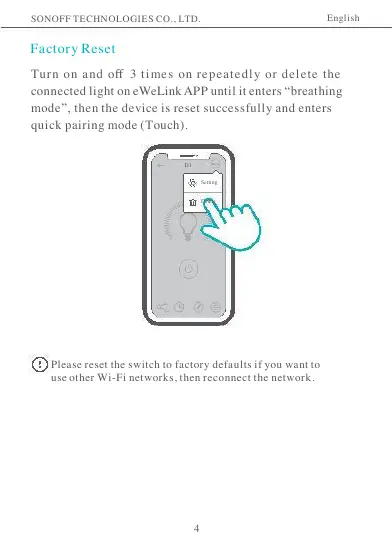
Factory Reset
Turn on and off 3 times on repeatedly or delete the
connected light on eWeLink APP until it enters “breathing
mode”, then the device is reset successfully and enters
quick pairing mode (Touch).
D1
Setting
Delete
Please reset the switch to factory defaults if you want to
use other Wi-Fi networks, then reconnect the network.
4

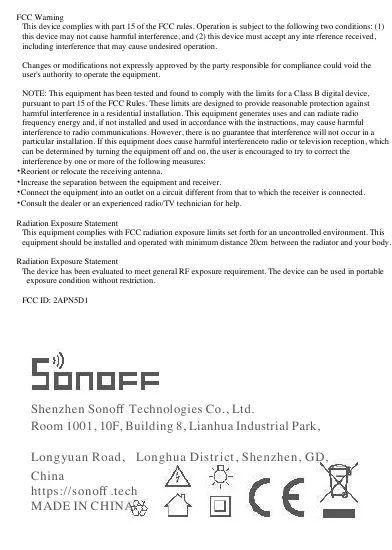
FCC Warning
This device complies with part 15 of the FCC rules. Operation is subject to the following two conditions: (1)
this device may not cause harmful interference, and (2) this device must accept any inte rference received,
including interference that may cause undesired operation.

Changes or modifications not expressly approved by the party responsible for compliance could void the
user's authority to operate the equipment.

NOTE: This equipment has been tested and found to comply with the limits for a Class B digital device,
pursuant to part 15 of the FCC Rules. These limits are designed to provide reasonable protection against
harmful interference in a residential i...