
KPX01D Reset & Teardown (FCC ID 2AKIT-KPX01D)
Factory reset and internal photos for Aqara (Lumi United) KPX01D. Aqara Zigbee smart plug.
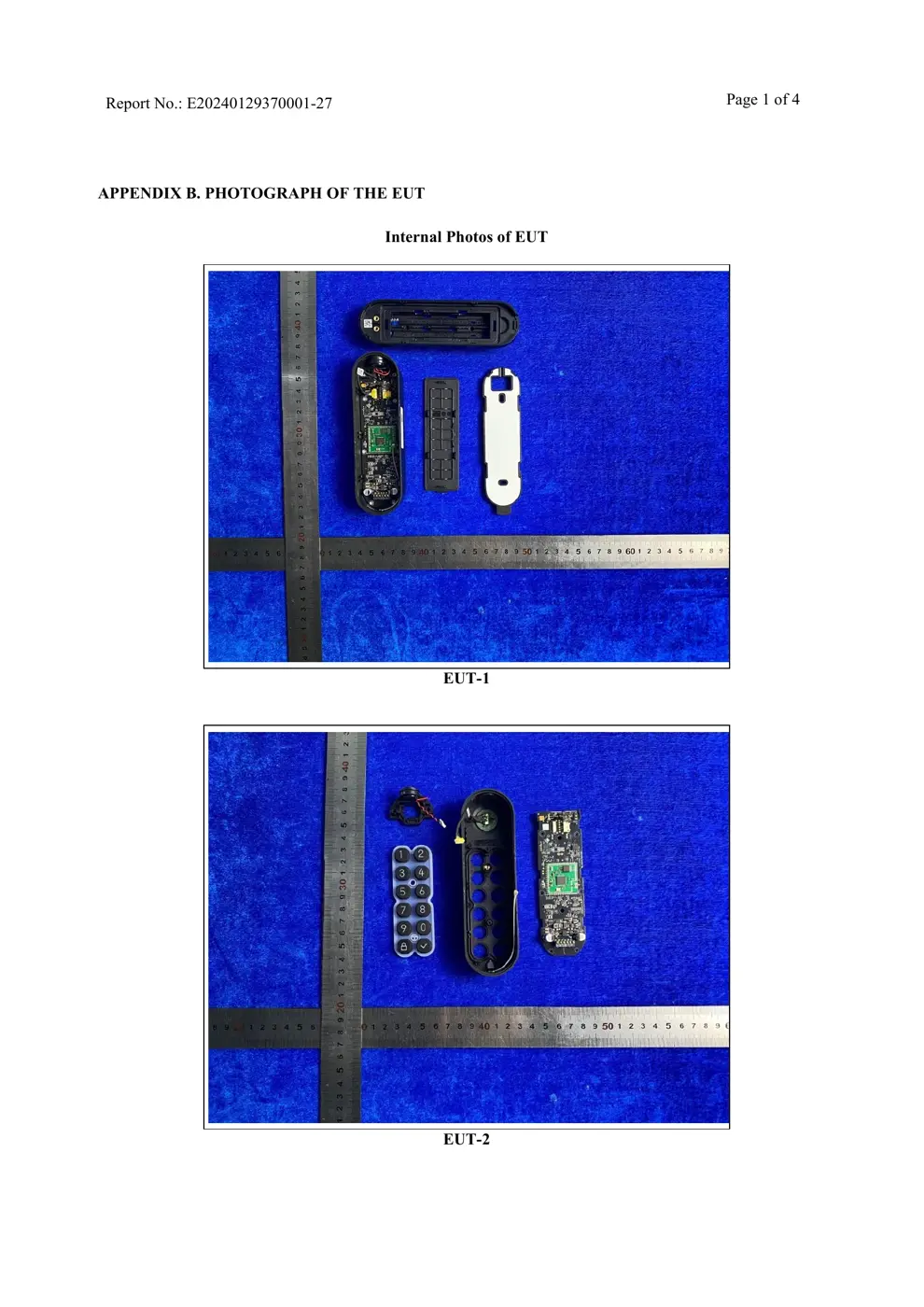
Before you buy the Aqara (Lumi United) KPX01D, check what's inside.
The Aqara KPX01D is a smart keypad designed to work with the Aqara U200 smart door lock. It facilitates access control through Bluetooth and NFC, and can integrate with smart home ecosystems like Matter and Apple Home.
⚠️ NOTE: Ensure correct battery polarity when replacing the battery.
Quick Specs
- Manufacturer: Aqara (Lumi United)
- Model: KPX01D
- Protocol: Zigbee
- Chipset: Zigbee SoC
- Ecosystem: Aqara Zigbee
- App: Aqara Home
🔧 Geek Corner (Flashing Info)
- Chipset: Unknown
- Flashable: ❌ No
- Info: Proprietary Aqara ecosystem device with unknown chipset.
Reset Guide
Press and hold the reset button on the lock for 5 seconds until you hear a long beep.
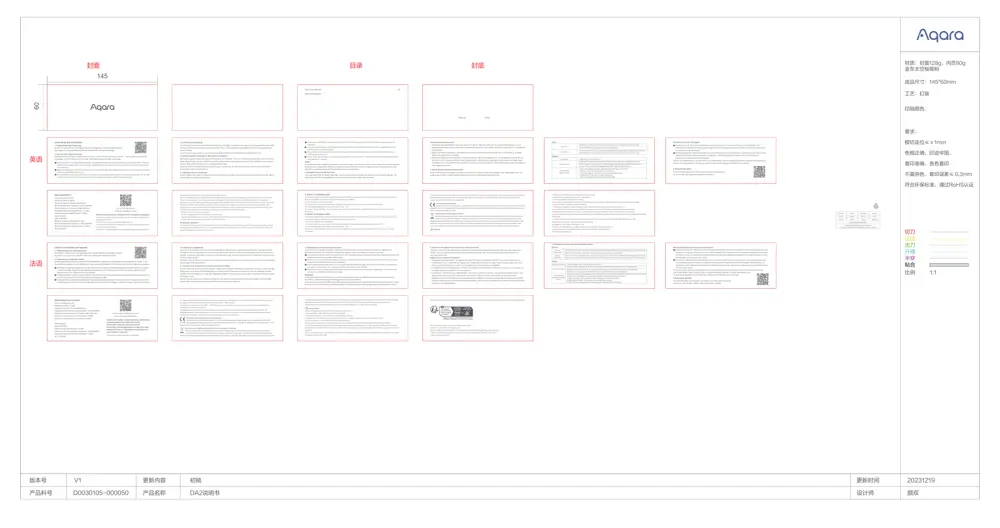
User Manual
Scanned pages from the official user manual:
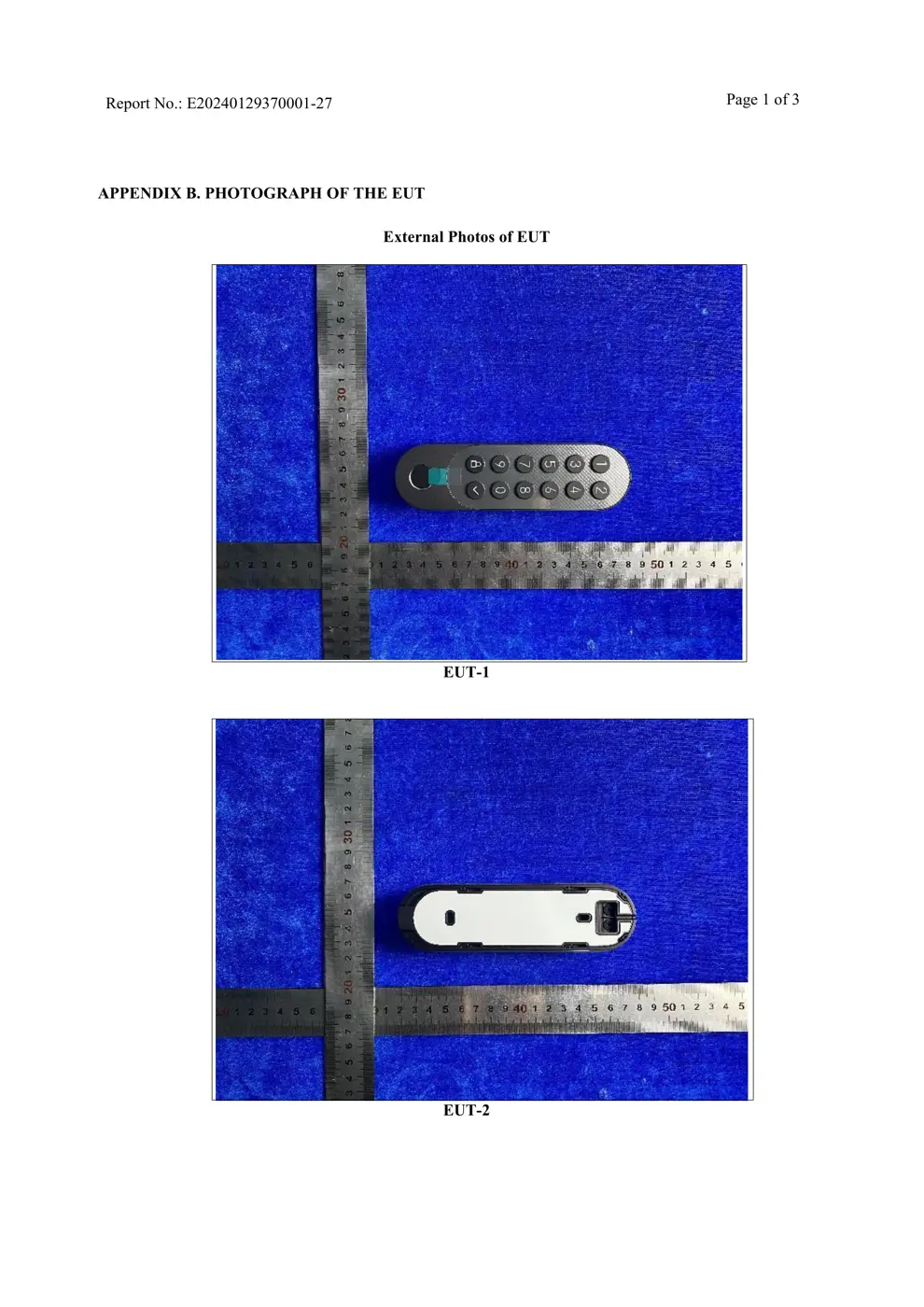
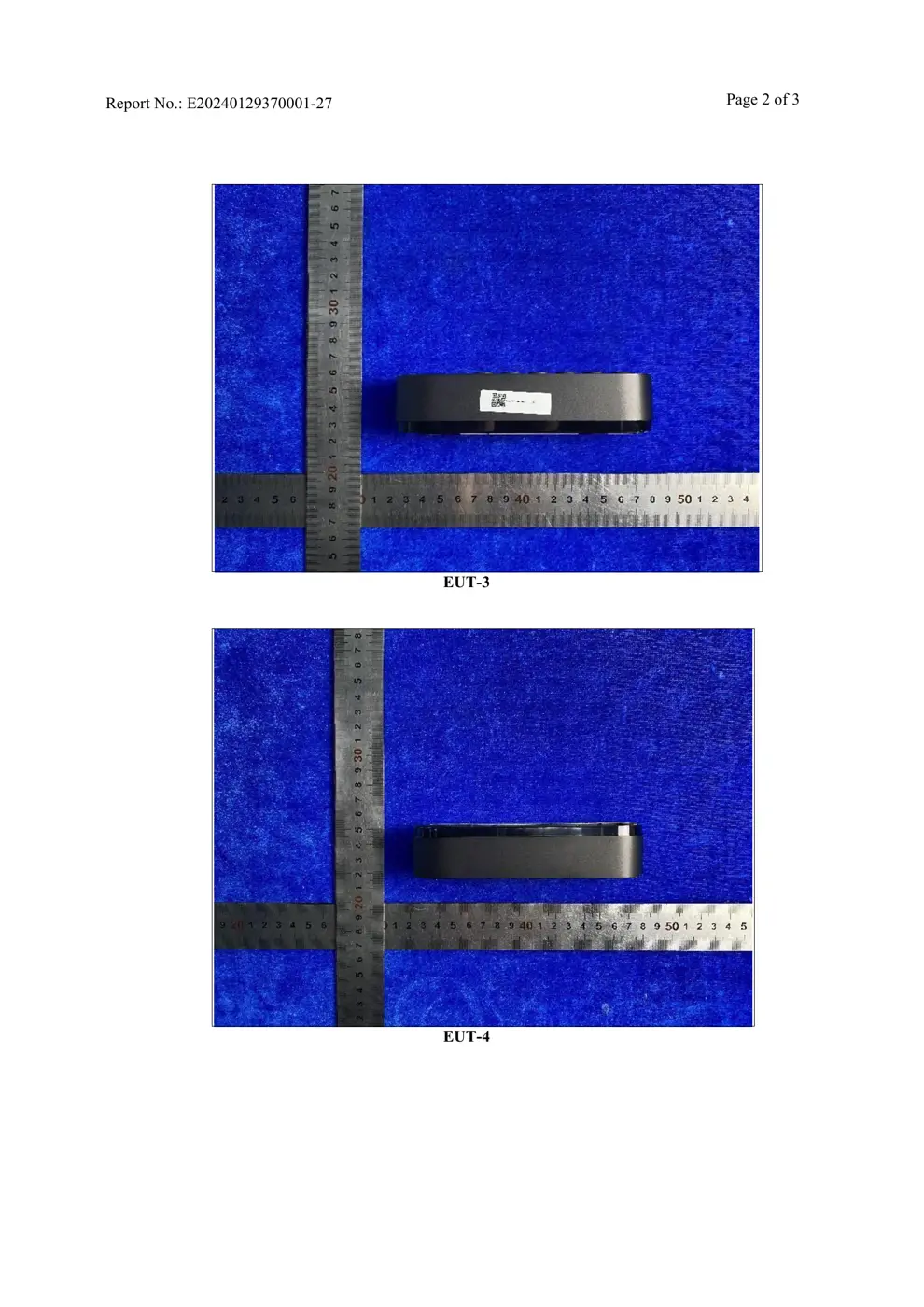
External Photos
Photos of the device exterior:
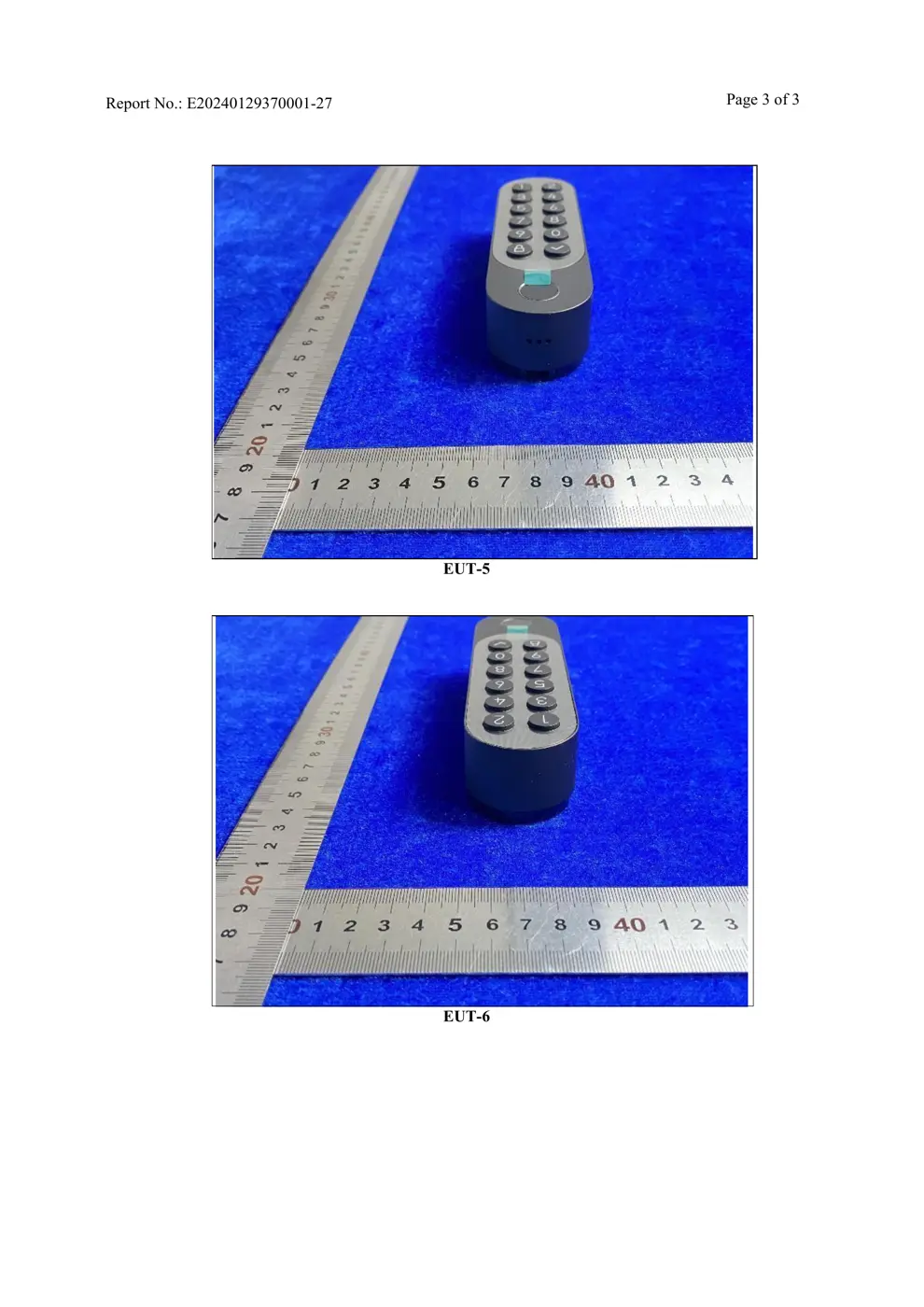
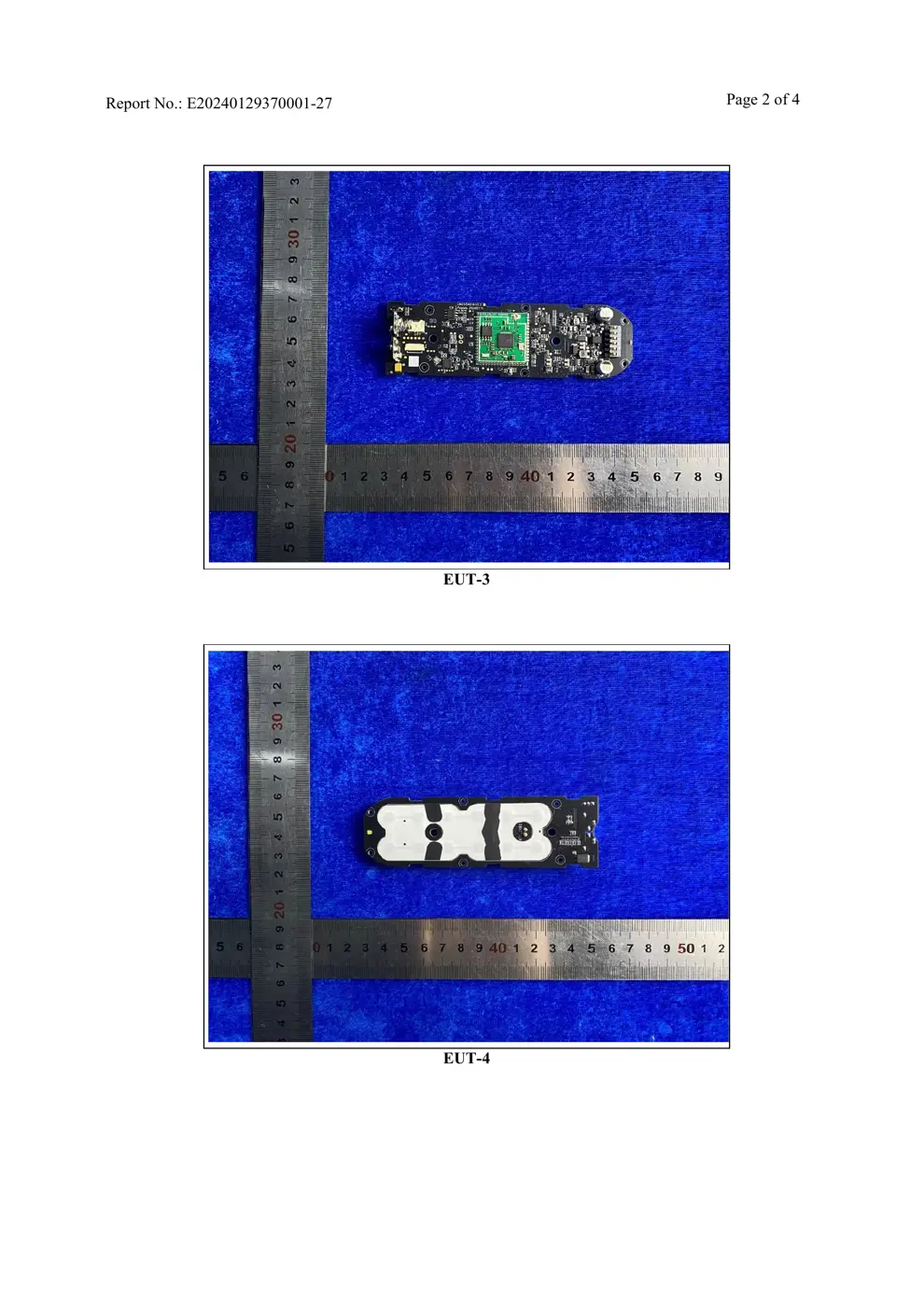
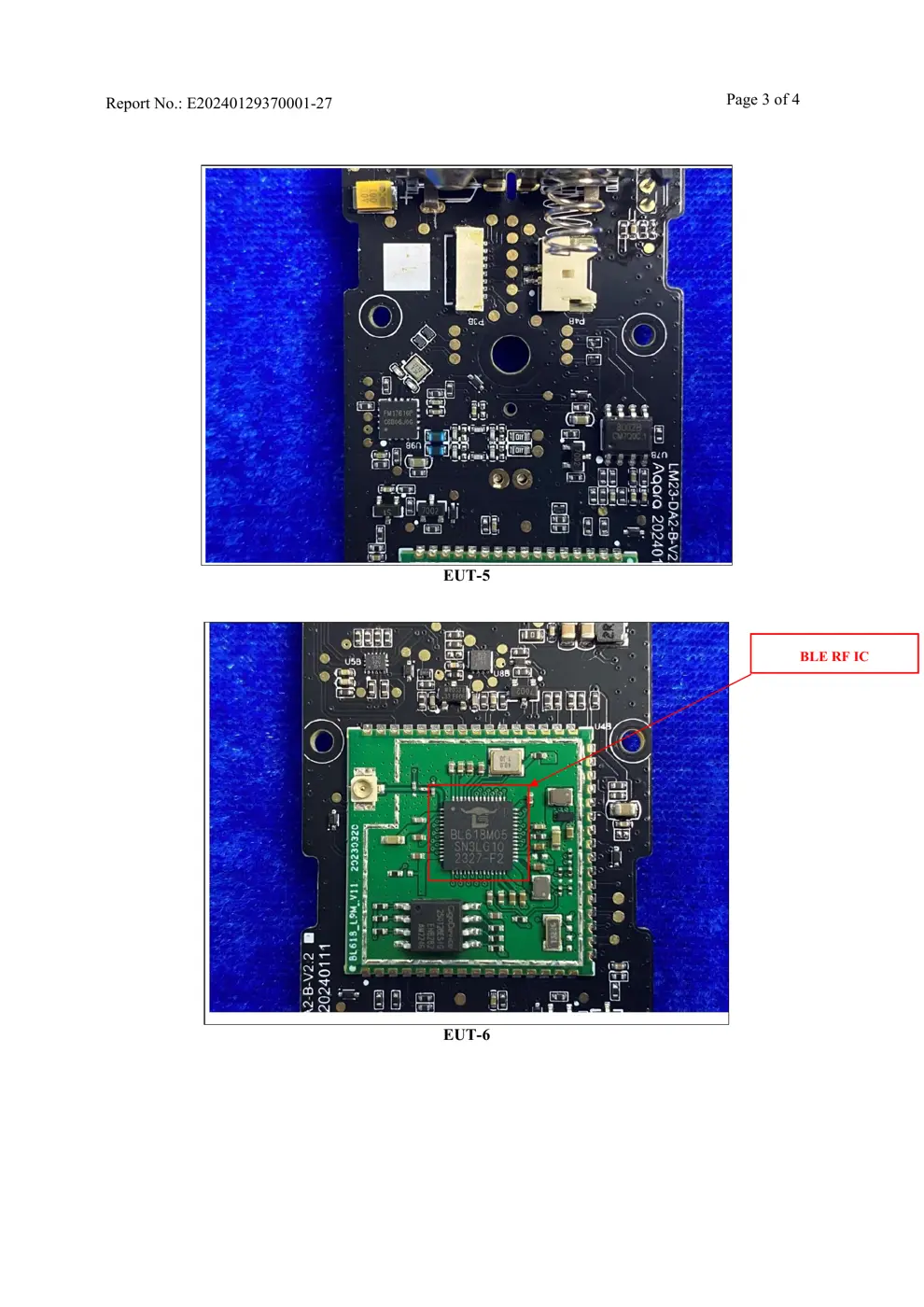
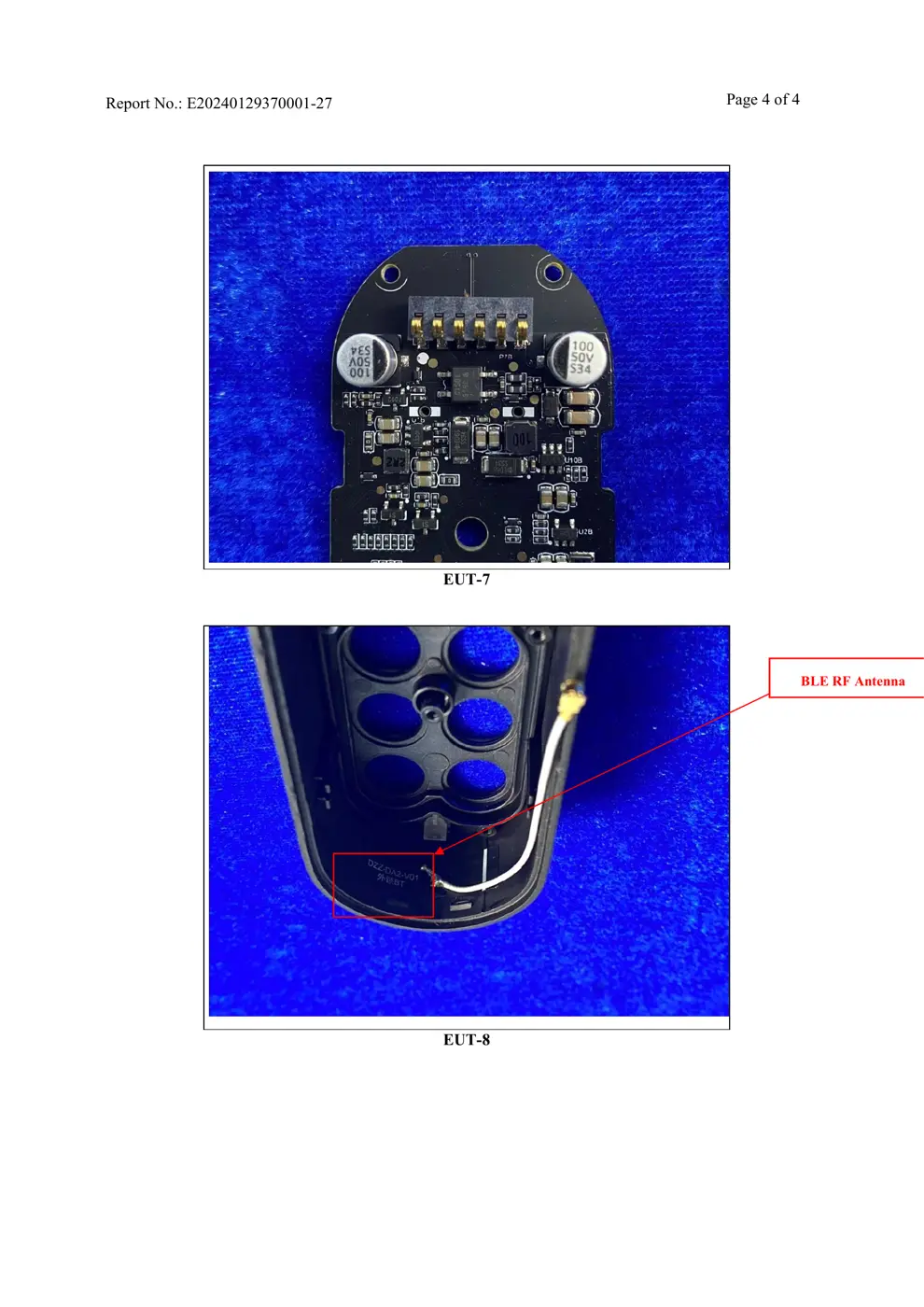
Internal Photos
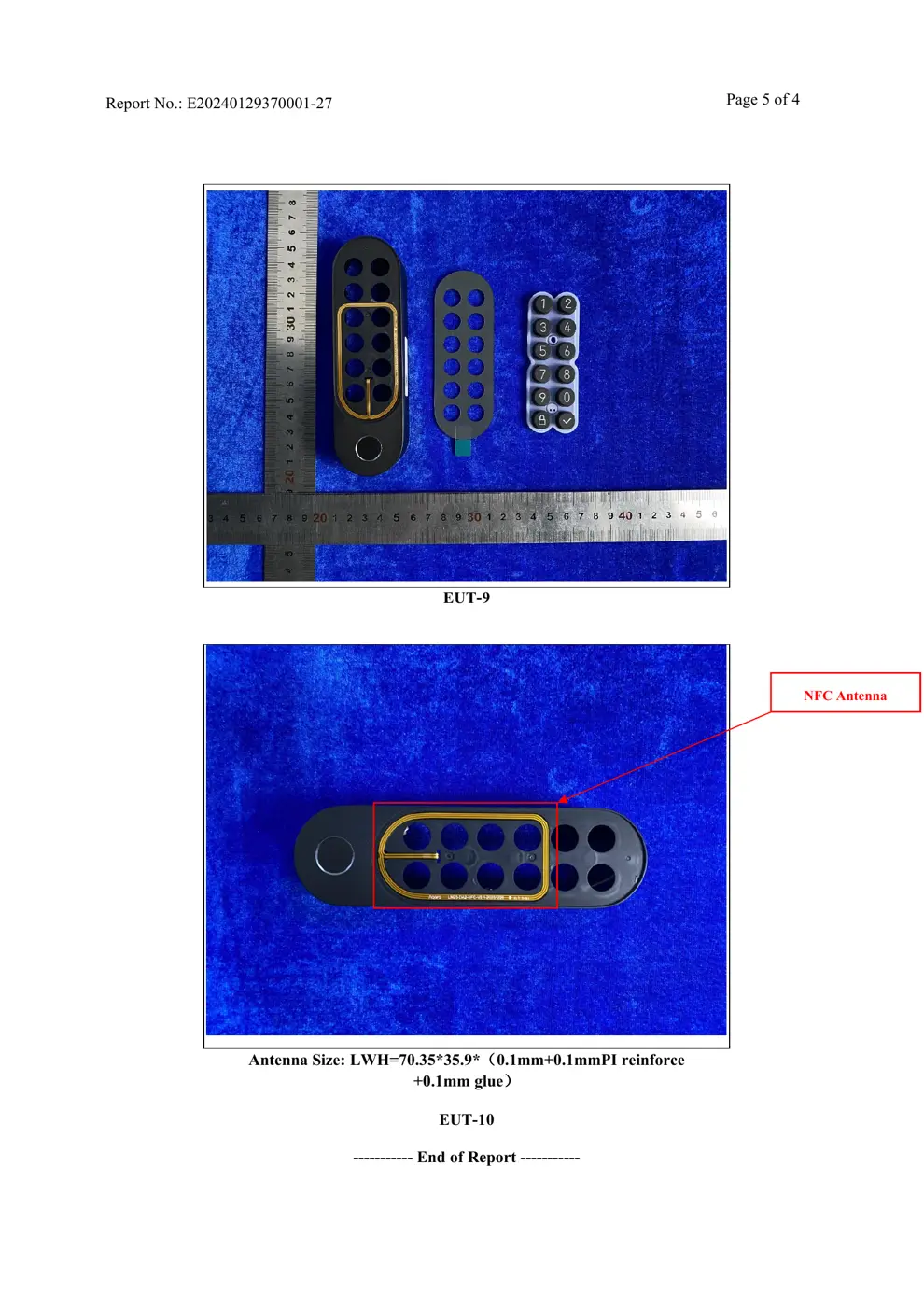
Teardown photos showing the PCB and components:
Verdict
The KPX01D is a Zigbee device from the Aqara Zigbee ecosystem.
📄 Click to view full text manual (SEO)
U200 User Manual
Manuel utilisateur
• 01
1. Download the Aqara Home app
Device Binding & Initialization
Aqara Smart Lock U200:
Model: EL-D02E, EL-D02D
Wireless Protocols: Thread, Bluetooth 5.1
Bluetooth Operation Frequency: 2402-2480 MHz
Thread Operation Frequency: 2405-2480 MHz
Bluetooth Maximum Output Power ≤ 13 dBm
Thread Maximum Output Power ≤ 13 dBm
Aqara Keypad:
Model: KP-X01D
Wireless Protocols: Bluetooth 5.3, NFC
Bluetooth Operation Frequency: 2402-2480 MHz
Bluetooth Maximum Output Power ≤ 13 dBm
NFC:13.56MHz
Basic parameters:
Federal Communications Commission (FCC) compliance statement:
RF Exposure statement:
IC NOTICE TO CANADIAN USERS
Search for "Aqara Home" in the Apple App Store, Google Play, Xiaomi GetApps, Huawei
App Gallery, or scan the following QR code to download the Aqara Home app.
Reset the Door Lock and Keypad:
8. Detailed Description
Via the Door Lock: Press and hold the reset button on the lock for 5 seconds until you hear a long beep. Then,
authenticate using the admin password or fingerprint on the keypad. A successful check will erase all user data and
reset both the lock and keypad.
Via the Keypad: Press and hold both the lock and confirm buttons on the keypad for 3 seconds until you hear a beep.
Authenticate with the admin password or fingerprint. Following successful authentication, it clears all user
information, resetting the lock and keypad.
2. Connect to the Aqara Home app
Once powered on, bring your phone near the device, open the Aqara Home app, tap the "+" icon on the top right of the
homepage, choose "Smart Door Lock U200, " and follow the app prompts accordingly.
3. Activating and Setting Up
4. Connecting to the Home App or other Matter Ecosystems
To activate and set up the Smart Door Lock U200, open its page in the Aqara Home app, press any keypad button to wake
the lock, and follow instructions to create an admin. Then, in the app’s door lock settings, check for and update to the
latest firmware.
Caution: For proper operation, ensure users are added and the lock is calibrated as outlined in Section 5.
After powering up the door lock, press the Set button on the device. Then, use a third-party Matter app to either scan the
Matter QR code from the User Manual or enter the setup code to finish adding the device. Find the Matter setup code on
the lock itself, in the User Manual, or in the Aqara Home app.
Note that while the Matter ecosystem provides basic functionality, for the best experience, we recommend using the
Aqara Home app to add your device.
5. Calibration of Door Lock Stroke
Once installed, users need to calibrate the door lock stroke using either the Aqara app or directly on the lock itself. Below
are the steps to calibrate the door lock:
6. Add Apple Home Key (for iOS Users)
Once connected with the Apple Home app, a virtual access card is automatically created in your Apple Wallet app. This
enables your iPhone or Apple Watch to unlock the door lock when within close proximity.
7....