
WAVE1MINI Reset & Teardown (FCC ID 2BDC6-WAVE1MINI)
Factory reset and internal photos for Shelly Group WAVE1MINI. Shelly smart plug.
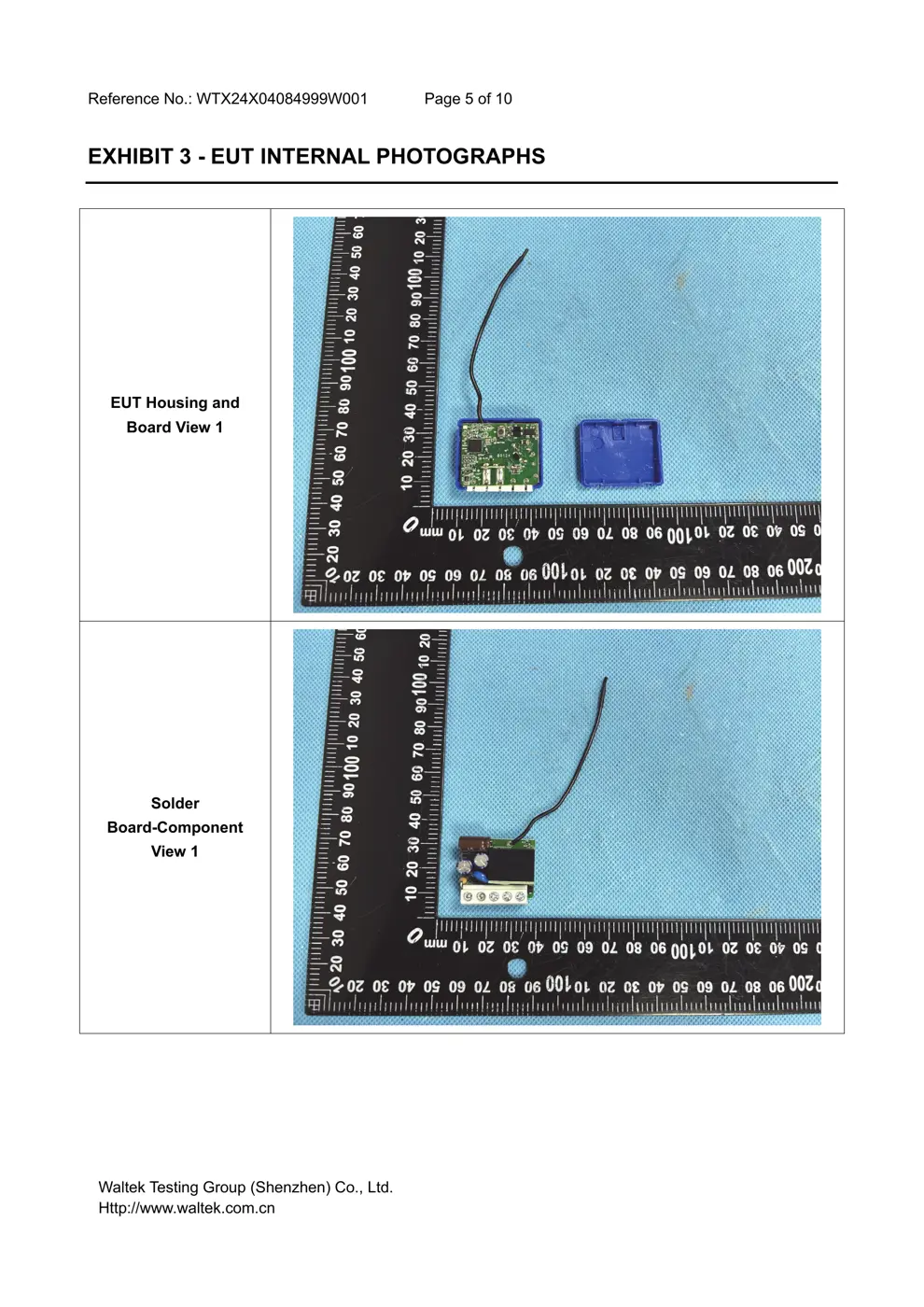
Before you buy the Shelly Group WAVE1MINI, check what's inside.
The Shelly WAVE1MINI is a compact Z-Wave smart switch designed to control electrical appliances with potential-free (dry contact) outputs. It's suitable for integrating into existing electrical boxes to enable remote control of loads up to 8A AC or 5A DC.
⚠️ NOTE: Disconnect Mains before installation. Ensure correct wiring to N, L, SW, O, and I terminals.
Quick Specs
- Manufacturer: Shelly Group
- Model: WAVE1MINI
- Protocol: Z-Wave
- Chipset: ESP32
- Ecosystem: Shelly
- App: Shelly App
🔧 Geek Corner (Flashing Info)
- Chipset: Unknown
- Flashable: ❌ No
- Info: Proprietary Z-Wave module, not designed for custom firmware flashing.
Reset Guide
Factory reset, led signalization, z-wave® command classes, parameters, and much more, refer to the extended user guide at: https://shelly.
User Manual
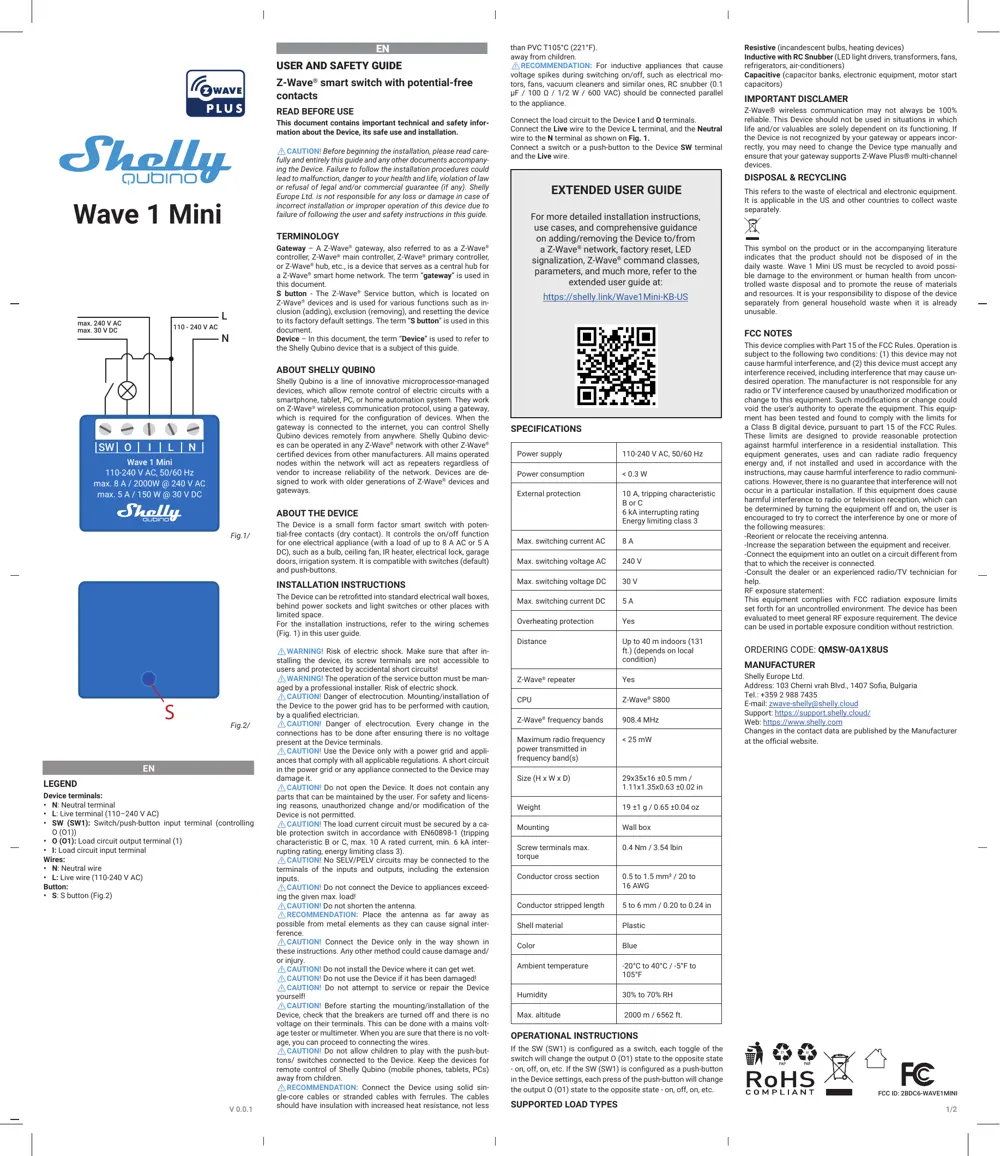
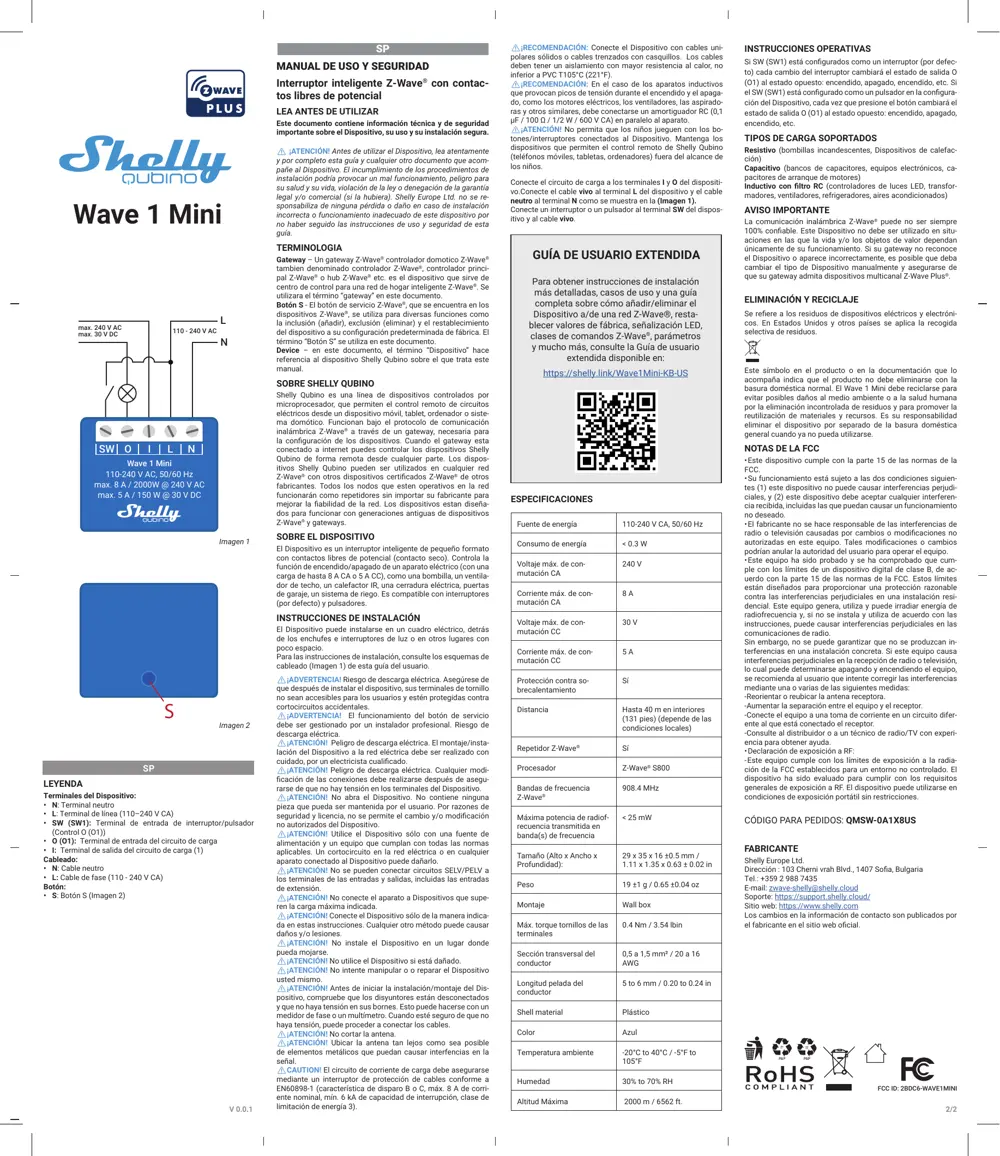
Scanned pages from the official user manual:
External Photos
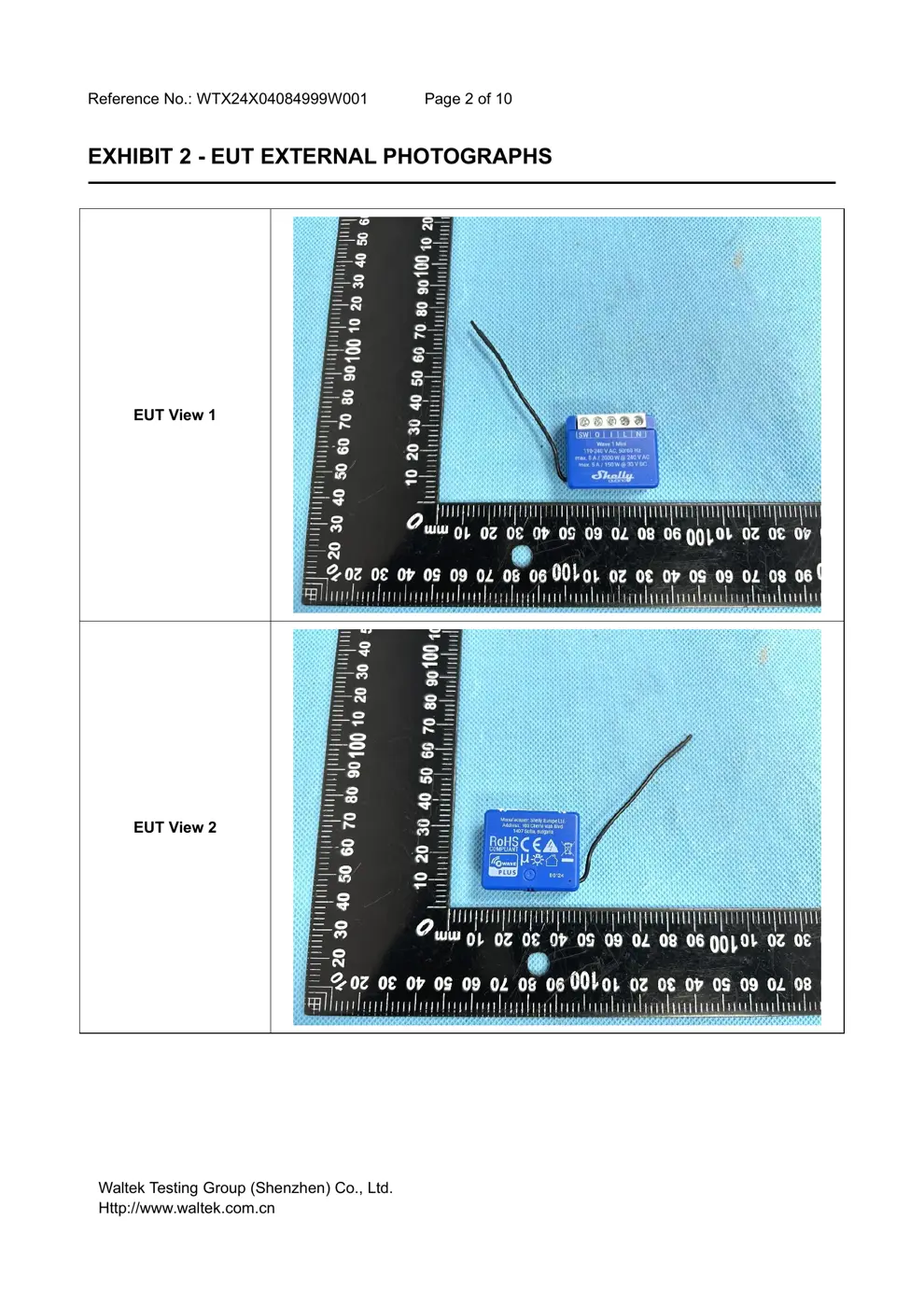
Photos of the device exterior:
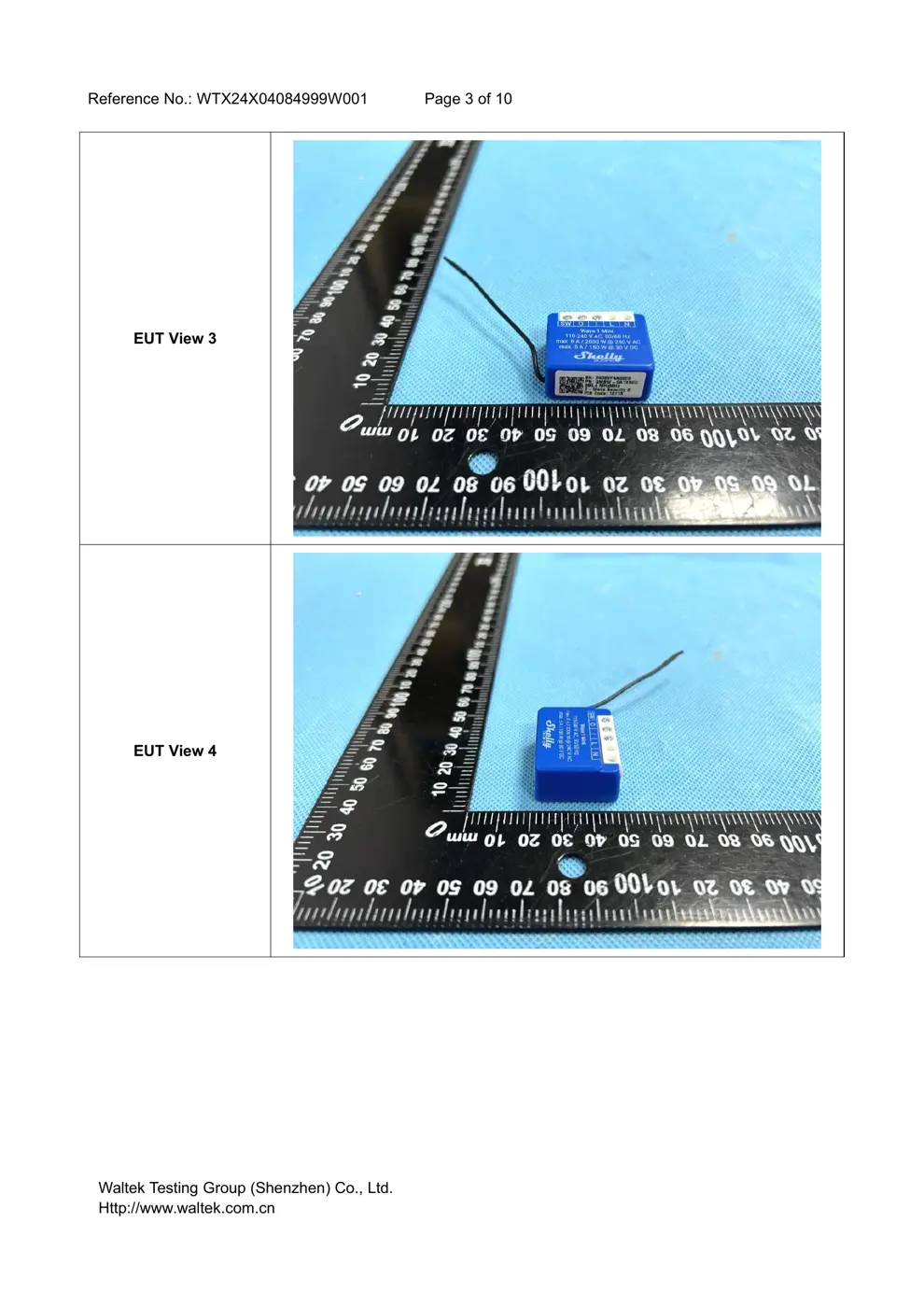
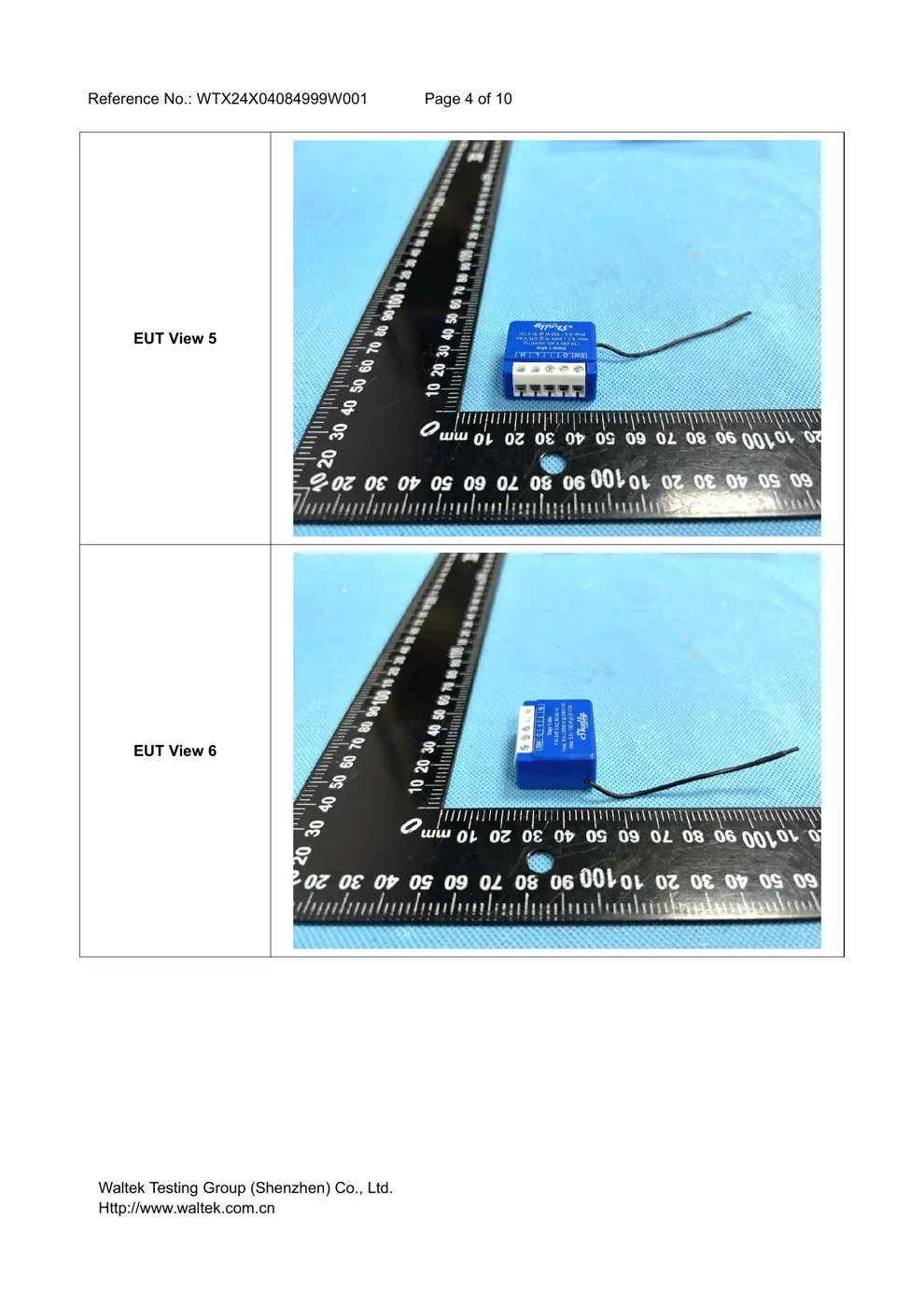
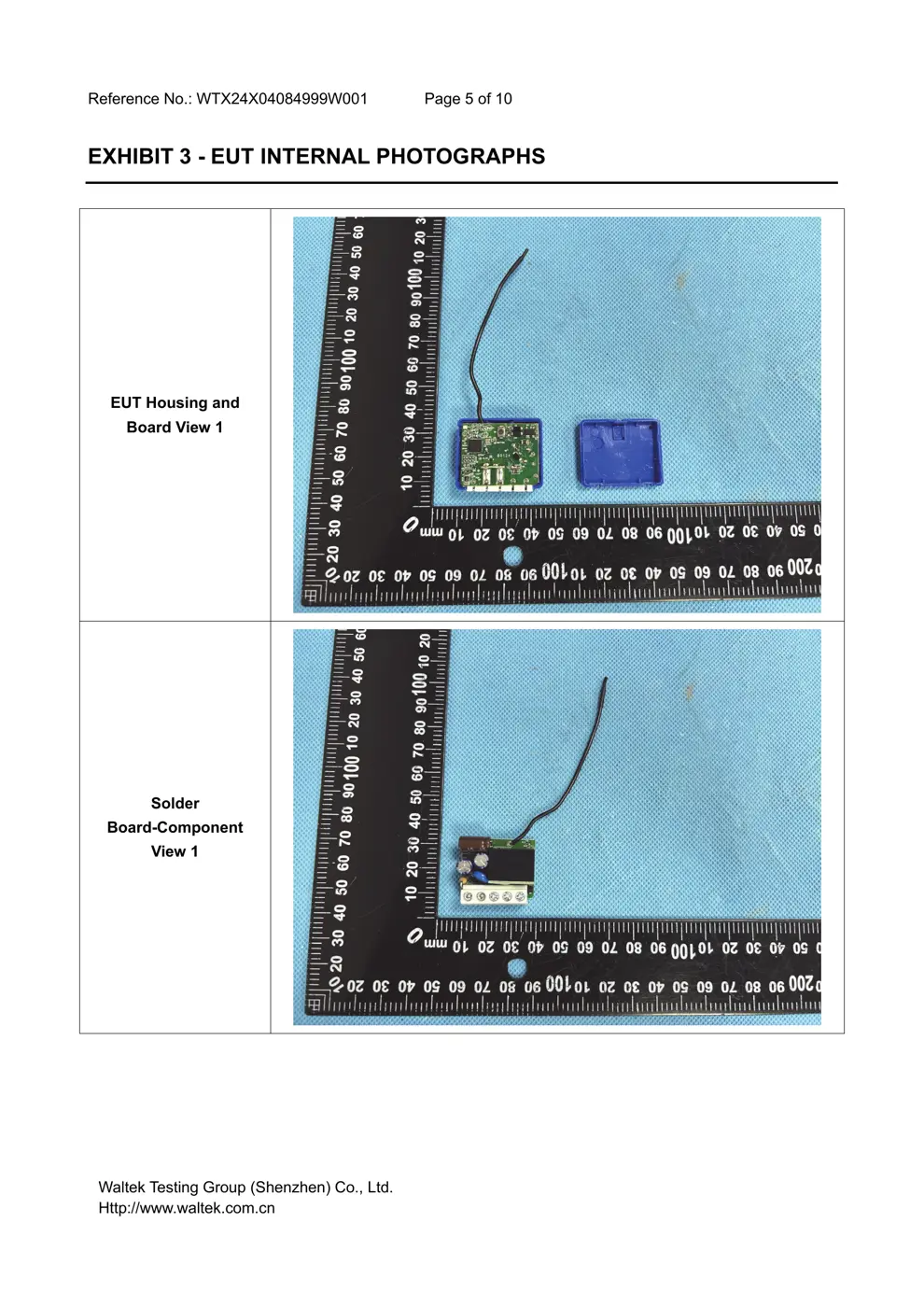
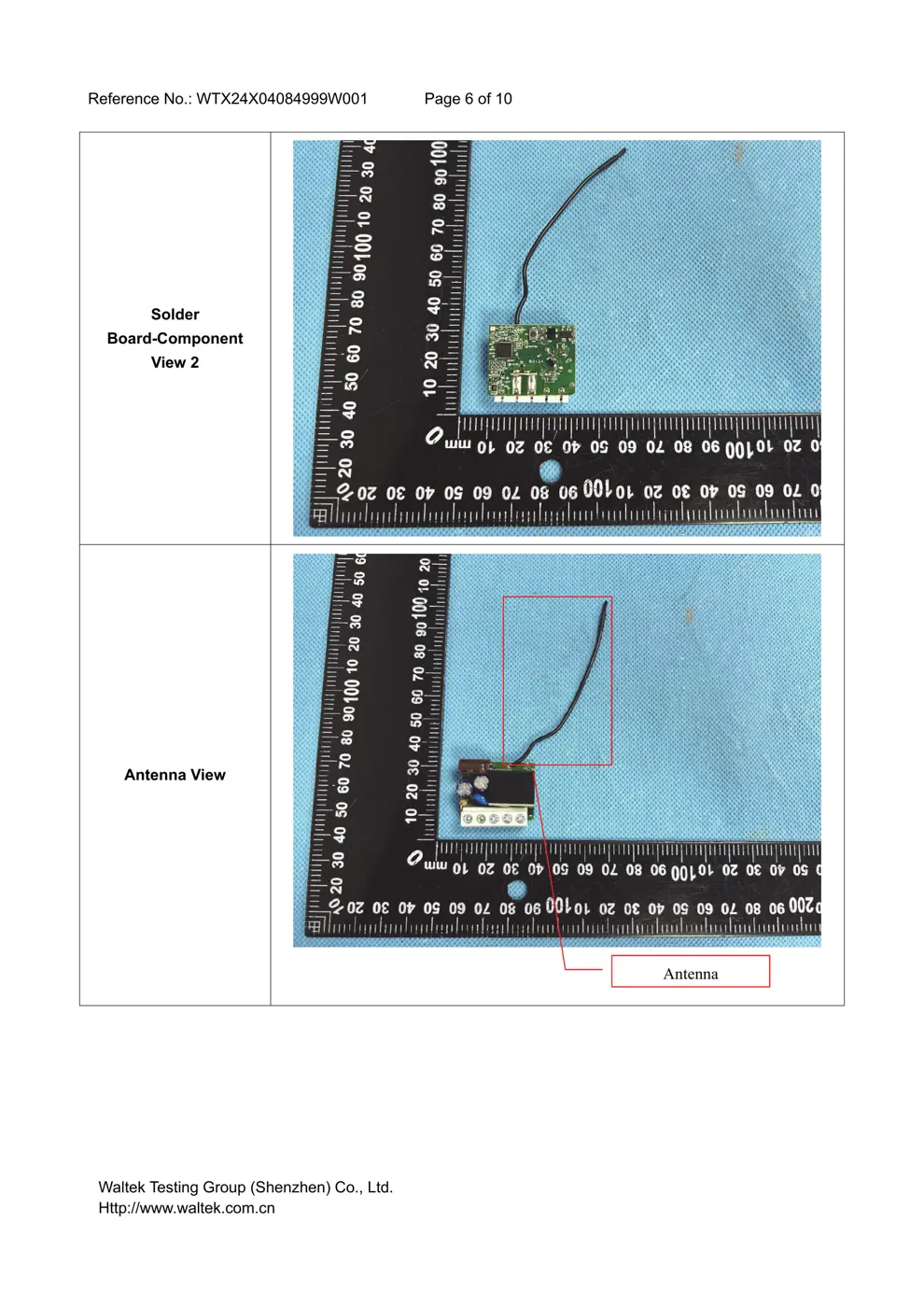
Internal Photos
Teardown photos showing the PCB and components:
Verdict
The WAVE1MINI is a Z-Wave device from the Shelly ecosystem.
📄 Click to view full text manual (SEO)
EN
LEGEND
Device terminals:
• N: Neutral terminal
• L: Live terminal (110–240 V AC)
• SW (SW1): Switch/push-button input terminal (controlling
O (O1))
• O (O1): Load circuit output terminal (1)
• I: Load circuit input terminal
Wires:
• N: Neutral wire
• L: Live wire (110-240 V AC)
Button:
• S: S button (Fig.2)
EN
USER AND SAFETY GUIDE
Z-Wave® smart switch with potential-free
contacts
READ BEFORE USE
This document contains important technical and safety infor -
mation about the Device, its safe use and installation.
⚠CAUTION! Before beginning the installation, please read care-
fully and entirely this guide and any other documents accompany-
ing the Device. Failure to follow the installation procedures could
lead to malfunction, danger to your health and life, violation of law
or refusal of legal and/or commercial guarantee (if any). Shelly
Europe Ltd. is not responsible for any loss or damage in case of
incorrect installation or improper operation of this device due to
failure of following the user and safety instructions in this guide.
TERMINOLOGY
Gateway – A Z-Wave ® gateway, also referred to as a Z-Wave ®
controller, Z-Wave® main controller, Z-Wave® primary controller,
or Z-Wave® hub, etc., is a device that serves as a central hub for
a Z-Wave® smart home network. The term “gateway” is used in
this document.
S button - The Z-Wave ® Service button, which is located on
Z-Wave® devices and is used for various functions such as in -
clusion (adding), exclusion (removing), and resetting the device
to its factory default settings. The term “S button” is used in this
document.
Device – In this document, the term “ Device” is used to refer to
the Shelly Qubino device that is a subject of this guide.
ABOUT SHELL Y QUBINO
Shelly Qubino is a line of innovative microprocessor-managed
devices, which allow remote control of electric circuits with a
smartphone, tablet, PC, or home automation system. They work
on Z-Wave® wireless communication protocol, using a gateway,
which is required for the configuration of devices. When the
gateway is connected to the internet, you can control Shelly
Qubino devices remotely from anywhere. Shelly Qubino devic -
es can be operated in any Z-Wave® network with other Z-Wave®
certified devices from other manufacturers. All mains operated
nodes within the network will act as repeaters regardless of
vendor to increase reliability of the network. Devices are de -
signed to work with older generations of Z-Wave ® devices and
gateways.
ABOUT THE DEVICE
The Device is a small form factor smart switch with poten -
tial-free contacts (dry contact). It controls the on/off function
for one electrical appliance (with a load of up to 8 A AC or 5 A
DC), such as a bulb, ceiling fan, IR heater, electrical lock, garage
doors, irrigation system. It is compatible with switches (default)
and push-buttons.
INSTALLATION INSTRUCTIONS
The Device can be retrofitted into standard electrical wall boxes,
behind power soc...