
P Reset & Teardown (FCC ID 2ACDZ-BL1205-P)
Factory reset and internal photos for Broadlink P. Broadlink smart plug.
January 15, 2026
•
9 read
Before you buy the Broadlink P, check what's inside.
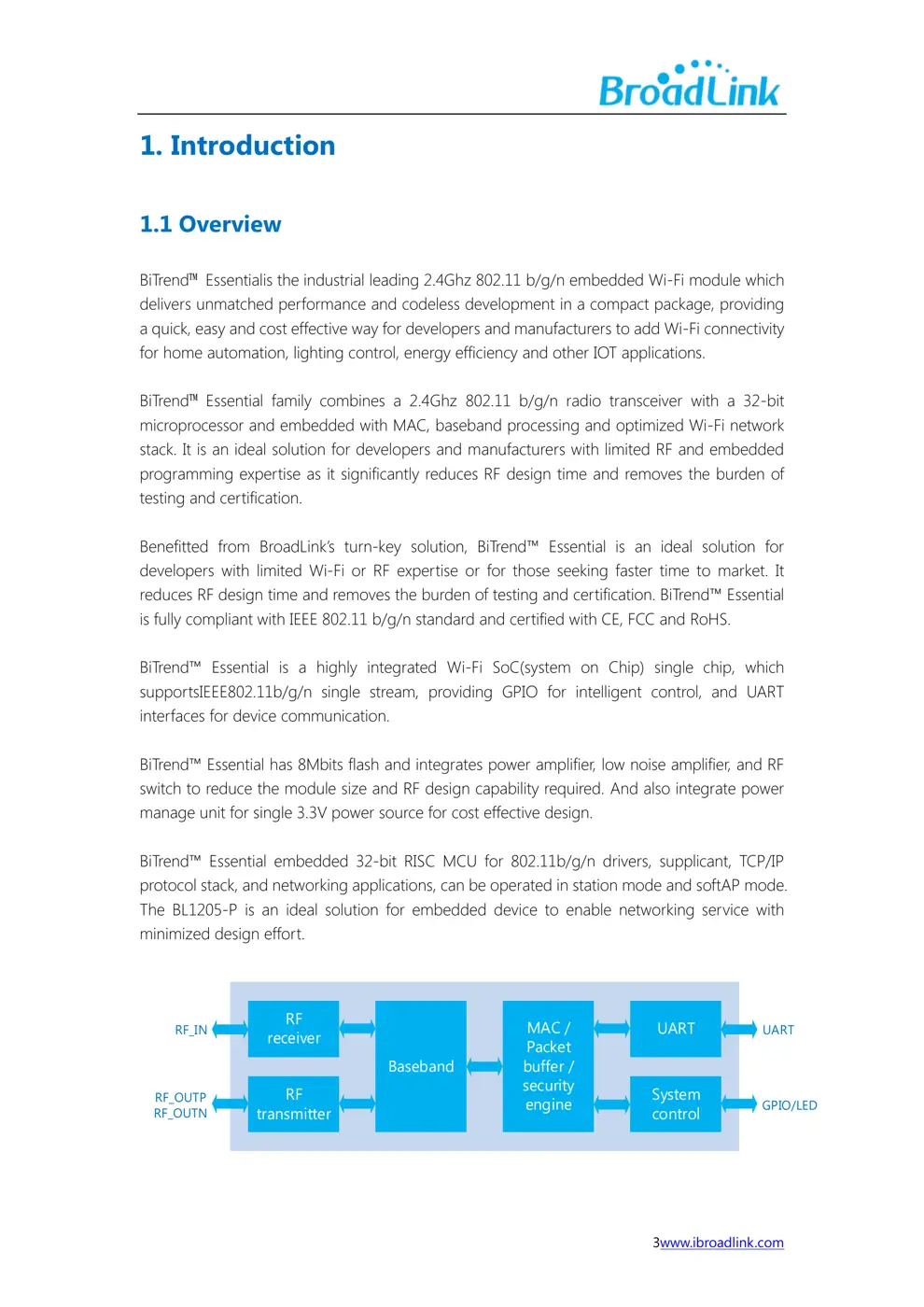
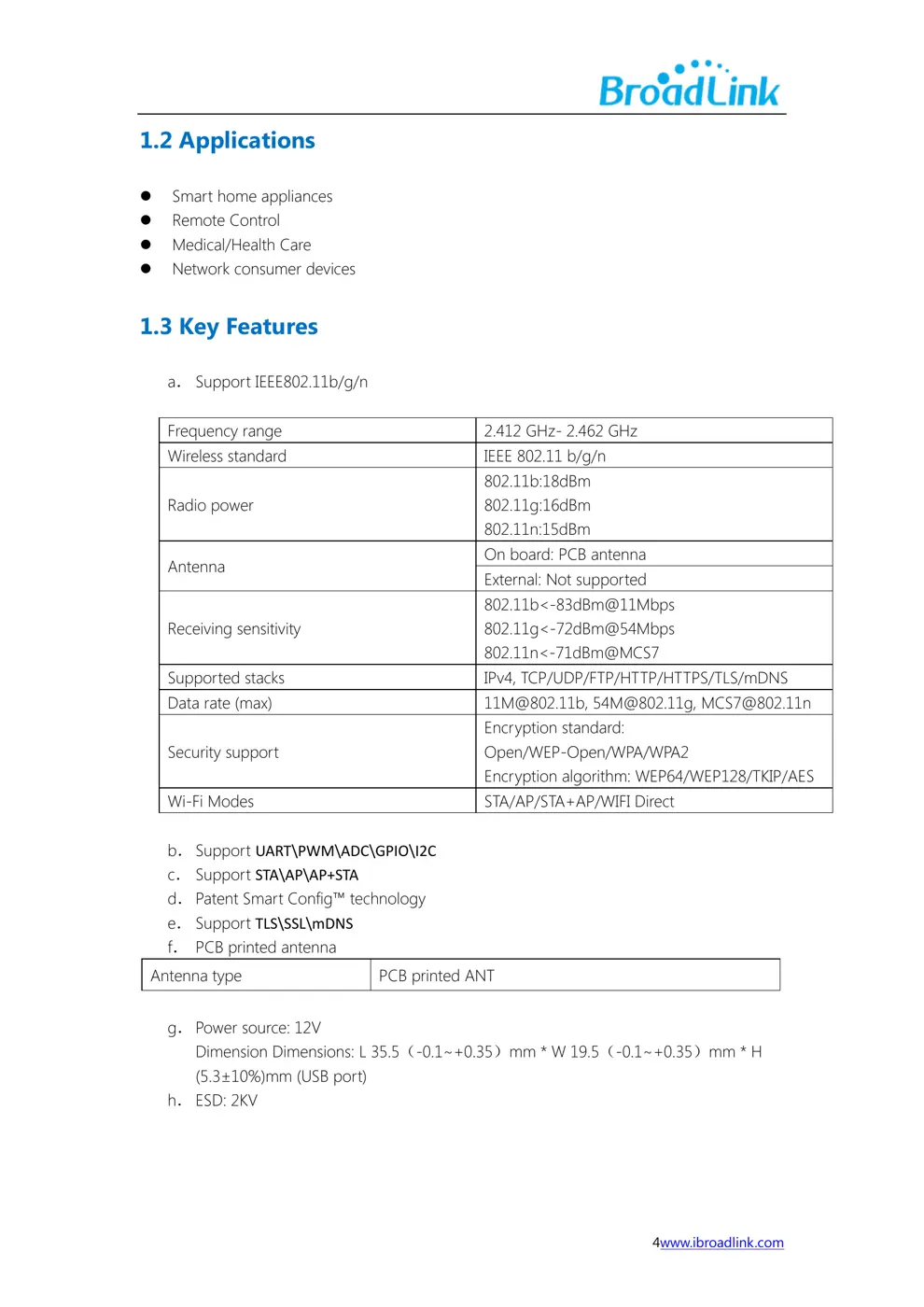
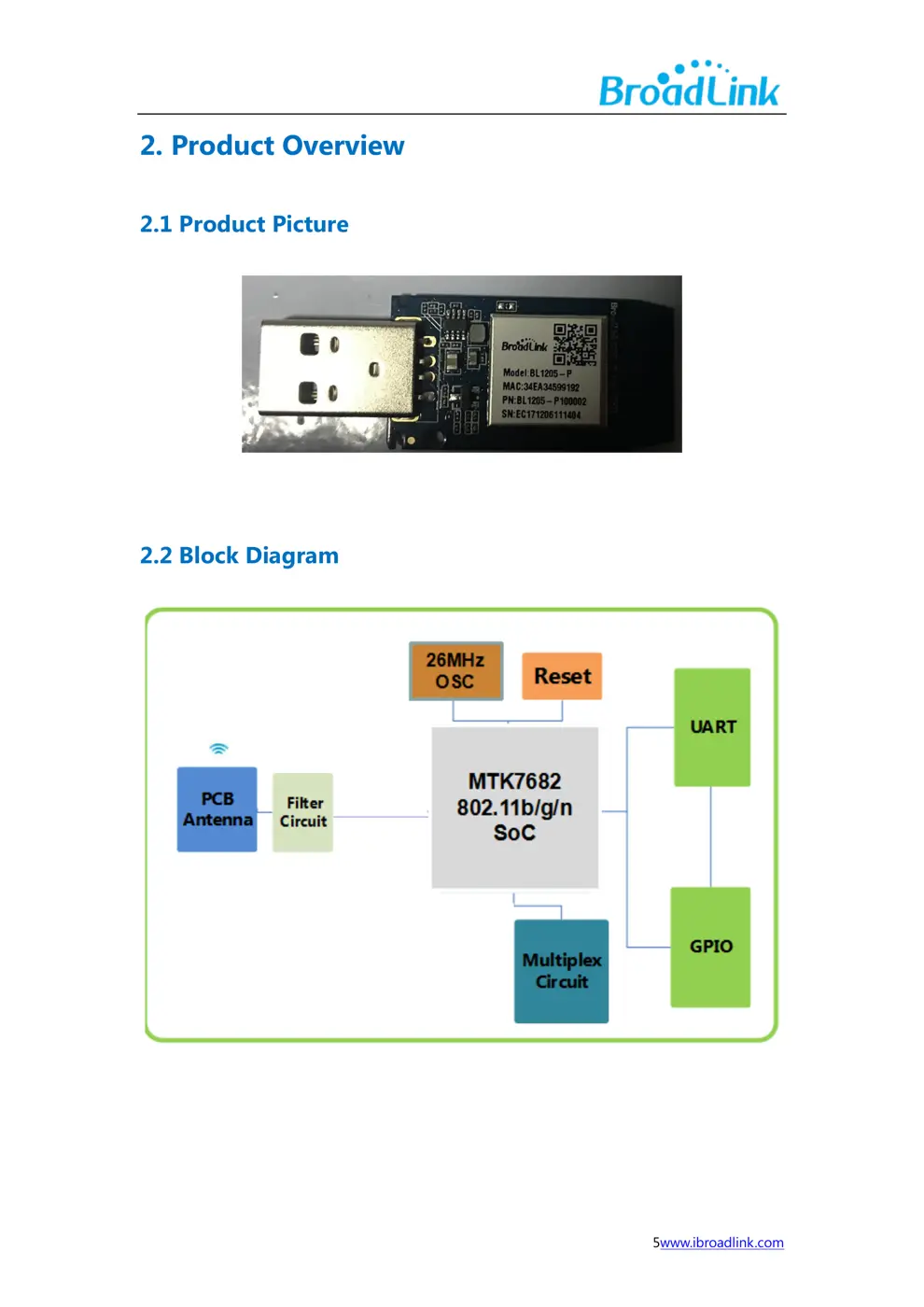
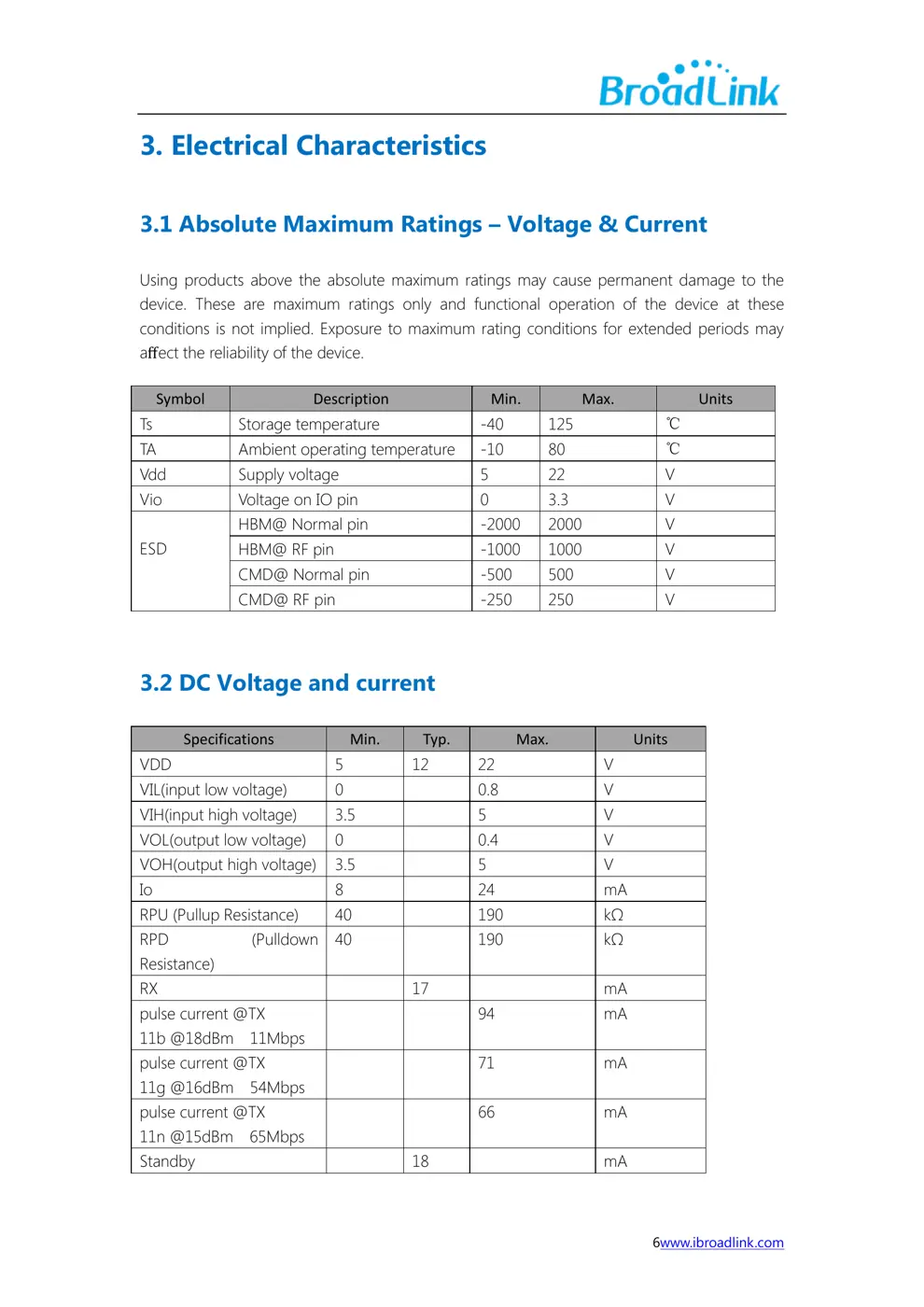
The Broadlink BL1205-P is an essential Wi-Fi module designed for integration into various smart home devices. It enables seamless connectivity and control through the Broadlink App.
⚠️ NOTE: Ensure proper installation and connection to Mains voltage (110-240V) by a qualified electrician. Follow all safety guidelines during integration.
Quick Specs
- Manufacturer: Broadlink
- Model: P
- Protocol: WiFi
- Chipset: Broadlink WiFi
- Ecosystem: Broadlink
- App: Broadlink App
🔧 Geek Corner (Flashing Info)
- Chipset: BL1205-P
- Flashable: ❌ No
- Info: Proprietary Broadlink module, not designed for third-party firmware.
User Manual
Scanned pages from the official user manual:
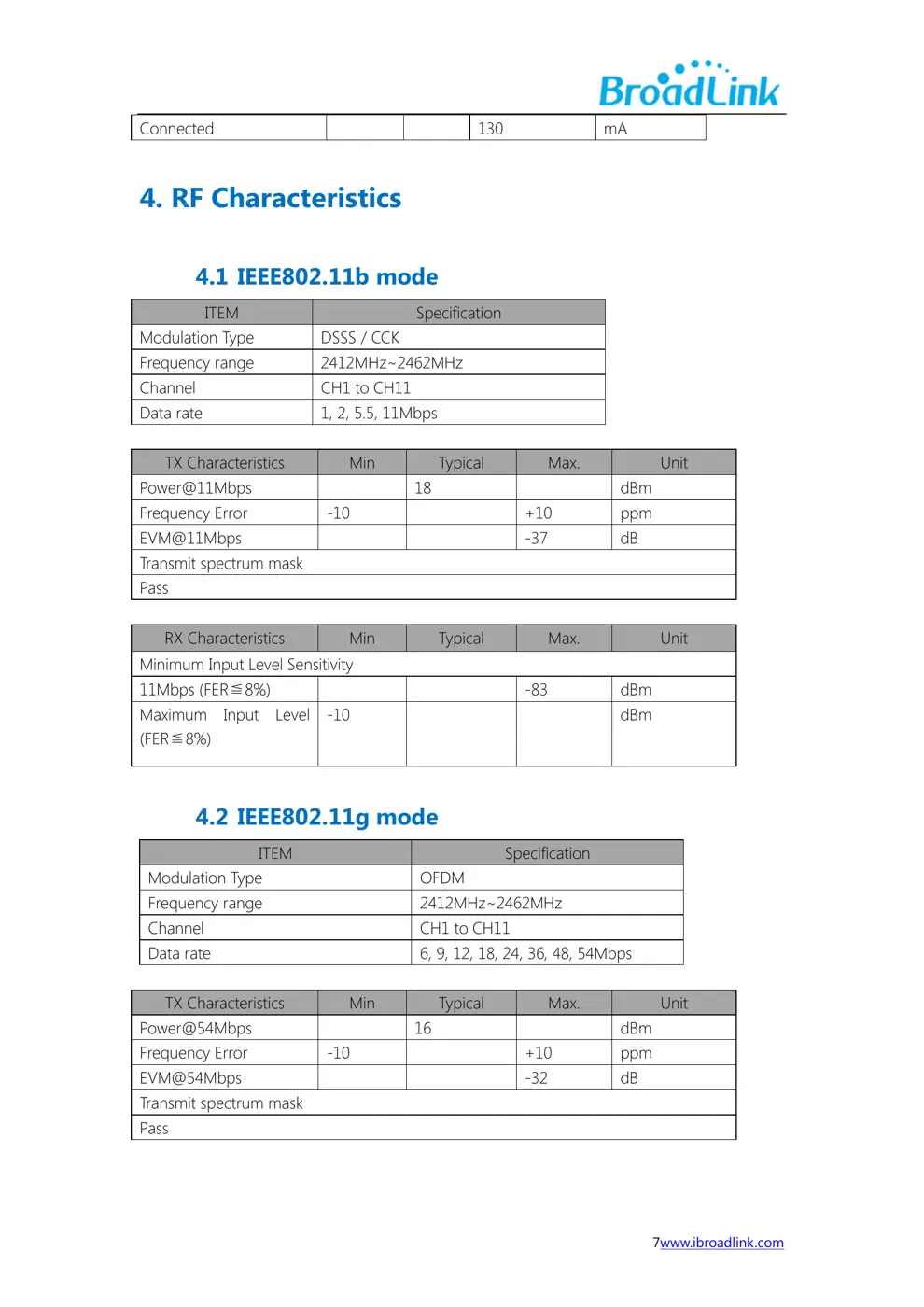
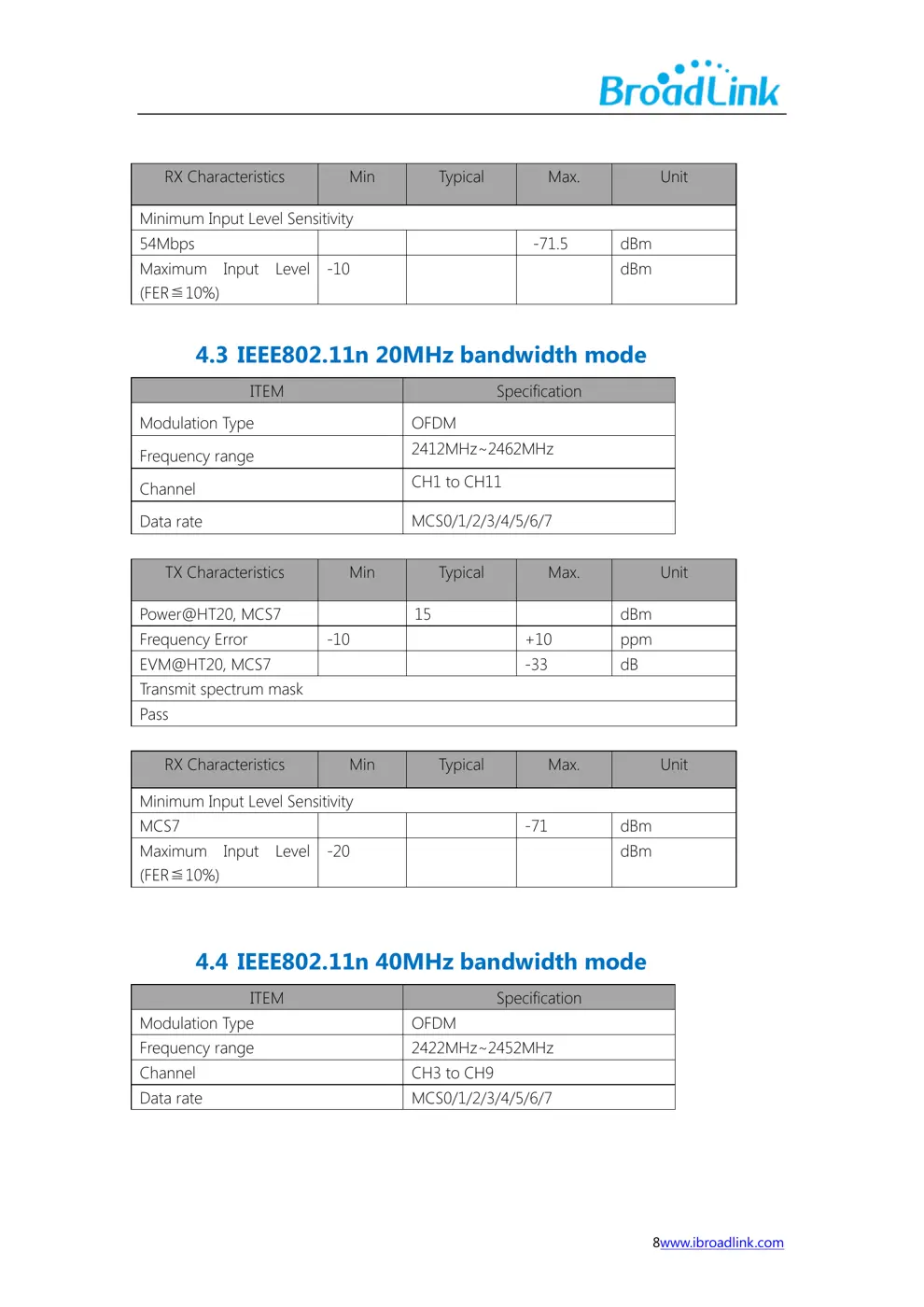
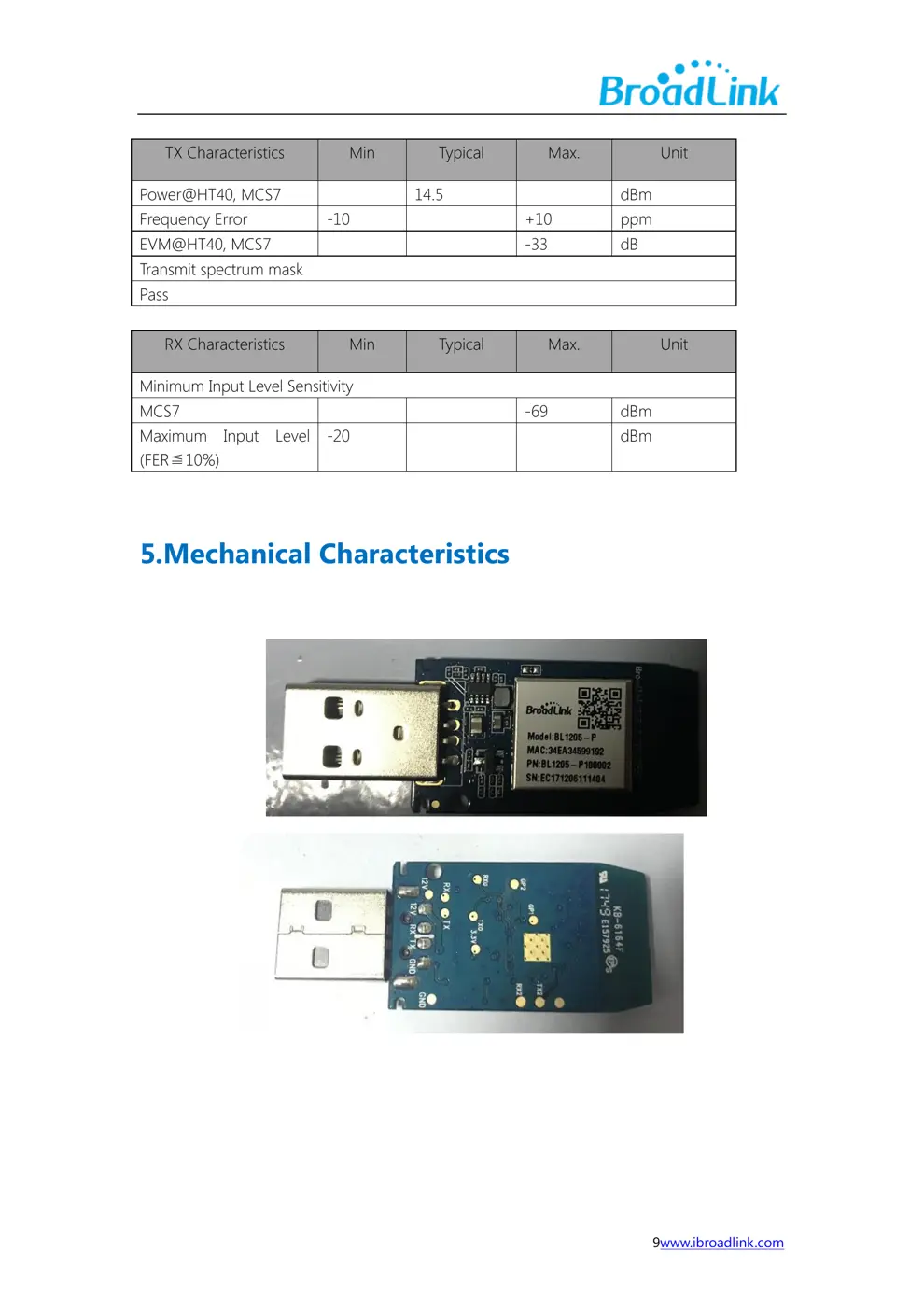
External Photos
Photos of the device exterior:
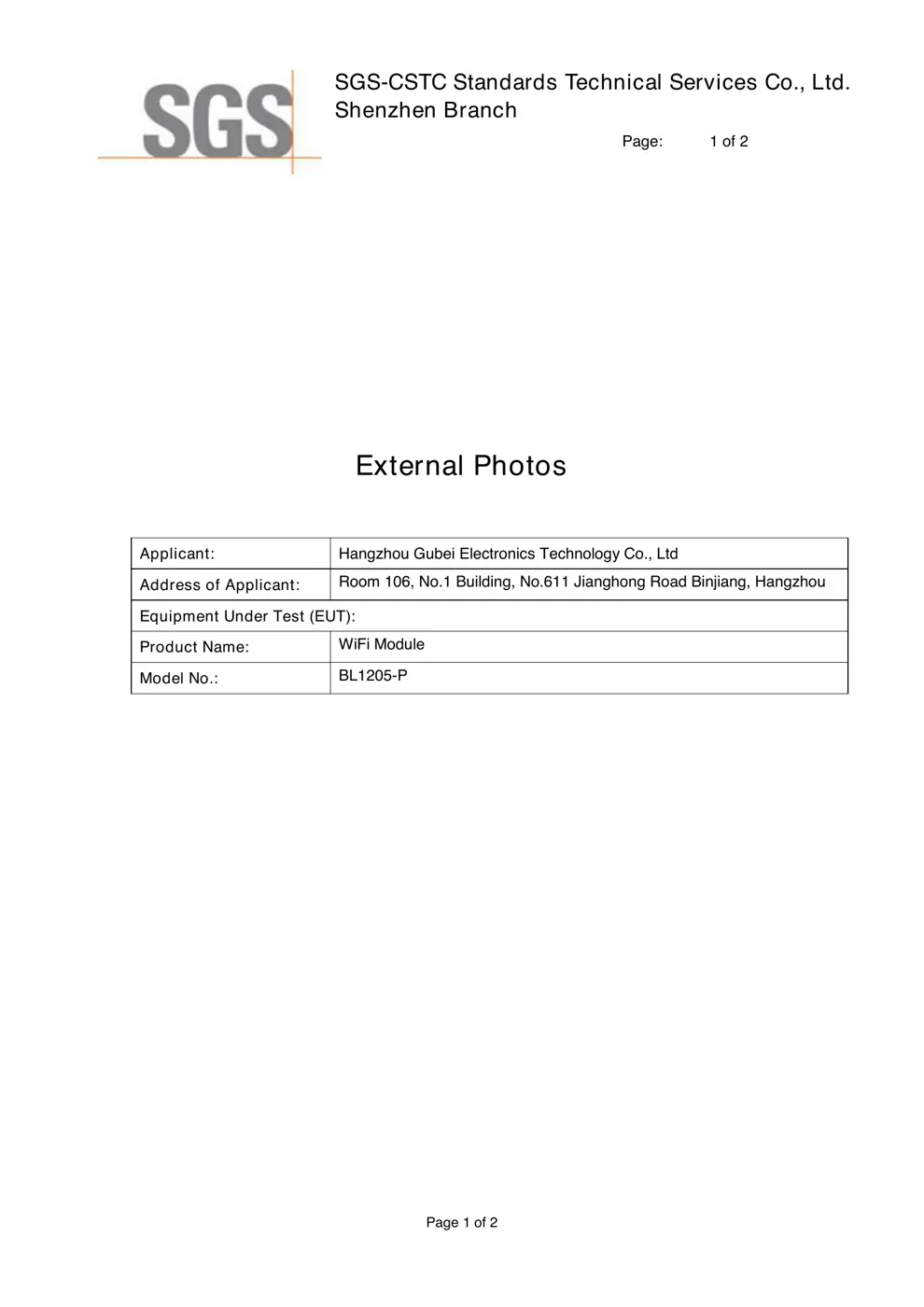
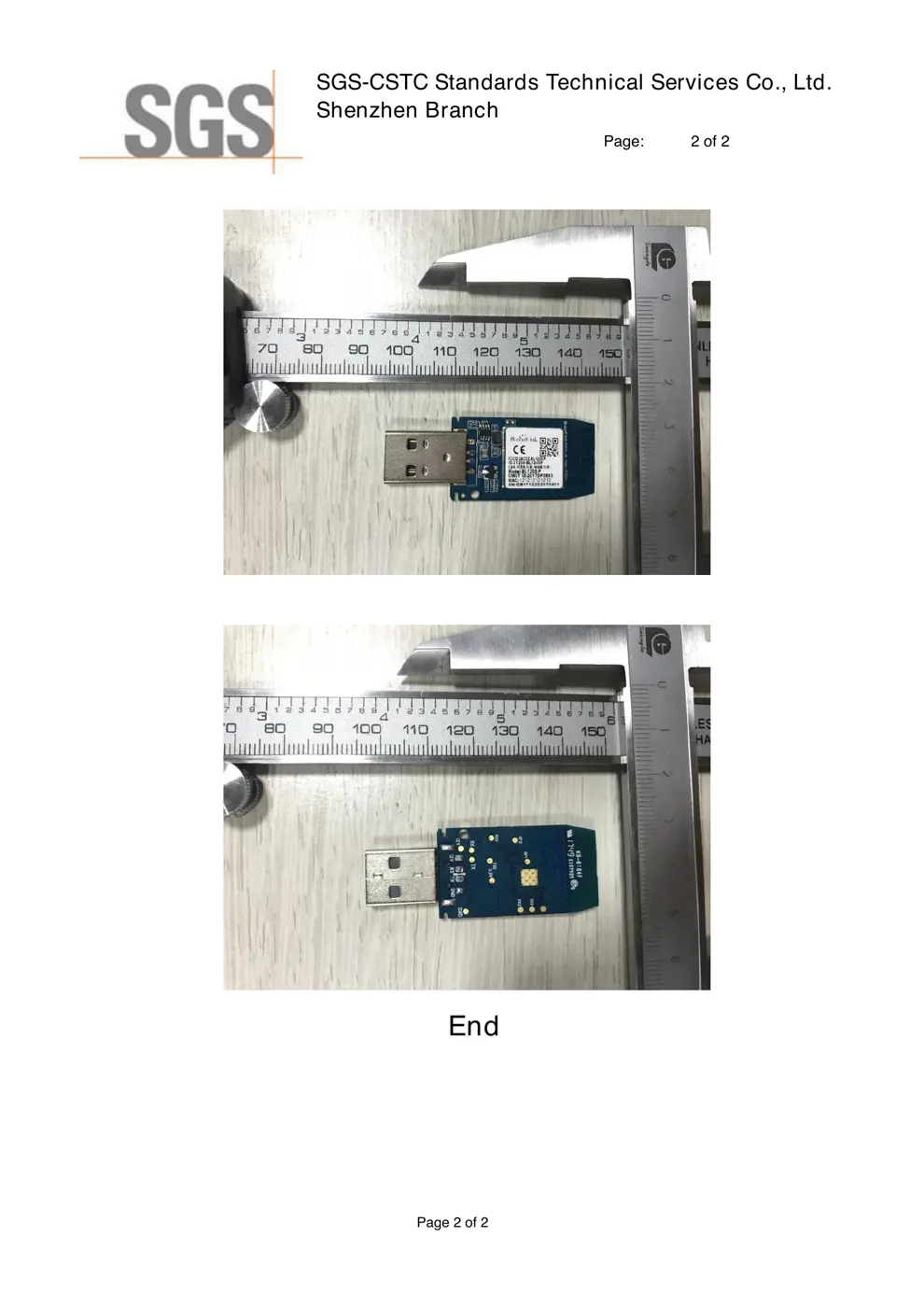
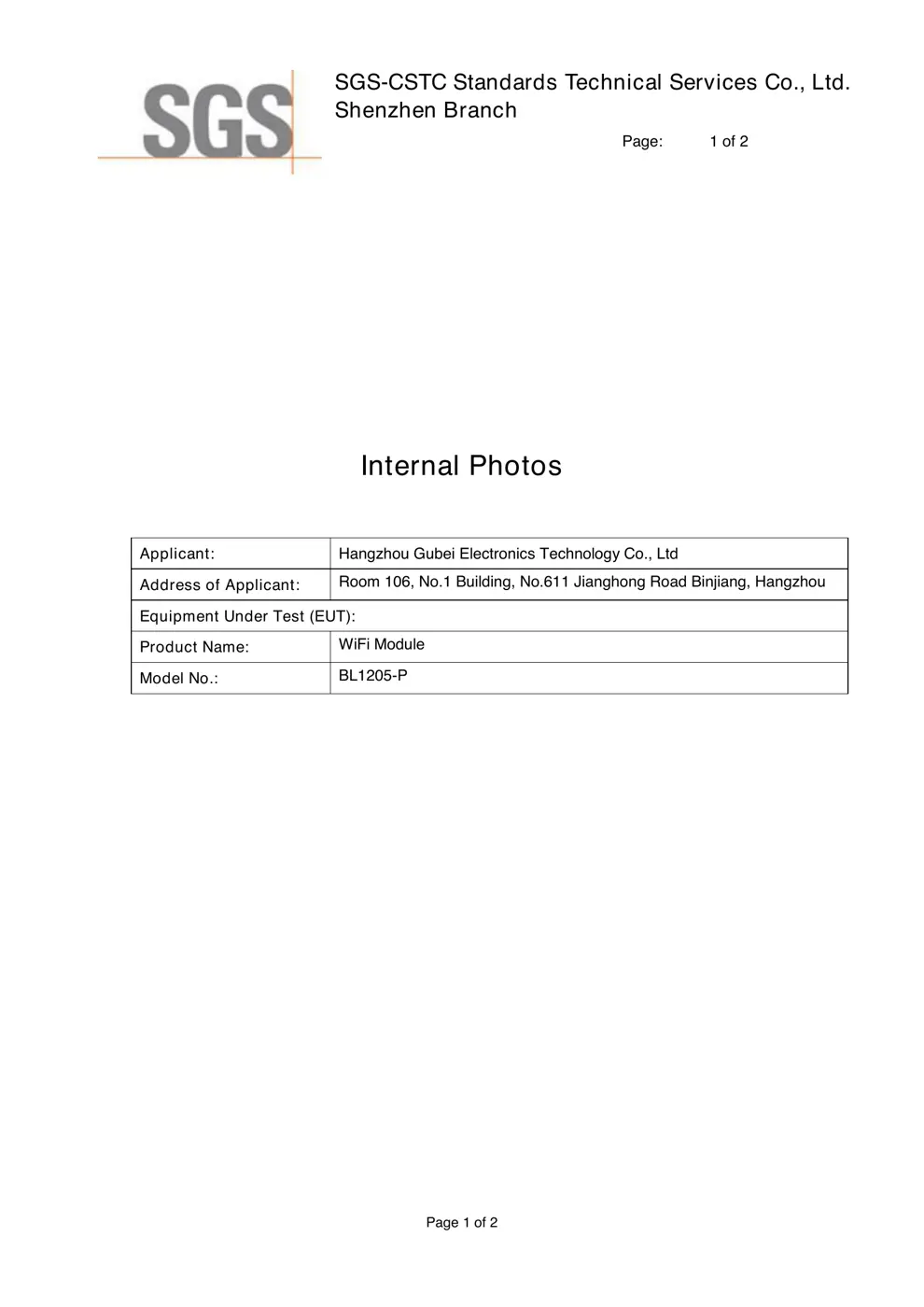
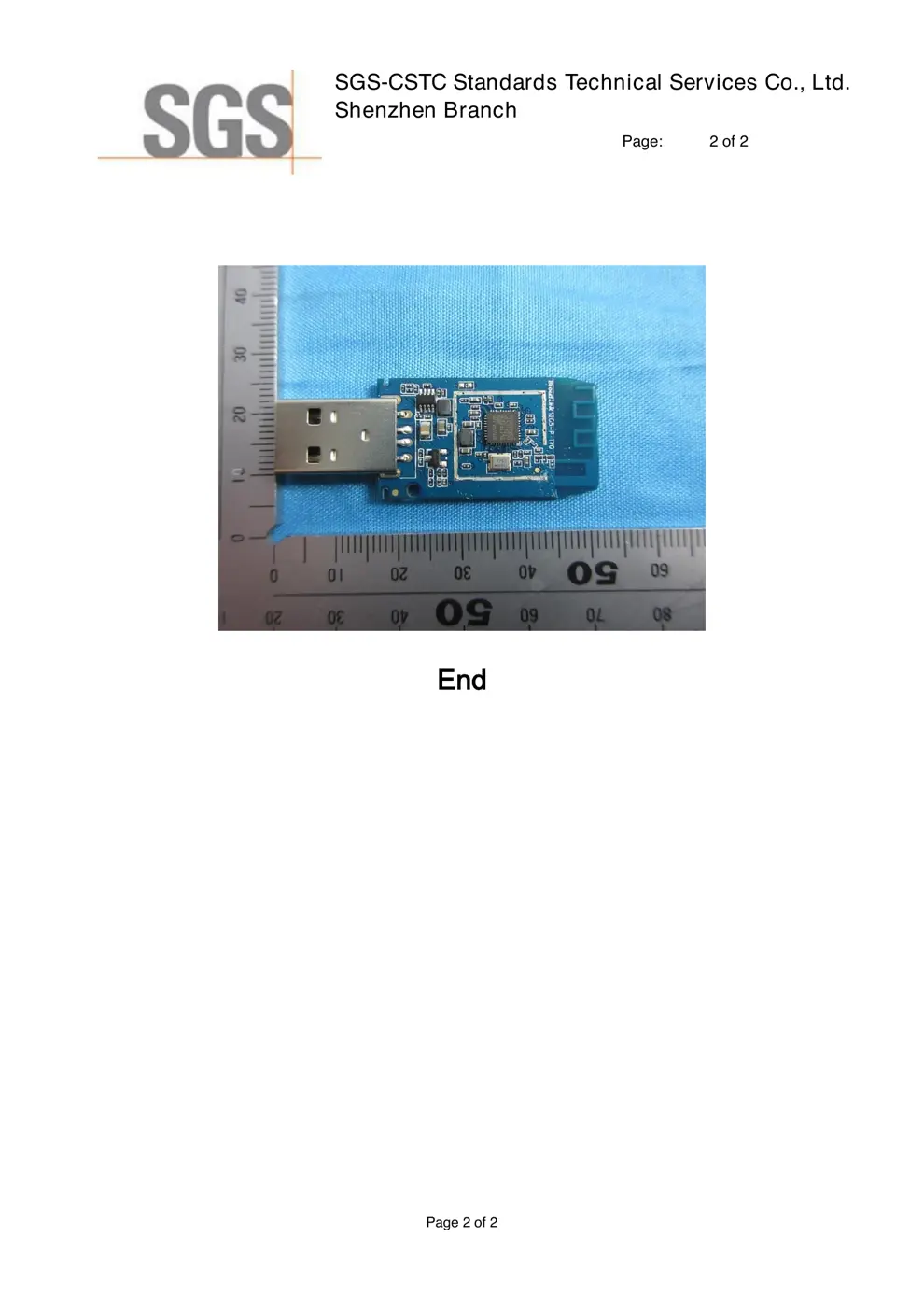
Internal Photos
Teardown photos showing the PCB and components:
Verdict
The P is a WiFi device from the Broadlink ecosystem.
📄 Click to view full text manual (SEO)
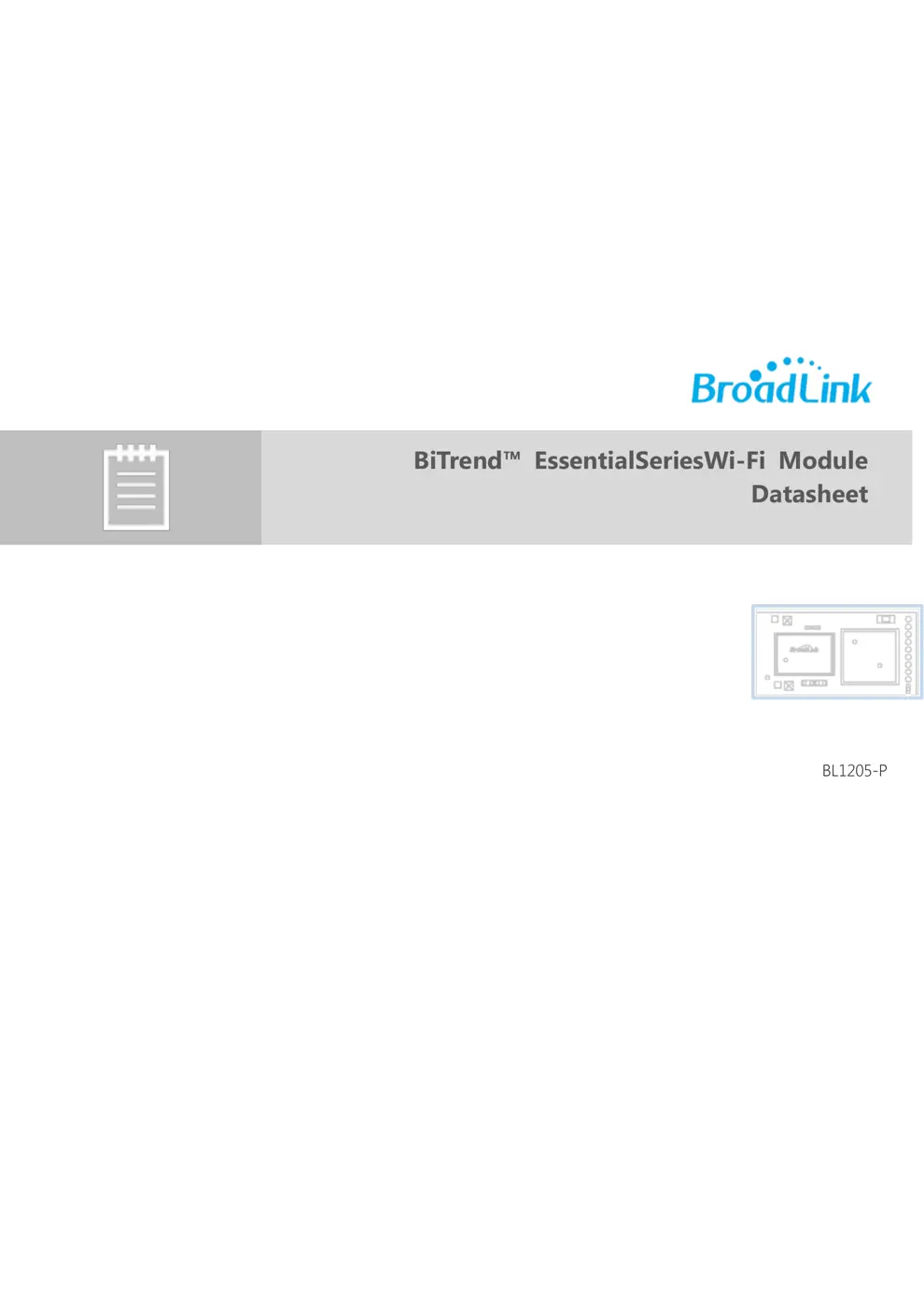
BiTrend™ EssentialSeriesWi -Fi Module
Datasheet

BL1205-P

1www.ibroadlink.com

Hangzhou Gubei Electronics Technology Co., Ltd.
Copyright Information

The information contained in this document is the proprietary information of Hangzhou Gubei
Electronics T echnology Co., Ltd. (hereinafter referred as BroadLink). Further, no portion of this
document may be altered or edited in any form or by any meanswithout the prior written
consent of BroadLink, the copyrightholder.

Further BroadLink reserves the right to make modifications, additions anddeletions to this
document due to typographical errors, inaccurate information, orimprovements to products
mentioned in the document at any time and without notice. Such changes will, nevertheless be
incorporated into new editions of this document or published as errata sheet.

Version History

1.0 11/6/2017 Preliminary version
1.1 11/29/2017 Corrected some parameters

2www.ibroadlink.com
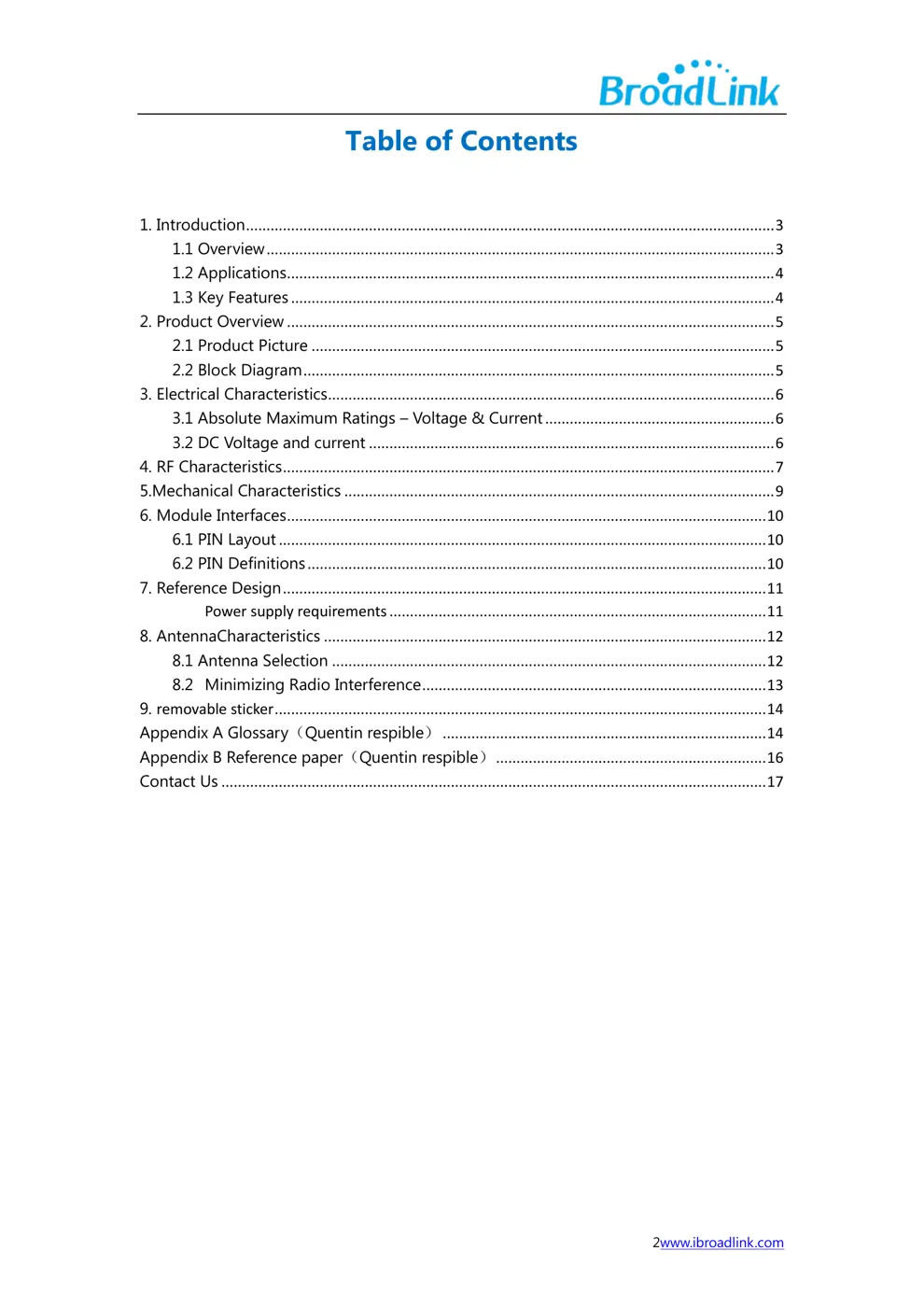
Table of Contents

1. Introduction ................................................................................................................................. 3
1.1 Overview ............................................................................................................................ 3
1.2 Applications ....................................................................................................................... 4
1.3 Key Features ...................................................................................................................... 4
2. Product Overview ....................................................................................................................... 5
2.1 Product Picture ................................................................................................................. 5
2.2 Block Diagram ................................................................................................................... 5
3. Electrical Characteristics ............................................................................................................. 6
3.1 Absolute Maximum Ratings – Voltage & Current ........................................................ 6
3.2 DC Voltage and current ................................................................................................... 6
4. RF Characteristics ........................................................................................................................ 7
5.Mechanical Characteristics ......................................................................................................... 9
6. Module Interfaces ..................................................................................................................... 10
6.1 PIN Layout ....................................................................................................................... 10
6.2 PIN Definitions .........................................................................