
PETC1M01 Reset & Teardown (FCC ID 2AKITPETC1M01)
Factory reset and internal photos for Aqara (Lumi United) PETC1M01. Aqara Zigbee smart plug.
January 16, 2026
•
10 read
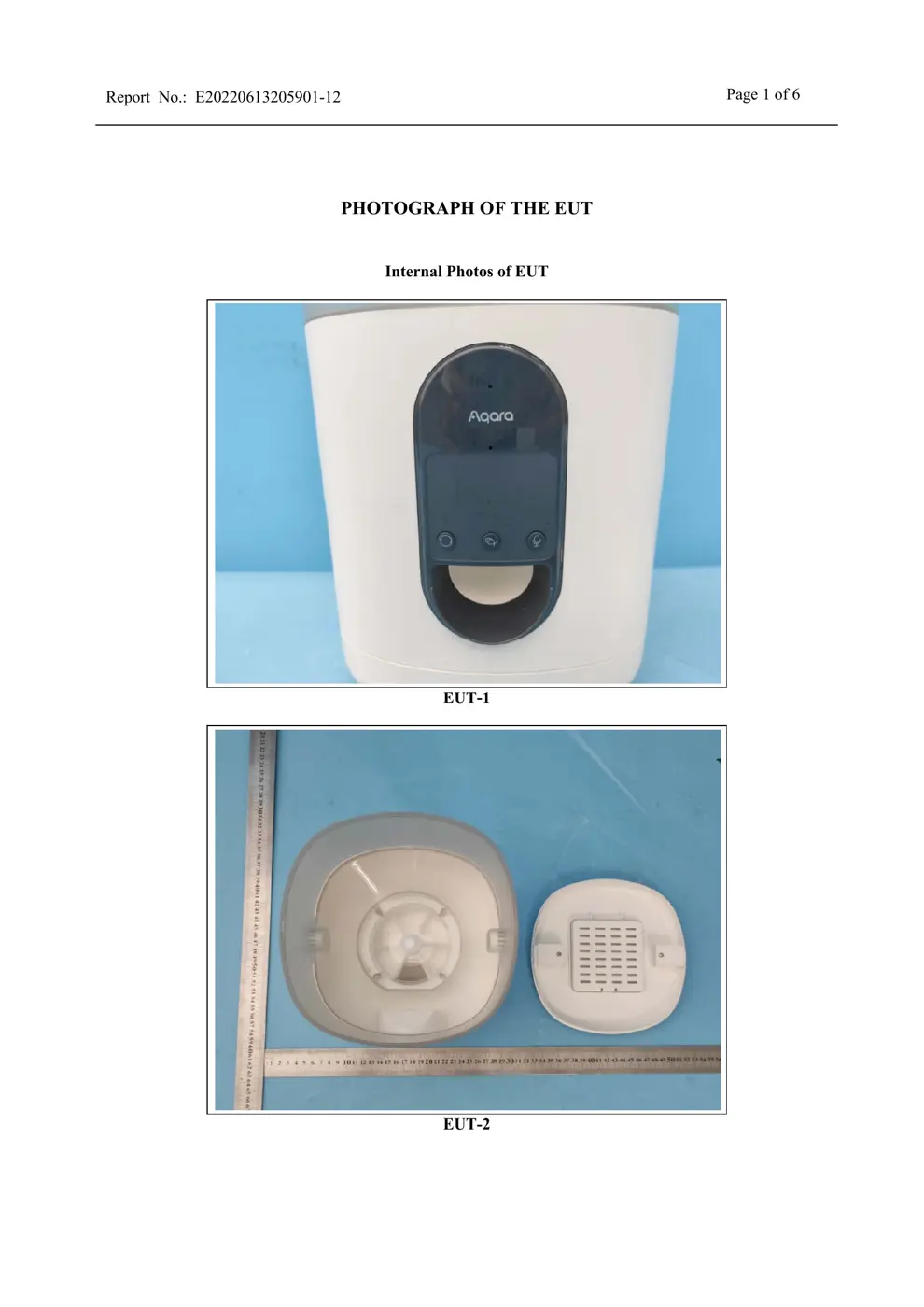
Before you buy the Aqara (Lumi United) PETC1M01, check what's inside.
The Aqara Smart Pet Feeder C1 is an automated pet feeding device that utilizes the Zigbee 3.0 protocol for connectivity. It requires an Aqara Zigbee hub and can be powered via a 5V1A USB connection or by batteries.
⚠️ NOTE: Ensure correct battery polarity if using batteries and do not immerse the device in water.
Quick Specs
- Manufacturer: Aqara (Lumi United)
- Model: PETC1M01
- Protocol: Zigbee
- Chipset: Zigbee SoC
- Ecosystem: Aqara Zigbee
- App: Aqara Home
🔧 Geek Corner (Flashing Info)
- Chipset: Unknown
- Flashable: ❌ No
- Info: Proprietary Zigbee SoC, unlikely to be flashable with custom firmware.
User Manual
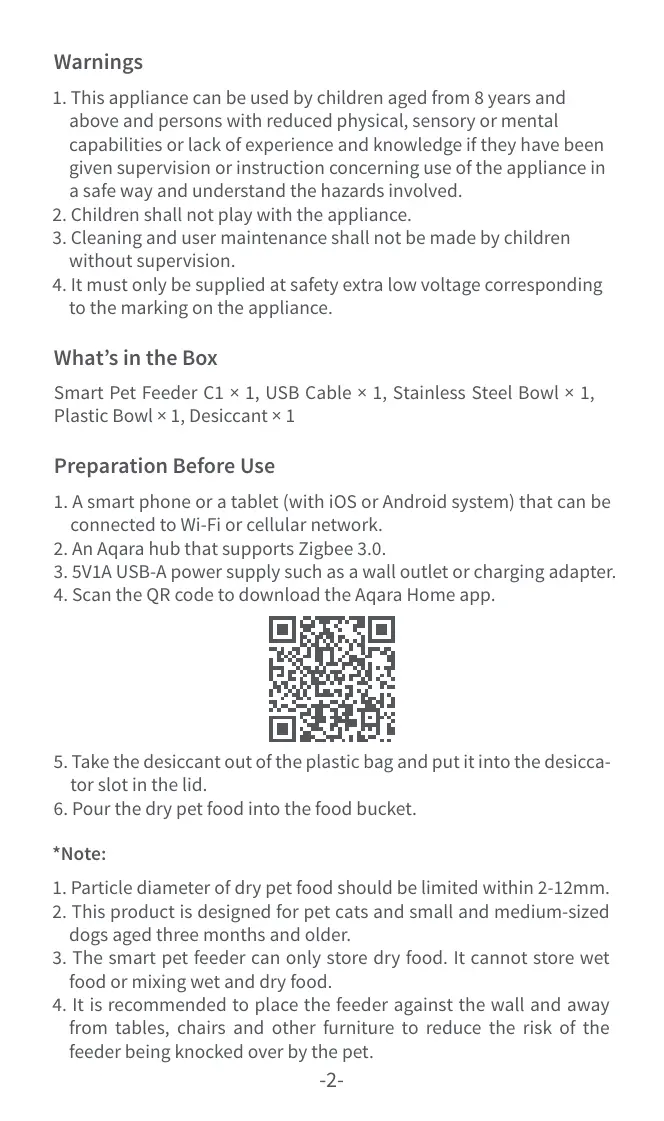
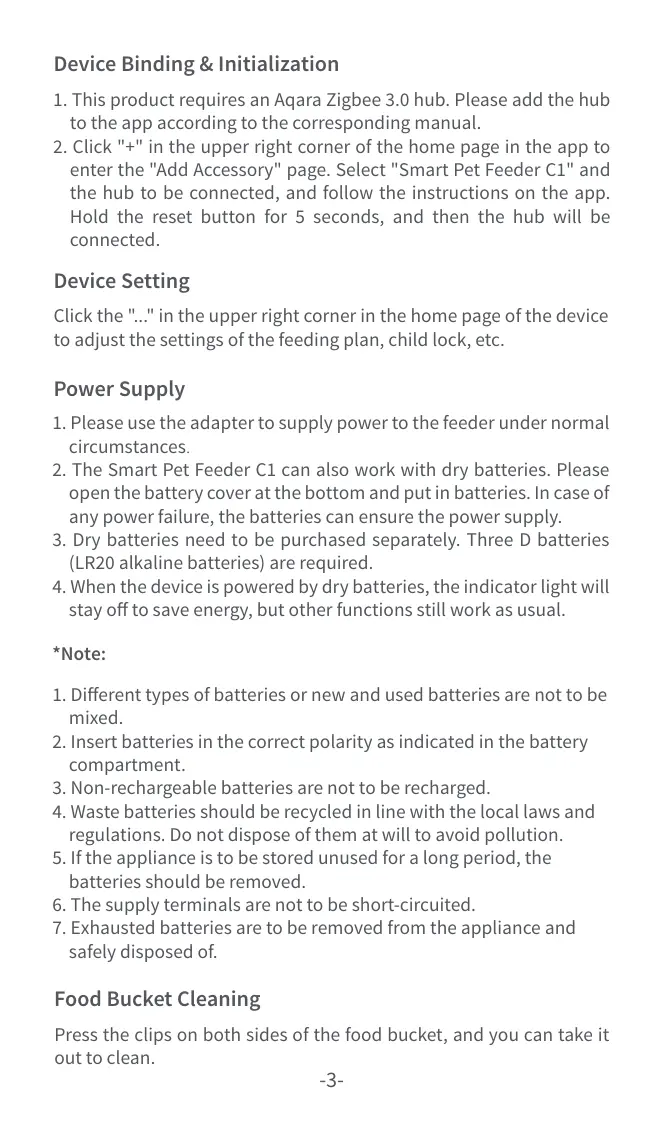
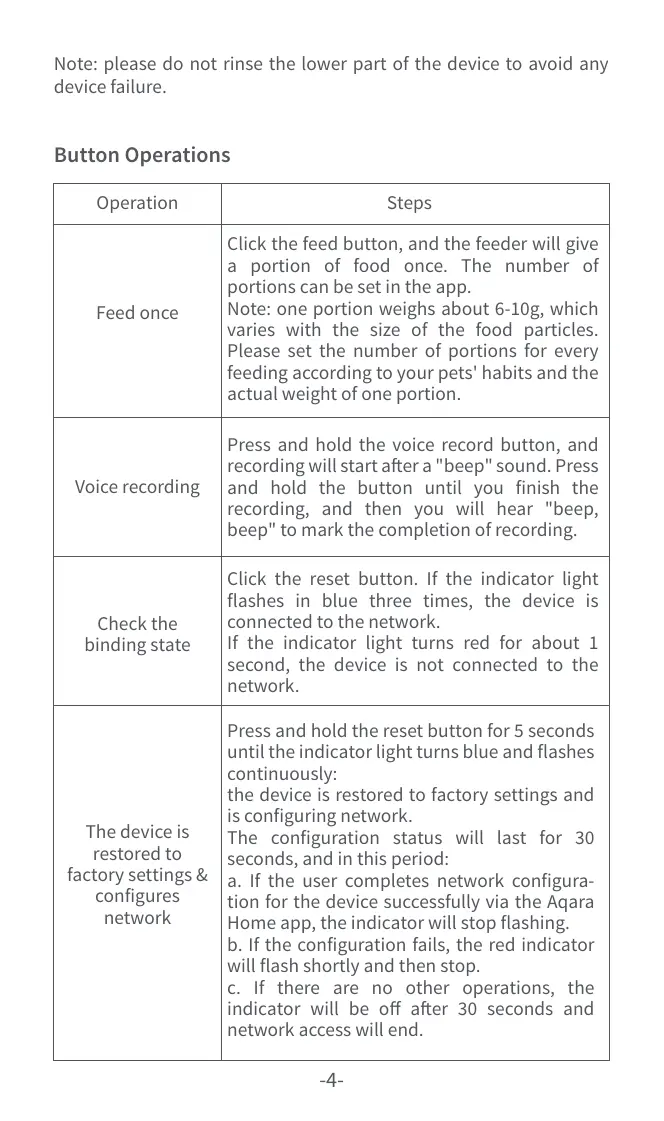
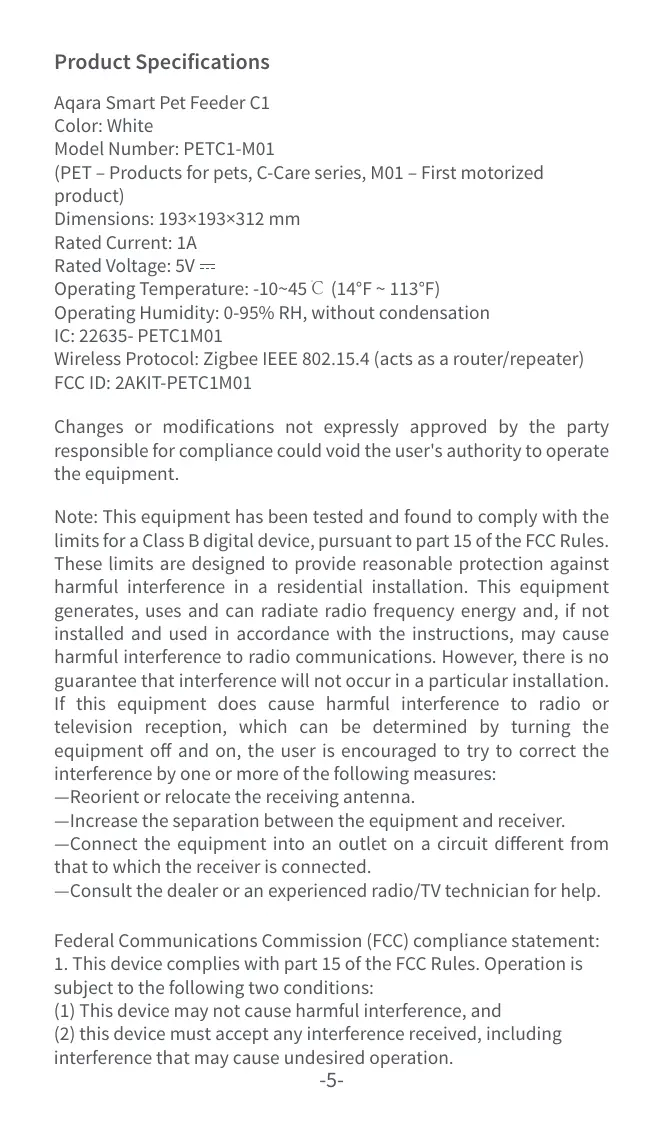
Scanned pages from the official user manual:



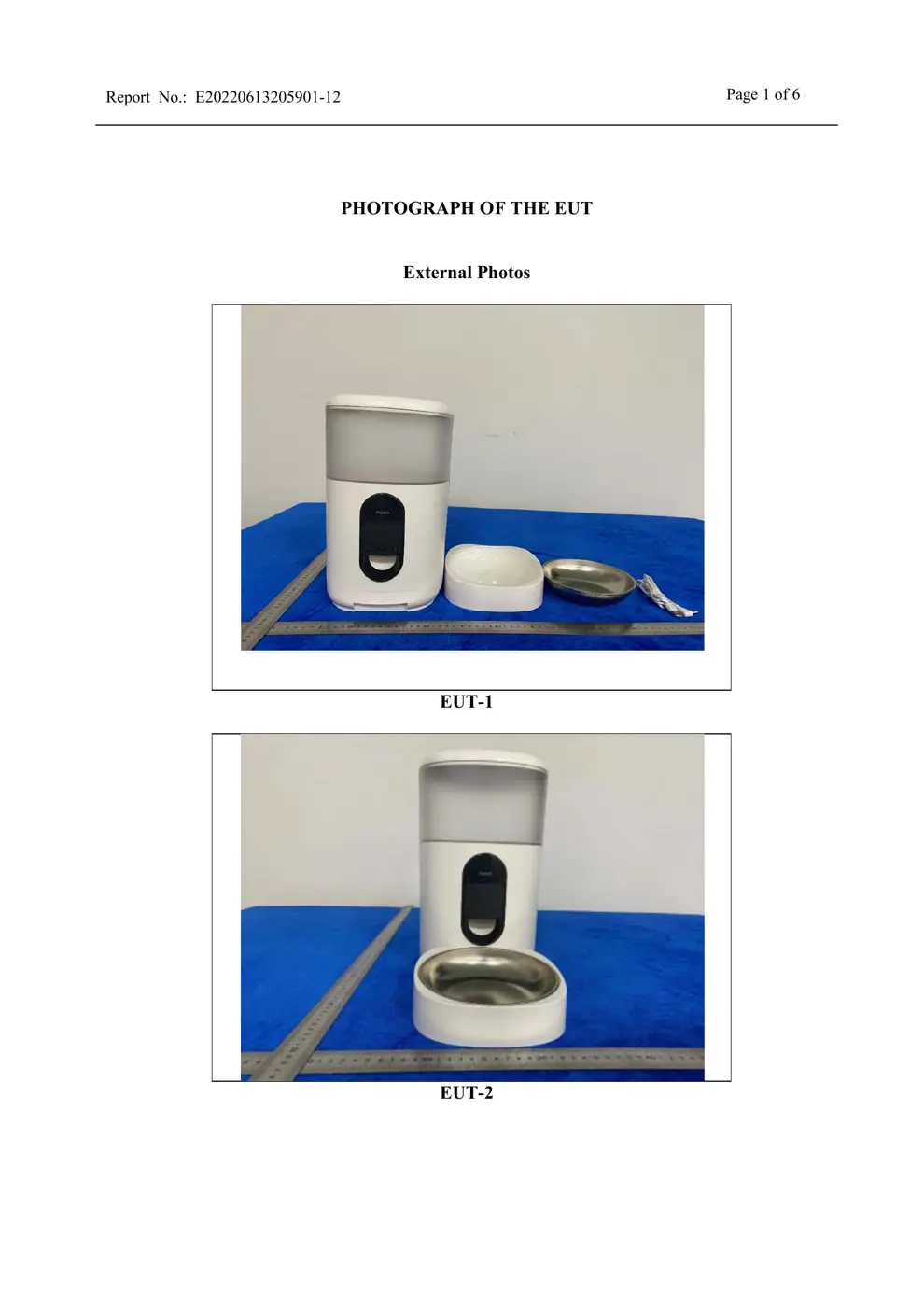
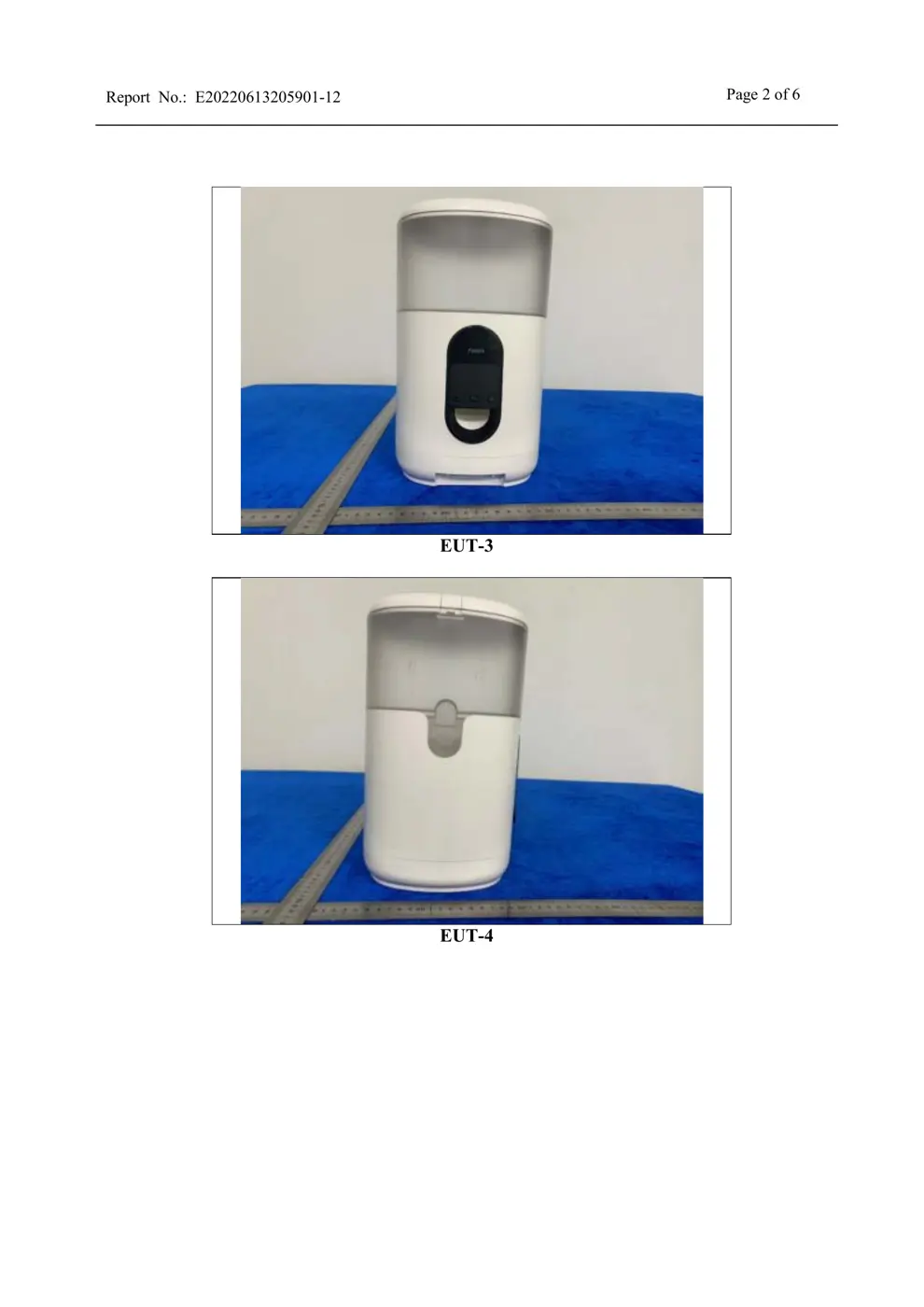
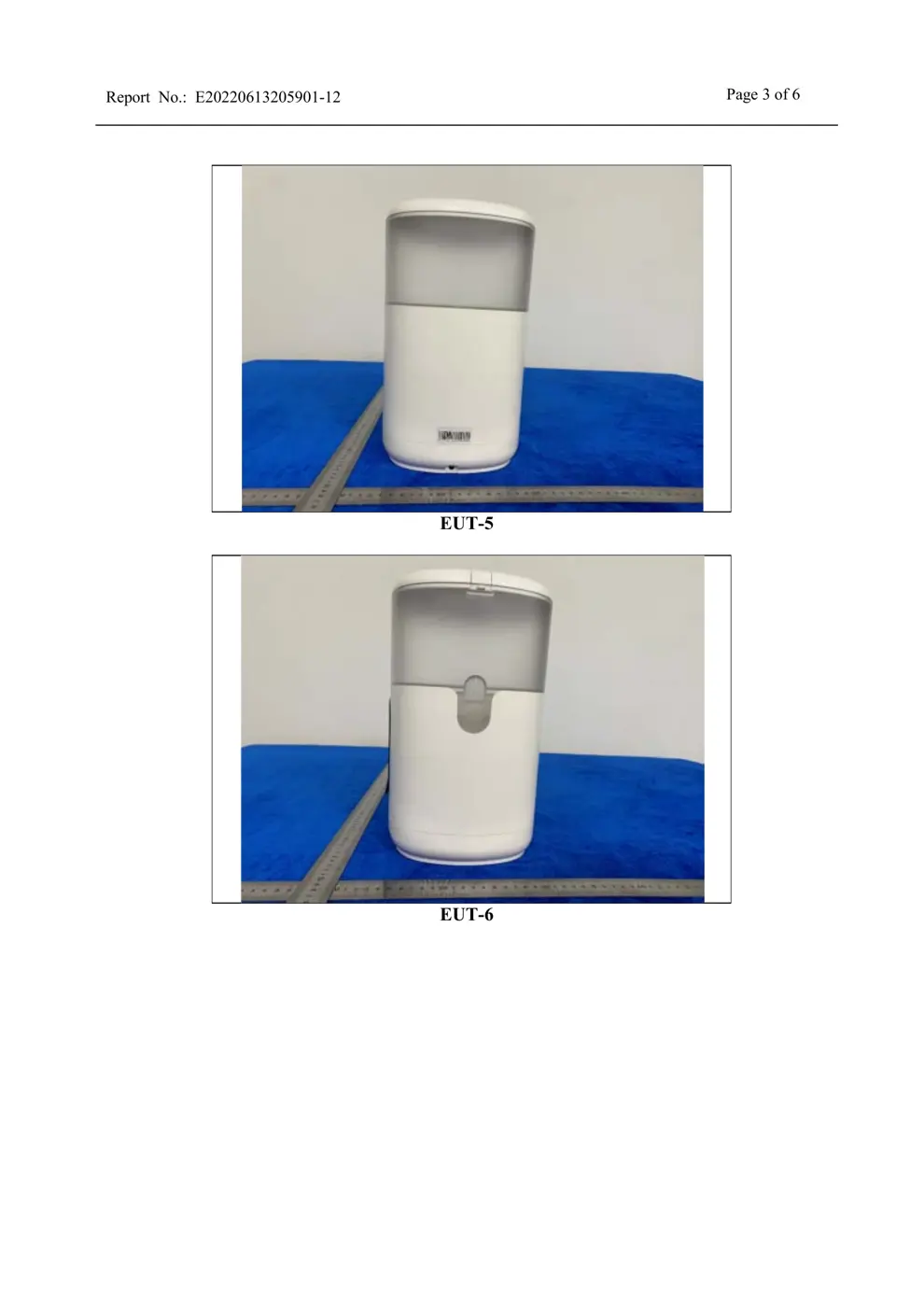
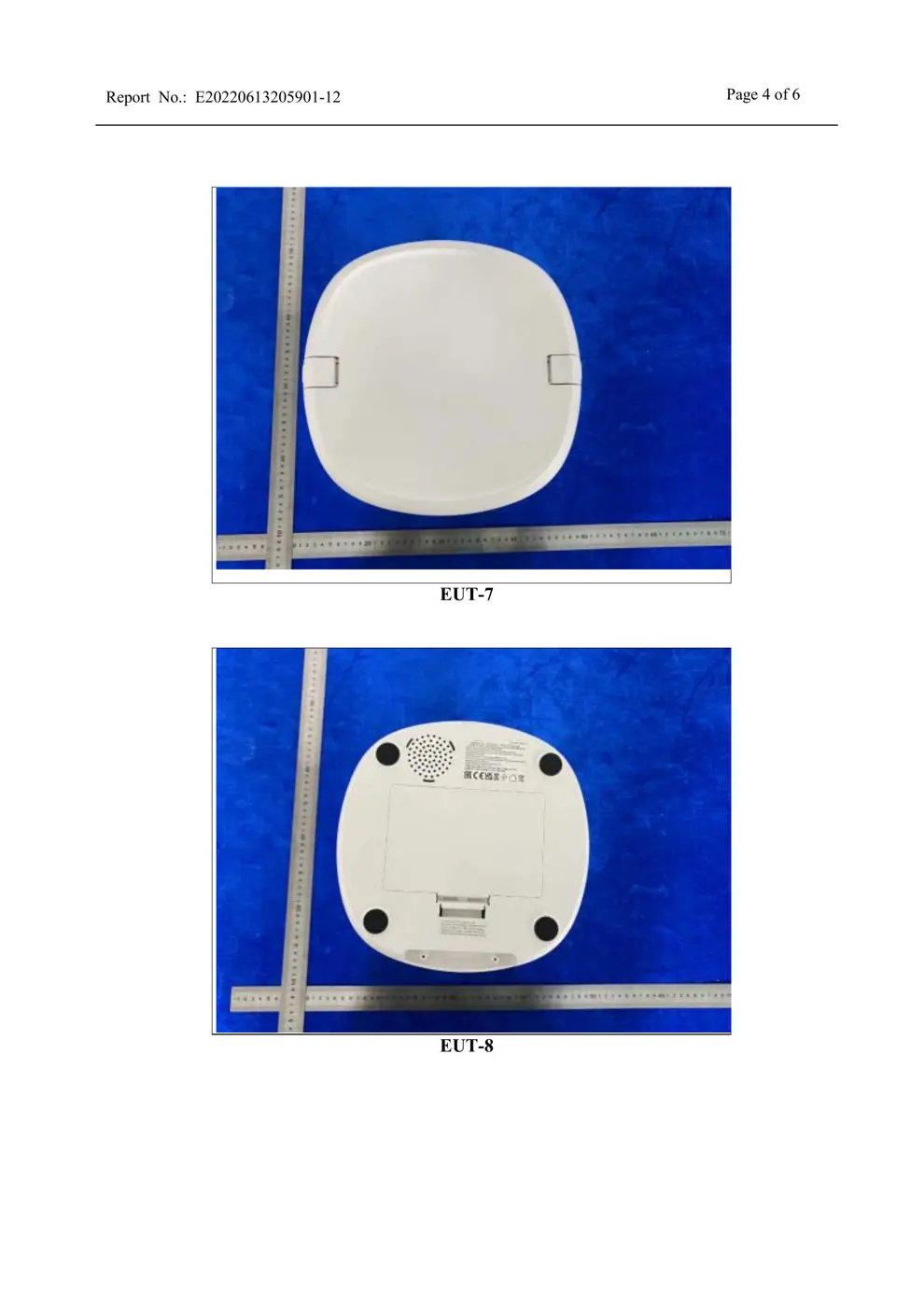
External Photos
Photos of the device exterior:
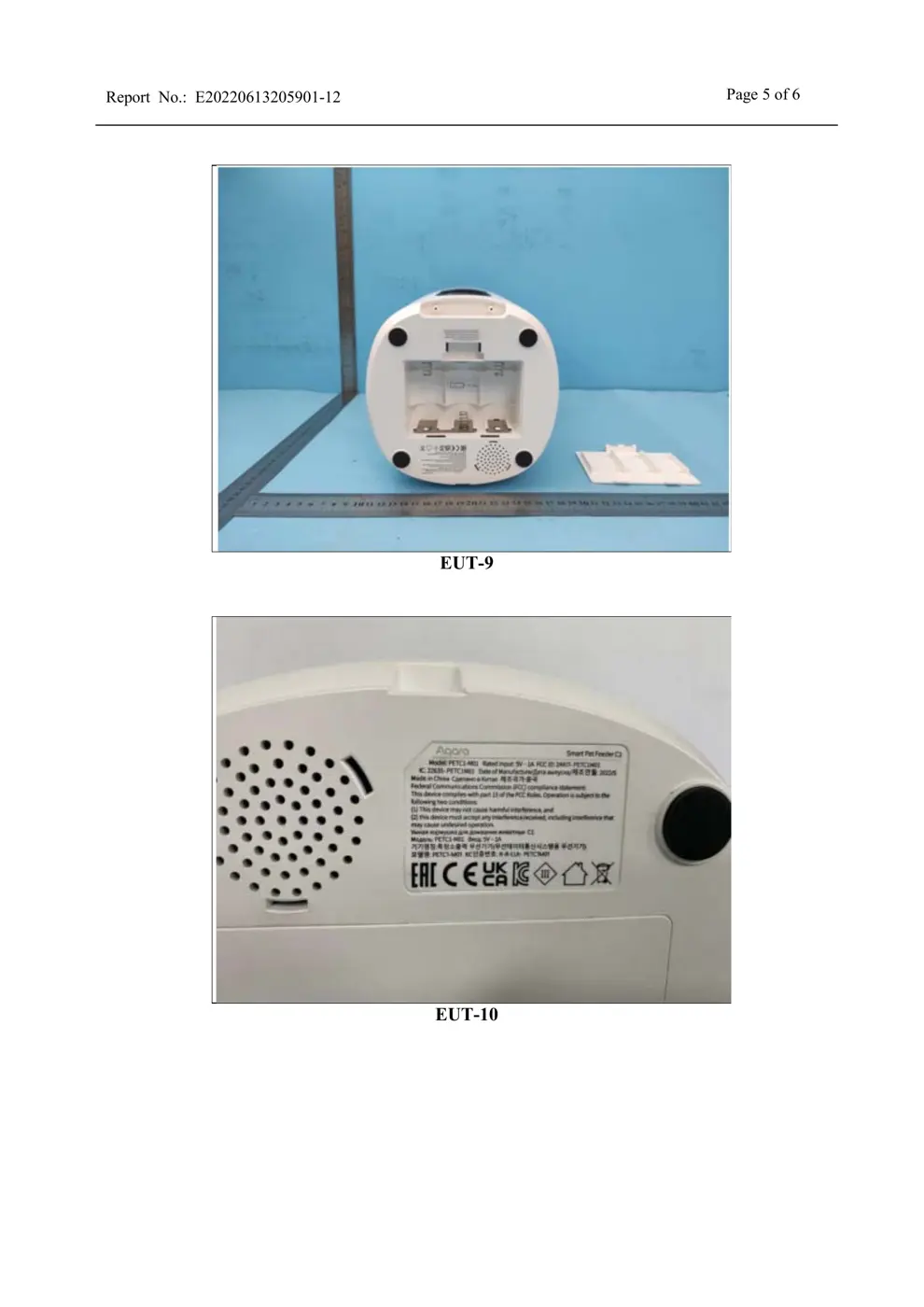
Internal Photos
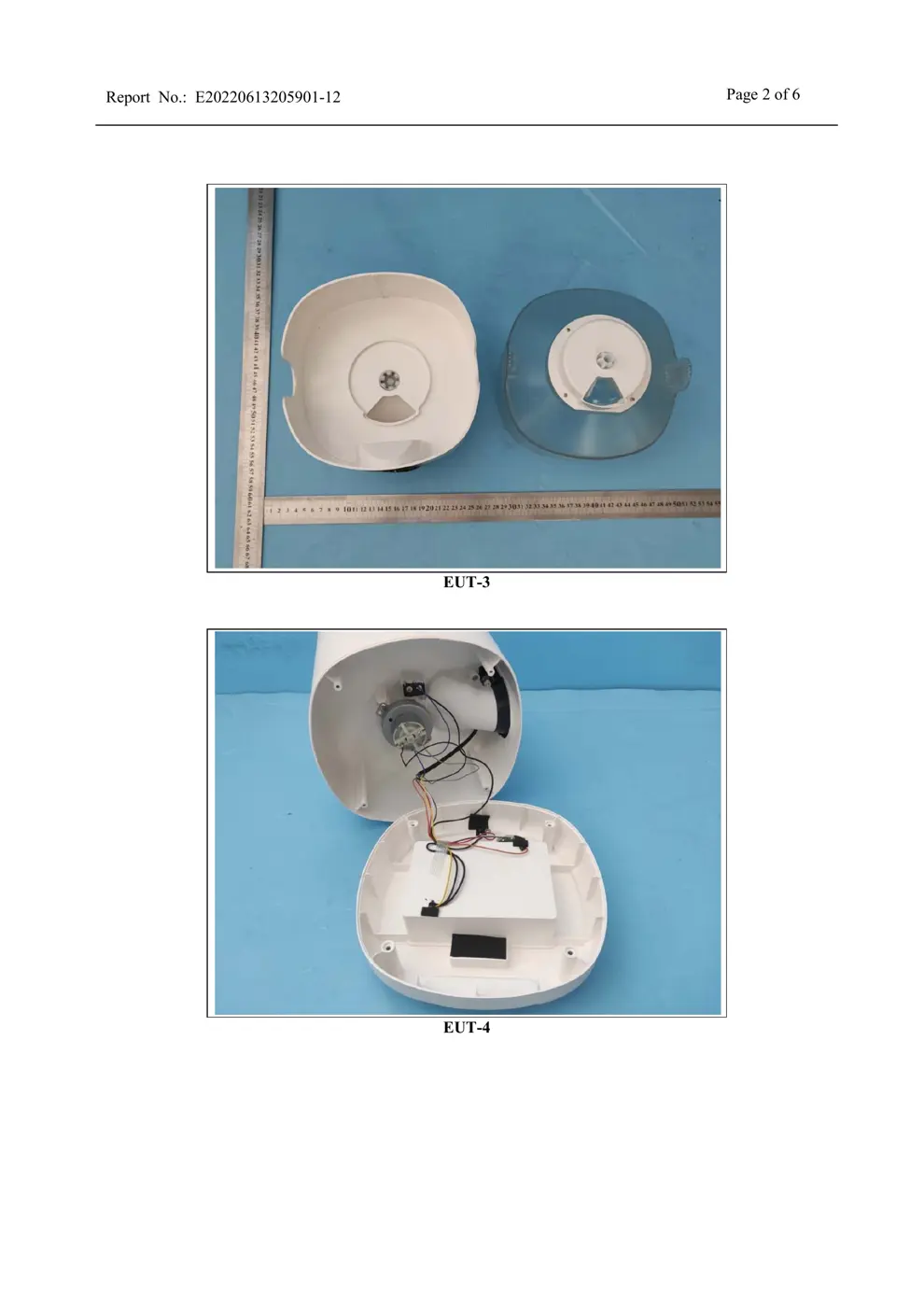
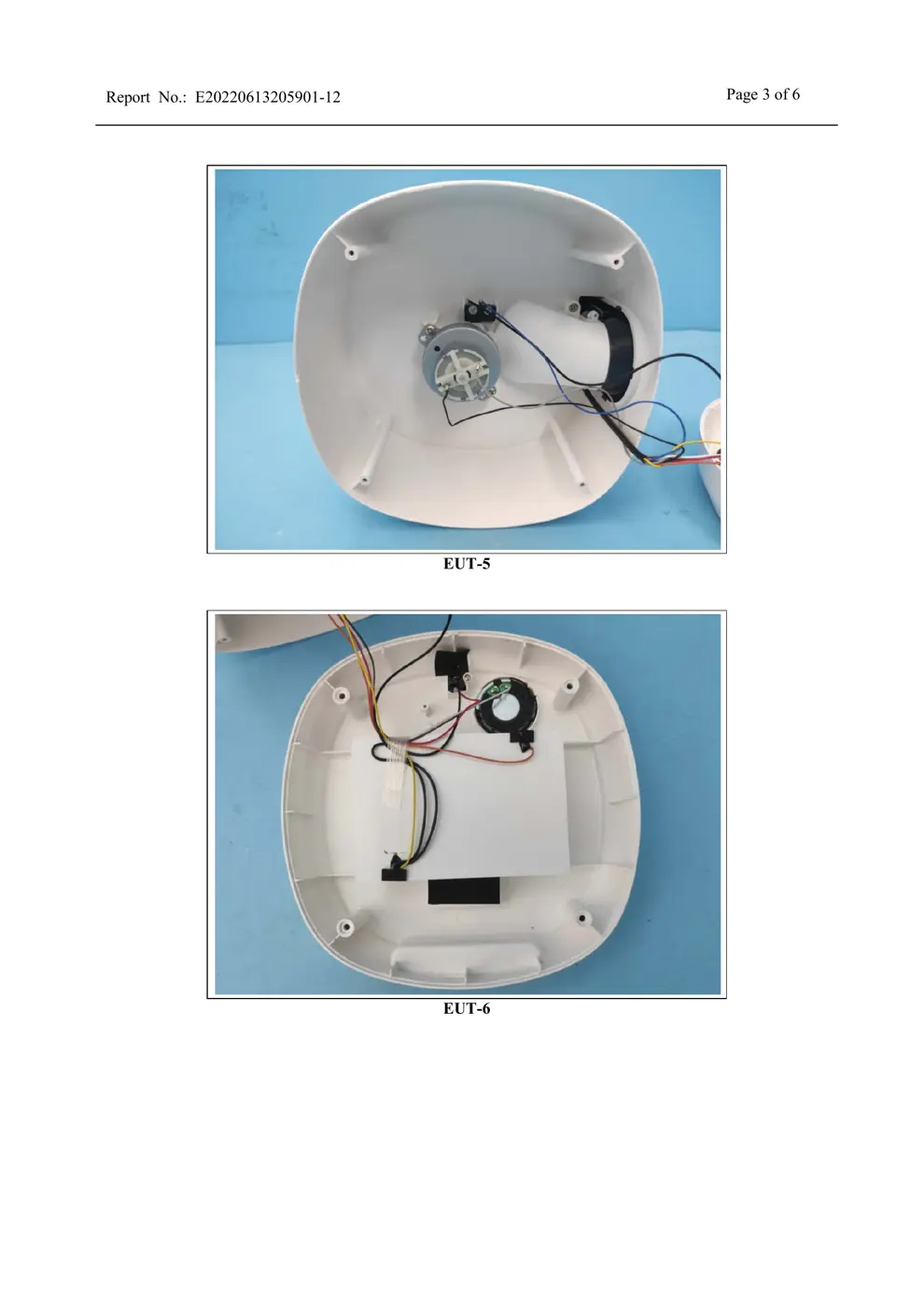
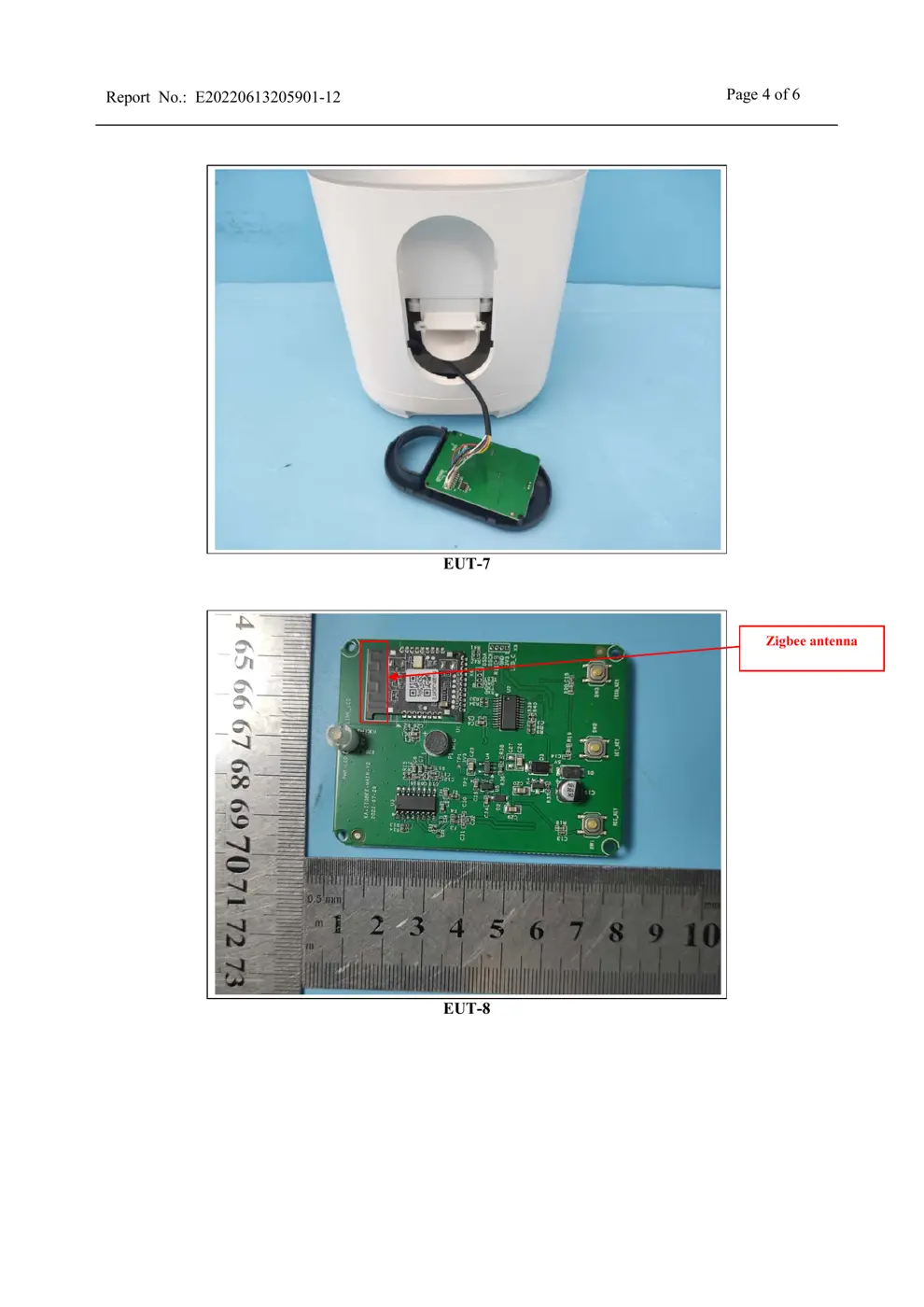
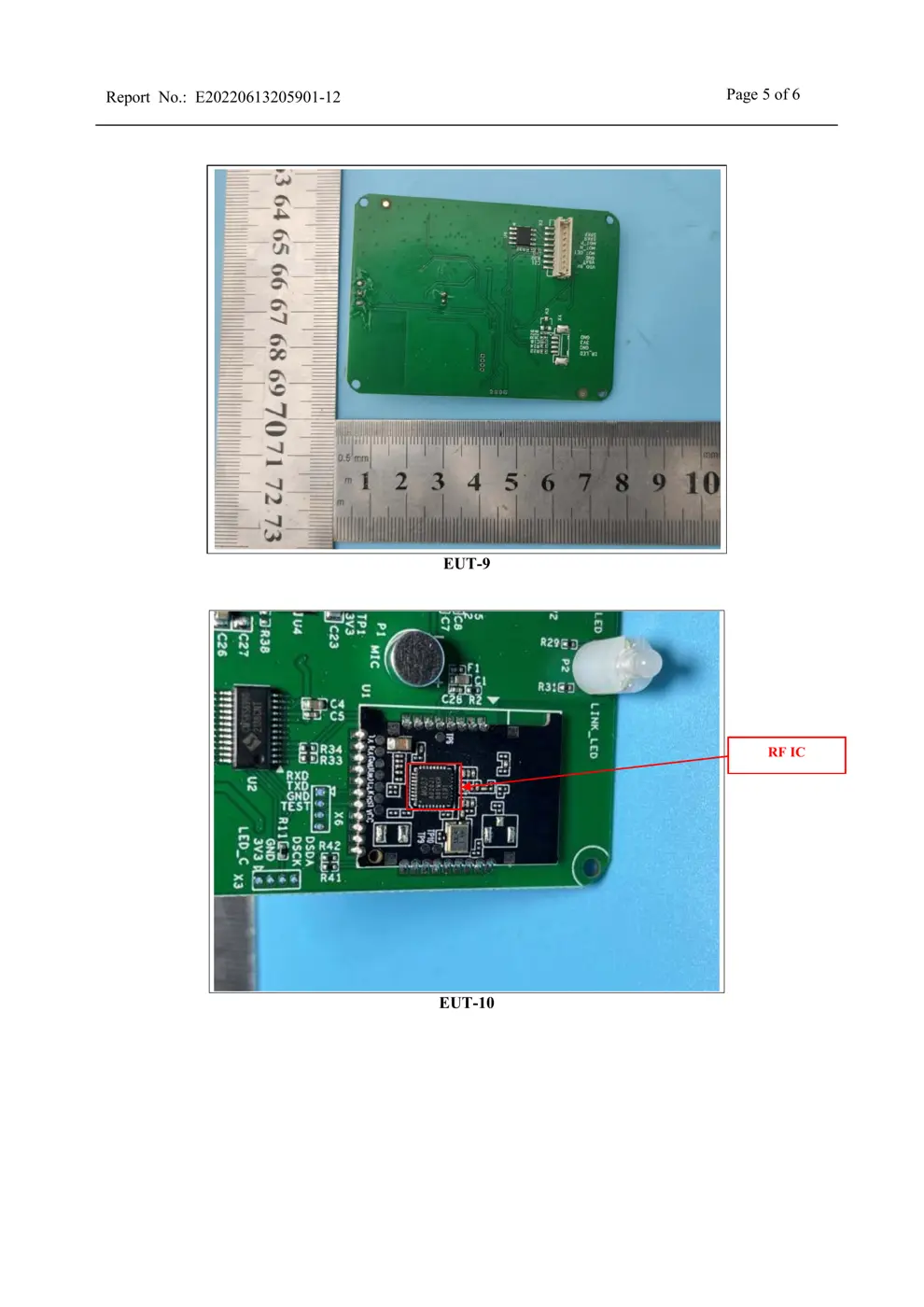
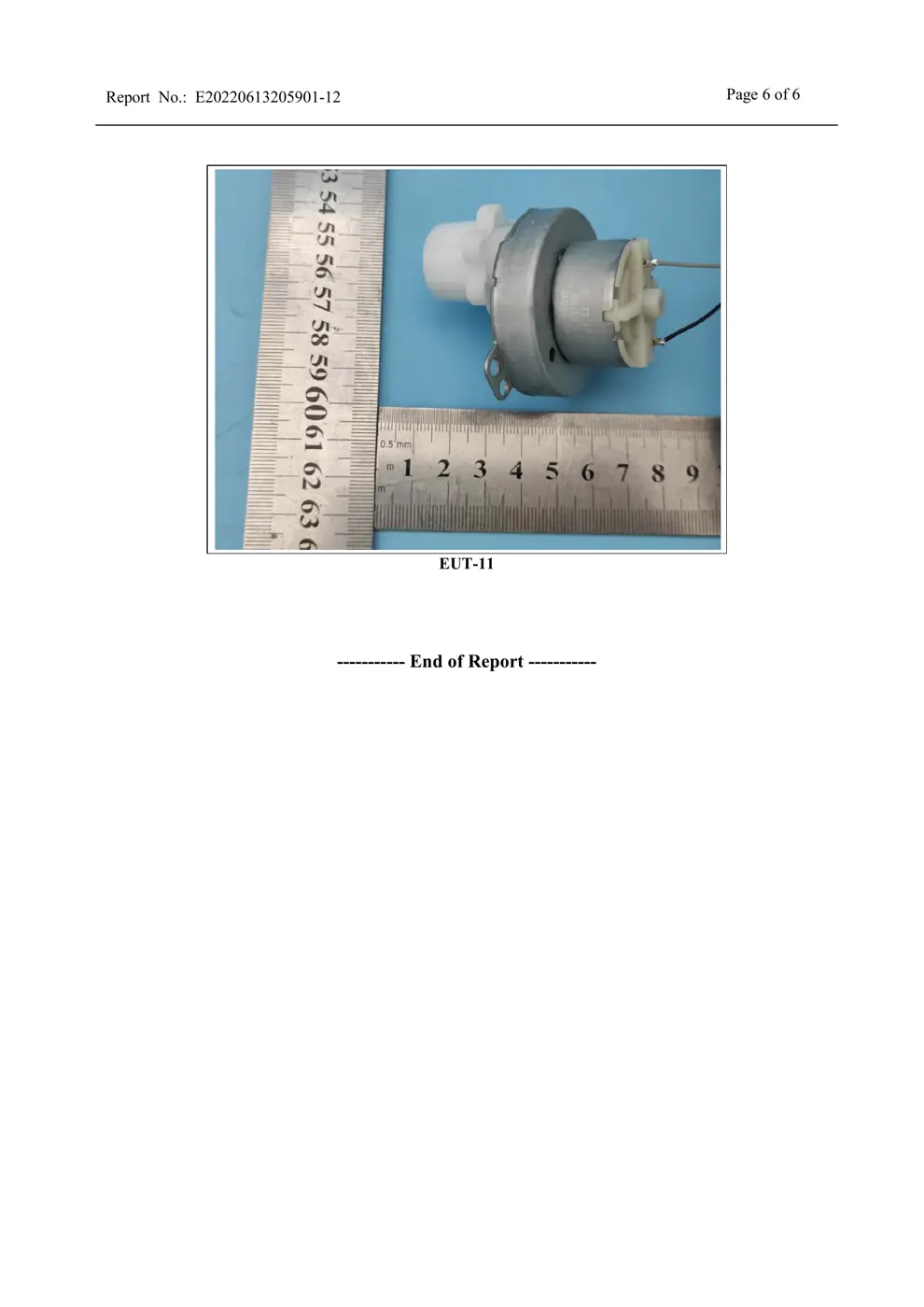
Teardown photos showing the PCB and components:
Verdict
The PETC1M01 is a Zigbee device from the Aqara Zigbee ecosystem.
📄 Click to view full text manual (SEO)
印刷: pantone cool Gary 11c
Please read this manual carefully and keep it.
Smart Pet Feeder C1
User Manual
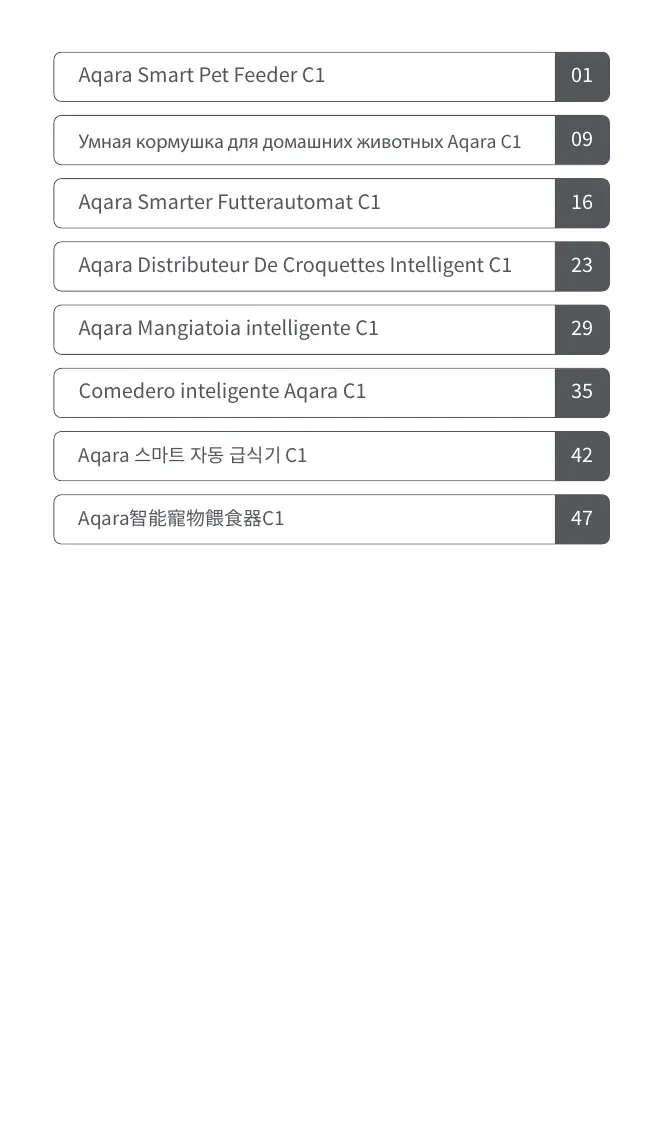
Aqara Smart Pet Feeder C1 01
Aqara Smarter/uni00A0Futterautomat/uni00A0C1 16
Aqara Distributeur/uni00A0De/uni00A0Croquettes/uni00A0Intelligent/uni00A0C1 23
Aqara Mangiatoia intelligente C1 29
Comedero inteligente Aqara C1 35
42Aqara 스마트 자동 급식기 C1
/uni0423/uni043C/uni043D/uni0430/uni044F /uni043A/uni043E/uni0440/uni043C/uni0443/uni0448/uni043A/uni0430 /uni0434/uni043B/uni044F /uni0434/uni043E/uni043C/uni0430/uni0448/uni043D/uni0438/uni0445 /uni0436/uni0438/uni0432/uni043E/uni0442/uni043D/uni044B/uni0445 Aqara C109
-1-
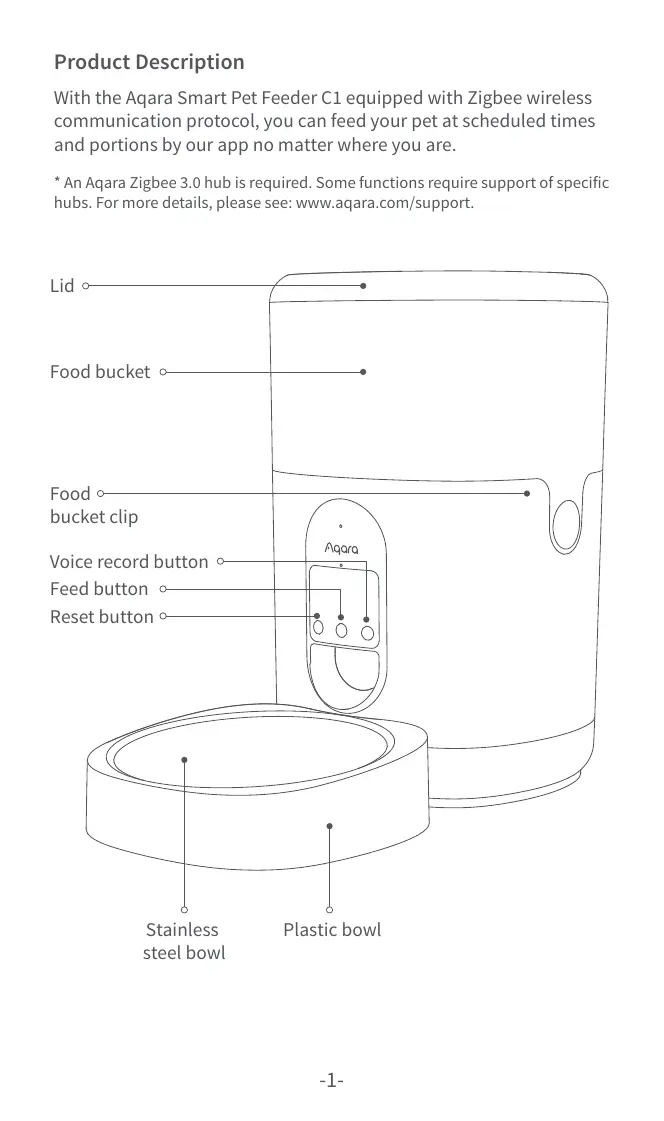
With the Aqara Smart Pet Feeder C1 equipped with Zigbee wireless
communication protocol, you can feed your pet at scheduled times
and portions by our app no matter where you are.
* An Aqara Zigbee 3.0 hub is required. Some functions require support of specific
hubs. For more details, please see: www.aqara.com/support.
Reset button
Feed button
Voice record button
Lid
Food bucket
Food
bucket clip
Stainless
steel bowl
Plastic bowl
Product Description
-2-
1. This appliance can be used by children aged from 8 years and
above and persons with reduced physical, sensory or mental
capabilities or lack of experience and knowledge if they have been
given supervision or instruction concerning use of the appliance in
a safe way and understand the hazards involved.
2. Children shall not play with the appliance.
3. Cleaning and user maintenance shall not be made by children
without supervision.
4. It must only be supplied at safety extra low voltage corresponding
to the marking on the appliance.
Warnings
Smart Pet Feeder C1 × 1, USB Cable × 1, Stainless Steel Bowl × 1,
Plastic Bowl × 1, Desiccant × 1
What’s in the Box
1. Particle diameter of dry pet food should be limited within 2-12mm.
2. This product is designed for pet cats and small and medium-sized
dogs aged three months and older.
3. The smart pet feeder can only store dry food. It cannot store wet
food or mixing wet and dry food.
4. It is recommended to place the feeder against the wall and away
from tables, chairs and other furniture to reduce the risk of the
feeder being knocked over by the pet.
*Note:
1. A smart phone or a tablet (with iOS or Android system) that can be
connected to Wi-Fi or cellular network.
2. An Aqara hub that supports Zigbee 3.0.
3. 5V1A USB-A power supply such as a wall outlet or charging adapter.
4. Scan the QR code to download the Aqara Home app.
5. Take the desiccant out of the plastic bag and put it into the desicca-
tor slot in the lid.
6. Pour the dry pet food into the food bucket.
Preparation Before Use
-3-
Click the " ... " in the upper right corner in the home page of the device
to adjust the settings of the feeding plan, child lock, etc.
Device Setting
Power Supply
1. Please use the adapter to supply power to the feeder under normal
circumstances
2. The Smart Pet Feeder C1 can also work with dry batteries. Please
open ...