
S31ZB Reset & Teardown (FCC ID 2APN5S31ZB)
Factory reset and internal photos for Sonoff (Itead) S31ZB. Sonoff smart plug.
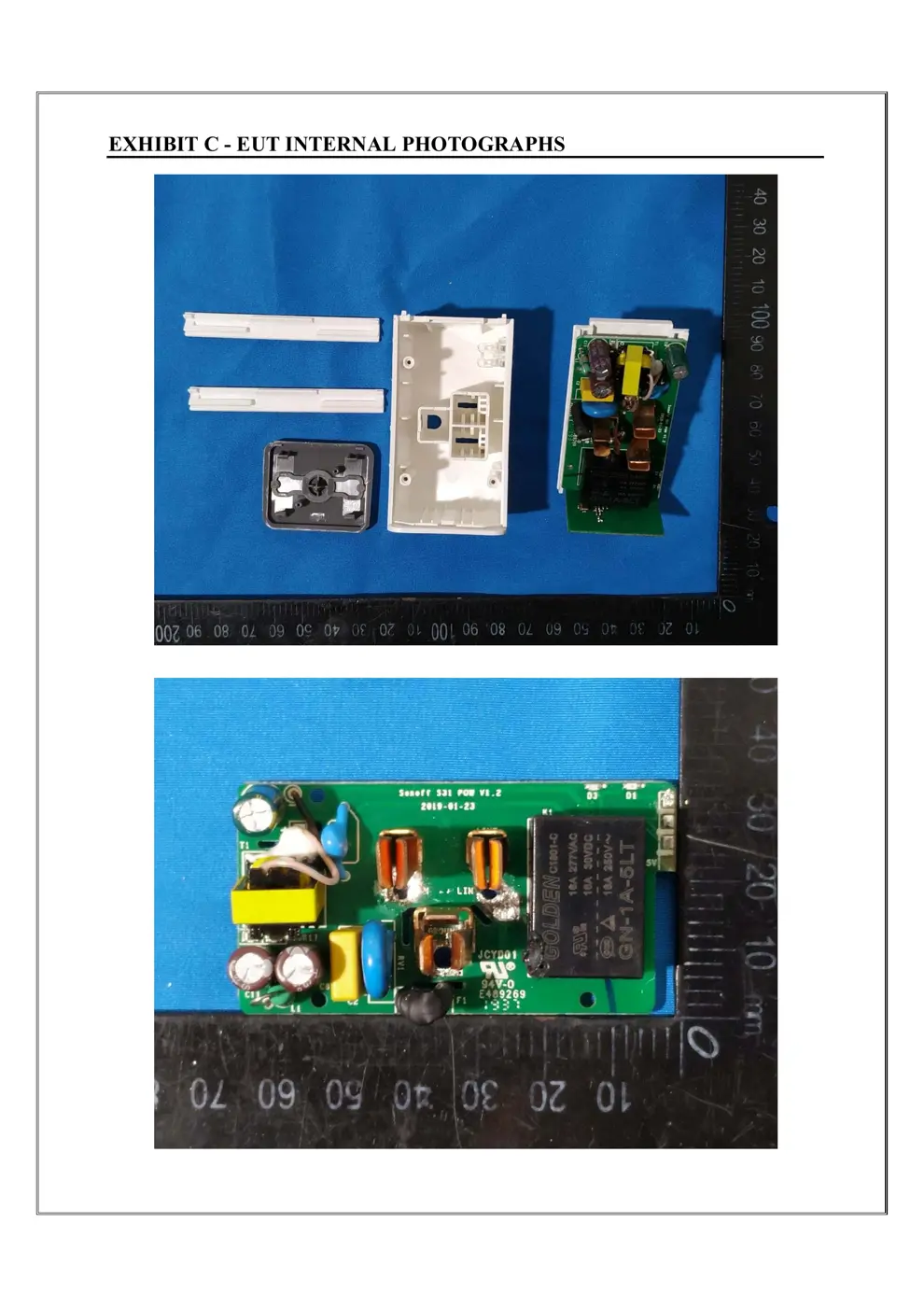
Before you buy the Sonoff (Itead) S31ZB, check what's inside.
This is a Sonoff S31 Lite Zb, a Zigbee-enabled smart plug designed to be controlled via a Zigbee hub and used with voice assistants like Alexa or SmartThings. It allows for remote on/off control, scheduling, and energy monitoring.
⚠️ NOTE: Ensure the device is plugged into a properly grounded outlet and do not exceed the maximum load rating of 15A/1800W.
Quick Specs
- Manufacturer: Sonoff (Itead)
- Model: S31ZB
- Protocol: WiFi
- Chipset: ESP/CK Chip
- Ecosystem: Sonoff
- App: eWeLink
🔧 Geek Corner (Flashing Info)
- Chipset: ESP32-C6 (Implied, based on Zigbee and Sonoff's typical use of Espressif chips)
- Flashable: ❌ No
- Info: This is a Zigbee device from Sonoff, which typically uses proprietary firmware and chipsets that are not easily flashable with custom firmware like Tasmota or ESPHome without significant hardware modification or specific development efforts.
Reset Guide
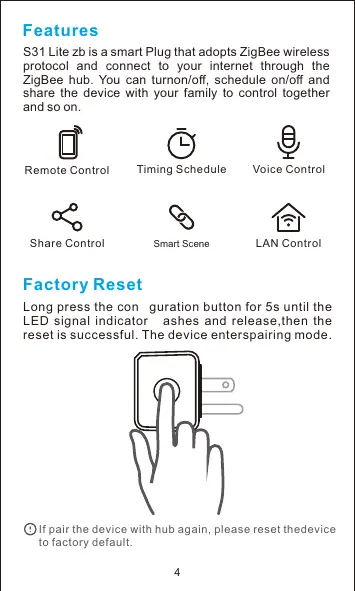
Factory reset long press the conguration button for 5s until the led signal indicator ashes and release,then the reset is successful.
User Manual
Scanned pages from the official user manual:



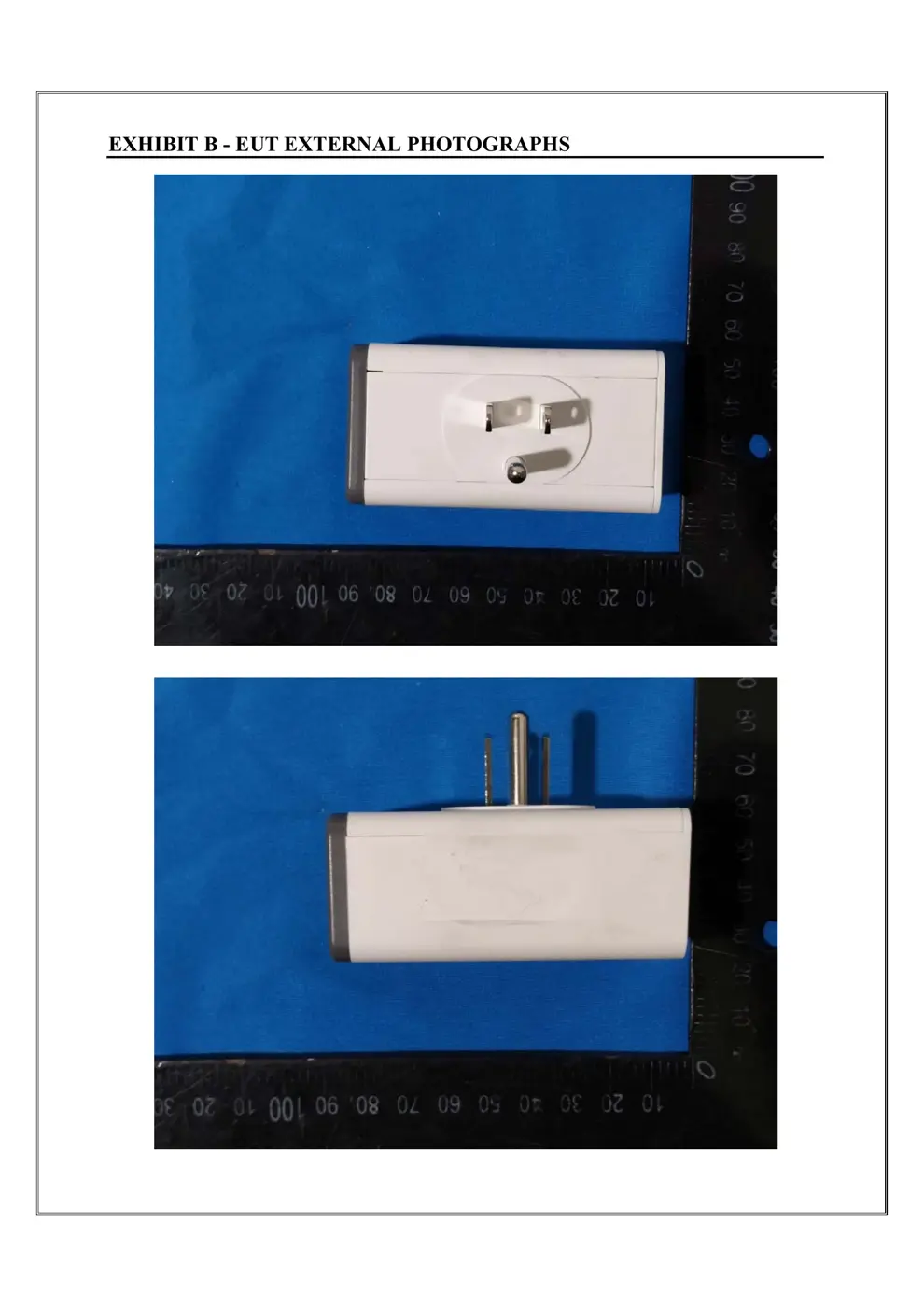
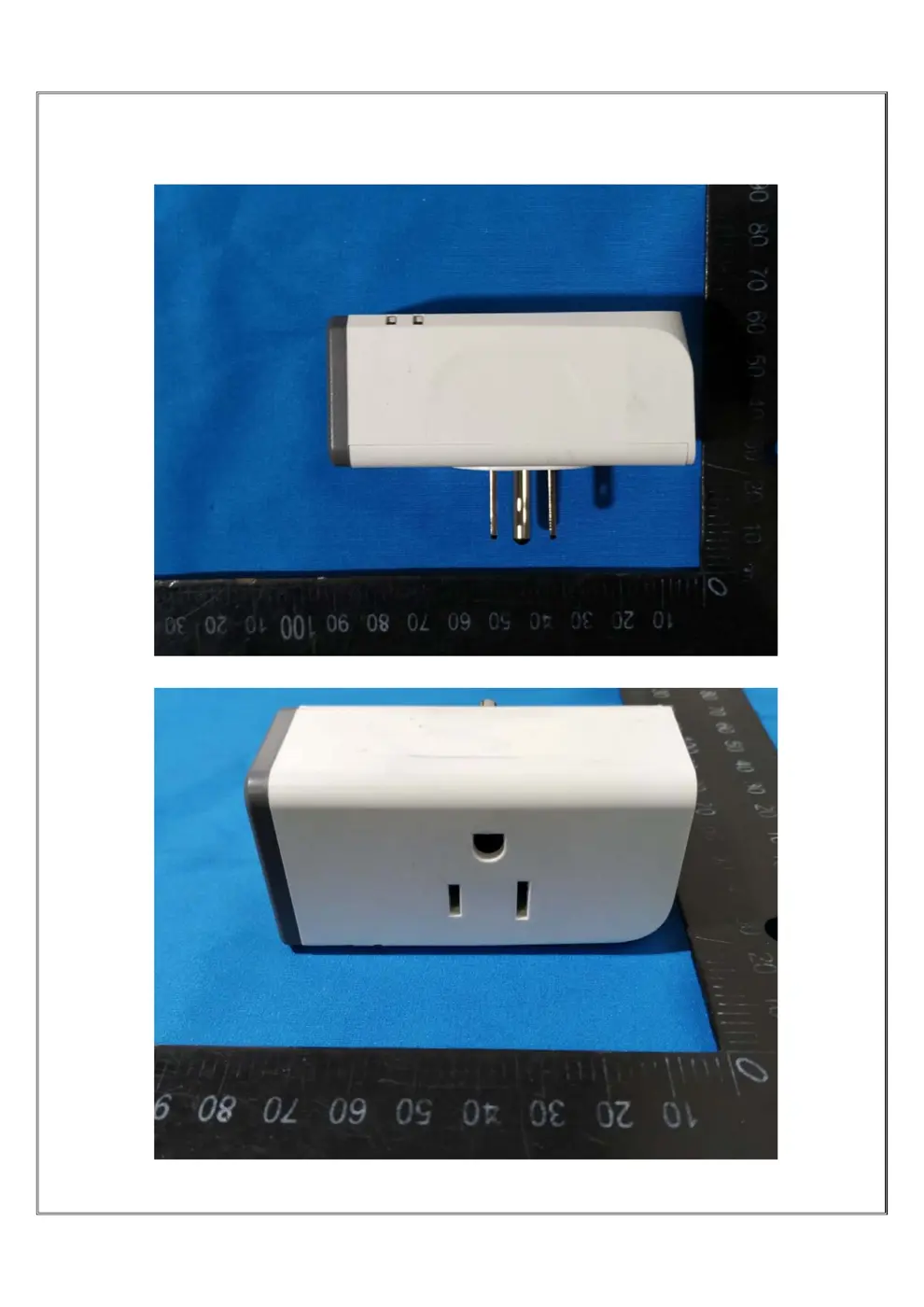
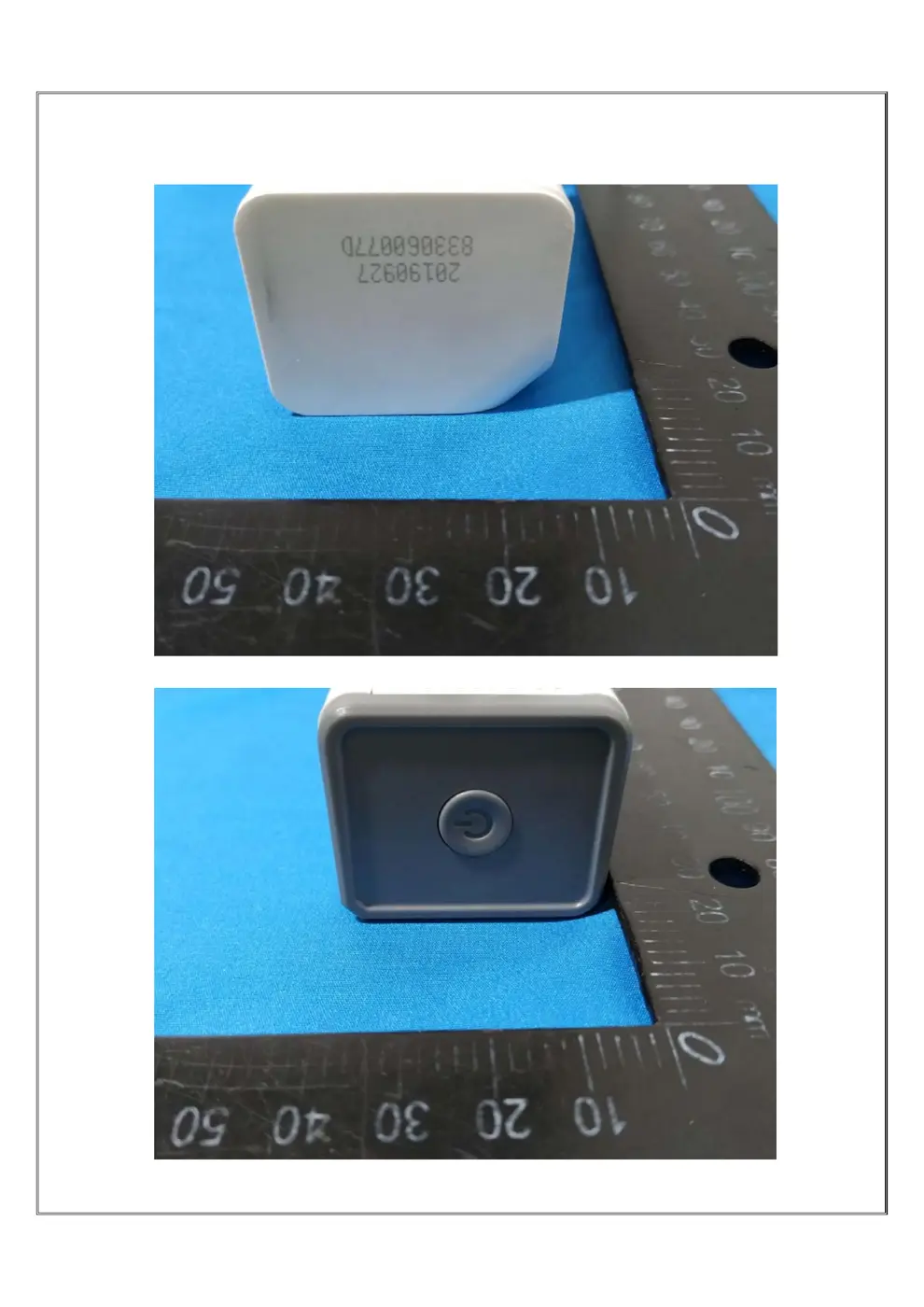
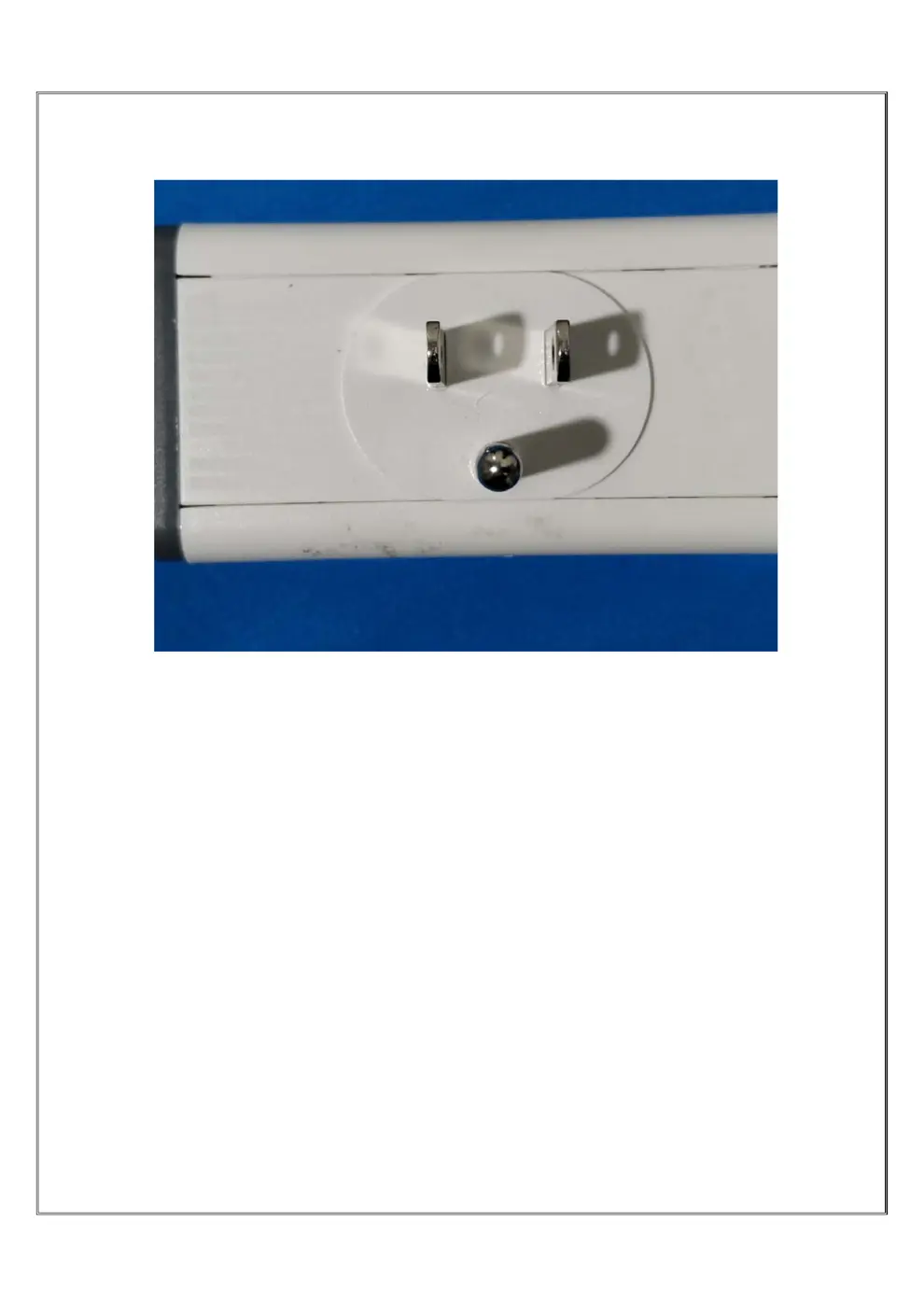
External Photos
Photos of the device exterior:
Internal Photos
Teardown photos showing the PCB and components:
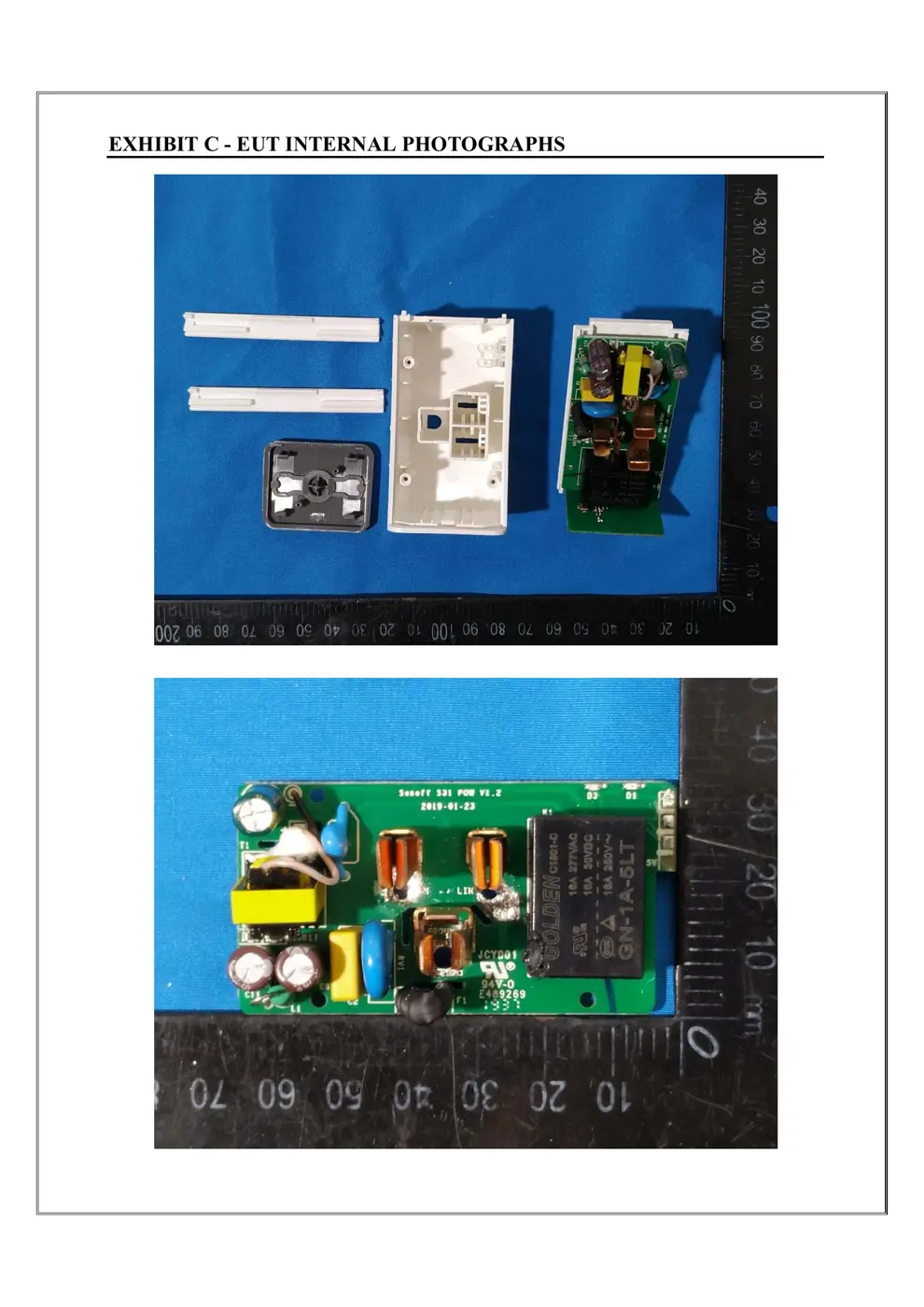
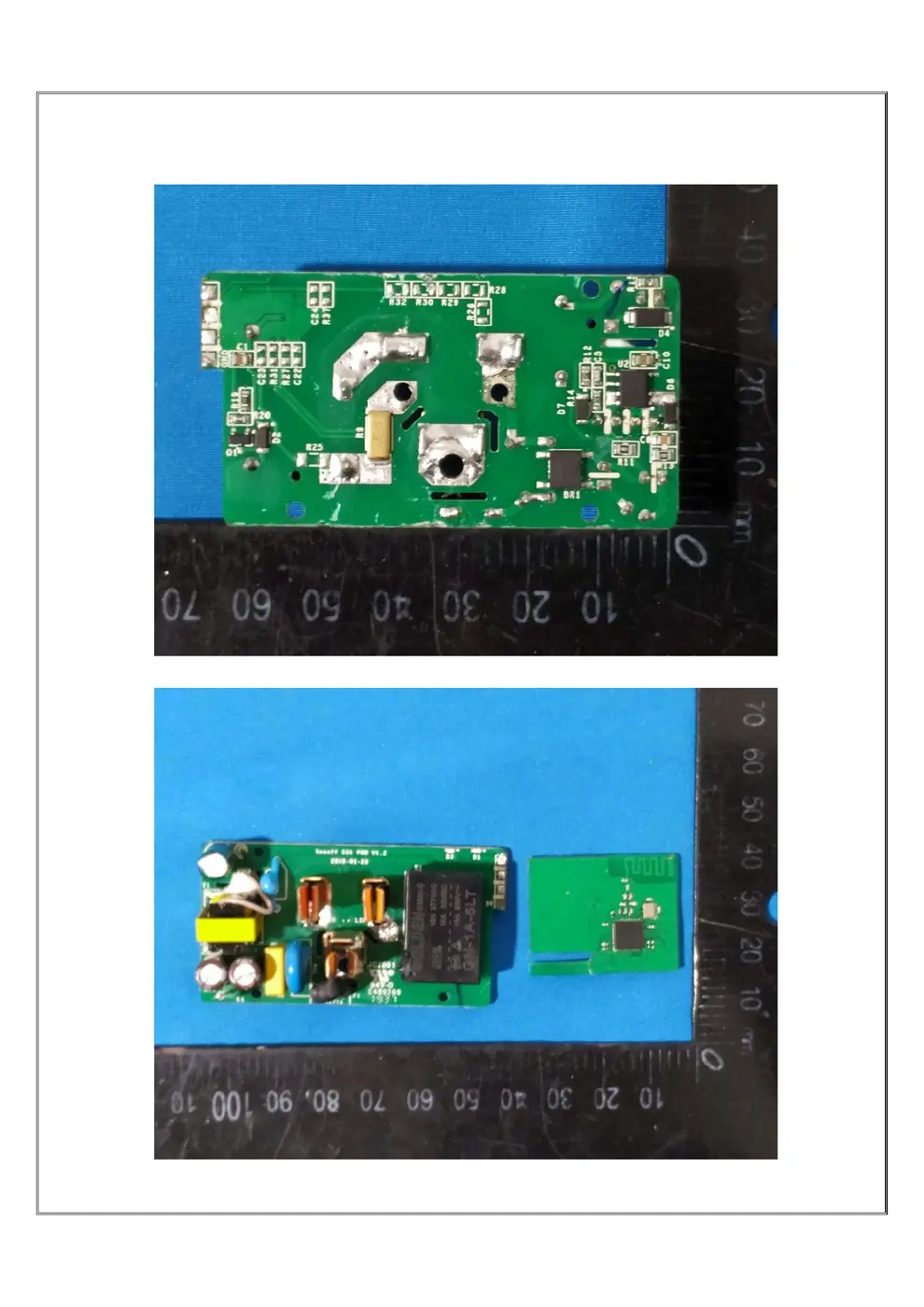
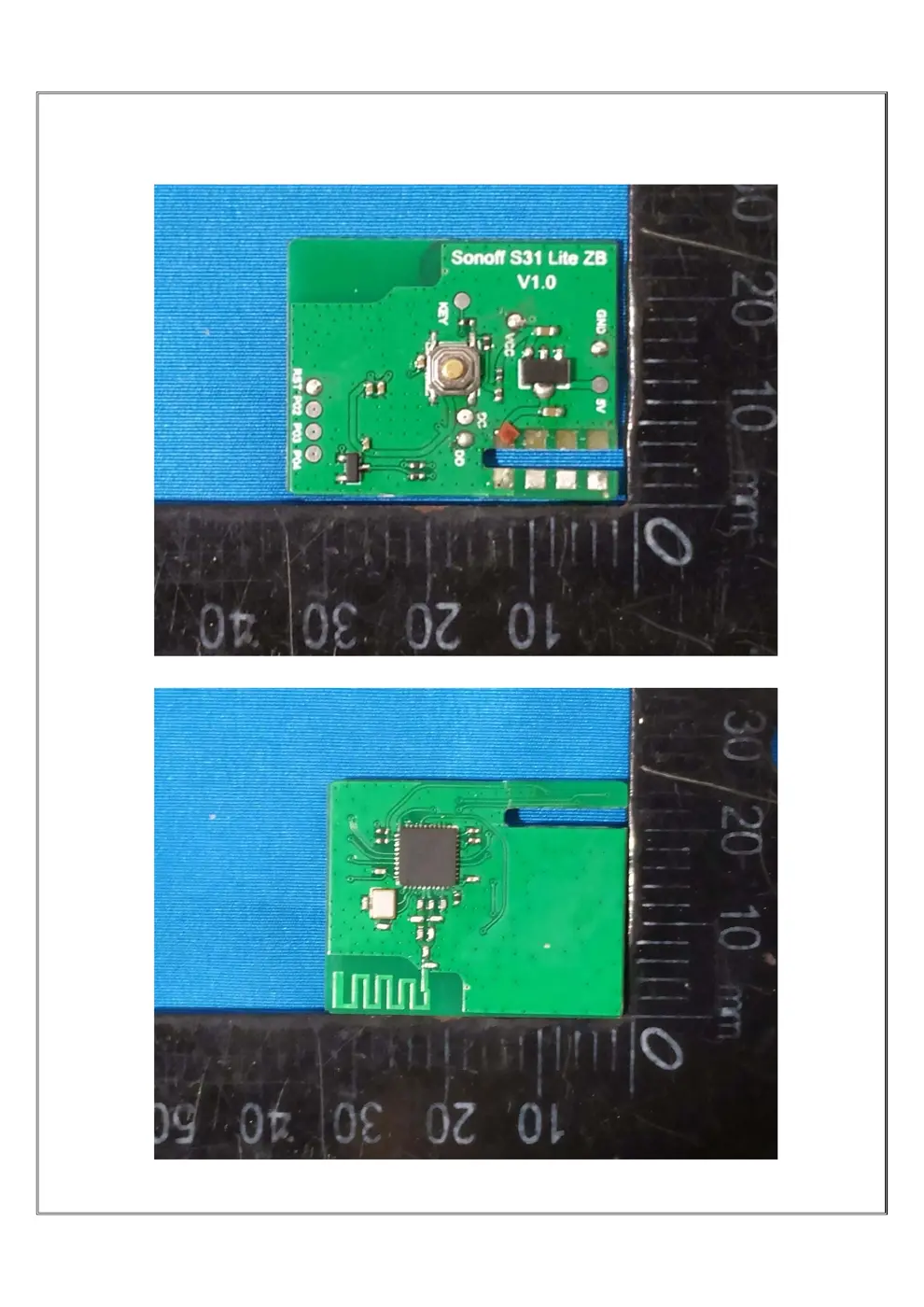
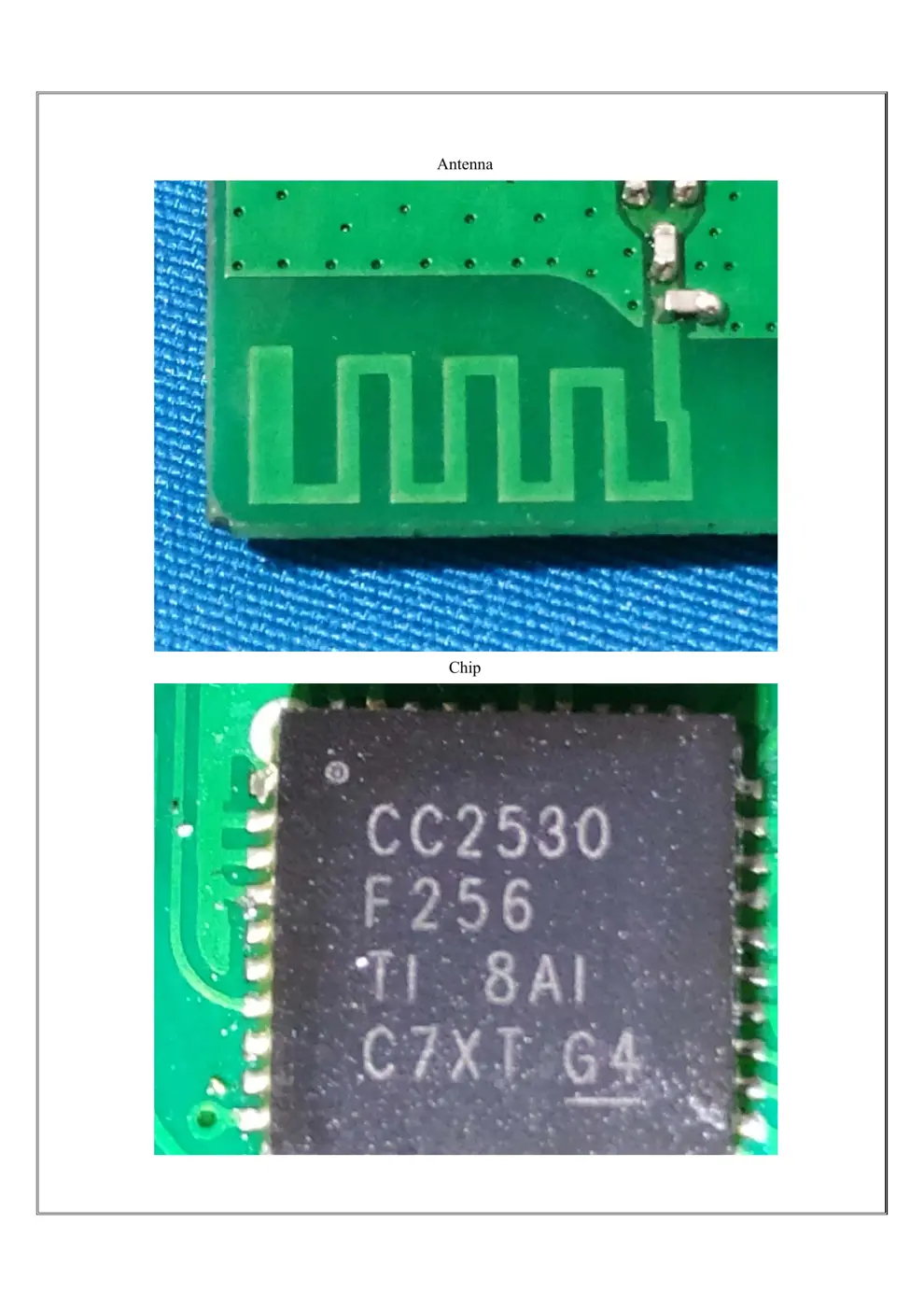
Verdict
The S31ZB is a WiFi device from the Sonoff ecosystem.
📄 Click to view full text manual (SEO)
User manual V1.0
Zigbee Smart Plug US Type
1
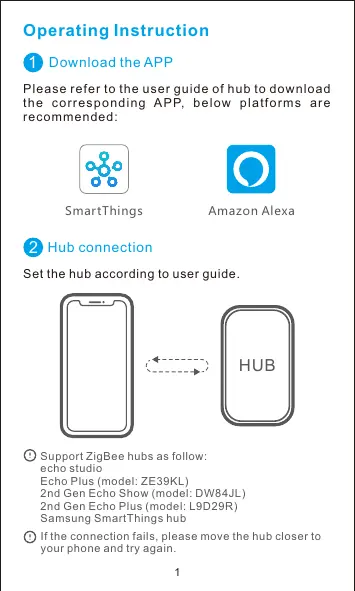
Operating Instruction
Amazon AlexaSmartThings
1 Download the APP
Please refer to the user guide of hub to download
the corresponding APP, below platforms are
recommended:
Hub connection
Set the hub according to user guide.
HUB
2
Support ZigBee hubs as follow:
echo studio
Echo Plus (model: ZE39KL)
2nd Gen Echo Show (model: DW84JL)
2nd Gen Echo Plus (model: L9D29R)
Samsung SmartThings hub
If the connection fails, please move the hub closer to
your phone and try again.
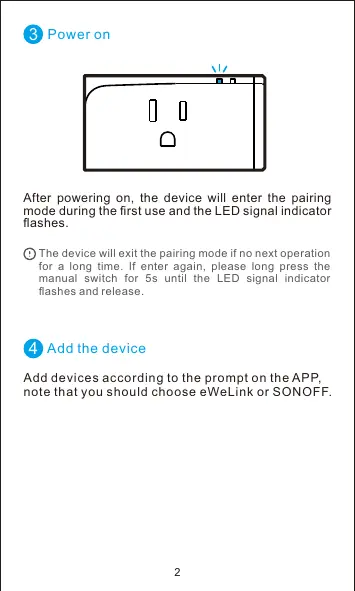
4 Add the device
3 Power on
After powering on, the device will enter the pairing
mode during the first use and the LED signal indicator
flashes.
The device will exit the pairing mode if no next operation
for a long time. If enter again, please long press the
manual switch for 5s until the LED signal indicator
flashes and release.
Add devices according to the prompt on the APP,
note that you should choose eWeLink or SONOFF.
2
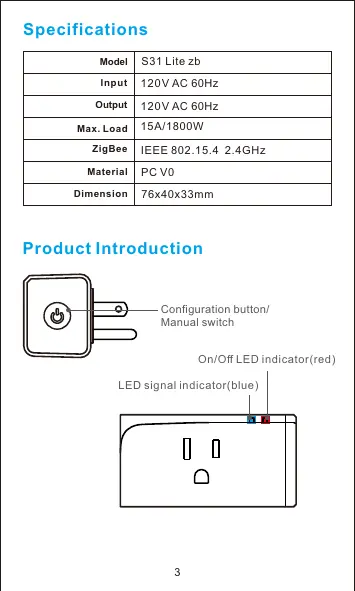
S31 Lite zb
PC V0
76x40x33mm
120V AC 60Hz
120V AC 60Hz
Model
Input
Output
Dimension
Material
Specifications
15A/1800WMax. Load
Product Introduction
Configuration button/
Manual switch
On/Off LED indicator(red)
LED signal indicator(blue)
3
ZigBee IEEE 802.15.4 2.4GHz
Factory Reset
Long press the conguration button for 5s until the
LED signal indicator ashes and release,then the
reset is successful. The device enterspairing mode.
If pair the device with hub again, please reset thedevice
to factory default.
Features
Remote Control
Share Control
Timing Schedule
LAN Control
Voice Control
S31 Lite zb is a smart Plug that adopts ZigBee wireless
protocol and connect to your internet through the
ZigBee hub. You can turnon/off, schedule on/off and
share the device with your family to control together
and so on.
4
Smart Scene
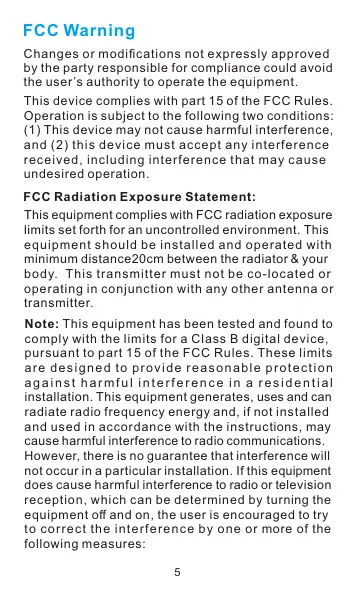
Note: This equipment has been tested and found to
comply with the limits for a Class B digital device,
pursuant to part 15 of the FCC Rules. These limits
are designed to provide reasonable protection
a g a i n st ha rmful i n terfere nce i n a re side nti a l
installation. This equipment generates, uses and can
radiate radio frequency energy and, if not installed
and used in accordance with the instructions, may
cause harmful interference to radio communications.
However, there is no guarantee that interference will
not occur in a particular installation. If this equipment
does cause harmful interference to radio or television
reception, which can be determined by turning the
equipment off and on, the user is encouraged to try
to correct the interference by one or more of the
following measures:
FCC Radiation Exposure Statement:
This equipment complies with FCC radiation exposure
limits set forth for an uncontrolled environment. This
equipment should be installed and operated with
minimum distance20cm between the radiator& your
body. This transmitter must not be co-located or
operating in conjunction with any other antenna or
transmitter.
This device complies with part 15 of t...