
SVDC02 Reset & Teardown (FCC ID 2AKIT-SVDC02)
Factory reset and internal photos for Aqara (Lumi United) SVDC02. Aqara Zigbee smart plug.
January 16, 2026
•
10 read
Before you buy the Aqara (Lumi United) SVDC02, check what's inside.
This is the Aqara Smart Video Doorbell G4, a battery-powered doorbell that communicates via Zigbee to a Wi-Fi connected Chime Repeater. It integrates with the Aqara Home app for smart home functionality.
⚠️ NOTE: Ensure correct battery polarity for the doorbell module. The Chime Repeater requires a stable 5V power supply.
Quick Specs
- Manufacturer: Aqara (Lumi United)
- Model: SVDC02
- Protocol: Zigbee
- Chipset: Zigbee SoC
- Ecosystem: Aqara Zigbee
- App: Aqara Home
🔧 Geek Corner (Flashing Info)
- Chipset: Unknown
- Flashable: ❌ No
- Info: Proprietary Aqara/Lumi chipset designed for their ecosystem; not intended for custom firmware.
User Manual
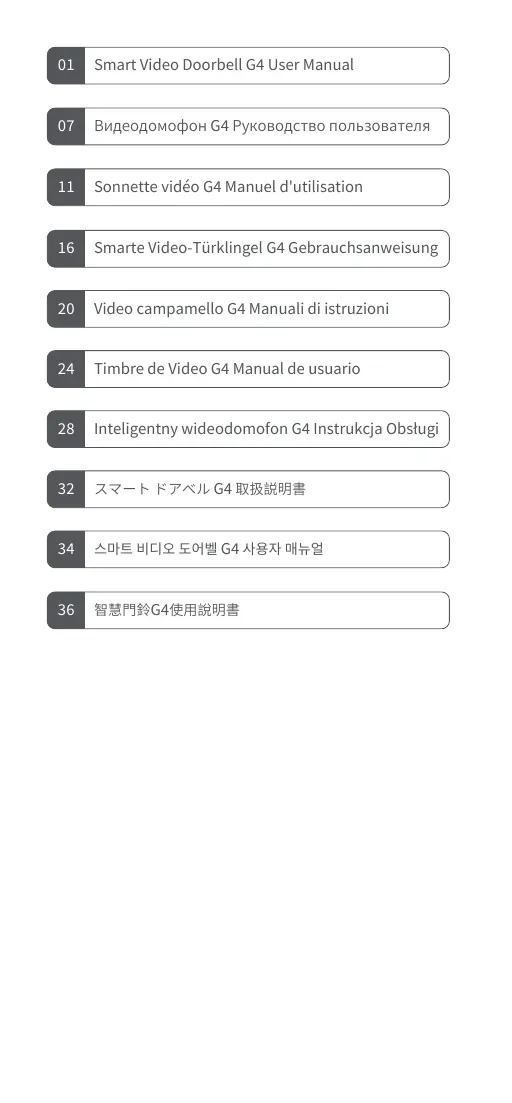
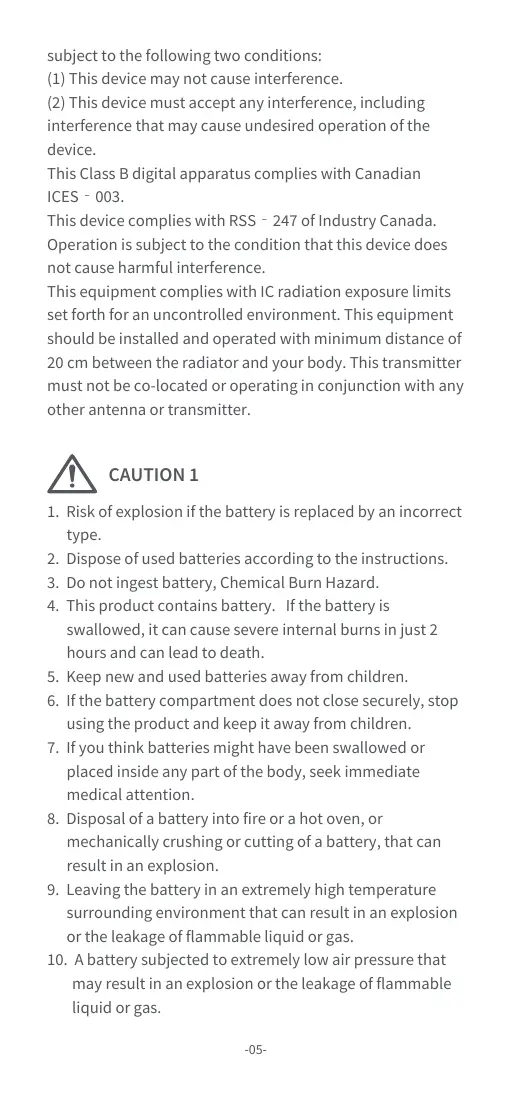
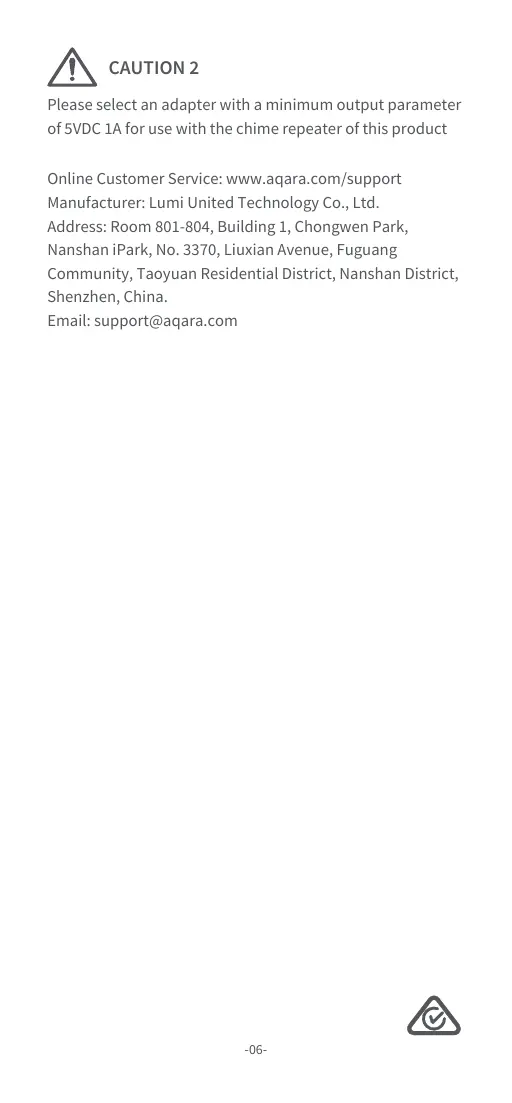
Scanned pages from the official user manual:

External Photos
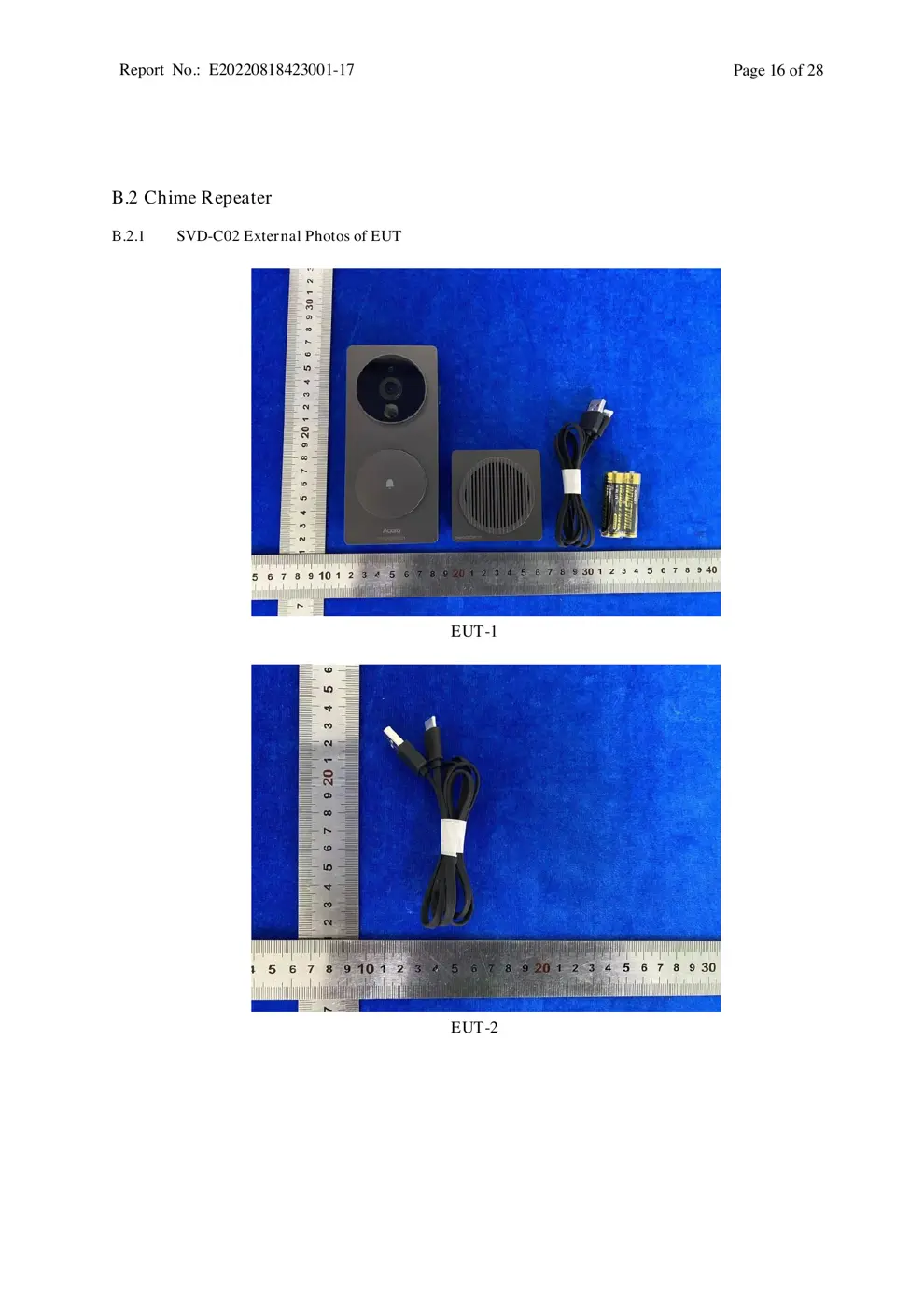
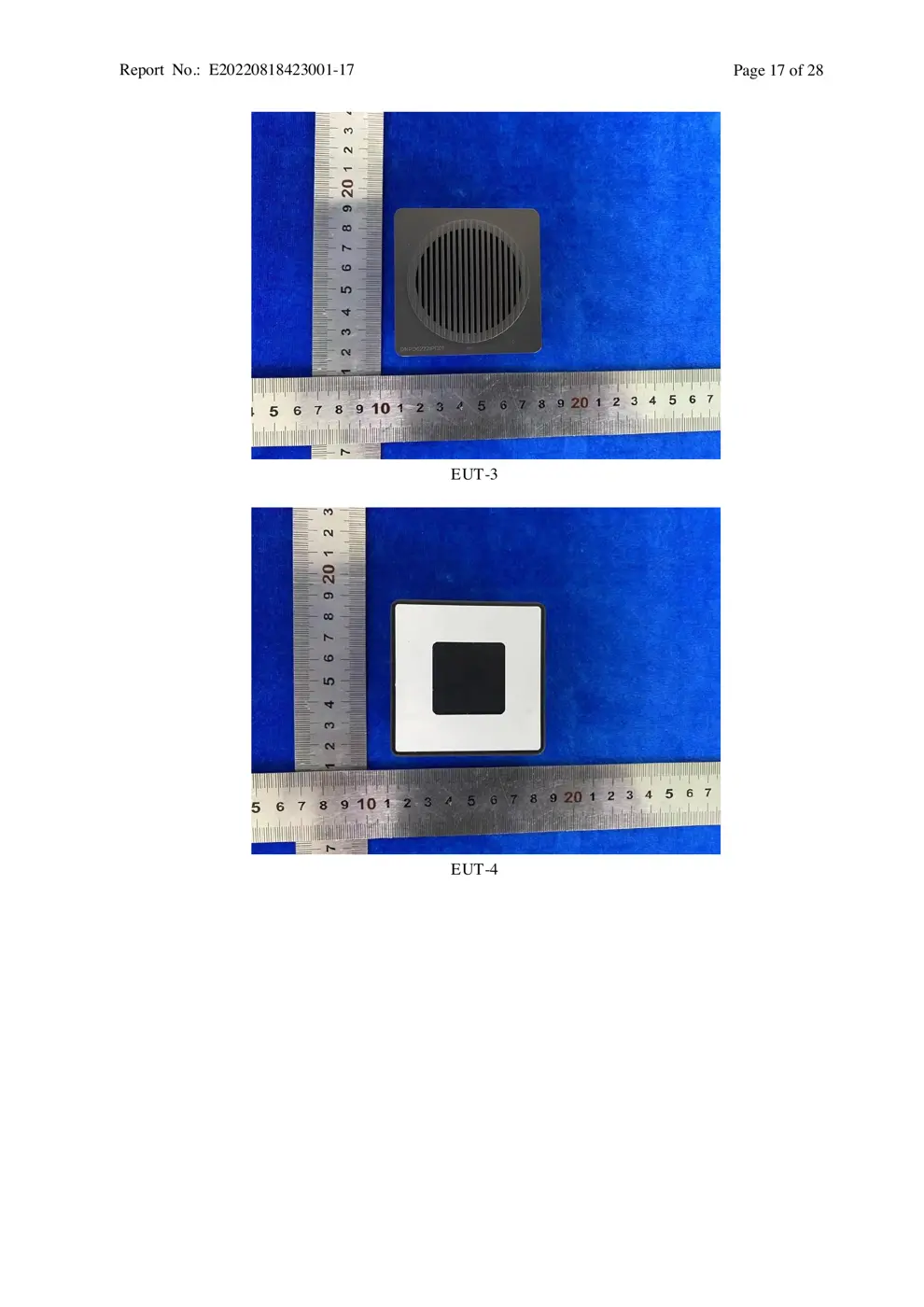
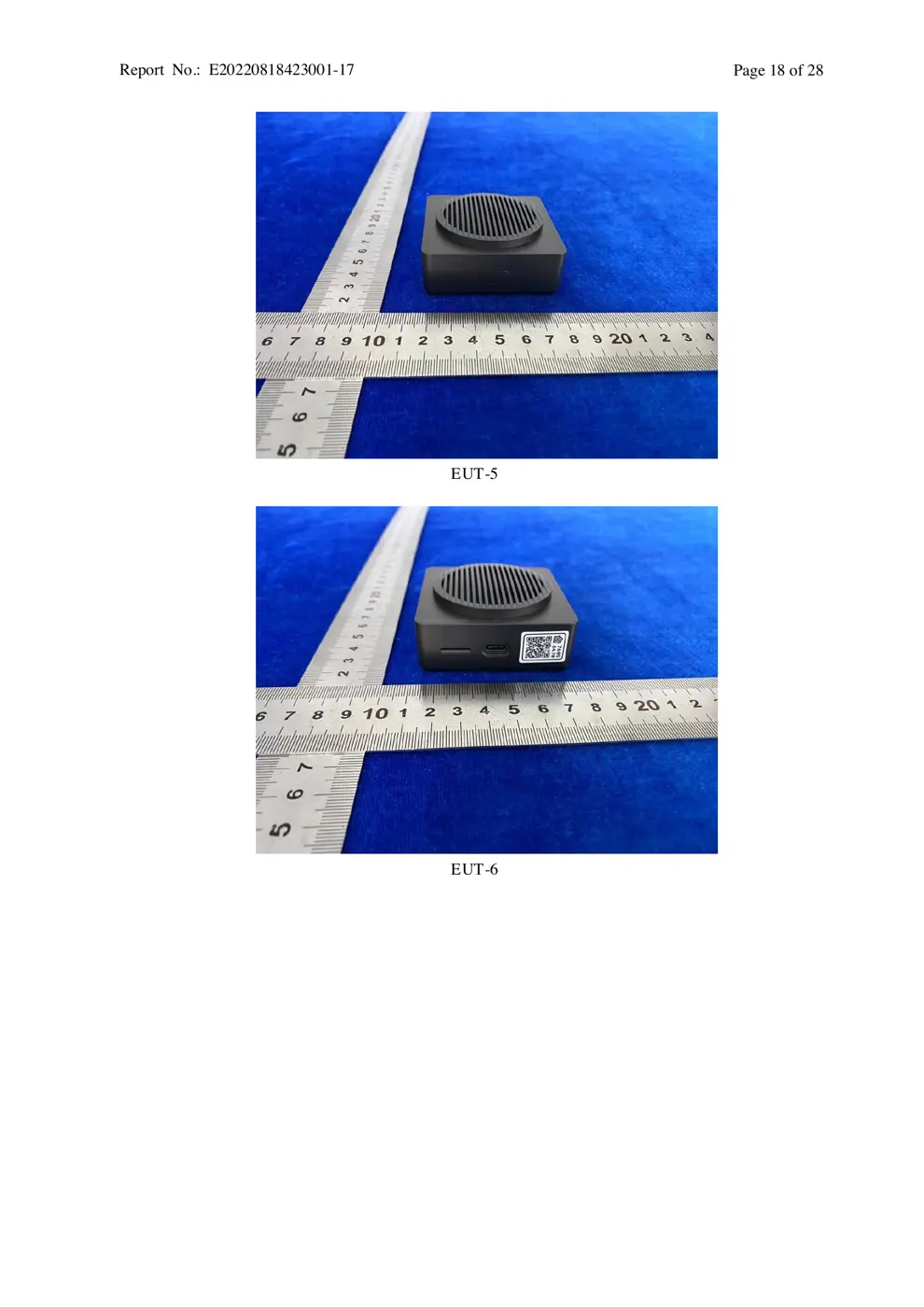
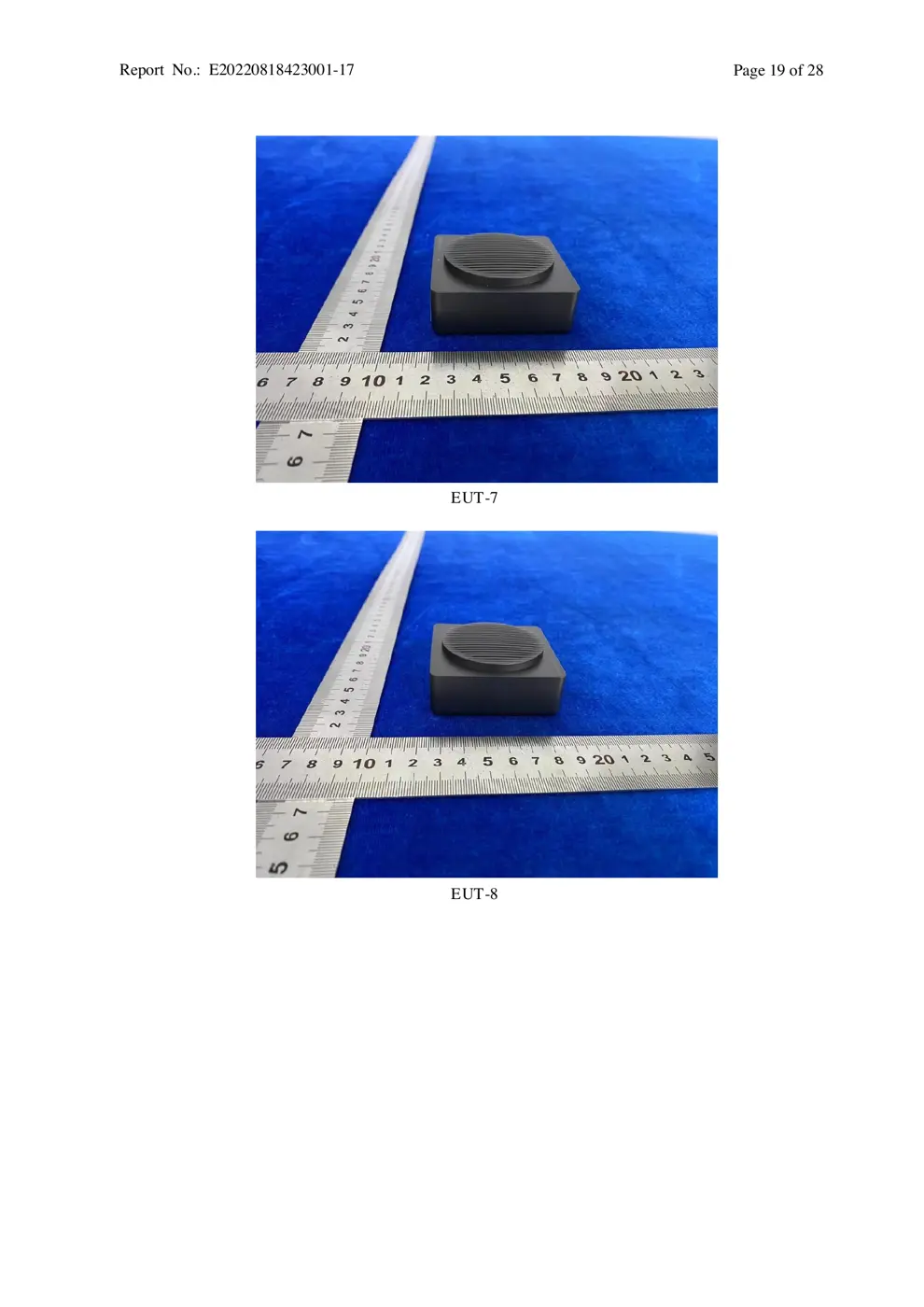
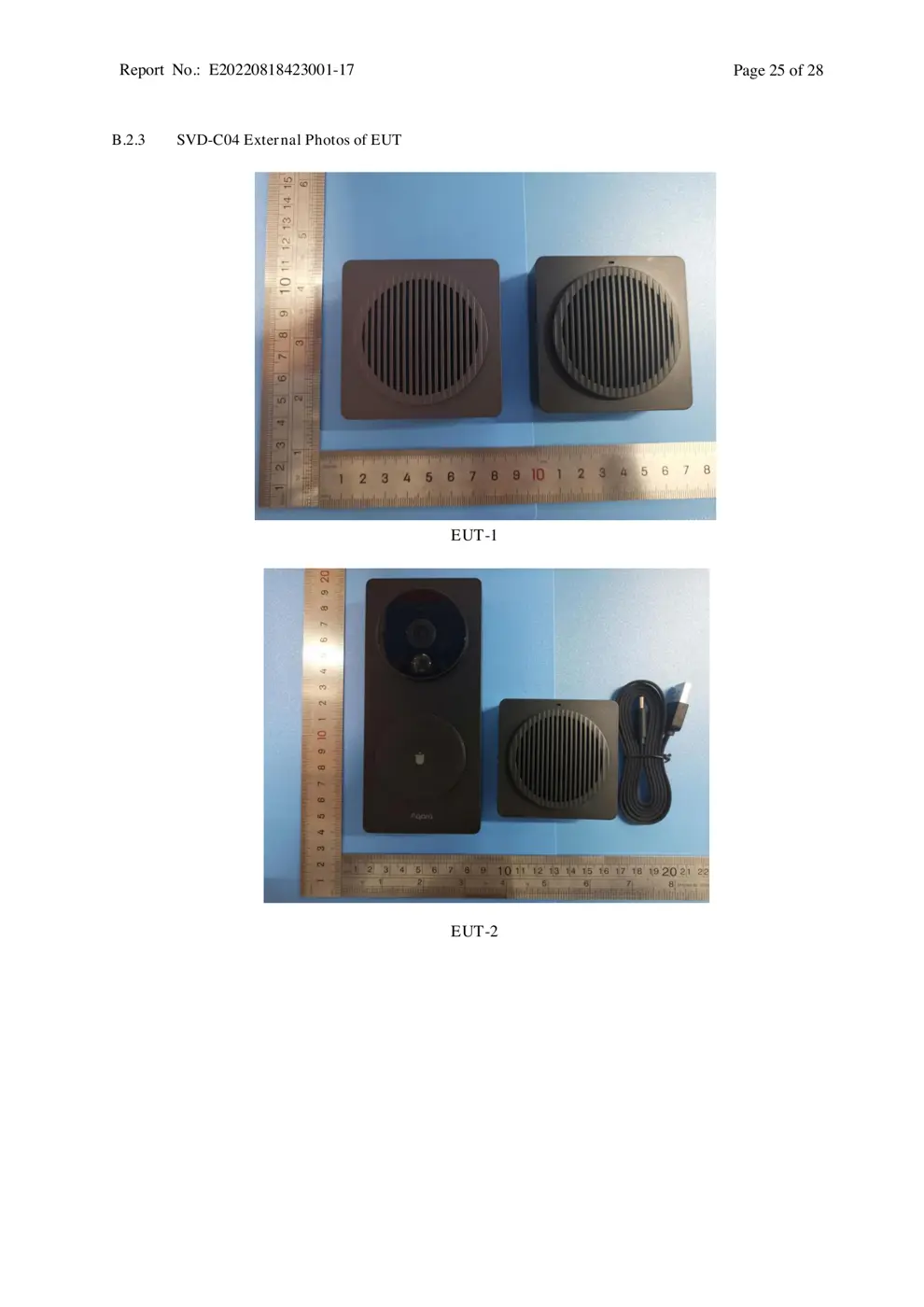
Photos of the device exterior:
Internal Photos
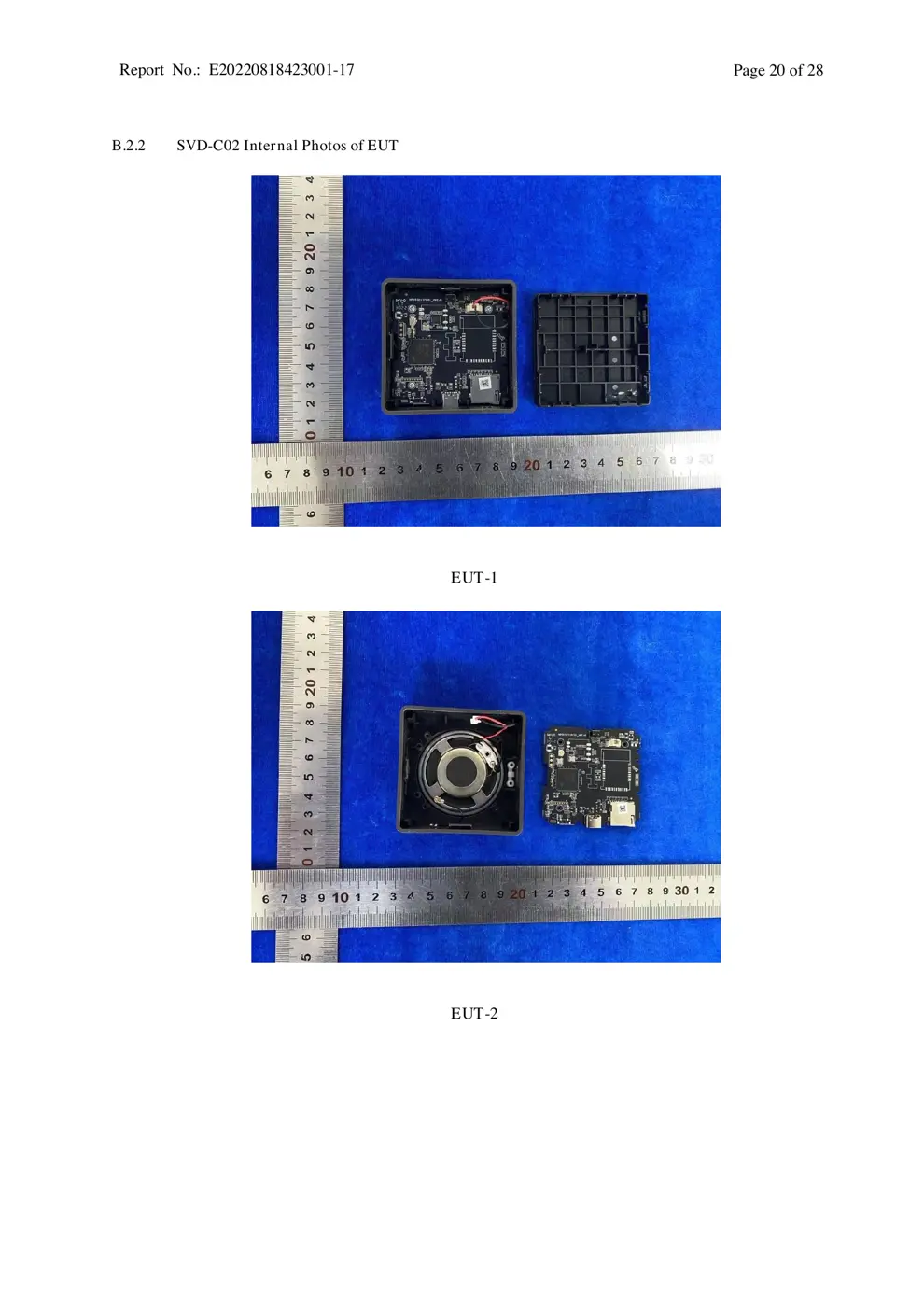
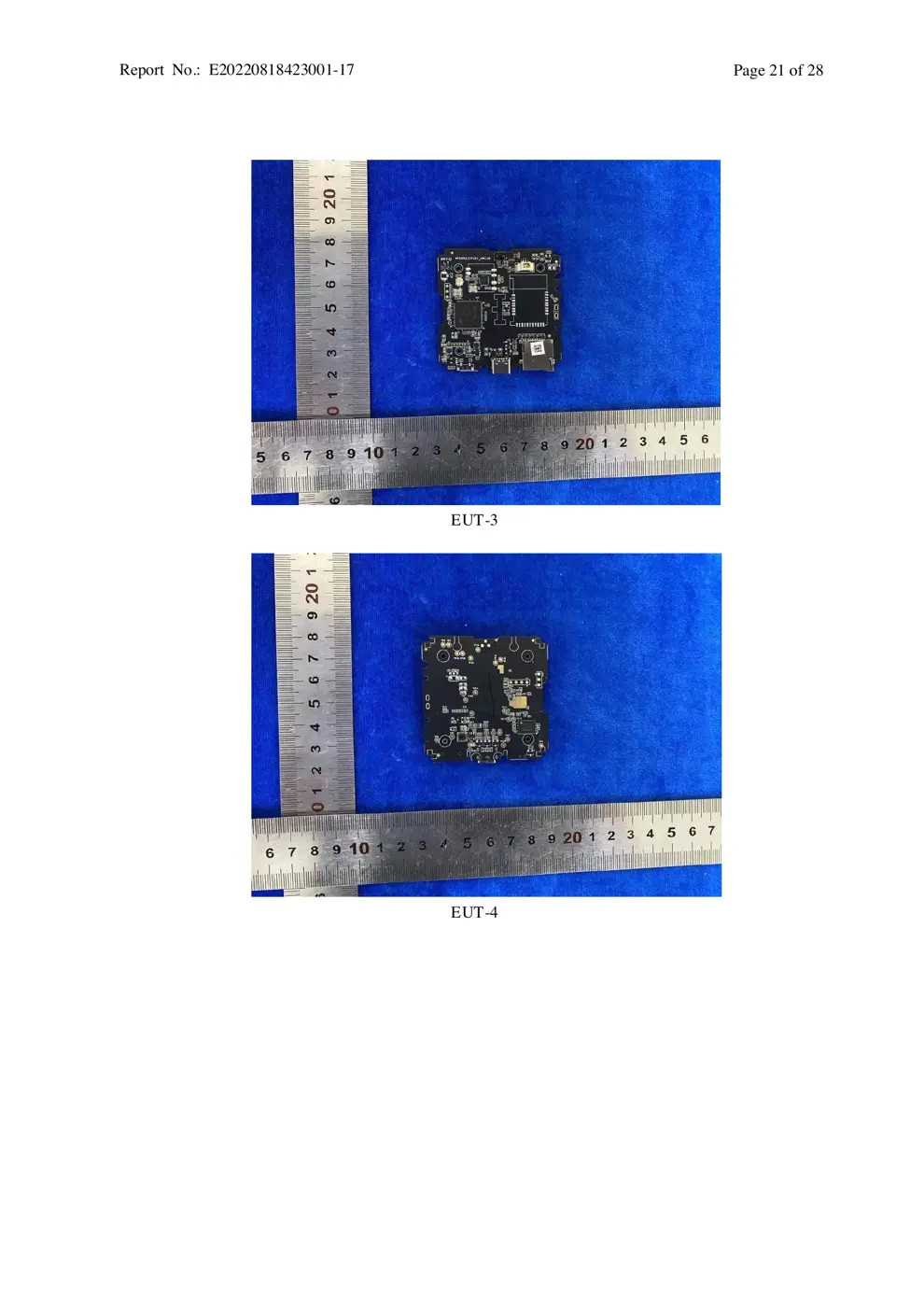
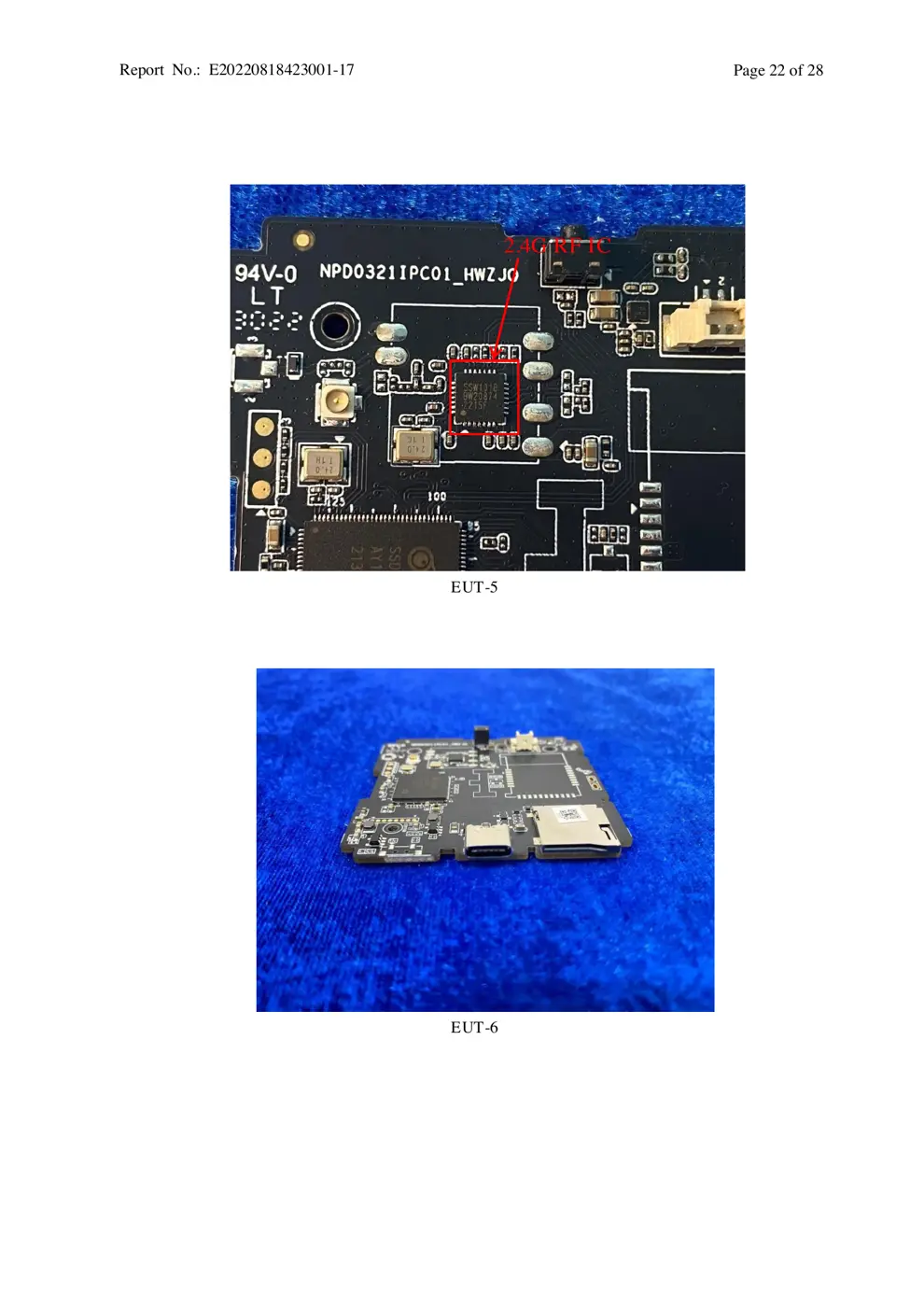
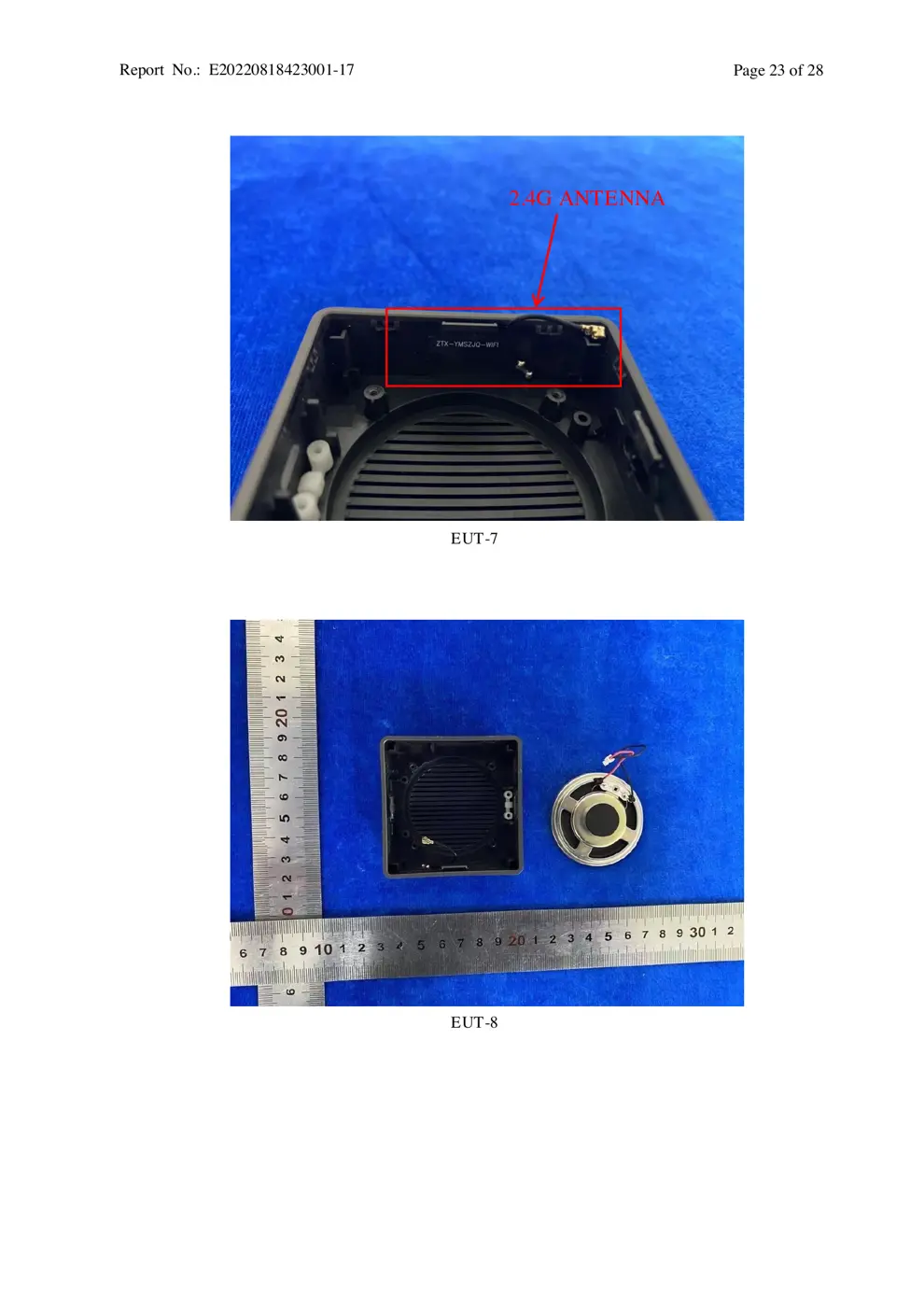
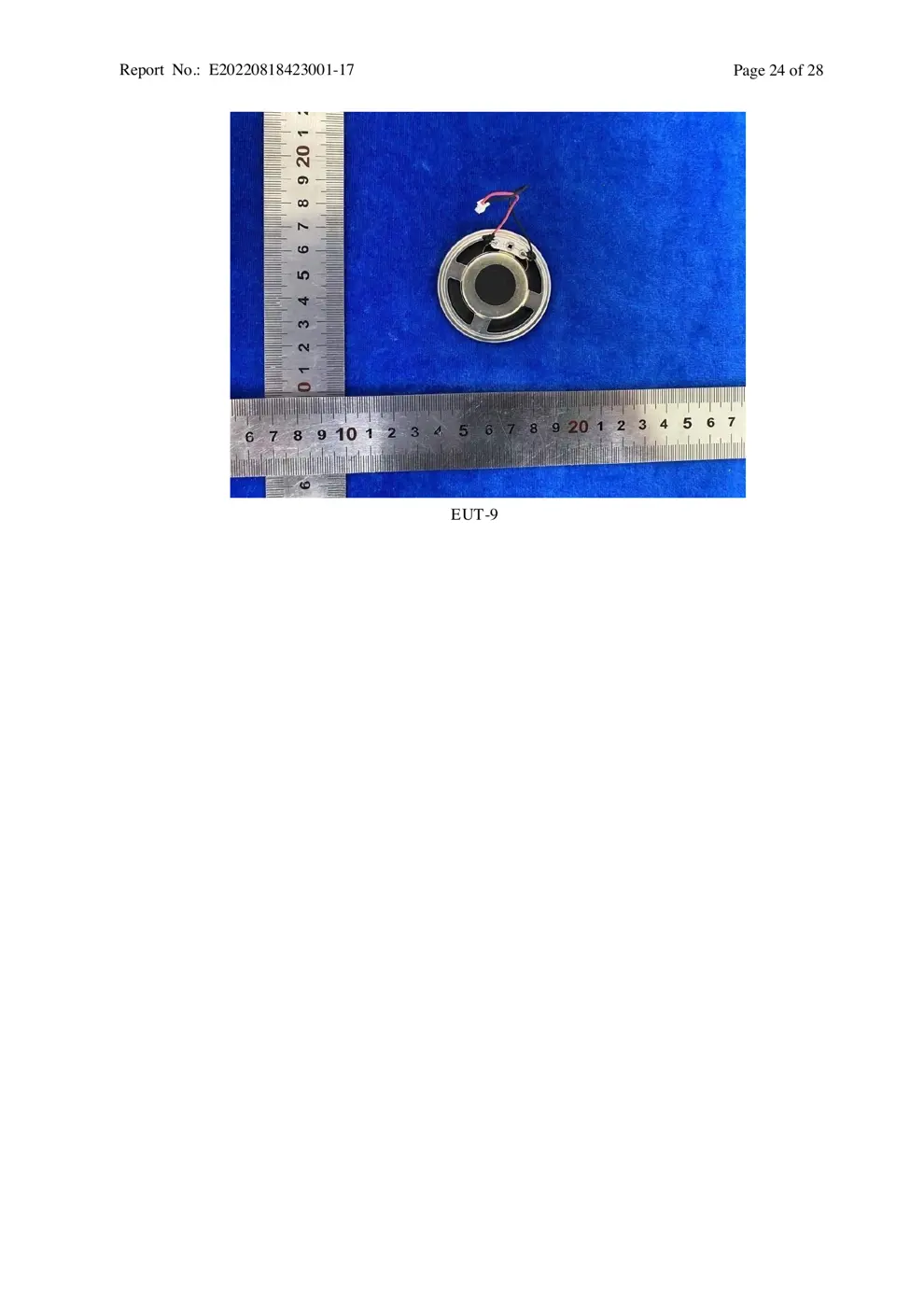
Teardown photos showing the PCB and components:
Verdict
The SVDC02 is a Zigbee device from the Aqara Zigbee ecosystem.
📄 Click to view full text manual (SEO)
Ԅժğ65*140mm
ğ%
ğV4
ğpantone cool gray 11c

User Manual
Smart Video Doorbell G4 User Manual
Please read this manual carefully and keep it
Smart Video Doorbell G4 User Manual01
Sonnette vidéo G4 Manuel d'utilisation11
Smarte Video-Türklingel G4 Gebrauchsanweisung16
Video campamello G4 Manuali di istruzioni20
Timbre de Video G4 Manual de usuario24
Inteligentny wideodomofon G4 Instrukcja Obsługi28
-01-
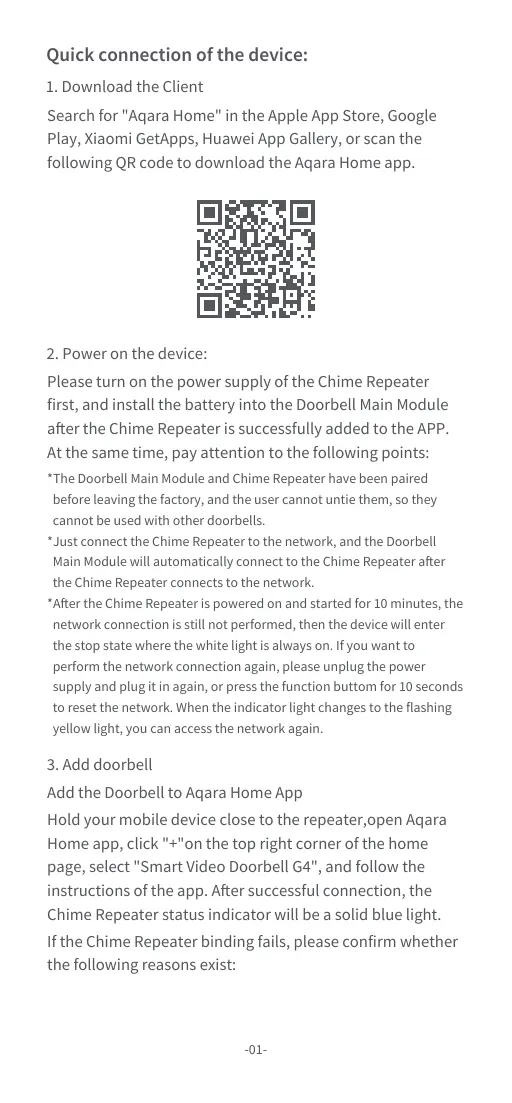
Quick connection of the device:
1. Download the Client
Search for "Aqara Home" in the Apple App Store, Google
Play, Xiaomi GetApps, Huawei App Gallery, or scan the
following QR code to download the Aqara Home app.
2. Power on the device:
Please turn on the power supply of the Chime Repeater
first, and install the battery into the Doorbell Main Module
after the Chime Repeater is successfully added to the APP.
At the same time, pay attention to the following points:
3. Add doorbell
Add the Doorbell to Aqara Home App
Hold your mobile device close to the repeater,open Aqara
Home app, click "+"on the top right corner of the home
page, select "Smart Video Doorbell G4", and follow the
instructions of the app. After successful connection, the
Chime Repeater status indicator will be a solid blue light.
If the Chime Repeater binding fails, please confirm whether
the following reasons exist:
*The Doorbell Main Module and Chime Repeater have been paired
before leaving the factory, and the user cannot untie them, so they
cannot be used with other doorbells.
*Just connect the Chime Repeater to the network, and the Doorbell
Main Module will automatically connect to the Chime Repeater after
the Chime Repeater connects to the network.
*After the Chime Repeater is powered on and started for 10 minutes, the
network connection is still not performed, then the device will enter
the stop state where the white light is always on. If you want to
perform the network connection again, please unplug the power
supply and plug it in again, or press the function buttom for 10 seconds
to reset the network. When the indicator light changes to the flashing
yellow light, you can access the network again.
-02-
Hereby, [Lumi United Technology Co., Ltd] declares
EU Declaration of Conformity
that the radio equipment type [Smart Video
Doorbell G4 SVD-C01/SVD-C03 with Chime Repeater,
SVD-C02/SVD-C04] is in compliance with Directive
2014/53/EU. The full text of the EU declaration of
conformity is available at the following internet address:
https://www.aqara.com/DoC/
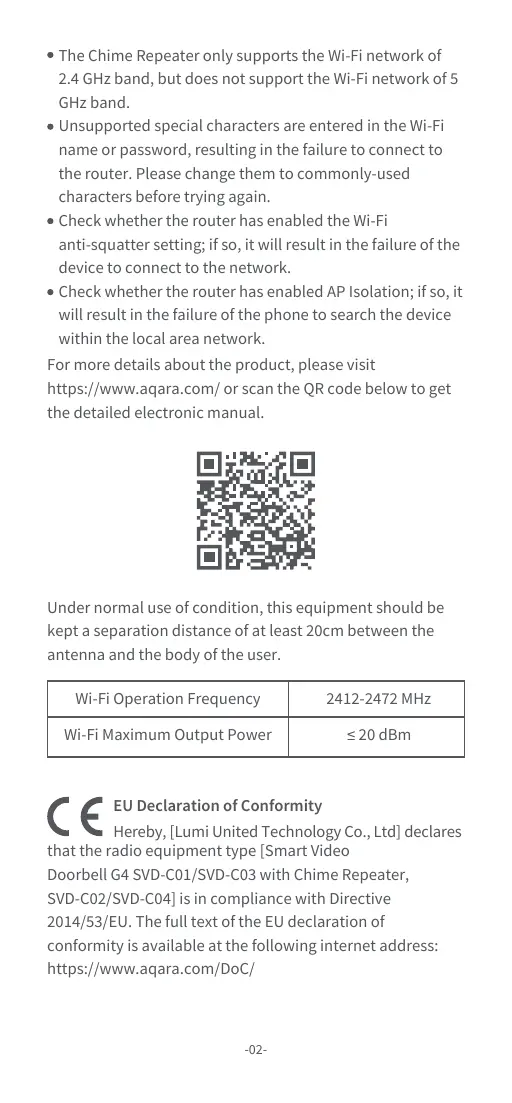
For more details about the product, please visit
https://www.aqara.com/ or scan the QR code below to get
the detailed electronic manual.
Under normal use of condition, this equipment should be
kept a separation distance of at least 20cm between the
antenna and the body of the user.
The Chime Repeater only supports the Wi-Fi network of
2.4 GHz band, but does not support the Wi-Fi network of 5
GHz band.
Unsupported special characters are entered in the Wi-Fi
name or password, resulting in...