
13ASBA806STQ1R Reset & Teardown (FCC ID 2AB2Q13ASBA806STQ1R)
Factory reset and internal photos for Broadlink 13ASBA806STQ1R. Broadlink smart plug.
January 16, 2026
•
10 read
Before you buy the Broadlink 13ASBA806STQ1R, check what's inside.
This device is a Broadlink Smart A19 Dimmable LED Light Bulb designed for use with Amazon Alexa. It connects via 2.4GHz WiFi and operates at 9W, offering soft white illumination.
⚠️ NOTE: Disconnect Mains power before installation or removal.
Quick Specs
- Manufacturer: Broadlink
- Model: 13ASBA806STQ1R
- Protocol: WiFi
- Chipset: Broadlink WiFi
- Ecosystem: Broadlink
- App: Broadlink App
🔧 Geek Corner (Flashing Info)
- Chipset: Unknown
- Flashable: ❌ No
- Info: Commercial smart bulbs like this are typically not designed to be flashed with custom firmware and may be difficult or impossible to flash.
User Manual
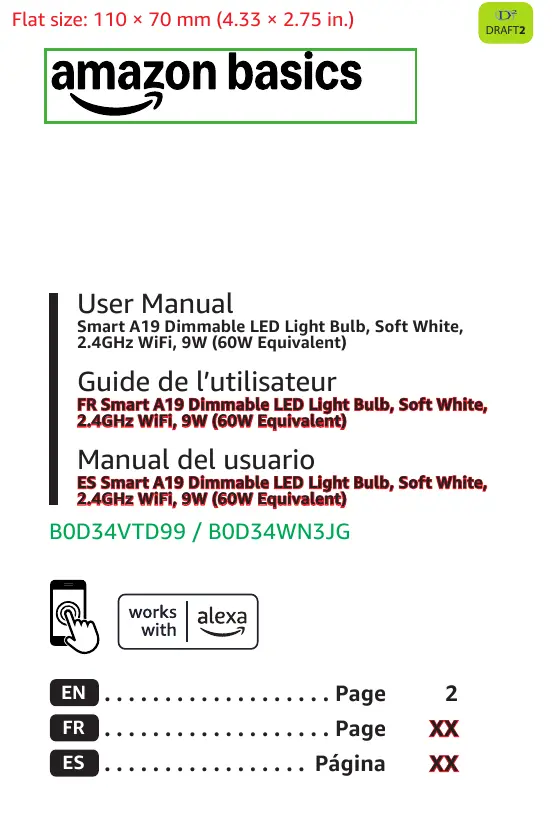
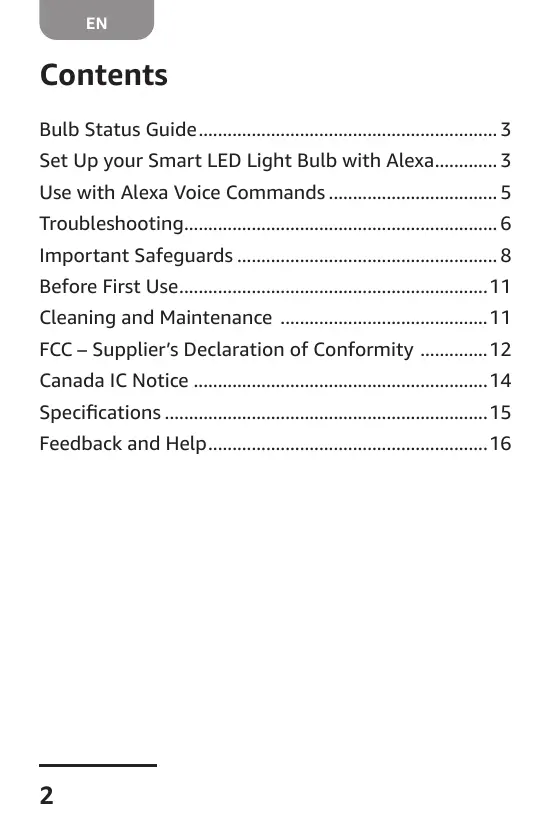
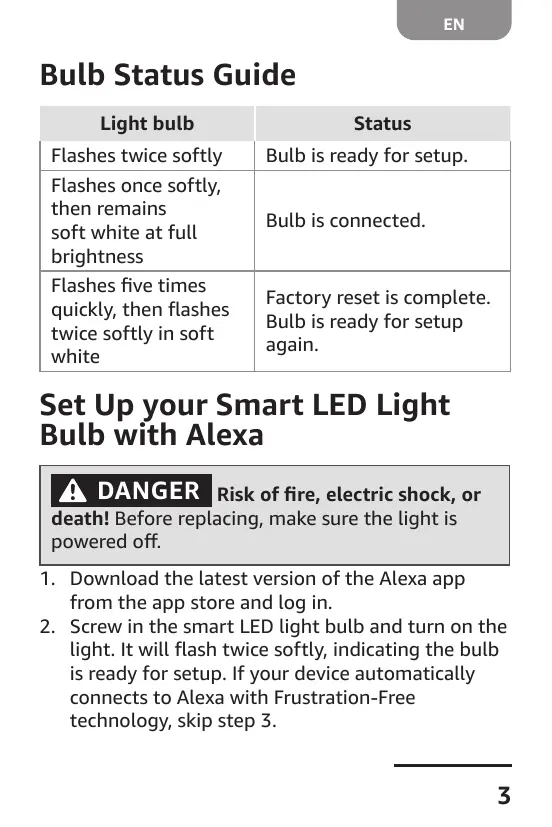
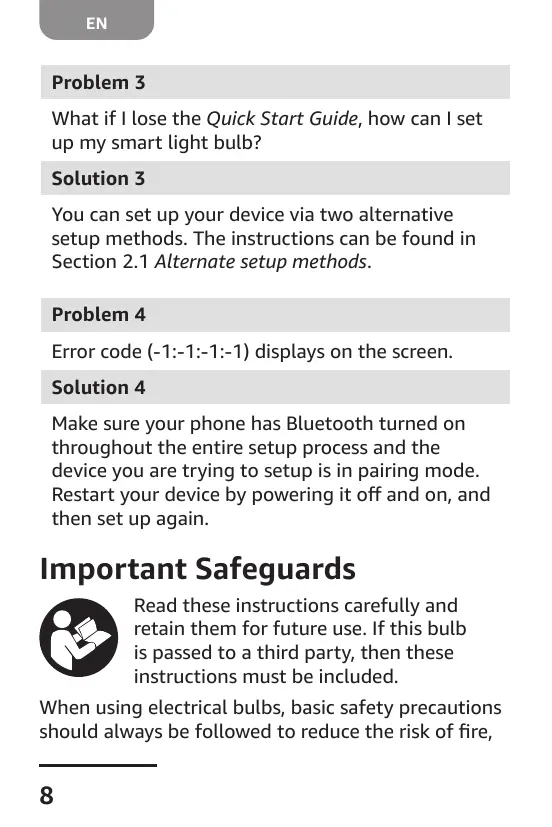
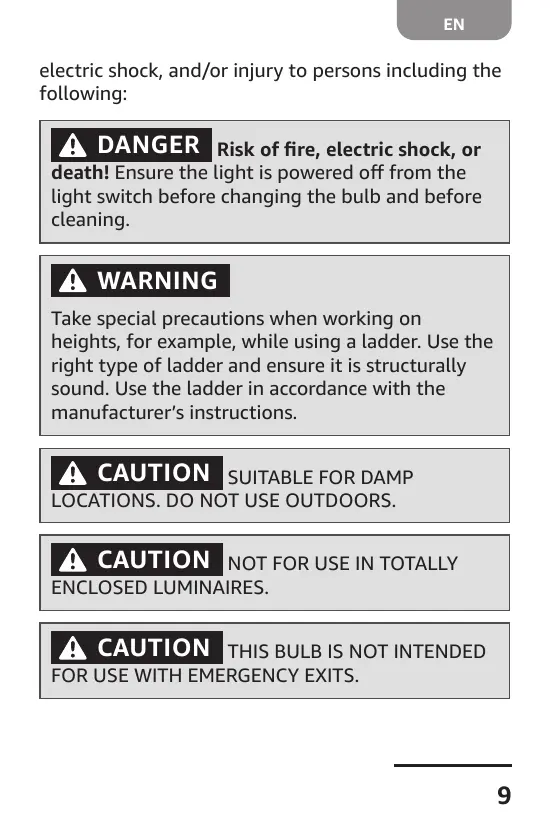
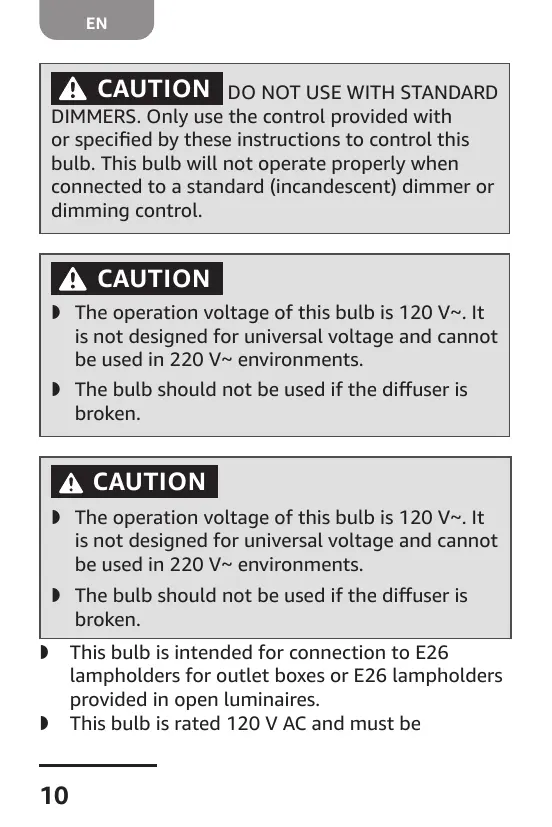
Scanned pages from the official user manual:
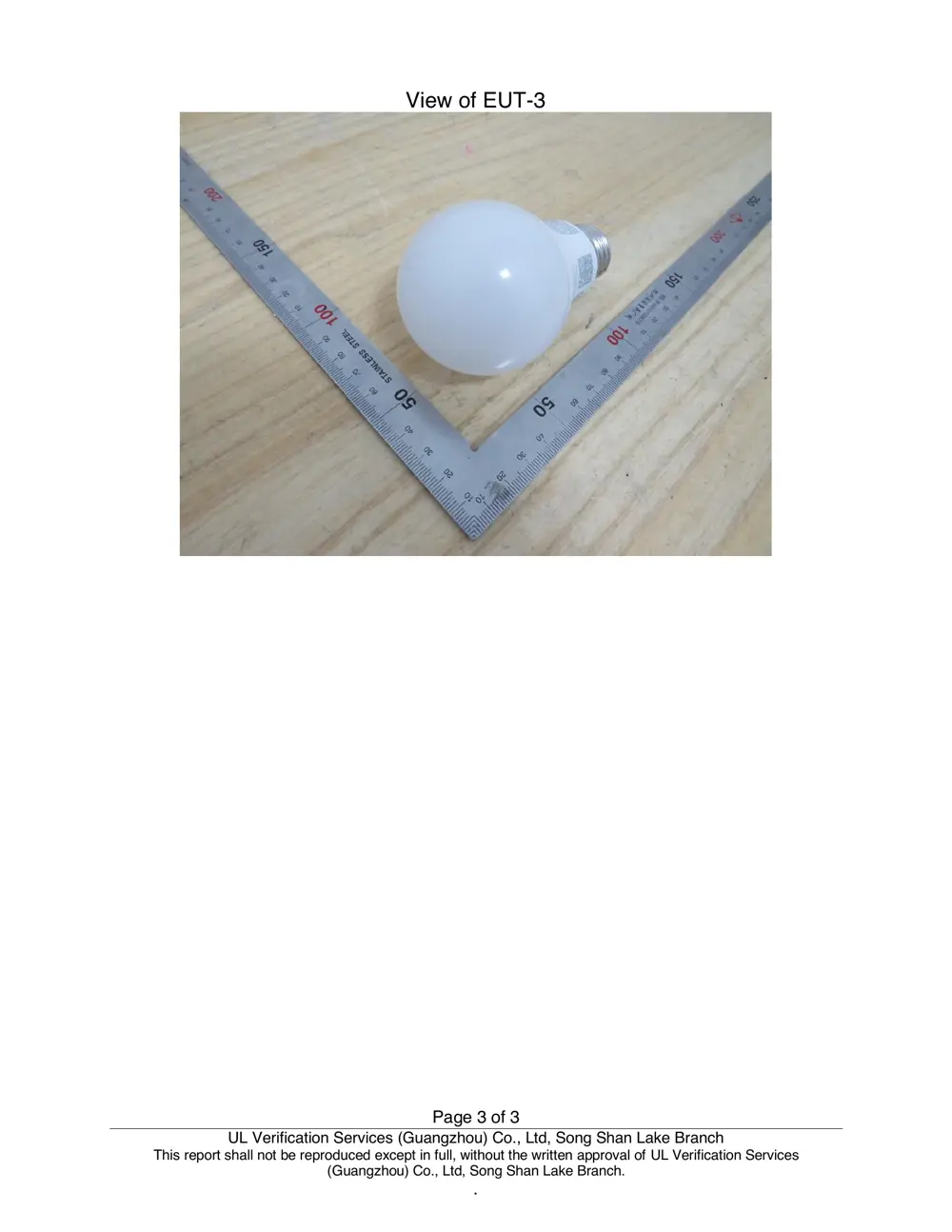
External Photos
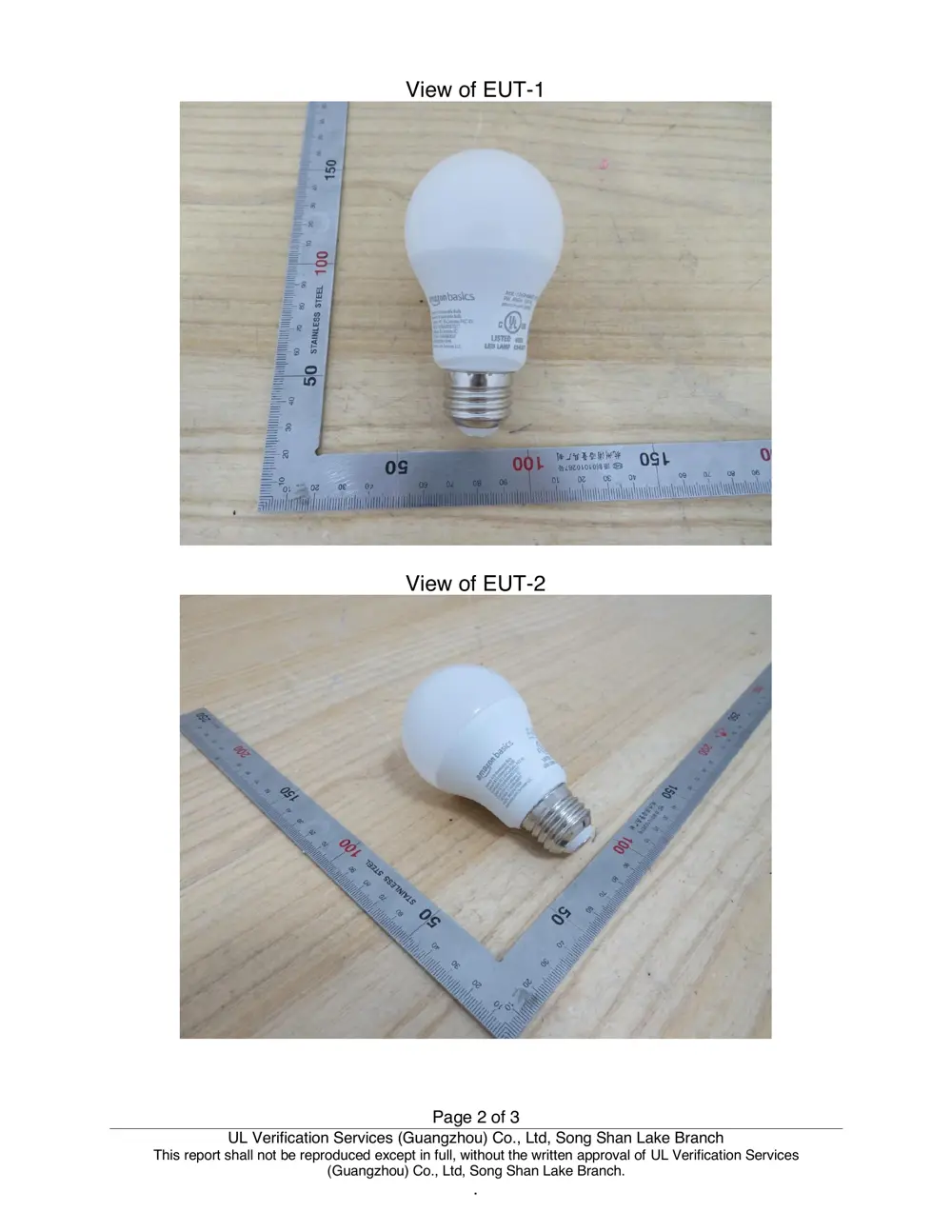
Photos of the device exterior:

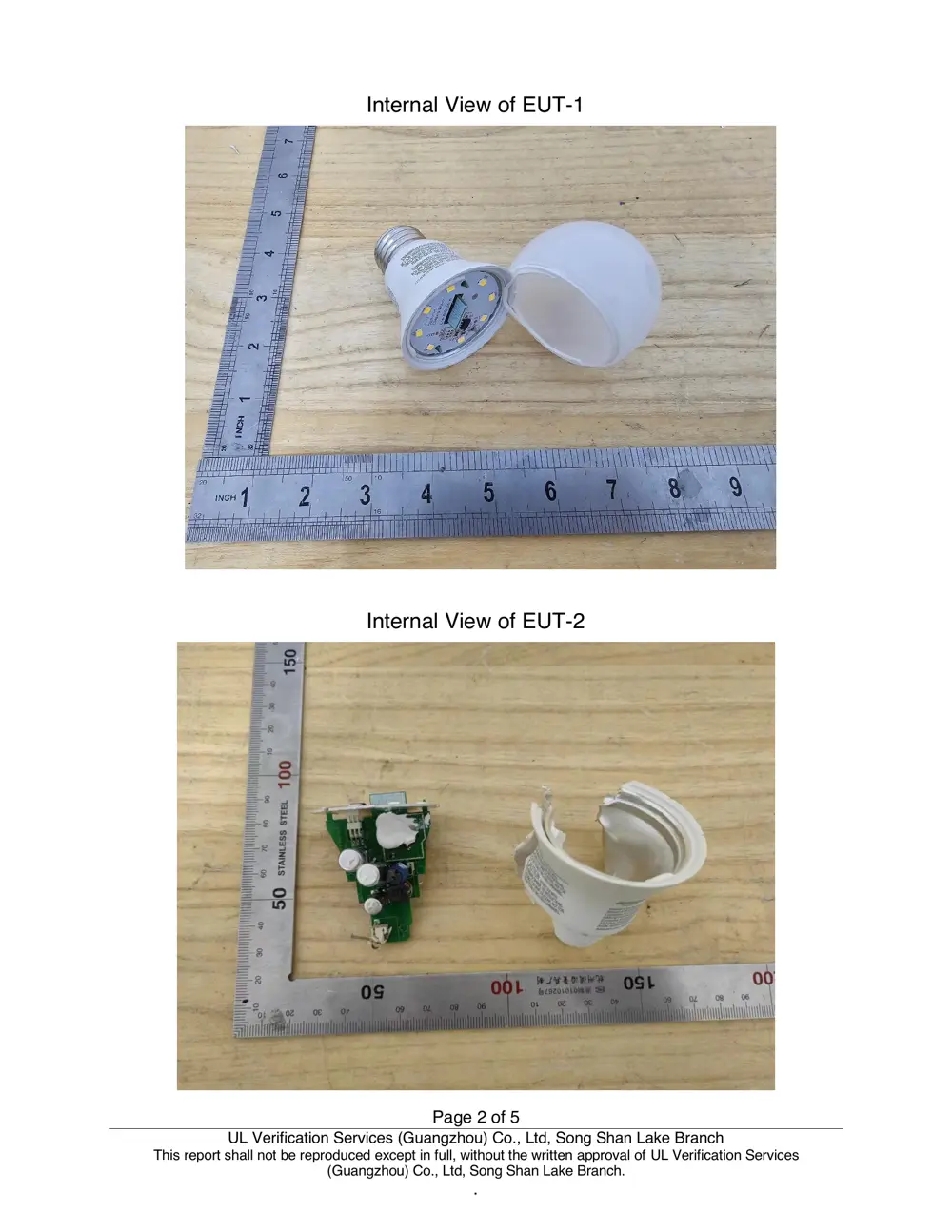
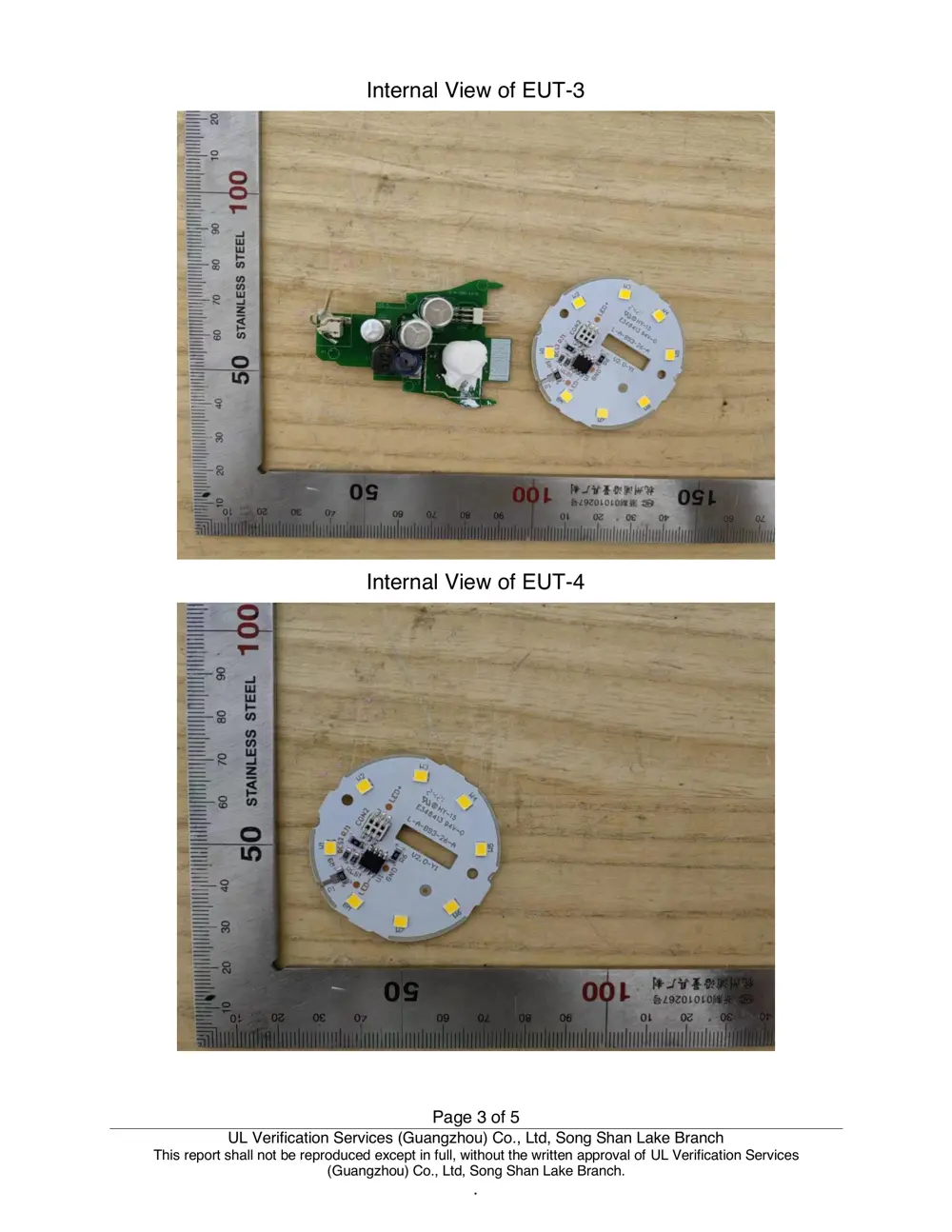
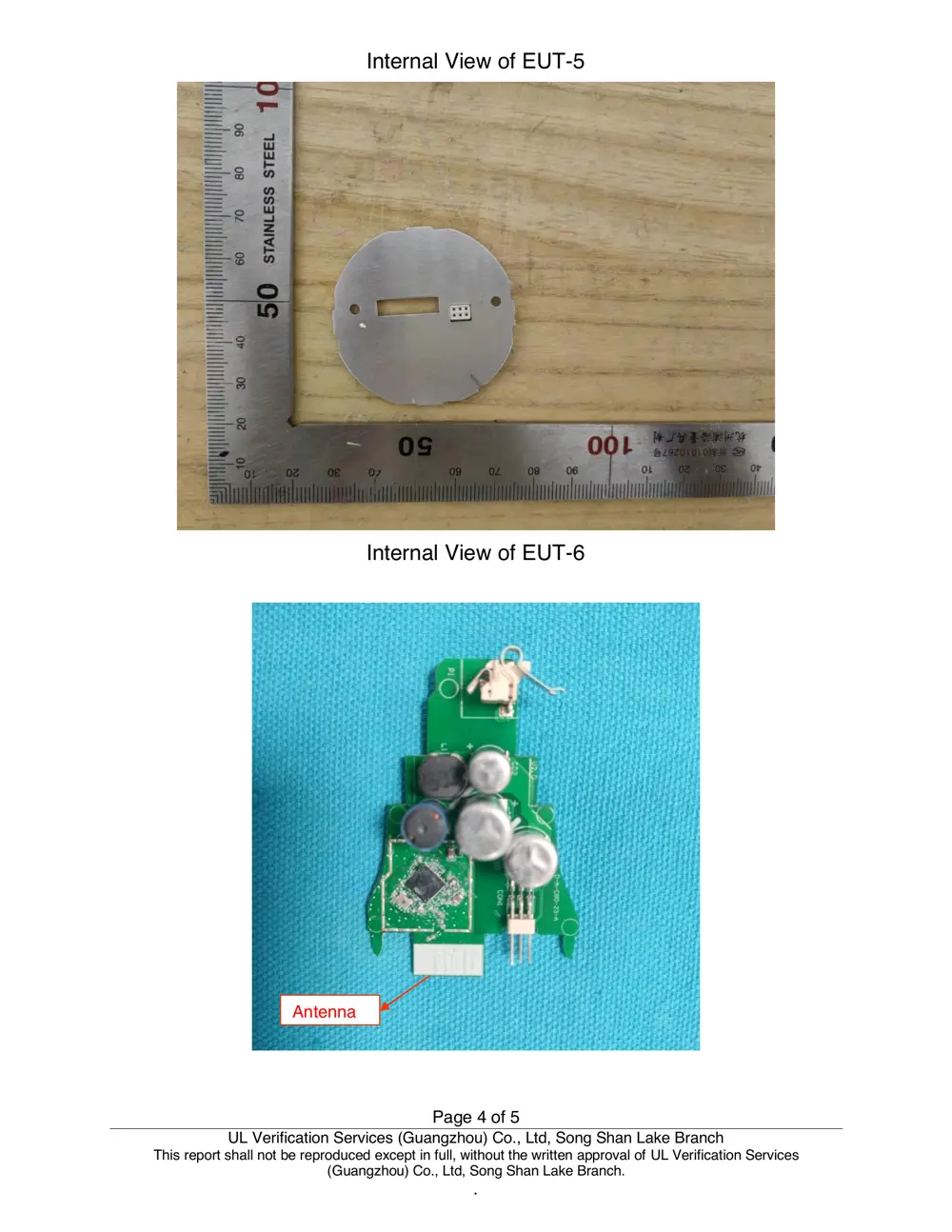
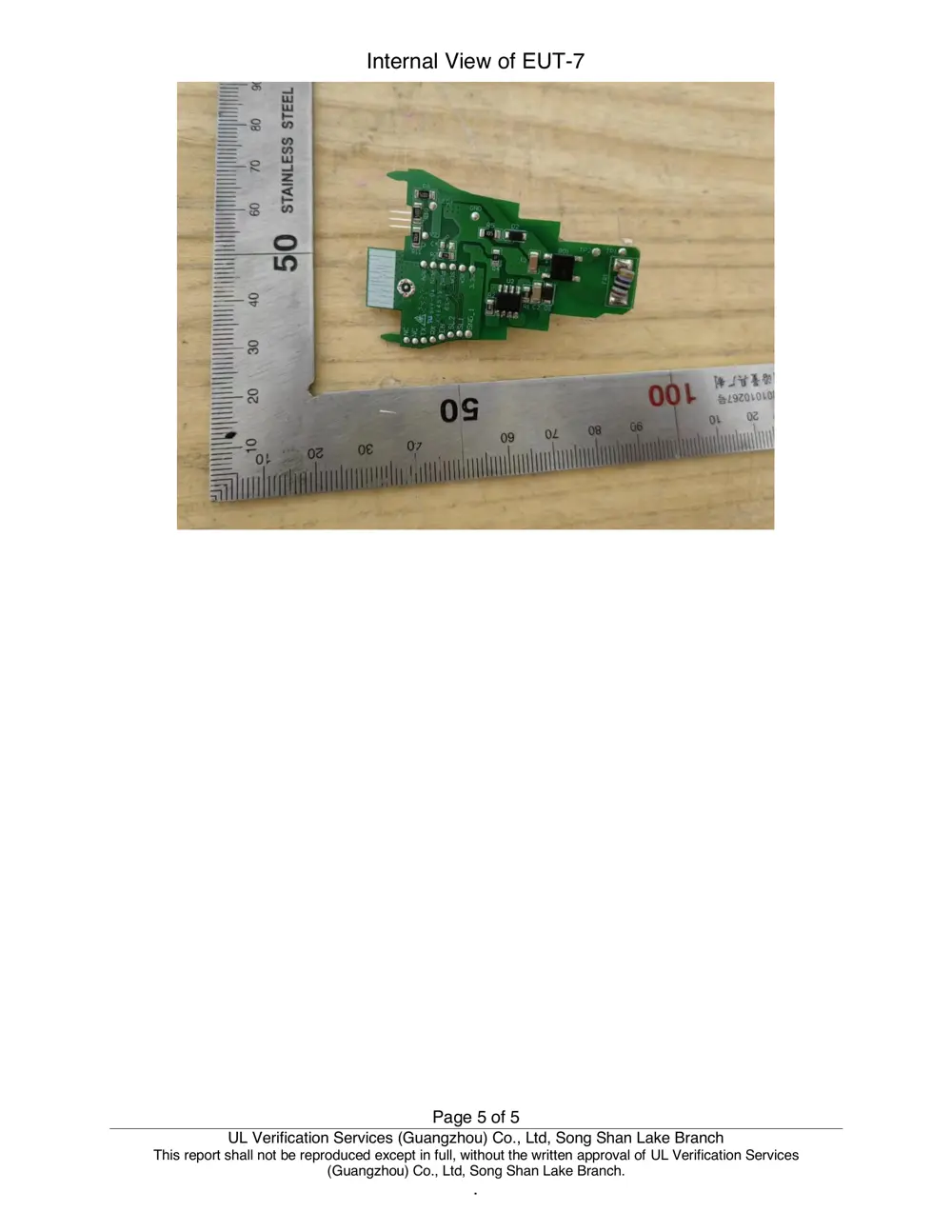
Internal Photos
Teardown photos showing the PCB and components:
Verdict
The 13ASBA806STQ1R is a WiFi device from the Broadlink ecosystem.
📄 Click to view full text manual (SEO)
Flat size: 110 × 70 mm (4.33 × 2.75 in.)
User Manual
Smart A19 Dimmable LED Light Bulb, Soft White,
2.4GHz WiFi, 9W (60W Equivalent)
Guide de l’utilisateur
FR Smart A19 Dimmable LED Light Bulb, Soft White, FR Smart A19 Dimmable LED Light Bulb, Soft White,
2.4GHz WiFi, 9W (60W Equivalent)2.4GHz WiFi, 9W (60W Equivalent)
Manual del usuario
ES Smart A19 Dimmable LED Light Bulb, Soft White, ES Smart A19 Dimmable LED Light Bulb, Soft White,
2.4GHz WiFi, 9W (60W Equivalent)2.4GHz WiFi, 9W (60W Equivalent)
B0D34VTD99 / B0D34WN3JG
EN . . . . . . . . . . . . . . . . . . . Page 2
FR . . . . . . . . . . . . . . . . . . . Page XXXX
ES . . . . . . . . . . . . . . . . . Página XXXX
2
EN
Set Up your Smart LED Light Bulb with Alexa �������������3
 FCC – Supplier’s Declaration of Conformity ��������������12
Contents
3
EN
 Bulb Status Guide
Light bulb Status
Flashes twice softly Bulb is ready for setup�
Flashes once softly,
then remains
soft white at full
brightness
Bulb is connected�
Flashesfivetimes
quickly,thenflashes
twice softly in soft
white
Factory reset is complete�
Bulb is ready for setup
again�
Set Up your Smart LED Light
Bulb with Alexa
DANGER Risk of fire, electric shock, or
death! Before replacing, make sure the light is
poweredoff.
1� DownloadthelatestversionoftheAlexaapp
from the app store and log in�
2� Screw in the smart LED light bulb and turn on the
light.Itwillflashtwicesoftly,indicatingthebulb
isreadyforsetup.Ifyourdeviceautomatically
connects to Alexa with Frustration-Free
technology, skip step 3�
4
EN
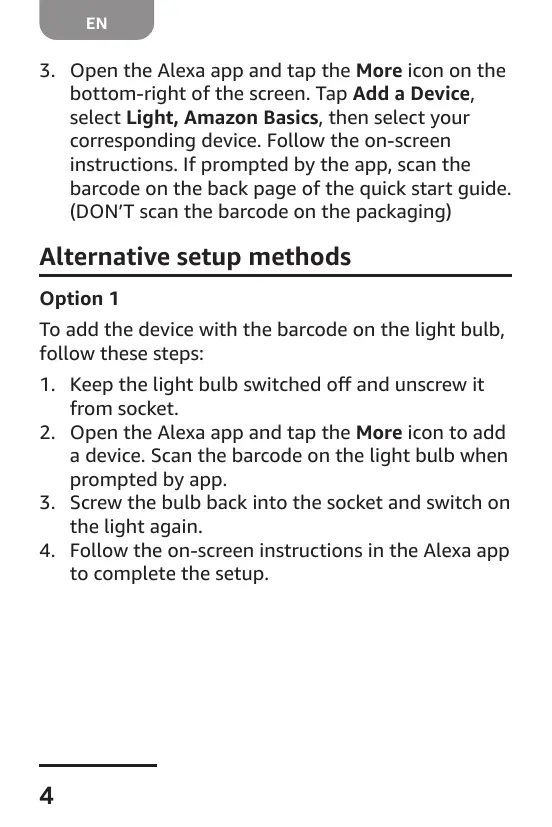
3� Open the Alexa app and tap the More icon on the
bottom-right of the screen� Tap Add a Device,
select Light, Amazon Basics, then select your
correspondingdevice.Followtheon-screen
instructions� If prompted by the app, scan the
barcode on the back page of the quick start guide�
(DON’T scan the barcode on the packaging)
Alternative setup methods
Option 1
Toaddthedevicewiththebarcodeonthelightbulb,
follow these steps:
1� Keepthelightbulbswitchedoffandunscrewit
from socket�
2� Open the Alexa app and tap the More icon to add
adevice.Scanthebarcodeonthelightbulbwhen
prompted by app�
3� Screw the bulb back into the socket and switch on
the light again�
4� Follow the on-screen instructions in the Alexa app
to complete the setup�
5
EN
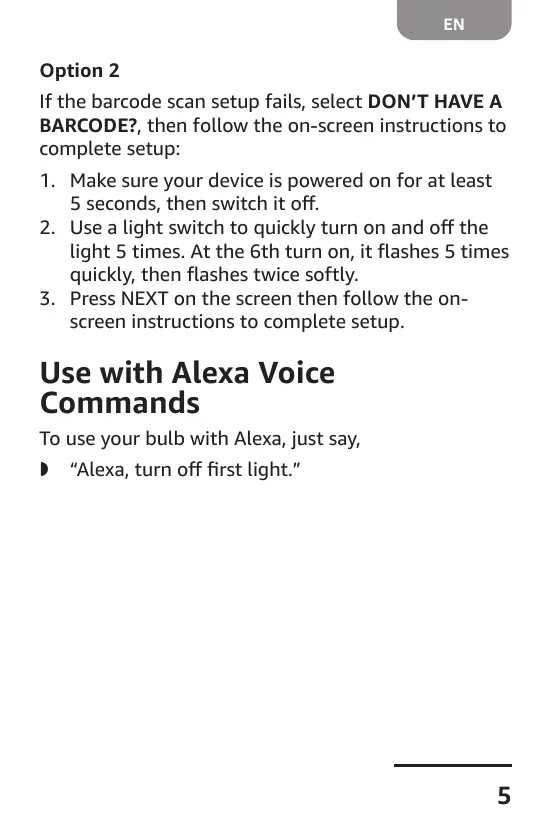
Option 2
If the barcode scan setup fails, select DON’T HAVE A
BARCODE?, then follow the on-screen instructions to
complete setup:
1� Makesureyourdeviceispoweredonforatleast
5seconds,thenswitchitoff.
2� Usealightswitchtoquicklyturnonandoffthe
light5times.Atthe6thturnon,itflashes5times
quickly,thenflashestwicesoftly.
3� Press NEXT on the screen then follow the on-
screen instructions to complete setup�
Use with Alexa Voice
Commands
To use your bulb with Alexa, just say,
 » “Alexa,turnofffirstlight.”

6
EN
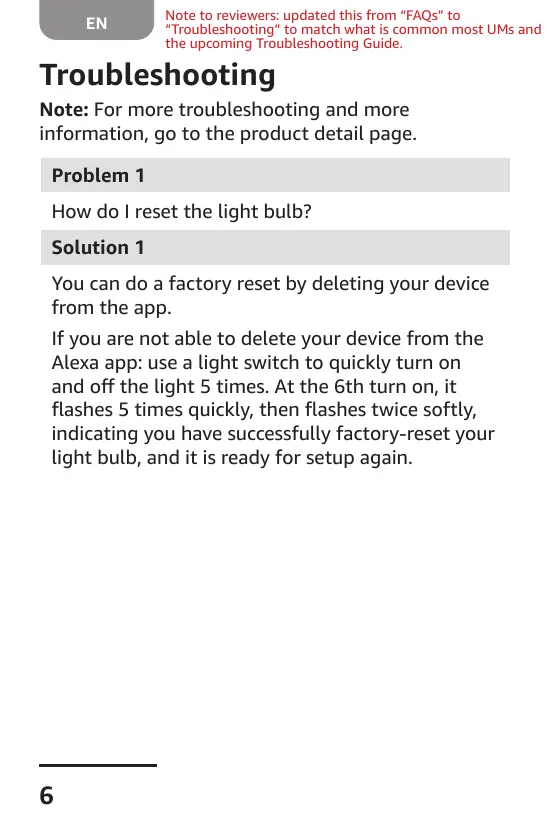
Troubleshooting
Note: For more troubleshooting and more
information, go to the product detail page�
Problem 1
How do I reset the light bulb?
Solution 1
Youcandoafactoryresetbydeletingyourdevice...