
CDM03D Reset & Teardown (FCC ID 2AKIT-CDM03D)
Factory reset and internal photos for Aqara (Lumi United) CDM03D. Aqara Zigbee smart plug.
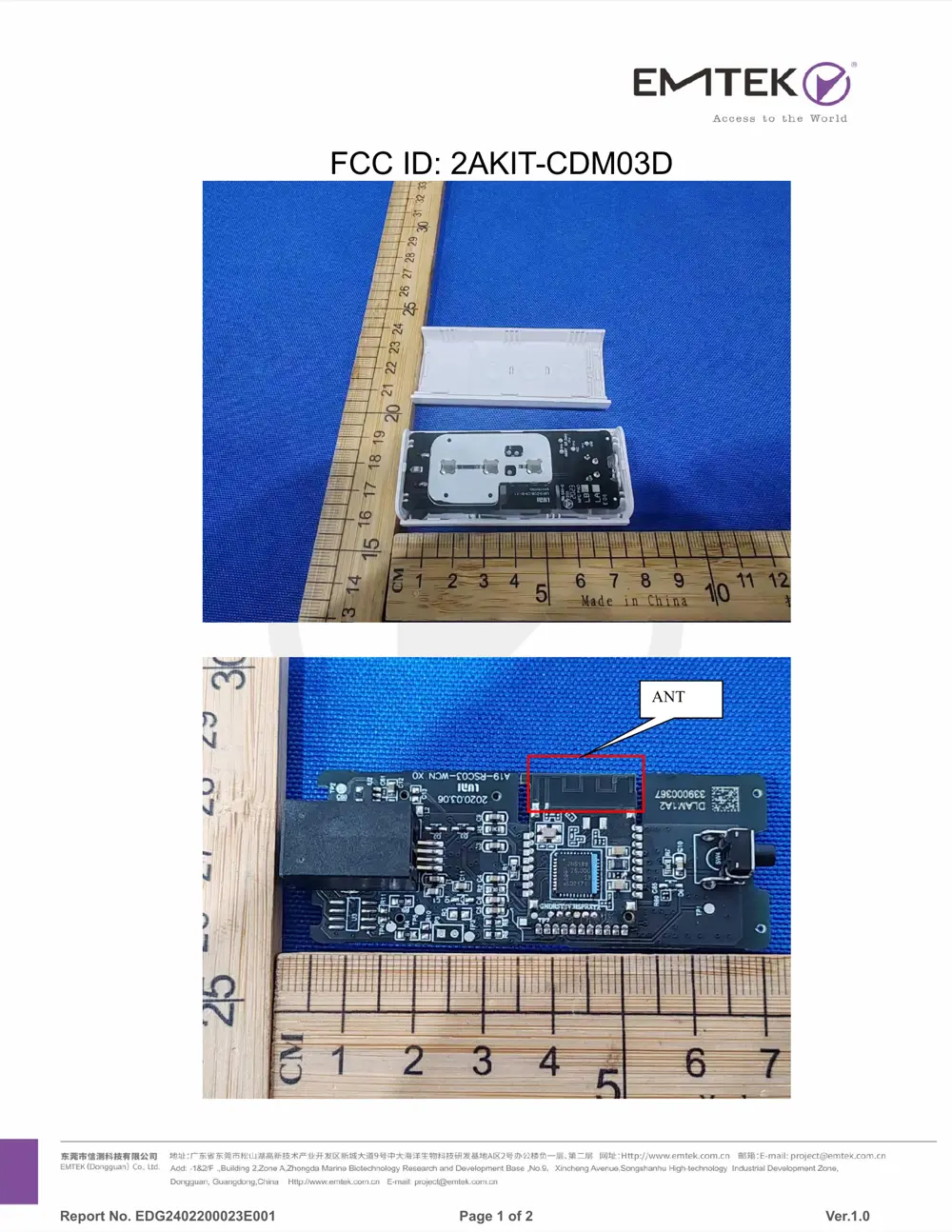
Before you buy the Aqara (Lumi United) CDM03D, check what's inside.
The Aqara Roller Shade Controller T1S is a smart home device designed to automate traditional roller blinds and various curtain types. It utilizes Zigbee for seamless integration with Aqara hubs and other smart devices, offering enhanced convenience and customizable automation scenarios.
⚠️ NOTE: Disconnect Mains before installation or maintenance. Installation requires a professional due to high voltage. Ensure the device is kept dry and away from heat sources.
Quick Specs
- Manufacturer: Aqara (Lumi United)
- Model: CDM03D
- Protocol: Zigbee
- Chipset: Zigbee SoC
- Ecosystem: Aqara Zigbee
- App: Aqara Home
🔧 Geek Corner (Flashing Info)
- Chipset: Unknown
- Flashable: ❌ No
- Info: Proprietary Zigbee SoC, not designed for user flashing.
Reset Guide
Press and hold the reset button for 5 seconds until the blue light activates, then release.
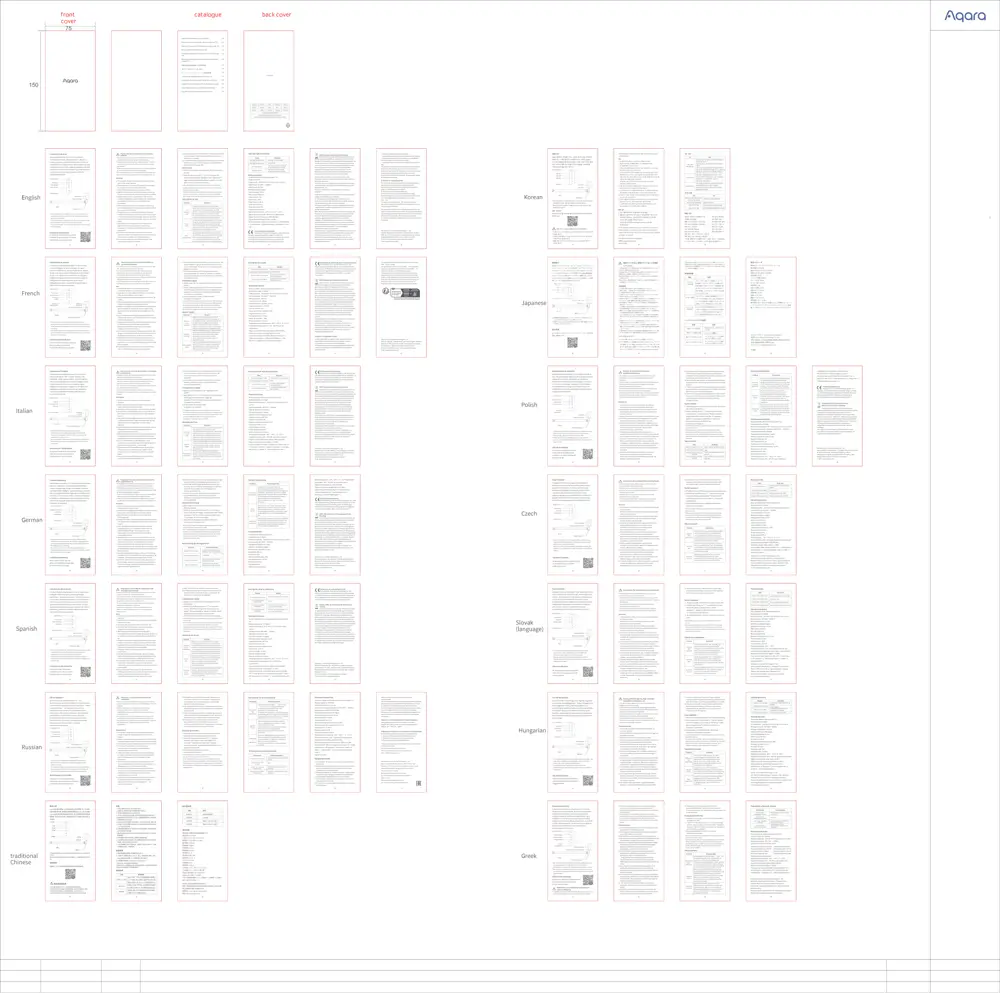
User Manual
Scanned pages from the official user manual:
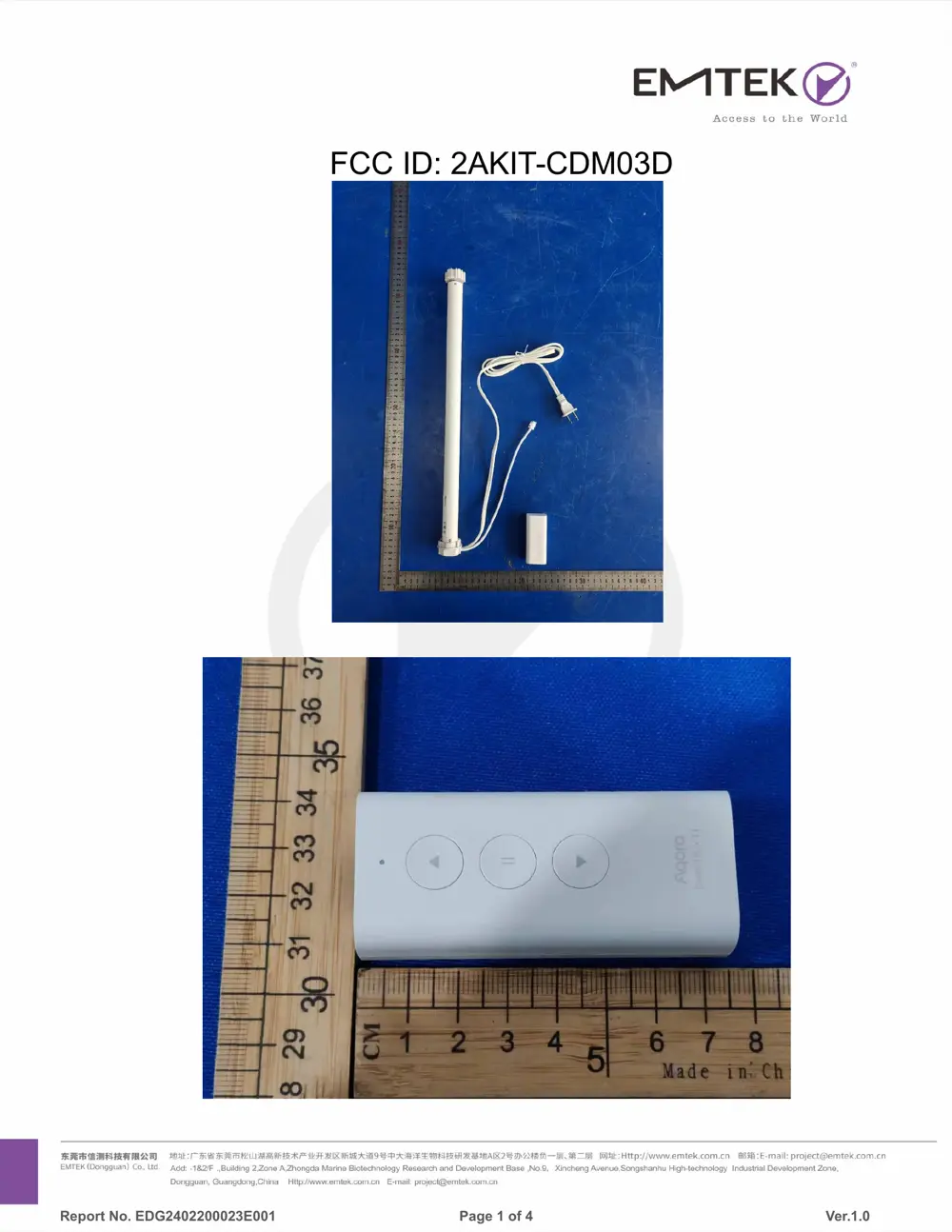
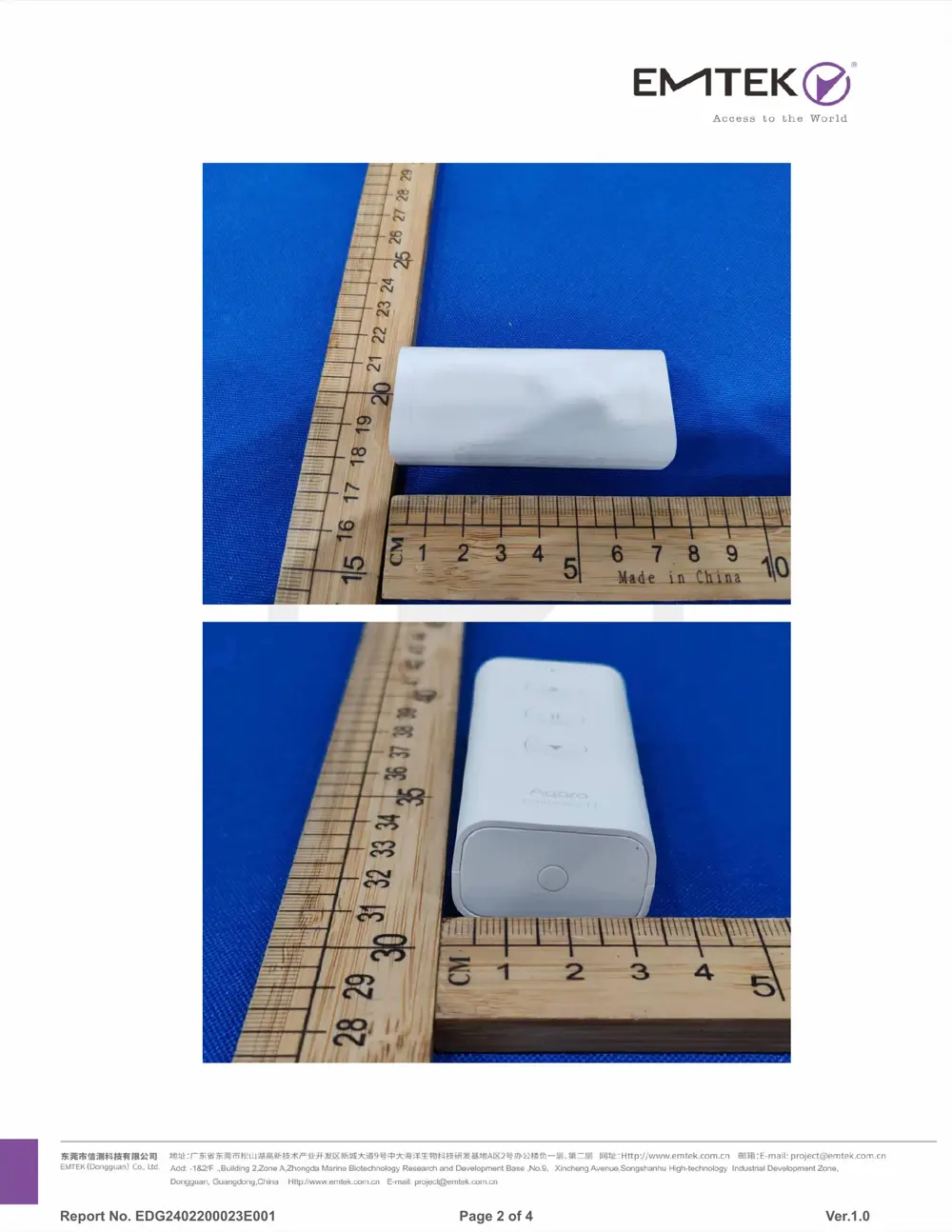
External Photos
Photos of the device exterior:
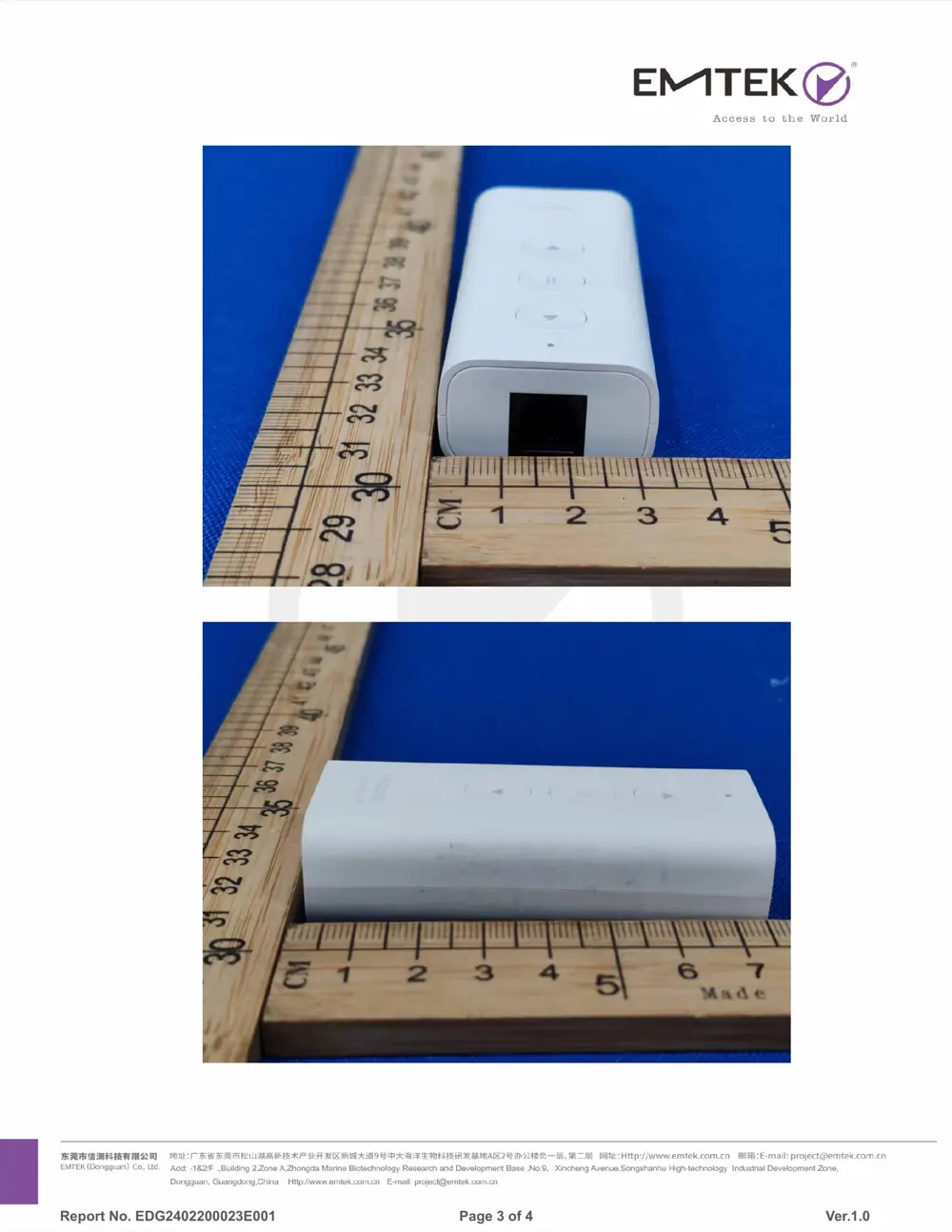
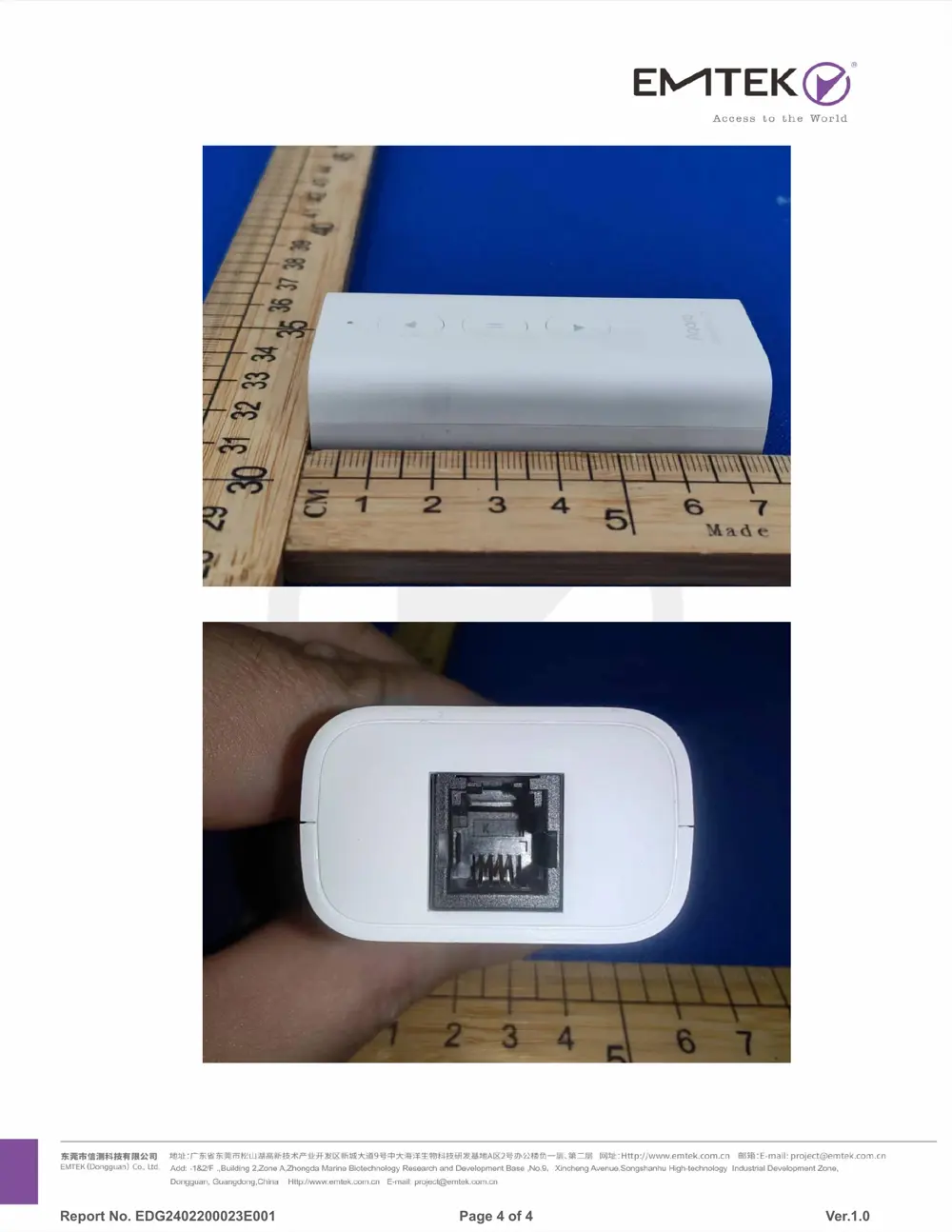
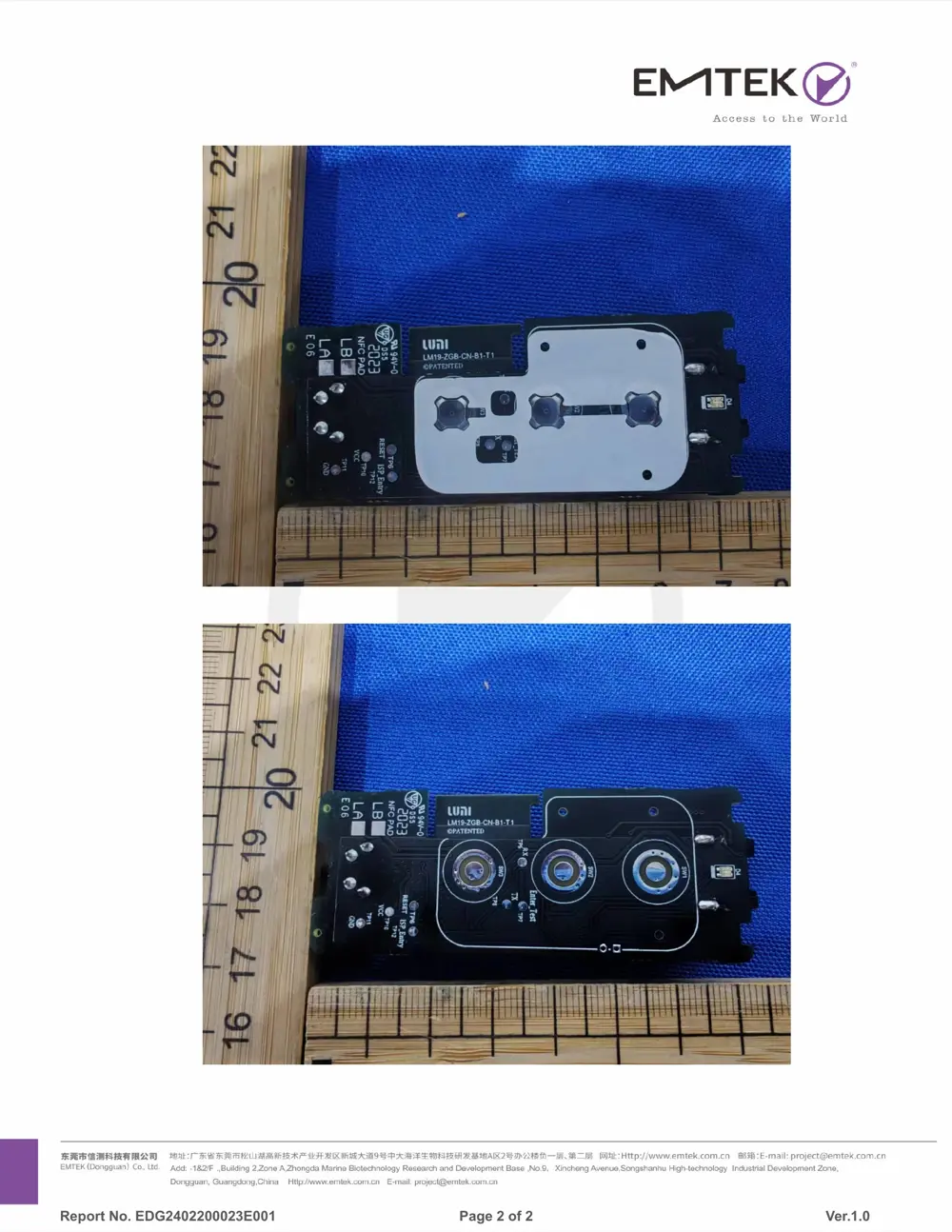
Internal Photos
Teardown photos showing the PCB and components:
Verdict
The CDM03D is a Zigbee device from the Aqara Zigbee ecosystem.
📄 Click to view full text manual (SEO)
Product Introduction
The Aqara Roller Shade Controller T1S transforms
traditional roller blinds, soft gauze curtains, Shangri-La
curtains, and other window treatments into smart devices.
Featuring a built-in Zigbee wireless communication module,
it easily connects to the hub, enabling integration with other
smart devices. This connection opens up a world of smarter
living scenarios, enhancing your quality of life with
customizable functions.
Quick Setup
1. Follow the instructions provided with the hub to add it to
the app.
2. Open the app and tap the "+" icon in the upper right
corner of the homepage. Navigate to the ""Add Device""
page, locate the Aqara Roller Shade Controller T1S, and
adhere to the on-screen instructions.
3. For assistance, please visit: www.aqara.com/support.
Instructions for use
Indicator light description
Basic parameters
Please make sure the power cord is connected
properly.
Warnings
Installation Instructions
For detailed installation instructions for
the Roller Shade Controller T1S, please
scan the QR code provided below.
* If the installation area is highly humid, ensure the control box is
securely sealed within a waterproof bag, with the bag's opening
positioned downwards.
* Avoid spilling water or detergent on the main unit and power plug
to prevent electric shock or fire due to a short circuit.
* The US version comes with a power plug, no need to purchase and
install separately.
* This product requires a minimum tube diameter of 25mm and is
compatible with specifically designed finished curtains.
* Installation involves handling high voltage; therefore, it should be
carried out by a professional curtain engineer following precise
specifications.
* Repairs should not be attempted by the user; instead, they should
be conducted by authorized service professionals.
* Prior to installation, ensure all extraneous wires are removed and
disconnect any devices not essential for the installation process. "
* If adding the device is unsuccessful, move it closer to the hub and
attempt the process again.
* Should the connection fail or require re-establishment, press and
hold the reset button for 5 seconds until the blue light activates,
then release. If the blue indicator light blinks, proceed to reconnect.
1. This product is designed exclusively for indoor use. Please
refrain from using it outdoors.
2. Ensure the product is kept dry and protected from moisture.
Do not expose it to water or any other liquids.
3. Avoid placing this product near any sources of heat.
4. Keep the fixed controller out of children's reach and ensure
the control box is placed in a location inaccessible to children.
5. Regular inspections are recommended to check for any
installation imbalances or signs of cable wear. Should repairs
or adjustments become necessary, discontinue use
immediately.
6. When conducting maintenance on adjacent areas, such as
window cleaning, ensure this equipment is not in use and the
power suppl...