
R8804 Reset & Teardown (FCC ID 2ANDLTY-R8804)
Factory reset and internal photos for Generic IoT R8804. Unknown smart plug.
January 15, 2026
•
8 read

Before you buy the Generic IoT R8804, check what's inside.
This device is a WiFi-enabled security camera that operates on the 2.4GHz band and is controlled via the TuyaSmart app. It supports up to 1080p video and Micro SD card storage.
⚠️ NOTE: Ensure the device is connected to a stable mains power supply and follow proper installation procedures.
Quick Specs
- Manufacturer: Generic IoT
- Model: R8804
- Protocol: WiFi
- Chipset: Realtek RTL8720
- Ecosystem: Unknown
- App: Unknown
🔧 Geek Corner (Flashing Info)
- Chipset: Realtek RTL8720DN
- Flashable: ❌ No
- Info: The device uses a Realtek chipset and is designed for cloud integration, making it difficult to flash with custom firmware like Tasmota without significant hardware modification.
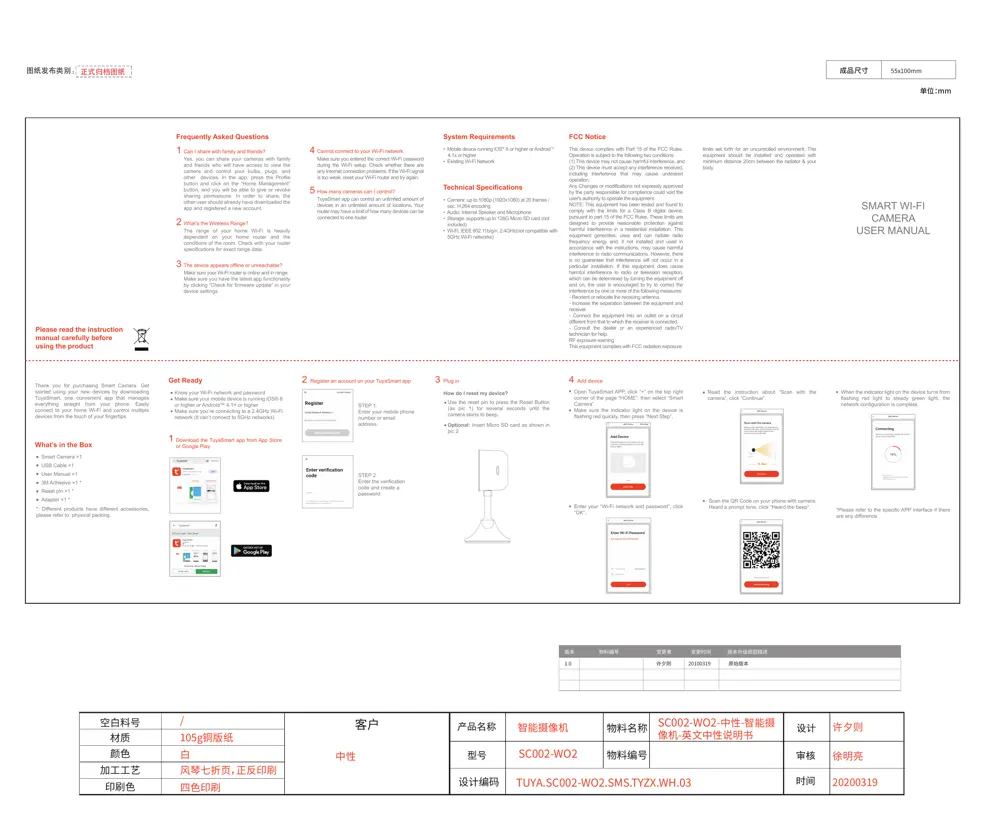
User Manual
Scanned pages from the official user manual:
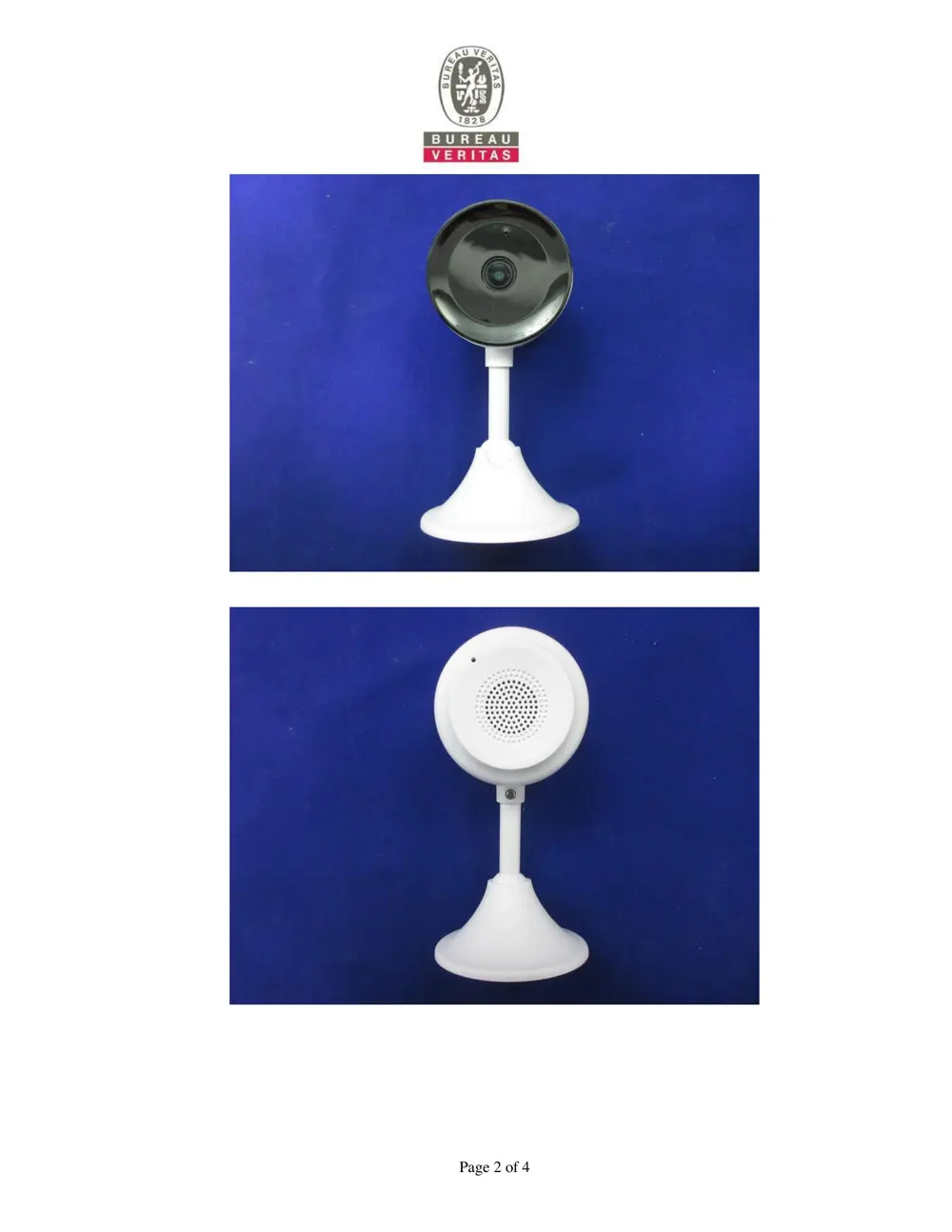
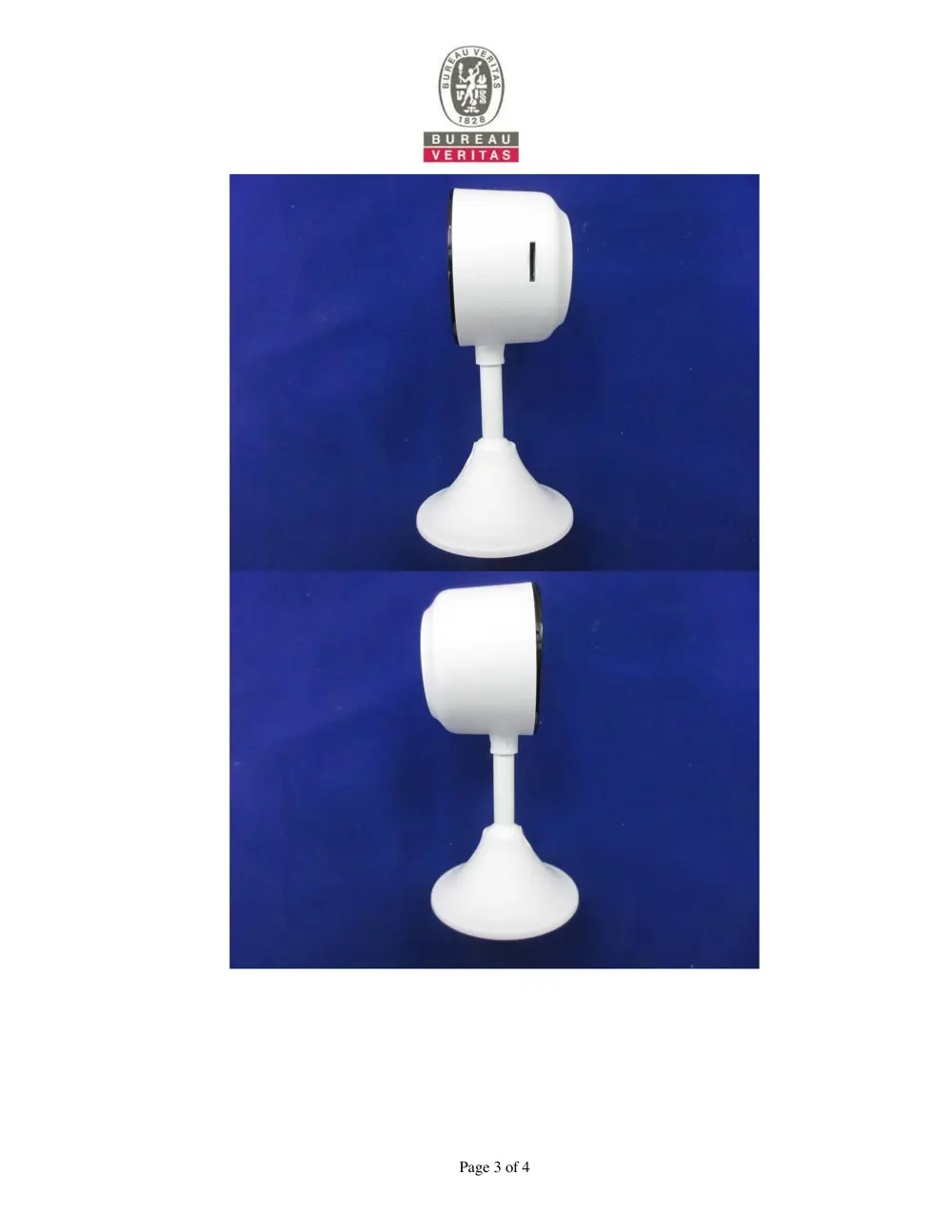
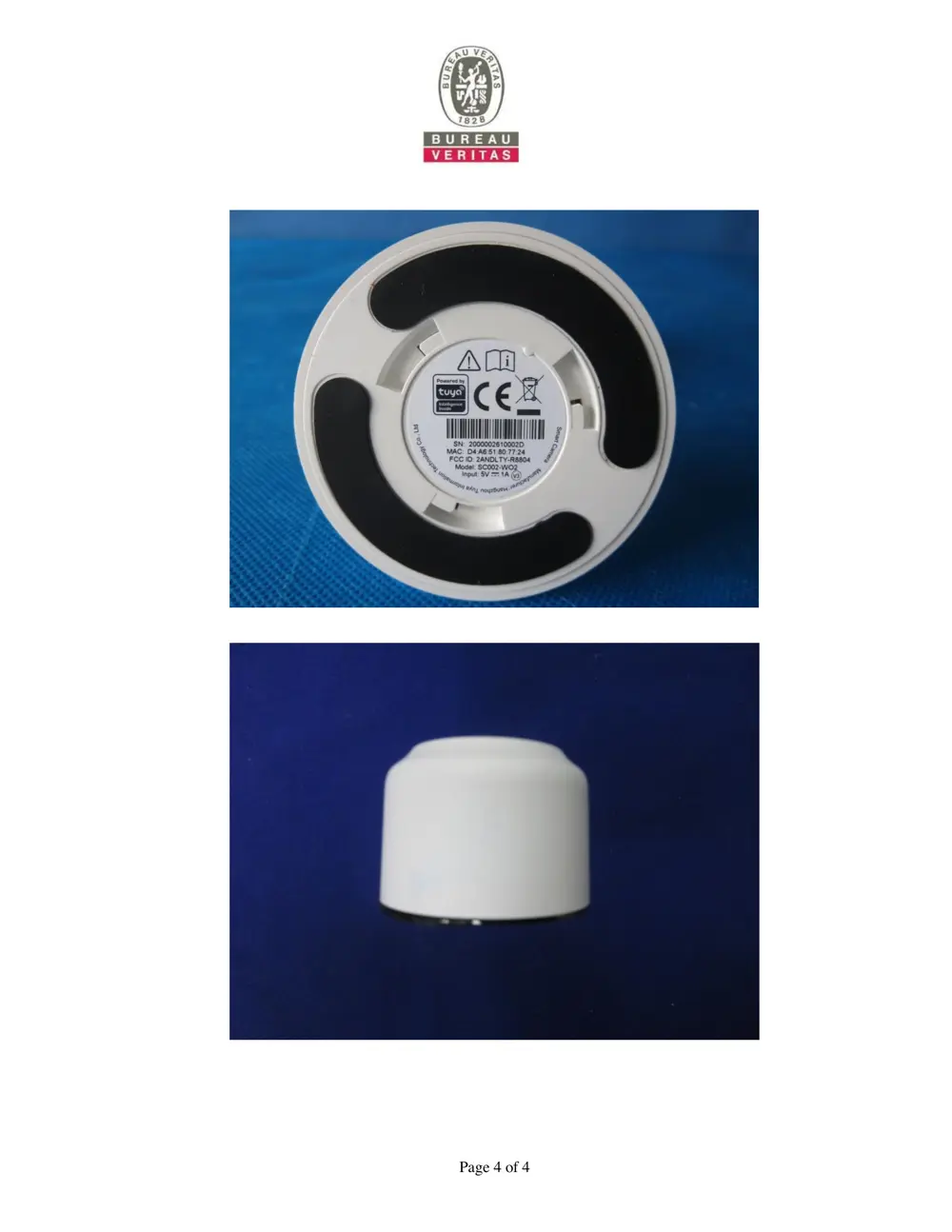
External Photos
Photos of the device exterior:

Internal Photos
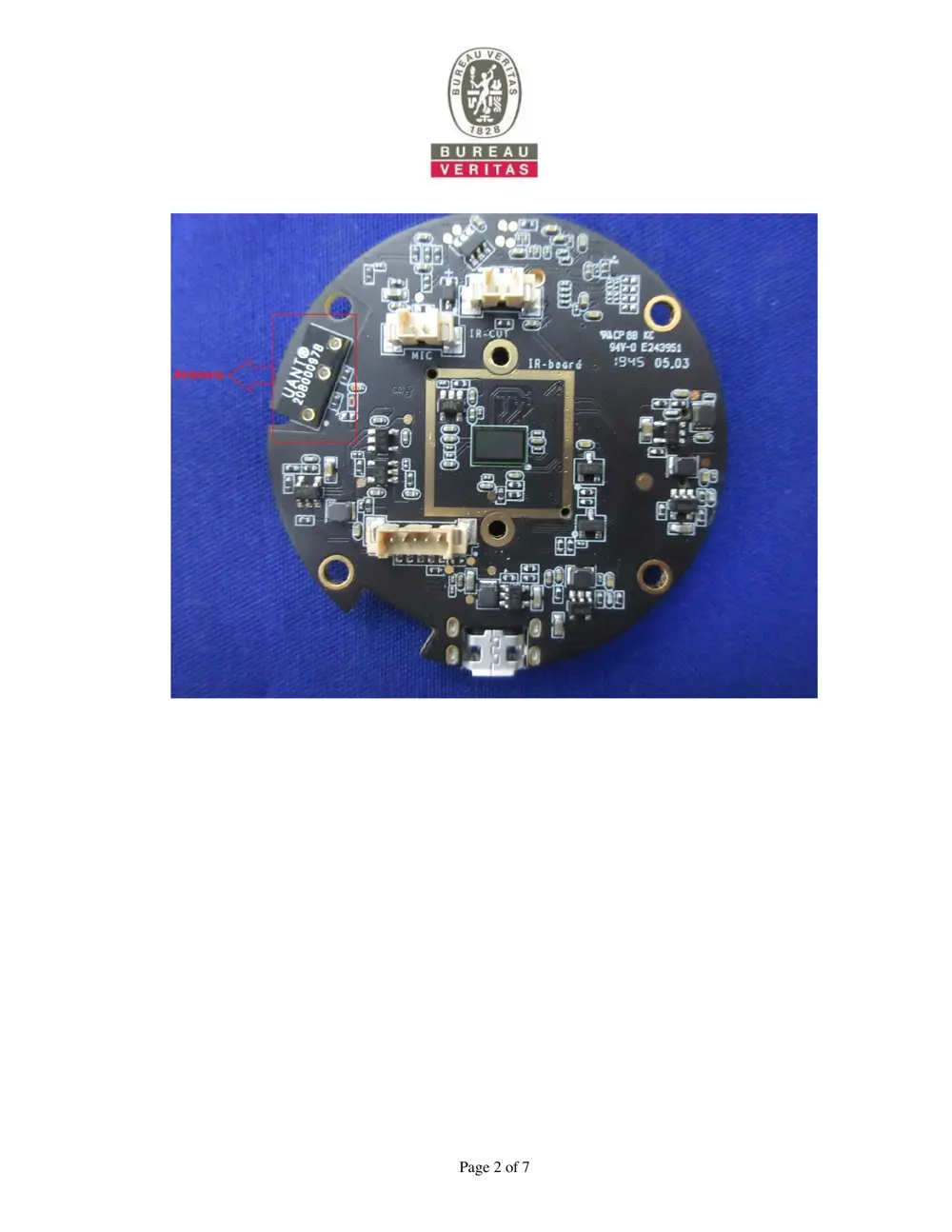
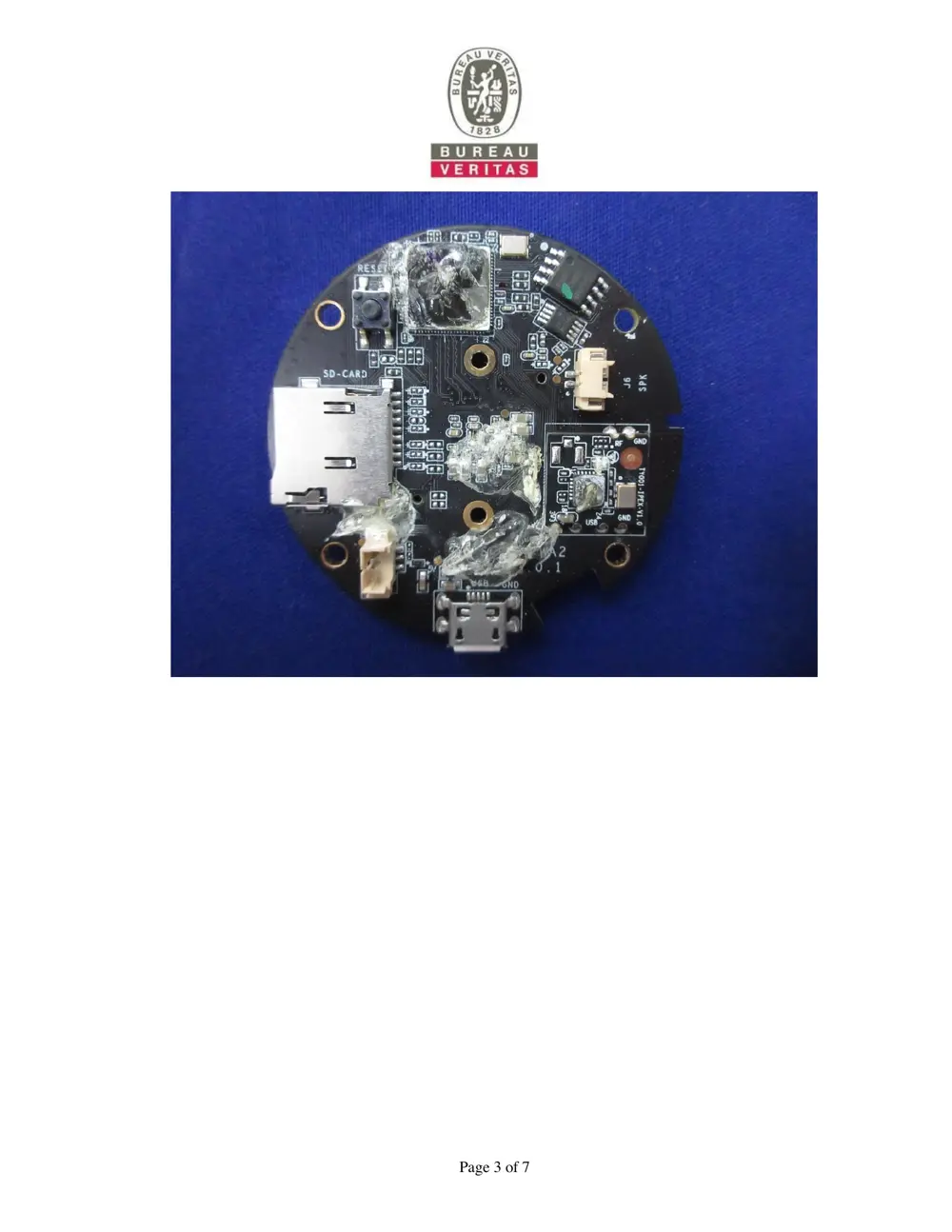
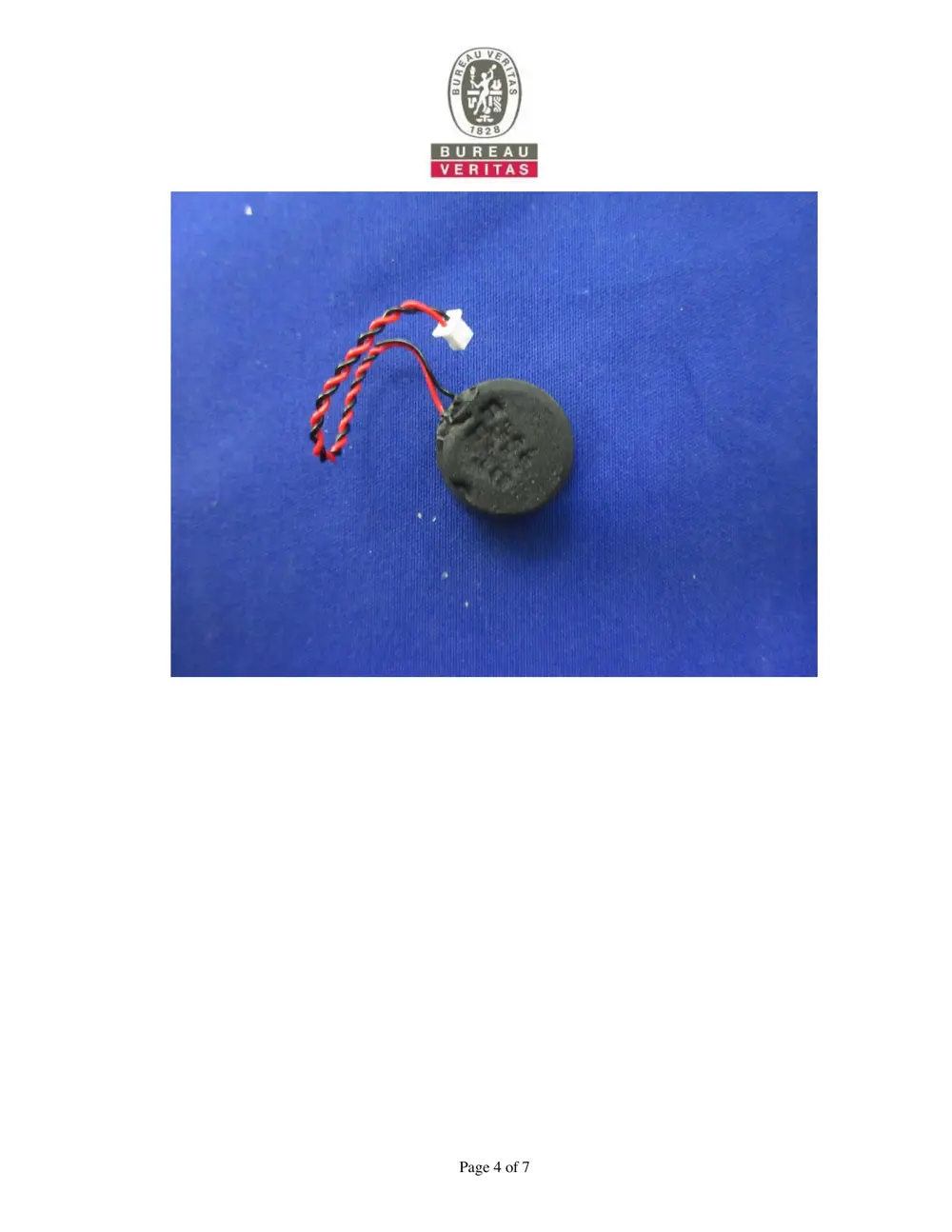
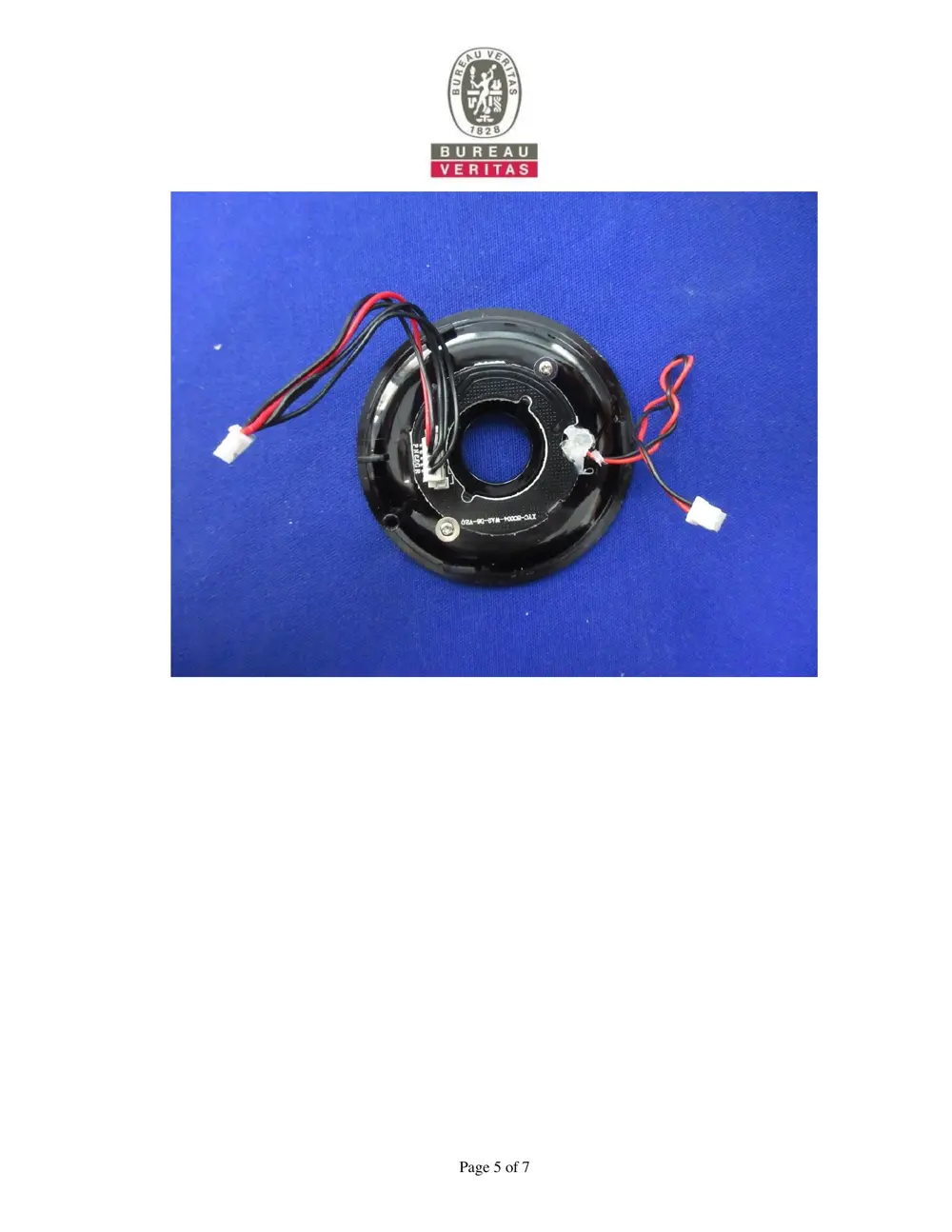
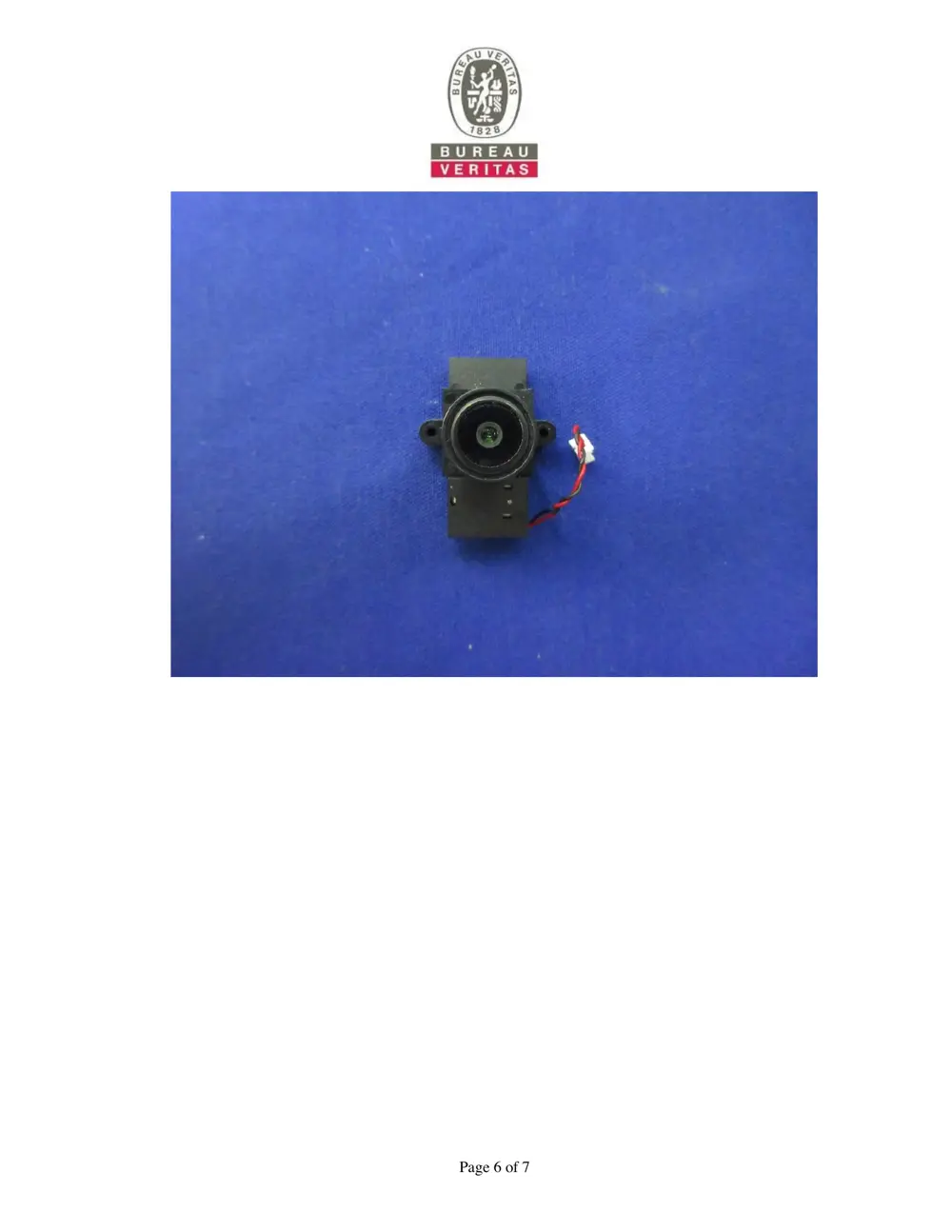
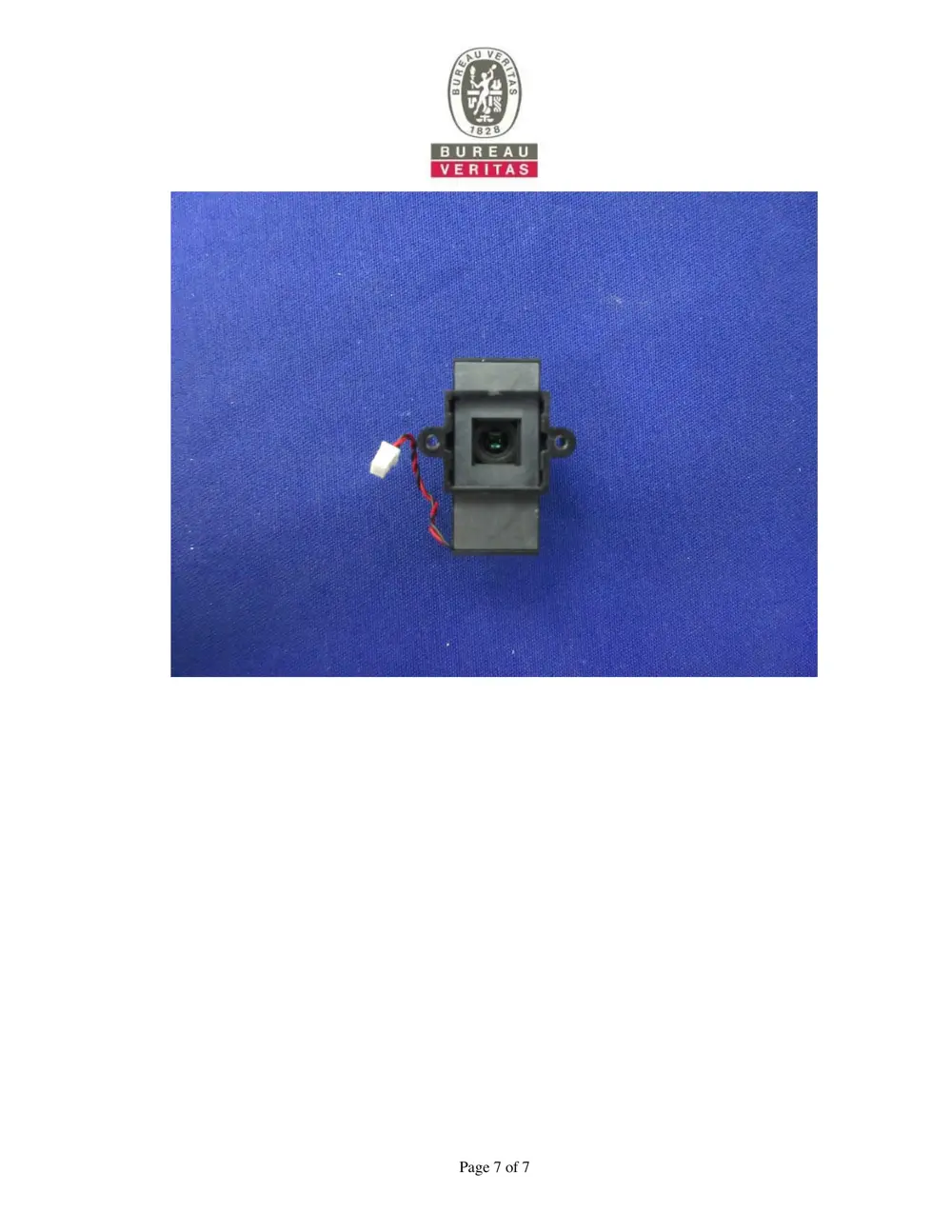
Teardown photos showing the PCB and components:
Verdict
The R8804 is a WiFi device from the Unknown ecosystem.
📄 Click to view full text manual (SEO)
SMART WI-FI
CAMERA
USER MANUAL
What’s in the Box
Get Ready
Frequently Asked Questions System Requirements
Thank you for purchasing Smart Camera. Get
started using your new devices by downloading
TuyaSmart, one convenient app that manages
everything straight from your phone. Easily
connect to your home Wi-Fi and control multiple
devices from the touch of your fingertips
*: Different products have different accessories,
please refer to physical packing.
Know your Wi-Fi network and password
Make sure your mobile device is running iOS® 8
or higher or Android™ 4.1× or higher
Make sure you’re connecting to a 2.4GHz Wi-Fi
network (It can’t connect to 5GHz networks)

Yes, you can share your cameras with family
and friends who will have access to view the
camera and control your bulbs, plugs, and
other devices. In the app, press the Profile
button and click on the “Home Management”
button, and you will be able to give or revoke
sharing permissions. In order to share, the
other user should already have downloaded the
app and registered a new account.

Use the reset pin to press the Reset Button
(as pic 1) for several seconds until the
camera starts to beep.
 Optional: Insert Micro SD card as shown in
pic 2
 Download the TuyaSmart app from App Store
or Google Play.

STEP 1.
Enter your mobile phone
number or email
address.
STEP 2.
Enter the verification
code and create a
password.
1
Register an account on your TuyaSmart app

2
How do I reset my device?

3 Add device

4
Plug in
Can I share with family and friends?1
The range of your home Wi-Fi is heavily
dependent on your home router and the
conditions of the room. Check with your router
specifications for exact range data.

What’s the Wireless Range?
2
Make sure your Wi-Fi router is online and in range.
Make sure you have the latest app functionality
by clicking “Check for firmware update” in your
device settings.

The device appears offline or unreachable?
3
Make sure you entered the correct Wi-Fi password
during the Wi-Fi setup. Check whether there are
any Internet connection problems. If the Wi-Fi signal
is too weak, reset your Wi-Fi router and try again.

• Mobile device running iOS 8 or higher or Android
 4.1x or higher
• Existing Wi-Fi Network

Cannot connect to your Wi-Fi network.4
TuyaSmart app can control an unlimited amount of
devices in an unlimited amount of locations. Your
router may have a limit of how many devices can be
connected to one router.

How many cameras can I control?5
Technical Specifications
• Camera: up to 1080p (1920x1080) at 20 frames /
 sec. H.264 encoding
• Audio: Internal Speaker and Microphone
• Storage: supports up to 128G Micro SD card (not
 included)
• Wi-Fi: IEEE 802.11b/g/n, 2.4GHz(not compatible with
 5GHz Wi-Fi networks)

FCC Notice
This device complies with Part 15 of the FCC Rules.
Operation is subject to the following two conditions:
(1) This device may not cause harmful interference, and
(2) This device must accept any inte...