
S01 Reset & Teardown (FCC ID 2AKIT-AAQS-S01)
Factory reset and internal photos for Aqara (Lumi United) S01. Aqara Zigbee smart plug.
January 16, 2026
•
7 read
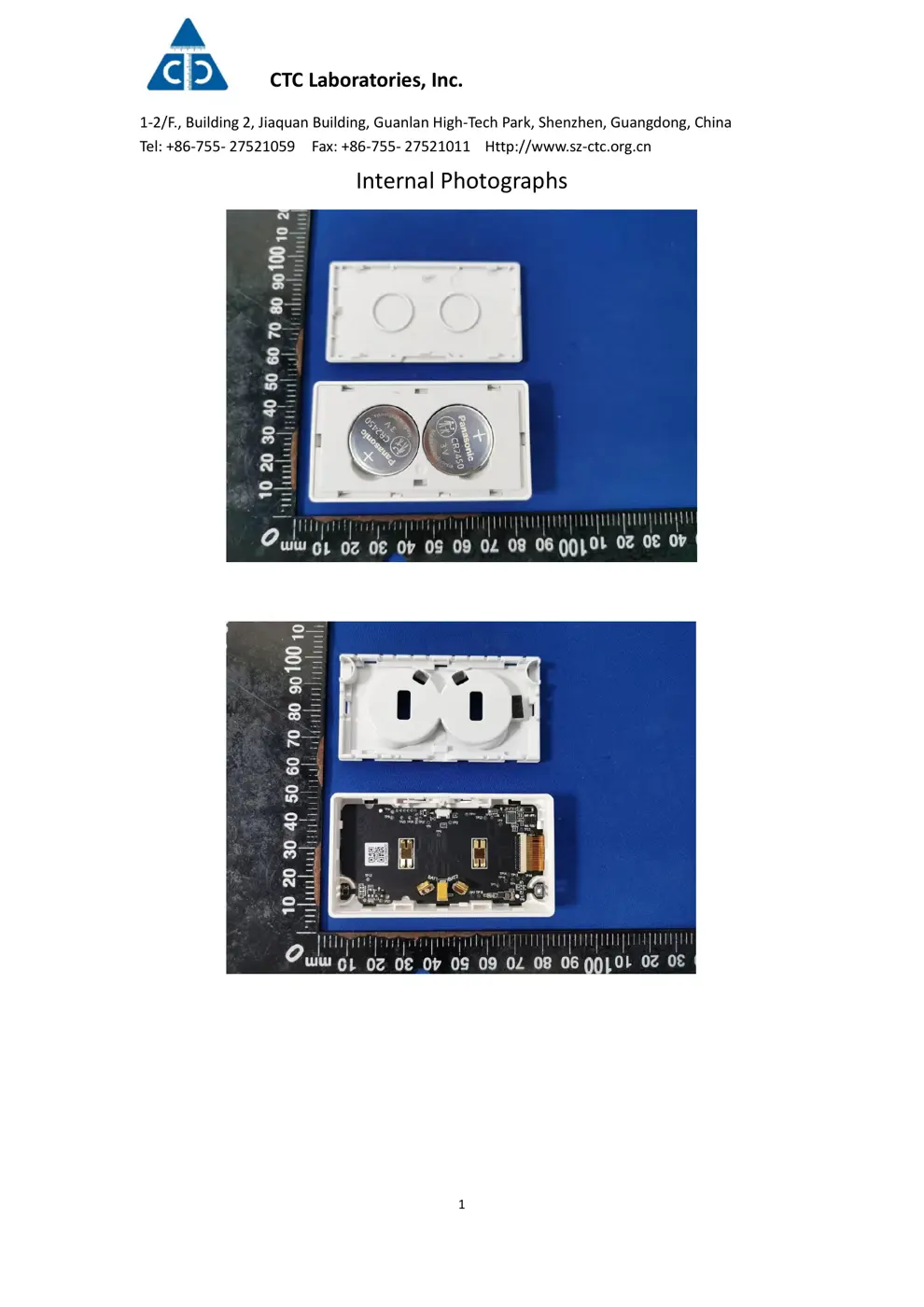
Before you buy the Aqara (Lumi United) S01, check what's inside.
This device is the Aqara S01, a Zigbee-based air quality monitor that measures TVOC, temperature, and humidity. It integrates with the Aqara ecosystem and can trigger automations based on environmental changes when paired with a compatible hub.
⚠️ NOTE: Ensure correct battery polarity. Avoid exposure to extreme temperatures.
Quick Specs
- Manufacturer: Aqara (Lumi United)
- Model: S01
- Protocol: Zigbee
- Chipset: Zigbee SoC
- Ecosystem: Aqara Zigbee
- App: Aqara Home
🔧 Geek Corner (Flashing Info)
- Chipset: Unknown
- Flashable: ❌ No
- Info: Aqara devices typically use proprietary Zigbee chips and are not designed for custom firmware flashing.
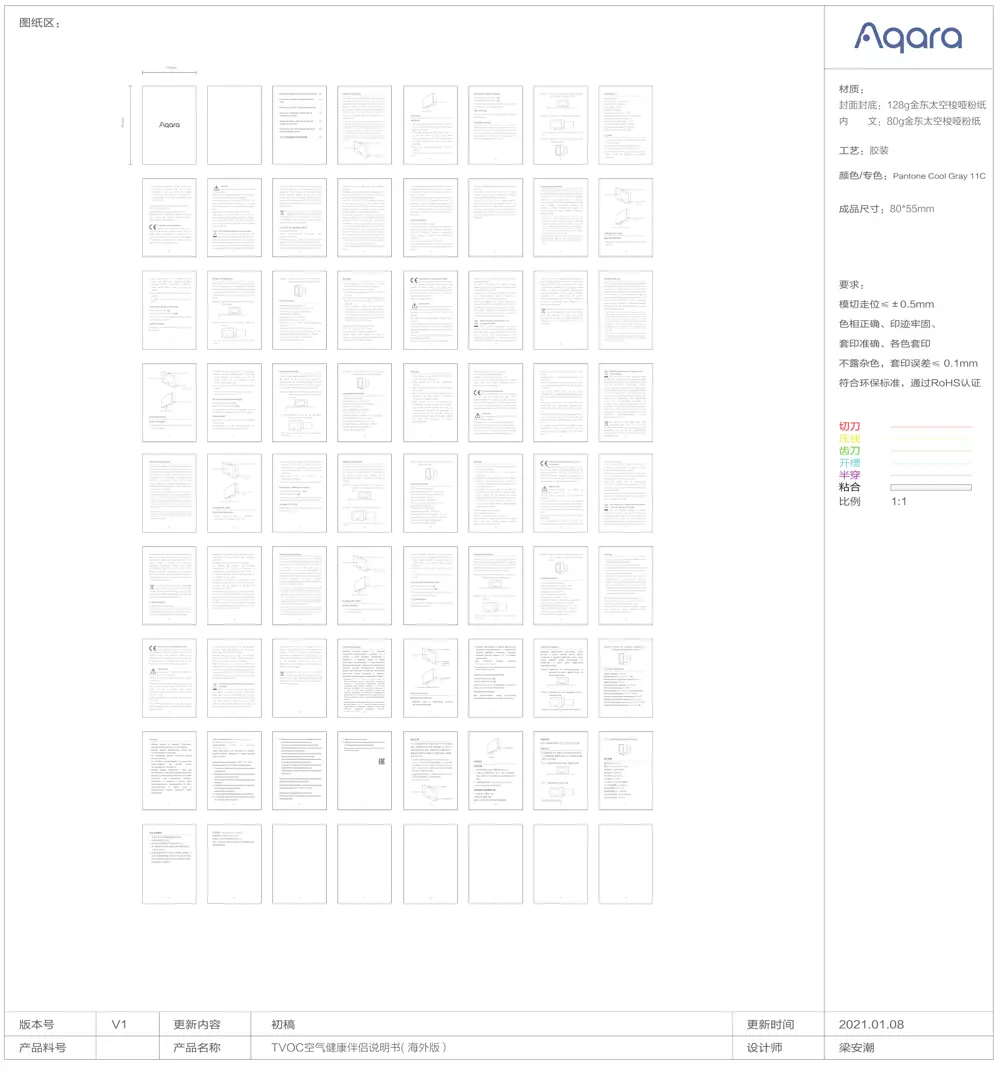
User Manual
Scanned pages from the official user manual:
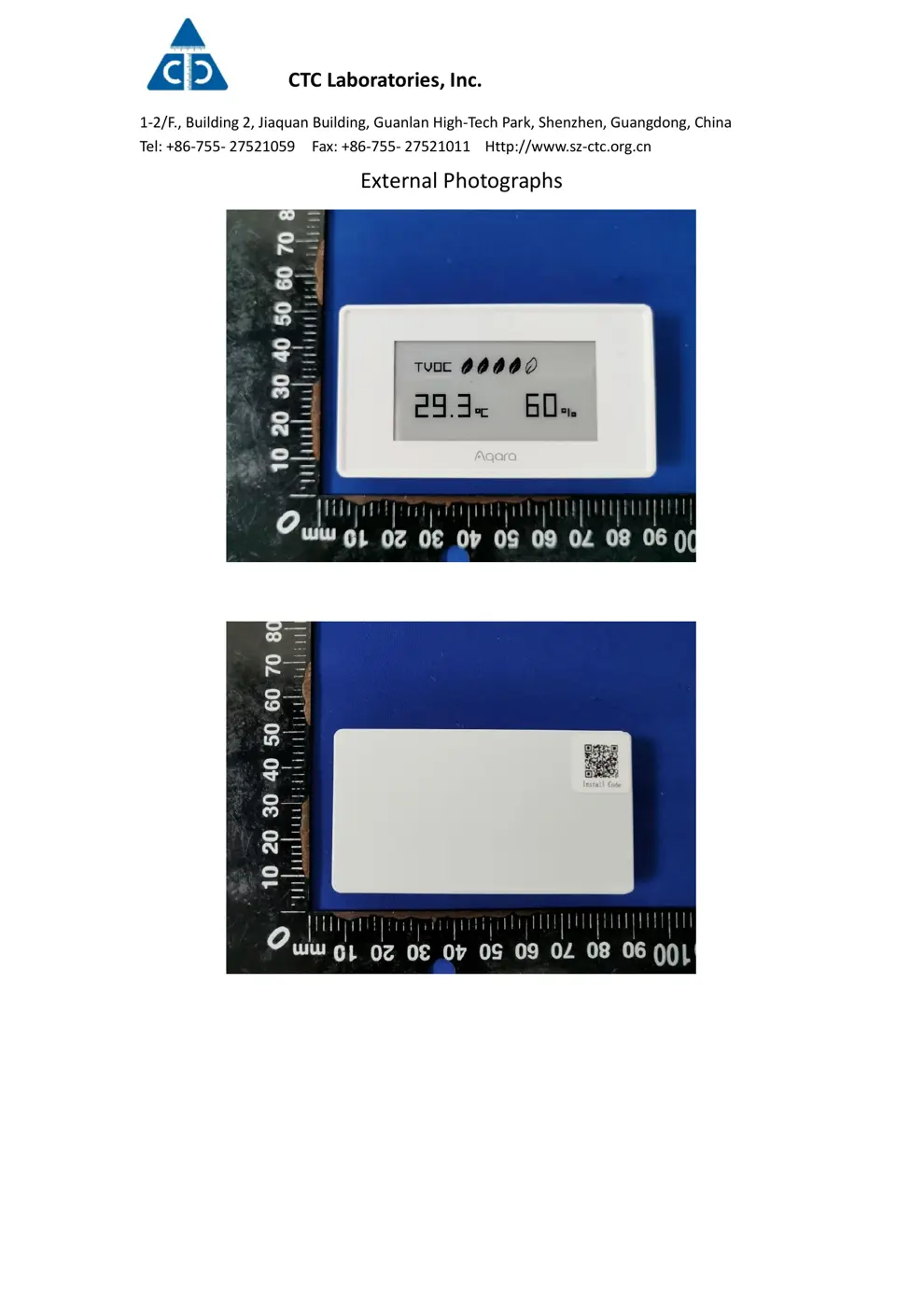
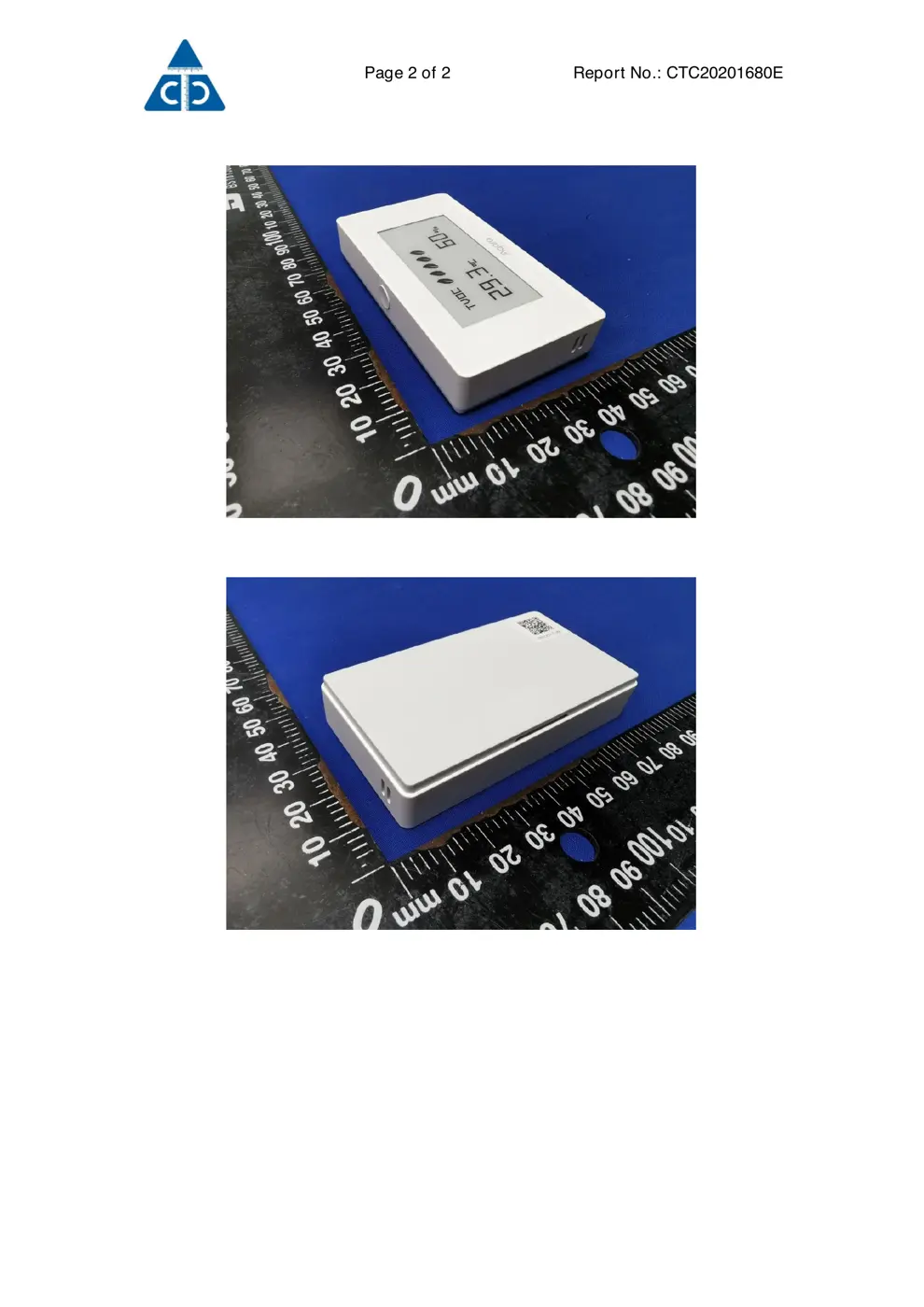
External Photos
Photos of the device exterior:
Internal Photos
Teardown photos showing the PCB and components:
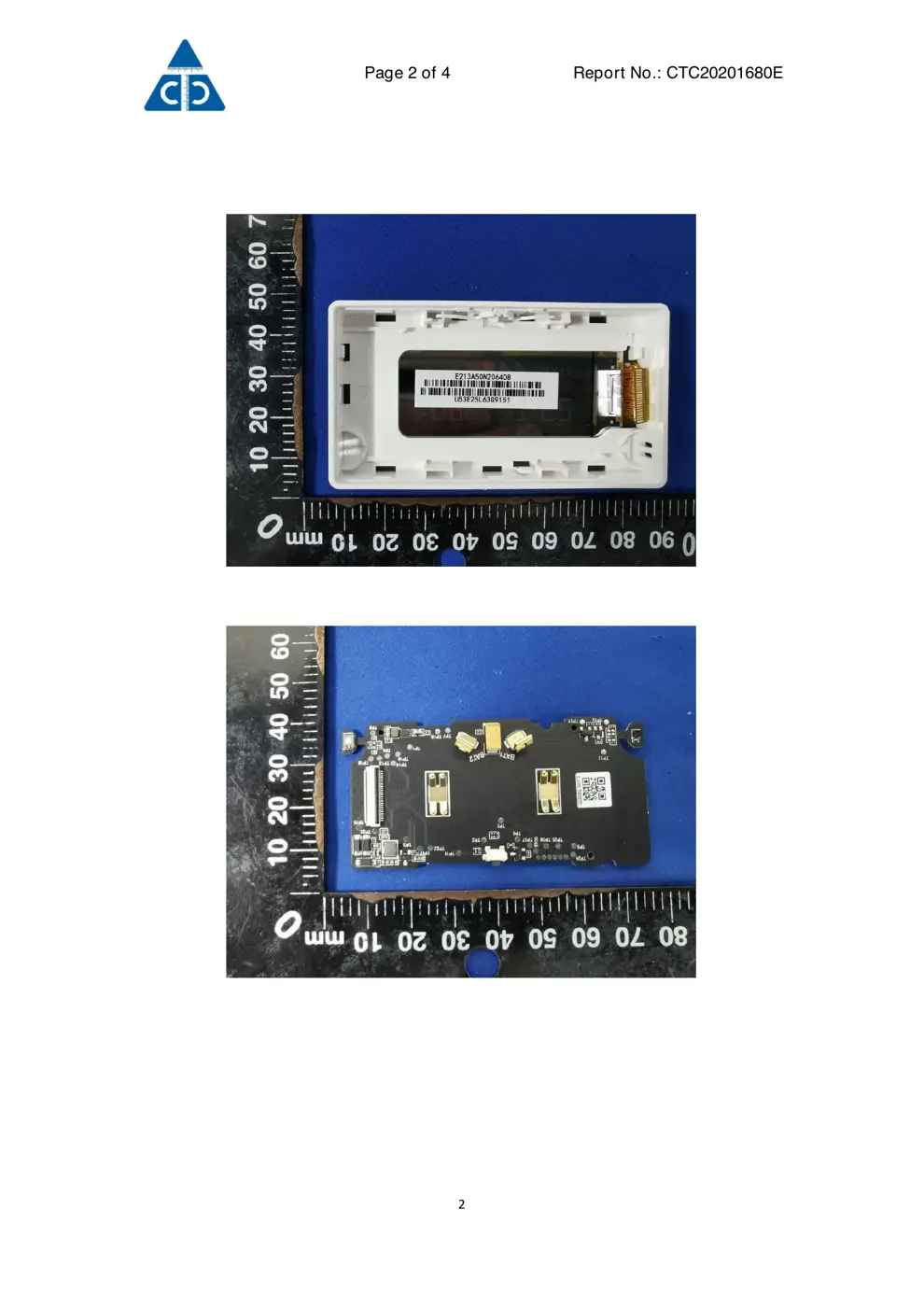
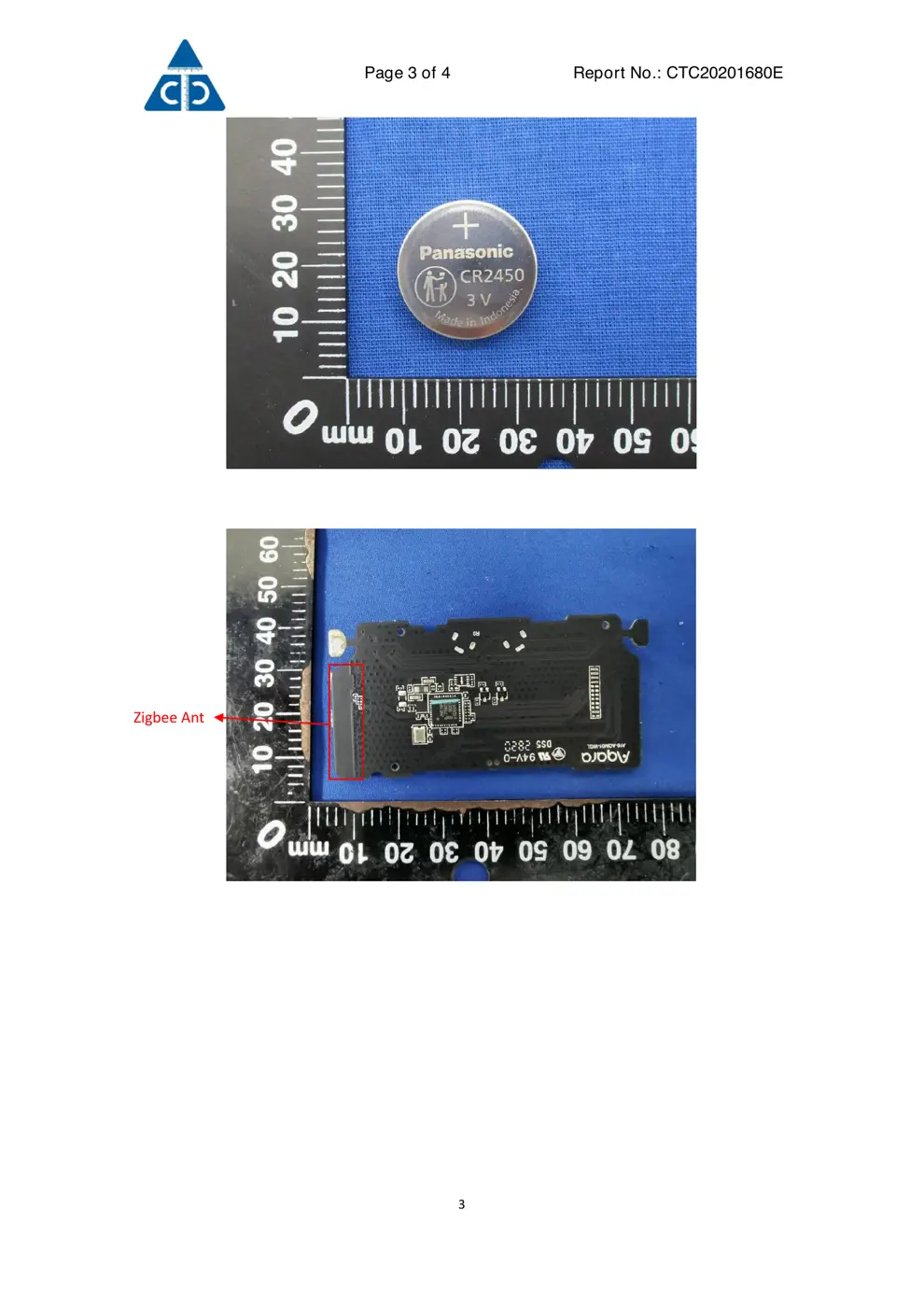
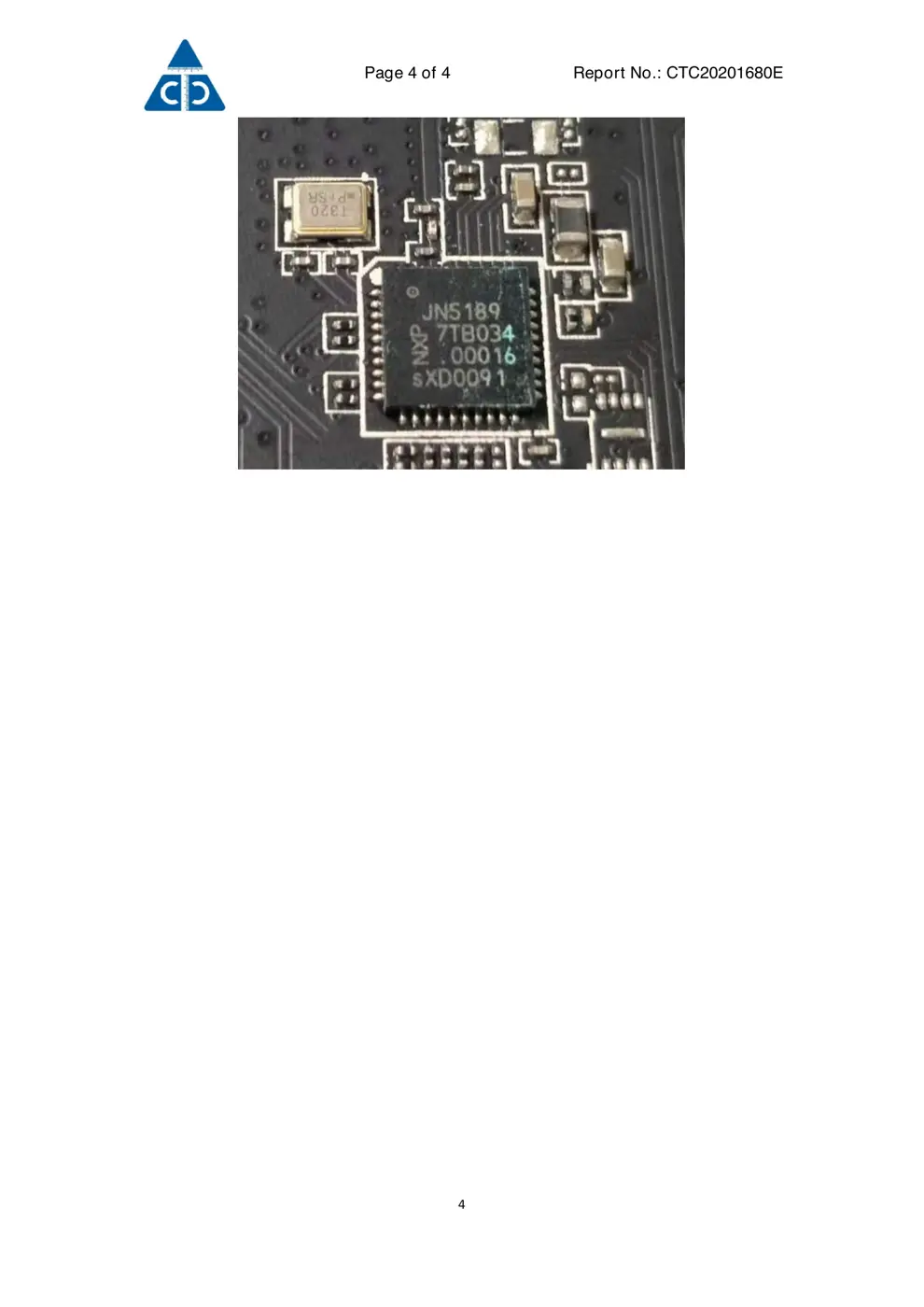
Verdict
The S01 is a Zigbee device from the Aqara Zigbee ecosystem.
📄 Click to view full text manual (SEO)
Symbol "Im Netz suchen": Ġ
Symbol "Momentan im Netz": Ġ
颜色/专色:Pantone Cool Gray 11C
比例 1:1
V1
2021.01.08
NN
NN
Smart Wall Switch (No Neutral)User Manual Product Introduction
IC NOTICE TO CANADIAN USERS
IC:22635-AAQSS01
Quick Setup
·01
Manuale del monitor di qualità dell'aria
TVOC
·12
Handbuch zur TVOC Lu/f_tqualitäts-Monitor ·21
Manuel de l’utilisateur du Moniteur de
qualité de l'air TVOC
·30
Manuel de Instrucciones del Monitor de
calidad del aire TVOC
·40
/uni0420/uni0443/uni043A/uni043E/uni0432/uni043E/uni0434/uni0441/uni0442/uni0432/uni043E /uni043F/uni043E /uni044D/uni043A/uni0441/uni043F/uni043B/uni0443/uni0430/uni0442/uni0430/uni0446/uni0438/uni0438 /uni041C/uni043E/uni043D/uni0438/uni0442/uni043E/uni0440
/uni043A/uni0430/uni0447/uni0435/uni0441/uni0442/uni0432/uni0430 /uni0432/uni043E/uni0437/uni0434/uni0443/uni0445/uni0430 TVOC
·49
·58
The Aqara TVOC Air Quality Monitor can detect the
concentration and level of TVOC in the air, as well as
temperature and humidity. A/f_ter it is bound with a hub,
it can use TVOC concentration or level, temperature,
and humidity changes as conditions of automation,
work with other smart home devices to implement
various smart scenarios, and send notifications to your
mobile phone.
IC NOTICE TO CANADIAN USERS
This device contains license-exempt transmitter(s)/re-
ceiver(s) that comply with Innovation, Science and
Economic Development Canada’s license-exempt
RSS(s). Operation is subject to the following two
conditions:
(1) This device may not cause interference.
(2) This device must accept any interference, including
interference that may cause undesired operation of the
device.
IC:22635-AAQSS01
IC NOTICE TO CANADIAN USERS
L'émetteur/récepteur exempt de licence contenu dans
le présent appareil est conforme aux CNR d’Innovation,
Sciences et Développement économique Canada
FCC ID:2AKIT-AAQS-S01
Federal Communications Commission (FCC)
compliance statement:
1. This device complies with part 15 of the FCC Rules.
Operation is subject to the following two conditions:
(1) This device may not cause harmful interference, and
(2) this device must accept any interference received,
Online Customer Service: www.aqara.com/support
Email: [email protected]
Manufacturer: Lumi United Technology Co., Ltd.
Address: 8th Floor, JinQi Wisdom Valley, No.1 Tangling
Road, Liuxian Ave, Taoyuan Residential District,
Nanshan District, Shenzhen, China
URL del servizio:/uni00A0www.aqara.com/support
E-mail di servizio:/[email protected]
Produttore: Lumi United Technology Co., Ltd.
Indirizzo: Ottavo piano, Edificio Jinqi Zhigu, Via
Tangling n.1, Strada Liuxian, Distretto di Nanshan, Città
di Shenzhen, Provincia del Guangdong
The network icon will not be displayed when the device
is offline and not in the searching state.
Network Icon (Sensor Display)
“Searching for network”icon:
“Connected to network”icon:
Page Switching
Double click the sensor button to switch between
multiple pages.
Cambio di pagina
Fare...