
WXKG02LM Reset & Teardown (FCC ID 2AKIT-WXKG02LM)
Factory reset and internal photos for Aqara (Lumi United) WXKG02LM. Aqara Zigbee smart plug.
January 15, 2026
•
9 read
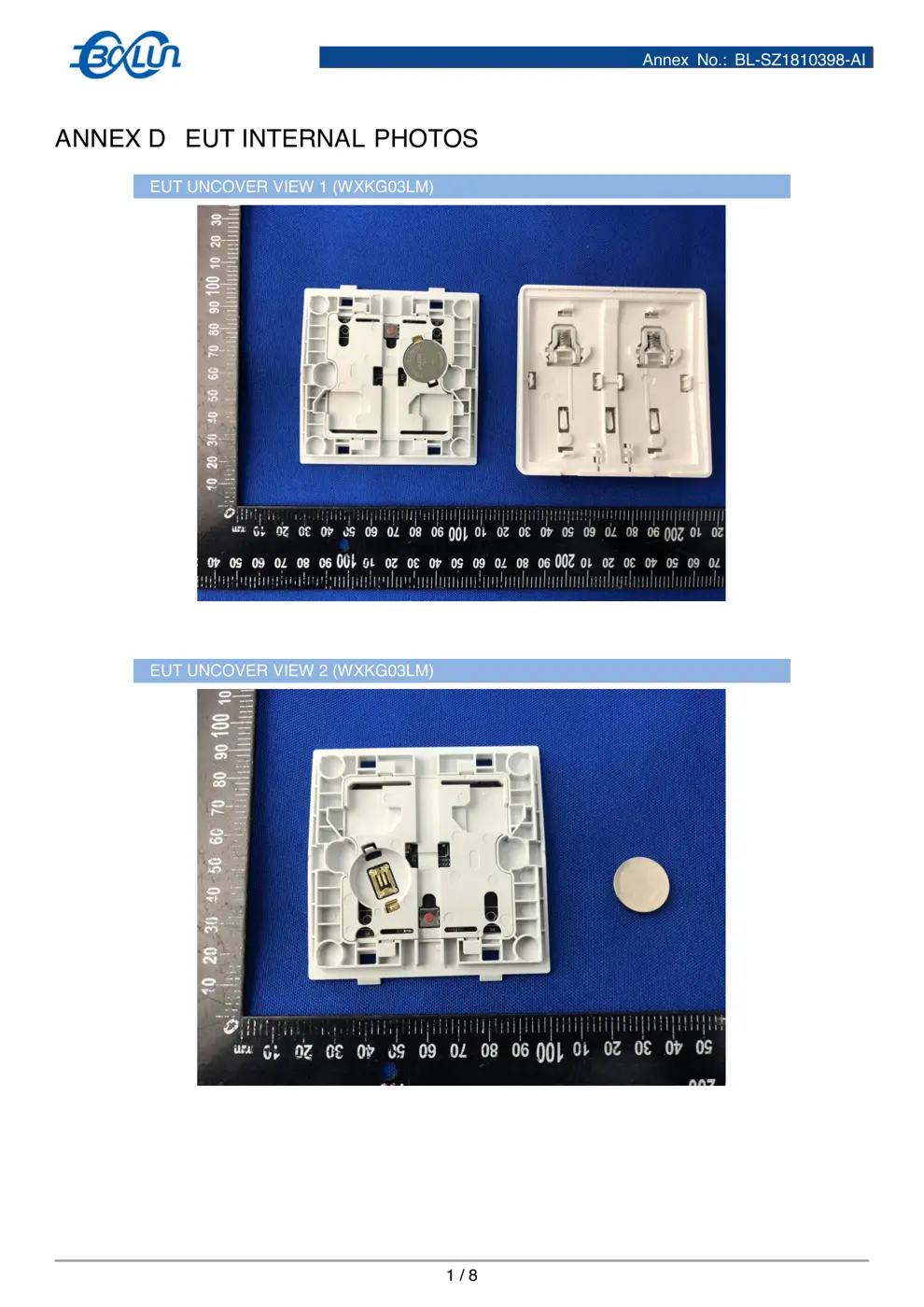
Before you buy the Aqara (Lumi United) WXKG02LM, check what's inside.
This is an Aqara Wireless Remote Switch (Double Rocker) that uses Zigbee communication. It is designed to act as a smart button or scene controller, requiring a compatible Aqara Hub to function.
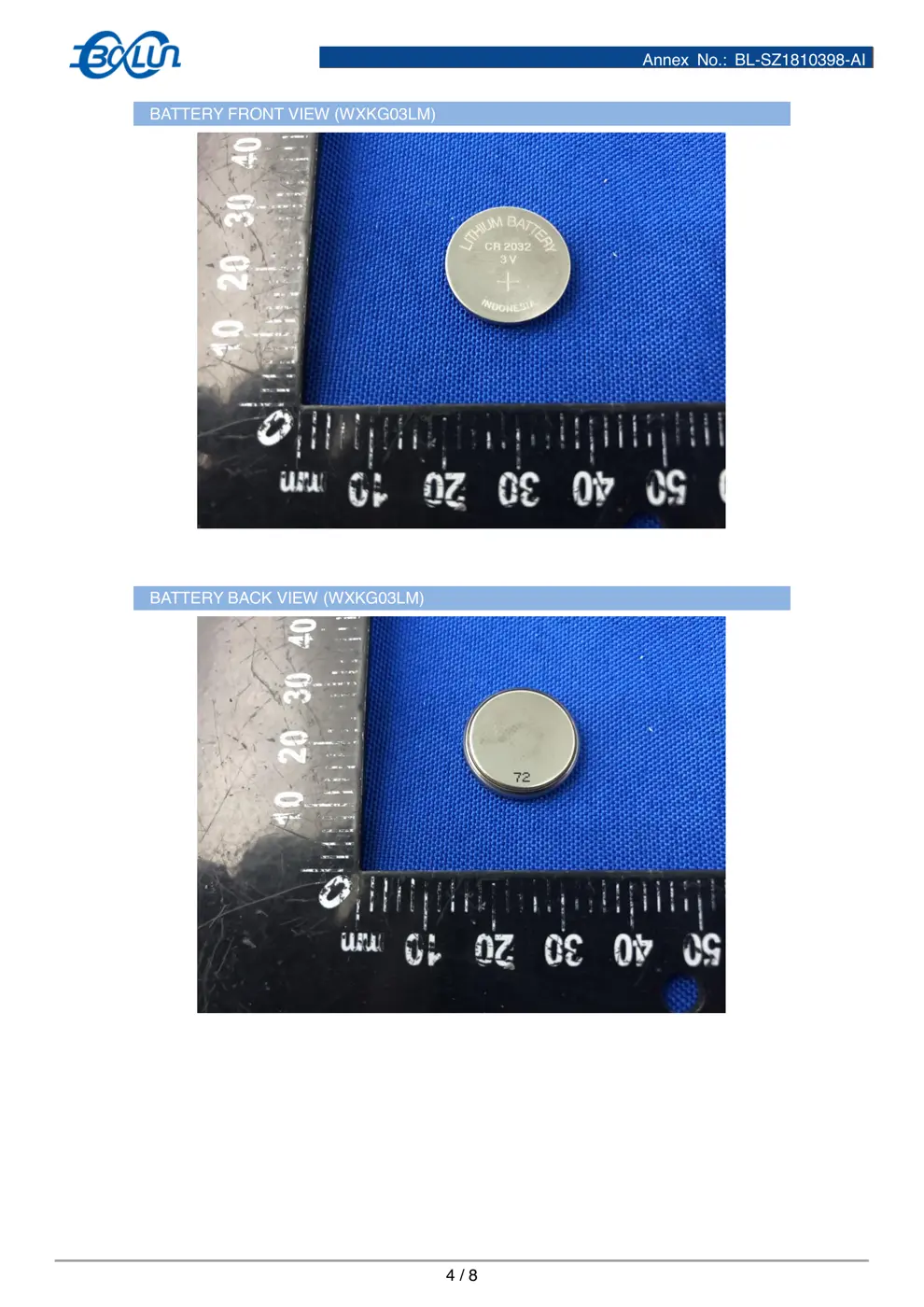
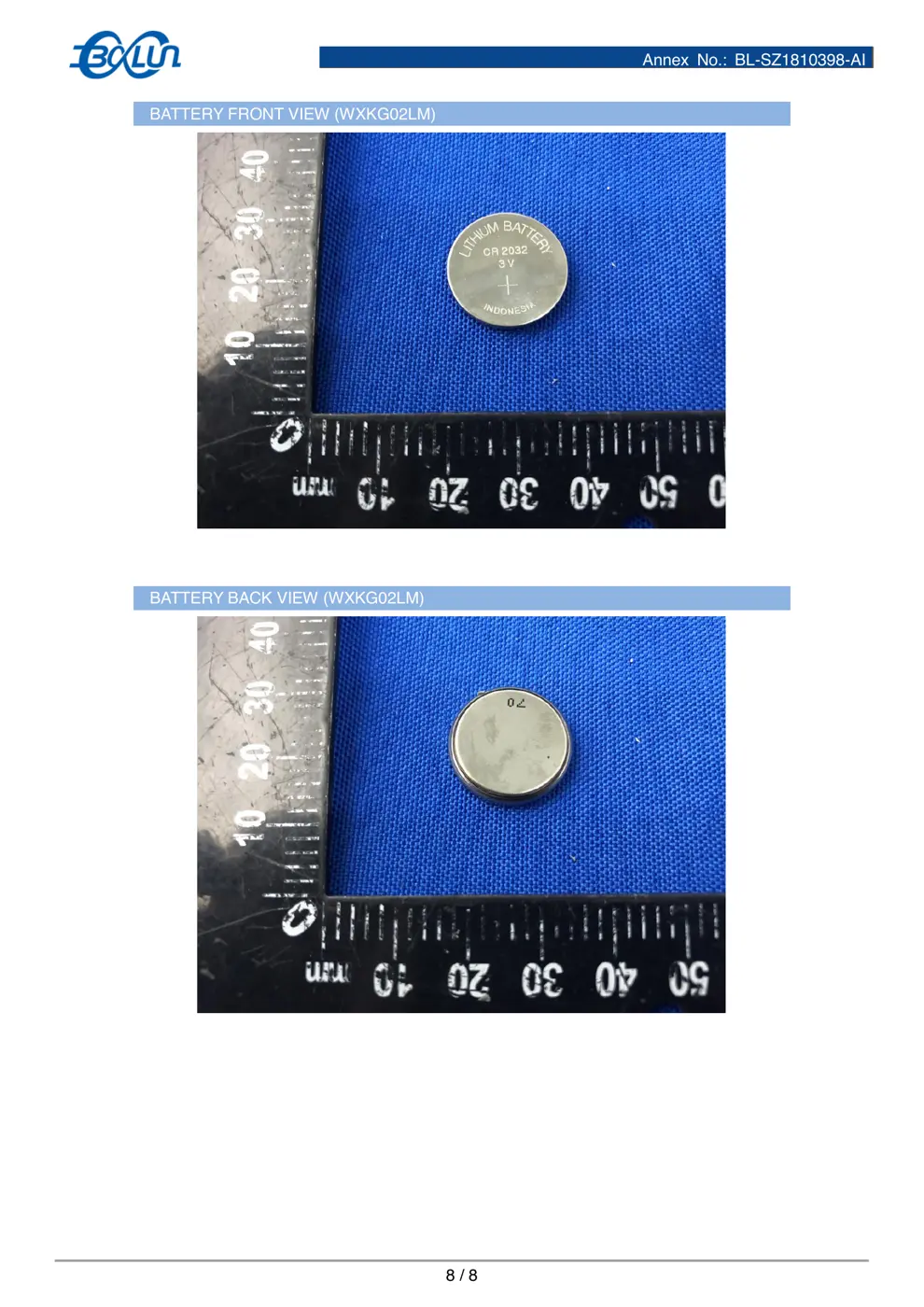
⚠️ NOTE: Ensure correct battery polarity when replacing CR2032 battery.
Quick Specs
- Manufacturer: Aqara (Lumi United)
- Model: WXKG02LM
- Protocol: Zigbee
- Chipset: Zigbee SoC
- Ecosystem: Aqara Zigbee
- App: Aqara Home
🔧 Geek Corner (Flashing Info)
- Chipset: Unknown
- Flashable: ❌ No
- Info: Proprietary Zigbee device, not designed for flashing custom firmware.
User Manual
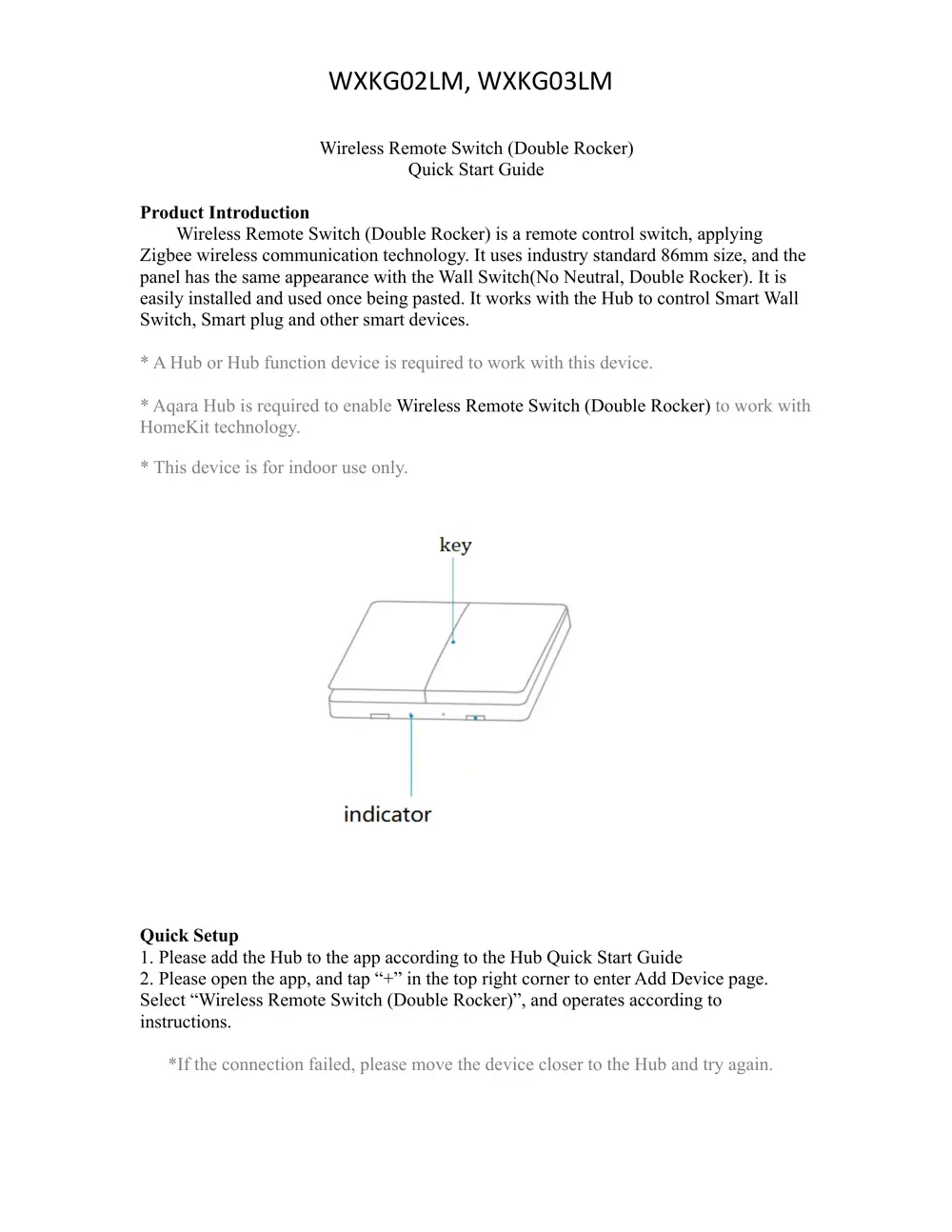
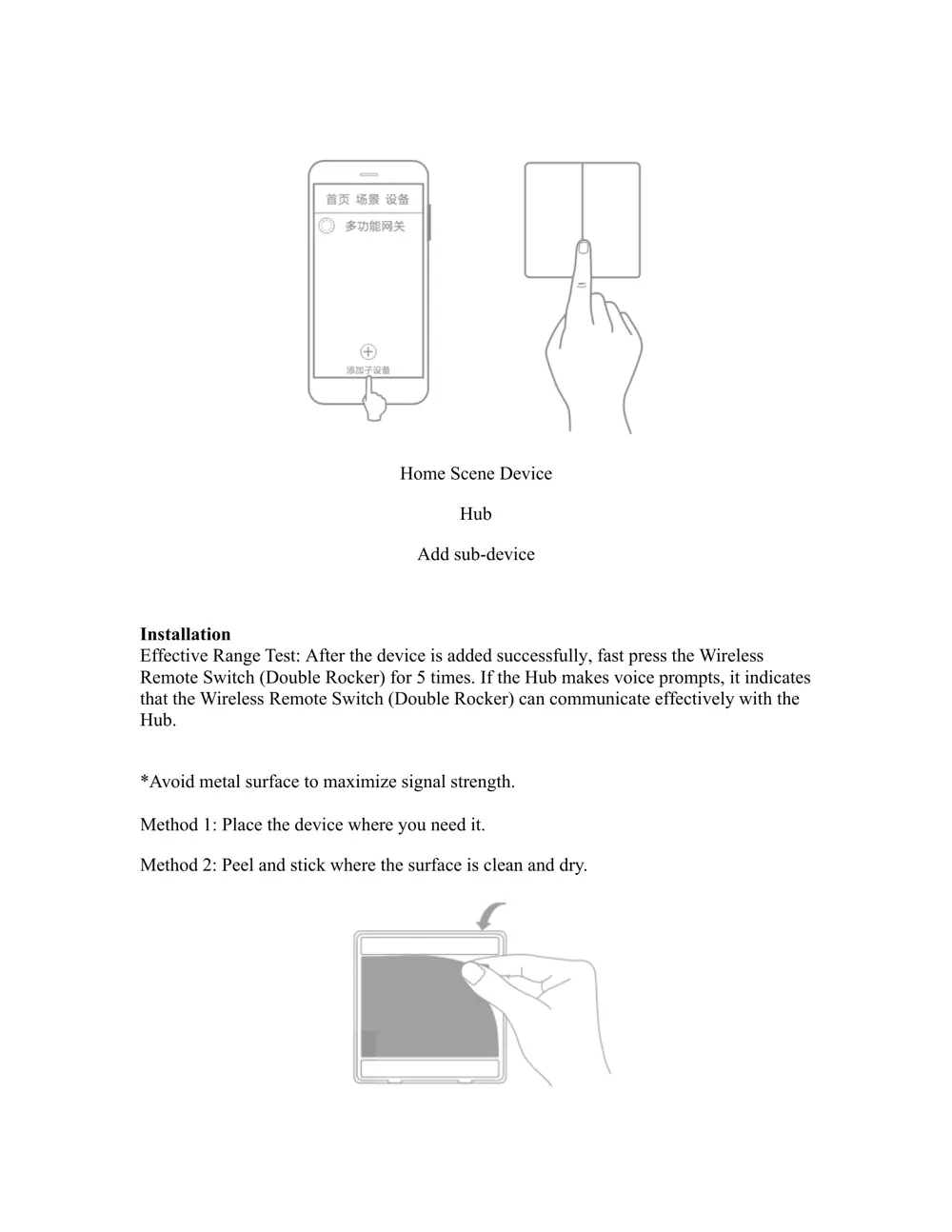
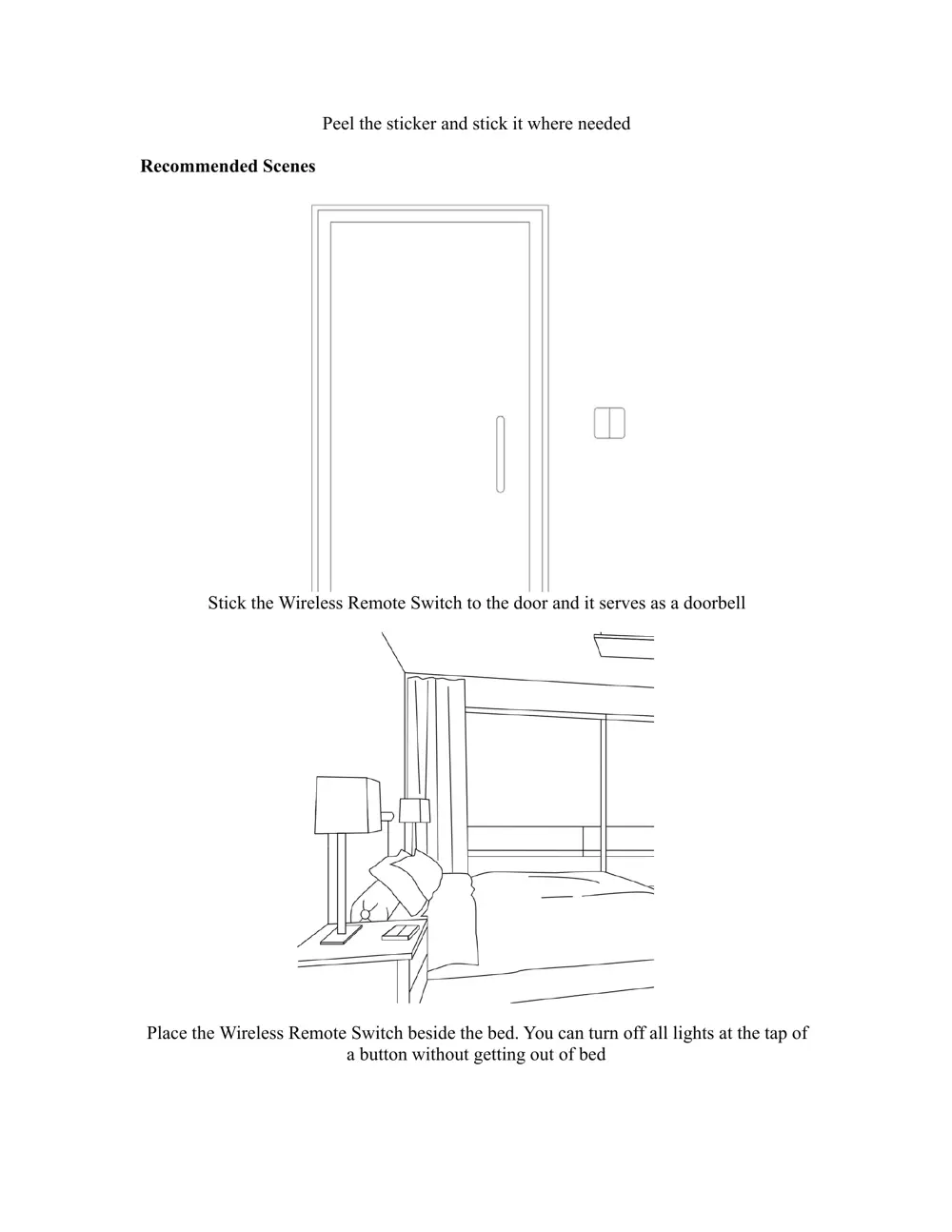
Scanned pages from the official user manual:
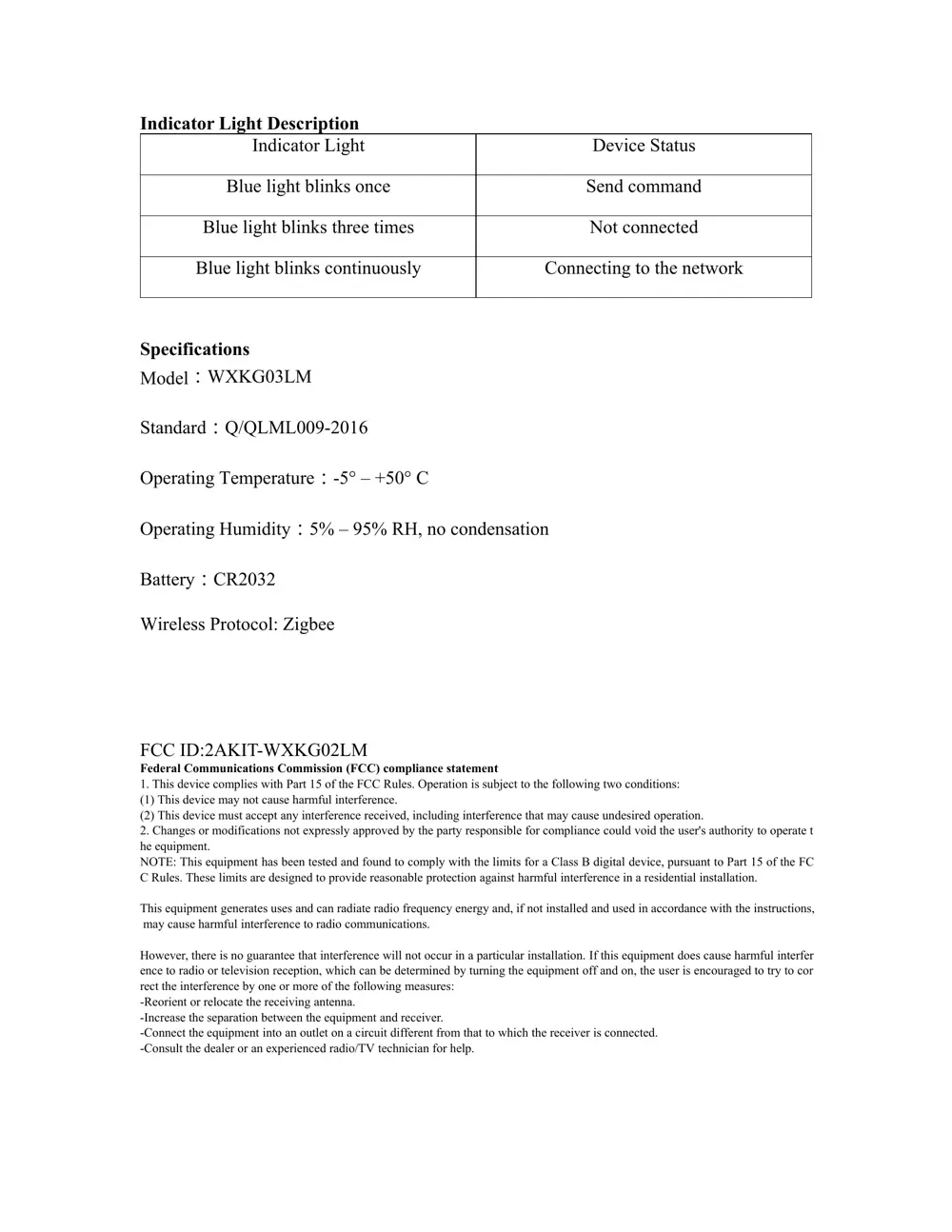
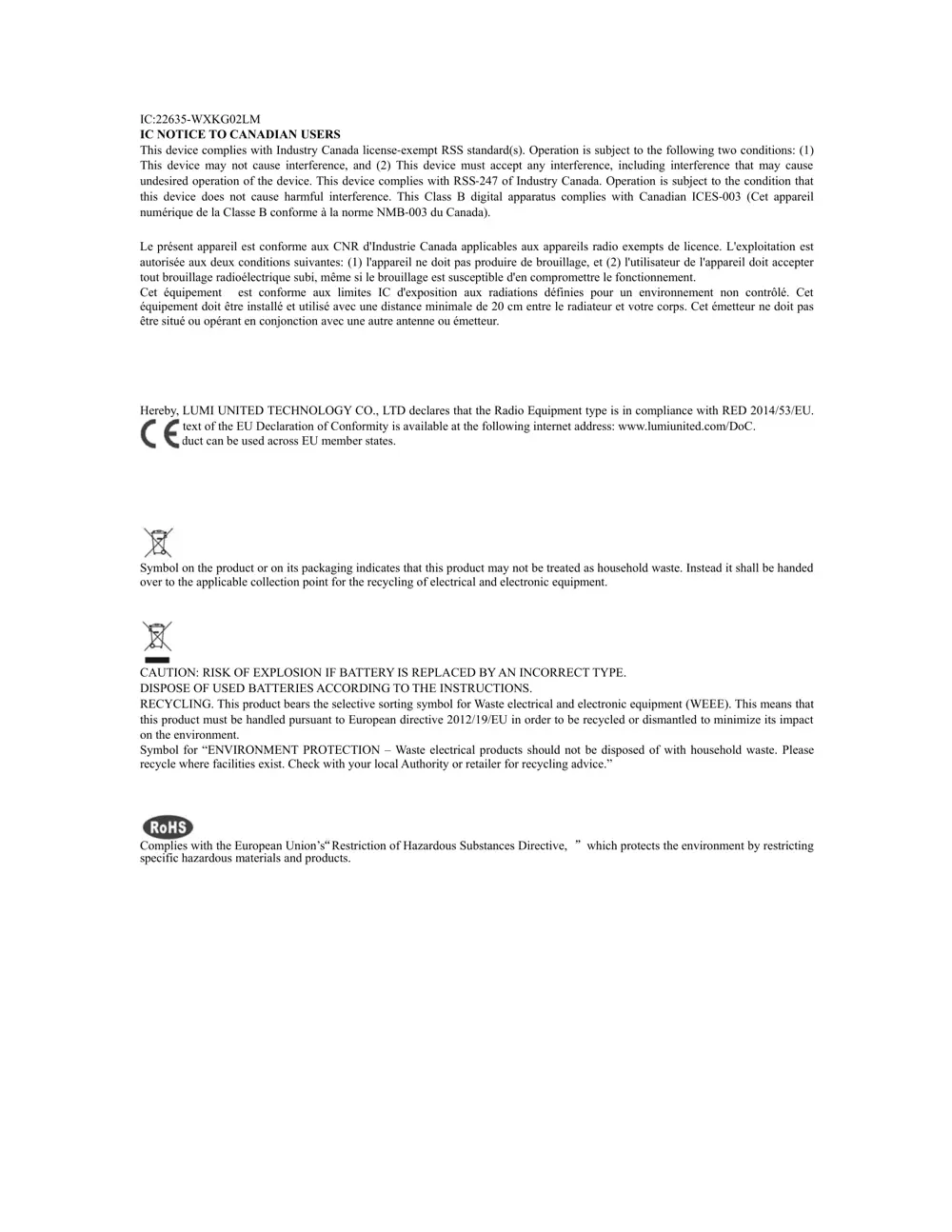
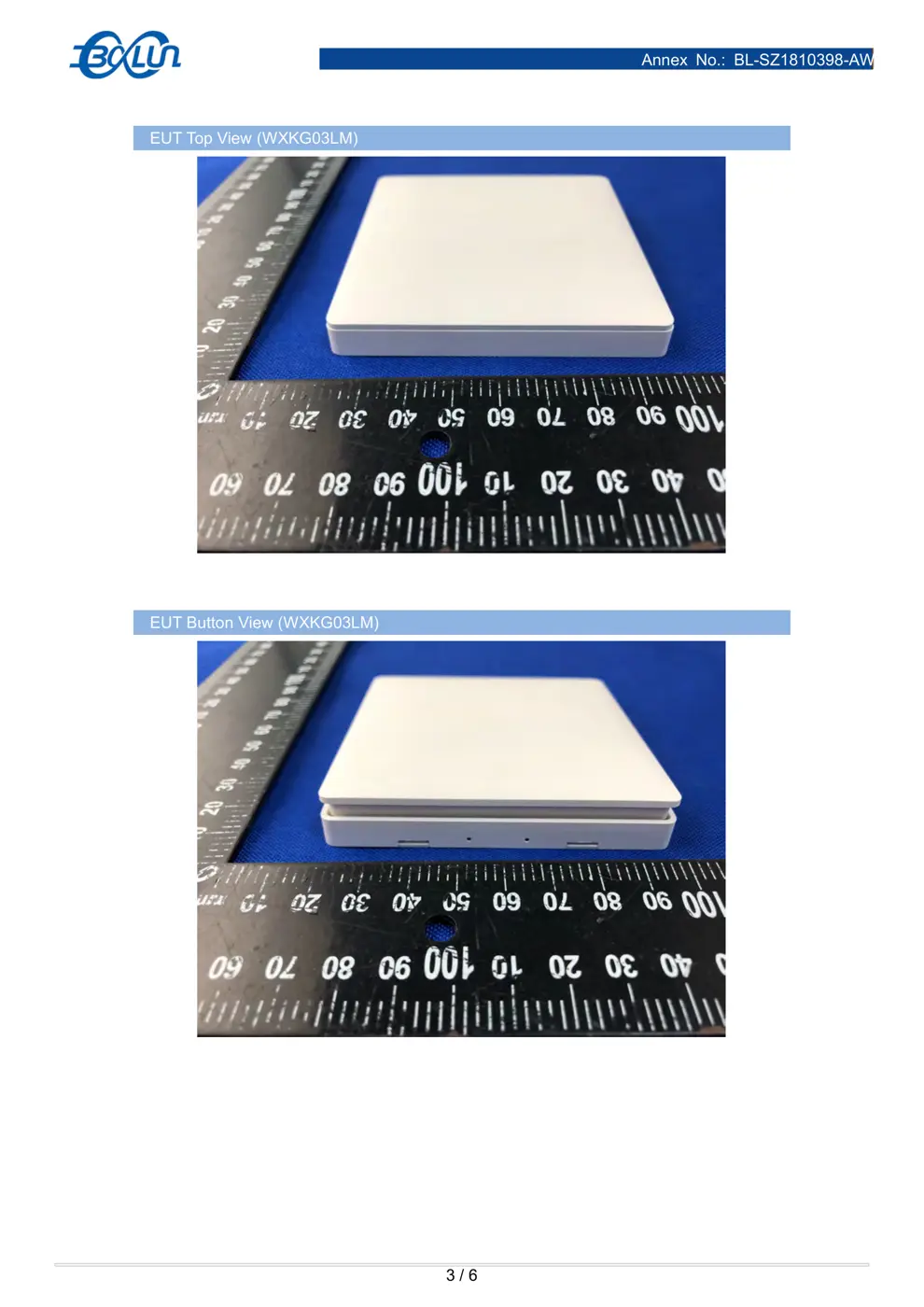
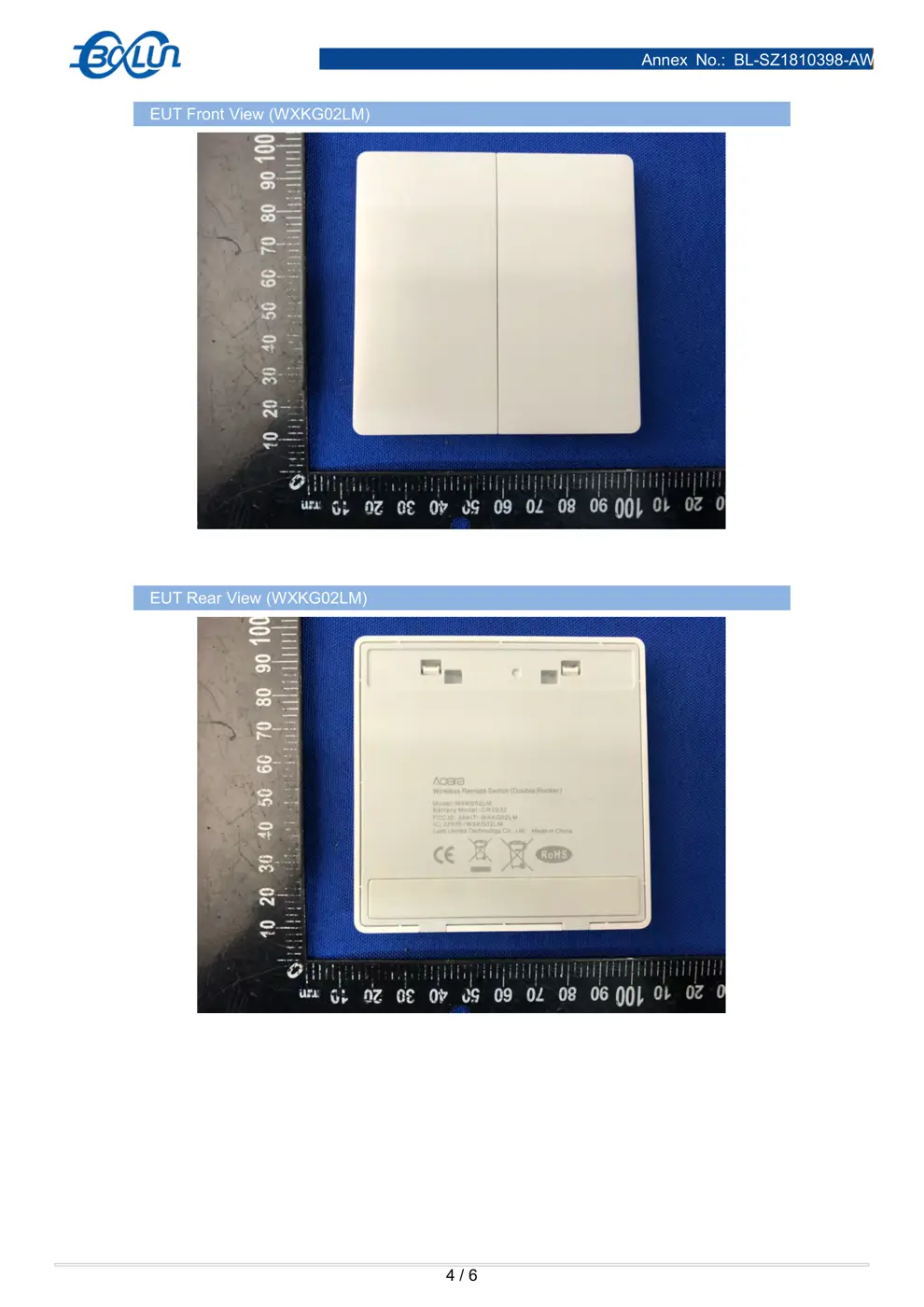
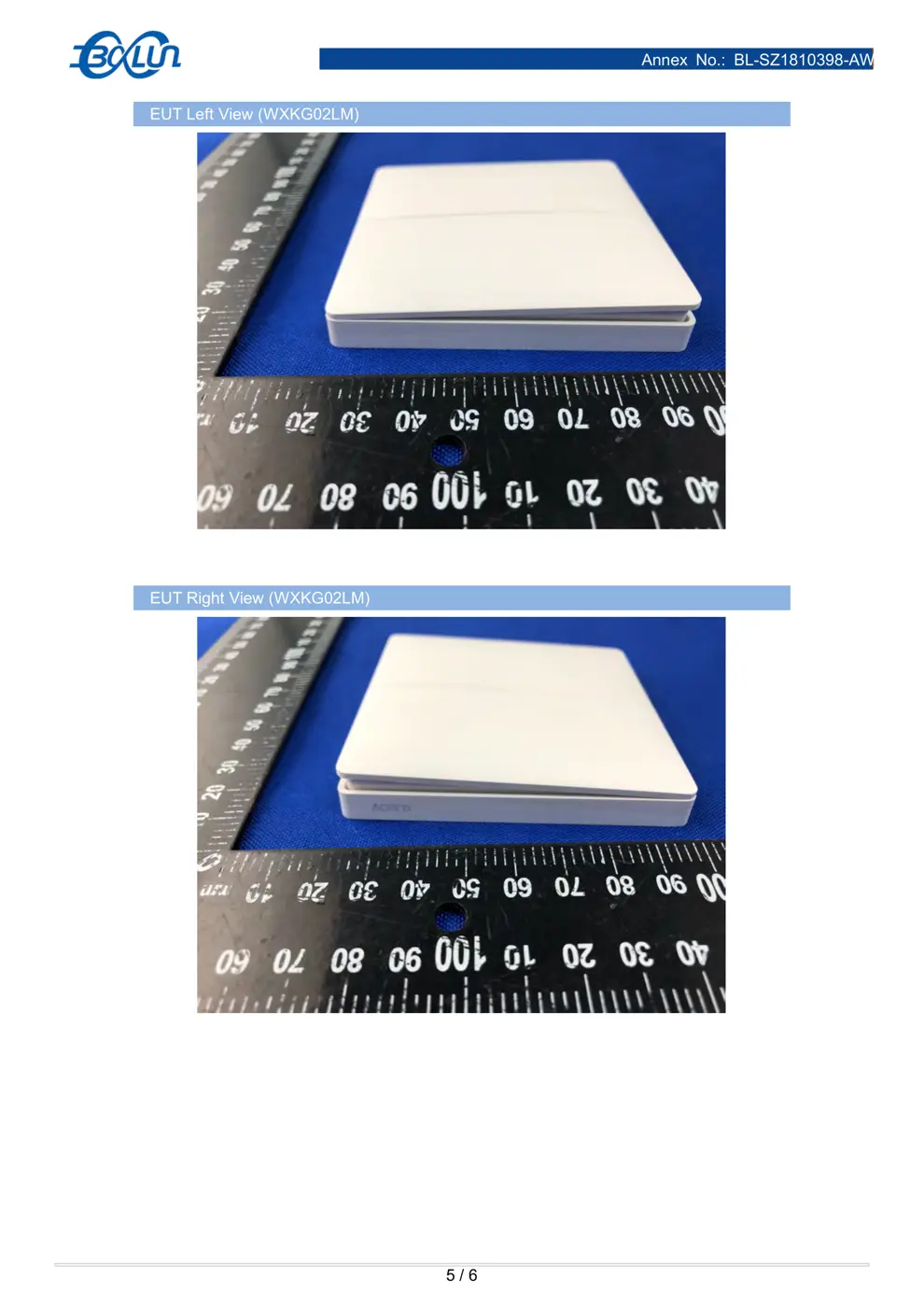
External Photos
Photos of the device exterior:
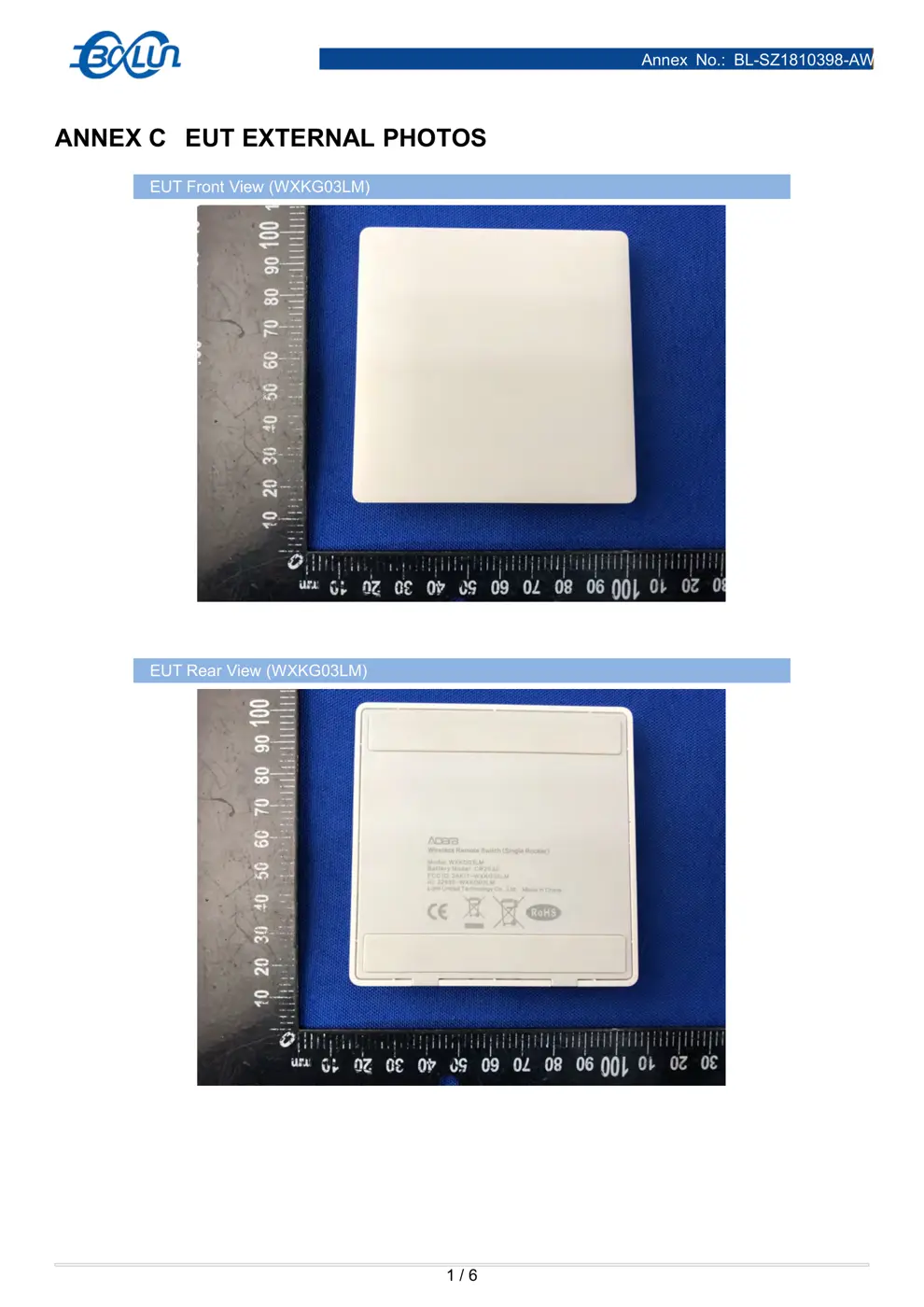
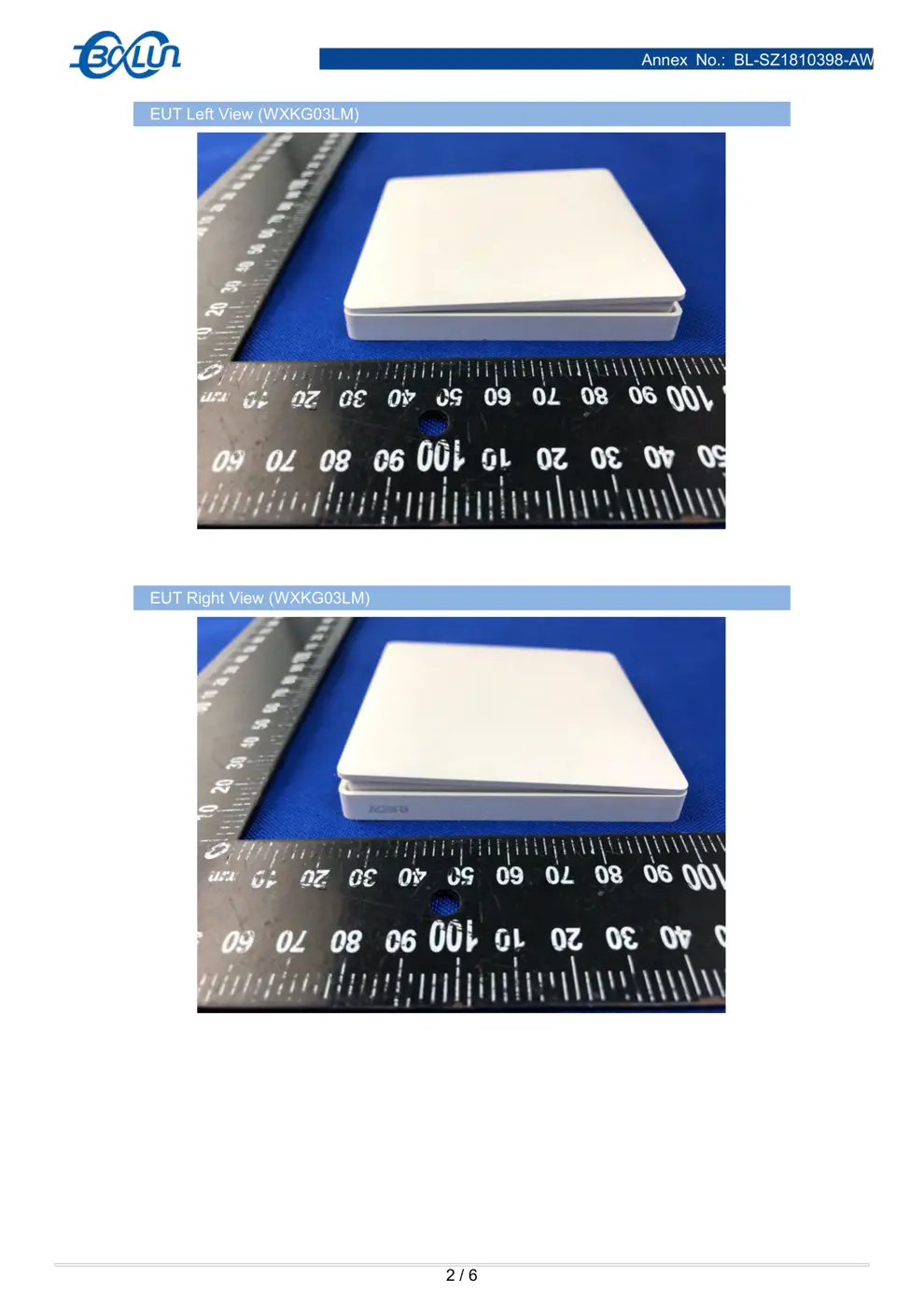
Internal Photos
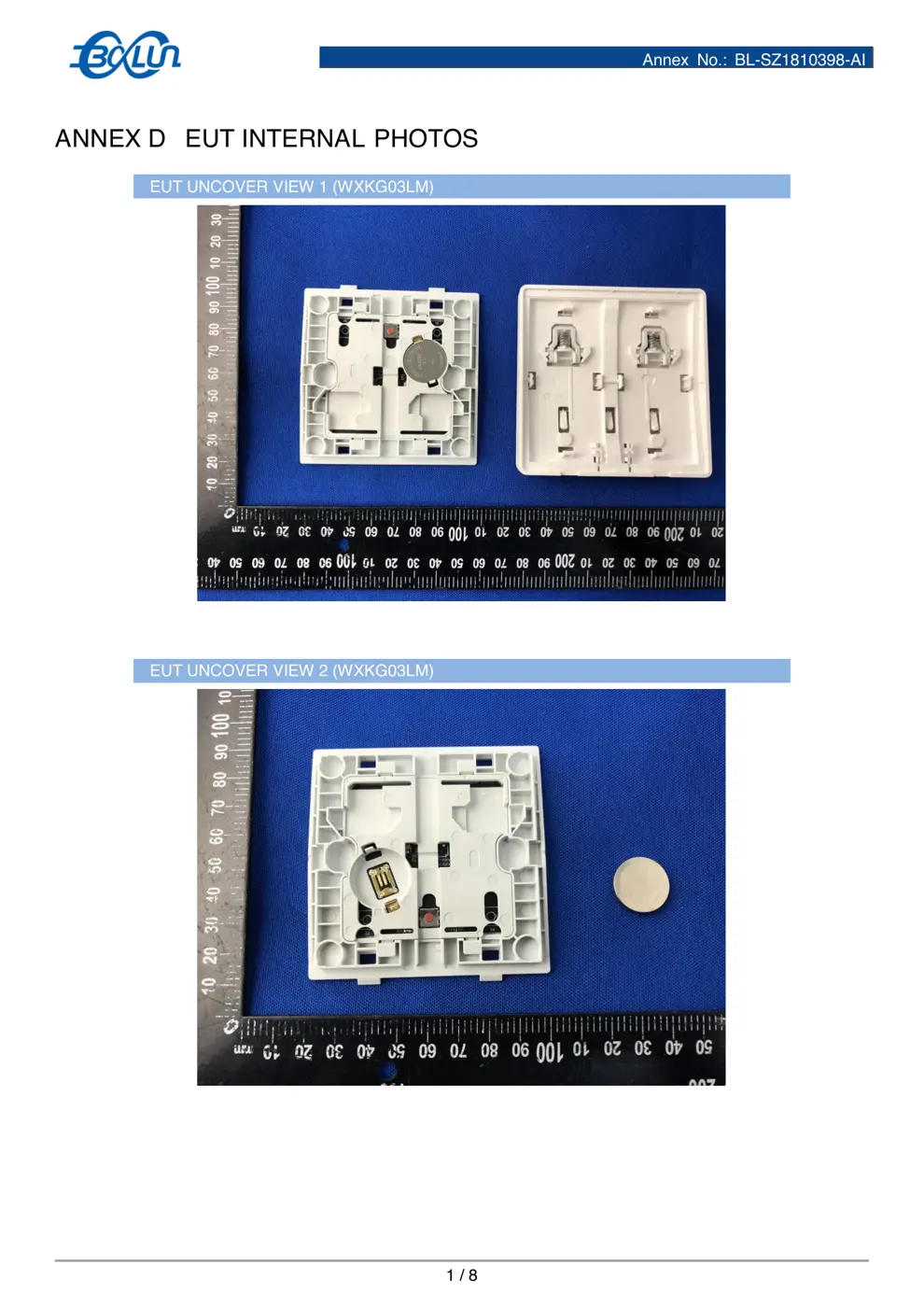
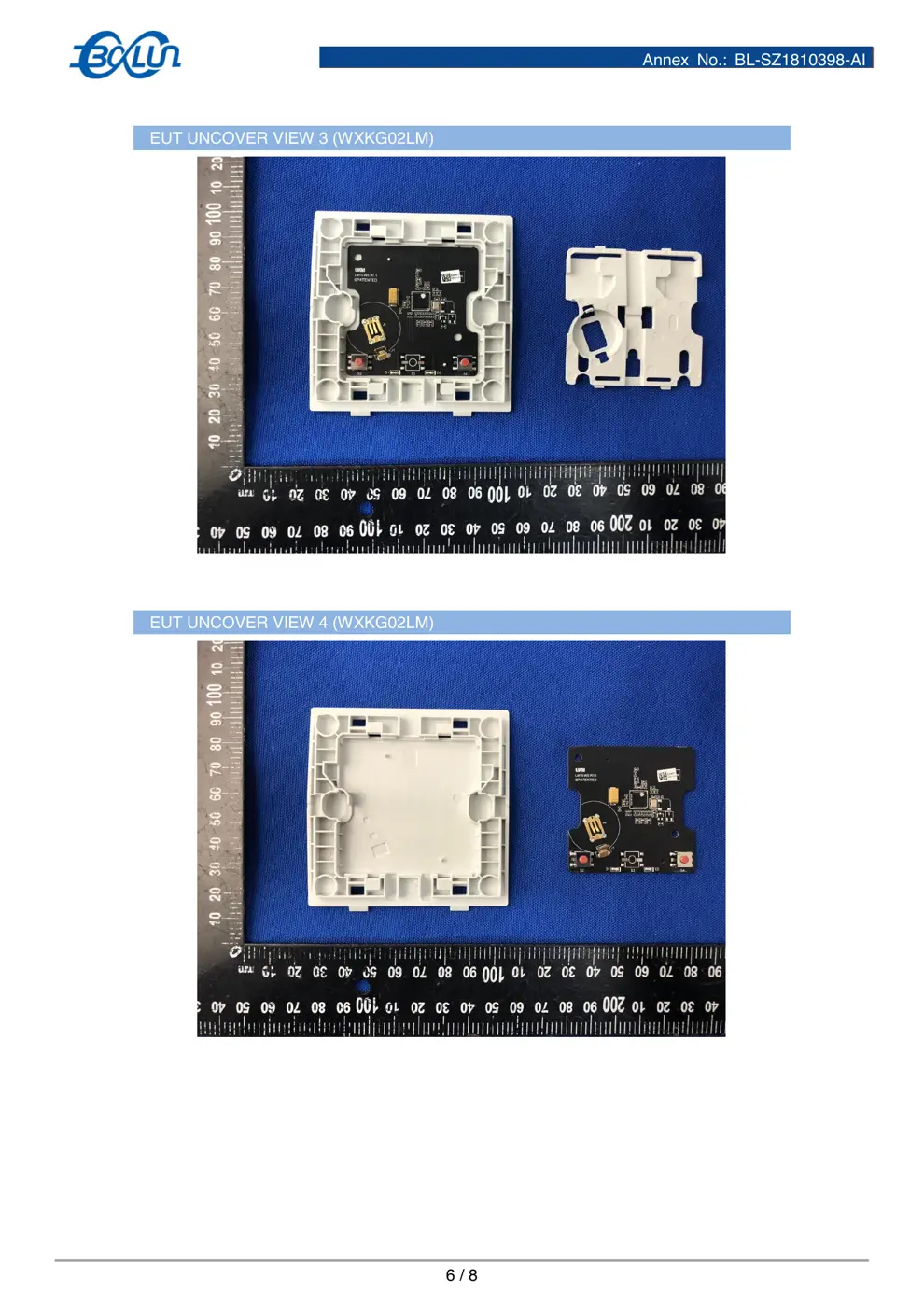
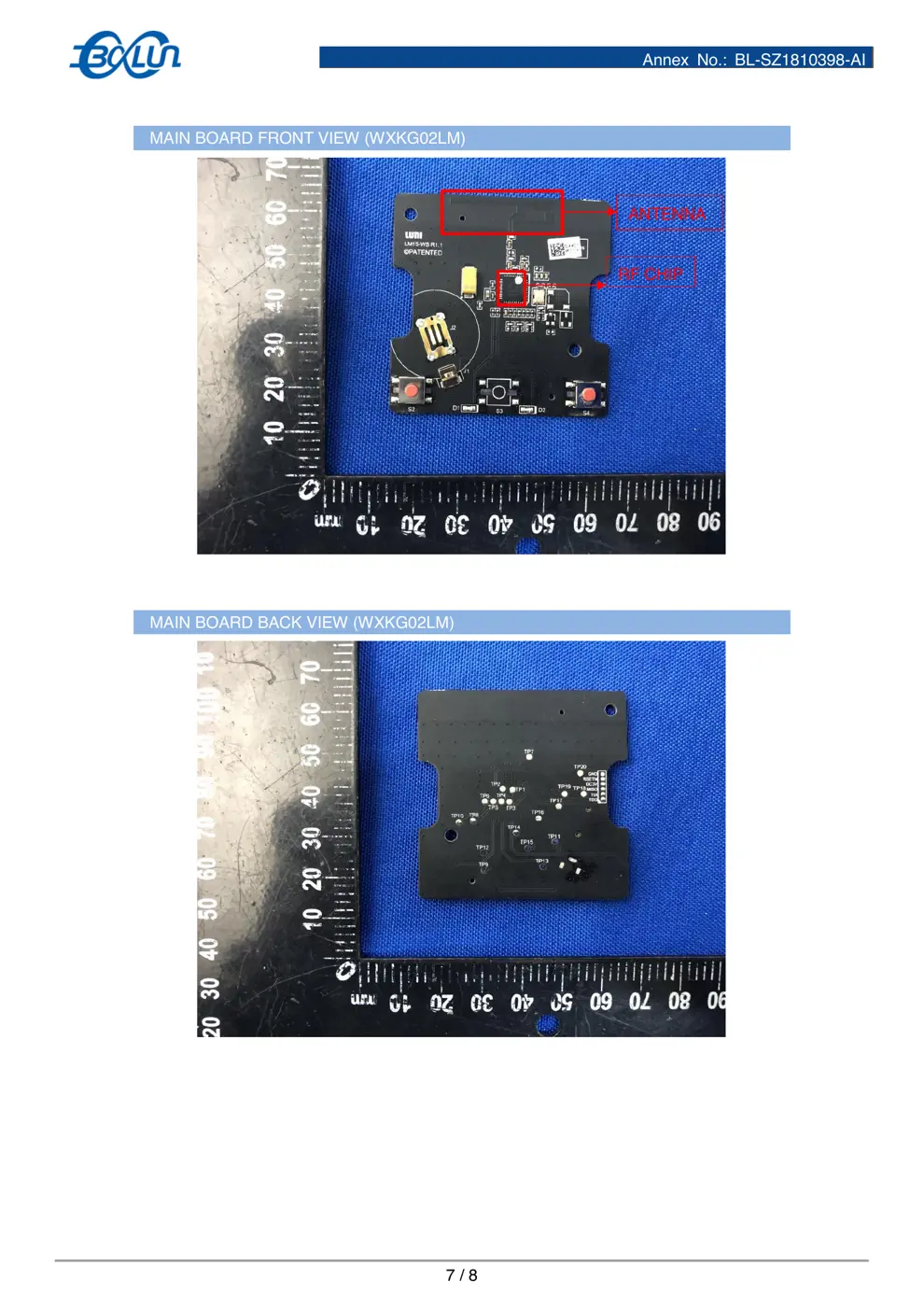
Teardown photos showing the PCB and components:
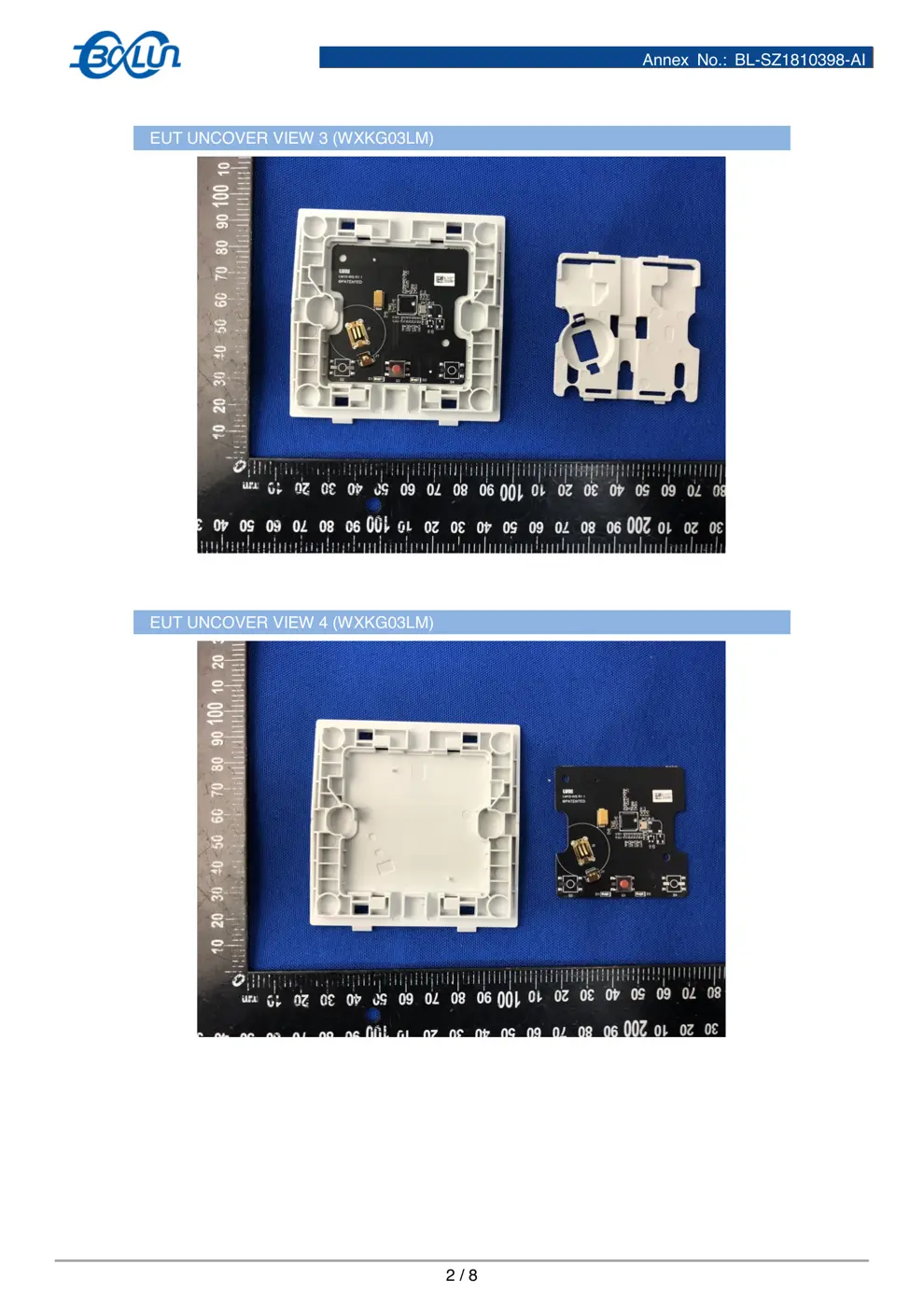
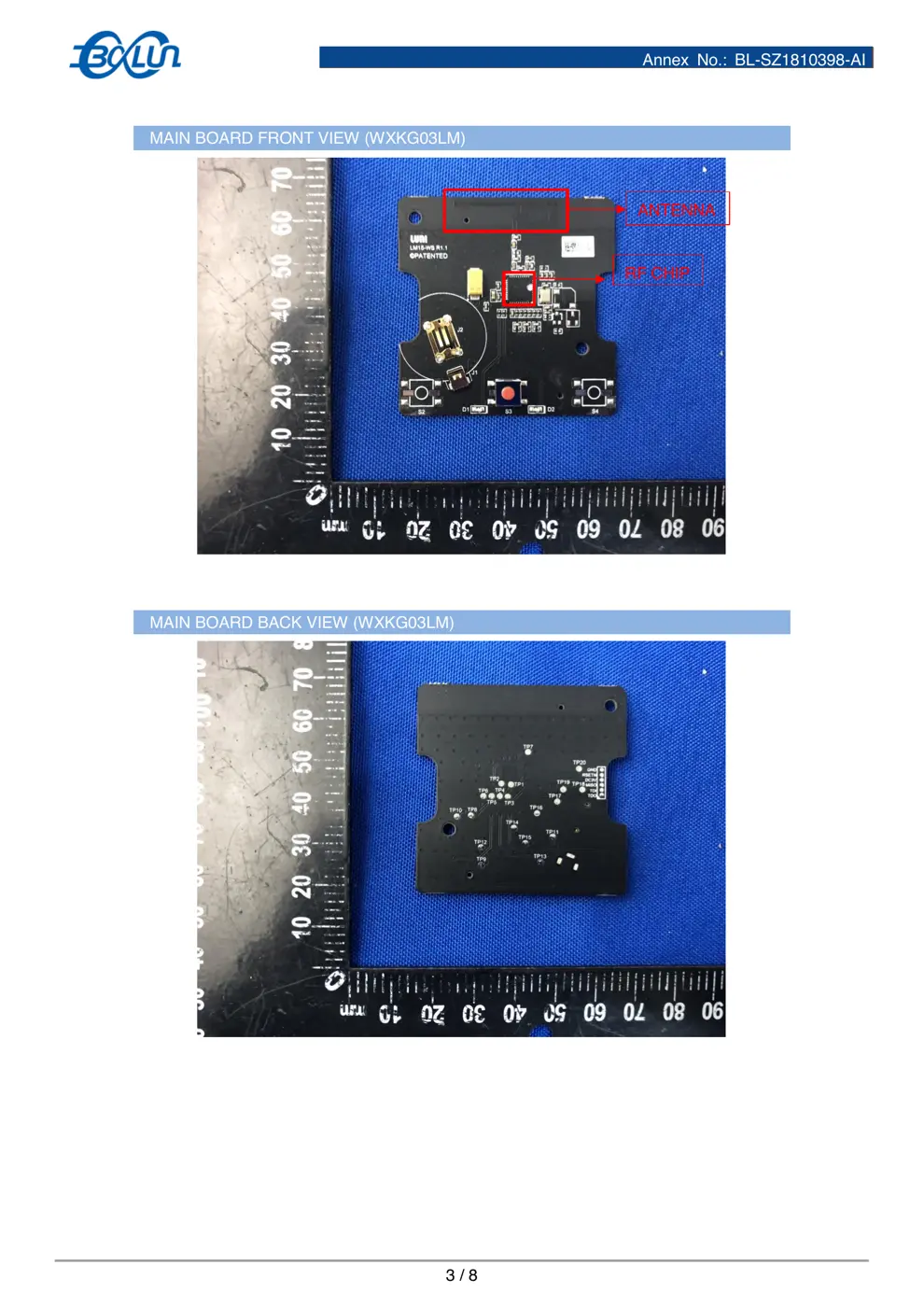
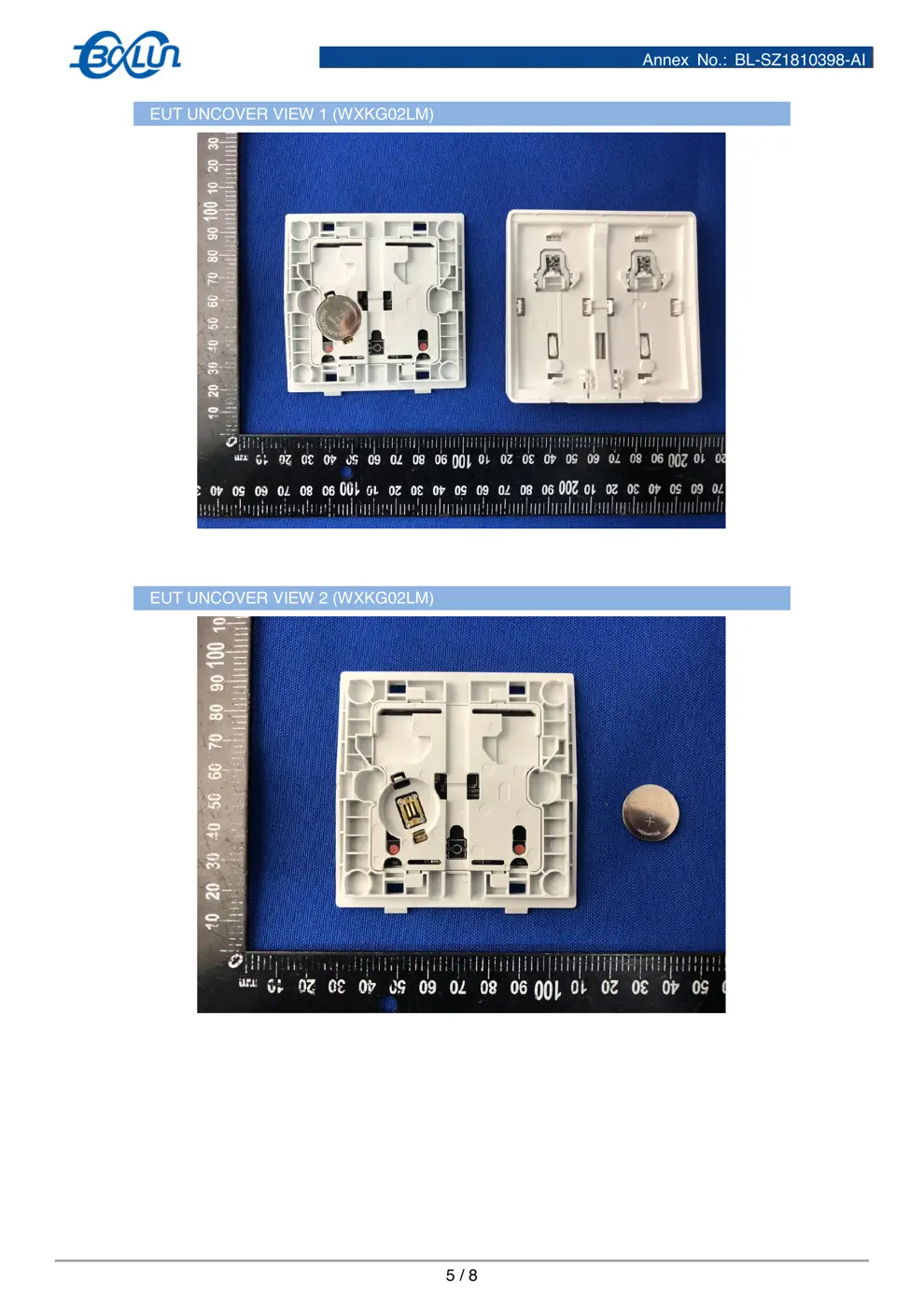
Verdict
The WXKG02LM is a Zigbee device from the Aqara Zigbee ecosystem.
📄 Click to view full text manual (SEO)
W
ireless Remote Switch (Double Rocker)
Quick Start Guide
Product Introduction
Wireless Remote Switch (Double Rocker) is a remote control switch, applying
Zigbee wireless communication technology. It uses industry standard 86mm size, and the
panel has the same appearance with the Wall Switch(No Neutral, Double Rocker). It is
easily installed and used once being pasted. It works with the Hub to control Smart Wall
Switch, Smart plug and other smart devices.
* A Hub or Hub function device is required to work with this device.
* Aqara Hub is required to enable Wireless Remote Switch (Double Rocker) to work with
HomeKit technology.
* This device is for indoor use only.
Quick Setup
1. Please add the Hub to the app according to the Hub Quick Start Guide
2. Please open the app, and tap “+” in the top right corner to enter Add Device page.
Select “Wireless Remote Switch (Double Rocker)”, and operates according to
instructions.
*If the connection failed, please move the device closer to the Hub and try again.

Home
Scene Device
Hub
Add sub-device
Installation
Effective Range Test: After the device is a dded successfully, fast press the Wireless
Remote Switch (Double Rocker) for 5 times. If the Hub makes voice prompts, it indicates
that the Wireless Remote Switch (Double Rocker) can communicate effectively with the
Hub.
*Avoid metal surface to maximize signal strength.
Method 1: Place the device where you need it.
Method 2: Peel and stick where the surface is clean and dry.

Peel the sticker and stick it where needed
Recommended Scenes
Stick the Wireless Remote Switch to the door and it serves as a doorbell
Place the Wireless Remote Switch beside the bed. You can turn off all lights at the tap of
a button without getting out of bed
Indicator Light Description
Indicator Light Device Status
Blue light blinks once Send command
Blue light blinks three times Not connected
Blue light blinks continuously Connecting to the network
Specifications
Model:WXKG03LM
Standard:Q/QLML009-2016
Operating Temperature:-5° – +50° C
Operating Humidity:5% – 95% RH, no condensation
Battery:CR2032
Wireless Protocol: Zigbee
FCC ID:2AKIT-WXKG02LM
Federal Communications Commission (FCC) compliance statement
1. This device complies with Part 15 of the FCC Rules. Operation is subject to the following two conditions:
(1) This device may not cause harmful interference.
(2) This device must accept any interference received, incl uding interference that may cause undesired operation.
2. Changes or modifications not expressly approved by the party respo nsible for compliance could void the user's authority to operate t
he equipment.
NOTE: This equipment has been tested and found to comply with the limits for a Class B digital device, pursuant to Part 15 of the FC
C Rules. These limits are designed to provide reasonable protectio n against harmful interference in a residential installation.
This equipment generates uses and can radiat e radio frequency energy and, if not installed and used in ...